PE Exam Prep Community Landing Page Template
Qualify is a hub and spoke landing page template built for physical education exam prep services. It opens with a live-metrics scoreboard, guides visitors through a five-question diagnostic quiz, and weaves member testimonials into every section. The warm Community Hearth design feels like a campus library at golden hour, making every aspiring PE teacher feel seen and ready to start.
by Rocket studio
Quick summary
Qualify is a single-page, anchor-nav landing page template designed for physical education certification exam prep. It leads with animated community metrics, moves visitors through spoke sections covering study plans, practice tests, and community, and closes with a diagnostic quiz that delivers a personalized study plan before asking for an email sign-up.
Who this template is for
This landing page speaks directly to people preparing for PE teacher certification exams in the United States. The design and copy serve learners at different life stages, all sharing scattered schedules and high stakes.
- Career-changers moving from personal training into a teaching role who need a course structure that fits their hours
- College seniors facing Praxis, CSET, or AEPA deadlines who want focused, exam-specific practice
- Substitute teachers pursuing a full credential who need a modern learning platform they can access between sessions
What problem this template solves
Most education landing page designs for exam prep feel clinical or overwhelming. They bury the value, lead with features instead of outcomes, and offer no proof that the course actually works. That is the core problem this page template solves.
- Students land on a page that looks like every other generic education website and feel no reason to sign up or trust the platform
- The user has no way to know which content domain is their weakest before committing to a full course
- Scattered-schedule learners need a landing page that respects their time and gives value before asking for anything in return
What you get with this template
This page template ships as a complete, ready-to-customize hub and spoke layout. Every section is designed to build trust, improve engagement, and move visitors toward the diagnostic quiz conversion.
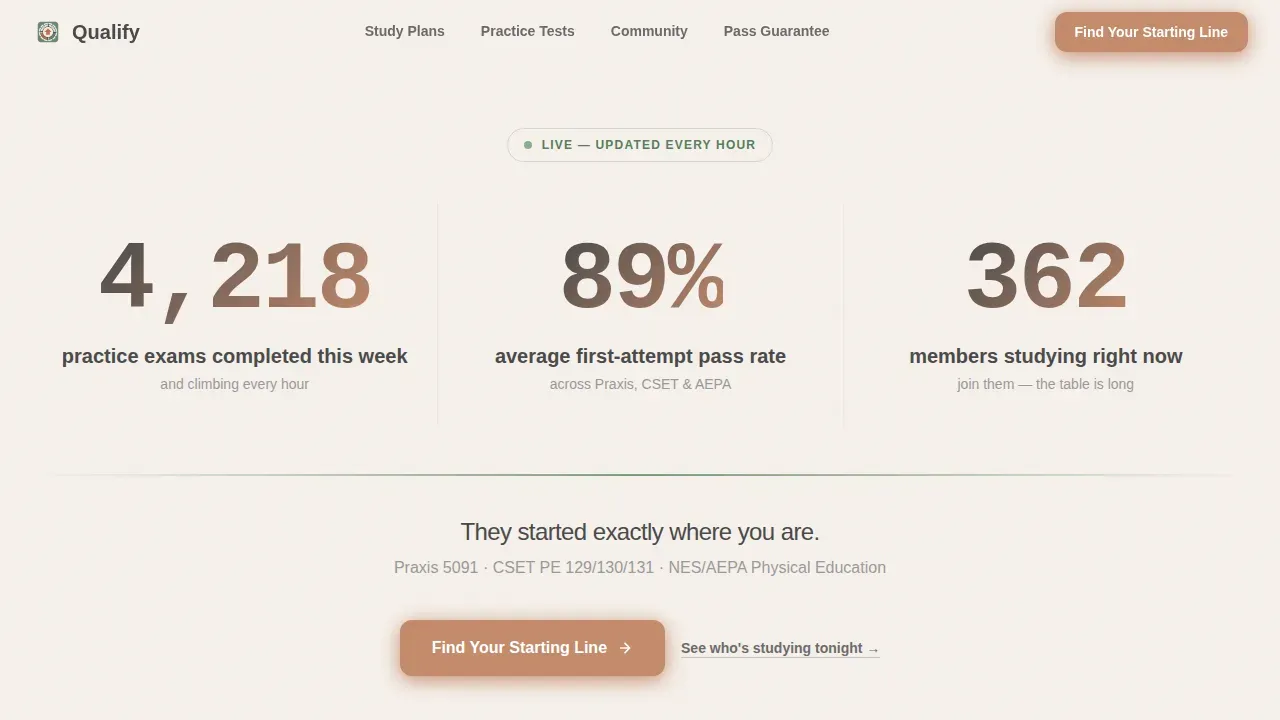
- A live-metrics hero section with animated departure-board counters displaying real community data, replacing a static image with social proof
- A sticky anchor navigation bar with spoke labels that let the user jump to Study Plans, Practice Tests, Community, or the quiz call-to-action from anywhere on the page
- A five-step embedded diagnostic quiz with tap-friendly buttons that identifies the visitor's exam type, weakest content domain, and weeks until test day, then delivers a personalized study plan preview
Feature list
This landing page design is built around five core capabilities, each grounded in what the source brief describes.
Animated Stats Scoreboard Hero
The hero section displays community data in large, confident type with subtle counter animations. Numbers tick upward like a departure board, turning the proof into the visual. No video hero image competes. The data does the convincing.
Sticky Anchor Navigation Bar
A sticky navigation bar pins to the top of the page as the user scrolls. Spoke labels for each course section remain visible at all times. This layout keeps the user oriented and reduces friction across a long single-page design.
Five-Step Diagnostic Quiz
The embedded quiz appears one question at a time with large, tap-friendly buttons. No typing is required. It identifies the visitor's exam type, weakest class content domain, and time to test day. The results page delivers a study plan preview before any sign-up fields appear.
Woven Testimonials Per Section
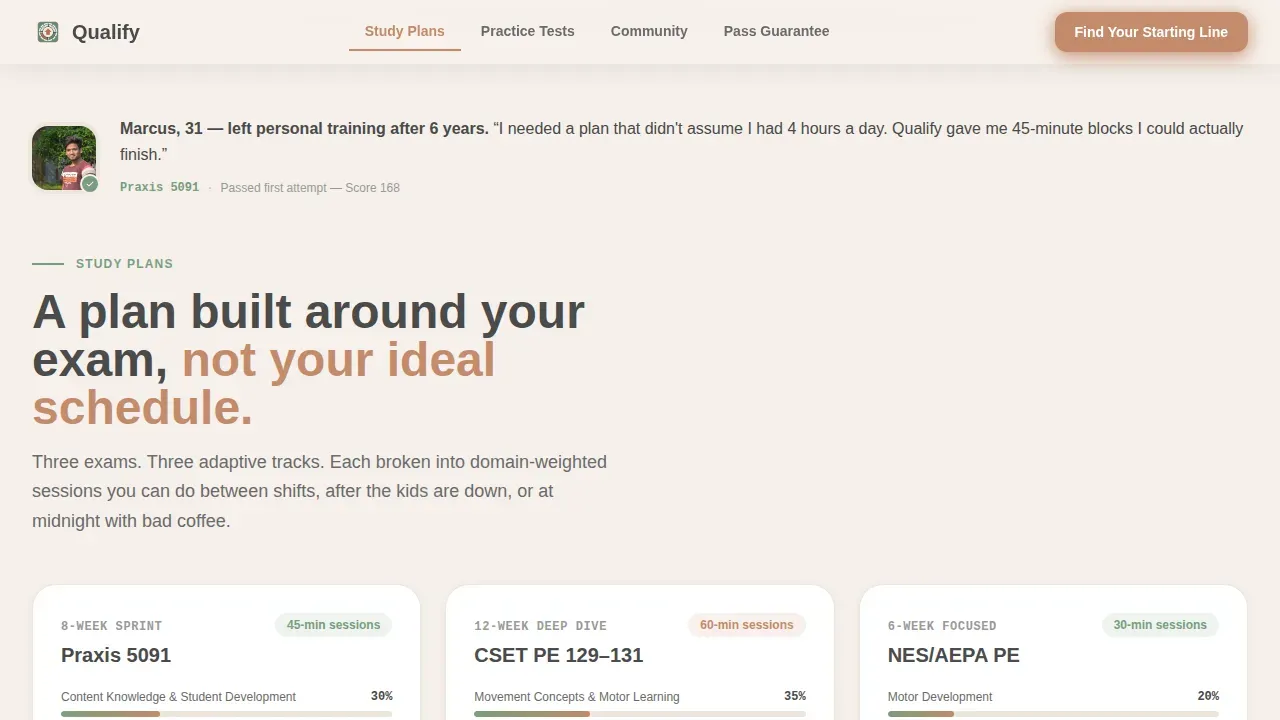
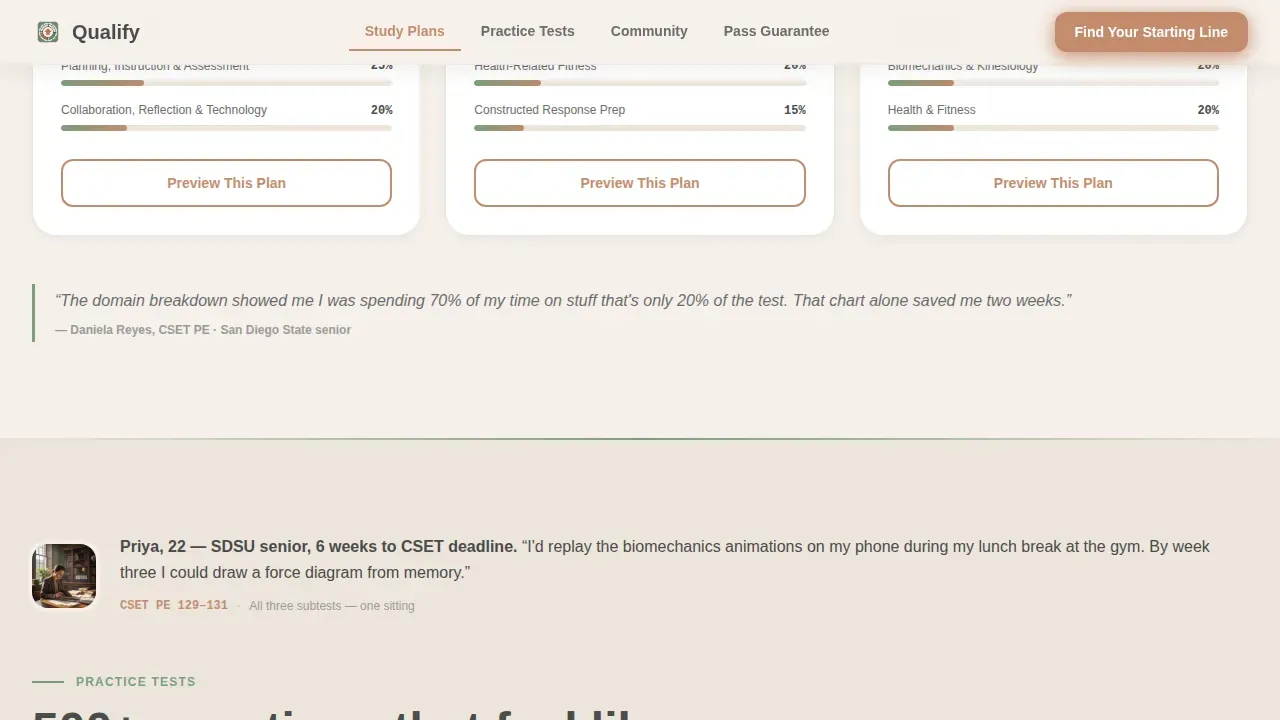
Testimonials are not quarantined in one block. Each spoke section opens with a real member photo and a one-sentence story. This approach keeps social proof visible throughout the entire page and makes the community presence feel constant, not bolted on.
Video and Animation Support
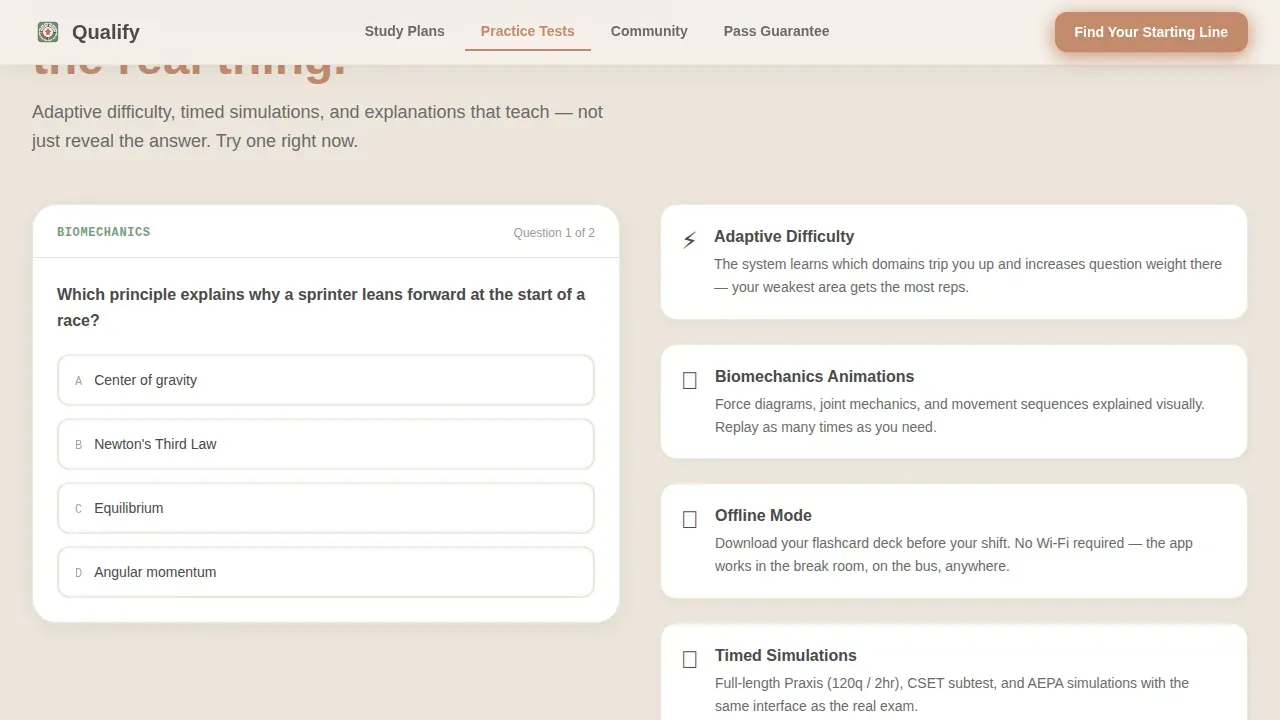
The landing page design supports video and interactive animations in the Practice Tests spoke. A video demo of a class session or a biomechanics animation can be embedded to enhance the persuasiveness of the course offering. Video content improves learning clarity and helps visitors visualize the course experience.
Personalized Study Plan Preview
After completing the quiz, visitors see a gap analysis of their content domains before any sign or email fields are required. This gives value first. The secondary call-to-action, to start a free week, appears only after the user has already received something useful.
Page sections overview
| Section | Purpose |
|---|---|
| Hero Metrics Scoreboard | Displays live community data with animated counters as primary social proof |
| Sticky Anchor Nav | Pins spoke labels to the top so users can navigate the page at any point |
| Study Plans Spoke | Introduces adaptive course structure with a member photo and one-sentence story |
| Practice Tests Spoke | Showcases domain breakdowns, video animations, and a member testimonial |
| Community Spoke | Highlights peer support and woven testimonials to build a study-partner feel |
| Quiz Call-to-Action | Hosts the five-step diagnostic quiz and delivers a personalized plan preview |
| Linear Footer | Single-row footer with essential links and sign-up access |
Design & branding system
The visual identity follows a Community Hearth theme. The goal is a warm, campus-library feeling at golden hour: inviting, focused, and human. Nothing clinical, nothing corporate.
- Color system uses warm linen white (#F5F0EB) for backgrounds, pencil-graphite gray (#4A4A4A) for body text, soft chalkboard green (#7A9E7E) on section dividers and progress indicators, and muted terracotta (#C48B6C) for buttons and active navigation states
- Typography pairs DM Sans in bold for headings, Manrope for body copy, and JetBrains Mono for numbers and stats displayed in the scoreboard section
- The landing page design avoids top navigation menus in the hero to keep users focused on the offer, following minimalist design practices that improve conversions
Mobile & speed optimization
This template is built on a mobile first design foundation. Learners prep between shifts, at midnight, and on public transit. The page must perform on every screen size without friction.
- Mobile first layout ensures every section, quiz button, and anchor navigation link renders cleanly on small screens
- Tap-friendly quiz buttons are sized for thumbs, requiring no typing, which is critical for mobile users completing sessions in short bursts
- Page speed optimization is a core concern: a one-second delay can reduce conversions significantly, so static sections are built to load fast while interactive components like the quiz and counters load efficiently
How this template helps you convert
An effective landing page template for a community exam preparation service must act as a focused sales tool. This page is designed to convert visitors by building trust, demonstrating value, and minimizing distractions at every scroll point.
- The animated scoreboard opens with quantifiable data, immediately providing social proof that the platform works. Visitors read real numbers before they read a single line of copy about the course.
- The "Find Your Starting Line" quiz earns the click by giving the user a personalized gap analysis first. The student journey moves from anonymous visitor to someone who already has a study plan before any sign-up is required.
- Call-to-action buttons are prominently placed after each spoke section. Each button follows a benefit-focused headline that focuses on the outcome students desire, not just the features of the course.
Other information about this template
This section covers additional setup and customization details relevant to anyone building on this landing page template.
- You can set up the navigation bar titles and links for the qualification landing page to match your specific course or business branding
- You can decide which elements to display or hide on the qualification landing page using Up/Down and Hide/Show options, giving you full layout control
- You can add a video URL to the individual qualification landing page as an optional step, letting you embed a class demo or a video testimonial to enhance the page
- You can customize the written copy, text color, and images for the qualification selling points on the landing page to fit your education business voice
- You can add testimonials specific to the qualification on the landing page, and you can include quotes, photos, or video testimonials for stronger credibility
- You can fill in the metadata information and complete the fields required for search visibility on the individual qualification landing page
- You can add a rich text block to the individual qualification landing page as an optional step for providing additional course information or a lot of supporting detail
- You can view your qualification from the portal page and make additional changes to the layout and sections after saving
- The Qualify proven community exam prep landing page template is a strong starting point for any education business that wants to protect conversion rates while providing a warm, community-driven user experience
- A/B testing various elements on the landing page, such as quiz copy or button color, can help improve conversion rates over time
- Urgency indicators, such as countdown timers, can be added to drive immediate action on the page
Theme
Community Hearth
Creative direction
Team & People
Color system
Soft Mist
Direction
Quiz/Assessment
Page Sections
Animated Community Stats Hero
Sticky Anchor Navigation
Five-step Diagnostic Quiz
Section-woven Testimonials
Video and Animation Support
Personalized Study Plan Preview
Related questions
Can I customize the quiz questions and fields in this template?
Does the template support video content in the course sections?
How do I add or manage testimonials on this landing page?
Is this landing page design suitable for mobile users?
Can I control which sections are shown on the page?



