Home Services Dispatch Landing Page Template
Route is a scroll-reveal landing page template built for home services route optimization platforms. It uses a Dynamic Motion design system with an Electric Indigo color palette to guide dispatchers from chaos to clarity. The page builds trust progressively, moving from animated problem visuals to dashboard proof to real-dollar results, then drives a single click toward a free trial signup.
by Rocket studio
Quick summary
Route is a single-page, scroll-reveal landing page template designed for home services route optimization software. It opens with a self-drawing route map, then walks visitors through the problem, the solution in motion, and real ROI numbers. Every section builds on the last, culminating in one focused call to action: "Optimize Your First Morning."
Who this template is for
This template is built for software companies and product teams selling dispatch or route optimization tools to home services operators. If your buyers are overwhelmed schedulers, fleet managers, or trade business owners, this page speaks their language directly.
- Plumbing company owners managing multiple trucks and daily job stacks
- HVAC dispatchers balancing emergency calls against planned maintenance routes
- Cleaning service managers losing billable hours to inefficient windshield time
What problem this template solves
Home services dispatchers often start their day with sticky notes, gut-feel scheduling, and a queue of callbacks before 9 AM. A generic software landing page cannot convey the relief of that disorder becoming order. This template solves the presentation problem visually and narratively.
- Static pages fail to show how route optimization actually feels in real time
- Generic layouts do not connect emotional dispatcher pain to a concrete software benefit
- Buyers leave before understanding the dollar value of switching tools
What you get with this template
You get a fully structured, single-page scroll-reveal layout that guides a visitor from raw frustration to confident action. The template packages animation-ready sections, a persistent call-to-action button, and a clear visual progression that earns the click before asking for it.
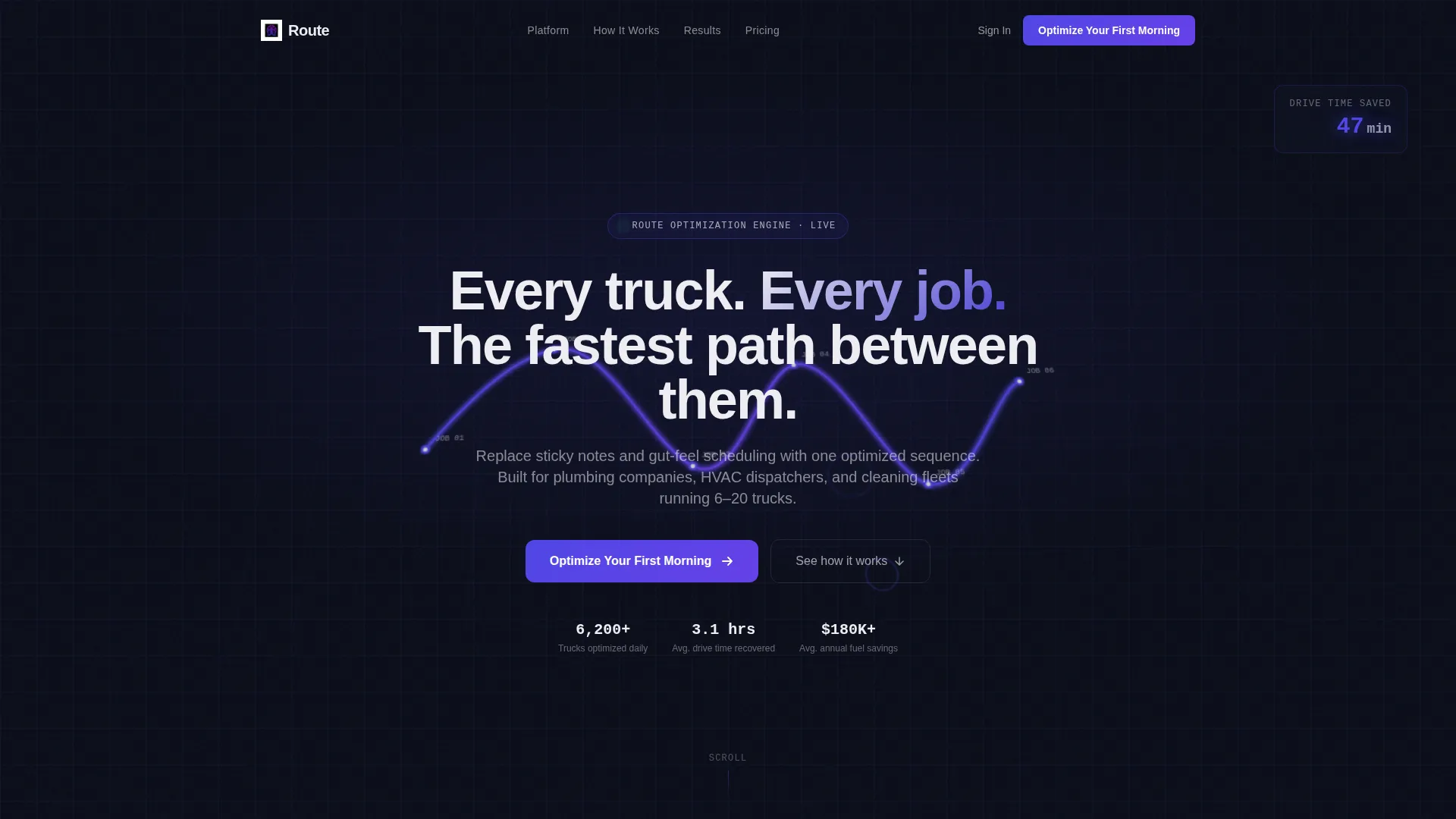
- A dark full-bleed header with an animated, self-drawing route map and live savings counter
- Four progressive scroll-reveal sections that move from problem to algorithm to dashboard to ROI
- A persistent "Optimize Your First Morning" call-to-action button anchored across the lower page
Feature list
This template is built around four tightly sequenced reveal stages. Each one is a designed persuasion beat, not just a decorative section.
Self-Drawing Route Map Header
The header opens on a dark, full-bleed canvas where glowing indigo lines trace themselves across a faintly gridded city view. Pin nodes pulse as each route completes. A live counter accumulates minutes saved, making the value visible before a single word is read.
Progressive Scroll-Reveal Sections
Each of the four main sections slides and fades from darkness into indigo-lit clarity as the visitor scrolls. The reveal sequence mirrors a rocket igniting: problem, solution, dashboard, and proof. This pacing keeps attention high and builds trust in stages.
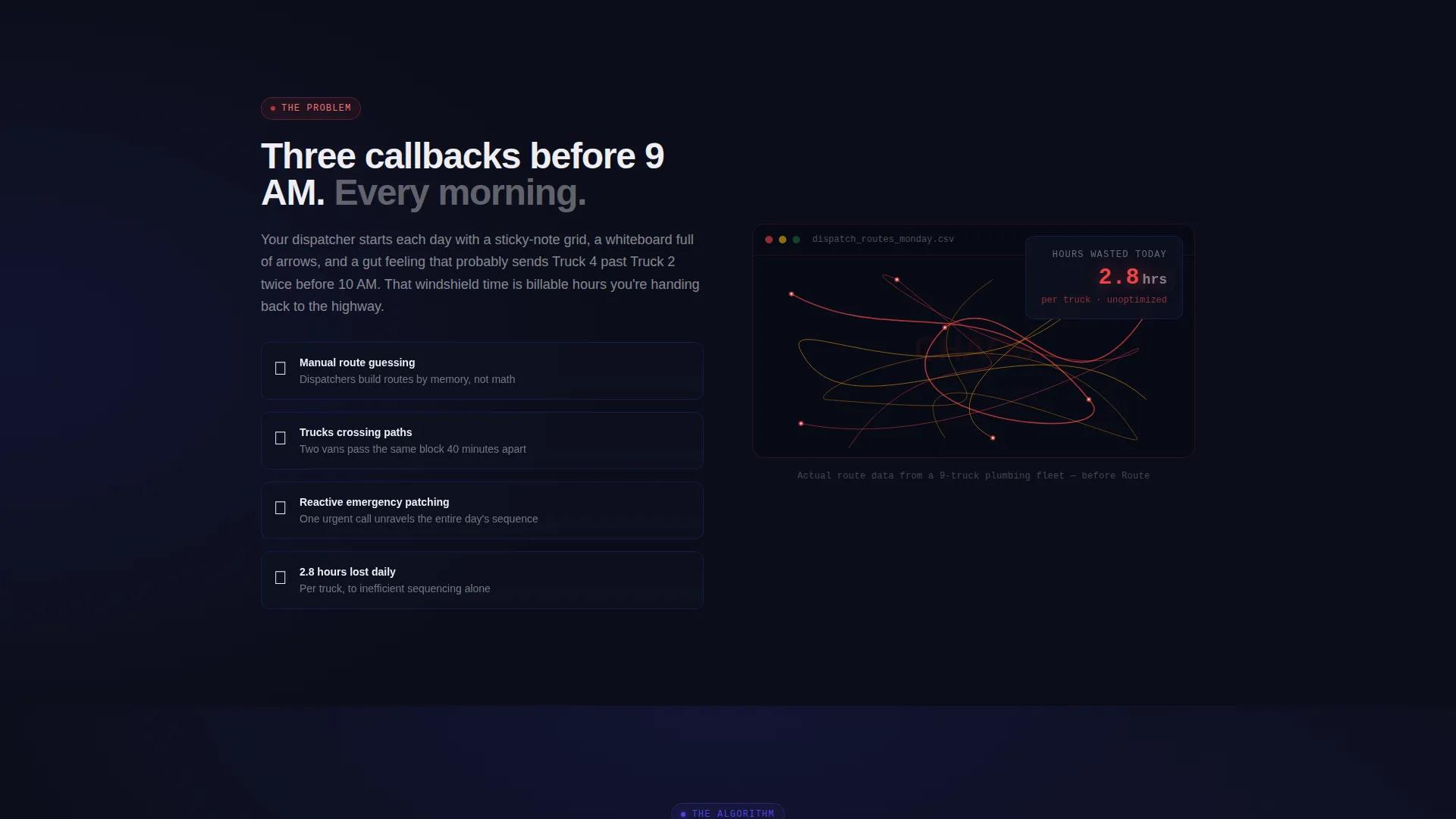
Spaghetti-Map Problem Visualizer
The first reveal section shows a messy, unoptimized route map alongside a real-time waste counter. It makes the dispatcher's daily pain tangible and immediate, so the solution that follows feels genuinely earned.
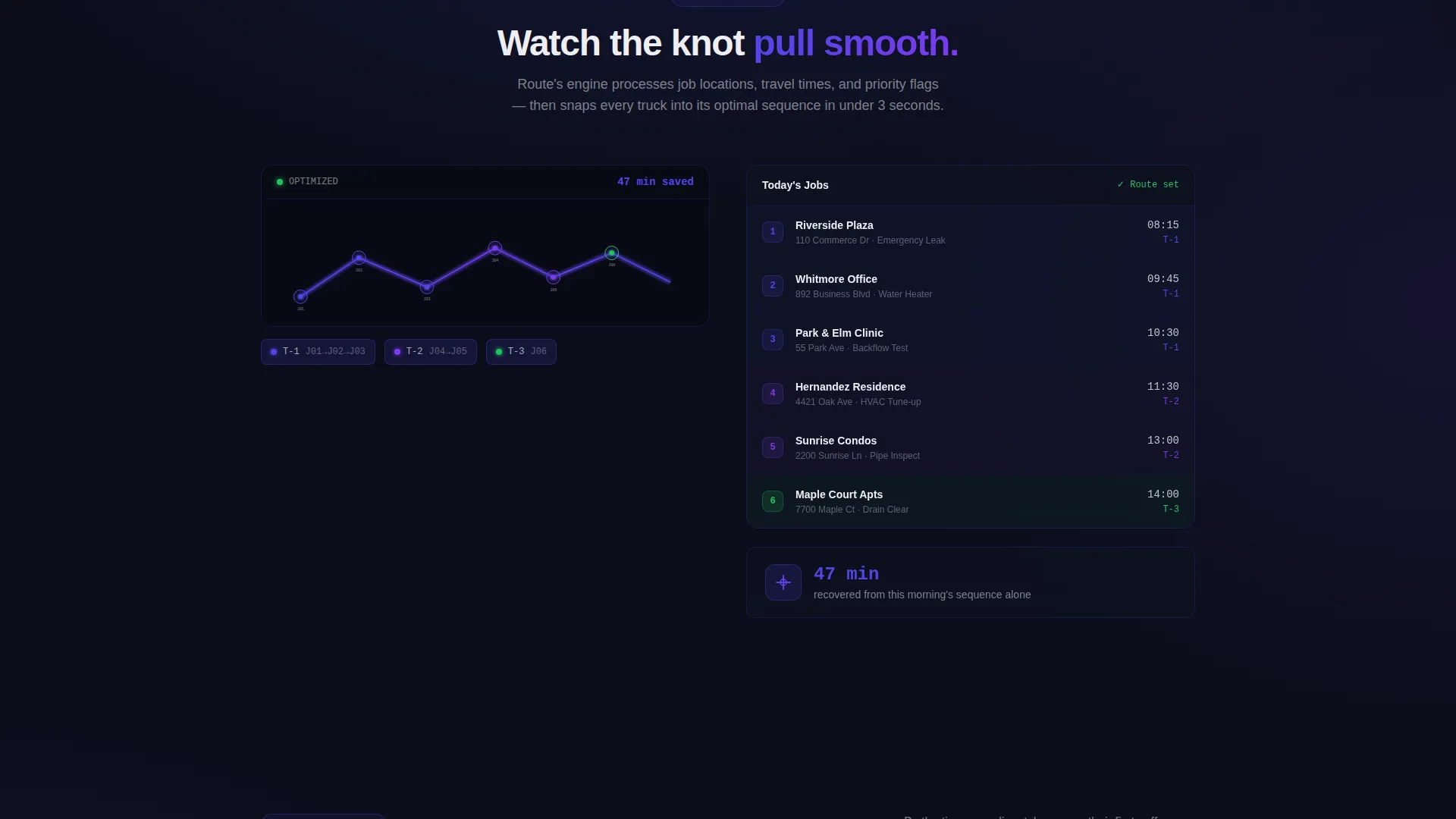
Algorithm Animation Panel
The second reveal shows routes redrawing themselves with snap animations as jobs reorder into an optimized sequence. The visual satisfaction of disorder resolving into tight, efficient paths reinforces the platform's core value without requiring the visitor to read a single feature bullet.
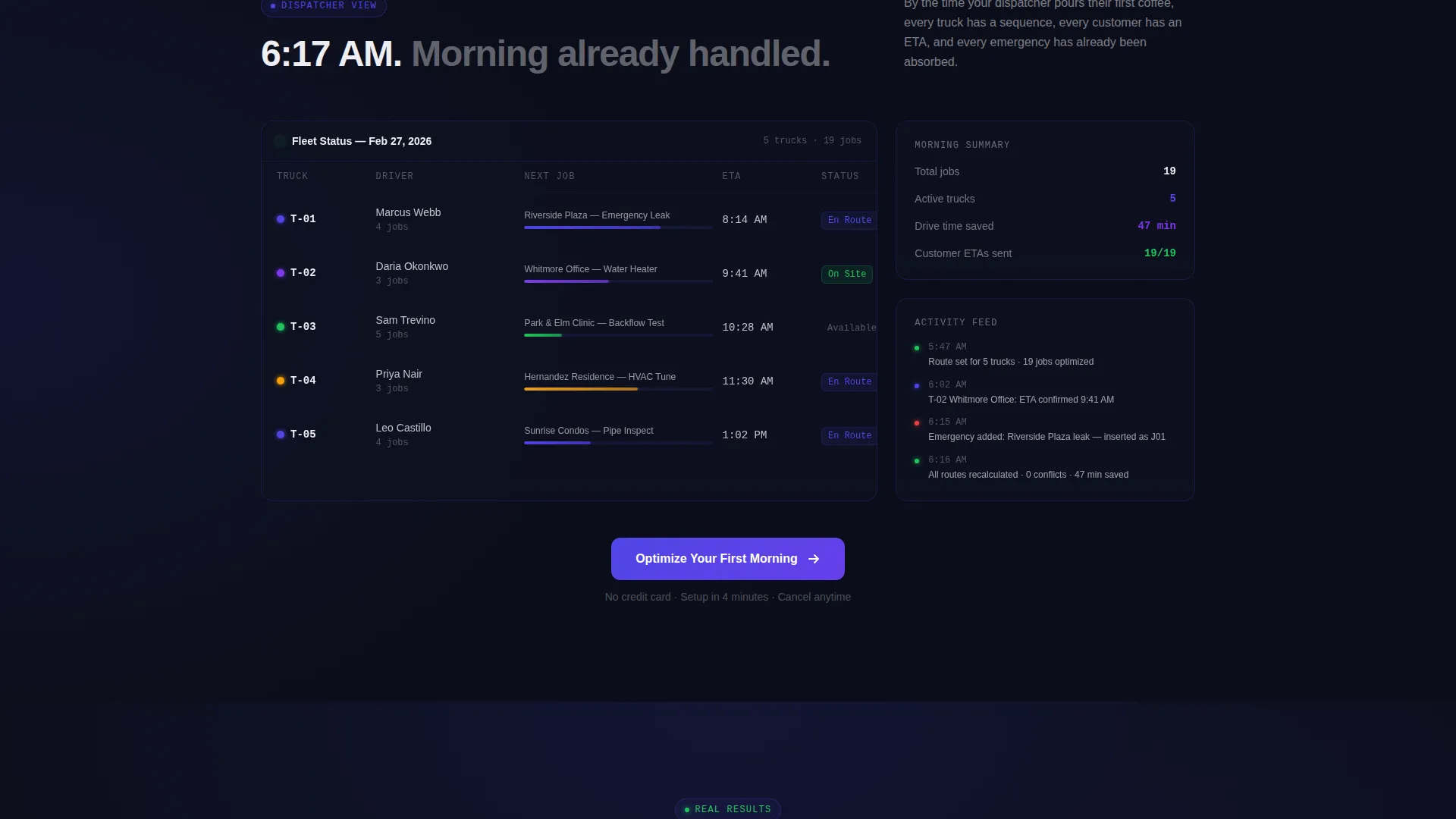
Dispatcher Dashboard Preview
The third reveal presents a morning already planned: truck assignments, estimated arrival times, and customer notifications queued. It gives buyers a concrete preview of what their own morning could look like inside the platform.
ROI Proof Section with Real Numbers
The fourth reveal presents specific, named results. For example: "Greenleaf Plumbing: 11 trucks, 3.2 fewer hours on the road daily, $214K annual fuel savings." Real trade numbers create credibility that generic testimonials cannot match.
Page sections overview
| Section | Purpose |
|---|---|
| Animated Route Header | Opens with a self-drawing route map, pulsing pins, and a live minutes-saved counter |
| Problem Visualizer | Shows unoptimized spaghetti routes and a real-time drive-time waste counter |
| Algorithm in Motion | Demonstrates route reordering with snap animations as jobs find their optimal sequence |
| Dashboard Morning View | Previews a dispatcher's planned morning with truck assignments and queued notifications |
| ROI Proof Block | Delivers named, real-number results from actual trade businesses to anchor credibility |
| Persistent call to action Button | Stays visible from the second reveal onward, directing visitors to the free trial page |
Design & branding system
The template uses a Dynamic Motion visual identity built around the Electric Indigo color system. Every color choice is intentional, recalling a GPS screen at 5:45 AM: dark cab, bright lines, nothing wasted.
- Deep void black (#0B0E1A) as the primary background, keeping the focus on glowing data and motion
- Electric indigo (#4F46E5) as the signature glow for route lines, button states, and section lighting
- Hot arc violet (#7C3AED) for hover states and animated pulses on interactive elements
- Clean dispatch white (#EEEEF2) for all typography and data overlays, crisp against the dark canvas
Mobile & speed optimization
The scroll-reveal structure and animation-forward design are built with performance pacing in mind. Progressive reveal means content loads in stages, keeping the experience smooth on smaller screens.
- Animations trigger on scroll entry, reducing upfront rendering load on mobile devices
- Typography and data overlays use a high-contrast white-on-dark system that stays readable at any screen size
- The persistent call-to-action button is sized and positioned for easy thumb reach on mobile viewports
How this template helps you convert
This template earns its click by showing the transformation three times in escalating specificity before ever asking for a commitment. There is no form on the page, which removes friction entirely.
- The animated header and algorithm panel demonstrate the platform's value visually, before any copy lands
- The dashboard preview gives buyers a concrete mental model of their own improved workflow
- The ROI proof section closes with real dollar figures, making the free trial feel low-risk and high-reward
Other information about this template
Route is designed as a click-through landing page, meaning its sole conversion goal is a single button click to a free trial activation page. There is no embedded form. Dispatchers who click are taken to a separate page where they enter fleet size, service area zip code, and daily job count to begin their trial.
- Template style: Scroll Reveal (Progressive) with Launch Energy creative direction
- Header concept: Dark Full-Bleed with glow, featuring a god-view tilted perspective over the route map
- Indigo gradients bleed softly behind sections throughout the scroll, creating a sense of depth and momentum
- The page is categorized under Technology and the Home Services Software subcategory
Theme
Dynamic Motion
Creative direction
Launch Energy
Color system
Electric Indigo
Style
Scroll Reveal (Progressive)
Direction
Click-Through
Page Sections
Self-drawing Animated Route Map
Four-stage Scroll-reveal Layout
Spaghetti-map Problem Visualizer
Algorithm Snap Animation Panel
Dispatcher Morning Dashboard Preview
Persistent Click-through Call to Action Button
Related questions
What kind of business is this landing page template designed for?
Is there a lead form or contact form on this page?
Can I update the ROI numbers and business names in the proof section?
Why does the scroll-reveal structure work well for dispatch software?
When does the persistent call to action button first appear on the page?



