Eyewear Brand Professional Website Template
Shade is a bold brutalist landing page template built for architectural eyewear brands. It combines a macro close-up hero, a curated collection scroll, an interactive material toggle, and a titanium upgrade call to action. Designed for direct-to-consumer sunglasses brands, it turns product appreciation into a confident purchase decision.
by Rocket studio
Quick summary
Shade is a gallery-quality landing page template for premium sunglasses brands. It opens on a near-microscopic hinge photograph, builds through a curated frame collection, and closes with a material upgrade path. Every section feels like a concrete showroom, raw, deliberate, and built to let the product speak first.
Who this template is for
This template is designed for style-forward eyewear brands that sell on craft and material quality. It suits founders, creative directors, and product teams who want their landing page to feel as considered as the frames themselves.
- Direct-to-consumer sunglasses brands with a premium or architectural product story
- Eyewear labels introducing an upgraded material line alongside a classic base range
- Designers and creatives building a brand page that doubles as a product gallery
What problem this template solves
Most eyewear landing pages feel like inventory lists. They show too many frames at once, give equal weight to every option, and never earn the upgrade click. Shade fixes that by treating each silhouette as a curated exhibit, not a catalog entry.
- Visitors leave without engaging because nothing slows them down long enough to feel the product
- The price gap between base and premium materials never gets justified, so the upgrade goes unclicked
- Generic layouts make differentiated, craft-led brands look the same as mass-market competitors
What you get with this template
You get a complete single-page layout structured around six purposeful sections. Each section has a defined role in moving a visitor from first impression to frame selection to upgrade decision.
- A full-viewport macro hero with a delayed brand stamp animation built on GSAP ScrollTrigger
- A curated collection scroll that alternates wide gallery rows with intimate single-frame spotlights
- An interactive material toggle panel with weight specs, lens color swatches, and hinge animation
Feature list
This template ships with several built-in capabilities drawn directly from the design and interaction brief.
Macro Close-Up Hero with Delayed Brand Stamp
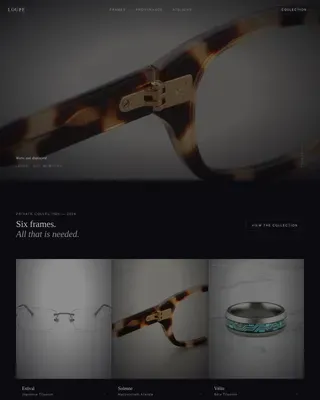
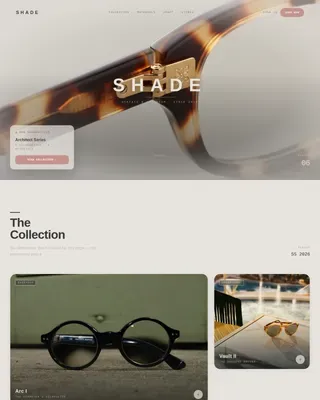
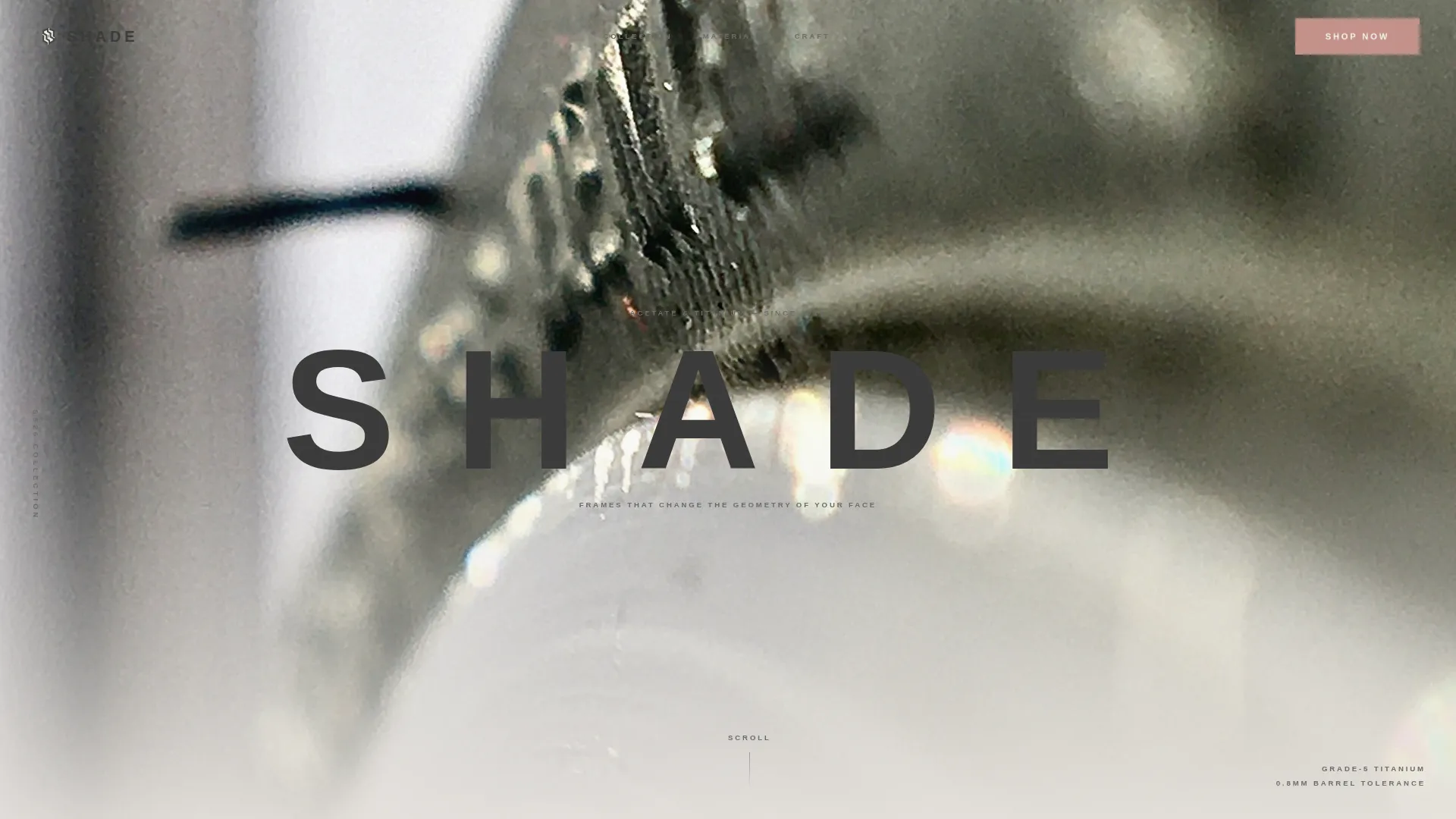
The hero opens on a full-viewport photograph shot at near-microscopic distance on a single titanium hinge. Shallow depth of field dissolves the background into Soft Mist fog. Two seconds after load, the brand name stamps in uppercase with wide tracking, graphite on fog, using a GSAP-powered delay animation.
Curated Collection Scroll Layout
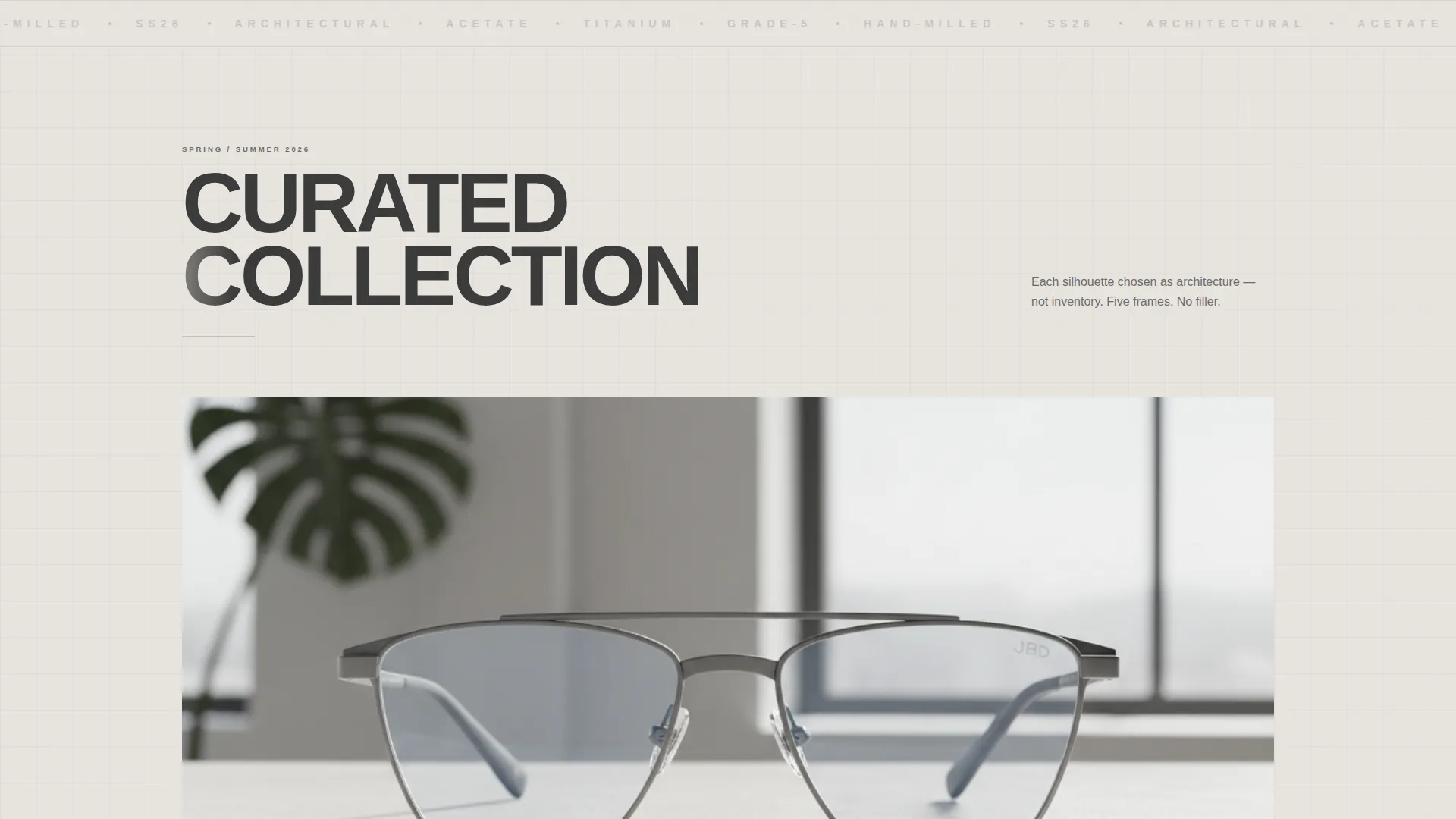
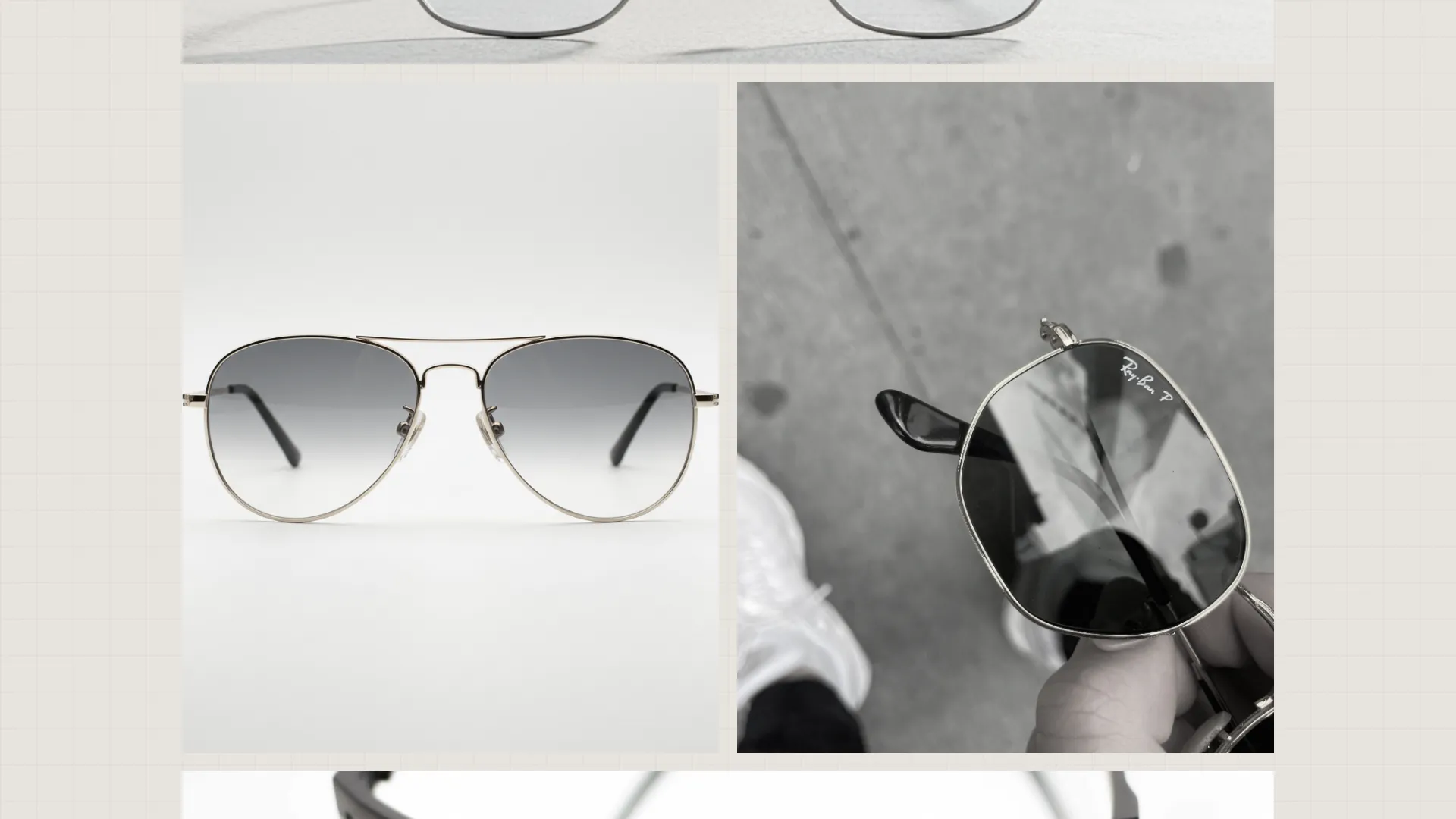
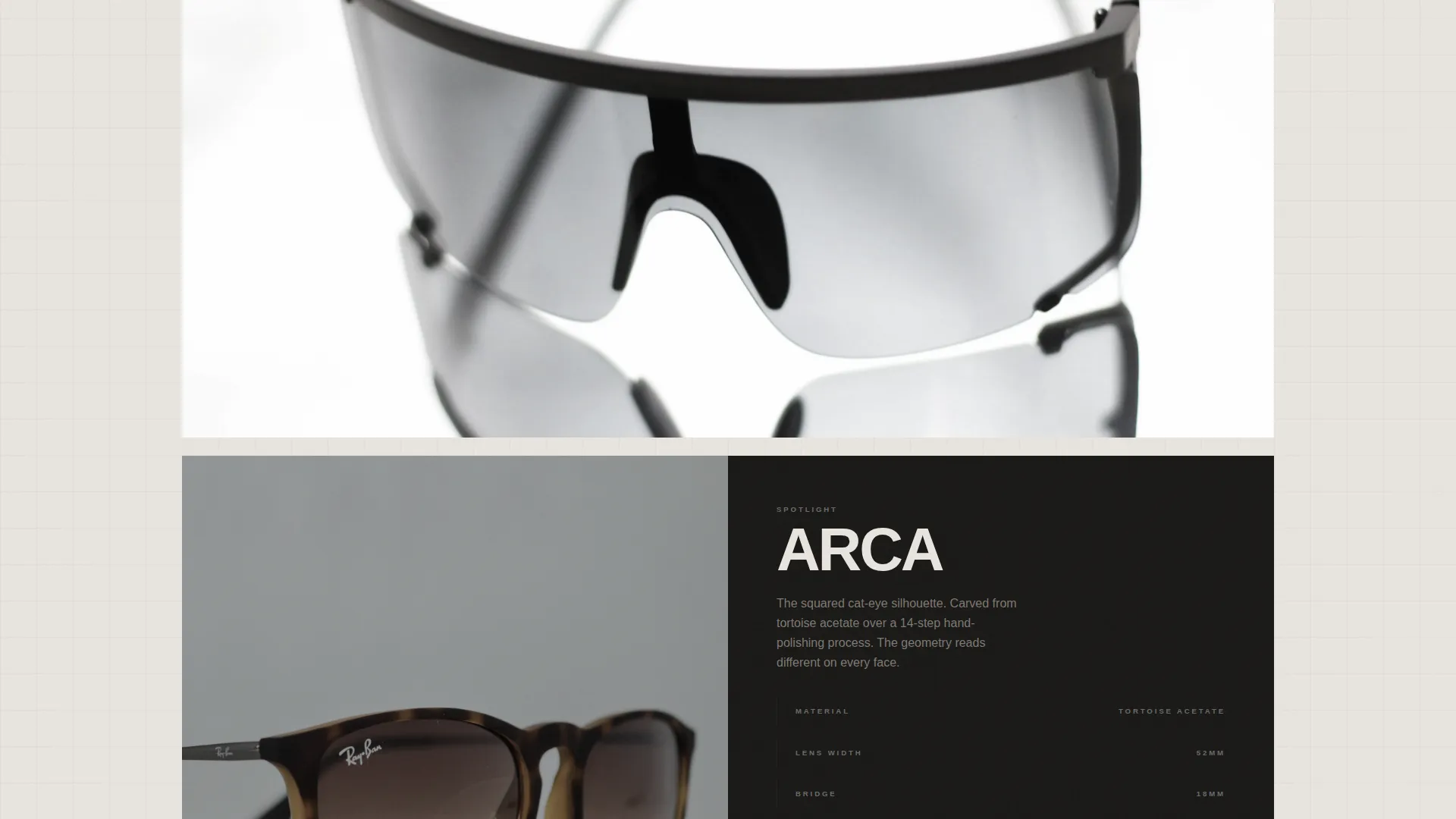
The collection section presents frames as a tasting menu, not a product grid. It alternates between wide gallery rows and intimate single-frame spotlights. Each frame is isolated against raw concrete, then a scroll trigger or click expands it into a detail panel showing lens color options and temple engravings.
Interactive Material Toggle
Every frame appears first in its base acetate model. A toggle panel lets visitors switch to the titanium edition and compare both versions side by side. The comparison includes weight specifications, material close-up imagery, and a hinge transition animation, so the premium option earns the click through evidence rather than claims.
Upsell Call to Action Strip
A dedicated call to action strip pins the upgrade path at the moment of decision. The primary button reads "Upgrade to Titanium" in muted rose. A price differential is framed as a daily cost. A secondary "Start with Classic" path keeps base-tier buyers moving without friction.
Lens Swatch Selector
Each frame detail panel includes a lens color swatch selector. Visitors can cycle through available tints before committing to a choice. The selector sits inside the expanded detail panel alongside the material toggle, keeping the decision-making flow contained and focused.
GSAP ScrollTrigger Animations
High-motion scroll animations are built in throughout the page. ScrollTrigger controls reveal timing for gallery rows, detail panel expansions, and the hero brand stamp. Client components handle all interactive sections while static sections use server rendering for a clean separation of concerns.
Page sections overview
| Section | Purpose |
|---|---|
| Hero Macro Hinge | Opens the page on a full-viewport close-up with delayed brand stamp animation |
| Curated Collection Scroll | Presents frames as alternating gallery rows and single-frame spotlights |
| Material Toggle Panel | Lets visitors compare base acetate and titanium editions interactively |
| Craft Details Panel | Shows weight specs, lens color options, and temple engraving details |
| Call to Action Strip | Drives the titanium upgrade click with price framing and a secondary base path |
| Footer | Closes with a horizontal flow pattern for brand links and navigation |
Design & branding system
The visual identity follows a Bold Brutalist direction. The palette is called Soft Mist, and it is designed to keep the product dominant while the layout stays raw and architectural.
- Four-color system: poured concrete off-white (#E8E4DF), morning fog gray (#C5BFB6), graphite shadow (#3A3A3A), and muted rose (#C4918A) reserved strictly for price callouts and upgrade badges
- Typography pairs Bricolage Grotesque for display headings with DM Sans for body text, giving the layout a sharp editorial contrast
- All decorative choices are suppressed in favor of material photography, concrete textures, and wide-tracked uppercase type
Mobile & speed optimization
The template is built desktop-first to deliver a full showroom experience on larger screens. Mobile adaptation is included and maintains the core visual hierarchy without sacrificing the gallery feel.
- Server Components handle all static sections, reducing the interactive JavaScript footprint to only the sections that require it
- Client Components are scoped to the material toggle, lens swatch selector, and scroll animation triggers
- The layout reflows cleanly for mobile viewports while preserving the macro hero impact and curated collection rhythm
How this template helps you convert
This template is structured so that every scroll step builds purchase confidence rather than adding friction. The conversion path moves from aesthetic hook to material evidence to a justified upgrade decision.
- The hero creates an immediate tactile impression before a single word appears, establishing product quality through photography alone
- The curated collection scroll isolates each frame and expands it into a detail panel, so visitors feel they are choosing rather than browsing
- The material toggle and daily-cost price framing present the titanium upgrade as a rational, evidence-backed decision rather than a hard sell
Other information about this template
This template is purpose-built for the gallery-plus-detail landing page format. A few additional details worth knowing before you build with it.
- The footer uses Pattern 3, a Vercel Horizontal Flow layout suited for brand links, minimal navigation, and secondary calls to action
- Localization is set for English, United States Dollar pricing, and the United States market out of the box
- The page is categorized under Fashion and Lifestyle, with a focus on the eyewear brand and sunglasses brand niche, making it a strong fit for direct-to-consumer acetate and titanium frame collections
Theme
Bold Brutalist
Creative direction
Curated Collection
Color system
Soft Mist
Style
Gallery + Detail
Direction
Upsell/Upgrade
Page Sections
Macro Close-up Hero with Brand Stamp
Curated Collection Scroll
Interactive Material Toggle
Upsell Call to Action Strip
Lens Swatch Selector
GSAP Scrolltrigger Animation System
Related questions
Can I use this template for a brand that sells acetate frames only, without a titanium upgrade?
Is this template suitable for a brand launching its first collection?
How many frames can the curated collection section display?
Does the template include product photography?
Can I change the call to action labels from Upgrade to Titanium and Start with Classic?