Spectrum — Live Events Landing Page Template
Portal is a scroll-reveal landing page template built for entertainment client portals. It gives talent managers, publicists, and studio coordinators a single, visually commanding surface to track deliverables, approvals, and campaign assets. The Tech Glass aesthetic and Teal Catalyst color system create a backlit control-room feel that signals professionalism before a visitor reads a single word.
by Rocket studio
Quick summary
Portal is a single-page, scroll-reveal landing page template designed for entertainment client portals. It presents a dark, frosted-glass dashboard interface to talent managers, publicists, and production coordinators. The layout builds credibility through an industry logo ribbon, escalates urgency with data-backed insight sections, and drives sign-ups through two conversion paths and a low-friction two-step form.
Who this template is for
This template is built for entertainment-industry professionals who manage fast-moving projects with multiple stakeholders. It speaks directly to people who live inside approval chains, embargo windows, and revision loops every single day.
- Talent managers overseeing multiple rosters who need every deliverable visible in one place
- Boutique public relations firms routing red-carpet assets to dozens of outlets before embargo lifts
- Production coordinators who rely on sign-off chains that move at the speed of a press cycle
What problem this template solves
Entertainment teams waste hours chasing approvals over email. Assets miss embargo windows. Revision loops drag on because no one can see the current status at a glance. This template frames all of those pain points honestly and then presents the portal as the direct fix.
- Missed deadlines caused by fragmented asset delivery across disconnected tools
- Approval delays that damage relationships with talent, outlets, and studio partners
- No single source of truth for campaign status, leaving teams reactive instead of in control
What you get with this template
You get a fully structured, scroll-reveal landing page that takes a visitor from first impression through to sign-up without friction. Every section has a defined job, and the visual system reinforces authority at every scroll step.
- An infinite-scroll logo ribbon that opens the page with immediate industry credibility
- Progressive data sections that pair real-sounding industry stats with annotated portal user interface screenshots
- Two conversion paths: a free workspace sign-up and a ghost-outlined demo request button for enterprise buyers
Feature list
This template packages a precise set of components that serve the entertainment portal use case from the first pixel to the final call to action.
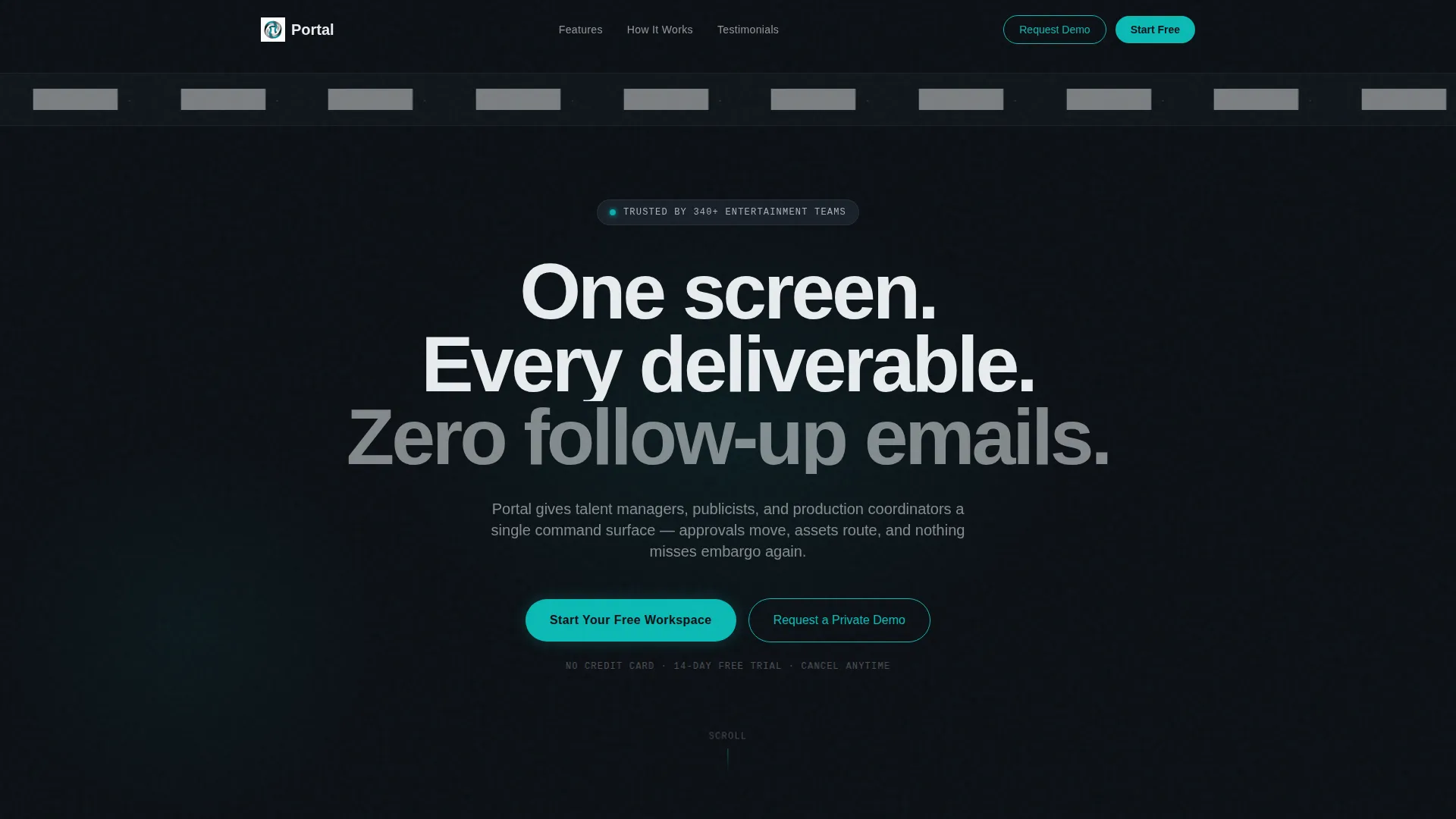
Infinite-Scroll Logo Ribbon
A horizontal band of monochrome entertainment-industry logos glides in seamless infinite scroll against the obsidian background. No hero image competes for attention. The logos themselves act as the opening credibility signal.
Progressive Scroll Reveal Layout
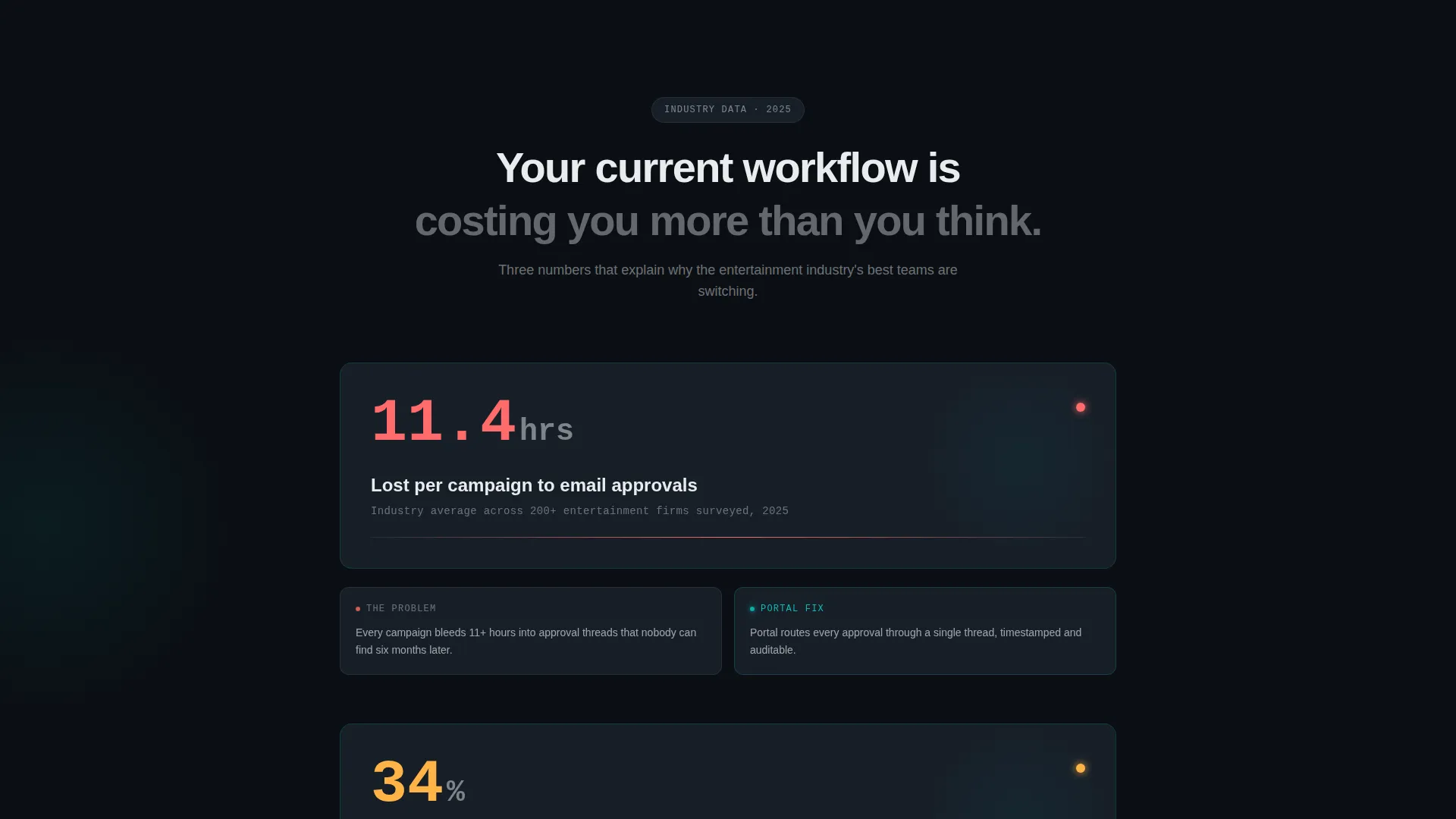
Each section fades or slides into view as the visitor scrolls. The pacing feels like reading a proprietary industry briefing. Stakes escalate deliberately, from wasted time to missed deadlines to reputational risk, before revealing the dashboard solution.
Animated Stat and Insight Sections
Data-backed industry statistics materialize on scroll. Each stat is immediately followed by a frosted-glass user interface screenshot annotated with teal callouts, connecting the problem to the product in one visual beat.
Two-Step Conversion Form
The primary sign-up form captures only work email and company name on step one. Optional fields for team size and primary use case appear on a second step inside the portal itself, keeping entry-point friction as low as possible.
Dual Call-to-Action System
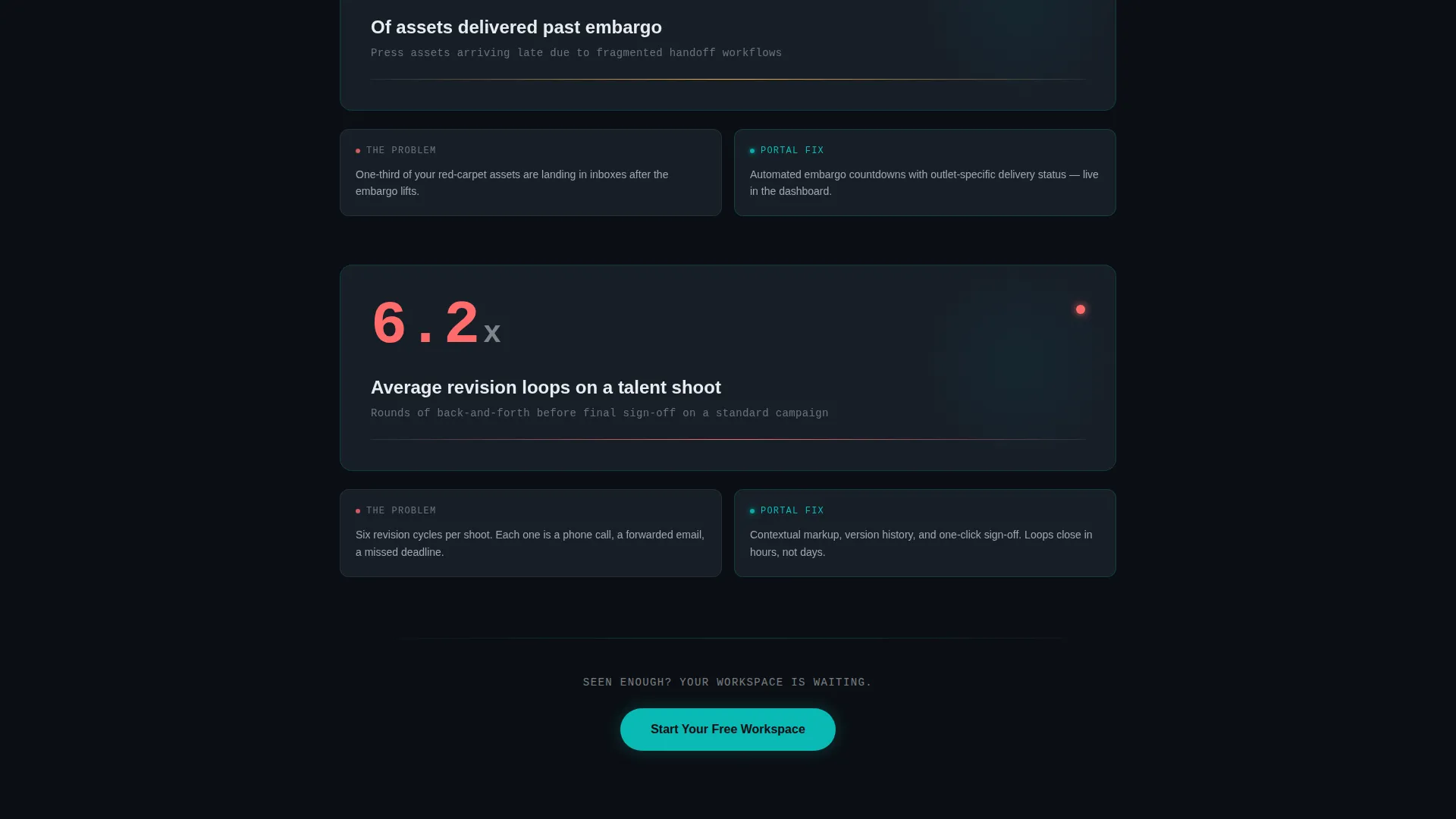
"Start Your Free Workspace" appears three times across the page: below the header, after the third industry stat, and anchored at the bottom. "Request a Private Demo" sits alongside it as a ghost-outlined teal button for enterprise visitors.
Teal Callout Annotation System
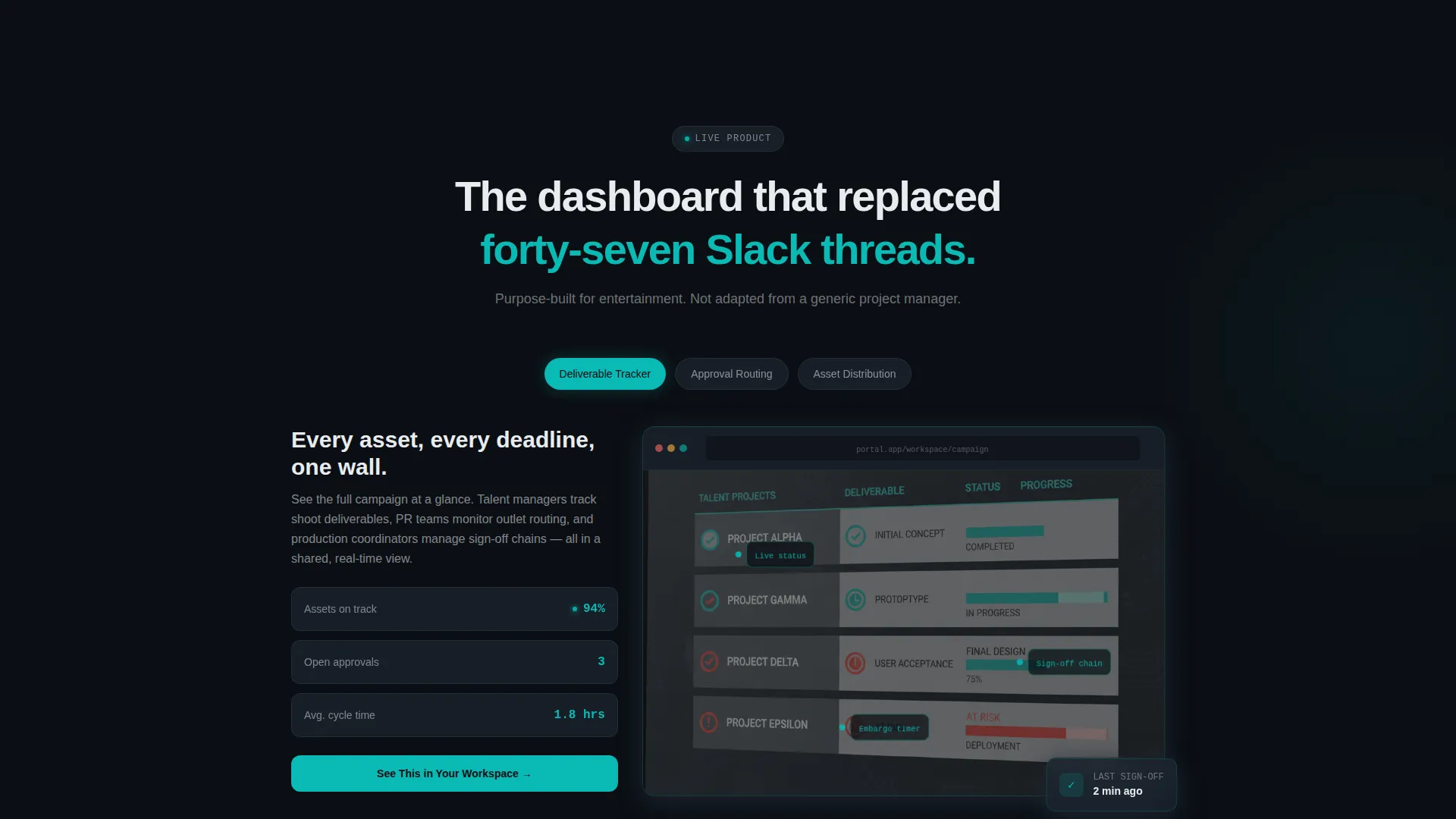
Teal-colored callout labels overlay the portal user interface screenshots throughout the page. They highlight specific dashboard features in context, helping visitors understand the product without needing a live walkthrough.
Page sections overview
| Section | Purpose |
|---|---|
| Logo Ribbon Header | Establish industry credibility instantly |
| Headline Fade-In | Deliver the core value proposition |
| Primary call to action Block | Capture early-intent sign-ups |
| Stat Section One | Surface wasted-time pain point |
| user interface Screenshot One | Show the portal solution in context |
| Stat Section Two | Highlight missed embargo risk |
| user interface Screenshot Two | Demonstrate asset tracking view |
| Stat Section Three | Escalate to reputational damage stakes |
| call to action Repeat Block | Convert visitors at peak urgency |
| Full Dashboard Reveal | Display live-feeling metrics and full user interface |
| Final call to action Anchor | Close the page with both conversion paths |
Design & branding system
The visual identity follows the Tech Glass theme using the Teal Catalyst color system. Every surface and interaction is calibrated to feel like a backlit post-production control room, dark, precise, and authoritative.
- Deep obsidian (#0B0F14) for backgrounds, smoked glass gray (#1C2530) for card surfaces, and translucent teal (#0ABAB5) driving every hover state, toggle, and progress bar
- Sharp highlight white (#E8ECEF) for all body typography and divider lines, keeping text clean and legible against dark surfaces
- Frosted-glass blur on cards, teal underline draw animation on the headline, and luminous teal edges that pulse like status indicators across interactive elements
Mobile & speed optimization
The scroll-reveal structure and dark-surface design are built to translate cleanly across screen sizes. Progressive reveal sequences adapt to vertical mobile scrolling without losing their pacing or impact.
- Card-based layout with frosted-glass surfaces stacks naturally on narrower screens without layout breakage
- Progressive section reveals maintain their sequenced feel on touch devices, preserving the escalating narrative as visitors scroll down
How this template helps you convert
The page is engineered as a Freemium and Trial conversion funnel. Every design and copy decision moves a hesitant visitor closer to the sign-up form.
- The logo ribbon and escalating stat sections build trust and urgency before the visitor reaches any call to action, so the offer arrives when conviction is already high.
- The two-step form removes the single biggest barrier to sign-up: a long, intimidating form. Only two fields stand between a visitor and their first workspace.
- The dual call-to-action system means both self-serve users and enterprise buyers find a path that fits them, reducing the chance of leaving without taking any action.
Other information about this template
Portal sits at the intersection of the Technology category and the Entertainment Digital Presence subcategory. It is purpose-built for the entertainment client portal niche and carries a high intersection match score.
- The template style is Scroll Reveal (Progressive), meaning sections animate into view as the user scrolls rather than loading all at once
- The creative direction is Industry Report, giving the page the feeling of a privileged briefing document rather than a standard marketing page
- The header concept is Logo Bar, which replaces a traditional hero image with a moving ribbon of recognizable logos
- The landing page direction targets Freemium and Trial conversion, with a primary free-workspace path and a secondary private-demo path for enterprise buyers
Theme
Tech Glass
Creative direction
Industry Report
Color system
Teal Catalyst
Style
Scroll Reveal (Progressive)
Direction
Freemium/Trial
Page Sections
Infinite-scroll Industry Logo Ribbon
Progressive Scroll Reveal Sections
Data Stat and User Interface Pairing Layout
Two-step Low-friction Sign-up Form
Dual Call-to-action Conversion System
Teal Callout Annotation Overlays
Related questions
Who is this landing page template designed for?
Can I replace the logo ribbon with my own client logos?
How does the two-step sign-up form reduce friction?
What are the two conversion paths included in this template?
Is Portal a standalone landing page or part of a multi-page site?



