Expert Dental Software Comparison Website Template
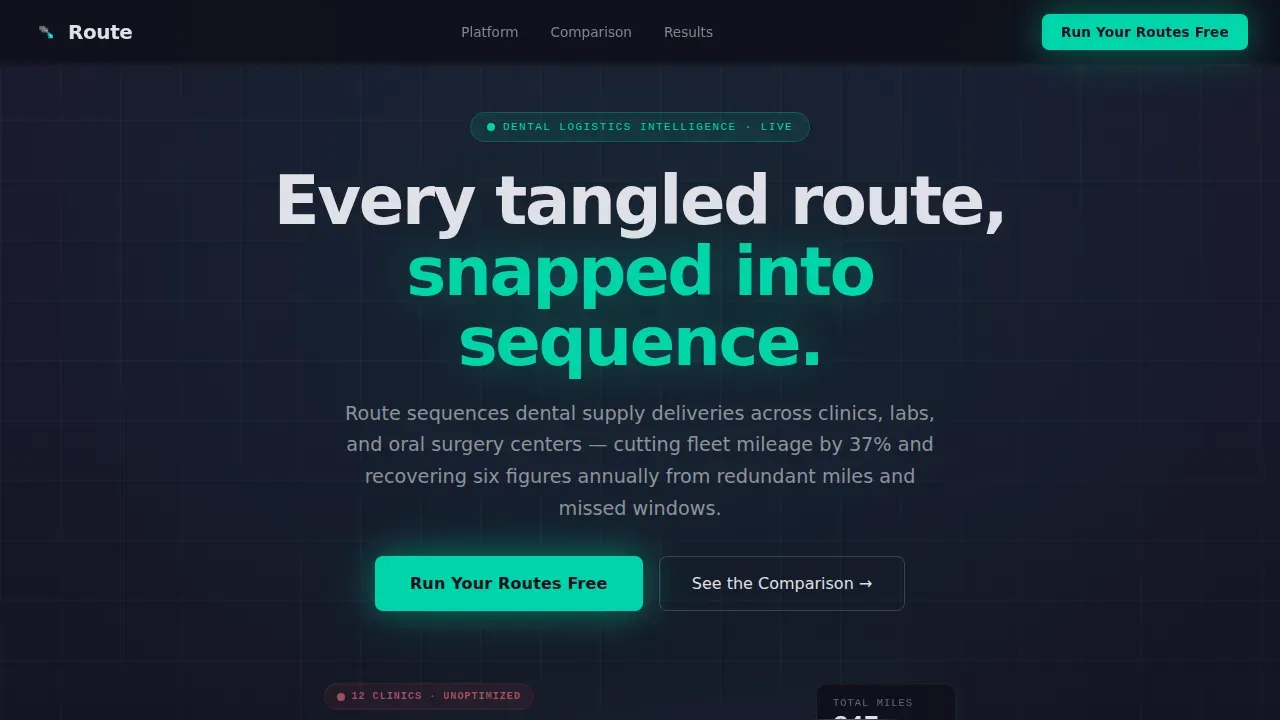
Routesync is a scroll-reveal landing page template built for dental supply route optimization platforms. It features an interactive route map hero, three animated comparison sections, and a two-step conversion form. Designed in a dark Carbon Fiber palette with electric teal highlights, it guides operations managers from chaos to clarity before they ever touch a form field.
by Rocket studio
Quick summary
Routesync is a single-page, scroll-reveal landing page template for a dental delivery route optimization engine. It opens with a live, clickable route map and walks visitors through three progressive comparison sections before presenting a gated call to action. The design runs on a dark Carbon Fiber palette with electric teal reserved for every active, moving, or interactive element.
Who this template is for
This template is built for B2B software teams selling logistics or route optimization tools to the dental supply industry. It speaks directly to buyers who measure success in miles saved, hours recovered, and trucks kept off the road.
- Operations managers at regional dental distributors running fifteen-to-sixty-truck fleets
- Supply chain directors at dental service organization networks losing six figures to redundant mileage
- Founders and product marketers launching a dental delivery optimization platform
What problem this template solves
Logistics software landing pages often list features without letting prospects feel the value. Dental distributors and DSO supply chain teams need proof before they commit to a demo. A generic feature list does not close that gap.
- Visitors cannot visualize route inefficiency until they see it animate on a map
- Operations managers juggling same-day implant requests need a comparison, not a brochure
- High-intent buyers in research mode leave without converting when there is no secondary offer
What you get with this template
You get a complete, single-page scroll-reveal layout with high interactivity built into each section. Every visual element earns its place by reinforcing the platform's core value proposition.
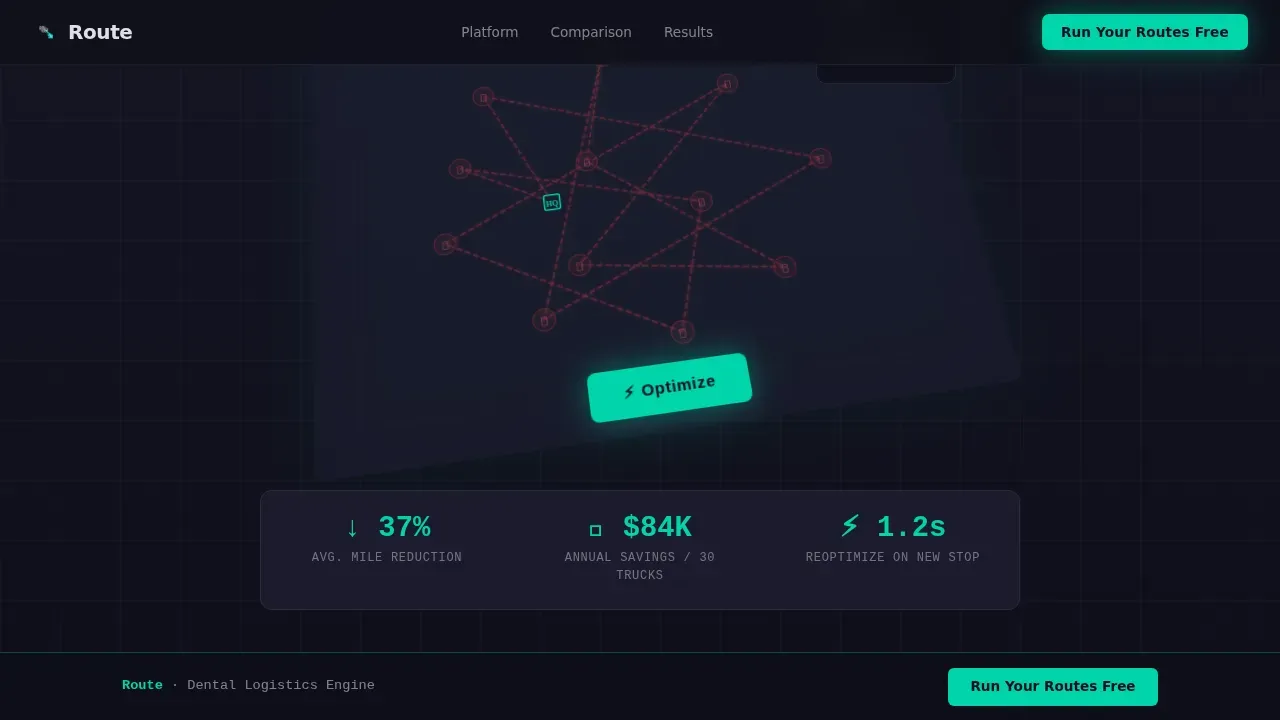
- An interactive hero map with an Optimize animation that redraws routes from chaos to order in real time
- Three animated versus-frame comparison sections covering route efficiency, reoptimization speed, and driver utilization
- A two-step conversion form modal and a secondary gated PDF offer path
Feature list
This template packs purposeful interactivity into every scroll step. Each feature below is grounded in what the brief specifies.
Interactive Hero Route Map
The header places visitors inside a live metro-area route map showing twelve dental clinic pins connected by overlapping red paths. A pulsing teal Optimize button fires the animation: paths retract, recalculate, and redraw as a clean sequence. A live counter ticks total miles from 847 to 531 and estimated drive hours from 14.2 to 8.6, so the value proposition lands in under ten seconds.
Scroll-Linked Versus Sections
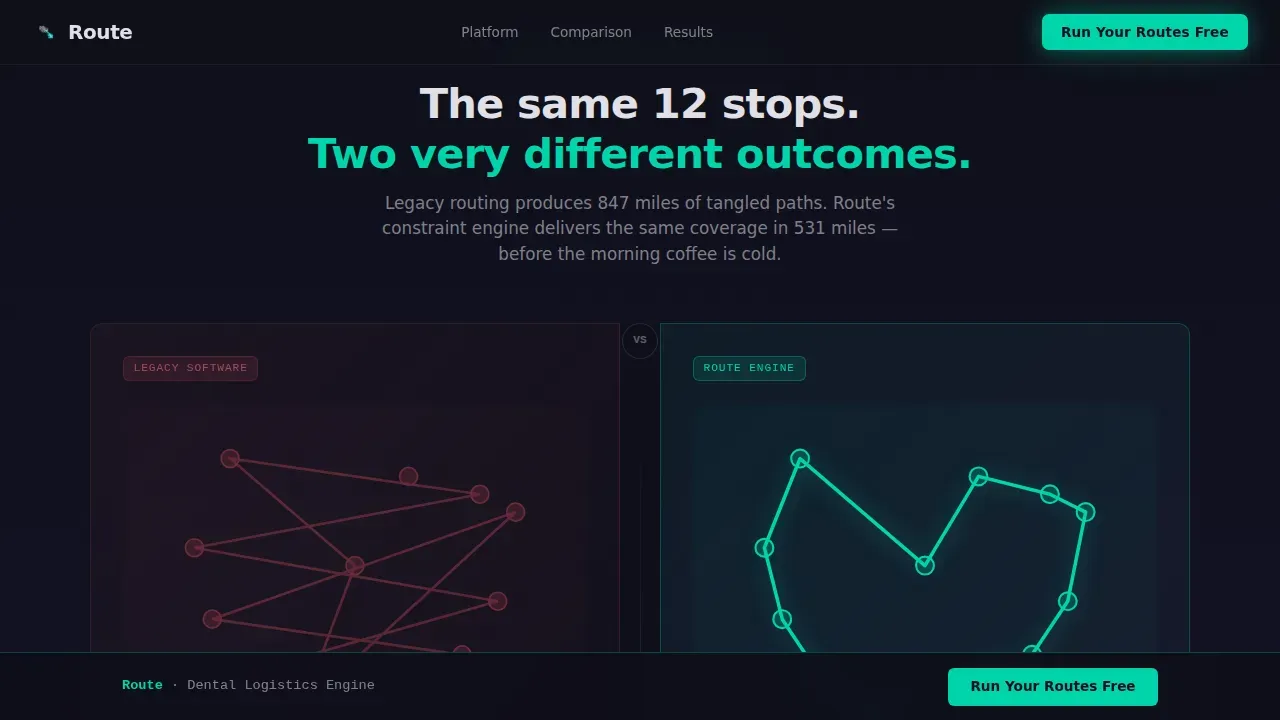
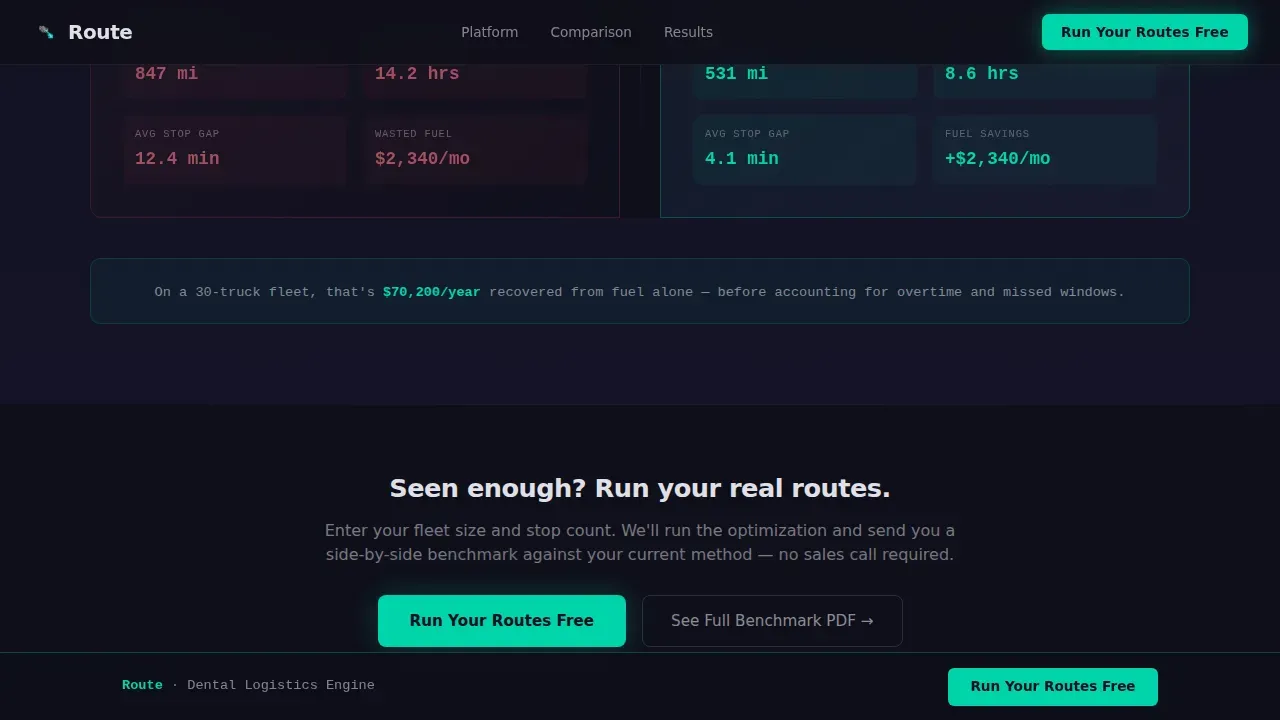
Three progressive comparison sections use a left-right split layout. Legacy routing or manual dispatch appears on the left in muted red. The platform's approach appears on the right in teal. Each section introduces a new animated data visualization as it enters the viewport, building an escalating case from saving miles to saving entire trucks.
Draggable Stop Simulation
The second comparison section includes a drag-to-add stop interaction. Visitors drop a new clinic onto the map and watch both the legacy system and the platform respond in real time. This hands-on moment makes reoptimization speed tangible before any form is filled.
Progressive Bar Chart Fills
The third comparison section uses staggered bar charts that fill as they scroll into view. Charts visualize driver utilization differences and fleet savings potential, giving supply chain directors a data-dense view that matches how they already think.
Two-Step Conversion Form Modal
The primary call to action opens a two-step modal form. Step one captures fleet size via dropdown and daily stop count. Step two captures current routing method and work email. The form collects only what is needed to qualify and route the lead.
Gated Benchmark PDF Offer
A secondary conversion path labeled "See the Full Benchmark" gives research-mode visitors a reason to convert without committing to a demo. It positions a gated PDF comparing the platform against named competitors across eleven operational metrics.
Page sections overview
| Section | Purpose |
|---|---|
| Hero Route Map | Show the optimization animation and establish the value proposition |
| Comparison Section 1 | Contrast route efficiency with animated path drawings |
| Comparison Section 2 | Demonstrate reoptimization speed via the draggable stop simulation |
| Comparison Section 3 | Illustrate driver utilization gains with progressive bar charts |
| Primary call to action Block | Capture leads with the two-step "Run Your Routes Free" form |
| Secondary Offer Block | Convert research-mode visitors with the gated benchmark PDF |
| Footer | Single-row linear footer with navigation and branding |
Design & branding system
The design follows a Dynamic Motion theme built on the Carbon Fiber color system. The palette runs dark by default, and teal appears only where something is moving, calculating, or clickable.
- Background layers use woven carbon black (#0F0F1A) and deep graphite (#1A1A2E); body text renders in titanium (#E0E0E6)
- Electric teal (#00D4AA) is reserved exclusively for active routes, live counters, interactive states, and primary calls to action
- DM Sans handles headings for readability; JetBrains Mono renders all data labels, metrics, and counters for a dashboard-grade feel
Mobile & speed optimization
The template is built desktop-first to match the dispatcher and operations manager audience. It remains responsive to tablet viewports for fieldwork scenarios.
- Scroll-reveal animations use IntersectionObserver so sections only activate when they enter the viewport
- Counter animations run on requestAnimationFrame and all motion effects use CSS transforms only, keeping paint operations minimal
- The isometric map and SVG route path animations are scoped to avoid layout thrash during scroll
How this template helps you convert
The template earns the conversion before asking for it. By the time a visitor reaches the call to action, they have already operated the platform's core logic with their own hand.
- The Optimize button on the hero map delivers the value proposition as a felt experience, not a written claim, so visitors arrive at the first call to action already convinced of the concept.
- The draggable stop simulation in the second comparison section creates a personal proof moment that no static feature list can replicate, shortening the distance between interest and intent.
- The two-step form and gated PDF offer two distinct paths so high-intent leads and research-mode buyers both have a reason to convert on the same page visit.
Other information about this template
This template is purpose-built for the dental supply logistics niche and is not a generic SaaS landing page repurposed for the vertical. A few additional notes for buyers evaluating fit:
- The template is localized for United States markets, using imperial miles and USD as default units
- Typography pairing of DM Sans and JetBrains Mono is pre-configured and matched to the Carbon Fiber palette
- The isometric map perspective and tooth-icon clinic pins are included as visual components to make the dental niche register instantly
- The footer follows a linear single-row pattern suited to focused, distraction-free conversion pages
- This template supports the Scroll Reveal (Progressive) interaction pattern as its primary build style
Theme
Dynamic Motion
Creative direction
Interactive Explorer
Color system
Carbon Fiber
Style
Scroll Reveal (Progressive)
Direction
Comparison/Versus
Page Sections
Optimize Button Route Animation
Three Animated Versus Sections
Draggable Stop Simulation
Progressive Bar Chart Reveals
Two-step Lead Capture Form
Gated Benchmark PDF Path
Related questions
Can I edit the route map pins and counter values to match my platform?
Is this template built for a specific page builder or framework?
What does the two-step form collect from visitors?
Does the template work for tablet and mobile users?
Is the competitor benchmark PDF included with the template?



