Technical University Landing Page Template
Syllabus is a single-column landing page template built for technical universities. It guides prospective students through a five-question interactive quiz, then surfaces a personalized program recommendation with degree details, salary outcomes, and matched testimonials. The design uses a Slate & Sky color system and a Corporate Precision theme to feel credible, focused, and action-ready from the first scroll.
by Rocket studio
Quick summary
Syllabus is a single-column, quiz-driven landing page template designed for technical universities. Visitors answer five short questions and receive a personalized program card showing their degree match, duration, and salary outcomes. The freemium call to action then unlocks a free starter module from that exact program, making the next step feel earned rather than sold.
Who this template is for
This template is built for technical colleges and applied-sciences institutions that need to convert cold web visitors into enrolled students or course starters. It works especially well when your audience spans very different life stages and motivations.
- Admissions and enrollment teams at engineering, computer science, or applied-science universities
- Career-pivot programs targeting working professionals ready to retrain in fields like data science
- Institutions serving high-school seniors and their parents who need confidence before committing
What problem this template solves
Most university landing pages overwhelm visitors with program catalogs and generic campus photography. Visitors leave without a clear next step because nothing feels relevant to their specific situation.
- Prospective students cannot quickly identify which program fits their background and goals
- Generic calls to action fail to create momentum for visitors at different stages of readiness
- Dense academic content presented in long static blocks discourages scrolling and decision-making
What you get with this template
You get a complete single-column landing page structure built around a guided five-question quiz experience. Every section flows from the opening headline through to a personalized result and a low-friction freemium offer.
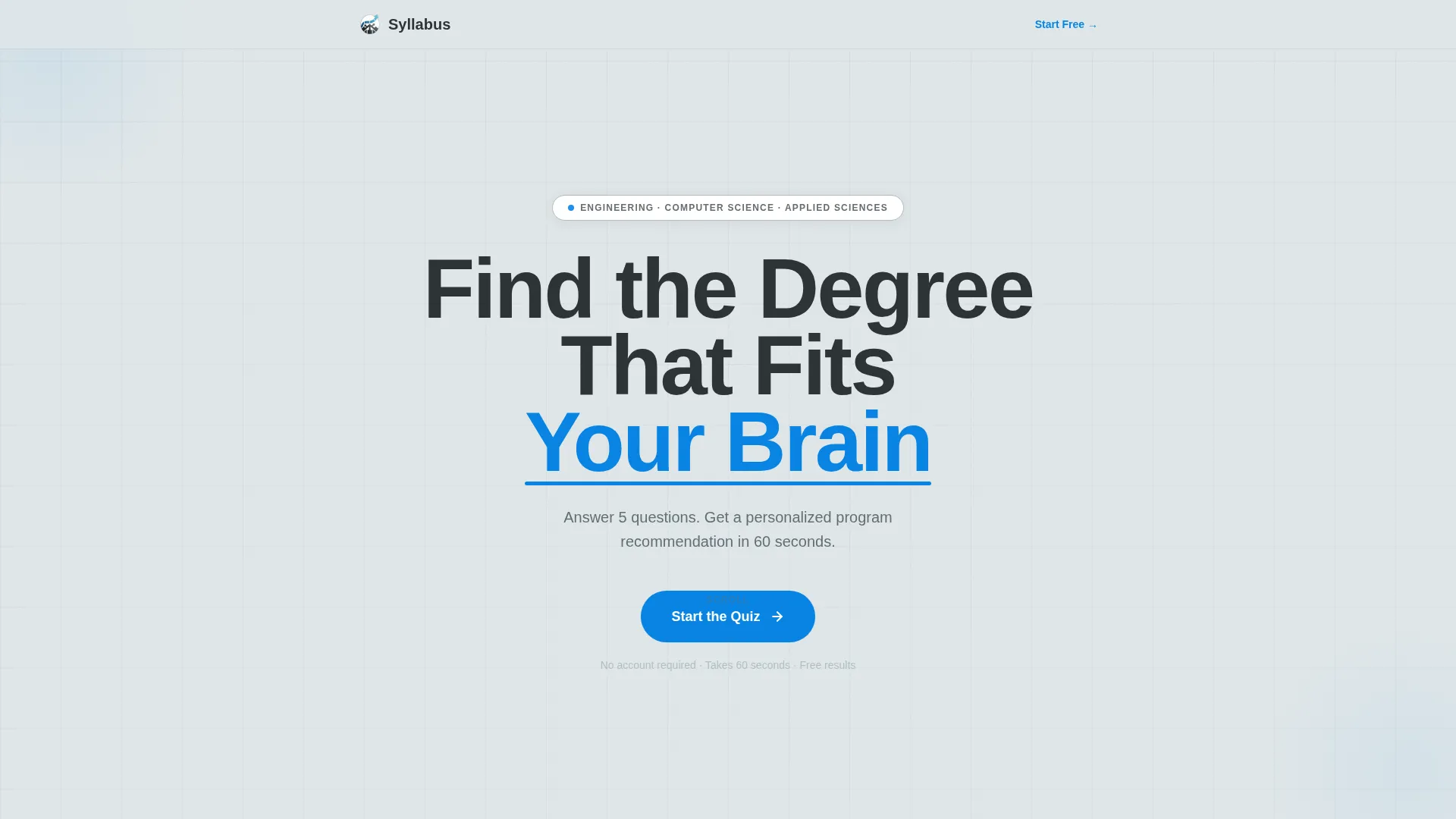
- A bold centered headline section with a sky-blue animated underline and a pulsing call-to-action button
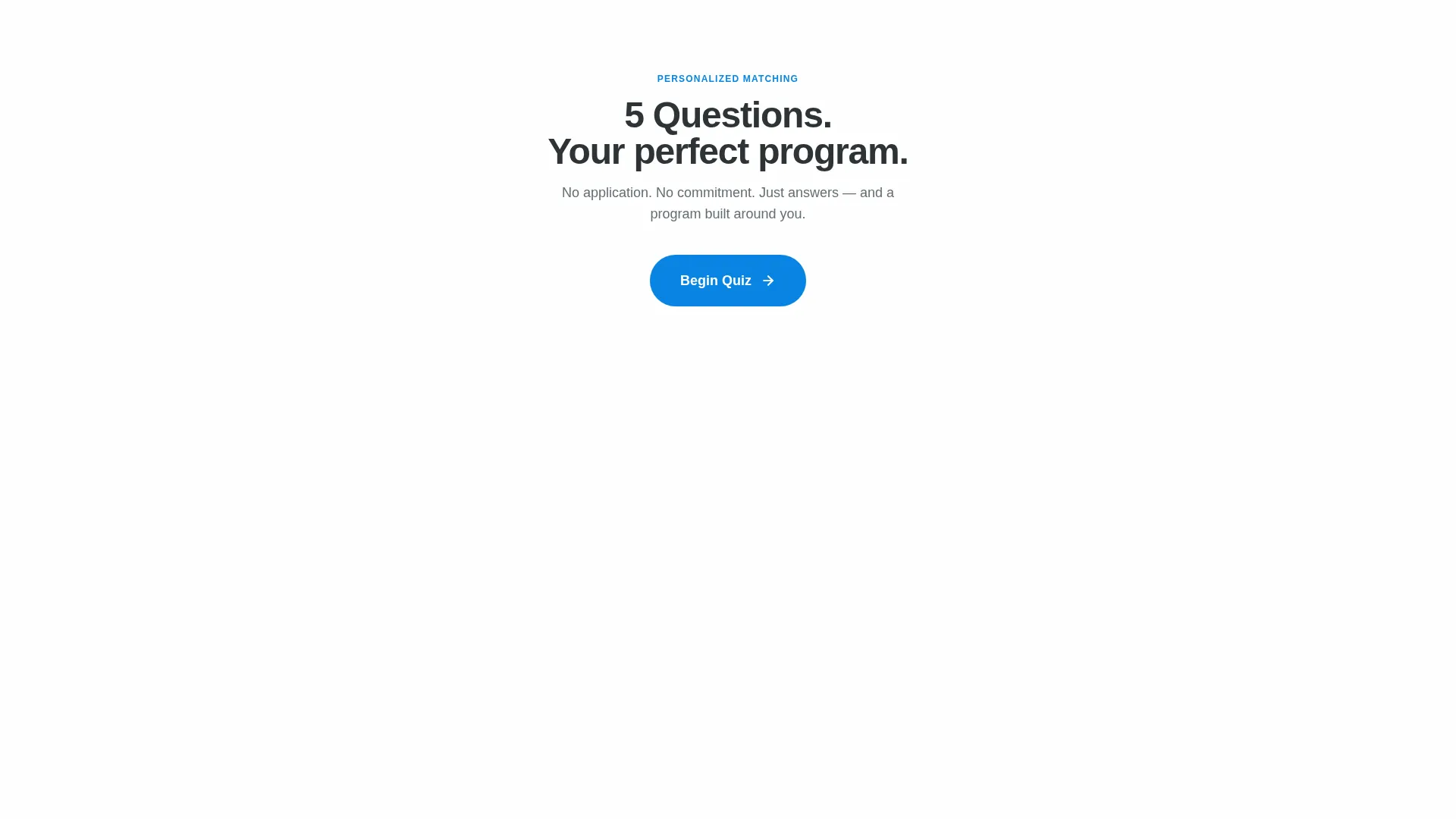
- A five-step interactive quiz that reshapes page visuals around each visitor's answers
- A personalized result card with degree name, duration, salary outcomes, a program-specific photo, and a comparison toggle for two adjacent programs
- Adaptive social proof that filters testimonials to match the recommended program
- A primary freemium path unlocking a free starter module and a secondary PDF report download gate
Feature list
This template is built around one central idea: relevance converts better than volume. Every feature below serves that principle directly.
Animated Headline with Underline Draw
The header displays a single large centered headline at roughly 8 viewport-width units. On page load, a sky-blue underline animates itself beneath the key phrase, drawing attention without any competing imagery or video.
Five-Question Interactive Quiz
The quiz runs inside the same page column without navigating away. Each answer slides the next question into view and subtly shifts the accent color temperature and background texture to reflect the visitor's chosen direction, such as circuits for engineering paths or node graphs for computer science paths.
Personalized Program Result Card
After the fifth question, a program card appears with the degree name, estimated duration, and salary outcome data. A comparison toggle shows how the matched program compares against two closely related programs, helping visitors feel confident rather than uncertain.
Adaptive Testimonials Section
Social proof below the result card filters automatically to show alumni testimonials from the recommended program only. Visitors see people who took the same path they are considering, which builds trust through direct relevance.
Freemium Starter Module call to action
The primary call to action on the result card invites visitors to start a free introductory lesson from their matched program. It requires only a first name, email address, and education level, keeping the commitment as low as possible.
PDF Program Report Download
A secondary conversion path sits below the testimonials section. Visitors who are not yet ready to begin a module can download a personalized program report as a gated portable document, captured with the same three-field form.
Page sections overview
| Section | Purpose |
|---|---|
| Headline & Subline | Opens the page with a single bold promise and a quiz entry button |
| Quiz Question Flow | Guides visitors through five personalized questions in sequence |
| Dynamic Visual Feedback | Shifts background texture and accent tone based on quiz answers |
| Program Result Card | Displays the matched degree with duration and salary outcomes |
| Program Comparison Toggle | Shows two adjacent programs side by side for informed decisions |
| Adaptive Testimonials | Filters alumni quotes to match the recommended program |
| Freemium Module call to action | Offers a free starter lesson behind a minimal three-field form |
| PDF Report Gate | Captures leads with a downloadable personalized program report |
Design & branding system
The template follows a Corporate Precision theme expressed through a Slate & Sky color system. The overall feel is a steel-and-glass campus building at golden hour: serious structure softened by an optimistic, open sky.
- Deep graphite (#2D3436) anchors headlines and section dividers; institutional slate (#636E72) carries secondary body copy; open-sky blue (#0984E3) marks every interactive element and progress indicator
- Cloud white (#DFE6E9) provides the background throughout, keeping dense academic content light and scrollable
- Typography uses a bold, tight-tracked sans-serif for display headings; no photography or video appears in the header section, keeping the opening focused entirely on the quiz promise
Mobile & speed optimization
The single-column layout adapts naturally to smaller screens because there are no multi-column grids to restack. The quiz interaction and result card are designed to work within the same vertical flow on any viewport width.
- The single-column structure eliminates horizontal reflow complexity on phones and tablets
- The cloud-white background and minimal imagery keep the visual load light across the scroll
- Interactive elements such as the pill button, icon cards, and comparison toggle are sized and spaced for touch input
How this template helps you convert
Every design and content decision in this template pushes toward one outcome: a visitor who has invested attention and feels ready to take the next step.
- The quiz creates personal investment before any offer appears. By question five, visitors have already defined what they want to build, their timeline, and their background, so the result card feels like a discovery rather than a pitch.
- The freemium module removes the biggest objection at the exact moment of highest relevance. The offer arrives after personalization, not before, which means visitors are receiving something that already feels matched to them.
Other information about this template
This template is part of the Syllabus collection and was built specifically for the technical university niche within the broader education and training category. It sits at the intersection of college and university marketing and applied-science program recruitment.
- The template style is a single-column flow, making it straightforward to customize section by section without restructuring the layout
- The Corporate Precision theme and Slate & Sky palette can be adapted to match institutional brand guidelines by updating the four core color values
- The quiz-and-personalize creative direction makes this template suitable for any program-rich institution that needs to help visitors self-select before committing

Theme
Corporate Precision
Creative direction
Quiz & Personalize
Color system
Slate & Sky
Style
Single Column Flow
Direction
Freemium/Trial
Page Sections
Animated Headline with Underline Draw
Five-question Interactive Quiz
Personalized Program Result Card
Adaptive Testimonials Filtering
Freemium Starter Module Call to Action
PDF Program Report Download
Related questions
Can I customize the quiz questions for my specific programs?
Does the template work for institutions with more than one department?
What fields does the freemium form collect from visitors?
Can the color system be changed to match our institution's brand colors?
Is this template suited for recruiting working professionals, not just school leavers?



