Syntax — Intelligent React API Documentation Landing Page Template
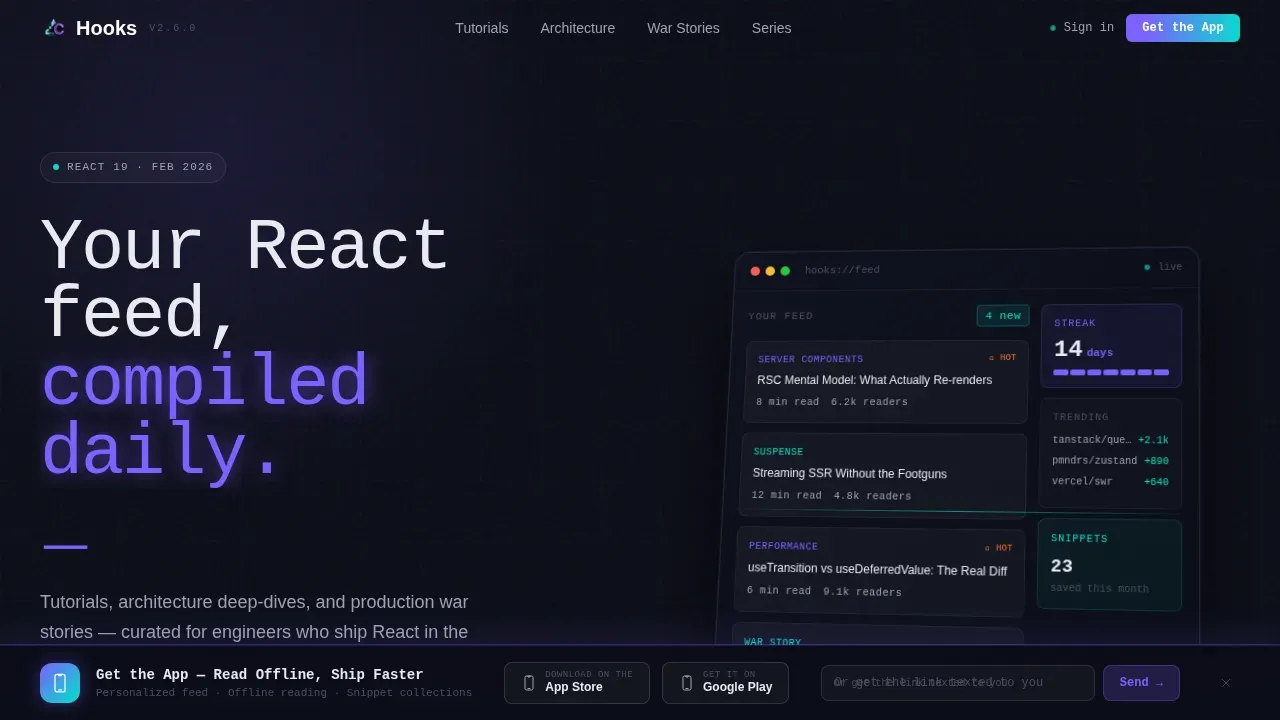
Hooks is a modular React developer blog landing page built on a dark IDE aesthetic with an AI iridescent color system. It combines an isometric dashboard preview, scroll-triggered bento card grids, large-stat authority sections, and a sticky app download bar to turn frontend engineering readers into committed app users and email subscribers.
by Rocket studio
Quick summary
Hooks is a card grid landing page template designed for a React developer blog that operates with the cadence and authority of a technical newsroom. The template surfaces trending tutorials, architecture deep-dives, and production war stories in a modular layout built for developers who live in their code editors. Every section is structured to earn trust before asking for commitment.
Who this template is for
This template is purpose-built for developer-focused content creators and engineering teams who want their React blog to feel like an intelligence platform rather than a personal journal.
- Mid-level frontend engineers at fintech or e-commerce startups who need practical React patterns daily
- Senior developers evaluating Server Components, Suspense boundaries, and React Server Component architecture
- Self-taught builders ready to move beyond tutorials and into production-grade React context
What problem this template solves
Most developer blogs look like generic blog themes. They fail to communicate authority, bury the best content, and give readers no reason to return. This landing page fixes that by presenting React content as curated, data-driven, and urgent.
- Readers land on a page that feels like opening a synced IDE, not a WordPress theme
- Content is organized by category clusters with reader-count stats that document real authority
- The app download flow and email capture create a clear conversion path without friction
What you get with this template
This is a complete, production-ready landing page template with a structured layout, rich animation setup, and a full component library. Every section maps to a specific conversion or trust-building goal.
- A hero section with an isometric dashboard preview, masked text reveal, and floating article card animations
- Modular bento card grids, large-stat authority blocks, and a sticky app call-to-action bar with email input
- A GitHub Developer Minimal footer and full scroll-triggered animation throughout the page
Feature list
This template ships with the following core features, each designed around real developer blog use cases and modern React landing page patterns.
Isometric Dashboard Hero Section
The hero section displays a pixel-perfect isometric dashboard preview at a parallax tilt. Hoverable article cards animate in on interaction, and a monospace headline overlays the preview. This high-impact area combines a compelling title, a floating call-to-action button, and an interactive display that earns the app download before asking for it.
Bento Card Grid with Scan Animations
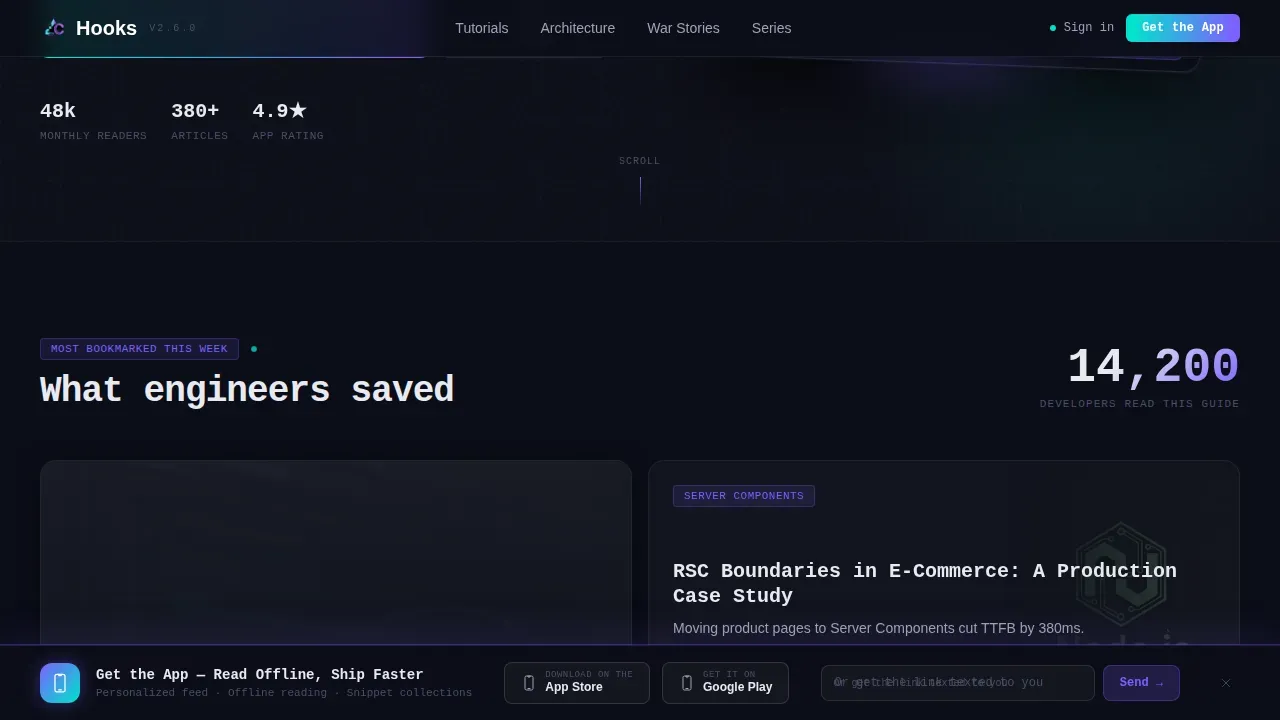
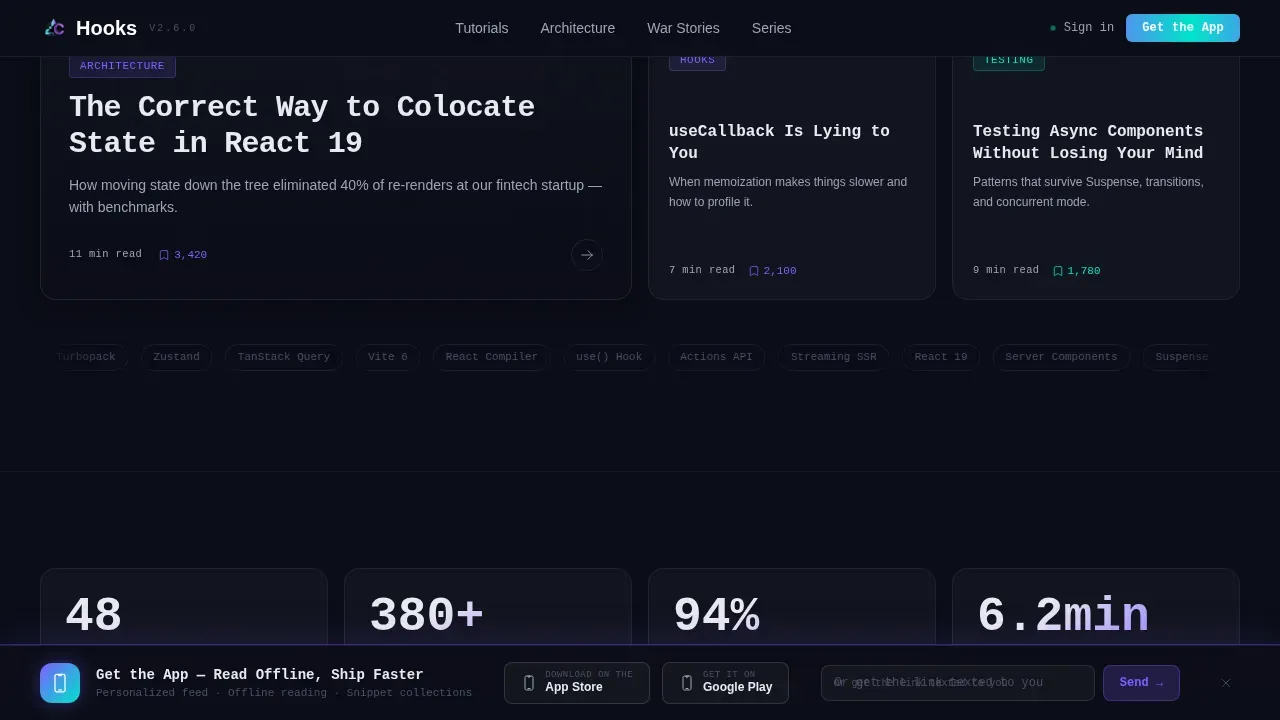
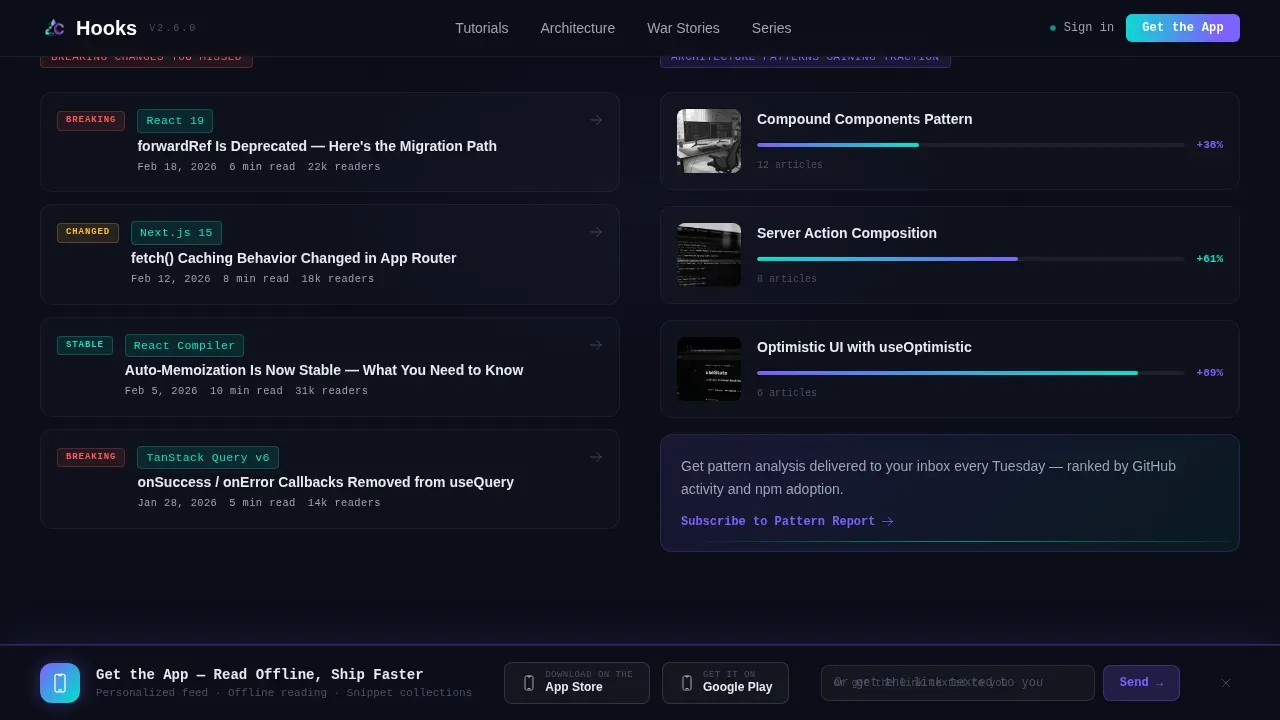
The trending section uses a responsive CSS grid of bento cards organized by editorial categories such as "Most Bookmarked This Week" and "Architecture Patterns Gaining Traction." Each card cluster opens with a large stat, giving the page the authority of a research publication. Scroll-triggered scan animations reveal cards as users move down the page, keeping engagement high without overwhelming the layout.
Scroll-Triggered Animation System
Every scroll transition is handled through layered animation using Framer Motion for masked text reveals, bento hover states, and sticky bar entrance timing. The animation structure escalates from trending content to deep technical series as the user scrolls, building a case for the platform section by section. Performance is split between Server Components for static content and Client Components for interactive scroll and hover interactions.
Sticky App Download Bar with Email Capture
A fixed sticky bar appears after the visitor scrolls past the third card cluster. It carries the primary call-to-action, app store badges, and a single-field email input for desktop users who prefer a direct link. This component handles forms with clear input validation and a submit path that keeps the message focused: read offline, ship faster.
State Management and Custom Hook Architecture
The template is built around functional React components using useState and useEffect for local state management and side effects. Custom hooks encapsulate reusable scroll logic and hover interaction state, keeping the codebase clean and scalable. This modular React structure makes it easy to import new card types or extend the component library without disrupting the default layout.
React Hook Form with Zod Validation
The email capture form uses React Hook Form to manage input state and minimize unnecessary re-renders. Zod validation adds schema-level error handling, so users see clear, contextual error messages when input does not match expected patterns. This hook form setup is lightweight and straightforward to adapt for additional forms across the project.
Page sections overview
| Section | Purpose |
|---|---|
| Hero Dashboard Preview | Display isometric app dashboard, masked headline, floating article cards |
| Trending Bento Grid | Show bookmarked content cards with scan animations and reader stats |
| Authority Stat Block | Build credibility with large reader-count data and category clusters |
| Architecture Series List | Present deep-dive content cards with hover reveal interactions |
| App Call-to-Action Bar | Drive app downloads via sticky bar, email input, and app store badges |
| GitHub Developer Footer | Close page with a minimal developer-community footer pattern |
Design & branding system
The visual identity channels Startup Velocity through an AI iridescent color system. The palette feels like a code editor running a custom theme at 2 AM, where every accent color carries the confidence of a passing test suite. The iridescent user interface aesthetic uses glowing gradients and glassmorphism-style depth to create a modern, visually layered background.
- Void black (#0B0D17) as the primary background, holographic violet (#7B61FF) for primary actions and category tags, shimmer cyan (#00E5CC) for inline code highlights, and soft pearl (#E8EAF0) for body text
- JetBrains Mono for headlines and code-style labels, DM Sans for body copy, with icons styled to match the dark IDE context
- The design system uses Tailwind CSS for utility-first styling, with complex linear gradients and backdrop blurs applied for iridescent depth across every component
Mobile & speed optimization
The template is designed desktop-first for developers working at workstations, with a fully responsive layout that adapts cleanly to tablet and mobile screen sizes. Responsive grids allow the page to adapt to any screen size without breaking the editorial structure.
- Lazy loading images keeps initial page weight low, so only visible images load on entry
- CSS grid columns reflow naturally across breakpoints, preserving card hierarchy and readability on smaller screens
- Smooth scrolling is applied to anchor links throughout the page, making navigation feel polished on all devices
How this template helps you convert
This landing page is structured so every scroll action builds trust before the conversion ask appears. Features, social proof, and calls-to-action each play a defined role in the reader's journey.
- The isometric dashboard preview in the hero section demonstrates the personalized feed experience before any signup is requested, so the value is visible before the commitment
- Reader-count stats and category clusters document authority at scale, giving mid-level and senior React developers a reason to trust the platform
- The sticky app download bar and email capture appear at the right scroll depth, with a focused message and a clear call to action button that converts readers who are already convinced
Other information about this template
This template is classified under React Documentation and is a strong reference for teams building developer-facing content platforms. It is designed to work well with modern AI tools and AI coding assistants that benefit from a structured, organized codebase.
- AI-powered tools can generate and manage React hook-based pages more effectively when the codebase uses a structured, feature-based architecture like this template provides
- Specificity in an AI prompt leads to better output when working with AI coding assistants; this template includes design system constraints, component type details, and layout context that make it a practical reference for any AI prompt workflow
- Including design system constraints in prompts leads to more consistent AI-generated results; this template's Tailwind CSS setup, component structure, and semantic HTML patterns serve as a clean base
- Framer Motion handles the animation layer, while useMemo and useCallback patterns can be applied to prevent unnecessary re-renders as the project scales
- Keyboard navigation and screen readers are considerations built into the semantic HTML document structure of this template, supporting a broader audience
- The template uses videos and images as content placeholders within the dashboard preview and card grid, making it straightforward to swap in real media
- Zod validation and React Hook Form are used together here as an example of a complete, lightweight form validation setup that works as a default across forms in the project
- AI tools like code generation assistants can adapt this template differently depending on the ai prompt specificity; iterating on prompts can refine AI-generated outputs to better meet user needs
- This hooks ai iridescent react documentation landing page template is available as a ready-to-use starting point for any react landing page project targeting a developer audience
Theme
Startup Velocity
Creative direction
Industry Report
Color system
AI Iridescent
Style
Card Grid (Modular)
Direction
App Download
Page Sections
Isometric Dashboard Hero with Parallax
Bento Card Grid with Scroll Animations
Framer Motion Animation Layer
Sticky App Download Bar with Email Capture
Modular Component and Custom Hook Architecture
Tailwind CSS Design System
Related questions
What React features does this template use?
How are forms handled in this template?
Is this template responsive for mobile users?
Can I adapt the color system and typography?
How does the sticky app download bar work?



