Aircraft Mechanic School Landing Page Template
Torque is a hub-and-spoke landing page template built for aircraft mechanic schools targeting family-driven career changers. It pairs an intimate quiz-starter header with a five-stage anchor navigation timeline, guiding spouses, parents, and veterans through every kitchen-table question in order. The Electric Indigo color system and warm amber accents make the page feel aspirational yet grounded.
by Rocket studio
Quick summary
Torque is a single-page aircraft mechanic school template designed for families weighing a real career pivot. A quiz-starter header draws visitors in immediately. Five anchor-linked hub sections then walk them through Discovery, Enrollment, Training, Certification, and First Paycheck. Every section pairs honest financial data with family-focused photography, so the scroll feels like a conversation, not a brochure.
Who this template is for
This template is built for aviation training schools that need to speak to the whole household, not just the prospective student. If your admissions message needs to reach spouses, parents, and veterans at the same time, this layout does that work.
- Aircraft mechanic training programs and hangar schools seeking family-focused enrollment pages
- Aviation schools marketing to career changers, veterans, and first-generation trade students
- Admissions teams who want a guided, quiz-driven funnel instead of a static information page
What problem this template solves
Most school landing pages talk to one person. Aircraft mechanic programs attract students whose families make the decision together. The biggest drop-off happens when a spouse or parent lands on a page full of program specs but no answers to the questions that actually matter: cost, scheduling around kids, salary timelines, and benefit eligibility. This template solves that directly.
- Removes uncertainty by presenting childcare-compatible class times, median salary benchmarks, and benefit breakdowns in plain language
- Replaces passive scrolling with an interactive quiz that builds a personalized enrollment path based on each family's real situation
- Structures the page so families move through the journey in the same order they would naturally think through it
What you get with this template
You get a complete hub-and-spoke landing page with a pinned anchor navigation bar, a quiz-starter header section, and five spoke sections covering every stage of the enrollment journey. The layout is built around a single primary conversion action, supported by a scheduling widget as a secondary step.
- Hub-and-spoke anchor navigation that pins to the top and fills with amber as the visitor scrolls
- A five-question progressive quiz leading to a personalized results page with an estimated return-on-investment timeline and a "Talk to an Advisor" scheduling widget
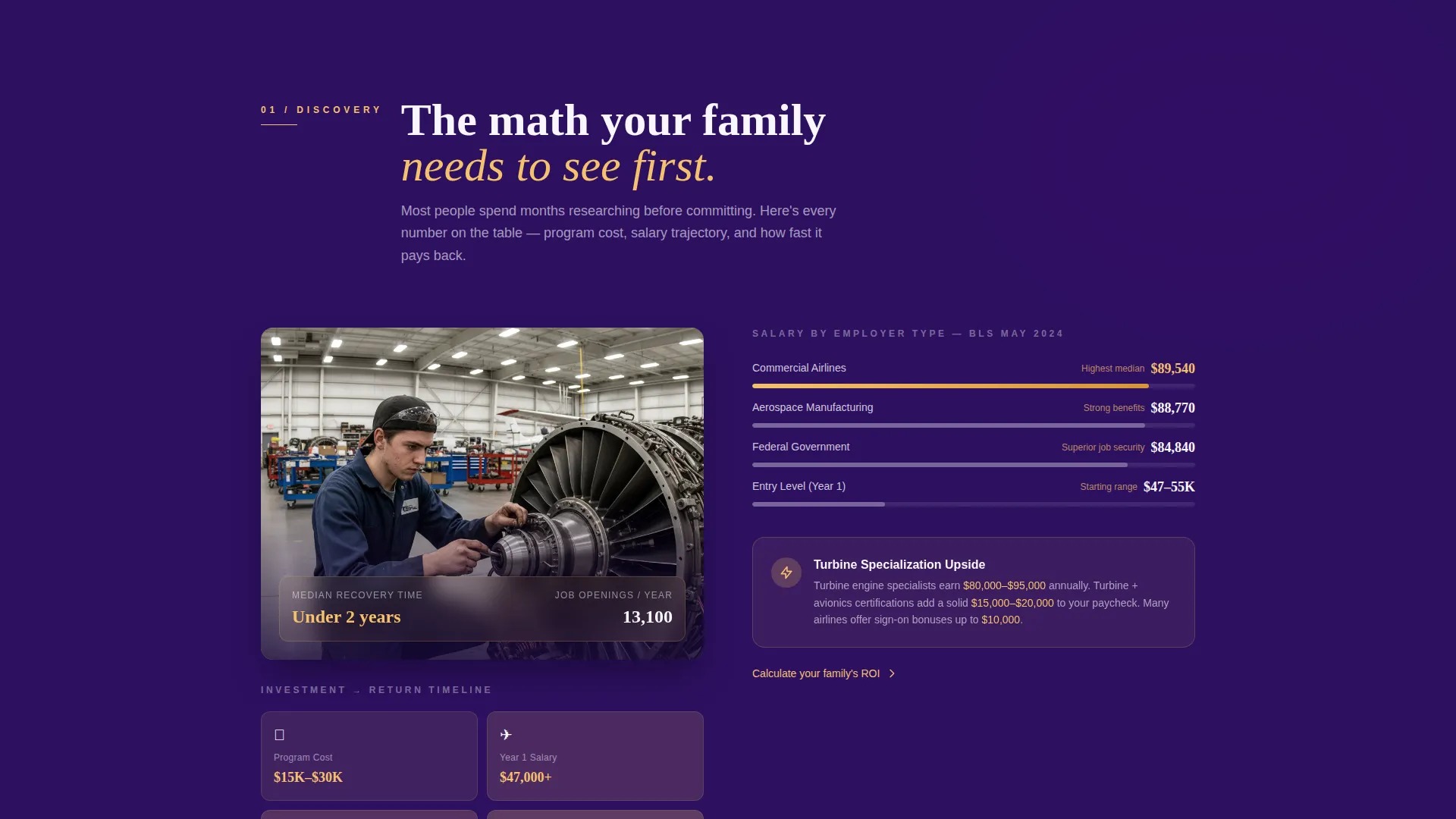
- Five family-journey spoke sections, each pairing a student-family photograph with real financial and scheduling data
Feature list
This template is built around several purpose-specific design and layout features. Each one is grounded in the brief and serves the family-first enrollment journey directly.
Quiz-Starter Header
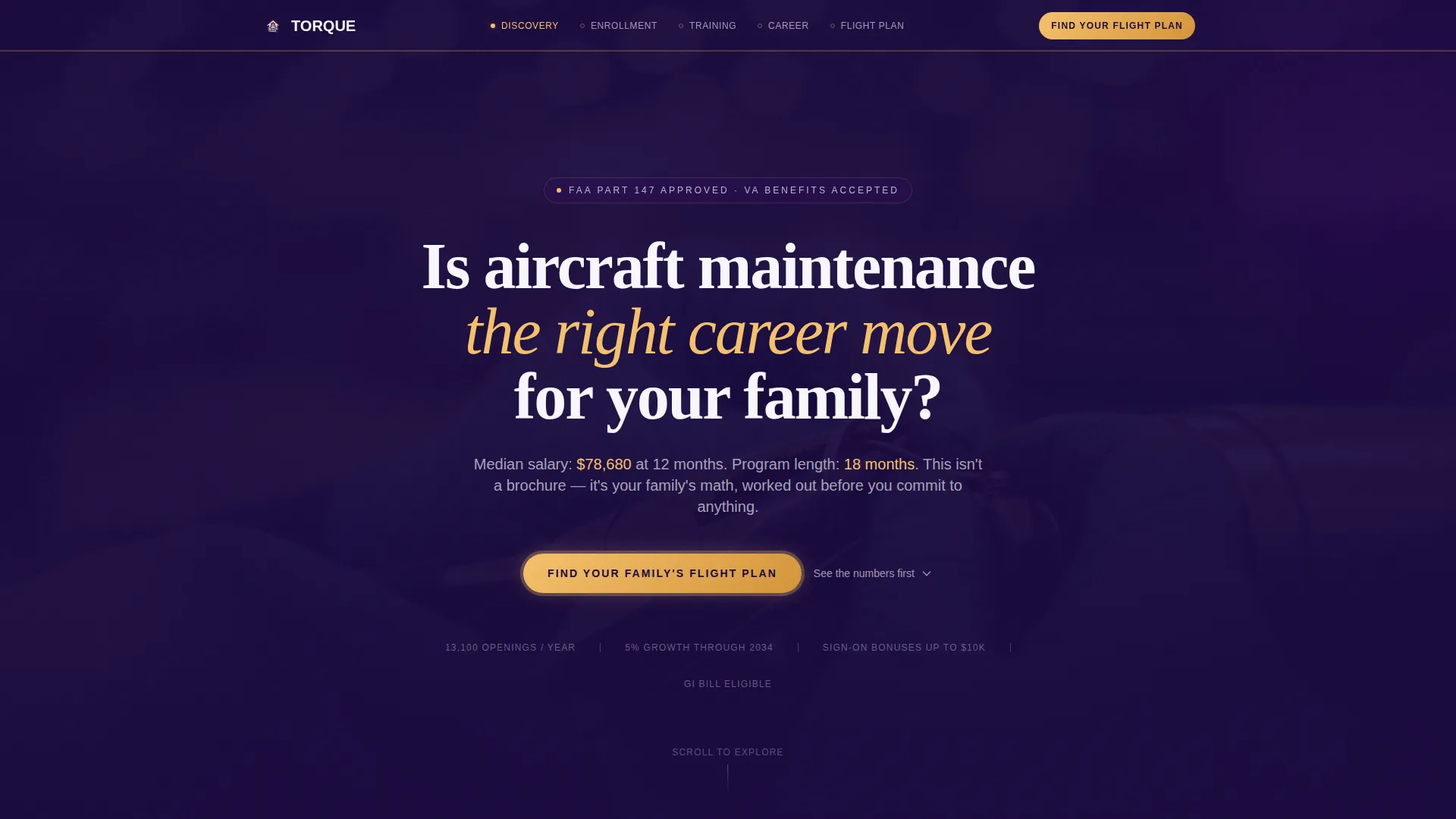
The header opens with a single warm-lit photograph of a student's hands mid-safety-wire, wedding band visible. Bold fuselage-white type asks one direct question. A single indigo button pulses gently below it. No navigation competes for attention at this stage.
Five-Stage Anchor Navigation
Once the visitor moves past the header, a horizontal timeline bar pins to the top of the page. It represents five family-journey stages: Discovery, Enrollment, Training, Certification, and First Paycheck. The bar fills with amber as the visitor scrolls, giving a clear sense of forward progress.
Progressive Quiz Funnel
The primary conversion is a five-question quiz titled "Find Your Family's Flight Plan." Questions cover household income range, military or civilian background, preferred campus or online format, biggest hesitation, and who is filling out the form. Each answer shapes a personalized results page with an enrollment path and estimated return-on-investment timeline.
Advisor Scheduling Widget
A "Talk to an Advisor" scheduling widget serves as the secondary conversion. It appears on the quiz results page after the personalized plan is shown. This gives families a low-pressure next step after receiving their custom recommendations.
Family-Journey Spoke Sections
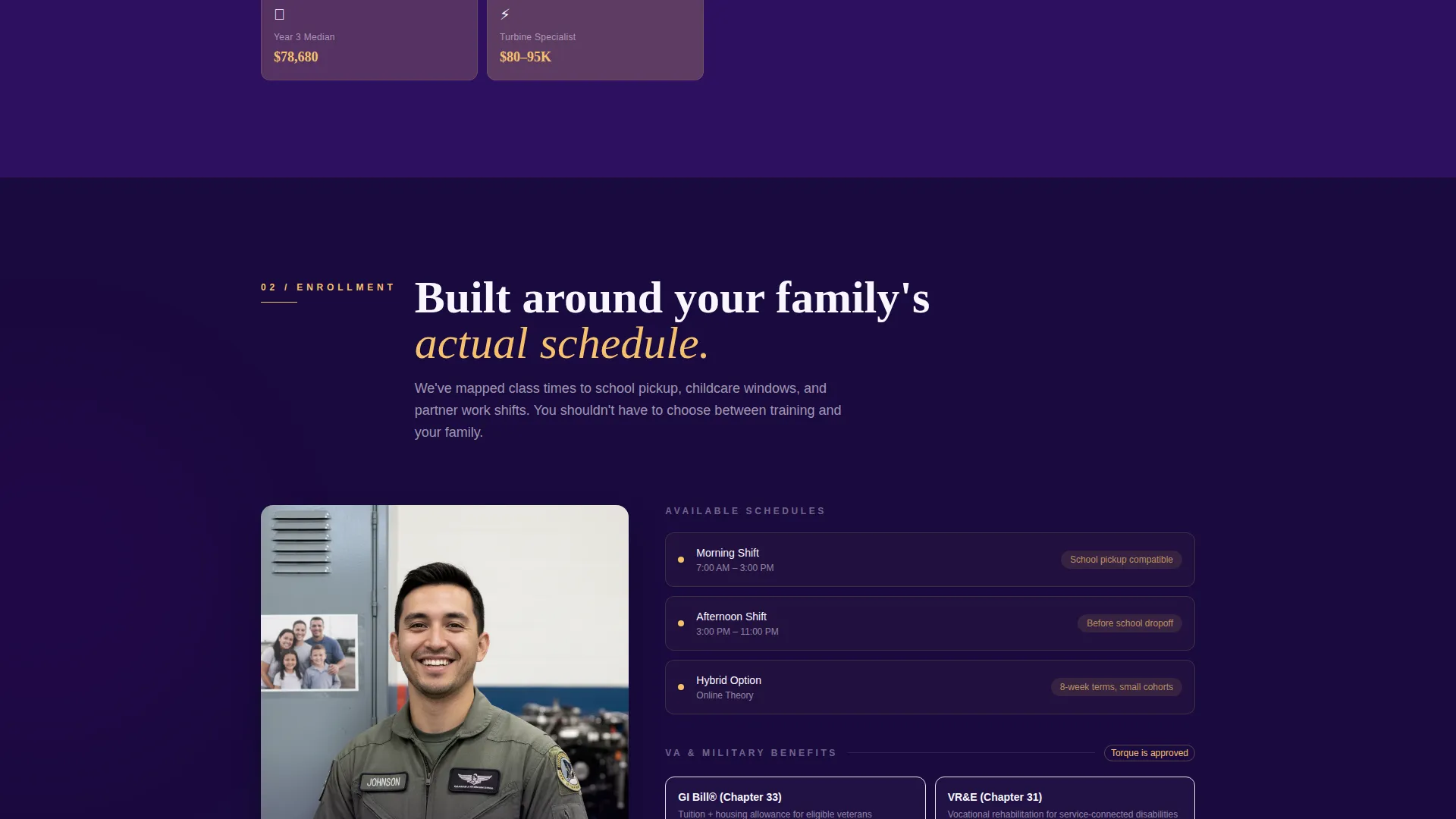
Each of the five hub sections pairs a student-family photograph with specific financial and scheduling information. Data points include childcare-compatible class times, median salary at twelve months, and veteran benefit breakdowns. The layout answers real kitchen-table questions in the order families ask them.
Electric Indigo Color System
Deep hangar blue, charged indigo, warm kitchen-light amber, and clean fuselage white work together across every section. Indigo dominates hero and section backgrounds. Amber highlights calls to action and milestone markers. White opens body text areas so the page never feels heavy or institutional.
Page sections overview
| Section | Purpose |
|---|---|
| Quiz Starter Header | Opens with an intimate photograph and a single conversion-focused question |
| Discovery Hub | Introduces the program and answers early-stage family curiosity |
| Enrollment Spoke | Covers application steps, class formats, and scheduling around family life |
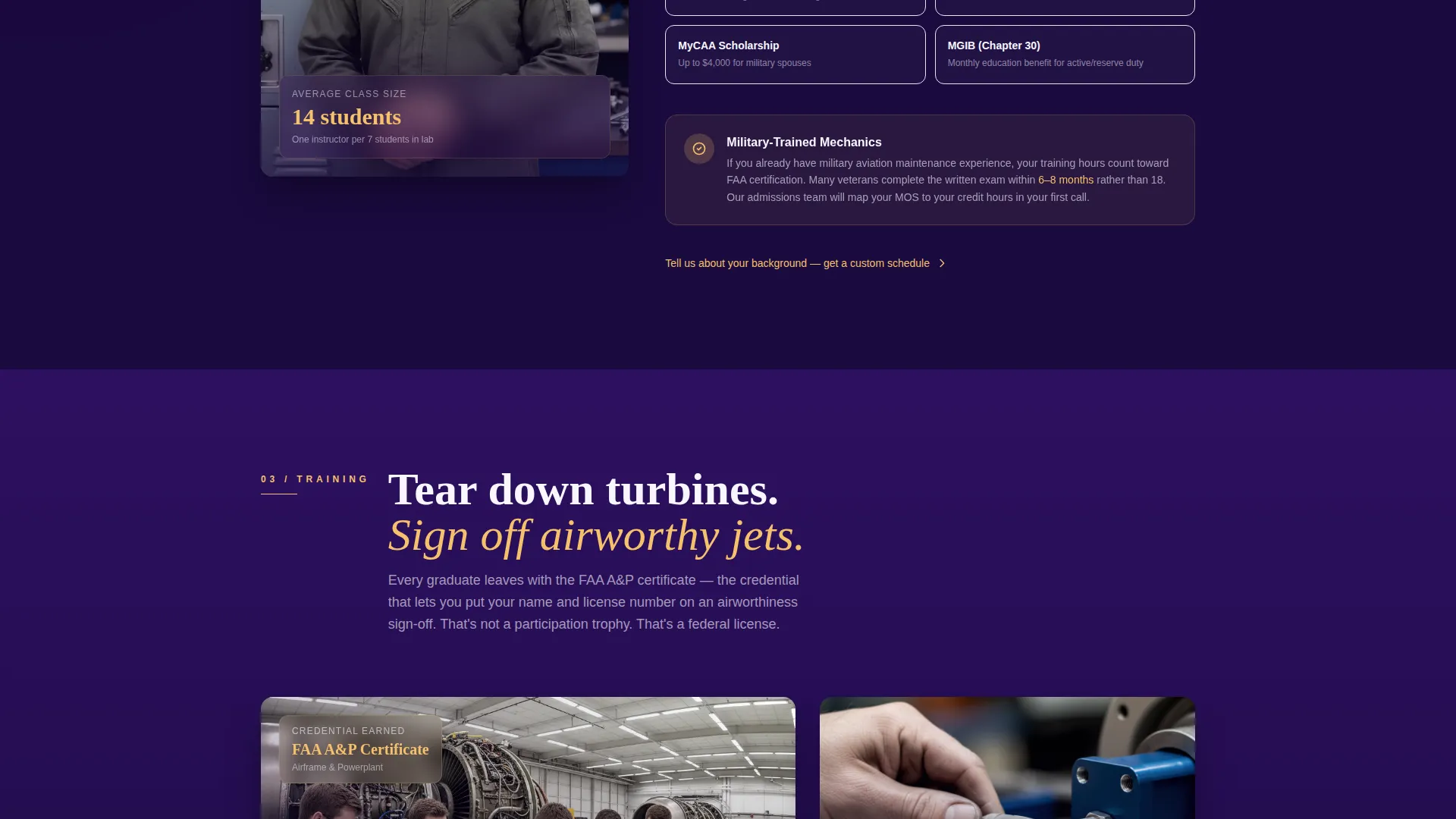
| Training Spoke | Explains hands-on curriculum, tools, and what students work on day to day |
| Certification Spoke | Details licensure, sign-off privileges, and what the credential means |
| First Paycheck Spoke | Presents salary benchmarks, ROI timelines, and veteran benefit data |
| Quiz Results Page | Delivers a personalized enrollment path and advisor scheduling widget |
Design & branding system
The Electric Indigo palette was chosen to feel like a porch light left on for someone coming home from a night shift. It is electric and aspirational in the dominant sections, then golden and grounding at the edges where decisions get made.
- Deep hangar blue (#1A0A3E) and charged indigo (#4B0082) dominate hero and section backgrounds throughout the page
- Warm kitchen-light amber (#F5C16C) is used exclusively for calls to action, milestone markers, and the scrolling timeline fill
- Clean fuselage white (#F8F7FF) opens up body text areas and prevents the layout from feeling heavy or institutional
Mobile & speed optimization
The hub-and-spoke layout and pinned anchor navigation are designed to work on smaller screens. Families researching programs at midnight on a phone need the same smooth journey as desktop visitors.
- The pinned timeline bar adapts to a compact horizontal strip on mobile, keeping stage labels visible without crowding the viewport
- Each spoke section stacks its photograph and data block vertically on small screens, preserving readability without horizontal scrolling
- The progressive quiz is built as a single-column step-by-step flow that works naturally on touch screens
How this template helps you convert
Every structural decision in this template is aimed at reducing hesitation and moving families toward a specific action. The quiz replaces passive reading with active participation, which builds commitment before asking for contact information.
- The quiz-starter header filters intent immediately by asking one direct family-focused question, so only motivated visitors continue into the spoke sections
- The progressive quiz collects household context before presenting any enrollment ask, which means the results page feels personally relevant rather than generic
- The advisor scheduling widget appears only after the personalized plan is shown, making the next step feel like a natural continuation rather than a cold sales prompt
Other information about this template
This template is part of a broader set of aviation and trade school layout concepts designed for programs where family buy-in drives enrollment decisions. A few additional points worth noting for anyone evaluating fit or planning customization:
- The template style is Hub and Spoke with Anchor Navigation, meaning all sections live on a single page and are linked through the pinned timeline bar
- The header concept is classified as a Quiz Starter, which means the primary entry point is an interactive question rather than a static headline
- The creative direction is Timeline Progression, so each section is sequenced to mirror the actual order in which families move from curiosity to commitment
- The template is categorized under Education and Training, within the Aviation and Maritime School subcategory, specifically targeting the Aircraft Mechanic School niche
- The color system is labeled Electric Indigo, a four-tone palette built around deep blues, charged indigo, amber, and white
- The landing page direction is Quiz and Assessment, meaning the core conversion architecture is built around a branching quiz rather than a form or waitlist
Theme
Family First
Creative direction
Timeline Progression
Color system
Electric Indigo
Style
Hub & Spoke (Anchor Nav)
Direction
Quiz/Assessment
Page Sections
Quiz-starter Header Section
Pinned Amber Timeline Navigation
Five-question Progressive Quiz
Personalized Results and ROI Timeline
Advisor Scheduling Widget
Family-journey Spoke Sections
Related questions
Can I customize the quiz questions for my specific program?
Is this template suitable for veteran-focused aviation programs?
How does the pinned timeline navigation work?
What is the primary conversion action in this template?
Does the template support both campus and online program formats?



