Software & SaaS Advanced Professional Website Template
Track is a card grid landing page template built for bug tracking teams who need clarity fast. It presents a dark, IDE-style board view with severity-coded cards, staggered scroll animations, and stats-first modules that lead with real numbers. Engineering leads, QA analysts, and product managers can all see exactly where every bug stands before a release ships.
by Rocket studio
Quick summary
Track is a single-page bug tracking template designed for engineering teams that need to triage software bugs before they reach production. It opens with a full-width product board screenshot, leads every feature module with an oversized metric, and closes with a frictionless free-trial call to action. The page earns each click with proof, not promises.
Who this template is for
This template is built for teams that live inside bug queues every day. It speaks directly to people who need to track bugs, assign them fast, and ship clean releases.
- Engineering leads managing Monday morning bug floods and sprint priorities
- QA analysts filing detailed bug reports at odd hours with steps to reproduce
- Product managers who need to quickly assess whether a release is blocked
What problem this template solves
Bug tracking breaks down when reported bugs land in the wrong place, duplicate filings pile up, and no single team member knows the bug's status. The result is back and forth that slows every fix and delays every release.
- Bugs without a defect id or priority labels get lost between developers and QA teams
- Missing environment details and steps to reproduce force repeated back-and-forth conversations
- No clear status tracking means relevant stakeholders can never tell what is resolved and what is not
What you get with this template
This template includes a fully structured, modular card grid landing page ready to deploy. Every section is purpose-built to convert engineering team visitors into free-trial signups.
- A hero section with a CSS-built product board screenshot and floating stat overlays
- A stats-first bento grid where oversized metrics precede each feature explanation
- A sticky call-to-action bar, a workflow proof strip, and a full-width final conversion module
Feature list
This bug tracking template packages six high-impact sections into one cohesive, dark-themed landing page. Each feature below is built directly from the project brief.
Stats-First Bento Grid
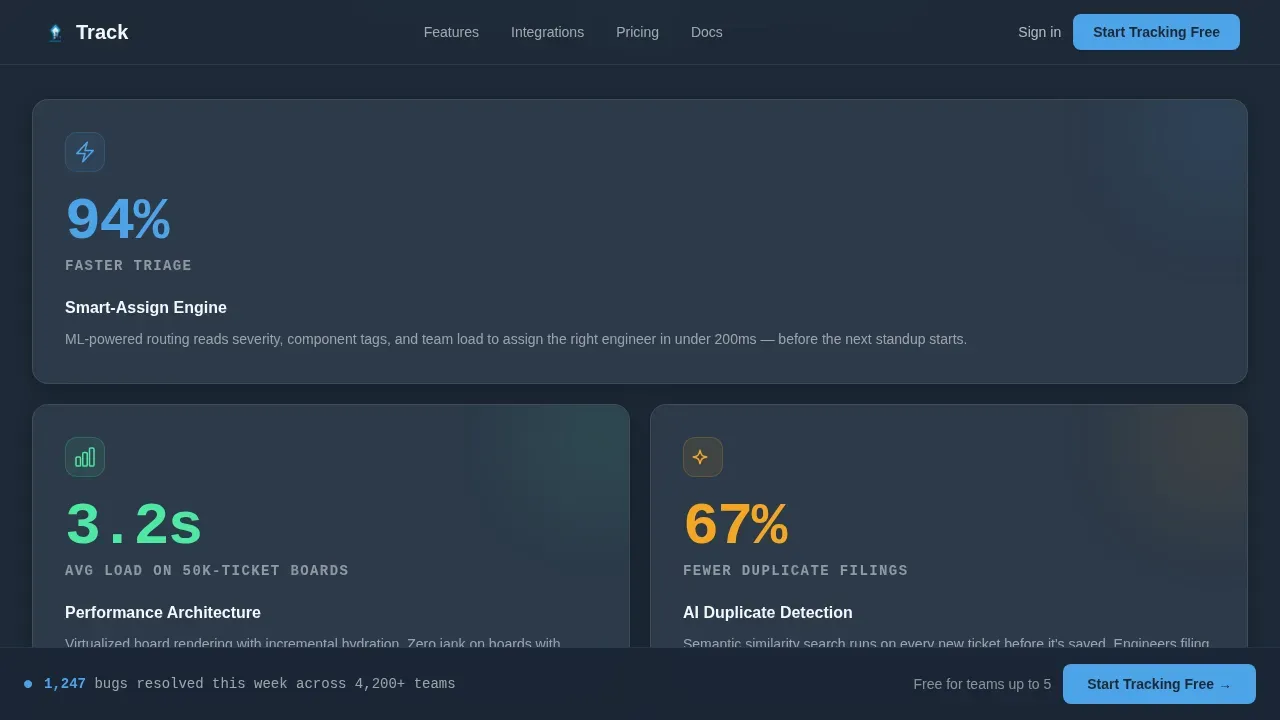
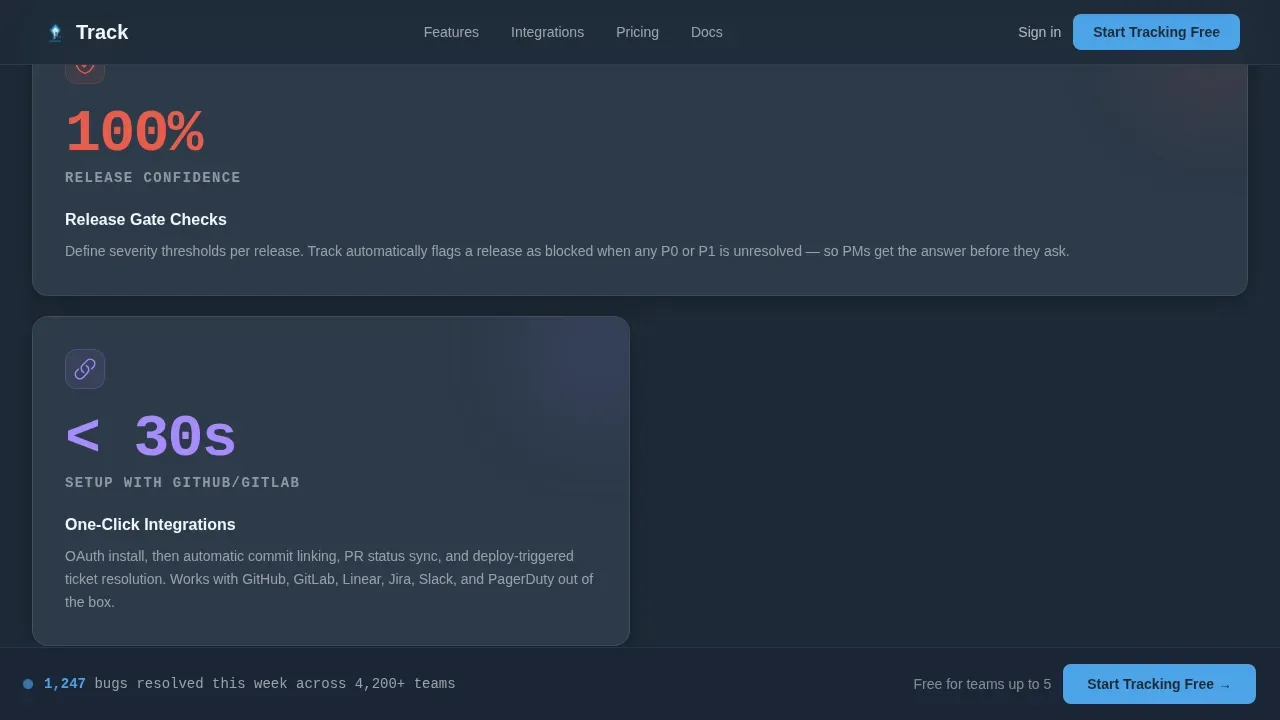
Each card in the bento grid opens with a single oversized metric before revealing the feature behind it. "94% faster triage" precedes the smart-assign engine. "67% fewer duplicate filings" precedes the duplicate-detection module. Numbers hit first; the explanation earns them. This approach helps users trust the template's claims without reading a single marketing paragraph.
Product Screenshot Hero
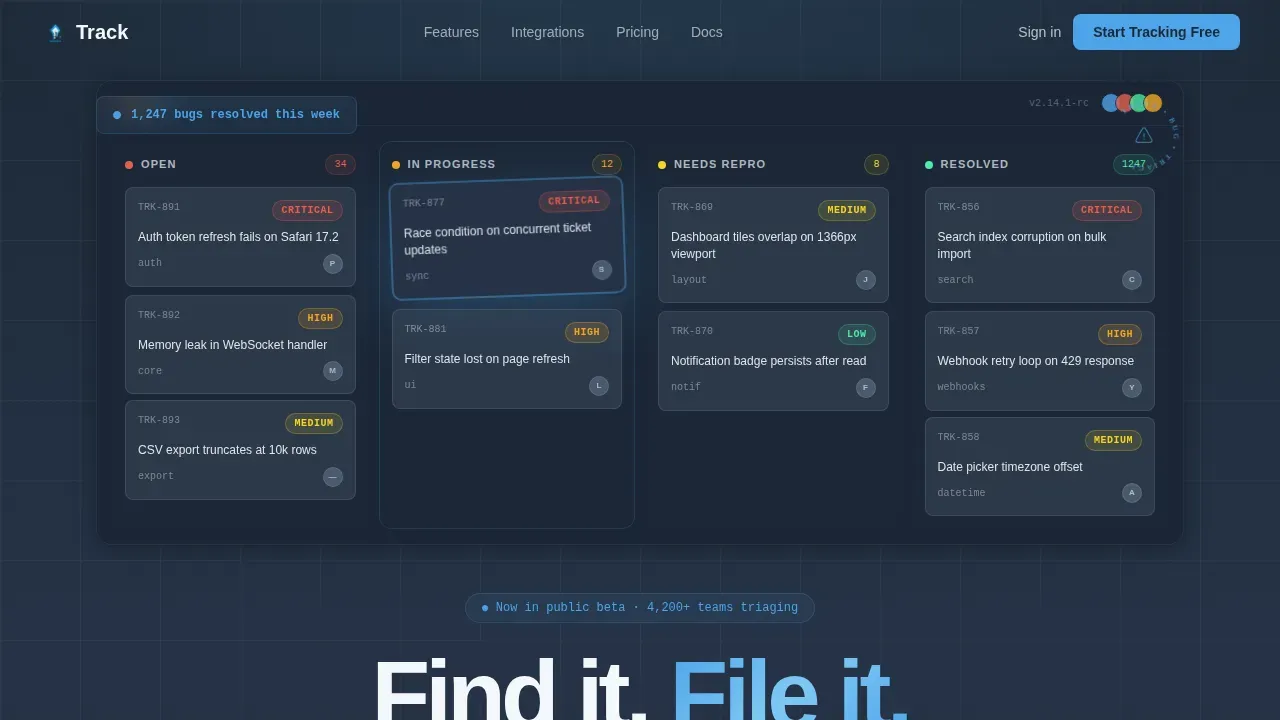
The header is a full-width, pixel-perfect board view mid-triage. Columns show Open, In Progress, Needs Repro, and Resolved states. Cards are color-coded by severity, and one card appears mid-drag with a subtle motion blur. A live-counter overlay reads "1,247 bugs resolved this week" in sky blue, grounding the page in real scale immediately.
Severity-Coded Card Grid
Cards across the page carry color-coded severity indicators so any team member can quickly assess urgency at a glance. The modular grid layout lets developers, QA teams, and product managers scan reported bugs by priority without opening individual tickets. Each card slot can hold custom fields relevant to a specific project or release cycle.
Staggered Scroll Animations
Every card module animates into the grid on scroll with staggered easing, each one sliding up and settling like a ticket dropping into its column. The motion reinforces the Dynamic Motion theme without feeling decorative. Animations are driven by scroll triggers so they fire at the right moment for desktop users on large monitors.
Sticky Call-to-Action Bar
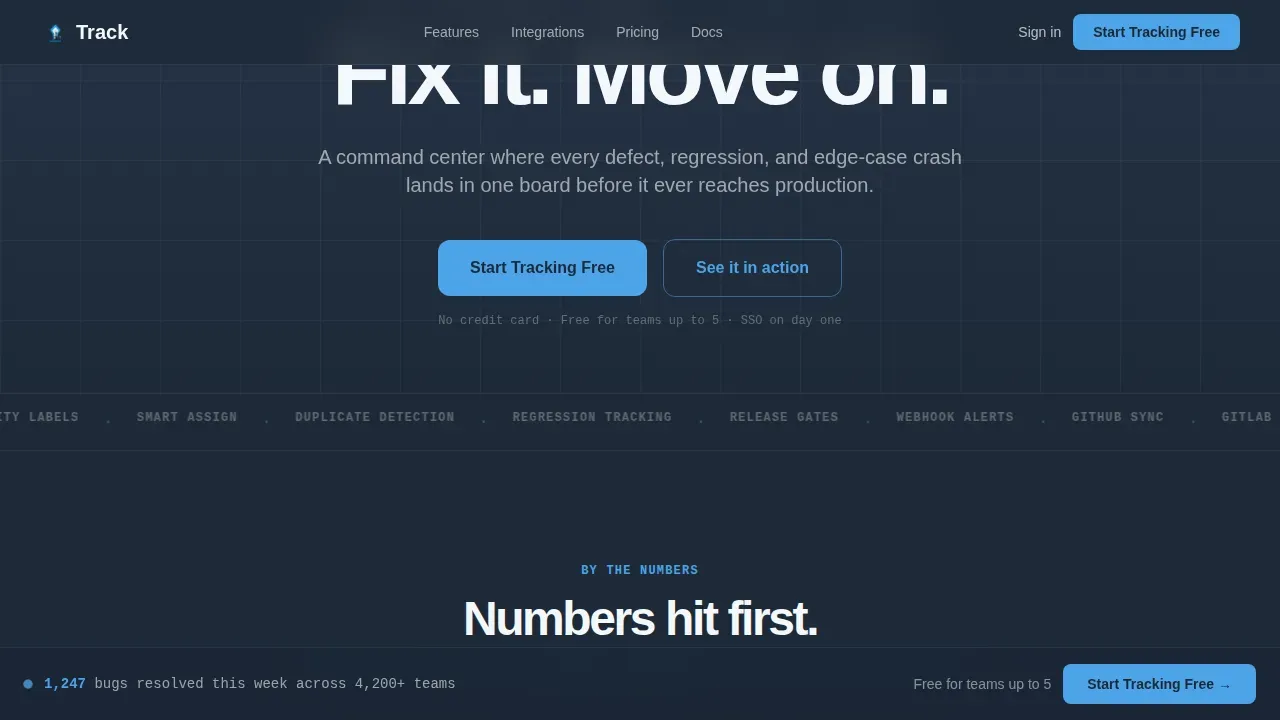
After the third card row, a sticky bottom bar appears with the primary "Start Tracking Free" call to action. It stays visible as users scroll through feature modules, reducing the distance between intent and action. The bar disappears cleanly when the final full-width conversion module comes into view.
Workflow Proof Strip
A horizontal scroll card strip shows the full triage flow: Open, In Progress, Needs Repro, and Resolved columns laid out in sequence. This visual proof demonstrates how bugs move through the development lifecycle from first report to final resolution. It helps visitors understand the template's structure before they sign up.
Page sections overview
| Section | Purpose |
|---|---|
| Hero board view | Establish credibility with a live-looking board screenshot and stat overlay |
| Stats-first bento | Lead each feature with a metric before revealing the capability |
| Workflow proof strip | Show the triage column flow from open to resolved |
| Social proof cards | Testimonials from an engineering lead, QA analyst, and product manager |
| Final conversion module | Full-width "Start Tracking Free" call to action in sky blue on slate |
| Footer single row | Minimal footer following a linear single-row pattern |
Design & branding system
The visual identity follows a Slate and Sky color system that feels like an integrated development environment at dusk. It is dark enough to stare at for hours and punctuated by blue that demands attention.
- Deep slate (#1E2A38) for card backgrounds, mid-graphite (#3B4A5C) for secondary surfaces, open-sky blue (#4DA3E8) for active states and primary buttons, cloud white (#F4F7FA) for typography
- DM Sans for body and headings, JetBrains Mono for metrics and code-style labels, reinforcing the developer-tool context
- Hover states on severity cards, drag-blur card effect on the hero, and counter animations throughout reinforce the Dynamic Motion theme
Mobile & speed optimization
The template is desktop-first, built for engineering leads on large monitors. It also delivers a solid mobile experience so QA analysts can file a bug report from any device.
- Staggered card animations are scroll-triggered and optimized for desktop viewports without sacrificing mobile readability
- The page targets a load time under three seconds, consistent with best practices for performance in developer tooling contexts
- The bug report form linked from the call to action is designed for frictionless completion, with no CAPTCHA barriers that reduce submission rates
How this template helps you convert
This landing page is structured to move a skeptical engineering lead from first scroll to free-trial click without a single paragraph that reads like marketing copy.
- The hero screenshot looks like real work already in progress, so visitors see the tool before they read about it, building immediate trust in the bug tracking process.
- Stats-first modules lead with proof, making it easy for product managers and developers to justify signing up based on specific improvements rather than vague promises.
- The sticky call-to-action bar and the final full-width module keep the conversion path visible at every stage of the scroll, ensuring transparency and reducing drop-off.
Other information about this template
This is the Track smart bug triage landing page template, a comprehensive bug tracking template designed for modern software development teams. A bug tracking template is a structured digital tool that helps teams efficiently manage and resolve software defects across the full development lifecycle. A well-designed bug report template should include several key components: a unique defect id, a descriptive title, steps to reproduce, environment details including the operating system and browser, expected versus actual result, severity and priority, assignment fields, due date, and screenshots or logs.
Using tracking templates uniformly allows teams to spot trends and manage software quality. A bug report form is a standardized document that systematically records and tracks software issues. Bug reporting forms can be submitted by anyone by sharing the form link, even users who do not access the bug tracking tools directly. A good bug tracking template should include assignment fields to track each team member's responsibilities and due date, ensuring transparency across relevant stakeholders. Bugs move from new reports through triage, development, testing, and release so anyone can see where a particular issue sits within a given time frame.
- A centralized repository consolidates all bug-related screenshots, logs, and discussions into a single source of truth
- Automated workflows can provide instant assignment, status updates, and notifications for new reports
- Integration with other tools connects bug tracking with project management workflows to improve visibility
- Contextual evidence fields support uploading of screenshots, screen recordings, and log files for faster validation
- Status change alerts automatically notify relevant stakeholders when a bug's status changes, reducing the need for manual follow-up
- Effective tracking templates include guided submission workflows with structured forms for consistent data across every bug report
Theme
Dynamic Motion
Creative direction
Stats-First Impact
Color system
Slate & Sky
Style
Card Grid (Modular)
Direction
Click-Through
Page Sections
Stats-first Bento Grid Cards
Product Board Screenshot Hero
Severity-coded Modular Card Grid
Staggered Scroll Animations
Sticky Call-to-action Bar
Workflow Proof Strip
Related questions
What sections does this landing page template include?
Who is this bug tracking template built for?
Does the template include a bug report form?
Can I customize the severity labels and card fields?
How does the stats-first layout help with conversions?



