Software & SaaS Professional Website Template
Vault is a scroll reveal landing page template built for file storage and sharing platforms. It combines a dark Void & Violet visual identity with data-forward, Industry Report storytelling to move visitors from skepticism to action. Animated counters, a flow diagram, a benchmark table, and a live transfer simulation do the convincing before the call to action ever appears.
by Rocket studio
Quick summary
Vault is a single-page, scroll reveal landing page template for file transfer and sharing platforms. It uses progressive data reveals, animated benchmarks, and a persistent call-to-action bar to convert visitors into free trial signups. The design is dark, focused, and built around simplicity and speed as the core message.
Who this template is for
This template is built for teams and founders who need to communicate speed, security, and reliability at a glance. It suits B2B SaaS products where the product itself is the proof.
- Startup founders sharing pitch decks and large files under deadline pressure
- Production teams routing raw video footage and photo assets across time zones
- Legal teams managing contract document versions where every detail matters
What problem this template solves
Most file sharing platforms struggle to earn trust on a landing page. Visitors arrive with an immediate need to move data and leave if the page cannot prove its value in seconds. Generic layouts with long forms and cluttered navigation make the problem worse.
- Failed transfers waste time, and no landing page quantifies that cost clearly
- Competitors look identical, making it hard for users to select the right platform
- Long sign-up flows reduce action before visitors ever reach the free trial
What you get with this template
Vault delivers a complete, production-ready landing page template structured around an Industry Report creative direction. Every section is designed to display evidence before it asks for a click. The page has no navigation menu, keeping visitors focused on one action.
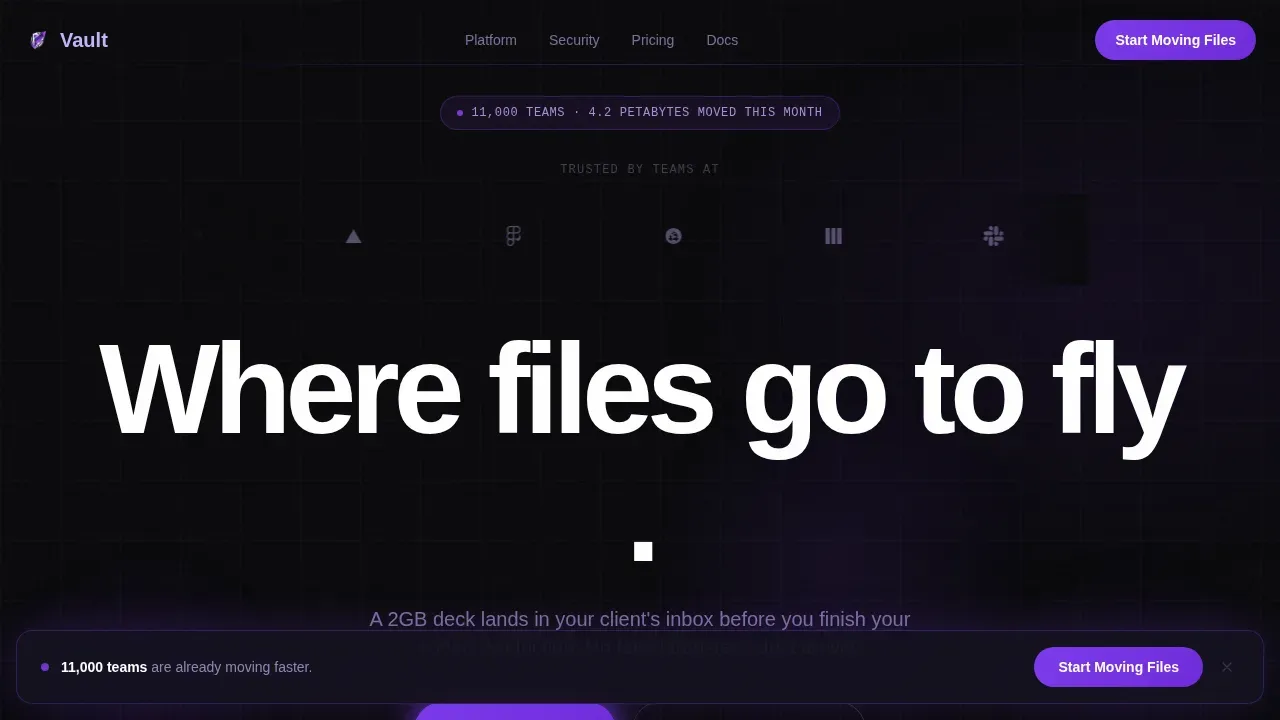
- A hero section with a logo marquee ribbon, animated headline, and above-the-fold call-to-action button
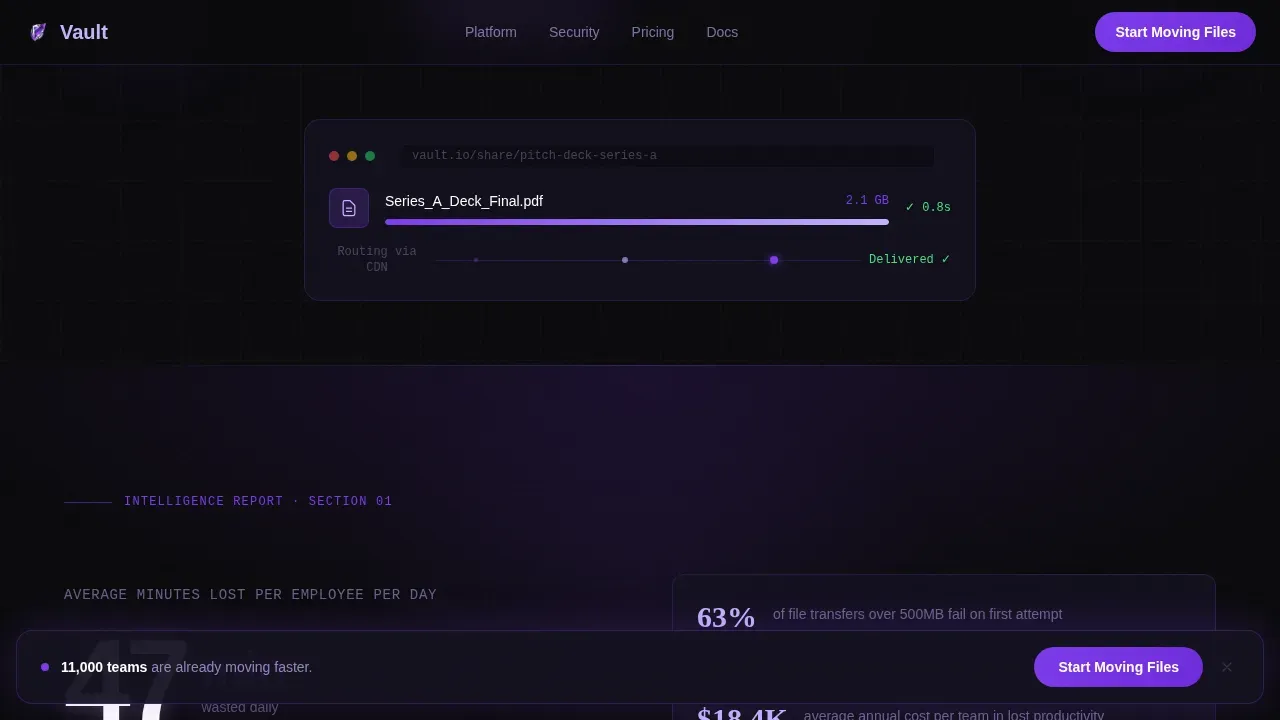
- An animated problem counter, a file flow diagram, a benchmark comparison table, and a live transfer simulation section
- A persistent bottom-bar call to action that stays active after the second scroll section
Feature list
A paragraph introducing the feature set: each feature in this template is grounded in the source brief and designed to serve a specific conversion goal. Together they create a page that earns the click rather than begging for it.
Scroll Reveal Progressive Layout
Each section materializes from the void as the visitor scrolls. The Intersection Observer pattern controls the reveal timing, so data feels declassified rather than dumped. This structure keeps users engaged section by section.
Animated Problem Counter
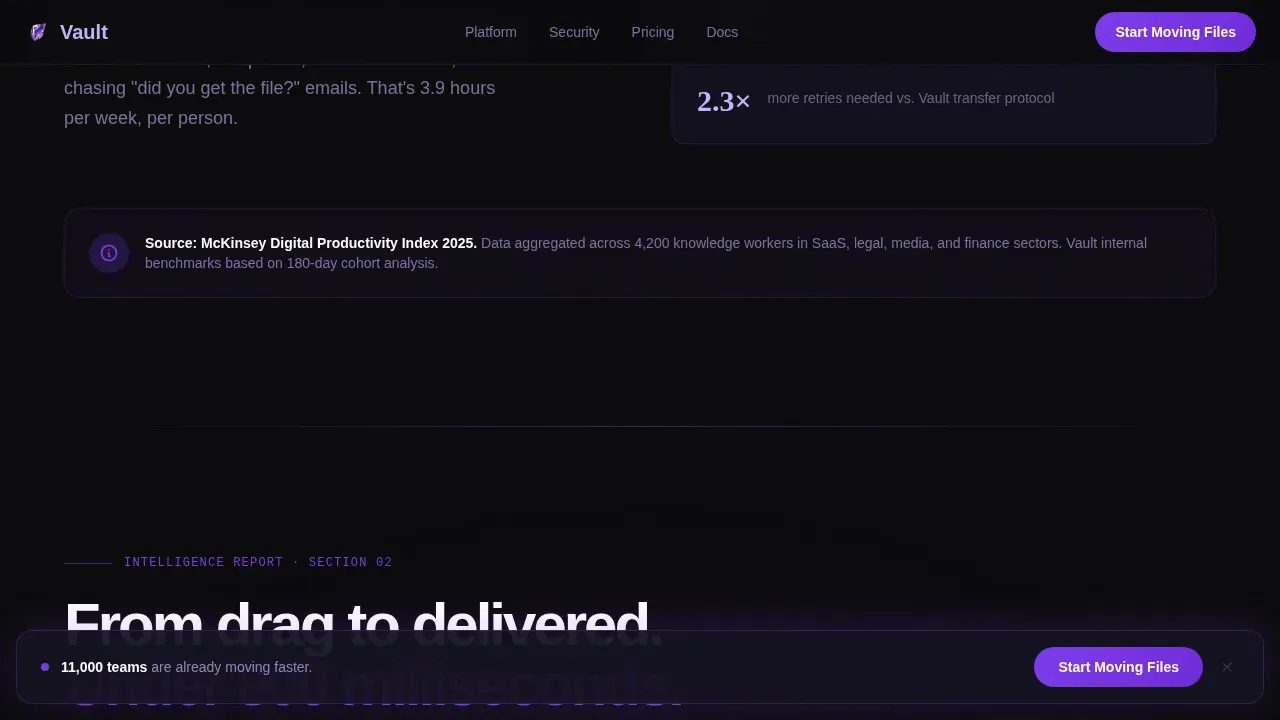
An on-scroll counter animates from zero to the average minutes lost per employee per day to failed transfers. It reframes the document sharing problem as a measurable business cost before offering any solution.
Encrypted Flow Diagram
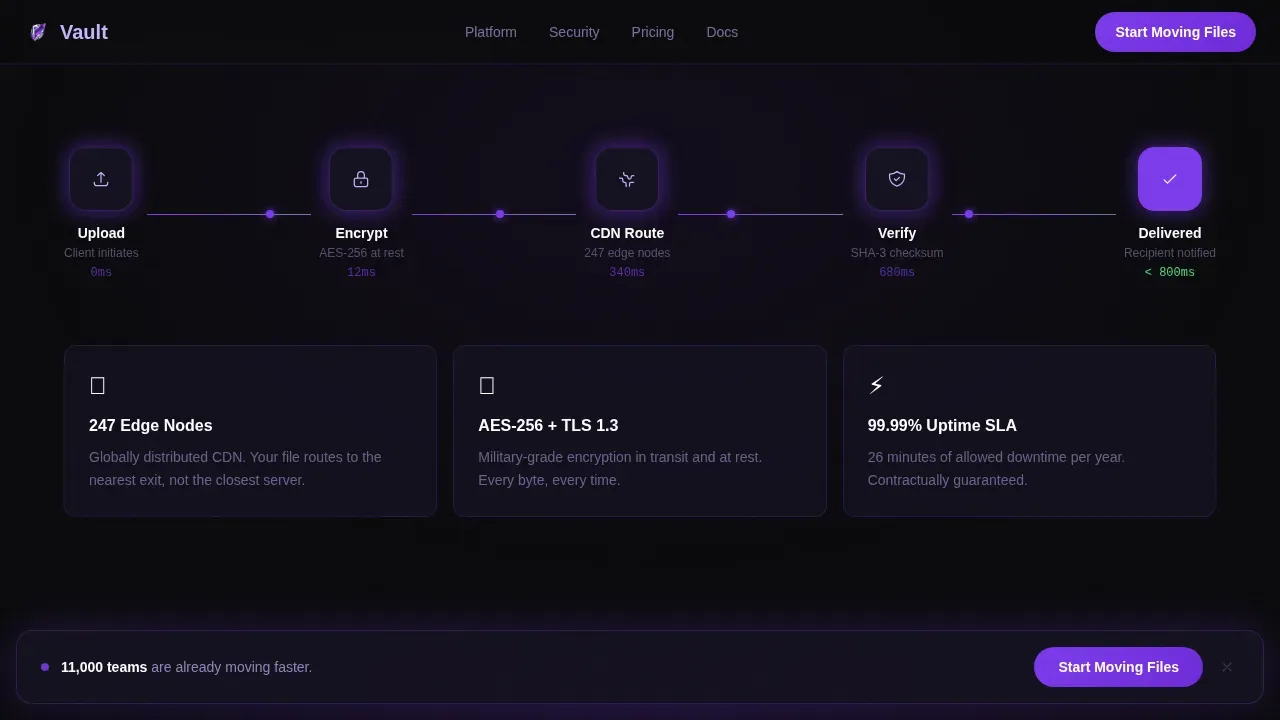
An animated diagram walks through how a single file moves through encryption, CDN routing, and delivery. It visualizes the secure data storage and transfer process in a way that text alone cannot match. Users see the path their files take.
Benchmark Comparison Table
A speed, file size, and uptime table compares the platform directly against competitors. The platform column pulses in electric violet to draw the eye. This section gives IT decision-makers the details they need to justify a switch.
Live Transfer Simulation
The final content section lets visitors watch a test file transfer complete in real time. This side-by-side simulation replaces copy with proof. By this point, the call-to-action shift to "Try It Free" feels earned.
Persistent Call-to-Action Bar
After the second scroll section, a violet bottom bar floats on every device. It keeps the primary action visible without interrupting the reading flow. No form appears on this page, reducing friction to a single click.
Page sections overview
| Section | Purpose |
|---|---|
| Hero Logo Marquee | Opens with moving company logos and the headline reveal above the fold |
| Problem Counter | Animates the minutes lost daily to failed file transfers |
| Encrypted Flow Diagram | Shows the file path through encryption and CDN routing |
| Benchmark Table | Compares transfer speed, file size limits, and uptime |
| Live Transfer Demo | Side-by-side real-time simulation with the final call to action |
| Developer Minimal Footer | Clean footer following the GitHub developer minimal pattern |
Design & branding system
The Void & Violet color system creates an atmosphere that feels like a server room at 2 a.m. Every color choice communicates security and precision. The dynamic motion theme reinforces the platform's core promise of speed.
- Void black (#09090B) backgrounds with deep space indigo (#1E1035) gradient bleeds that shift on scroll
- Electric violet (#7C3AED) drives every interactive element, including buttons, toggles, and upload animations
- Reactive lilac (#C4B5FD) appears on hover states and progress indicators, and all logo marquee assets render in monochrome lilac
Mobile & speed optimization
The template is designed desktop-first with a mobile-responsive layout. Every interactive element scales cleanly across device sizes, and large tap targets make it easy to take action on smaller screens.
- CSS animations power all reveals and counters, keeping the page light and performant across device types
- The persistent call-to-action bar adapts to mobile viewports so the primary action is always visible
- Above-the-fold positioning keeps the core value proposition and transfer action button immediately visible without scrolling on any device
How this template helps you convert
The Industry Report structure turns data into a persuasion sequence. Visitors do not feel sold to. They feel informed, and the call to action arrives at the moment they are already convinced.
- The problem counter and benchmark table address the document-level pain directly, giving users facts they can share with their admin or team before signing up
- The live simulation closes the gap between claim and proof, so clicking "Try It Free" feels like a logical next step rather than a leap of faith
Other information about this template
This template is the Vault instant file transfer landing page template, and the template name reflects its core promise: secure, fast, and invisible delivery. Builders can open this existing template and customize it to match their platform's voice and offer.
- Each document template in the Vault system uses an admin-uploaded source file as its base, and you can extend it with custom fields to store additional data or attributes
- Version history is built into the document management concept, allowing users to track changes and recover previous versions of stored files and folders
- You can click save after editing any section to preserve your changes directly within the builder, and re-click save whenever you update copy, photo assets, or video blocks
- Access control details, audit logs, tags, and categories are all concepts this template can reference in its copy to communicate the platform's security credentials
- Passwords, personal data, and encrypted file storage are topics the benchmark table and flow diagram sections are structured to address for users evaluating secure data storage options
- When organizing folders and document categories, admin users can select the enabled field on a document type to display only active templates to users creating new documents
- Disabling a template makes it temporarily unavailable; note that you can convert a basic document template to a controlled document template at any point to extend its value
- Security badges can be attached to the hero or footer to display certifications and protect visitor trust; for example, icons representing 256-bit AES encryption or SSL certification add immediate credibility
- The homepage of the site built from this template has no navigation menu, which keeps visitors focused on one action and reduces the chance they delete themselves from the conversion funnel by browsing away
Theme
Dynamic Motion
Creative direction
Industry Report
Color system
Void & Violet
Style
Scroll Reveal (Progressive)
Direction
Click-Through
Page Sections
Scroll Reveal Progressive Sections
Animated Problem Counter
Encrypted File Flow Diagram
Pulsing Benchmark Table
Live Transfer Simulation
Persistent Floating Call to Action Bar
Related questions
Can I edit the animated sections without coding experience?
Does this template include a signup form on the page?
How do I update the benchmark table with my platform's data?
Can this template communicate encrypted file storage and version history to visitors?
Is the persistent floating call-to-action bar included and ready to use?



