Expert Pharmaceutical Software & SaaS Professional Website Template
Formulary is a Bold Brutalist pharmaceutical inventory management landing page template built for hospital pharmacies and distribution warehouses. It features a Feature Tab Switcher header, an interactive card grid with expandable micro-demos, and a persistent app download bar. The Void & Violet color system and monospaced data tables give it the sharp, clinical authority pharmaceutical professionals expect.
by Rocket studio
Quick summary
Formulary is a single-page pharmaceutical inventory management template built around a modular card grid layout. It tracks lot numbers, expiration windows, and reorder thresholds through an interactive interface that lets visitors explore the product before downloading. The design is Bold Brutalist: void black backgrounds, pharmaceutical violet highlights, and sharp-cornered cards that feel stamped from sheet metal.
Who this template is for
This template speaks directly to the people responsible when a critical medication runs out at the worst possible moment. It was designed with their daily pressure in mind.
- Pharmacy directors managing Drug Enforcement Administration compliance and group purchasing organization contracts
- Hospital supply chain managers responding to overnight stock-out alerts
- Regional pharmaceutical distributors reconciling thousands of National Drug Code entries against shifting demand
What problem this template solves
Pharmaceutical inventory carries real clinical risk. A shelf full of expired vials or a missing critical medication during a supply disruption is not a minor inconvenience. This template gives teams a way to present and promote a platform that eliminates those gaps.
- Lot numbers and expiry countdowns go untracked across disconnected warehouse systems
- Reorder decisions get made too late, after a stock-out has already occurred
- Compliance documentation for controlled substances is scattered and hard to audit quickly
What you get with this template
You get a fully structured, single-page layout built to promote a pharmaceutical inventory management platform from first scroll to final conversion. Every section is purpose-built and ready to customize.
- A Feature Tab Switcher header with three interactive states: TRACK, COMPLY, and REORDER
- A three-row interactive card grid with expandable feature cards, integration flip cards, and compliance cards
- A persistent floating app download bar with Apple and Android icons, plus a secondary enterprise demo request path
Feature list
This template packages several purpose-built components, each designed to let a pharmacist evaluate the product the way they would audit their own inventory.
Feature Tab Switcher Header
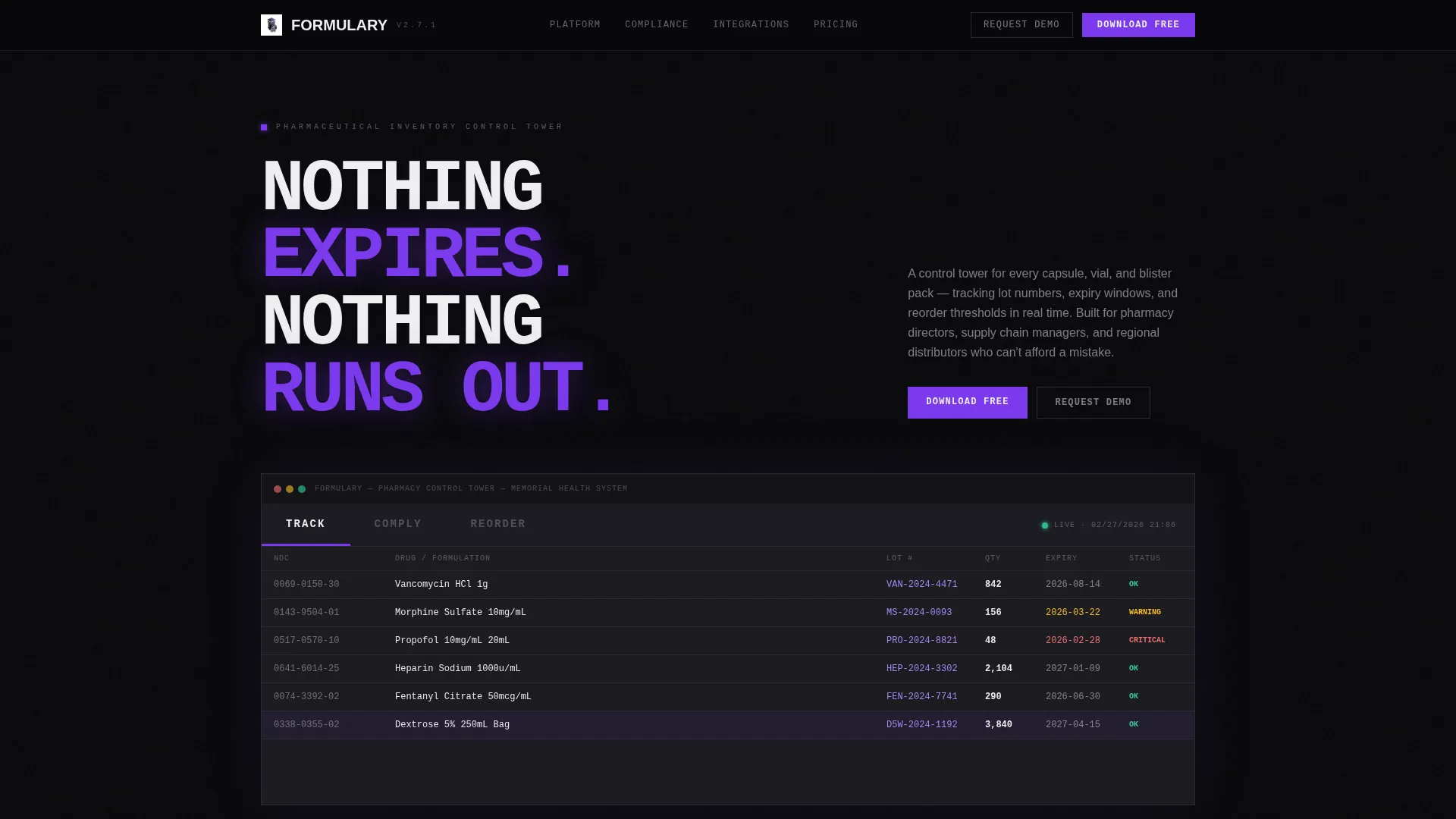
Three bold typographic tabs sit above a live dashboard mockup rendered against the void black background. Clicking TRACK shows a real-time inventory heatmap with lot numbers and expiry countdowns in pharmaceutical violet. COMPLY surfaces a Drug Enforcement Administration 222 form tracker and controlled substance audit log. REORDER displays predictive stock-out alerts with one-click purchase order generation.
Interactive Expandable Card Grid
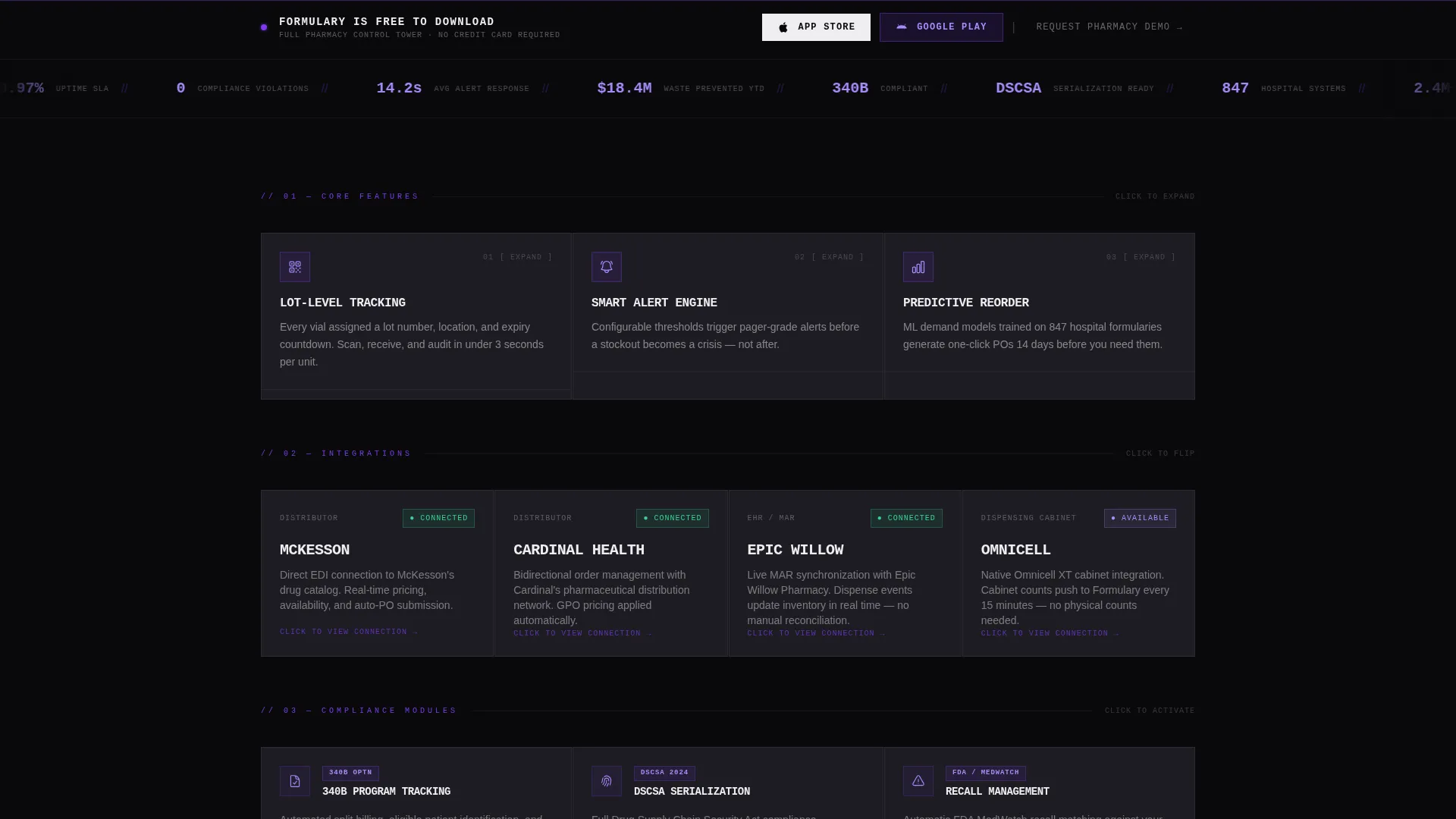
The first row holds three feature cards that expand on click to reveal micro-demos with animated data. Each card is a proof point the visitor can open and investigate at their own pace. The grid responds to interaction rather than delivering a passive brochure experience.
Integration Flip Cards
The second row of the grid presents integration cards that flip to reveal connection status interfaces. This row communicates compatibility in a format that mirrors the product itself: dense, functional, and instantly readable.
Compliance Tracking Cards
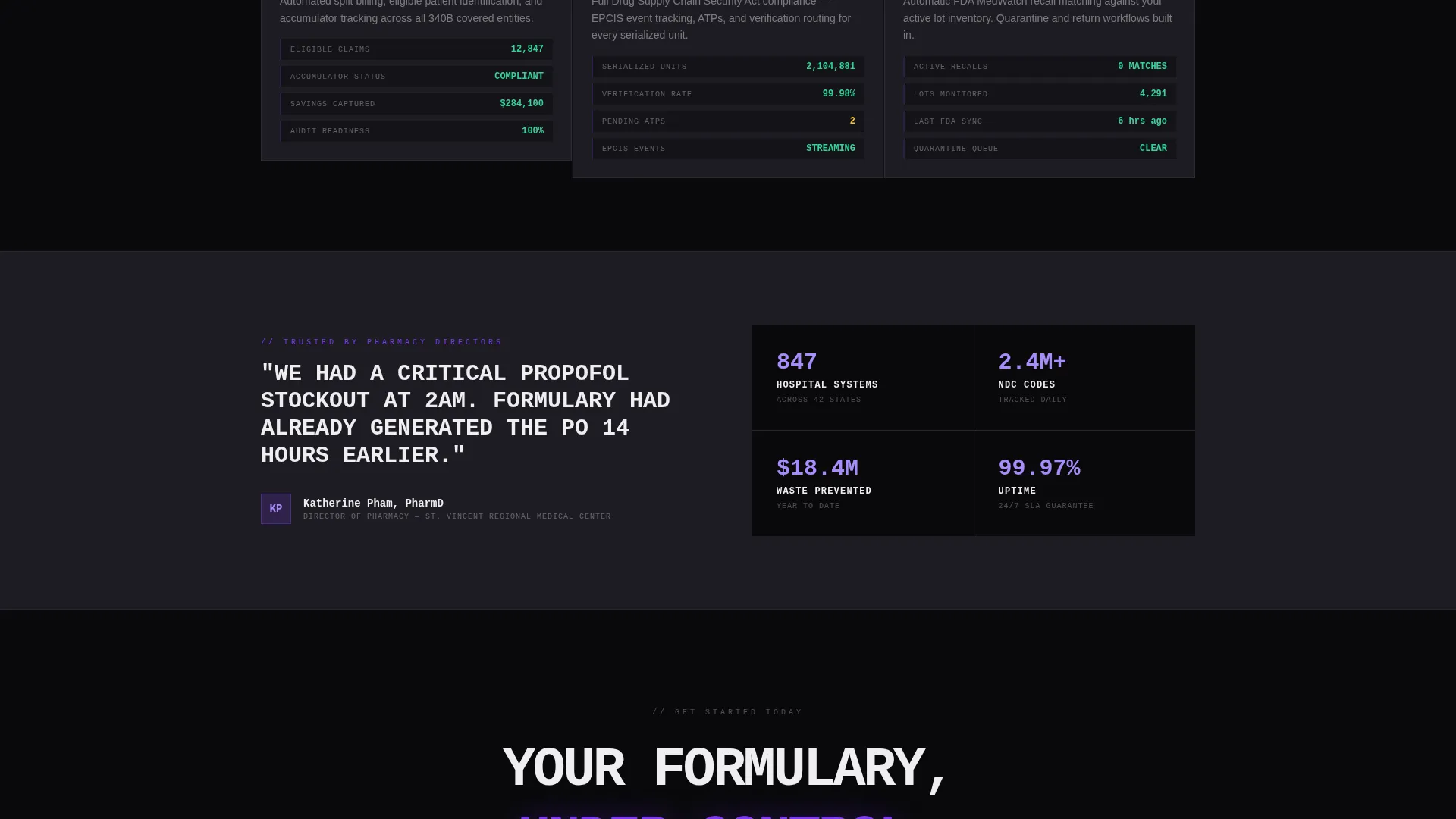
The third row covers 340B drug pricing program tracking, Drug Supply Chain Security Act serialization, and recall management. Each card gives compliance-focused buyers a direct view of the platform's regulatory coverage before they ever request a demo.
Persistent App Download Bar
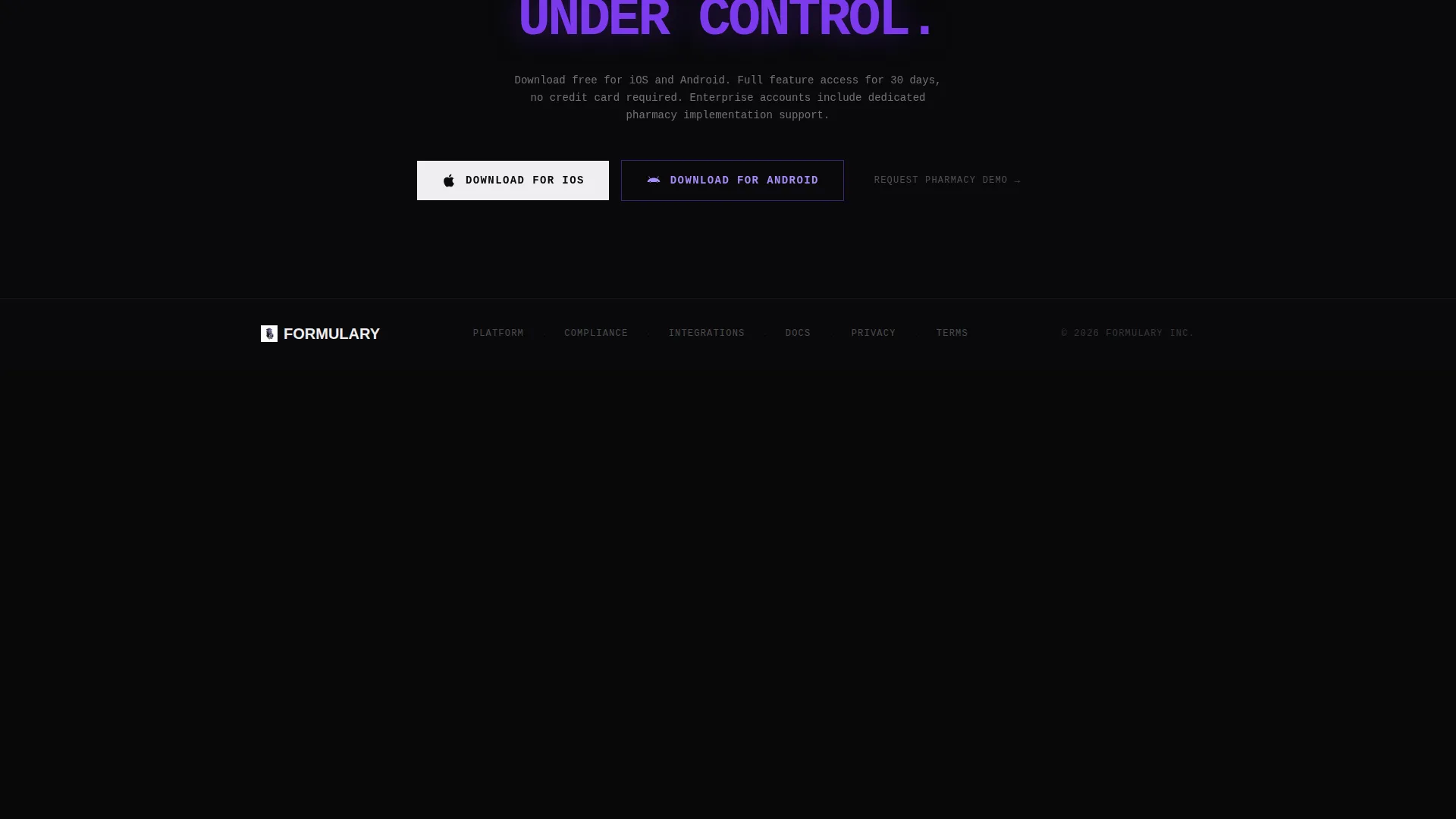
A floating conversion bar anchors the bottom of the viewport and appears after the visitor has interacted with at least two cards. It presents the primary call to action alongside Apple and Android download icons, plus a secondary link to request a pharmacy demo for enterprise buyers.
Monospaced Data Table Design
All dashboard mockups use monospaced typography and dense data tables. The visual language matches the software pharmacists already use on the job, which builds trust faster than any illustrated mockup could.
Page sections overview
| Section | Purpose |
|---|---|
| Tab Switcher Header | Introduces TRACK, COMPLY, and REORDER modes with live dashboard mockup |
| Feature Cards Row | Lets visitors expand and explore animated micro-demos on click |
| Integration Flip Cards | Shows real-time connection status for compatible distribution systems |
| Compliance Cards Row | Covers 340B, serialization, and recall management at a glance |
| Floating Download Bar | Delivers the primary app download and secondary demo request calls to action |
Design & branding system
The visual identity is Bold Brutalist, calibrated to feel like opening a steel cabinet in a cleanroom. Every design decision reinforces authority and precision.
- Color system: absolute void black (#09090B) for backgrounds, pharmaceutical violet (#7C3AED) for interactive highlights, clinical gray (#1C1C22) for card surfaces, and sterile white (#EEEEF0) for typography and iconography
- Cards use visible borders and sharp corners with no border-radius softening and no gradients, creating the stamped-metal feel of a brutalist design language
- Monospaced typefaces run through all dashboard elements, reinforcing the look of trusted clinical software rather than a marketing illustration
Mobile & speed optimization
The card grid layout is modular by structure, which makes it well-suited for responsive adaptation across screen sizes. Interactive elements are built to work on touch interfaces without losing the data-dense visual character.
- Modular card rows reflow cleanly for smaller viewports while preserving the brutalist aesthetic
- The floating app download bar remains accessible at the bottom of the viewport on mobile, keeping the primary conversion path visible at all times
How this template helps you convert
Formulary earns the download before asking for it. The interactive structure is the conversion strategy: every card opened is a mini trial run, and by the time the persistent bar appears, the visitor has already used the product.
- The Feature Tab Switcher lets visitors switch between TRACK, COMPLY, and REORDER modes immediately, giving them a concrete sense of the platform's scope within the first few seconds on the page.
- The expandable card grid builds trust through exploration. Visitors audit the product the way they audit their own inventory, opening cards, reviewing data, and confirming fit before committing to a download or demo request.
Other information about this template
Formulary sits at the intersection of pharmaceutical software and bold brutalist design, making it a rare template that works as hard visually as it does functionally.
- The template is categorized under Technology, specifically Pharmaceutical Software and Software as a Service, reflecting the specialized nature of its target audience
- The Void & Violet color system was chosen to evoke a ultraviolet light sweeping a darkened stockroom: everything recedes except what demands attention, which glows with unmistakable violet urgency
- The Interactive Explorer creative direction treats every card click as a product trial, reducing friction between discovery and download
Theme
Bold Brutalist
Creative direction
Interactive Explorer
Color system
Void & Violet
Style
Card Grid (Modular)
Direction
App Download
Page Sections
Feature Tab Switcher with Live Dashboard
Expandable Interactive Card Grid
Integration Flip Cards
Compliance Coverage Cards
Persistent Floating Download Bar
Monospaced Data Table Aesthetic
Related questions
Who is this template built for?
Can I customize the tab labels and dashboard content?
Does the card grid work on mobile devices?
What conversion paths does this template include?
Is this template suitable for a pharmaceutical Software as a Service product launch?



