
Low-code platforms for business process automation let non-developers build, automate, and scale workflows fast without writing a single line of code. This blog covers the key benefits, real-world use cases, and how a Solve-first approach helps teams define before they build.
Can your team automate a broken process without waiting weeks for an engineering ticket?
For most organisations, the answer is still no.
Traditional development cannot keep up with the pace of changing business processes. Requests pile up, timelines stretch, and small updates turn into large projects. That is where low code steps in.
This blog takes a practical look at the benefits of low-code platforms for business process automation. It also shows how a Solve-first workflow gives non-developers a clear path from problem to deployed solution.
Why Low Code Keeps Showing Up in Automation Conversations
Business processes change constantly. A new compliance requirement lands. A manual approval chain breaks under volume. A reporting spreadsheet that worked at 20 people collapses at 200.
Low-code automation platforms exist to close that gap. They give teams the ability to design, test, and deploy workflow changes in days rather than months. According to Gartner, by 2026 developers outside formal IT departments will account for at least 80% of the user base for low-code tools.
Low-code platforms rely on visual tools, drag-and-drop interfaces, and reusable components. As a result, teams can model workflows that reflect how work actually happens. They no longer depend on how a developer imagined it six months ago.
Understanding the full landscape of low-code and no-code development helps teams choose the right approach before committing to a platform.
What Makes Low-Code Platforms Practical for Automation
Low-code platforms do more than speed things up. They change how teams approach workflow design and ownership.
Faster Builds Without Technical Barriers
Most low code platforms rely on low code software built around a visual development environment and a graphical user interface. These interfaces let users create workflows visually with drag and drop functionality through a drag and drop builder. Pre-built templates handle common patterns such as approvals, data transfers, notifications, and escalations.
When business rules shift, updates happen quickly, with minimal coding and less need for extensive coding knowledge. There are no long development cycles. No change requests are sitting in a backlog for weeks.
The Citizen Developer Effect
Low-code platforms enable a new category of builder: the citizen developer. A citizen developer is a business user who builds and maintains automation without a formal engineering background, and low code application platforms are enabling non-technical users to build apps with minimal reliance on extensive coding skills.
This matters for process automation specifically. The people closest to a broken process are rarely the people who fix it. Low-code changes that dynamic. An HR manager can build an onboarding workflow. A finance analyst can automate an approval chain. An operations lead can create business applications aligned with specific business needs, such as a client-facing status portal.
Automation That Works Across the Business
Low-code tools support process automation across every department:
- Human resources: Onboarding checklists, document collection, and policy acknowledgement flows
- Finance: Multi-step approval workflows, expense routing, and budget exception handling
- Operations: Supply chain status tracking, vendor communication, and SLA monitoring, including supply chain management tasks like order fulfillment, shipping, logistics, inventory management, and supplier management in eCommerce
- Customer success: Onboarding sequences, health score triggers, renewal alerts, and end-to-end customer lifecycle management applications
- Marketing: automated solutions for campaign follow-up, such as emails or social media posts triggered by customer actions
By helping teams automate repetitive tasks, low code workflows reduce the manual processes that slow them down. This kind of low code workflow automation also supports secure handling of customer data. These automated workflows run consistently in the background. They do not require human intervention for each instance.
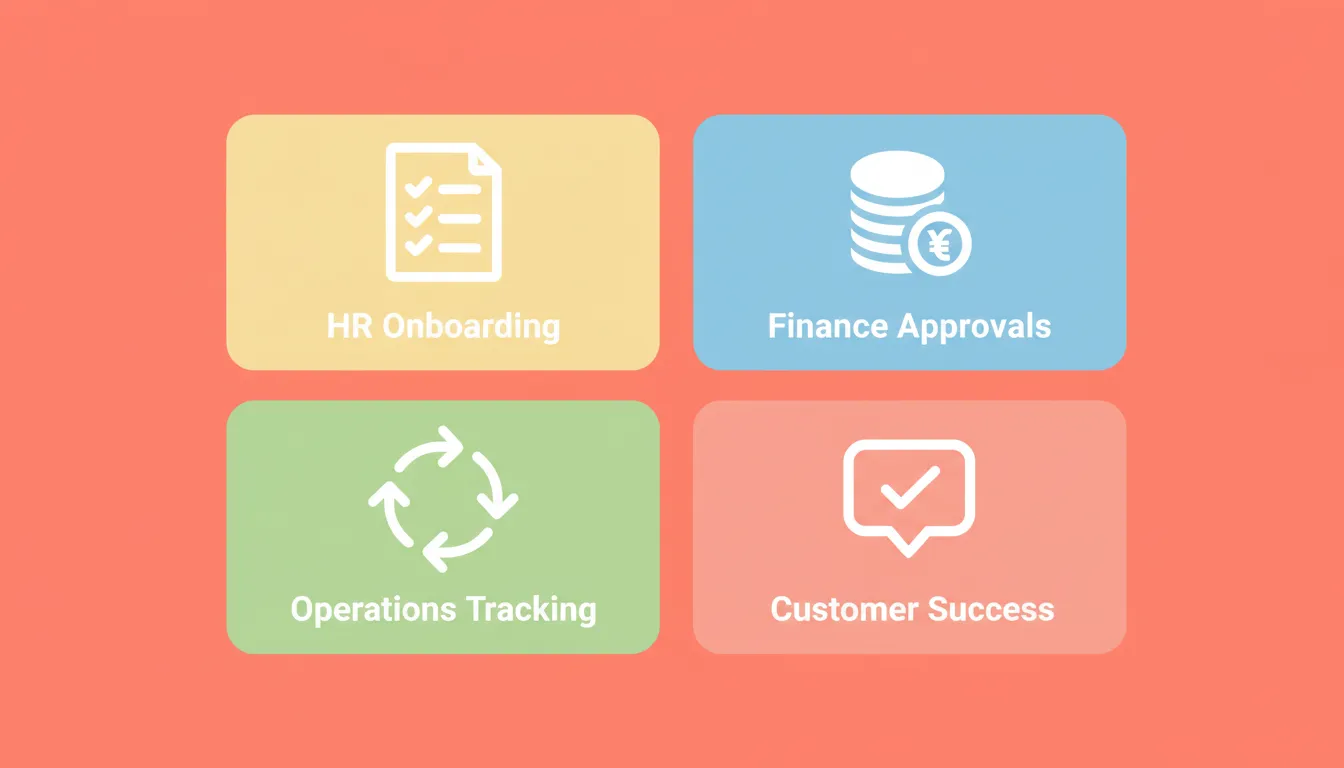
Low-code automation supports HR onboarding, finance approvals, operations tracking, and customer success workflows across the business.
For teams exploring business process automation software with AI, the starting point is always identifying which processes follow a repeatable pattern.
How Low Code Compares to Traditional Development
| Aspect | Traditional Development | Low-Code Platforms |
|---|---|---|
| Coding effort | High | Minimal coding required |
| Development speed | Slow (weeks to months) | Fast (hours to days) |
| Business user involvement | Low | High |
| Workflow changes | Costly and slow | Simple and fast |
| Legacy system access | Complex | Often supported via connectors |
| UI creation | Manual, developer-dependent | Graphical user interface with drag and drop tools |
| Governance | Managed by IT | Configurable by business and IT |
The ability to move quickly while staying organised matters more than ever. This comparison makes it clear why low code automation continues to gain ground across teams of every size by streamlining the development process compared with traditional development.
Key Benefits That Show Up in Daily Operations
Speed Without the Mess
Low code platforms offer rapid application development for more than lightweight tools, including complex applications, while still shortening development timelines without creating confusion. Visual development environments let teams see how workflows connect and interact across the application development process. That visibility is especially valuable when dealing with cross-department processes where ownership is shared.
Shared Ownership Between Teams
Low-code solutions help business users and IT teams automate business processes together by enabling business users to modify forms, logic, or approval steps independently. IT teams remain involved when deeper logic or custom code is required. However, they no longer handle every small change.
This shared ownership keeps projects moving. It also reduces the frustration that builds when business teams wait on engineering capacity, helping teams automate processes without pushing every change through engineering.
More Focus for IT Teams
When non-technical users manage simpler workflows, an enterprise low code platform gives IT teams breathing room by letting them focus on architecture while other teams handle routine automation. They can focus on architecture, security, and higher-priority software development work.
A low-code automation solution used for business process management shifts routine work away from specialists. It does this without removing governance or control. Most enterprise-grade platforms include role-based access, audit trails, and version control as standard features.
Measurable ROI
The business case for low-code automation is straightforward:
- Reduced development cost: Citizen developers build what would otherwise require contracted development time
- Faster time-to-value: Workflows that took months to build and test can be live in days
- Lower error rates: Automated workflows eliminate manual data entry errors that accumulate in spreadsheet-based processes
- Scalability without headcount: A workflow that handles 100 instances handles 10,000 instances without additional staff
According to Forrester Research, organisations using low-code platforms report up to 50% faster delivery times compared to traditional development approaches.
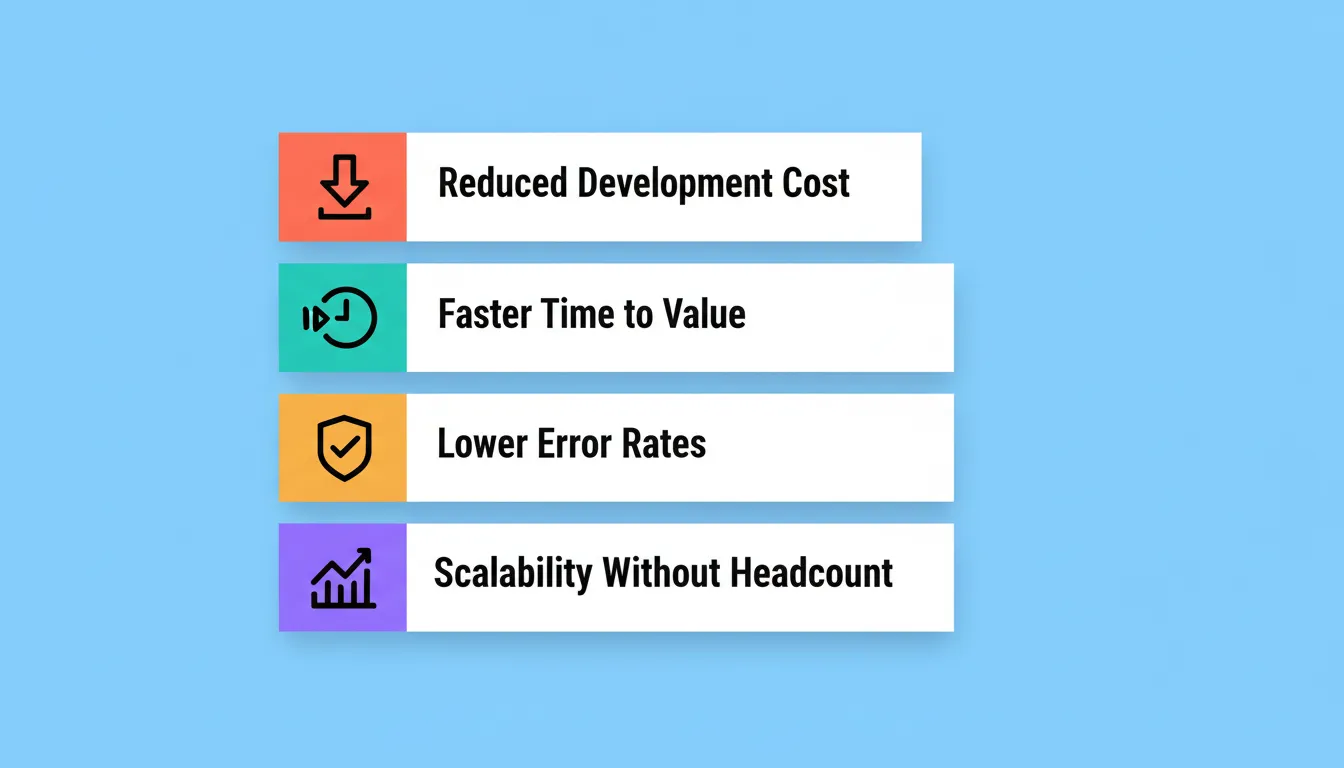
Low-code automation delivers four measurable business outcomes: reduced development cost, faster time-to-value, lower error rates, and scalability without added headcount.
Spec-Driven Development Made Accessible to Non-Developers
Traditional software development has long relied on spec-driven development. This practice involves writing a detailed specification of what a system should do before writing any code. The spec becomes the source of truth. Developers build to it. Reviewers test against it.
The problem is clear: writing a proper spec has always required technical knowledge. Business users who understand the process best are usually the least equipped to write the spec.
This is the gap low code software applications were built to close, simplifying the development process so non-developers can turn process knowledge into working solutions faster. Visual workflow builders, pre-built connectors, and plain-language configuration let business users define the logic themselves while reducing dependence on programming languages except for deeper customization. The platform enforces the structure. The user provides the intent.
Understanding spec-driven development as a smarter alternative to vibe coding shows why defining before building consistently produces better outcomes than jumping straight to execution.
Connecting Low Code With Existing and Legacy Systems
Most organisations already depend on existing systems. These include ERP platforms, CRMs, and databases that still run core operations. Replacing them outright is rarely realistic.
Low-code platforms address this through integration capabilities. They use APIs, pre-built connectors, and webhooks. These tools allow new workflows to read from and write to existing legacy systems, helping teams streamline operations without disrupting core infrastructure. They do this without requiring those systems to change.
This flexibility makes low-code process automation practical even in complex enterprise environments. The ability to integrate without replacing is one of the most underrated benefits of low-code adoption.
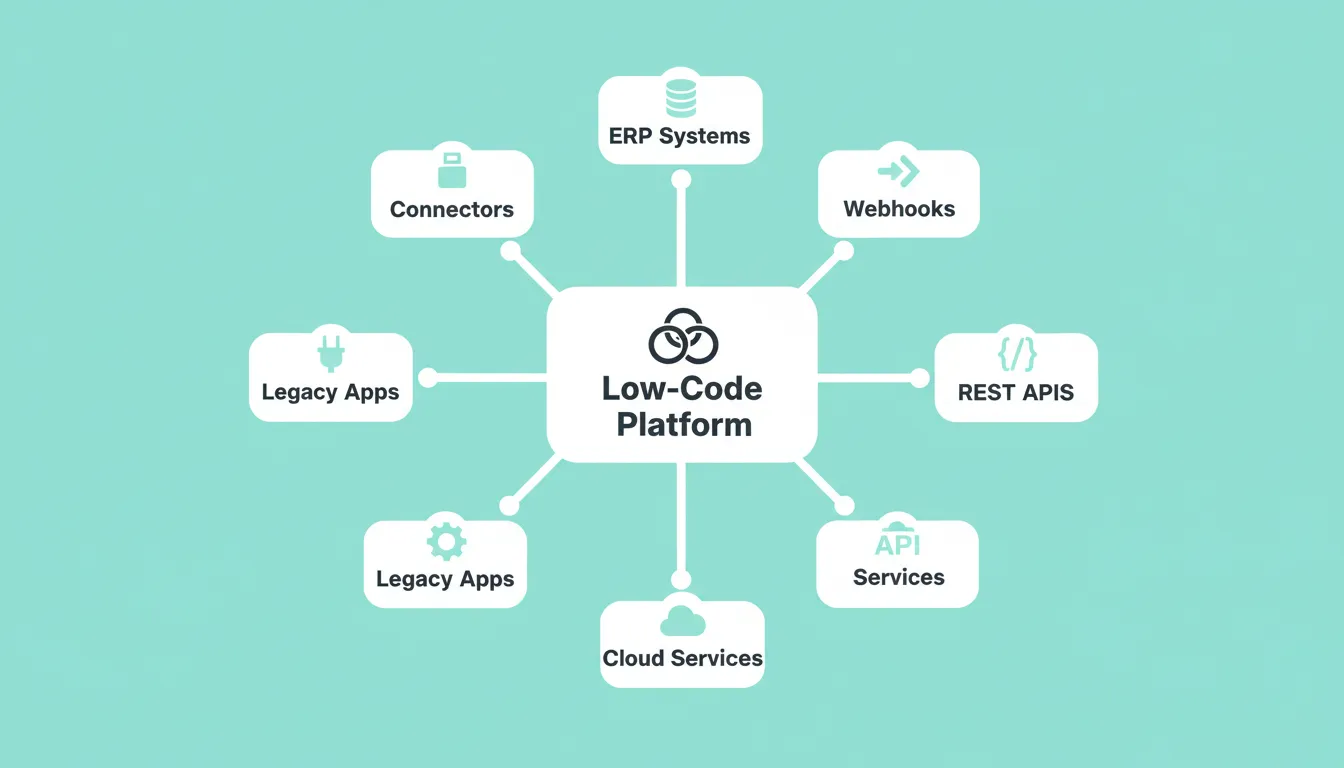
Low-code platforms connect to ERP systems, legacy apps, REST APIs, webhooks, cloud services, and connectors without requiring those systems to be replaced.
Low Code and Digital Transformation Goals
Digital transformation initiatives are not about replacing every system at once. They are about improving how work flows across the organisation. The goal is to do this incrementally, sustainably, and without disrupting what is already working.
Low code supports those initiatives by making workflow automation easier to manage and adapt around business needs. This shows how low code automation can modernize workflows while keeping existing systems connected. With visual tools, teams can see how data moves from one step to the next. Mobile and web apps built on low-code platforms extend those workflows to more users and more devices. They do this without additional development cycles.
Over time, organisations modernise at a steady pace. Each automated workflow reduces manual overhead. Each integration closes a data gap. Each citizen developer reduces the load on engineering.
Planning for Scale and Governance
Low code simplifies development, but structure still matters as usage grows. Common governance focus areas include:
- Version control for workflows: know what changed, when, and who changed it
- Role-based access: control who can build, who can modify, and who can view
- Data management standards: ensure automated workflows handle data consistently and compliantly, with clear governance for customer data
- Audit trails: especially important in regulated industries such as finance, healthcare, and legal
Most enterprise low-code platforms include these controls as part of a broader GRC-ready posture. The key is establishing governance policies before scale makes them hard to retrofit.
Teams building internal tools without a developer often discover that governance becomes the most important consideration. This is especially true once the first few workflows are live and the team wants to expand.
When Low Code Is Not Enough
Low-code platforms are not the right tool for every situation. Knowing the limits matters as much as knowing the benefits.
Low code may not be sufficient when:
- The workflow requires highly complex custom logic that visual tools cannot express
- Performance requirements exceed what a managed platform can deliver
- Security or compliance requirements demand full control over the underlying infrastructure
- The integration target has no API or connector support
In these cases, the right answer is often a hybrid approach. Teams use low code for the 80% of workflows that fit the pattern. They use custom development for the 20% that do not.
How to Choose the Right Low-Code Platform
Not all low-code platforms work the same way. The right choice depends on what you are building, who will maintain it, and what systems it needs to connect to.
| Consideration | What to Evaluate |
|---|---|
| Workflow complexity | Can the platform express your logic visually, or will you hit limits quickly? |
| Integration support | Does it connect to the systems you already use? |
| Governance features | Role-based access, audit trails, version control: are these included? |
| Build quality | Does the output look and perform like a real product, or like a prototype? |
| Spec-first capability | Does the platform help you define what to build before building it? |
| Scalability | Can it handle production load, or is it a prototyping tool? |
The real differences between platforms often appear in flexibility, governance, and the quality of what gets built. For a deeper look at the options, the best low-code platforms for building custom automation workflows covers the leading choices across different use cases.
Rocket and the Solve-First Approach to Low-Code Automation
Rocket is a Vibe Solutioning platform. It is the first platform where business thinking and building happen in the same place. Rocket is built specifically for the non-developer who needs to move from problem to deployed application without a developer dependency, using a low code workflow automation approach to build real business applications.
Here is how Rocket implements spec-driven principles for non-developers:
Solve: Describe any business situation in plain language. Solve researches the problem space across 150+ sources. It identifies every relevant dimension and produces a structured output. That output covers objectives, user requirements, data considerations, risk factors, and the recommended approach. It becomes the build brief. No technical spec is required.
Build: From the Solve output, Rocket generates a production-ready application. Users can also create low-code workflows and custom apps from that output. Web apps are built in Next.js. Mobile apps are built in Flutter. Each app ships with intentional design, real navigation, and production-quality code. The first generation reflects the thinking from Solve, not a blank-prompt guess.
Intelligence: Rocket monitors every public platform a competitor operates on, continuously. It interprets what signals mean for your business. The intelligence does not reset between sessions. Instead, it compounds across every task.
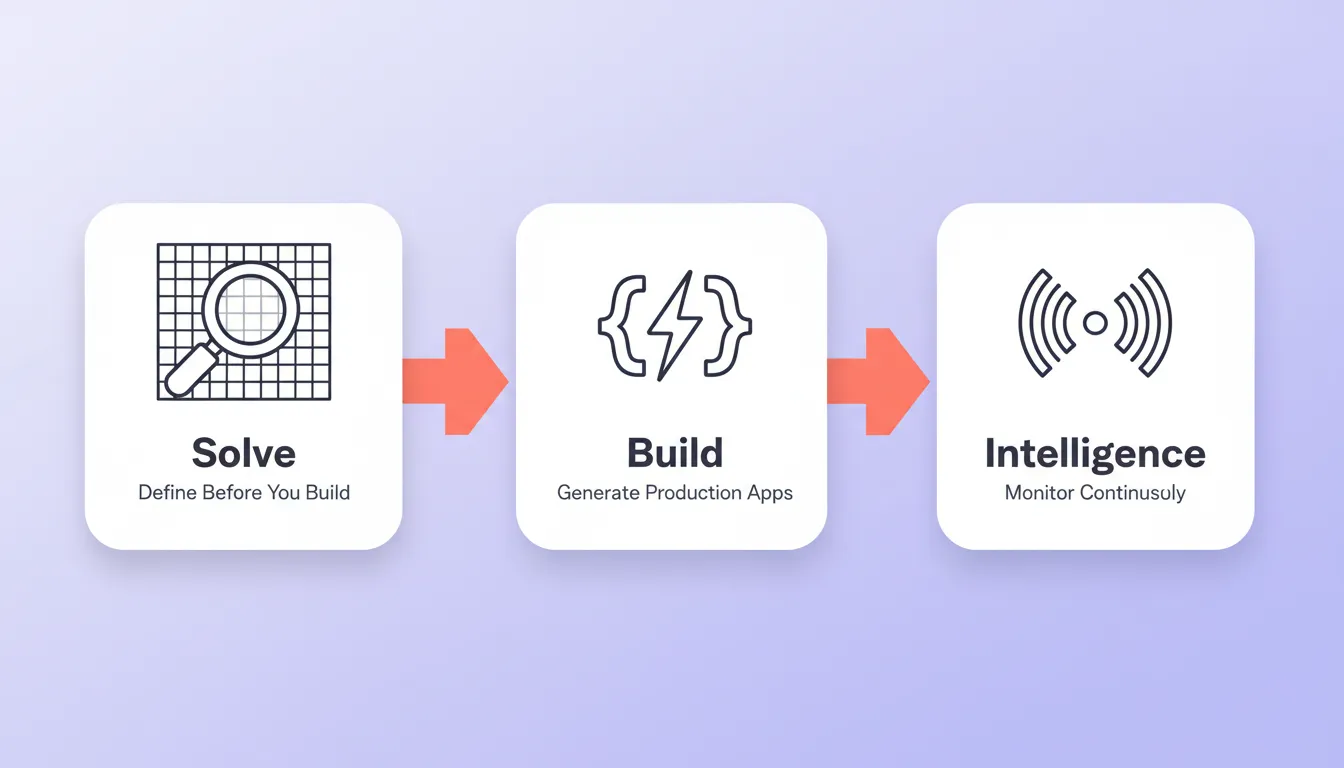
Rocket's Vibe Solutioning platform connects three pillars in sequence: Solve defines the brief, Build generates the production app, and Intelligence monitors competitors continuously.
Additional capabilities include:
- 25+ integrations: Stripe, Supabase, Airtable, Notion, Mixpanel, Linear, and more. Authenticate once and they flow into every build.
- Every build ships with SEO-ready structure, WCAG accessibility compliance, GDPR coverage, and performance optimisation by default
- Full version history, one-click rollback, and staging and production environments
Rocket is especially useful for automating processes that require custom apps, internal dashboards, or client-facing portals. It delivers fast results without a developer handoff. 1.5 million people have tried Rocket across 180 countries.
The Future of Low-Code Business Process Automation
Low-code platforms for business process automation have moved from a workaround to a primary development strategy. The teams winning with low code are the ones that define before they build. That discipline is becoming a competitive advantage as automation complexity grows.
As AI capabilities expand, the Solve-first workflow will become the standard for non-developer automation. Platforms that connect strategic definition to execution in a single shared context will consistently outperform those that treat research and building as separate steps.
The question is no longer whether to adopt low-code automation. It is whether you define what to build before you build it. Start building on Rocket and see what a Solve-first workflow produces from your first session.
Table of contents
- -Why Low Code Keeps Showing Up in Automation Conversations
- -What Makes Low-Code Platforms Practical for Automation
- -Faster Builds Without Technical Barriers
- -The Citizen Developer Effect
- -Automation That Works Across the Business
- -How Low Code Compares to Traditional Development
- -Key Benefits That Show Up in Daily Operations
- -Speed Without the Mess
- -Shared Ownership Between Teams
- -More Focus for IT Teams
- -Measurable ROI
- -Spec-Driven Development Made Accessible to Non-Developers
- -Connecting Low Code With Existing and Legacy Systems
- -Low Code and Digital Transformation Goals
- -Planning for Scale and Governance
- -When Low Code Is Not Enough
- -How to Choose the Right Low-Code Platform
- -Rocket and the Solve-First Approach to Low-Code Automation
- -The Future of Low-Code Business Process Automation