

Bubble is a capable no-code platform, but teams often outgrow it. This blog compares the best bubble alternatives, covering mobile support, integration depth, code export, and pricing, so you can choose the right fit.
Outgrown Bubble? You're not alone.
Bubble is one of the most popular no-code platforms around. Its drag-and-drop interface, database integration, and pre-built workflows make it a strong starting point.
But as apps grow in complexity, teams run into real limits: steep learning curves, performance issues at scale, weak native mobile support, and pricing that climbs fast.
The right bubble alternative depends on what you're building, who's building it, and whether you need to own the code.
This blog covers the top options, honestly compared, so you can make the call with full information.
Who This Guide Is For
This guide is for founders, product managers, and citizen developers evaluating Bubble or looking to move on from it. Whether you're building a SaaS product, internal tool, mobile app, or client portal, each platform below solves a different version of the same problem: shipping real software without a full engineering team.
If you're newer to this space, the complete beginner's guide to low-code and no-code development covers the foundational concepts before you dive into comparisons.
What Makes a Good Bubble Alternative
Not every no-code or low-code platform is a genuine bubble alternative. A platform earns that label only if it replaces Bubble's core strengths while solving its known weaknesses.
The seven criteria that matter most:
- Build scope — Can it produce web apps, mobile apps, and internal tools, or only one category?
- Code quality and portability — Does it generate exportable code in a standard framework, or lock you into a proprietary runtime?
- Integration depth — Can it connect to your existing data sources, APIs, and payment processors without custom workarounds?
- Workflow automation — Does it support conditional logic, multi-step automations, and complex data relationships?
- Scalability — Will the platform hold up as your user base grows?
- Design control — Can you achieve professional, custom-branded UIs?
- Pricing predictability — Do costs scale reasonably, or spike unpredictably?
Why People Look for Bubble Alternatives
Bubble works well for web applications and early prototypes. However, when your vision grows to include internal tools, dashboards, or mobile applications, it can feel limiting.
Here's why teams start looking elsewhere:
- Learning curve gets steep for advanced apps
- Performance issues at scale
- Difficulty exporting code or migrating to another platform
- Limited support for native iOS and Android apps
- Integrations with third-party tools or Google Sheets are not always smooth
- Layout and design flexibility can feel restrictive
- Paid plans grow expensive as app complexity and user count increases
Comparison of Popular Bubble Alternatives
Here's a snapshot of leading platforms, their primary use case, and key differentiators:
| Platform | Best For | Free Plan | Mobile Apps | Output Format |
|---|---|---|---|---|
| Rocket | AI-driven full-stack apps | Free trial | Web (Next.js) + Native (Flutter) | Production-grade code |
| Adalo | Native mobile and web apps | Yes | Yes | Proprietary |
| Retool | Internal tools and dashboards | Yes | Basic | Proprietary |
| Glide | Spreadsheet-powered apps | Yes | Web and mobile | Proprietary |
| Webflow | Design-first web apps | Yes | Web only | Clean HTML/CSS/JS |
| Appgyver | Complex logic and enterprise | Yes | Web and mobile | Proprietary |
| Thunkable | Native mobile apps | Yes | Yes | Proprietary |
Each of these bubble alternatives solves a slightly different problem. Some focus on speed, others on design, workflow, or internal tooling. Let's look at each one.
Decision flowchart: choose your Bubble alternative based on primary use case
Best Bubble Alternatives Reviewed
Rocket — The AI-Powered Bubble Alternative
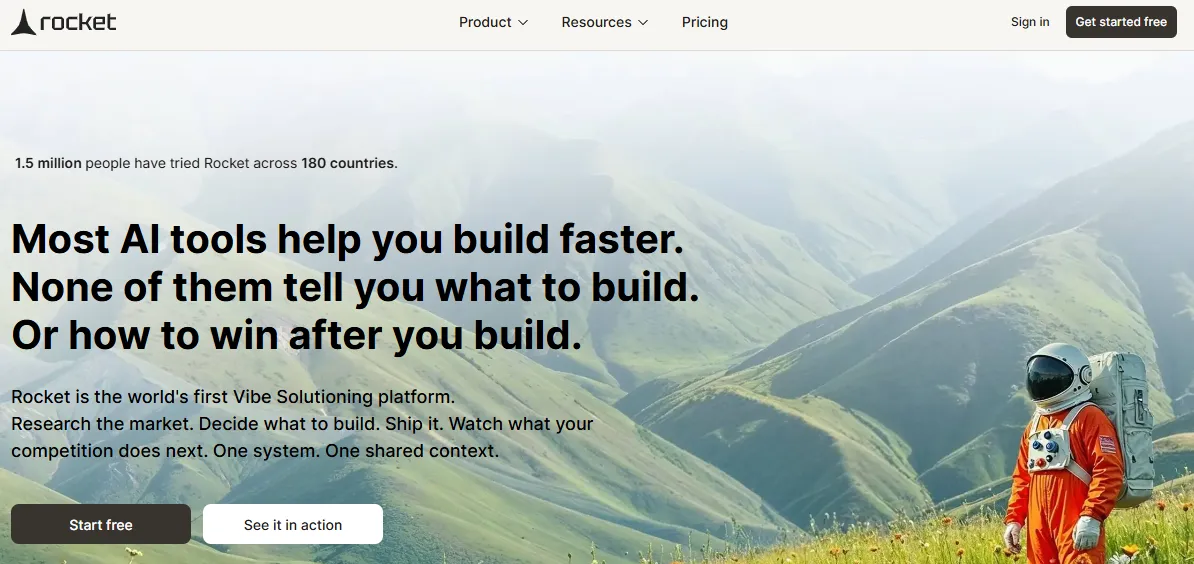 Rocket is a full-stack AI app builder. It turns plain-language prompts or Figma designs into production-ready web and mobile apps. Unlike Bubble, which requires manually wiring together logic, data, and UI inside a proprietary editor, Rocket generates complete applications in standard frameworks. It uses Next.js for web apps and Flutter for iOS and Android mobile apps. Most apps generate in 1 to 3 minutes. The output is deployable, exportable code, not a prototype.
What Rocket builds:
- Web apps: SaaS dashboards, internal tools, marketplaces, AI-powered tools, and customer portals
- Mobile apps: iOS and Android apps built with Flutter, ready for the App Store and Google Play
- Landing pages and marketing sites with built-in SEO structure
- E-commerce stores with product listings, cart, checkout, and payment integrations
Six ways to start a build: from a plain-language prompt, an uploaded image or PDF, a Figma file, an existing GitHub repo (Next.js + TypeScript), a template (zero credits), or a live website URL via Redesign.
Three iteration modes: Chat (natural language), Visual Edit (click any element), and Code (direct source access). There is no change limit.
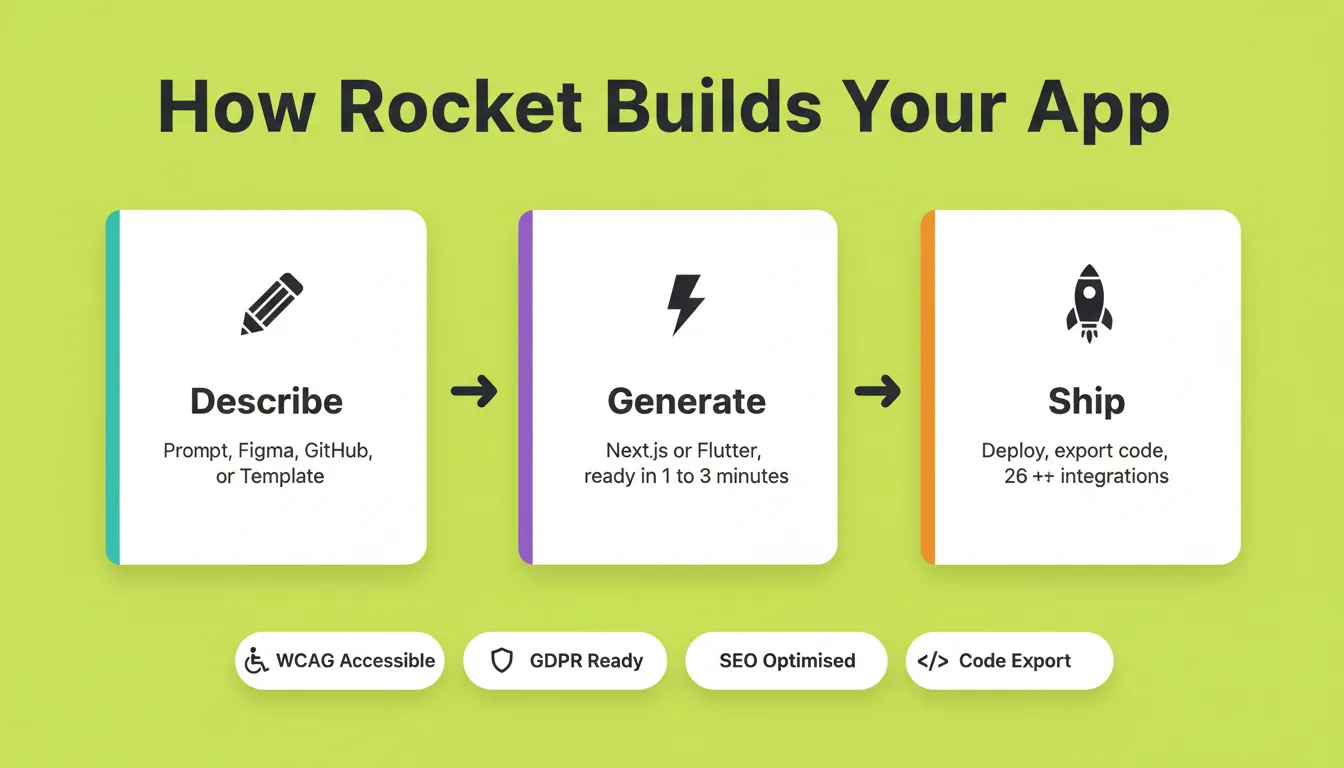
Rocket ships with 26+ integrations that connect directly into generation. These include Stripe, Supabase, Google Analytics, Notion, Airtable, Linear, Mailchimp, Mixpanel, OpenAI, Anthropic, Gemini, PayPal, and Twilio. You authenticate once, and they flow into every build.
Every build ships with SEO-ready structure, WCAG accessibility compliance, and GDPR coverage by default. These are not optional add-ons. Staging and production environments, full version history, and one-click rollback are all included. Built-in analytics tracks visitors, conversions, and Core Web Vitals after launch.
You can download the full Next.js or Flutter source code at any time. There is no vendor lock-in. 1.5 million people have tried Rocket across 180 countries.
A Reddit user in the vibe coding community shared: "Rocket just getting great feedback and 400k users in just 16 weeks… but it seems like just at MVP stage, don't know what 400k users are doing on it." That was an early snapshot, before the platform reached its current scale.
Rocket's Build capability covers web and mobile from a single workflow. Its Solve feature lets you validate ideas and run market research before writing a line of code.
Adalo — No-Code Mobile and Web App Builder
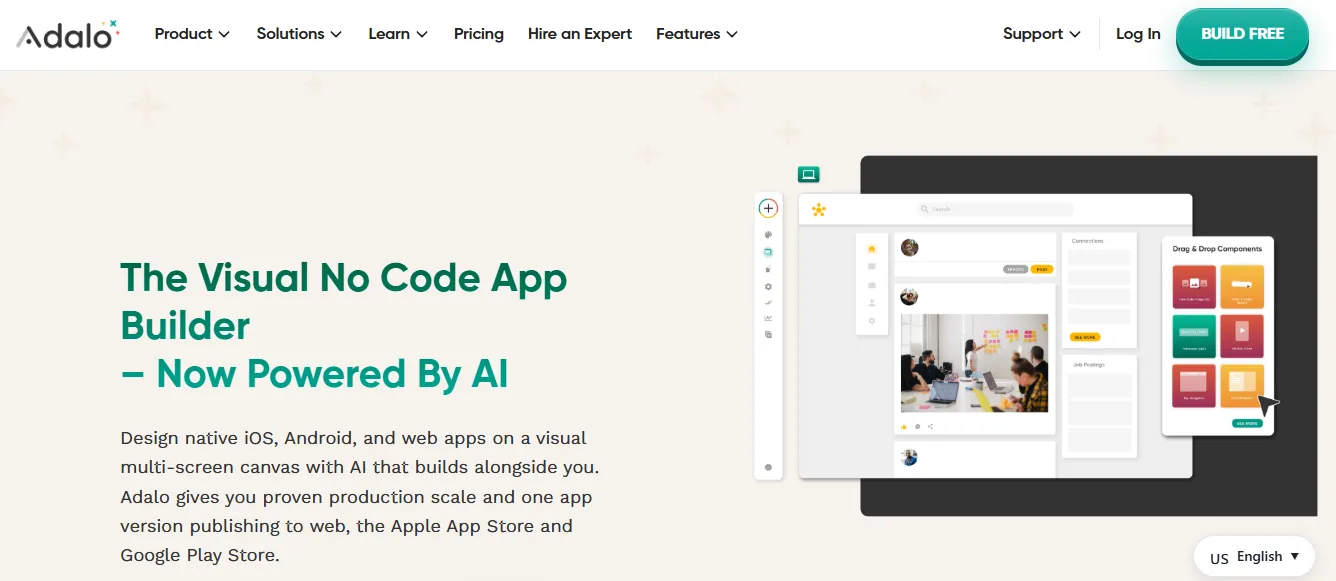 Adalo is a no-code platform that makes building native mobile and web apps accessible through a drag-and-drop interface. You design screens, add workflow automation, and connect databases without writing code.
According to G2's no-code platform reviews, Adalo consistently ranks highly for ease of use among mobile-first builders.
Adalo's logic layer is simpler than Bubble's. That makes it easier to learn but harder to scale for complex apps. It does not export code, so you remain on the Adalo platform permanently.
Best for: Creators who want functional mobile apps quickly without complex logic requirements.
Retool — Internal Tools Made Simple
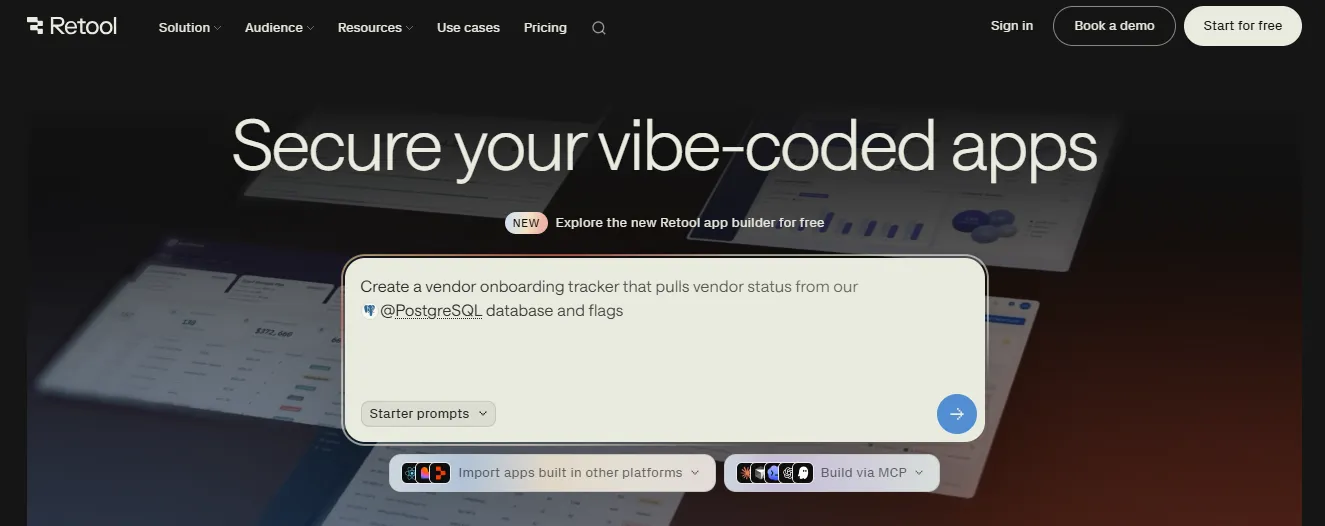 Retool is purpose-built for teams that need internal business apps and dashboards fast. It connects to multiple data sources, including Google Sheets, REST APIs, and SQL databases. It lets you build data-heavy UIs with pre-built components.
If you're evaluating options for internal tooling specifically, the guide on building internal tools with AI without a developer covers the decision criteria in depth.
Retool is not designed for customer-facing apps or mobile. Pricing scales with the number of users, which can get expensive for larger teams.
Best for: Engineering and operations teams who need powerful internal dashboards and data tools fast.
Glide — Spreadsheet-Powered Web and Mobile Apps
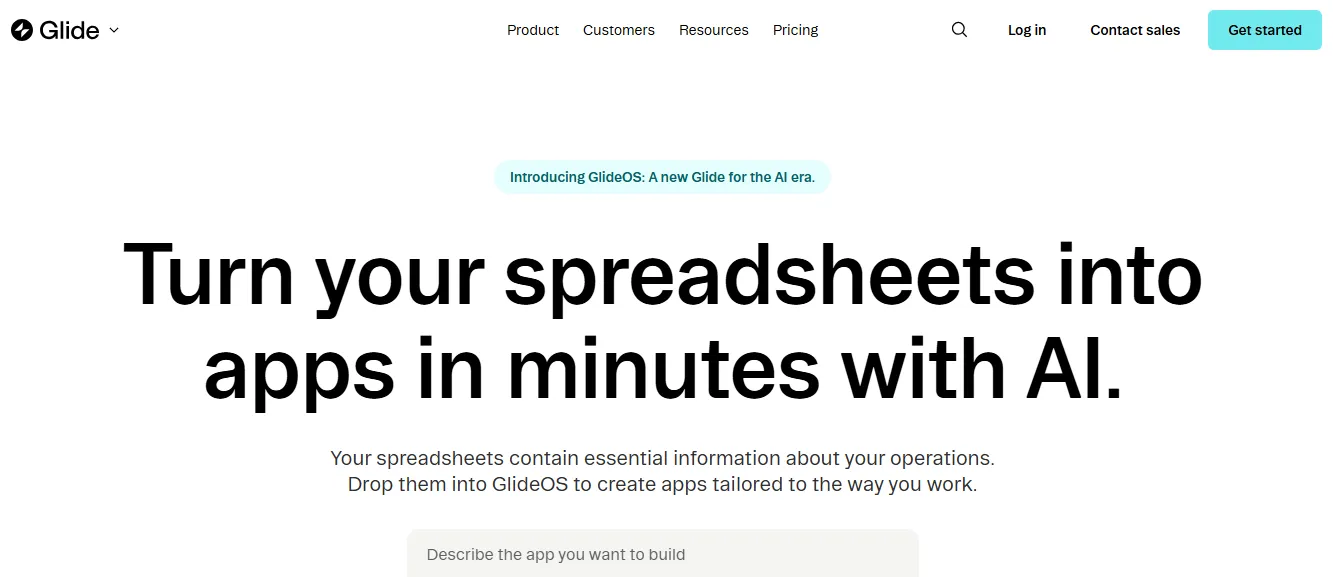 Glide turns your Google Sheets or Airtable data into functioning web and mobile applications. The backend is your spreadsheet, while the platform handles the frontend and workflow automation.
According to Glide's official documentation, apps can be live in under an hour using existing spreadsheet data. Glide is constrained by its spreadsheet-as-database model. Complex relational data or high-volume use cases quickly hit its limits.
Best for: Teams who want to turn existing spreadsheet data into apps quickly, without rebuilding their data layer.
Webflow — Design-First Web Applications
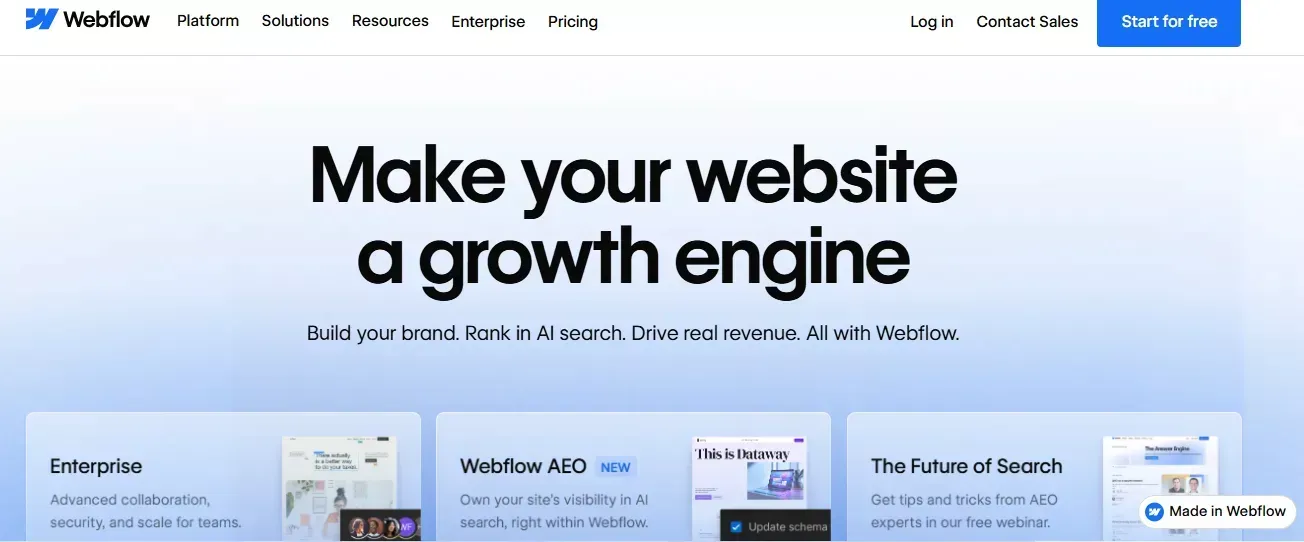 Webflow focuses on design control while offering no-code capabilities for web. It gives designers pixel-perfect control over layouts, animations, and interactions, with a built-in CMS and hosting.
Webflow does not build mobile apps. Its logic layer is limited compared to Bubble's workflow engine. It is primarily a design and publishing tool, not a full application builder.
Best for: Designers and marketing teams who need professional-grade web presence with full visual control.
Appgyver and Thunkable — Complex Apps with Mobile Focus
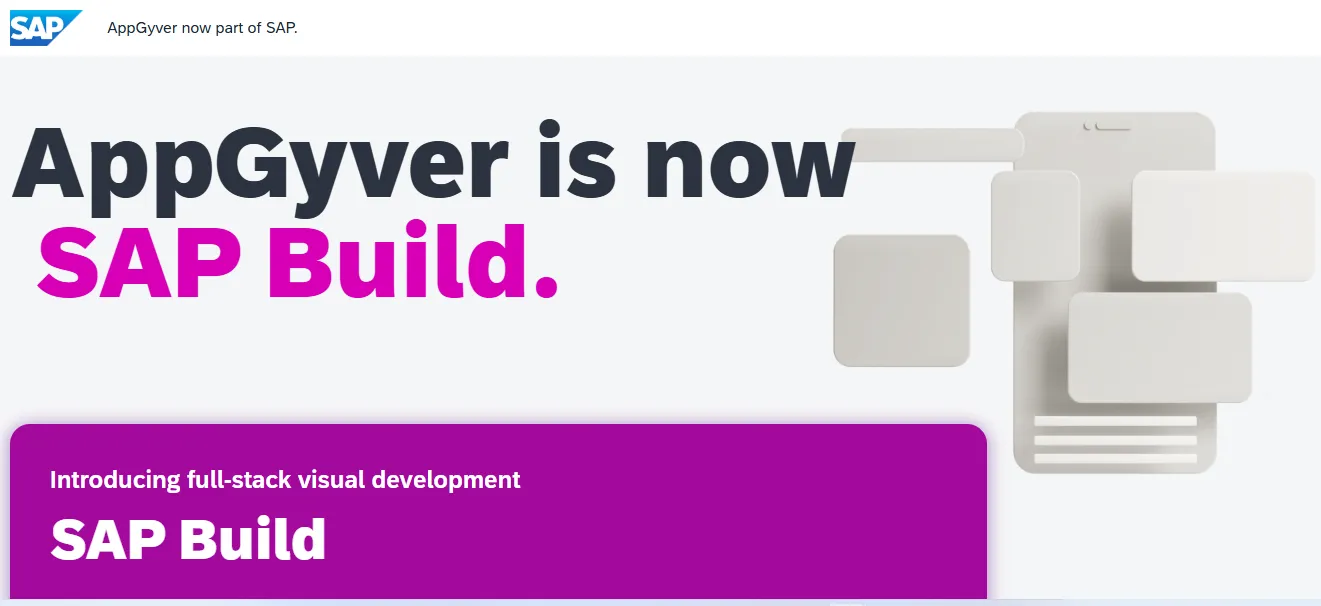 Appgyver (now SAP Build Apps) and Thunkable both support native mobile apps, web applications, and complex logic flows. Thunkable leans more toward mobile-first apps. Appgyver is better suited for complex internal and enterprise-grade applications.
Appgyver's transition to SAP Build Apps introduced enterprise-focused pricing that may not suit indie builders. Thunkable's free plan has significant limitations on the number of apps and collaborators.
Best for: Thunkable for mobile-first apps; Appgyver/SAP Build Apps for complex enterprise applications.
Bubble Alternatives for Specific Use Cases
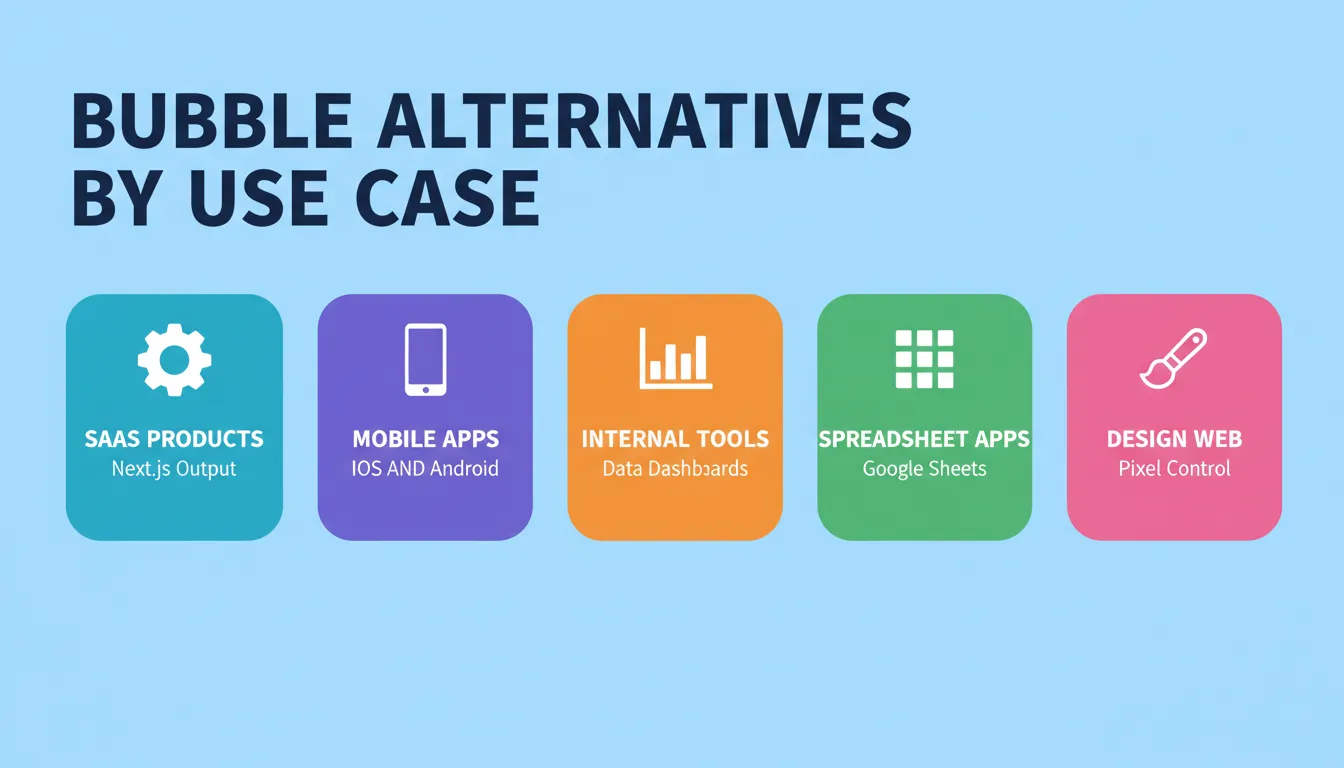
Not sure which platform fits your situation? Here's a use-case-first breakdown:
| Use Case | Best Bubble Alternative | Why |
|---|---|---|
| Building a SaaS product | Rocket | Next.js output, Stripe integration, auth, full backend |
| Native iOS and Android app | Rocket or Thunkable | Flutter output (Rocket) or drag-and-drop mobile (Thunkable) |
| Internal dashboard or ops tool | Retool | Pre-built data components, multi-source connectors |
| Spreadsheet to app | Glide | Google Sheets or Airtable as backend |
| Design-first marketing site | Webflow | Pixel-perfect control, CMS, clean code export |
| Enterprise complex logic | Appgyver or SAP Build | Enterprise workflow depth |
| Client portal or customer-facing app | Rocket | Full-stack generation, branding control, code export |
| MVP in a weekend | Rocket or Glide | Speed of generation; Rocket for code quality |
For a deeper look at Glide-specific alternatives and when to consider them, see powerful Glide alternatives for faster app development.
Platform Pricing Overview
Pricing changes frequently. Always verify on each platform's official pricing page before committing. The table below reflects publicly available information at the time of writing.
| Platform | Free Plan | Paid Plans Start At | Key Pricing Note |
|---|---|---|---|
| Rocket | Free trial (no credit card) | Paid plans available | Credit-based; one balance covers all features |
| Adalo | Yes (limited apps) | ~$36/month | Scales with app count and collaborators |
| Retool | Yes (5 users) | ~$10/user/month | Scales with user count; can get expensive |
| Glide | Yes (limited rows) | ~$49/month | Scales with data rows and users |
| Webflow | Yes (2 projects) | ~$14/month | Separate CMS and e-commerce plans |
| Appgyver or SAP Build | Yes | Enterprise pricing | SAP transition changed pricing model |
| Thunkable | Yes (1 app) | ~$13/month | Scales with app count and team size |
How to Switch from Bubble to a Better Alternative
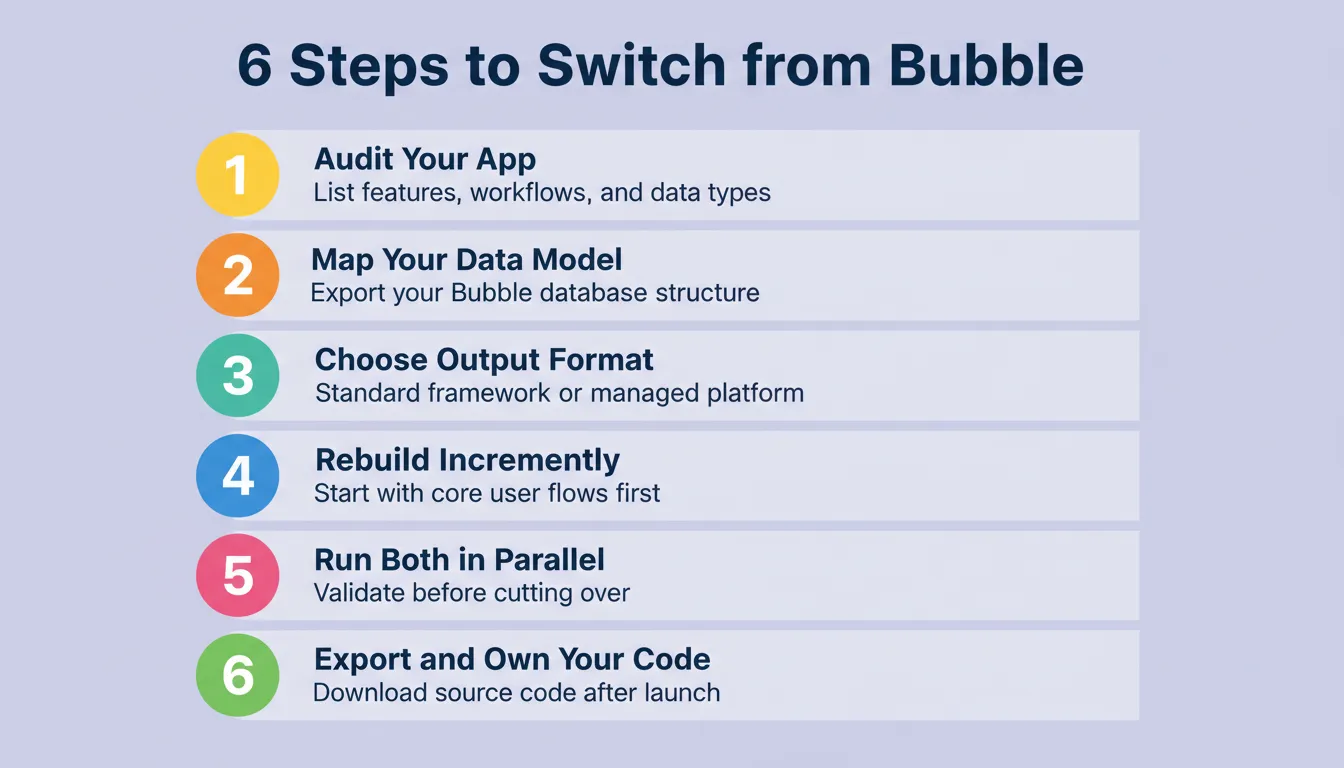
Migrating away from Bubble does not have to be painful. Here's a practical, step-by-step approach:
Step 1 — Audit what you actually use. List the Bubble features your app relies on: data types, workflows, API connections, user authentication, and UI components.
Step 2 — Map your data model. Export your Bubble database structure. Most alternatives that use Supabase as a backend can accommodate a standard relational schema.
Step 3 — Choose your platform based on output format. If you need to own your code long-term, choose a platform that generates standard frameworks like Next.js or Flutter. If you're comfortable staying on a managed platform, Adalo or Glide may be faster to migrate to.
Step 4 — Rebuild incrementally. Start with the most critical user flows, not the entire app. Get the core working, test it with real users, then migrate remaining features.
Step 5 — Run both in parallel briefly. Keep your Bubble app live while you validate the new build. Only cut over when the new version handles your core use cases reliably.
Step 6 — Export and own your code. If you choose a platform that exports code, download the source immediately after launch. This gives you a permanent escape hatch regardless of what happens to the platform.
Choosing the Right Bubble Alternative
Not all no-code tools are the same. Picking the right one depends on what your project actually needs, not the hype around any particular platform.
- Internal tools vs. client-facing apps: Retool is strong for internal dashboards. Adalo and Thunkable work well for client-facing apps. Rocket covers both, with particular strength in full-stack workflows.
- Mobile vs. web focus: Adalo and Thunkable handle mobile well. Webflow is the right choice for web-only projects. Rocket covers both from a single project.
- Complex workflows: Appgyver and Rocket handle more advanced logic and workflow automation than simpler tools like Glide.
- Integration needs: Retool, Glide, and Rocket all simplify connecting multiple data sources and APIs. Rocket's 26+ native integrations cover the widest range.
- Design requirements: Webflow provides pixel-perfect control. Rocket generates intentional, non-template design from the first generation. Adalo and Glide prioritize speed over design depth.
- Code ownership: Rocket and Webflow give you exportable, standard-framework code. All others keep you on their platform.
The key is to match the tool to your project, not the hype. Think about your users, workflows, and long-term goals before committing. Picking wisely now can save hours, headaches, and a painful migration later.
Community Insight
A Reddit user shared their experience:
"Rocket just getting great feedback and 400k users in just 16 weeks… but it seems like just at MVP stage, don't know what 400k users are doing on it."
That was an early snapshot. Rocket has since grown to 1.5 million people across 180 countries.
For a detailed feature-by-feature breakdown, see Rocket vs Bubble for SaaS development.
The Right Tool Exists — You Just Need to Find It
Bubble alternatives are not a compromise. For many teams, the right platform is a genuine upgrade: more control, cleaner code, and a workflow that scales.
As AI app builders mature, the gap between no-code and production-grade development keeps closing. Platforms that generate standard frameworks, ship with compliance defaults, and let you own the output are becoming the baseline expectation, not a premium feature.
Whether you need Retool's data-heavy internal tooling, Webflow's design precision, or Rocket's full-stack generation in Next.js and Flutter, the right bubble alternative is the one that matches your use case today and gives you room to grow.
Start building with Rocket.new and describe your app, generate it in minutes, and own the code from day one.
Table of contents
- -Who This Guide Is For
- -What Makes a Good Bubble Alternative
- -Why People Look for Bubble Alternatives
- -Comparison of Popular Bubble Alternatives
- -Best Bubble Alternatives Reviewed
- -Rocket — The AI-Powered Bubble Alternative
- -Adalo — No-Code Mobile and Web App Builder
- -Retool — Internal Tools Made Simple
- -Glide — Spreadsheet-Powered Web and Mobile Apps
- -Webflow — Design-First Web Applications
- -Appgyver and Thunkable — Complex Apps with Mobile Focus
- -Bubble Alternatives for Specific Use Cases
- -Platform Pricing Overview
- -How to Switch from Bubble to a Better Alternative
- -Choosing the Right Bubble Alternative
- -Community Insight
- -The Right Tool Exists — You Just Need to Find It

