
Design automation for mobile app development helps teams eliminate repetitive tasks, maintain UI consistency, and ship faster without sacrificing design quality or creative control.
Does your team spend more time fixing inconsistencies than building new features?
Design automation for mobile app development solves that. It handles repetitive tasks so designers can focus on what actually moves the product forward.
The design process has grown more complex. Teams now juggle multiple platforms, user experiences, and constant iterations. Design automation handles the mechanical work: adjusting layouts, syncing design systems, and generating components from pre-set rules. It even creates responsive versions automatically.
As a result, developers get cleaner assets, QA catches fewer bugs, and teams spend more time on user experience.
Research from Nielsen Norman Group shows that teams with mature design systems ship features significantly faster than those without.
Core Building Blocks of Mobile Design Automation
Workflow matters. Automation works best when it is integrated into the design process from the start. These four elements form the foundation of any effective mobile design automation system.
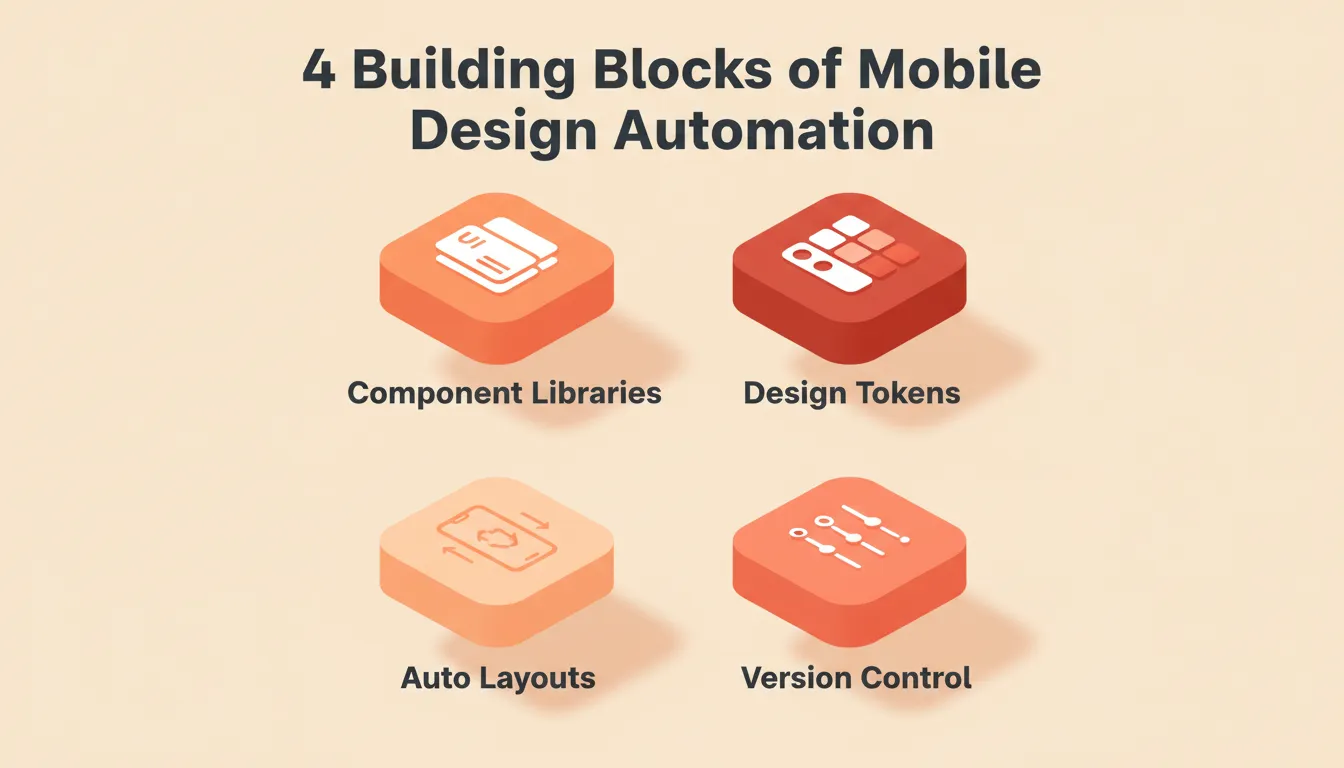
The four building blocks every mobile design automation system is built on.
Component Libraries
Centralized, reusable UI elements update across every screen simultaneously. When a button style changes, it propagates everywhere instantly. There is no manual find-and-replace across dozens of screens. Component libraries ensure visual consistency across iOS and Android without duplicating effort.
Design Tokens
Variables for colors, typography, spacing, shadows, and border radii form the core of any design system. Design tokens are the single source of truth for a mobile app's visual language. When a brand color changes, updating one token cascades the change across the entire codebase. Tokens also enable dark and light theming without screen-by-screen rework.
Auto Layouts and Responsive Rules
Designs adapt automatically to screen sizes, device orientations, and platform-specific UI conventions. Auto layout rules handle the difference between an iPhone 15 Pro Max and a compact Android device. No designer intervention is needed.
Version Control for Design
Automatic tracking and rollback for design changes keeps every iteration saved and every decision reversible. This is the safety net that lets teams experiment boldly without fear of losing work.
Together, these four elements move teams from repetitive, error-prone work to consistent, scalable outputs. Paired with CI/CD pipelines, even design handoffs become part of an automated flow. For a deeper look at how AI fits into the mobile build process, see this guide on how to build a mobile app with AI.
Automated Design Flow
From design brief to versioned developer handoff, a fully automated mobile design flow.
The Shift Towards Automation in Mobile Design
Digital design has changed significantly. Once, everything started with sketches and static mockups. Then came software like Sketch and Figma, which offered structure, collaboration, and version control. Yet repetitive tasks remained: components needed updates, layouts had to adapt across screens, and colors required constant checks.
Design automation for mobile apps targets those repetitive steps directly. Small changes produce big impact. Teams report less fatigue, more creative energy, and a healthier relationship with deadlines. The cultural shift is real: designers become strategic contributors rather than pixel-pushers. Developers receive cleaner assets, and product managers gain tighter iteration cycles.
According to Smashing Magazine, teams that invest in design systems and automation report up to 50% faster design cycles and significantly fewer cross-team miscommunications.
Figma-to-Code: Where Design Automation Meets Production
One of the highest-leverage forms of design automation for mobile applications is converting Figma designs directly into production-ready code. Traditionally, this handoff was a major bottleneck. Designers spent hours annotating specs, developers spent hours interpreting them, and something was always lost in translation.
Modern platforms now read Figma files structurally, preserving:
- Typography: font families, sizes, weights, and line heights
- Spacing: padding, margins, and layout grids
- Visual hierarchy: component z-order, grouping, and nesting
- Color system: brand colors, semantic tokens, and dark/light variants
The result is that the designer ships directly. The developer handoff becomes unnecessary. Teams that convert Figma designs to code compress weeks of back-and-forth into hours. This is not a theoretical future. It is how production teams work today.
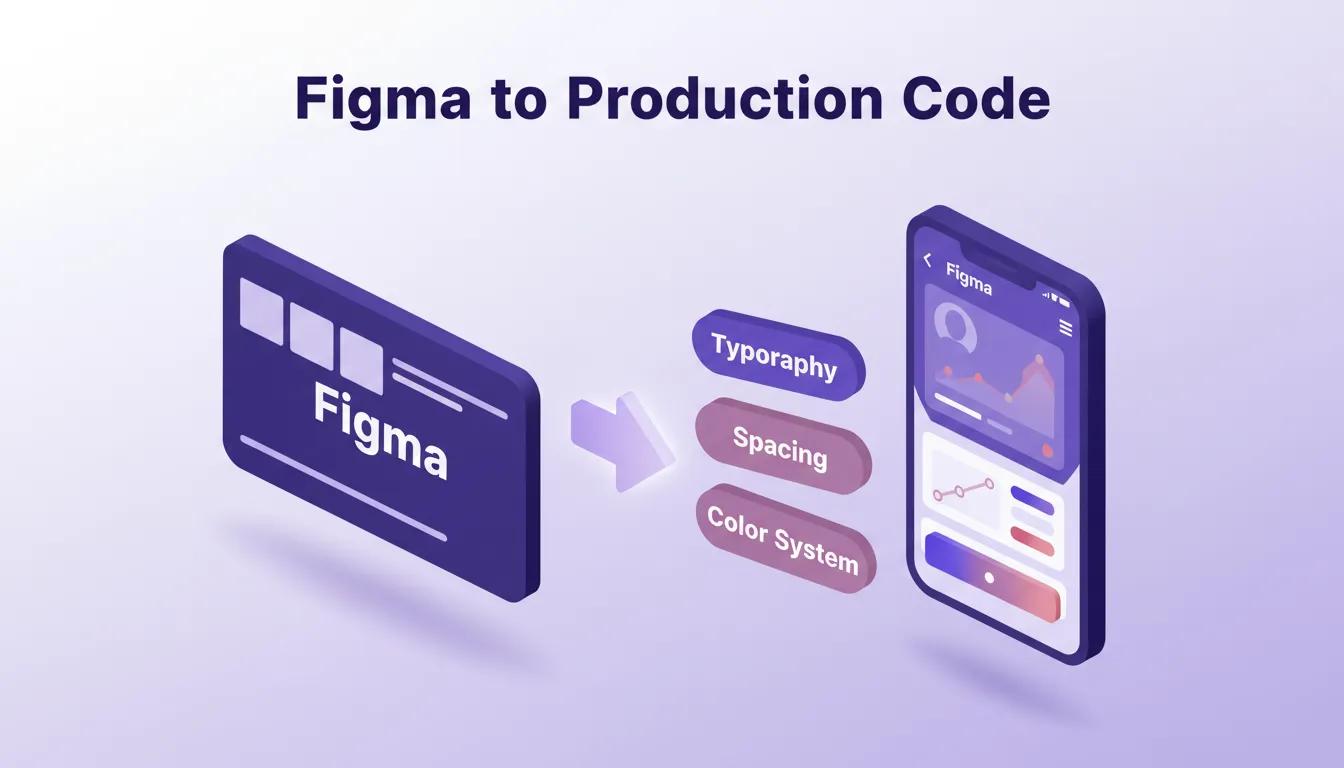
From Figma file to production-ready mobile code, preserving every design decision along the way.
Practical Tools for Mobile Design Automation
Design software has embraced automation at every layer. Figma's Variants, Auto Layout, and Plugin ecosystem reduce repetitive tasks. Adobe XD offers responsive resize, component states, and repeat grids. Teams combine these with scripting, APIs, and design system managers for richer automation. Platforms that support rapid prototyping further compress the iteration cycle by letting teams validate ideas before committing to full builds.
Tool Comparison: Design Automation Features for Mobile
| Tool | Key Automation Feature | Best Use Case | Mobile Support |
|---|---|---|---|
| Figma | Variants, Auto Layout, Plugins | Rapid prototyping and component updates | iOS and Android design |
| Adobe XD | Responsive resize, Repeat grids | Multi-screen designs and iterative updates | Cross-platform |
| Sketch | Symbols, Shared Styles | Consistency across large projects | macOS and iOS focus |
| Lona | Design Tokens | Cross-platform design consistency | React Native |
| Rocket (Build) | Flutter generation, Theme tokens, Visual Edit | AI-generated production mobile apps | iOS and Android native |
A designer shared this insight on switching to automated workflows: "Switching to automated design workflows cut our iteration time by 40%. More importantly, we focus on UX problems rather than button colors."
How Rocket Supports Mobile Design Automation
Rocket is a vibe solutioning platform that generates production-ready Flutter mobile apps. These apps include real design systems, dark/light theming, fluid navigation, and staggered animations. Rocket builds them directly from natural language descriptions or imported Figma files. 1.5 million people have tried Rocket across 180 countries.
Rocket's three core pillars each play a role in mobile design automation:
- Solve validates the product direction before a single screen is designed, so the design system is built around a confirmed user need
- Build generates production-ready Flutter mobile apps with real design systems, global theme tokens, and three iteration modes: Chat, Visual Edit, and direct Code access
- Intelligence monitors competitor design and product changes continuously, so teams know when to update their own design direction
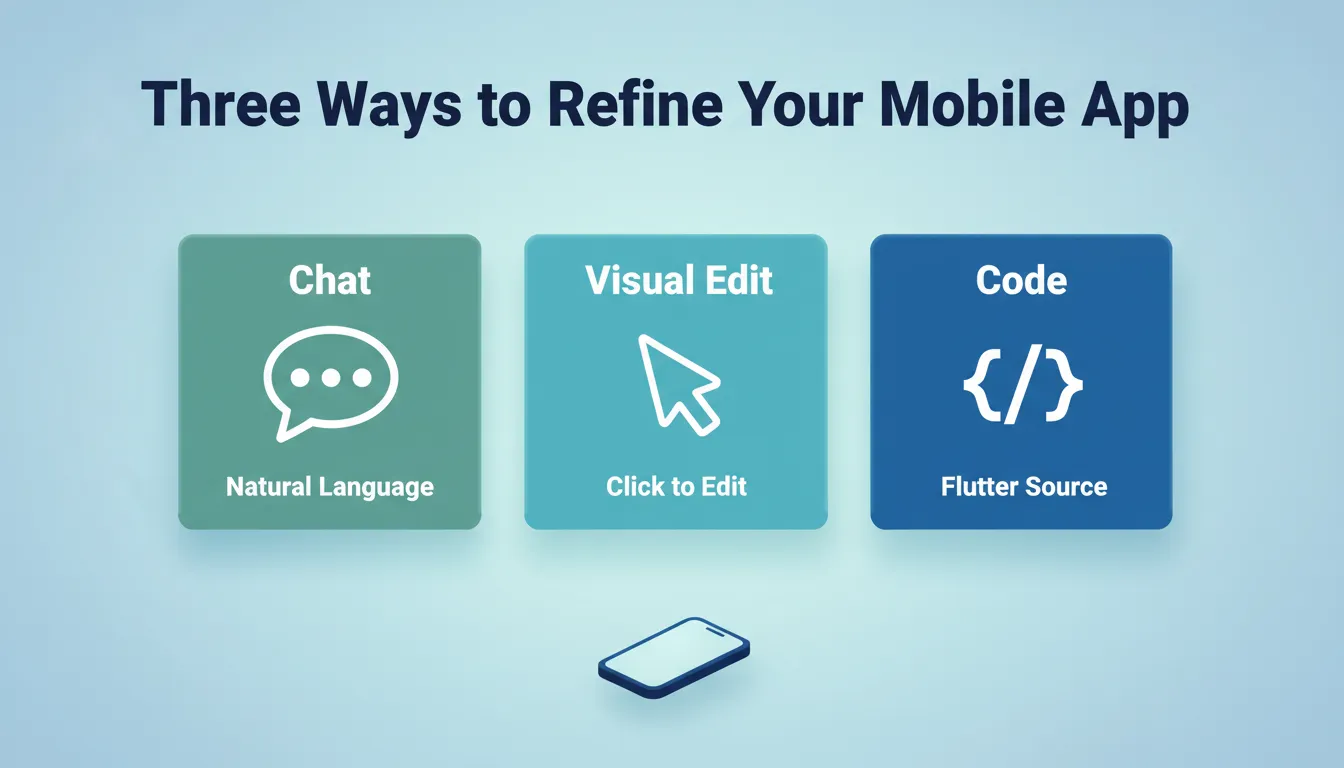
Rocket's three iteration modes, Chat, Visual Edit, and Code, give teams full control over the generated Flutter app.
Start From What You Already Have
Rocket offers multiple starting points that remove the blank-canvas problem:
- From a Figma file: Import your design and Rocket converts it to working Flutter code, preserving typography, spacing, visual hierarchy, and color system
- From a plain language description: Describe your app and Rocket generates the full UI, navigation, and logic. Most apps generate in one to three minutes.
- From a screenshot or mockup: Upload a UI reference image and Rocket analyzes the layout, colors, and components to generate a matching app
- From an existing codebase: Connect a GitHub repository and Rocket picks up exactly where the existing build left off
Global Theme Controls and Design Tokens
Rocket's Theme feature gives teams global design token control across the entire app at once. Change colors, fonts, and spacing in one place and every screen updates automatically. This is design automation at the system level. It is not screen-by-screen editing but platform-wide consistency from a single control point.
Version History and Rollback
Every generation and significant edit creates a new version automatically. Teams can browse the full version history and restore any previous state with one click. This is the design automation equivalent of git for your UI.
Rocket's Mobile Build Flow
Rocket's mobile design automation workflow: from idea or Figma file to App Store submission.
Mobile App Distribution Options
| Distribution Method | Speed | Audience | Cost |
|---|---|---|---|
| Web Preview Link | Instant | Anyone with link | Free |
| APK Download (Android) | Minutes | Testers with devices | Included with paid plan |
| Google Play Store | Days to weeks | Public | $25 one-time developer account |
| Apple App Store | Days to weeks | Public | $99/year developer account |
Real-World Applications of Mobile Design Automation
Teams building complex apps find that automation maintains UI consistency at scale. For teams exploring the full scope of what is possible, this overview of vibe coding for mobile app development covers how AI-driven workflows are reshaping the entire build cycle.
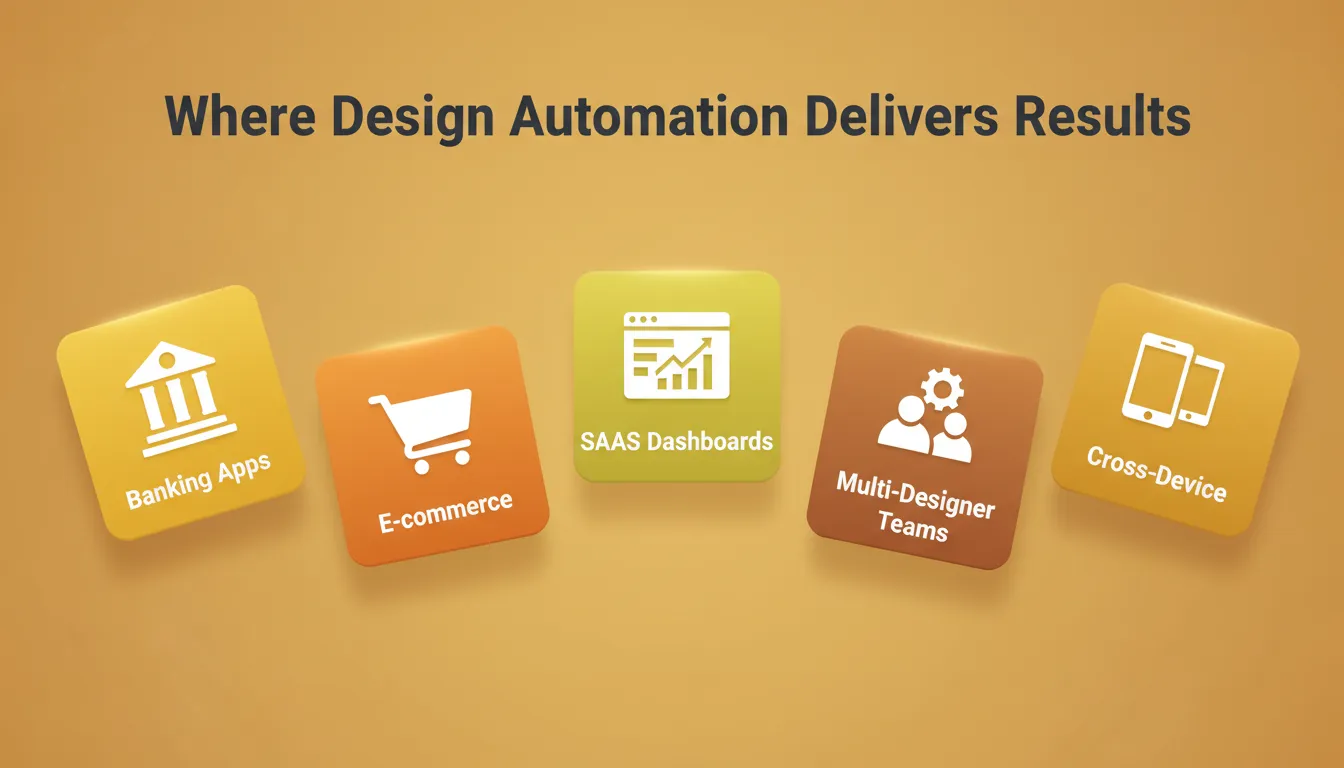
Five industries where mobile design automation drives measurable consistency and speed.
Here are some concrete real-world examples:
- Banking apps: Maintain consistent button styles, form patterns, and error states across iOS and Android from a single design token set
- E-commerce platforms: Update product card layouts and promotional banners across dozens of screens instantly when a campaign changes
- SaaS dashboards: Deploy frequent updates including new charts, new data views, and new navigation patterns without design drift between releases
- Multi-designer projects: Component libraries prevent divergence when multiple designers work in parallel, pulling from the same source of truth
- Cross-device layouts: Auto layouts handle the difference between phone, tablet, and foldable device form factors without manual screen duplication
Common Pitfalls and How to Avoid Them
Automation is not a silver bullet. Teams that rush into it without a clear strategy often encounter these problems:
- Overly rigid systems can stifle creativity and make it hard to respond to new design directions. Set boundaries deliberately.
- Blind reliance on automated outputs leads to repetitive, uninspired designs. Human review remains essential.
- Poor component management means outdated elements propagate errors at scale. Audit and update the component library regularly.
- Inadequate training leaves teams misusing tools and creating new bottlenecks. Invest in onboarding before rolling out automation.
Practical Tips for Successful Implementation
- Set boundaries first: Decide which elements are automated and which remain manual before rolling out any system
- Iterate slowly: Introduce automation in phases. Gradual adoption helps the team adapt and minimizes disruption.
- Review frequently: Regular design reviews catch errors early and ensure automated changes align with UX goals
- Measure the impact: Track time-to-handoff, design bug rate, and iteration velocity. Automation should show up in the numbers.
Measuring the ROI of Mobile Design Automation
Design automation is not just a workflow improvement. It has measurable business impact. Teams should track these four metrics:
- Time-to-handoff: How long does it take to go from design approval to developer-ready assets?
- Design bug rate: How many QA issues trace back to design inconsistencies?
- Iteration velocity: How many design iterations can the team complete per sprint?
- Onboarding time: How long does it take a new designer to become productive?
For teams building a strong design system foundation, Google's Material Design 3 guidelines provide an authoritative reference for scalable, automated design systems that work natively across Android and iOS.
The Future of Design Automation for Mobile Apps
Design automation for mobile app development is no longer optional for teams that want to stay competitive. The teams winning in mobile today are not the ones with the most designers. They are the ones with the most consistent design systems, the most automated handoffs, and the most efficient execution across every screen.
As AI-powered tools mature, the gap between teams that automate and those that do not will only widen. The next frontier is full-stack automation: from idea validation to Figma import, from global token management to one-click App Store submission, all in one connected workflow. Rocket brings that entire arc into a single platform, so every design decision compounds rather than resets.
Start building with Rocket today and see what automated, production-ready mobile design actually looks like.
Table of contents
- -Core Building Blocks of Mobile Design Automation
- -Component Libraries
- -Design Tokens
- -Auto Layouts and Responsive Rules
- -Version Control for Design
- -Automated Design Flow
- -The Shift Towards Automation in Mobile Design
- -Figma-to-Code: Where Design Automation Meets Production
- -Practical Tools for Mobile Design Automation
- -Tool Comparison: Design Automation Features for Mobile
- -How Rocket Supports Mobile Design Automation
- -Start From What You Already Have
- -Global Theme Controls and Design Tokens
- -Version History and Rollback
- -Rocket's Mobile Build Flow
- -Mobile App Distribution Options
- -Real-World Applications of Mobile Design Automation
- -Common Pitfalls and How to Avoid Them
- -Practical Tips for Successful Implementation
- -Measuring the ROI of Mobile Design Automation
- -The Future of Design Automation for Mobile Apps