
Growing brands hit Squarespace's ceiling fast. This blog compares the best Squarespace website builder alternatives on AI generation, ecommerce depth, design control, and total cost, so you pick the right platform once.
Why Do Growing Brands Outgrow Squarespace?
Squarespace is a hosted website builder with pre-designed templates, drag-and-drop editing, integrated hosting, and basic ecommerce. It works well for portfolios, small blogs, and simple stores.
As brands grow, however, the same constraints keep surfacing. Templates are polished but structurally rigid, and deep customization requires CSS overrides or developer help. E-commerce features also hit a ceiling quickly, with transaction fees on lower-tier plans and fewer payment gateway options than dedicated platforms.
According to data, in 2025, 73% of small businesses in the U.S. have a website, up from 64% in 2020, underscoring the critical role of online tools and platforms in growth.
So if you want more control, better custom domain support, deeper ecommerce features, and truly flexible design options, there are many excellent website builders to consider.
What Makes a Strong Squarespace Alternative
Not every website builder is a meaningful upgrade. The right platform depends on your primary use case, technical comfort level, and growth trajectory.
Before diving in, here are five things worth defining upfront:
- AI generation — Can the platform build your site from a plain-language description, or does it only offer templates?
- Ecommerce depth — Does it support multi-channel selling, subscriptions, and advanced payment gateways?
- Design flexibility — Can you achieve truly custom layouts, or are you constrained by a grid?
- SEO defaults — Does every build ship with structured data, sitemaps, and schema out of the box?
- Total cost of ownership — What are the real costs including transaction fees, apps, and developer time?
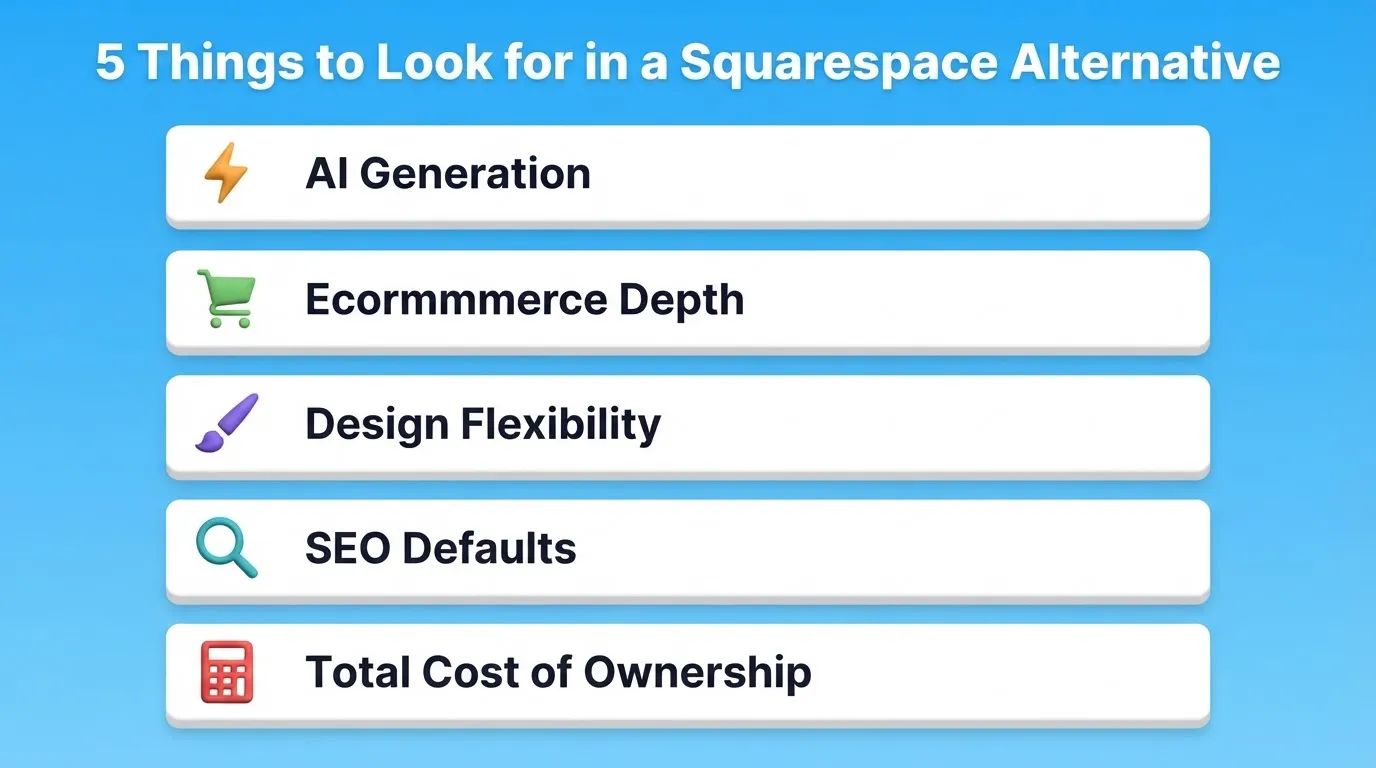
The platforms below are compared across all five of these areas.
Best Squarespace Alternatives Compared
| Platform | Free Plan | AI Generation | Ecommerce | Starting Price | Best For |
|---|---|---|---|---|---|
| Rocket | Yes (20 credits) | Yes, full site and app from prompt | Good | $25/mo | AI-generated sites, apps, full-stack products |
| Wix | Yes | Partial (ADI) | Good | $17/mo | Creative flexibility, beginners |
| Shopify | No (3-day trial) | No | Excellent | $29/mo | Dedicated online stores |
| WordPress + WooCommerce | Yes (self-hosted) | No | Excellent | Hosting cost varies | Custom, scalable projects |
| Webflow | Yes (limited) | No | Good | $25/mo | Design-focused brands |
| Weebly | Yes | No | Fair | $10/mo | Simple small business sites |
Top Squarespace Alternatives for Growing Brands
1. Rocket — AI-Powered Website and App Builder
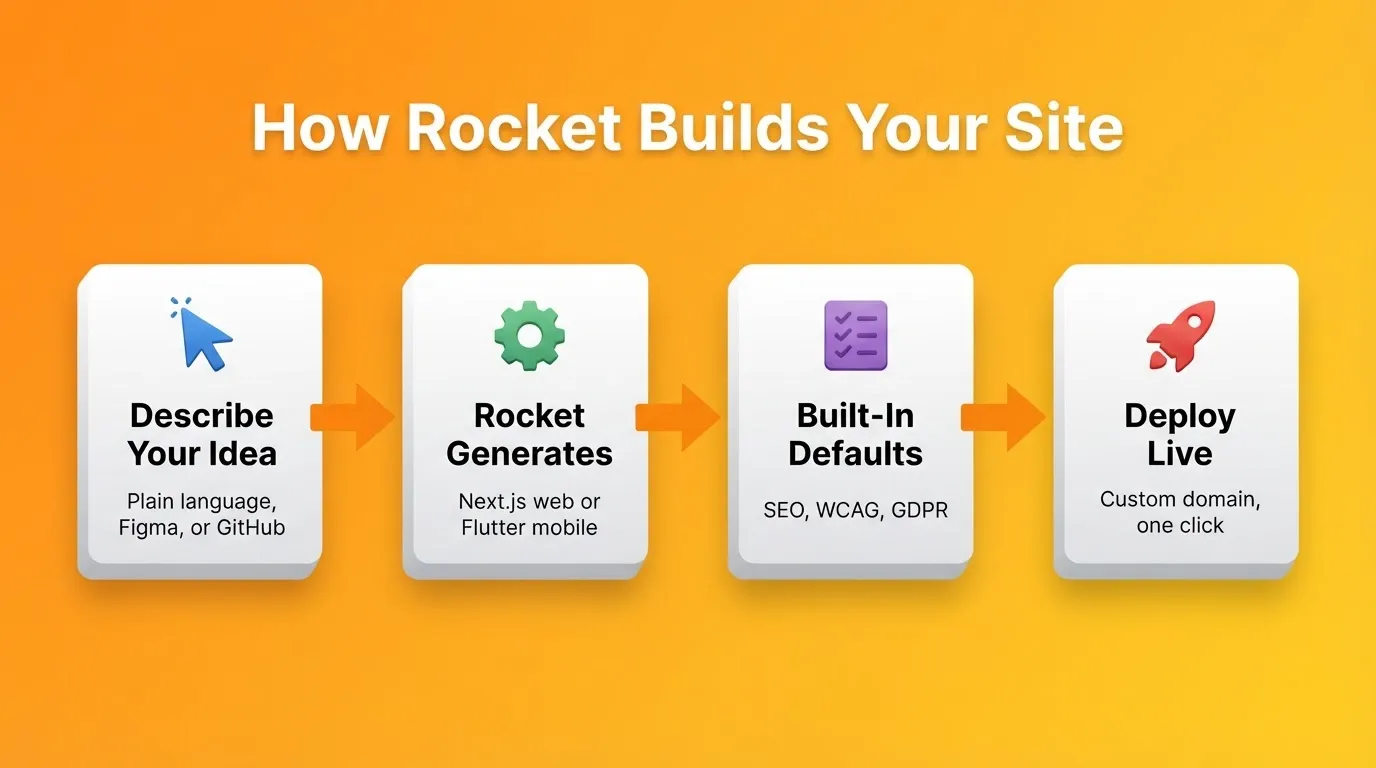
 You describe what you want to build. Rocket then generates a complete, production-ready website or web app from a plain-language description, a Figma file, or an existing GitHub repository. Most builds complete in one to three minutes.
Rocket is not a template builder. It generates Next.js code for web and Flutter for mobile. The output is production-grade from the first generation. Every build ships with SEO-ready structure, WCAG accessibility compliance, and GDPR coverage by default, not as optional extras.
1.5 million people have tried Rocket across 180 countries, from solopreneurs to enterprise teams.
You can also paste any existing website URL and use the Redesign command to rebuild the layout, theme, and content without starting from scratch. For a broader look at what AI-generated sites can do, see the best AI website builder guide.
Key features:
- Generate a complete website or web app from a prompt, Figma file, or GitHub repo
- Visual editor plus code view, so you can click any element to edit or open the file tree directly
- Redesign any existing website by pasting its URL and choosing a redesign command
- Deploy to a custom domain with one click and automatic HTTPS
- 25+ integrations including Stripe, Supabase, Google Analytics, Notion, and Mailchimp
- Built-in analytics tracking visitors, conversions, and Core Web Vitals
- Full version history and one-click rollback
- Team collaboration with Admin, Creator, and Viewer roles; unlimited team members on all paid plans
| Plan | Price | Credits/Month | Includes |
|---|---|---|---|
| Free | $0 | 20 (one-time) | Build + Light Solve |
| Pro | $25/mo | 100 | Build + Light Solve |
| Rocket | $50/mo | 250 | Build + Full Solve + Intelligence |
| Booster | $250/mo | 1,500 | Build + Full Solve + Intelligence + premium support |
Annual billing saves 20% across all paid plans. No credit card is required to start.
Best for: Founders validating MVPs, designers shipping Figma files without developer handoff, and teams replacing agency relationships with in-house build capability.
2. Wix — Flexible and Beginner-Friendly
 Wix is one of the most widely used website builders globally. Its drag-and-drop editor offers genuine creative freedom, letting you place elements anywhere on the canvas without grid constraints. Wix ADI can generate a basic site from a few questions, though the output is template-based rather than code-generated.
Key features:
- Drag-and-drop editor with pixel-level placement freedom
- Over 900 pre-designed templates across industries
- Wix App Market with 300+ third-party integrations
- Built-in SEO tools including meta tag editing, structured data, and sitemap generation
- Wix eCommerce with inventory management, multiple payment options, and abandoned cart recovery
- Free plan available; paid plans start at $17/mo
Worth noting: once you choose a Wix template, migrating to a different one requires rebuilding from scratch. The ADI output also cannot be exported as code. For platforms that go further when Wix hits its limits, see the Wix alternatives guide.
Best for: Creative brands, freelancers, and small businesses that want design freedom without coding.
3. Shopify — Best for Growing Online Stores
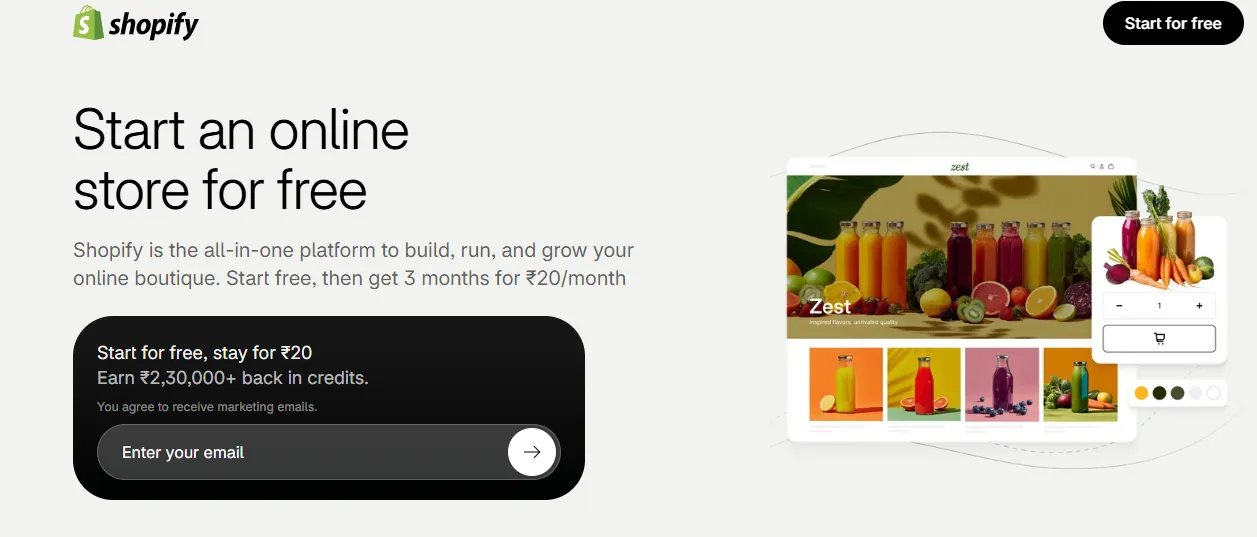 Shopify is purpose-built for selling online, with inventory management, multi-channel selling, and payment processing at its core. According to W3Techs, Shopify powers 5.2% of all websites globally as of June 2026, making it the second most widely used CMS after WordPress.
Key features:
- Unlimited products with variant support (size, color, material)
- Shopify Payments plus 100+ external payment gateways
- Abandoned cart recovery, discount codes, and gift cards
- Multi-channel selling across online store, Instagram, Facebook, Amazon, TikTok, and in-person POS
- Shopify App Store with thousands of apps for marketing, inventory, shipping, and analytics
- No free plan; entry plan at $29/mo with a 3-day trial
Keep in mind: transaction fees apply when using a payment gateway other than Shopify Payments. Shopify is purpose-built for ecommerce, so if your primary need is a content-heavy site or web app, it may not be the right fit.
Best for: Brands whose primary business is selling online. For teams building custom store experiences beyond templates, the no-code ecommerce builder guide covers what is possible.
4. WordPress + WooCommerce — Maximum Flexibility
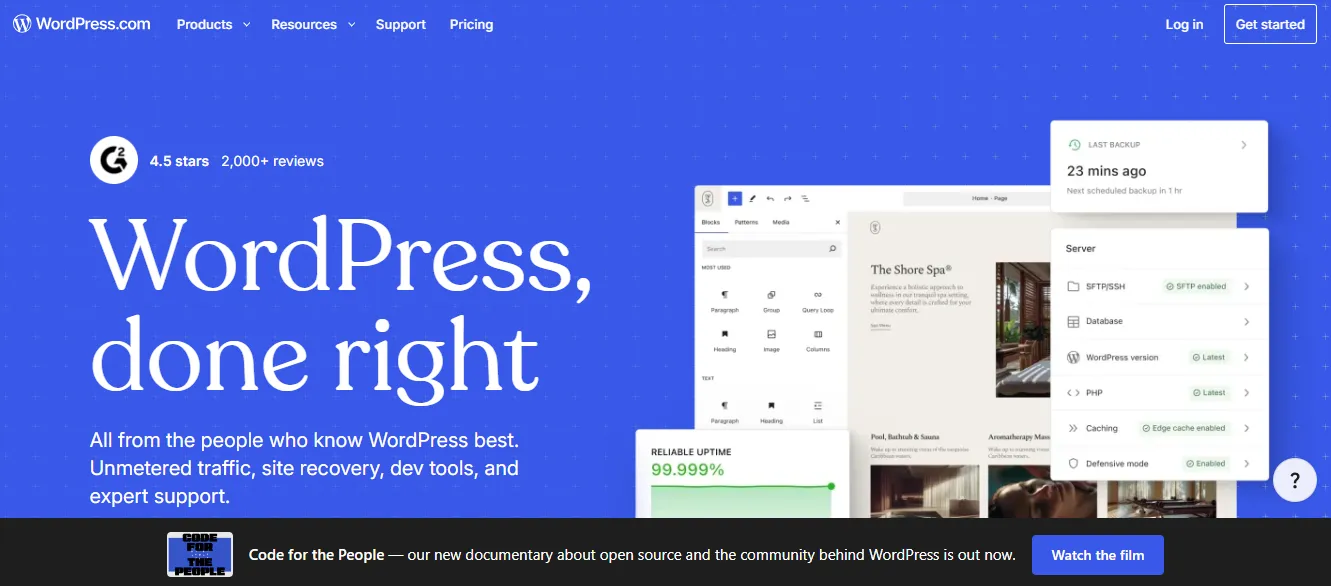
According to W3Techs, WordPress powers 41.5% of all websites on the internet as of June 2026. Paired with WooCommerce, the open-source ecommerce plugin, it becomes the most extensible website and store platform available. You own the code, the data, and the hosting environment.
Key features:
- 60,000+ plugins covering every conceivable feature
- Full content management system with custom post types, taxonomies, and user roles
- WooCommerce supports physical products, digital downloads, subscriptions, and memberships
- Advanced SEO via plugins like Yoast SEO and Rank Math
- Complete design control via themes, page builders, and custom code
- WordPress software is free; you pay for hosting, themes, and plugins
That said, WordPress has the steepest learning curve on this list. You are responsible for hosting, security updates, plugin conflicts, and performance optimization. Total cost of ownership is often higher than it appears once you factor in managed hosting, premium plugins, and developer time.
Best for: Brands that need complete control over their digital infrastructure. It suits developers, agencies, and technical founders who want to build without platform constraints.
Squarespace vs Alternatives: Full Feature Comparison
| Feature | Squarespace | Rocket | Wix | Shopify | WordPress | Webflow | Weebly |
|---|---|---|---|---|---|---|---|
| Free Plan | No (14-day trial) | Yes (20 credits) | Yes | No (3-day trial) | Yes (self-hosted) | Yes (limited) | Yes |
| AI Site Generation | No | Yes, full site and app | Partial (ADI) | No | No | No | No |
| Production-Grade Code | No | Yes (Next.js/Flutter) | No | No | Yes | Yes | No |
| Custom JSON-LD Schema | Limited | Yes (default) | Partial | Via apps | Yes (Yoast) | Yes | No |
| Ecommerce Depth | Basic | Good | Good | Excellent | Excellent | Good | Fair |
| Design Flexibility | Medium | High | High | Medium | Very High | Very High | Low |
| Starting Price | $16/mo | $25/mo | $17/mo | $29/mo | Hosting only | $25/mo | $10/mo |
5. Webflow — Design Freedom with Production-Grade Code
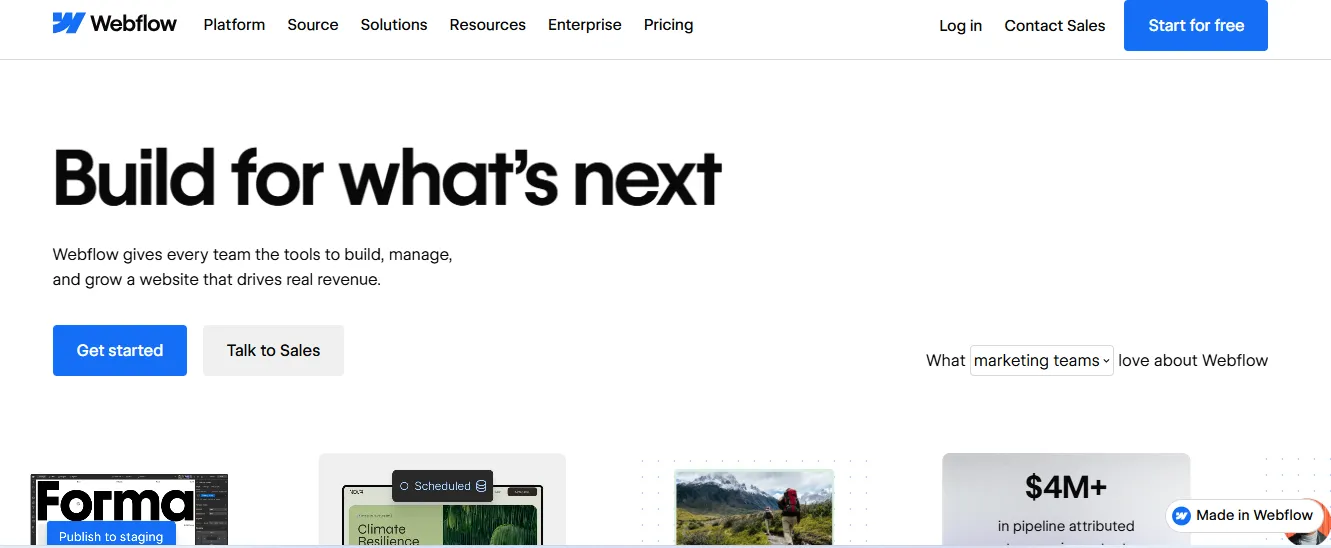 Webflow sits at the intersection of visual design and clean code. It generates semantic HTML, CSS, and JavaScript from a visual editor with no proprietary markup. As a result, designers get pixel-perfect control while developers get clean, maintainable code.
Webflow updated its pricing in May 2026. The Standard plan (with CMS) now starts at $25/mo billed annually.
Key features:
- Visual editor that generates real HTML and CSS
- Webflow CMS for dynamic content such as blog posts, team members, and case studies
- Interactions and animations without JavaScript knowledge
- Responsive design with breakpoint-level control
- Hosting on a global CDN with automatic SSL
- Free plan available (limited); paid plans start at $25/mo
One thing to note: Webflow has a steep learning curve. You need to understand CSS concepts to use it effectively. Ecommerce features are available but less mature than Shopify. For teams exploring the full landscape of design-first tools, the Webflow alternatives guide covers what else is available.
Best for: Design-focused brands, agencies, and marketing teams that need pixel-perfect layouts and complex animations.
6. Weebly — Simple, Affordable, and Effective
 Weebly, now part of Square, is the most straightforward option on this list. Its drag-and-drop interface is genuinely easy to use. The platform also integrates natively with Square's payment processing and point-of-sale system.
Key features:
- Simple drag-and-drop editor with section-based layout
- Native Square payment integration for online and in-person selling
- Free plan available; paid plans start at $10/mo
- Built-in blog, contact forms, and basic SEO tools
- Mobile-responsive themes
It is worth knowing that Weebly has the least design flexibility and fewest advanced features of any platform on this list. It has not received major product updates since Square acquired it. For brands expecting significant growth, Weebly is likely a short-term solution.
Best for: Beginners, local businesses, and small shops that need a simple, affordable online presence.
Who Should Switch from Squarespace
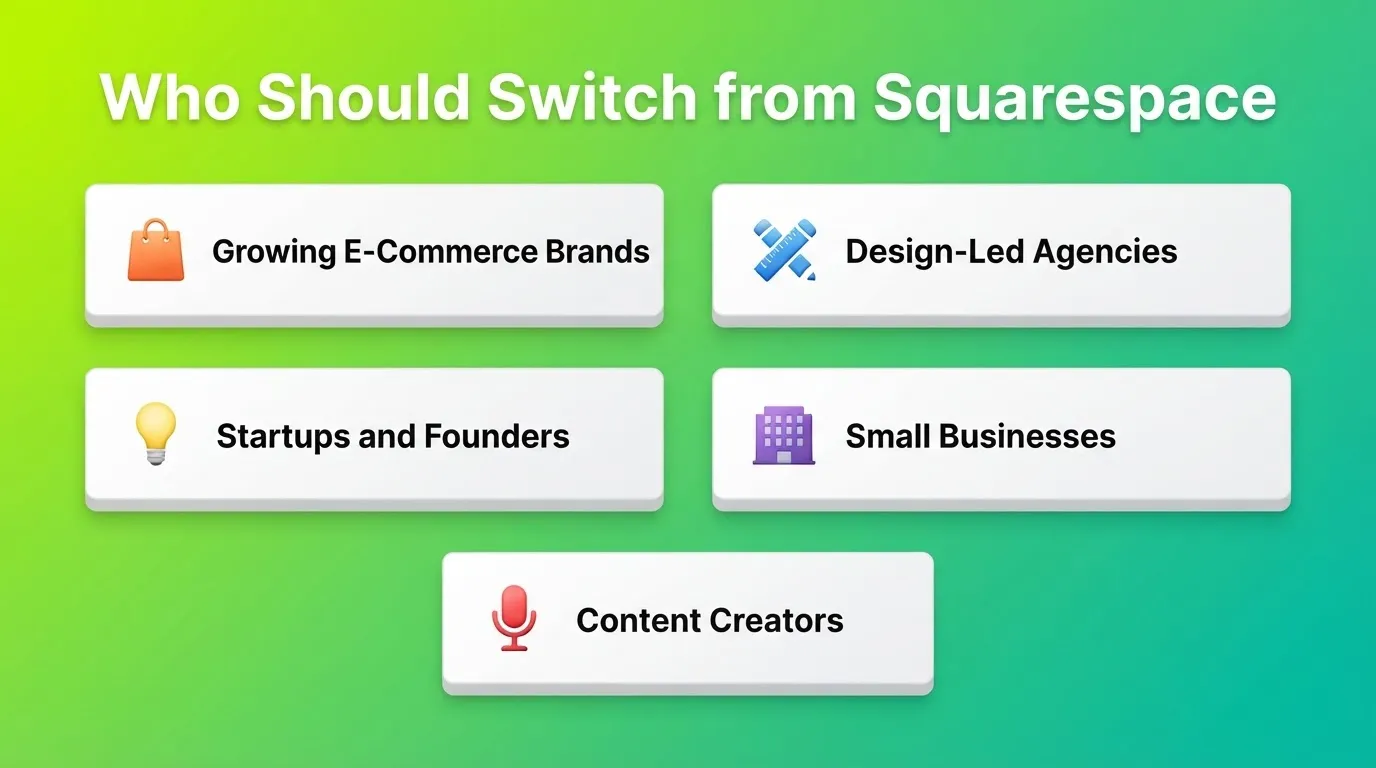
Growing e-commerce brands running meaningful revenue need inventory management, multi-channel selling, and advanced payment options. Squarespace's ecommerce tools become a constraint at scale. Shopify is the clear upgrade for dedicated online stores. WordPress with WooCommerce offers the most flexibility for brands that also need strong content publishing.
Design-led agencies and freelancers find that Squarespace templates look professional but are structurally similar across sites. Webflow gives agencies the ability to build truly custom designs with clean code output. Wix, on the other hand, offers more layout freedom for clients who want to manage their own sites after handoff.
Startups and founders validating ideas need to move from idea to live URL fast. Rocket generates the site from a description, so you can go from concept to a working prototype in under an hour. That is a qualitative leap beyond any template-based builder.
Small businesses replacing agency relationships face a real cost problem. The monthly subscription is not the issue. It is the agency or freelancer fees for every update, redesign, or new page. Rocket's Redesign command and AI generation allow non-technical business owners to make significant changes without external help.
Content creators and media brands need more than Squarespace's blog features. WordPress remains the standard for content-heavy sites with complex publishing workflows, membership systems, and SEO requirements. Webflow's CMS is also a strong alternative for creators who want design control alongside content management.
Real User Perspective
Here is a real quote from Reddit about using AI-powered builders for rapid site creation:
"Basically, I use GPT to create a very detailed PRD, and then feed that into rocket.new. It does a solid job of analyzing and generates a to-do list where you can pick screens. For rapid prototyping or spinning up an MVP, it feels like a big productivity boost."
The shift this reflects is real. The question is no longer just "which template do I pick?" It is "how quickly can I go from idea to live product?"
How to Choose and Switch from Squarespace
Choosing a website builder is a long-term infrastructure decision. Migrating platforms is expensive and time-consuming, so getting the choice right matters. Here is a practical framework to help:
- Define your primary use case. Is this a content site, an online store, a web app, or a marketing landing page? Different use cases call for different platforms.
- Assess your technical comfort level. WordPress offers the most power but requires the most technical knowledge. Rocket, Wix, and Weebly are genuinely no-code. Webflow sits in between.
- Project your growth trajectory. A platform that works for 100 monthly visitors may not work for 100,000. Shopify and WordPress scale without platform constraints. Squarespace and Weebly have lower ceilings.
- Calculate total cost of ownership. Monthly subscription costs are only part of the picture. Factor in transaction fees, app costs, developer fees, and migration costs if you outgrow the platform.
- Test before committing. All platforms on this list offer free plans or trials. Build a test site before migrating your primary presence.
Missing from Most Squarespace Comparisons: AI Search Visibility
Most website builder comparisons ignore how sites perform in AI-powered search engines like Perplexity, ChatGPT, and Google's AI Overviews. This is now a meaningful traffic source.
Platforms that generate clean semantic HTML, structured data, and FAQ schema by default give brands a structural advantage in AI citations. Rocket ships every build with SEO-ready structure and supports GEO optimization (Generative Engine Optimization) via a built-in slash command. WordPress with Yoast SEO and Webflow also give you full control over structured data markup.
Squarespace's structured data support is limited. You cannot inject custom JSON-LD schema without third-party workarounds. As a result, Squarespace sites are at a disadvantage as AI search becomes a larger share of discovery.
What GEO-ready means in practice:
- Clean semantic HTML with proper heading hierarchy
- FAQ schema that AI engines can parse and cite directly
- Open Graph and Twitter Card metadata for social and AI previews
- Sitemap and robots.txt configured correctly by default
- Structured data for products, articles, and organizations
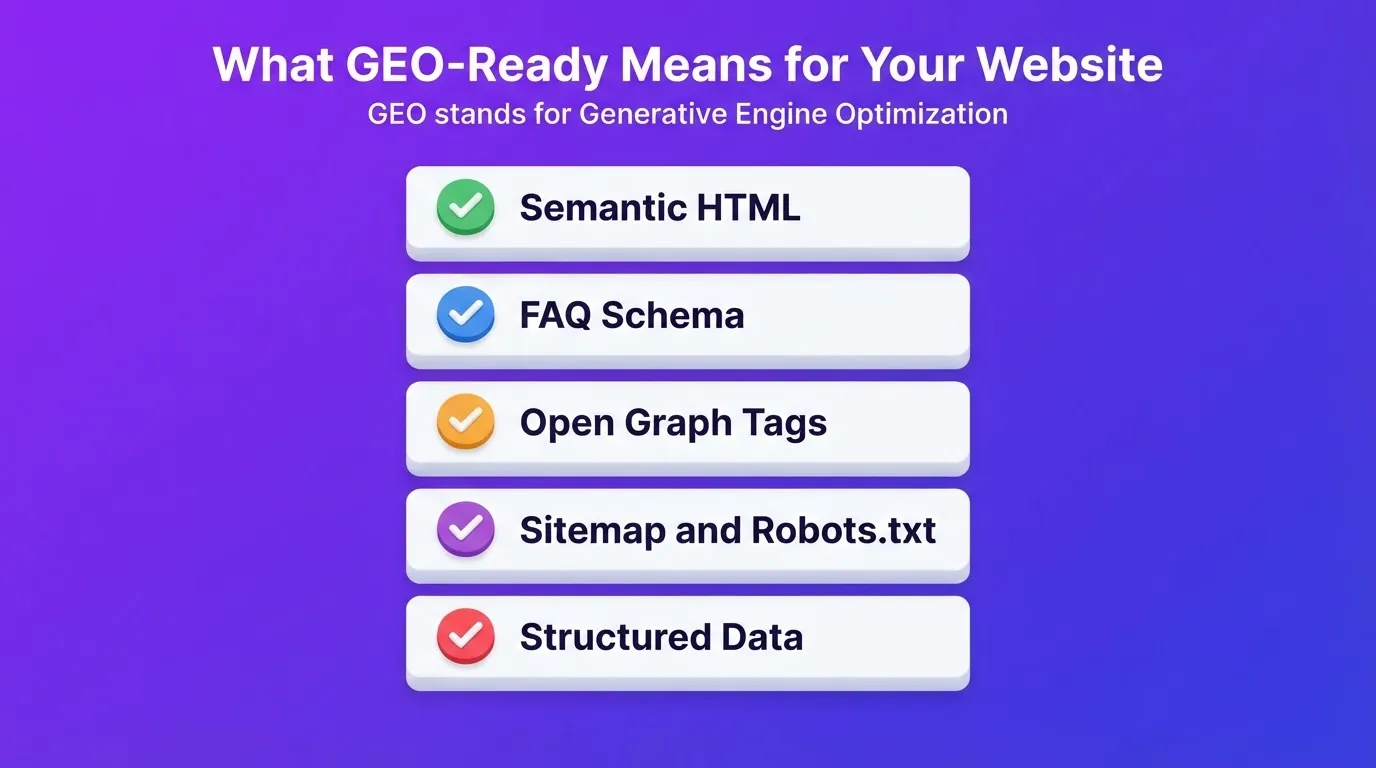
Rocket generates all of these by default on every build. WordPress requires plugin configuration. Squarespace requires workarounds for most of them.
The Right Squarespace Website Builder Alternative for Your Brand
The Squarespace website builder era defined a generation of online presence: polished templates, integrated hosting, and no-code simplicity. The next generation, however, is defined by AI generation, production-grade code output, and platforms that ship with SEO, accessibility, and compliance already in place.
The best Squarespace alternatives in 2026 are not just faster or cheaper versions of what Squarespace does. Shopify goes deeper on ecommerce. WordPress goes further on extensibility. Webflow goes further on design precision. Rocket generates the entire site from a description, with structure, code, and defaults included, in minutes.
For growing brands, the platform you choose determines how quickly you can iterate, how much you depend on external help, and how well your digital presence scales with your business. Type what you want to build into Rocket and see what comes back.
Table of contents
- -What Makes a Strong Squarespace Alternative
- -Best Squarespace Alternatives Compared
- -Top Squarespace Alternatives for Growing Brands
- -1. Rocket — AI-Powered Website and App Builder
- -2. Wix — Flexible and Beginner-Friendly
- -3. Shopify — Best for Growing Online Stores
- -4. WordPress + WooCommerce — Maximum Flexibility
- -Squarespace vs Alternatives: Full Feature Comparison
- -5. Webflow — Design Freedom with Production-Grade Code
- -6. Weebly — Simple, Affordable, and Effective
- -Who Should Switch from Squarespace
- -Real User Perspective
- -How to Choose and Switch from Squarespace
- -Missing from Most Squarespace Comparisons: AI Search Visibility
- -The Right Squarespace Website Builder Alternative for Your Brand