Retail Blog & Media Pre-Launch Website Template
Aisle is a single-column landing page template built for a retail community forum waitlist. It uses a scrolling Day-in-the-Life narrative to walk visitors through a retail worker's full day, revealing forum features chapter by chapter. The design follows an Ink and Paper journal aesthetic with warm parchment tones, serif headlines, and a "Hold My Spot" waitlist form with role-based segmentation.
by Rocket studio
Quick summary
Aisle is a waitlist landing page template for a retail community forum. It tells the story of a single retail workday from open to close, introducing discussion threads, mentor matching, and a resource library through lived narrative. The design feels like a handwritten notebook, warm and honest, built to earn signups by making visitors feel recognized before they're ever asked to join.
Who this template is for
This template is built for founders and community builders launching a forum or membership space aimed at retail professionals. It suits projects that need to build an early audience before going live.
- Store managers and district managers who want to gather a segmented community before launch day
- Visual merchandisers, retail buyers, and career-building associates looking for a professional peer space
- Independent community organizers running a coming-soon campaign for a retail-focused platform
What problem this template solves
Most waitlist pages ask visitors to sign up before giving them a reason to care. Retail professionals in particular are skeptical of platforms that feel corporate or out of touch with the actual shop floor. This template solves that trust gap through storytelling.
- It removes the cold pitch problem by walking visitors through a day they already recognize
- It avoids generic sign-up friction by giving visitors a role selector and a "Submit a Floor Story" path
- It segments your launch audience automatically so your community starts organized, not chaotic
What you get with this template
You get a fully structured single-column landing page with five distinct chapter-based sections, a styled waitlist form, and a minimal footer. Every section is built around the Day-in-the-Life narrative arc, so the page reads like a story rather than a feature list.
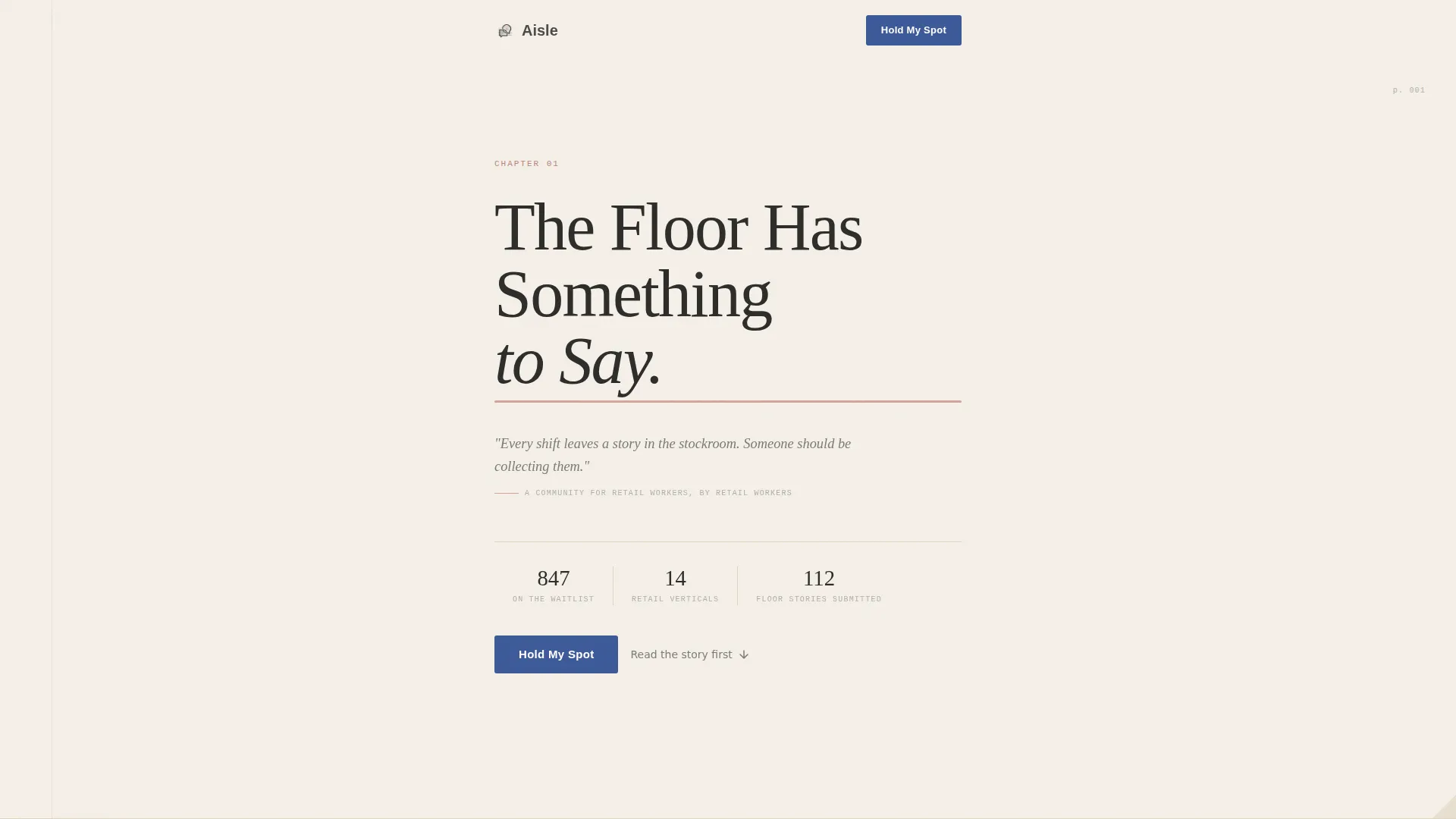
- A typography-only hero with a chapter number, serif headline, and italic epigraph on a paper-grain background
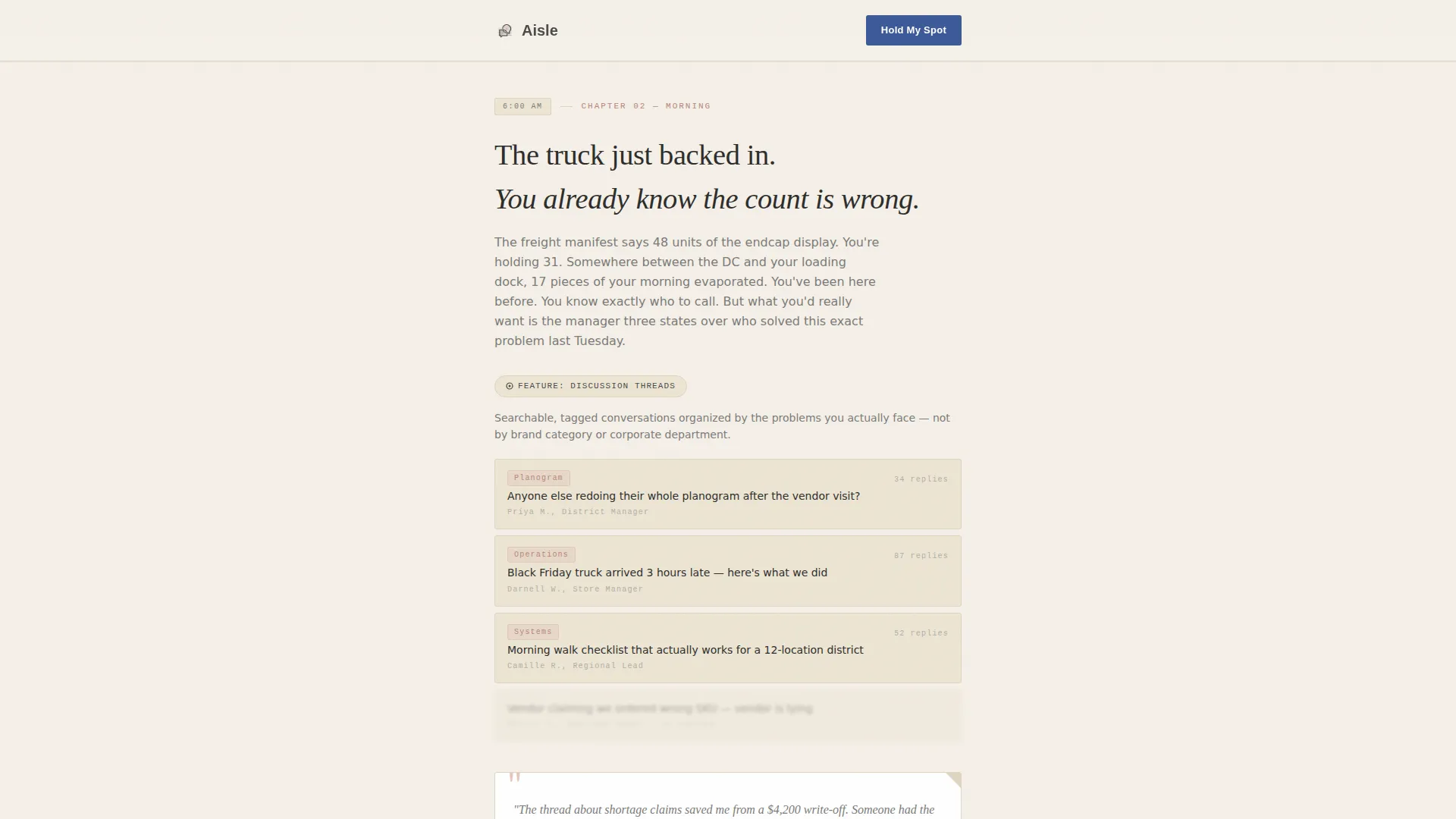
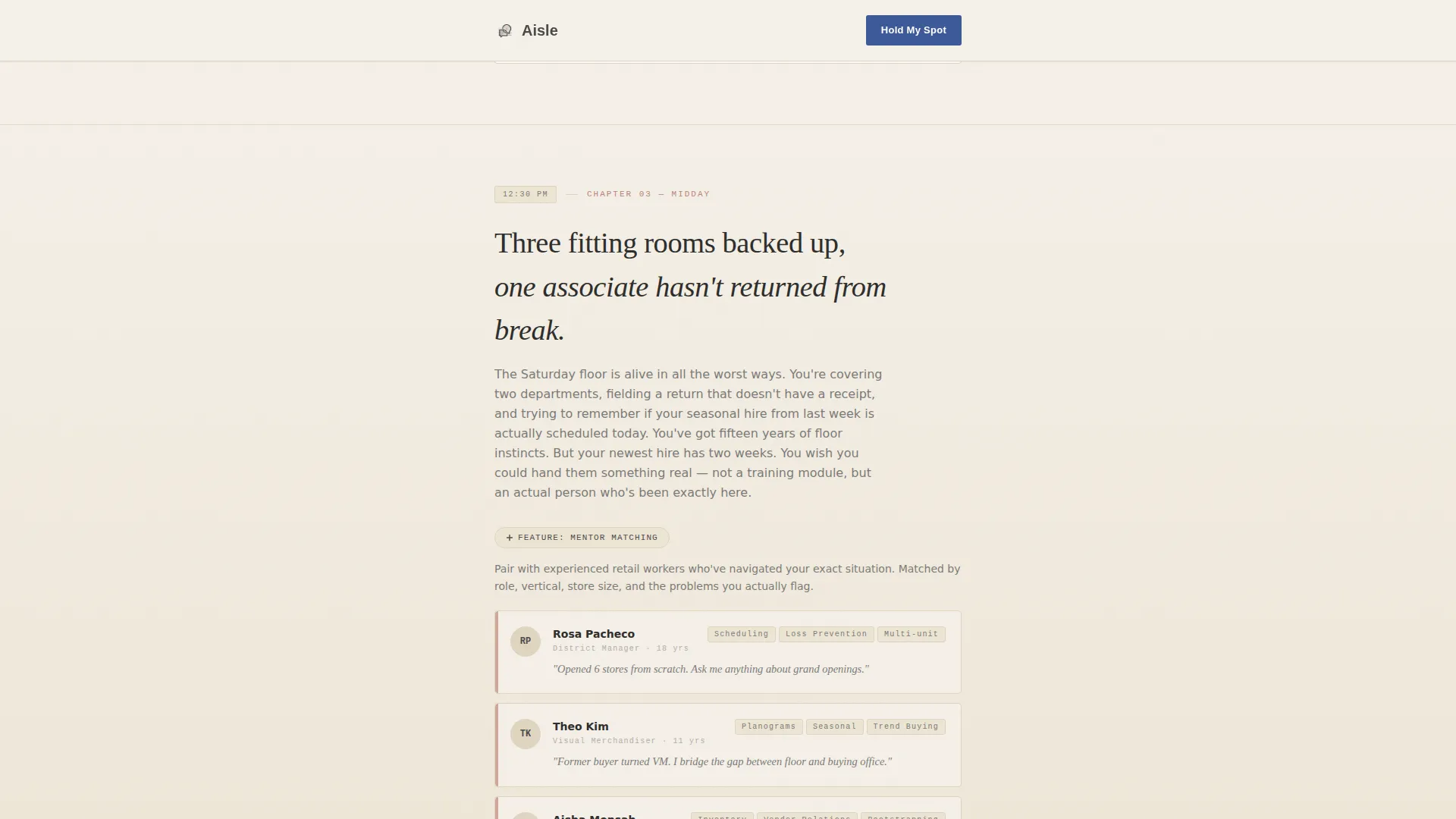
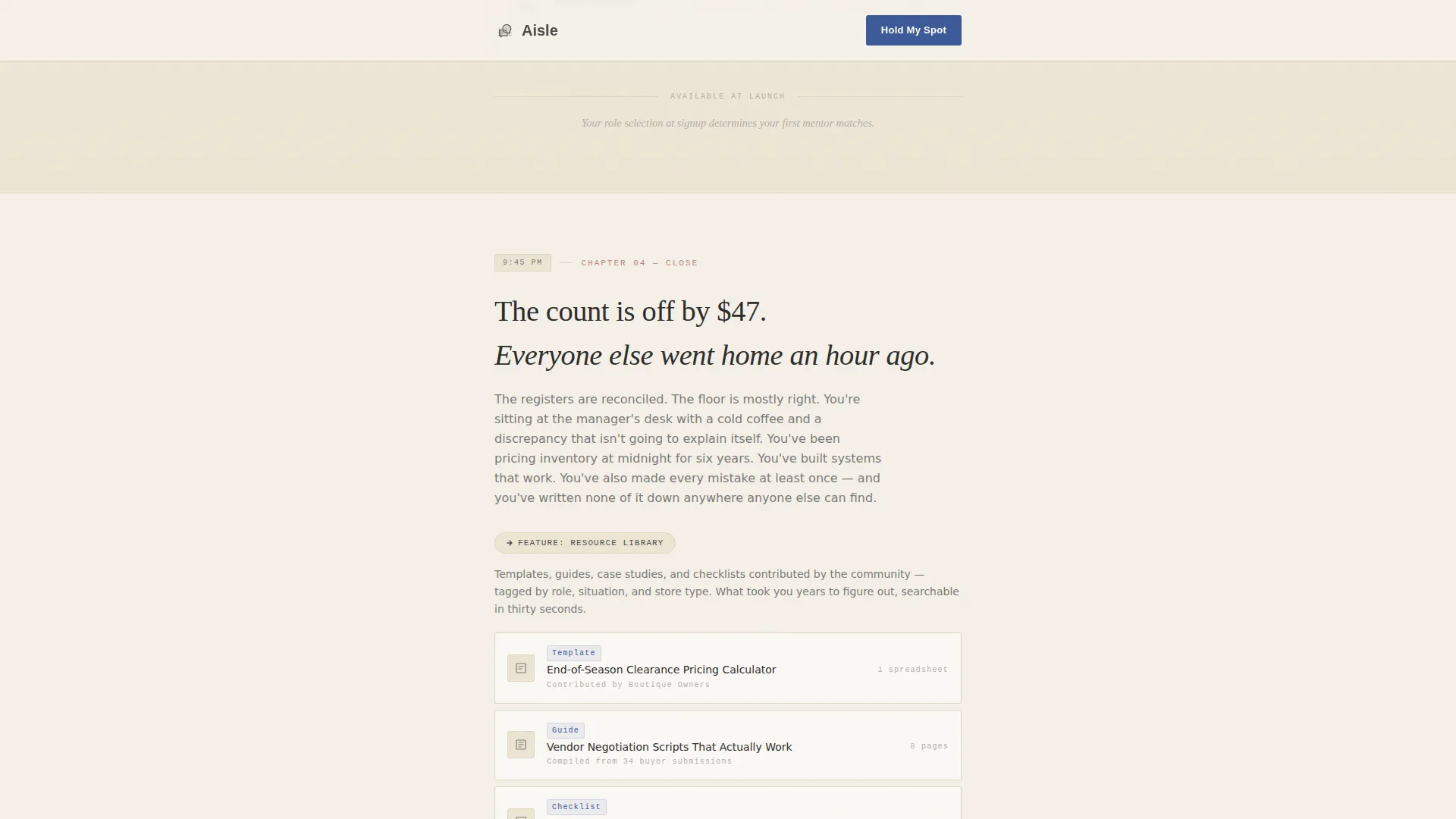
- Three narrative chapter cards (morning, midday, evening) each revealing one forum feature in context
- A waitlist form with an email field, role selector, and a "Submit a Floor Story" text area
Feature list
This section covers the core built-in capabilities of the Aisle template as delivered.
Chapter-Based Hero Section
The hero is styled as the opening page of an oversized hardcover book. It displays a chapter number, a large Fraunces serif headline, and an italic epigraph line beneath it. The background carries a faint paper grain texture. There is no photography or imagery, the section relies entirely on confident typography.
Scroll-Linked Narrative Chapters
Three chapter cards guide the visitor through morning, midday, and evening retail scenarios. Each chapter card introduces one forum feature woven into the moment it would naturally be needed. Scroll-linked reveals and staggered fade-in animations bring each chapter into view as the user moves down the page.
Contextual Forum Feature Reveals
Discussion threads appear inside the morning stocking chapter. Mentor matching surfaces during the midday customer-chaos section. The resource library is revealed in the quiet evening closing chapter. Features are never announced in isolation, they emerge from the story itself.
Segmented Waitlist Form
The "Hold My Spot" form captures an email address and a role selection from five options: store manager, associate, buyer, merchandiser, and other. This segmentation means your community list is already organized by role when you launch, removing a manual sorting step later.
Floor Story Submission Field
A secondary call to action below the main form invites visitors to submit their own floor story via a short text area. This seeds real launch-day content and deepens visitor commitment before the community is even live.
Ink-Stroke SVG Animation
An animated ink stroke SVG element reinforces the analog journal aesthetic at key scroll points. It gives the page subtle motion without relying on video or heavy media assets.
Page sections overview
| Section | Purpose |
|---|---|
| Chapter 01 Hero | Opens the page with a book-chapter typographic layout and paper grain texture |
| Morning Chapter Card | Tells the 6 AM stocking story and reveals the Discussion Threads feature |
| Midday Chapter Card | Covers customer chaos and team dynamics, introducing Mentor Matching |
| Evening Chapter Card | Reflects on closing counts and surfaces the Resource Library feature |
| Waitlist Form | Captures email, role selection, and optional floor story submission |
| Minimal Footer | Closes the page with a horizontal, low-distraction footer layout |
Design & branding system
The template uses an Ink and Paper visual theme built on the Cloud Canvas color system. Every surface feels slightly textured and analog, like a Moleskine journal opened under stockroom lighting. Typography does all the heavy lifting, and no photography is used anywhere on the page.
- Color palette: warm parchment (#F5F0E8) as the base, soft graphite (#4A4A48) for body text, margin-line blush (#D4A59A) for accents, and ballpoint blue (#3B5998) reserved for links and interactive elements
- Typography: Fraunces serif for headlines, DM Sans for body copy, and IBM Plex Mono for labels and metadata
- Handwritten-style pull quotes and chapter epigraphs add social proof texture without requiring real photographs
Mobile & speed optimization
The template is built mobile-first, reflecting the real behavior of its target audience. District managers checking in from a car dashboard and associates browsing on a phone during a break are the primary readers this layout serves.
- Single-column flow means no reflow issues on small screens; the reading order stays intact without layout adjustments
- The typography-only hero avoids heavy image loading, keeping the above-the-fold experience fast on mobile connections
- Scroll-linked animations use staggered fade-ins and SVG strokes rather than video or large media files
How this template helps you convert
The page is designed to build trust through recognition before it ever asks for anything. By the time a visitor reaches the waitlist form, they have already seen their own workday reflected back at them across three chapter sections.
- The narrative arc creates emotional identification early, making the eventual ask feel natural rather than transactional
- The role selector gives visitors a sense of belonging to a specific group within the community, not just a generic mailing list
- The "Submit a Floor Story" option gives action-ready visitors a second way to commit, deepening engagement beyond a passive email sign-up
Other information about this template
This template is a strong fit for community builders operating in the retail media and editorial space. It works equally well for independent community organizers and for larger retail brands testing audience appetite before a full platform launch.
- The single-column flow layout keeps implementation straightforward and the reading experience focused
- The Day-in-the-Life creative direction and Chapter/Book header concept are baked into the template structure, not just the visual style
- The Waitlist/Coming Soon landing page direction means the template is purpose-built for pre-launch audience building, not for an already-live product
- The template sits within the Blog and Editorial category, specifically the Retail Blog and Media subcategory, making it a natural fit for retail-facing editorial communities
Theme
Ink & Paper
Creative direction
Day-in-the-Life
Color system
Cloud Canvas
Style
Single Column Flow
Direction
Waitlist/Coming Soon
Page Sections
Chapter-based Hero Section
Scroll-linked Narrative Chapters
Contextual Forum Feature Reveals
Segmented Waitlist Form
Floor Story Submission Field
Ink-stroke SVG Animation
Related questions
Can I change the role options in the waitlist form?
Is this a multi-page template or a single page?
Do I need to provide my own images or photography?
What happens to the floor story submissions?
Can this template be adapted for a community outside of retail?



