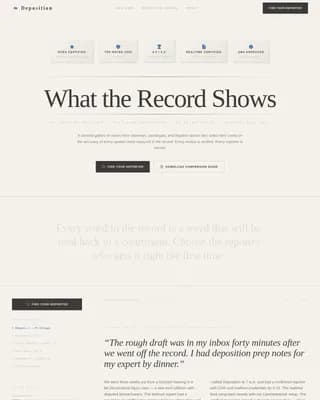
Diagnose is a single-page appliance repair referral landing page built for homeowners facing a real decision right now. It walks visitors through a comparison table for each major appliance, shows repair versus replacement costs side by side, and delivers plain-language verdicts from named technicians. The page ends with a low-friction lead form that gets them matched with a vetted local tech in minutes.
by Rocket studio
Loading preview…
Quick summary
Diagnose is a single-page landing page designed for appliance repair referral programs. It teaches homeowners whether to repair or replace a broken appliance before they call anyone. A comparison table covers five common appliances, cost data sits side by side, and a short lead form captures qualified inquiries with minimal friction.
Who this template is for
This template is built for businesses and marketers running appliance repair referral programs. It fits anyone who needs to convert stressed homeowners into booked service calls without a hard sell.
Appliance repair networks and referral program operators
Local service businesses that match homeowners with vetted technicians
Marketing teams promoting repair-first messaging to cost-conscious homeowners
What problem this template solves
Homeowners searching for appliance help are anxious and undecided. They do not know if a repair is worth the money or if replacement is smarter. Most pages push them straight to a contact form before they feel informed enough to act. This template solves that hesitation gap.
Visitors leave other pages confused about cost and unable to commit
Generic contact forms feel pushy before trust is established
Repair referral programs lose leads because the page does not answer the real question first
What you get with this template
You get a complete, single-page layout built around one clear user journey: learn, trust, then act. Every section earns the next click by delivering value before asking for anything.
A clickable appliance category row covering dishwasher, dryer, refrigerator, oven, and washer
Per-appliance comparison tables with symptom lists, repair costs, replacement costs, and plain-language verdicts
A named expert attribution panel beneath each table to build credibility before the call to action
A three-field lead form with pre-fill logic, plus a secondary email capture path for guide downloads
Theme
Educational Guide
Creative direction
Expert Panel
Color system
Ink & Paper
Style
Comparison Table
Direction
Lead Generation
Page Sections
Appliance Category Selector Row
Symptom and Cost Comparison Table
Named Technician Expert Panel
Low-friction Three-field Lead Form
Fixed Mobile Call-to-action Button
Secondary Email Capture Path
Related questions
Can I use this template for a single appliance repair service instead of a full referral network?
Does the lead form ask visitors for a phone number?
How does the secondary conversion path work?
Can I populate the expert attribution panels with my own technician profiles?
Is the comparison table layout flexible enough for other home services?
Feature list
This template packs its value into a tight, intentional set of components. Each one serves the repair-or-replace decision journey directly.
Appliance Category Selector
A horizontal row of five clickable appliance categories sits just below the header. Selecting a category reveals the relevant comparison table for that appliance, keeping the page focused and the visitor oriented from the first tap.
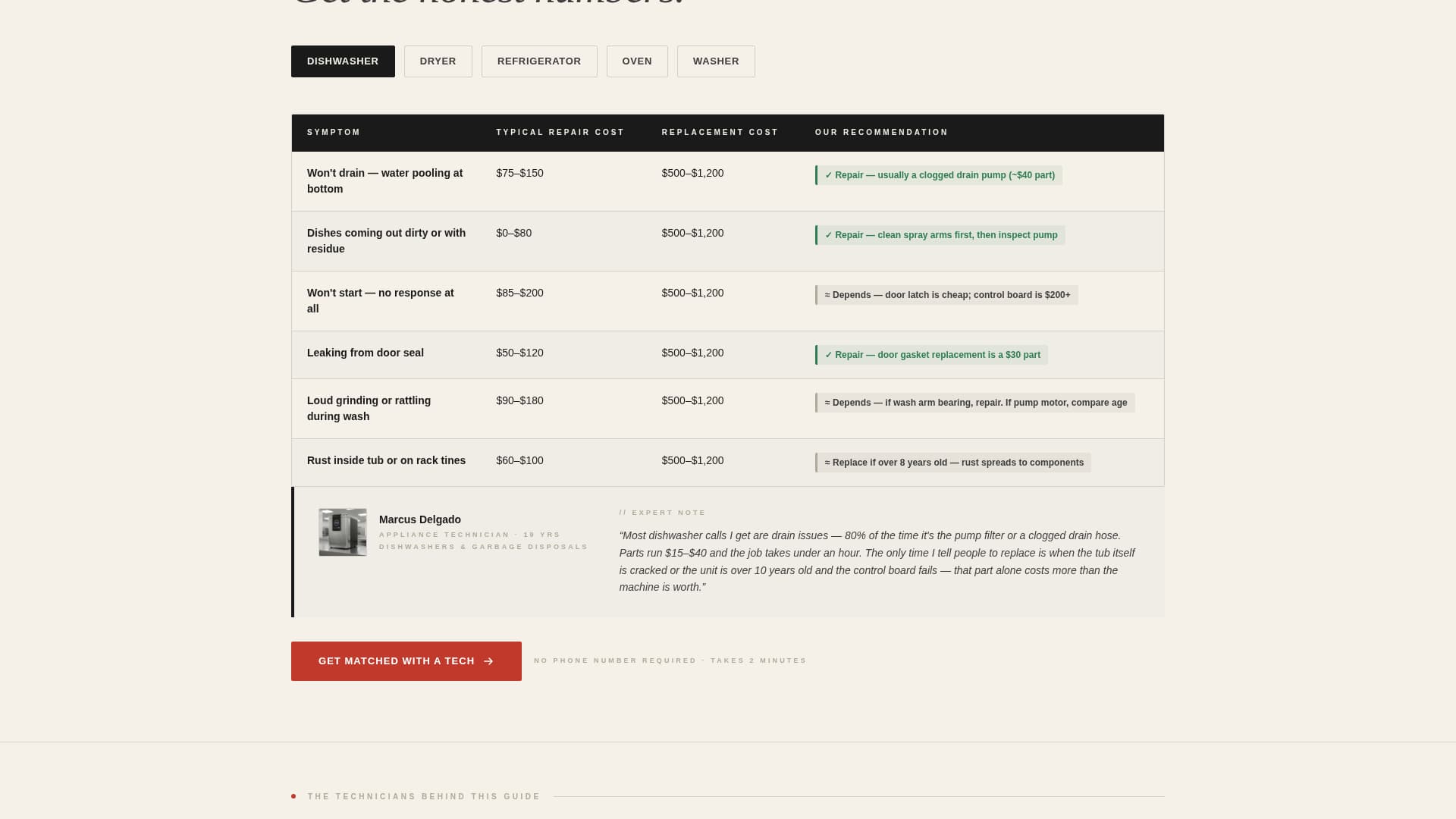
Symptom-by-Symptom Comparison Table
Each appliance table lists common symptoms in the left column. Typical repair cost and replacement cost appear side by side. A third column delivers a plain-language verdict such as "Repair, usually a $40 pump" or "Replace if older than 8 years," so visitors get a real answer instead of a quote request.
Named Technician Expert Panel
Below each comparison table, a short attribution panel names a real technician with years of experience and area of specialty. This detail transforms generic cost data into credible, sourced advice and moves the visitor toward trusting the referral.
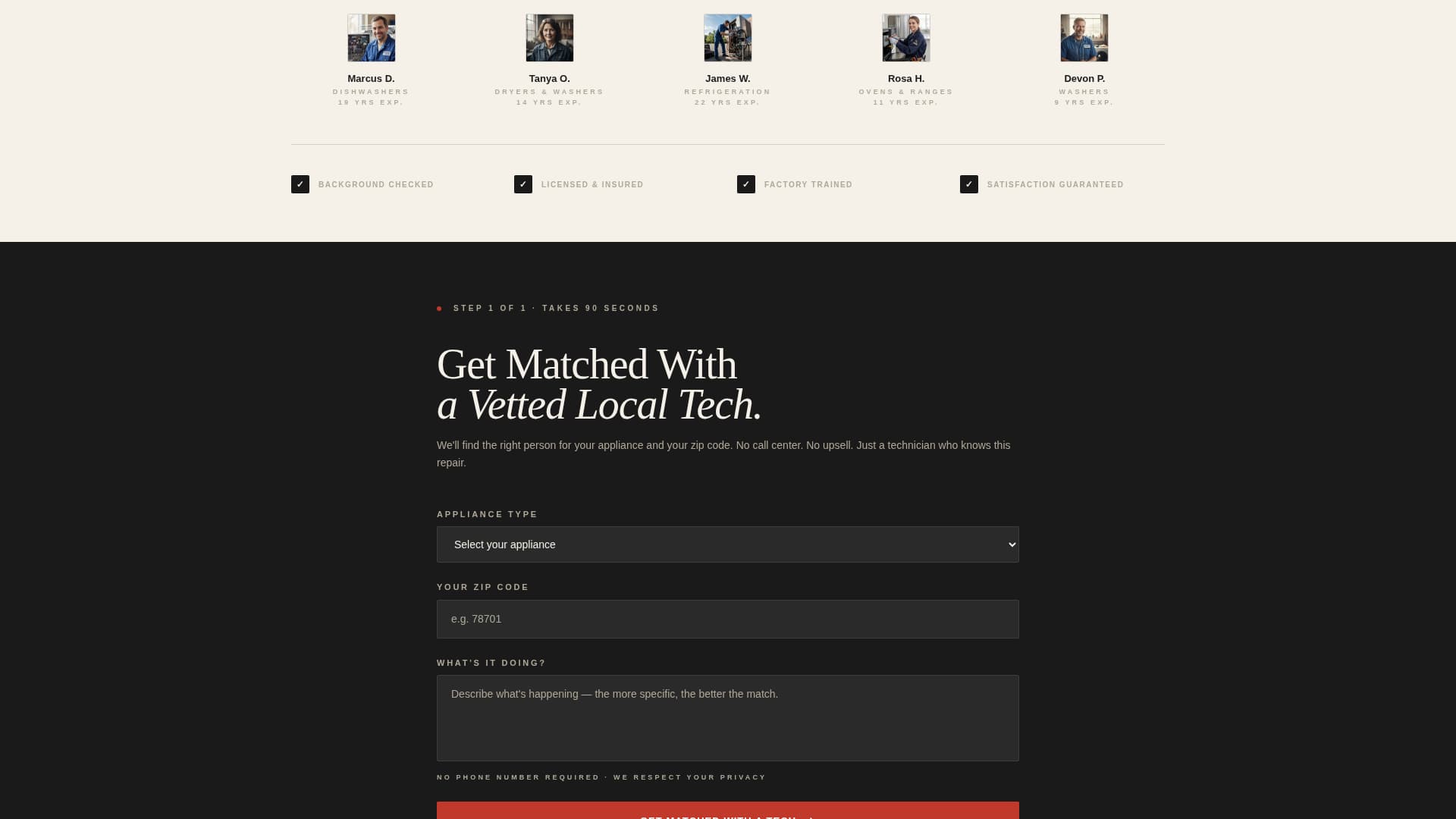
Low-Friction Lead Capture Form
The primary lead form asks only three things: appliance type, zip code, and a free-text field labeled "What's it doing?" No phone number is required upfront. If a visitor clicked a category, the appliance field pre-fills automatically, reducing drop-off at the most important step.
Fixed Mobile Call-to-Action Bar
On mobile devices, the primary "Get Matched With a Tech" button stays fixed at the bottom of the screen. Visitors can act at any point in their reading without scrolling back to find the form.
Secondary Guide Download Path
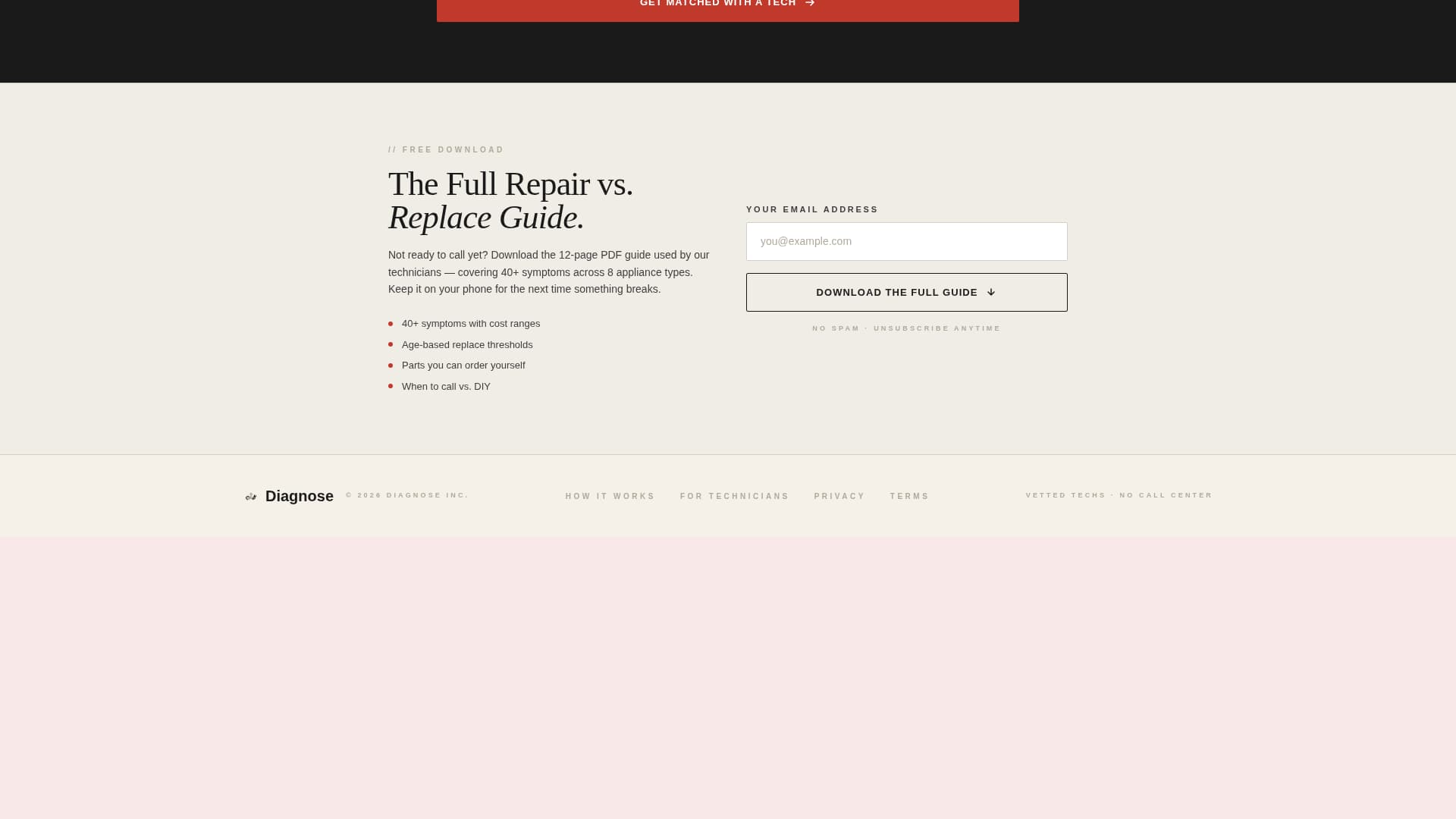
A second conversion path offers a downloadable repair versus replace guide in exchange for an email address. This catches visitors who are not ready to call but want to keep the information, extending the program's reach beyond immediate leads.
Page sections overview
Section
Purpose
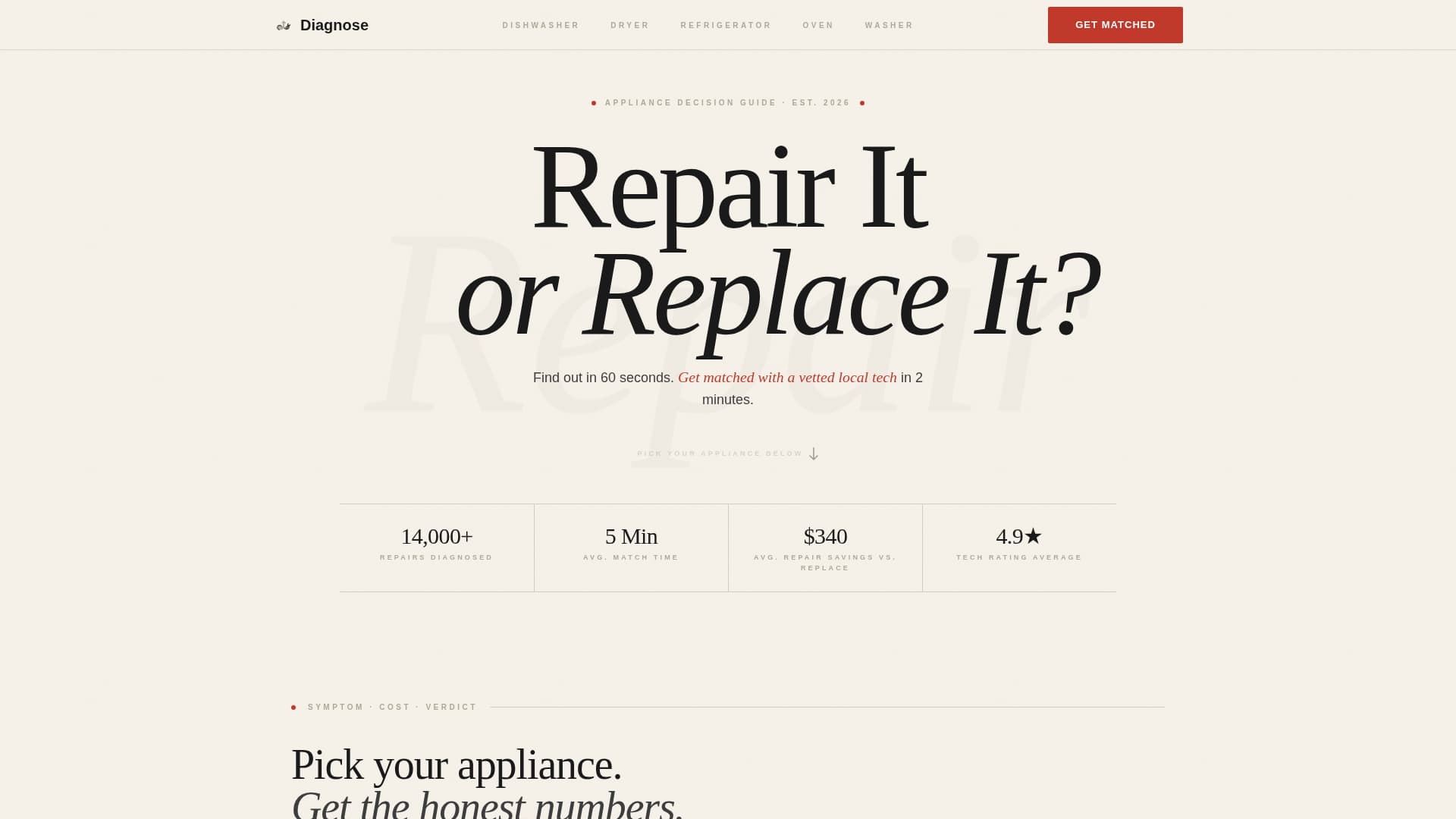
Giant Headline Header
Frames the repair-or-replace decision and sets urgency
Appliance Category Row
Lets visitors self-select their appliance before reading data
Comparison Table Block
Delivers symptom, cost, and verdict data per appliance
Expert Attribution Panel
Attributes advice to a named technician to build trust
Primary Lead Form
Captures appliance type, zip code, and symptom detail
Guide Download Banner
Offers email capture for visitors not ready to book
Fixed Mobile call to action Bar
Keeps the primary action reachable on small screens
Design & branding system
The visual identity follows an Educational Guide theme built on the Ink and Paper color system. The palette deliberately avoids gloss and decoration. It reads like a technical manual printed on uncoated stock, where every element earns its place.
Warm parchment white (#F5F0E8) and soft gray alternate as section backgrounds, creating calm visual rhythm without imagery
Typeset black (#1A1A1A) carries all body copy and headings at high contrast, while pencil-line gray (#B0A999) handles borders and supporting details
Diagnostic red (#C0392B) is reserved strictly for urgent callouts and call-to-action buttons, so red always signals action
Mobile & speed optimization
The layout is built with mobile-first reading in mind. Homeowners often reach this page mid-crisis, standing in their kitchen, holding a phone. The design keeps that context front and center.
Comparison tables reflow cleanly on small screens so cost data stays readable without horizontal scrolling
The fixed bottom call-to-action button on mobile ensures the lead form is never more than one tap away
How this template helps you convert
The page is structured so each section builds on the previous one, moving visitors from confusion to confidence to action in a single scroll.
The header establishes the decision clearly and sets a low time commitment with "Find out in 60 seconds," which reduces the hesitation to start reading
The comparison tables deliver real cost data and plain verdicts before asking for any contact information, so visitors feel informed rather than sold to
The named technician panel builds authority just before the call-to-action appears, hitting the moment of highest trust with the lowest-friction form on the page
Other information about this template
This template is part of a focused set of single-page layouts designed for professional services marketing in competitive local verticals. A few additional details worth noting:
The template style is a Comparison Table layout, which suits any service category where cost clarity drives the purchase decision
The Educational Guide theme and Expert Panel creative direction work together to position the referral program as a trusted resource, not just a lead aggregator
The header concept uses Giant Headline Centered typography as the primary visual, replacing hero imagery with editorial type at billboard scale
The page direction is Lead Generation, and both conversion paths (immediate form and guide download) support that goal without competing with each other
This template fits the Appliance Repair Marketing subcategory and is purpose-built for the appliance repair referral program niche