Climate & Sustainability Newsletter Pre-Launch Website Template
Digest is an editorial landing page template built for a daily climate and sustainability briefing. It uses a masonry card grid, a cinematic hero, and a two-field waitlist form to prove editorial quality before asking for a signup. Designed for ESG analysts, sustainability officers, and climate journalists, the template turns pre-launch anticipation into a credible, conversion-ready audience.
by Rocket studio
Quick summary
Digest is a single-page waitlist template for a daily climate intelligence briefing. It leads with a full-viewport editorial hero, scrolls through a masonry grid of sample digest cards, builds trust through an Editor's Note section, and closes with a two-field signup form. The result is a pre-launch page that earns its subscribers by showing the product before asking for anything.
Who this template is for
This template is built for founders, editors, and media teams launching a climate or sustainability-focused newsletter. It is especially suited to professionals who need to capture a qualified waitlist before their first issue goes live.
- ESG analysts, corporate sustainability officers, and climate journalists who want to pre-sell editorial credibility
- Policy professionals and institutional investors looking to communicate a data-backed intelligence product
- Independent climate media teams building an audience ahead of launch
What problem this template solves
Climate and sustainability professionals receive dozens of newsletters. Breaking through that noise requires more than a signup box. A pre-launch page needs to prove its value immediately, or visitors leave before they scroll past the headline.
- Readers need to feel the quality of the product before committing their email address
- Generic coming-soon pages offer no proof of editorial standards, sourcing rigor, or professional relevance
- A two-field form without editorial context produces low-quality signups from the wrong audience
What you get with this template
This template delivers a complete, single-page pre-launch experience. Every section serves a distinct conversion purpose, from first impression to final form submission.
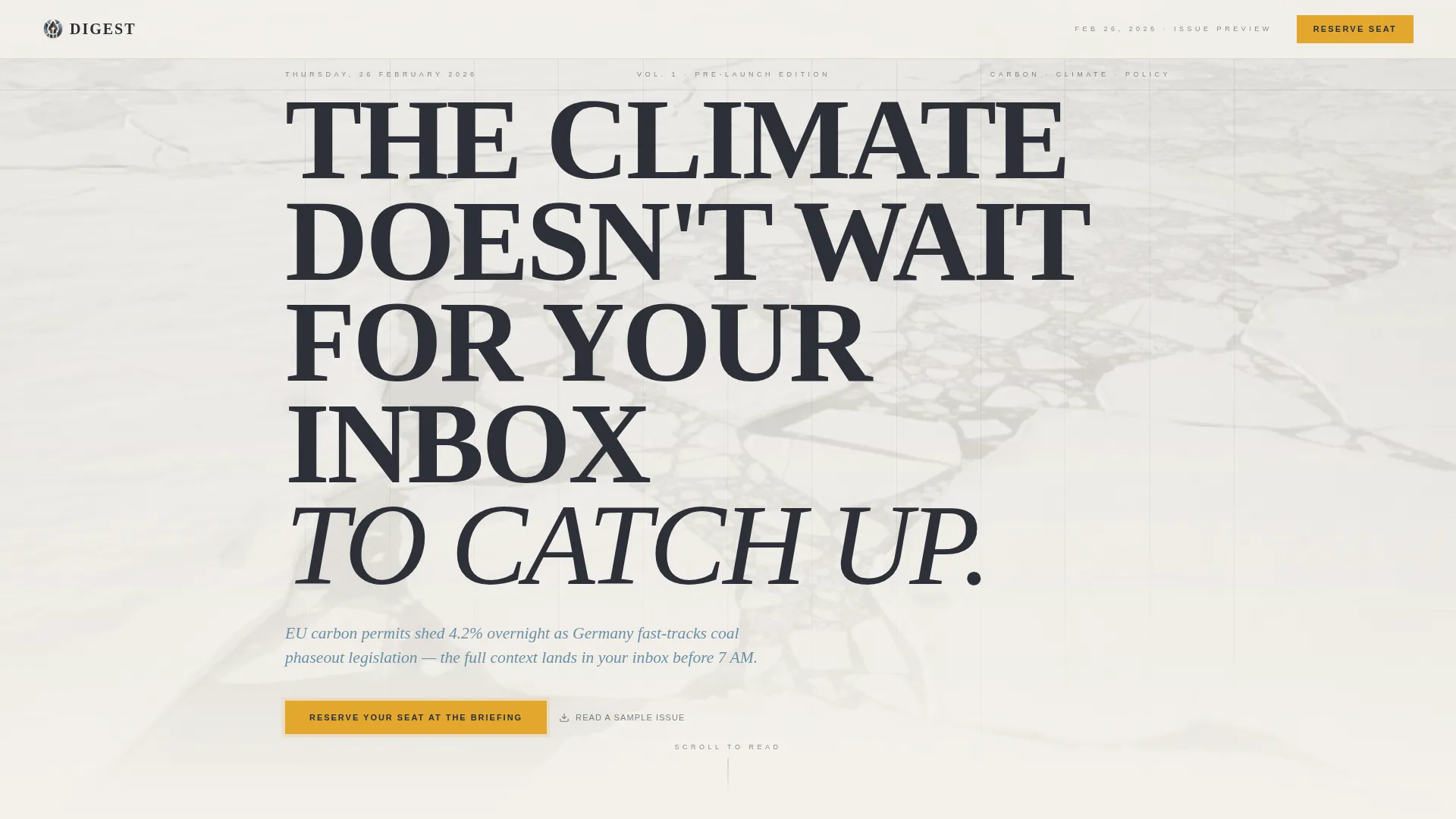
- A full-viewport editorial hero with a dateline, a serif display headline, and a stratosphere blue italic subhead updated daily
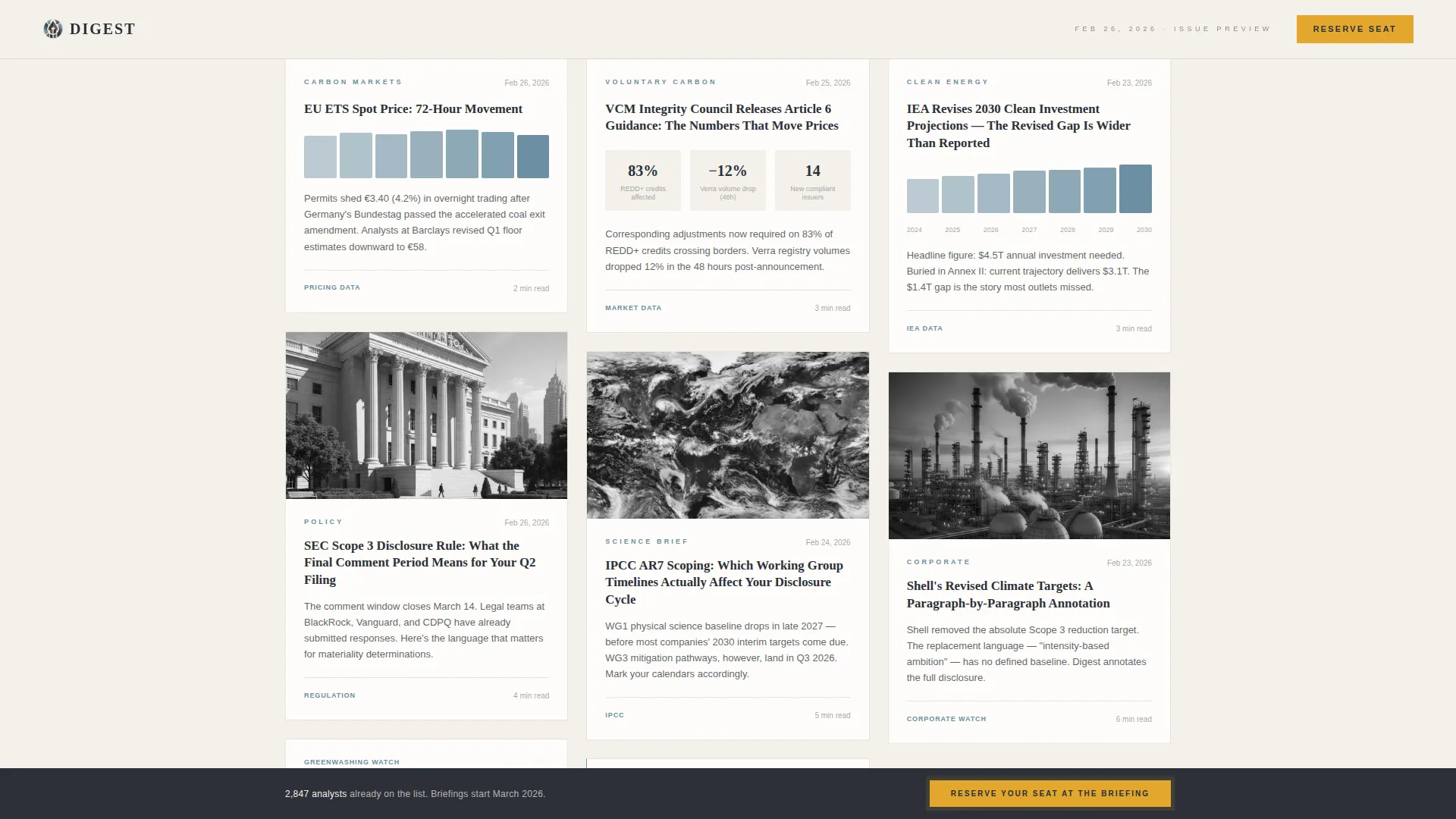
- A masonry card grid that mimics real digest issues with varied card heights, charts, policy summaries, and quoted data points
- A two-field waitlist form with a live counter, a professional role dropdown, and a gated PDF sample offer
Feature list
This template packs five purposeful components into a single disciplined page layout.
Full-Viewport Editorial Hero
The hero fills the entire screen with a desaturated aerial photograph of Arctic sea ice. Enormous Fraunces serif type in storm-front charcoal carries the primary headline. A thin dateline runs along the top edge, and a single italic subhead in stratosphere blue sits beneath it. The composition is still and magazine-precise.
Masonry Sample Card Grid
The masonry grid below the hero holds varied-height digest cards that simulate a real issue. Cards range from image-heavy visual summaries to dense text-only policy breakdowns. Staggered entrance animations guide the eye across the grid as the visitor scrolls.
Sticky Amber Call-to-Action Bar
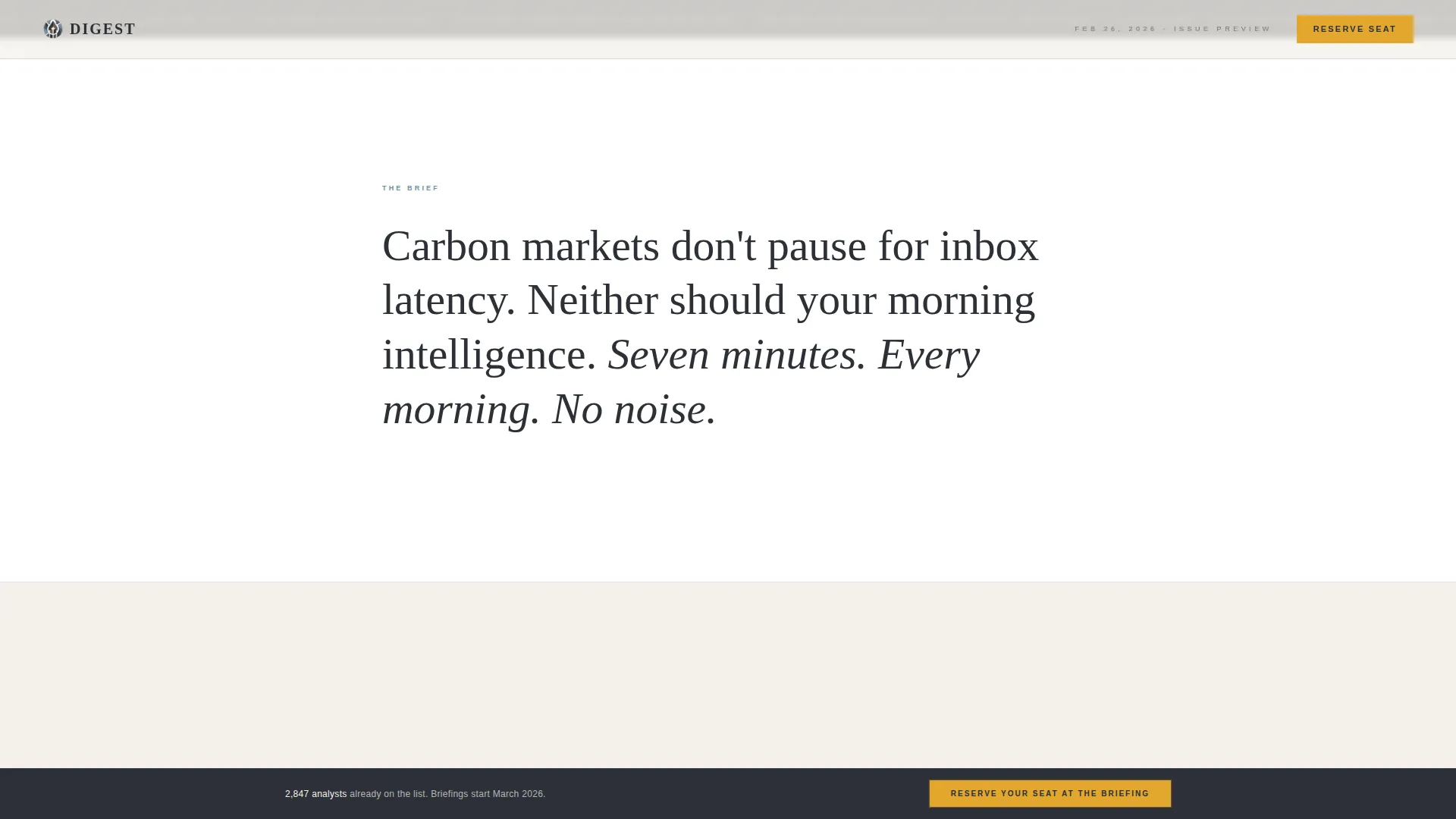
A solar amber sticky bar appears after the visitor scrolls past the hero. It carries the primary call to action and remains visible throughout the scroll journey. The amber accent appears nowhere else on the page, making it impossible to miss.
Editor's Note Trust Section
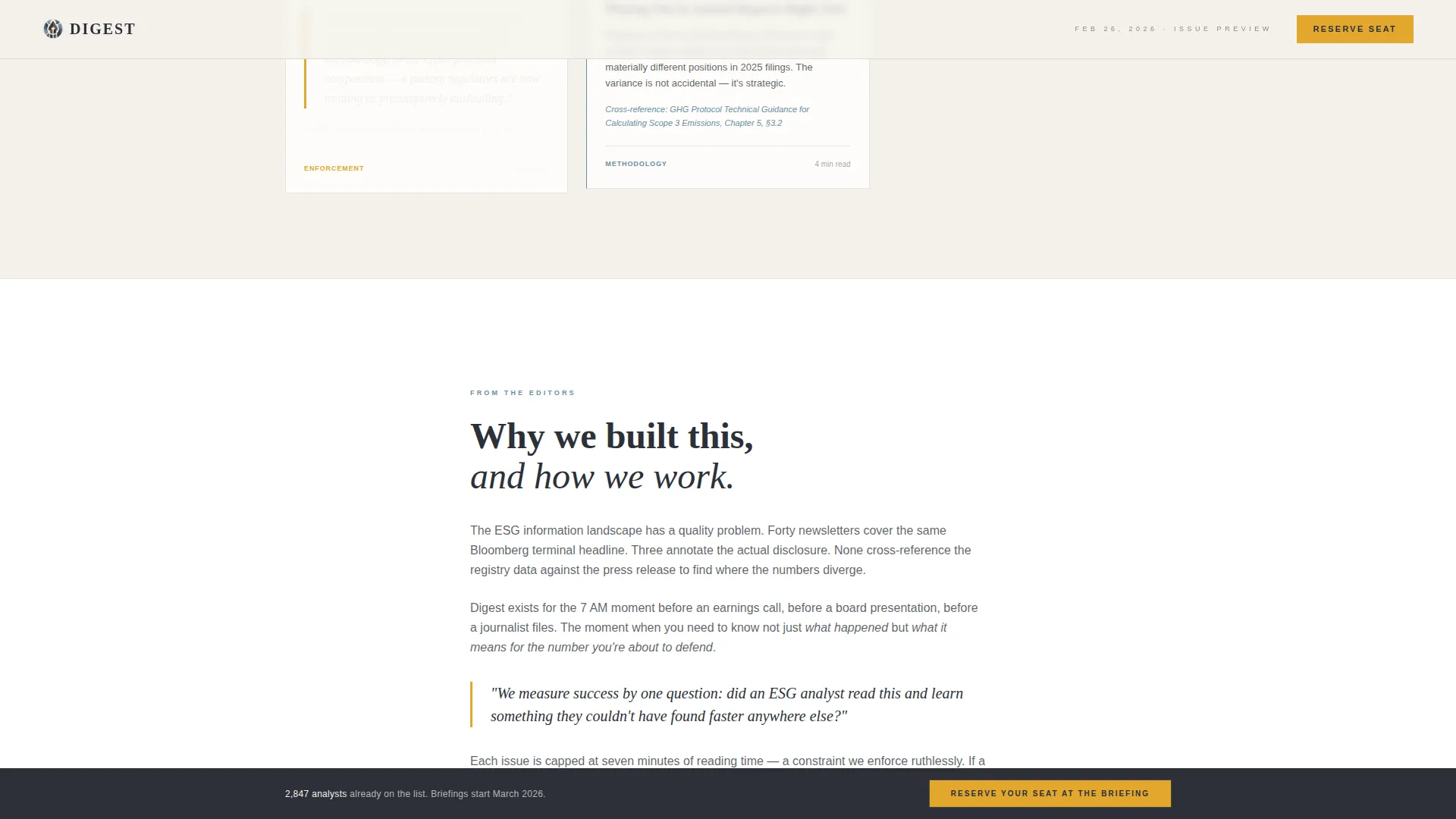
As the masonry grid narrows into a single column, the Editor's Note section explains sourcing standards, editorial methodology, and the team's credentials. This section does the credibility work before the waitlist form appears, reducing hesitation at the point of signup.
Two-Field Waitlist Form with Live Counter
The waitlist form asks only for an email address and a professional role selected from a dropdown. A live counter displays the current waitlist size. A secondary path offers a free sample issue as a downloadable PDF, gated behind the same email capture.
Page sections overview
| Section | Purpose |
|---|---|
| Editorial Hero | Set tone and authority with a cinematic full-viewport header |
| Sticky call to action Bar | Keep the primary call to action visible throughout scroll |
| Masonry Card Grid | Prove editorial quality through sample digest content |
| Editor's Note | Build trust with sourcing standards and team credentials |
| Waitlist Form | Capture email and role with minimal friction |
| Footer Row | Close the page with a clean single-row linear footer |
Design & branding system
The visual identity draws from an Editorial Magazine theme built on the Cloud Canvas color system. The palette feels like a satellite photograph printed on uncoated stock, muted and vast, with warmth appearing only where human action is required.
- Colors: atmospheric off-white (#F4F1EB) as the primary background, storm-front charcoal (#2C3038) for headlines, stratosphere blue (#6B8FA3) for tags and category labels, and solar amber (#E2A72E) reserved exclusively for calls to action and pull-quotes
- Typography: Fraunces display serif for headlines and editorial impact, DM Sans for body text and form labels
- Visual style: broadsheet editorial aesthetic on uncoated stock, still photography over motion, column-based information hierarchy
Mobile & speed optimization
The template is desktop-first by design, reflecting the workstation habits of ESG professionals. It also delivers a full mobile experience for readers who encounter it through shared links or social referrals.
- The masonry grid reflows to a single column on smaller screens without losing card density or hierarchy
- Scroll-linked animations use IntersectionObserver and CSS scroll-behavior, avoiding heavy JavaScript libraries
- The sticky call to action bar adapts its position and sizing across viewport widths
How this template helps you convert
Every design decision on this page reduces doubt and increases the likelihood of a waitlist signup.
- The masonry card grid lets visitors read sample content before they see a form. By the time they reach the call to action, they have already experienced the product's value.
- The live waitlist counter adds social proof without requiring testimonials, showing that other qualified professionals have already committed.
- The two-field form removes friction at the critical moment. Asking only for email and professional role respects the visitor's time and signals that the product understands its audience.
Other information about this template
This template was built for the specific intersection of climate media, ESG professional audiences, and pre-launch waitlist strategy. It reflects the needs of a niche where trust, sourcing transparency, and editorial credibility matter more than visual novelty.
- The template style is Masonry/Pinterest, chosen to mimic the density and rhythm of an actual newsletter issue rather than a standard marketing grid
- The Industry Report creative direction drives the content evidence wall, making the scroll itself feel like reading a briefing
- The header concept is Type Over Image, using still editorial photography rather than video to maintain a composed, broadsheet quality
- The waitlist direction means the page is purpose-built for pre-launch capture, not for a live product storefront
- The template supports English-language content with USD context and international climate data formats
- The footer uses a Pattern 1 Linear Single-Row layout, keeping the close of the page minimal and uncluttered
Theme
Editorial Magazine
Creative direction
Industry Report
Color system
Cloud Canvas
Style
Masonry/Pinterest
Direction
Waitlist/Coming Soon
Page Sections
Full-viewport Editorial Hero
Masonry Sample Card Grid
Sticky Solar Amber Call to Action Bar
Editor's Note Trust Section
Two-field Waitlist Form
Related questions
Can I edit the sample digest cards with my own content?
Does the waitlist form connect to an email service provider?
Can I change the color palette to match a different brand?
Is the live waitlist counter functional out of the box?
Who is this template best suited for?



