Templates
Professional Services
After-School Program Marketing
Enroll - Trusted Afterschool Landing Page Template
Enroll - Trusted Afterschool Landing Page Template
Enroll is an editorial-style after-school program landing page built for neighborhood programs that want to earn parent trust before asking for anything. It pairs a bold manifesto header with a transparent, chapter-by-chapter scroll, daily timeline, staff profiles, curriculum philosophy, and a parent Q&A, leading to a single focused call to action: downloading the full program guide.
by Rocket studio
Quick summary
Enroll is a single-page after-school program landing page designed to convert skeptical parents into confident enrollees. The layout reads like investigative journalism, each section reveals exactly how the program works, from a minute-by-minute Tuesday timeline to staff profiles and a curriculum written in the director's own voice. The primary call to action is a downloadable program guide.
Who this template is for
This template is built for after-school program directors and coordinators who need to earn parent trust before asking for a commitment. It is ideal for neighborhood programs that compete with institutional aftercare options and need to communicate warmth, structure, and transparency in one page.
- Directors of community-based or neighborhood after-school programs
- Program marketers running Facebook ad campaigns to reach local parents
- Independent enrichment programs that want a polished, editorial-quality presence
What problem this template solves
Parents researching after-school care do not lack options. They lack specificity. Generic program pages with stock photos and vague mission statements fail the parent refreshing a waitlist during their lunch break or comparing programs in a school parking lot. This template answers the real question: "What exactly happens between dismissal and dinner?"
- Replaces vague "safe and enriching" messaging with a verifiable, minute-by-minute daily structure
- Removes the friction of skepticism by presenting staff credentials, curriculum rationale, and parent testimonials as transparent editorial content
- Offers a low-commitment entry point before the main call to action, building trust with parents who are not yet ready to sign up
What you get with this template
The template delivers a fully structured, single-page layout organized as a series of editorial chapters. Every section is purposeful and ordered to move a cautious parent from curiosity to confident action. The design is restrained and readable, built around the Monochrome Steel color system with a single signal-red accent.
- A bold Quote/Manifesto header with editorial byline, a minute-by-minute daily timeline, staff profile section, curriculum philosophy block, and a parent Q&A formatted as a published interview
- Two conversion paths: a primary "Download the Full Program Guide" call to action form and a secondary no-form "See This Week's Activity Calendar" instant-access link
- The Monochrome Steel visual system using deep charcoal headlines, warm steel gray body text, soft newsprint background, and signal-red calls to action and pull-quotes
Feature list
This template is built around five core design and content features that work together to convert an informed, skeptical parent into an enrolled family.
Bold Manifesto Header
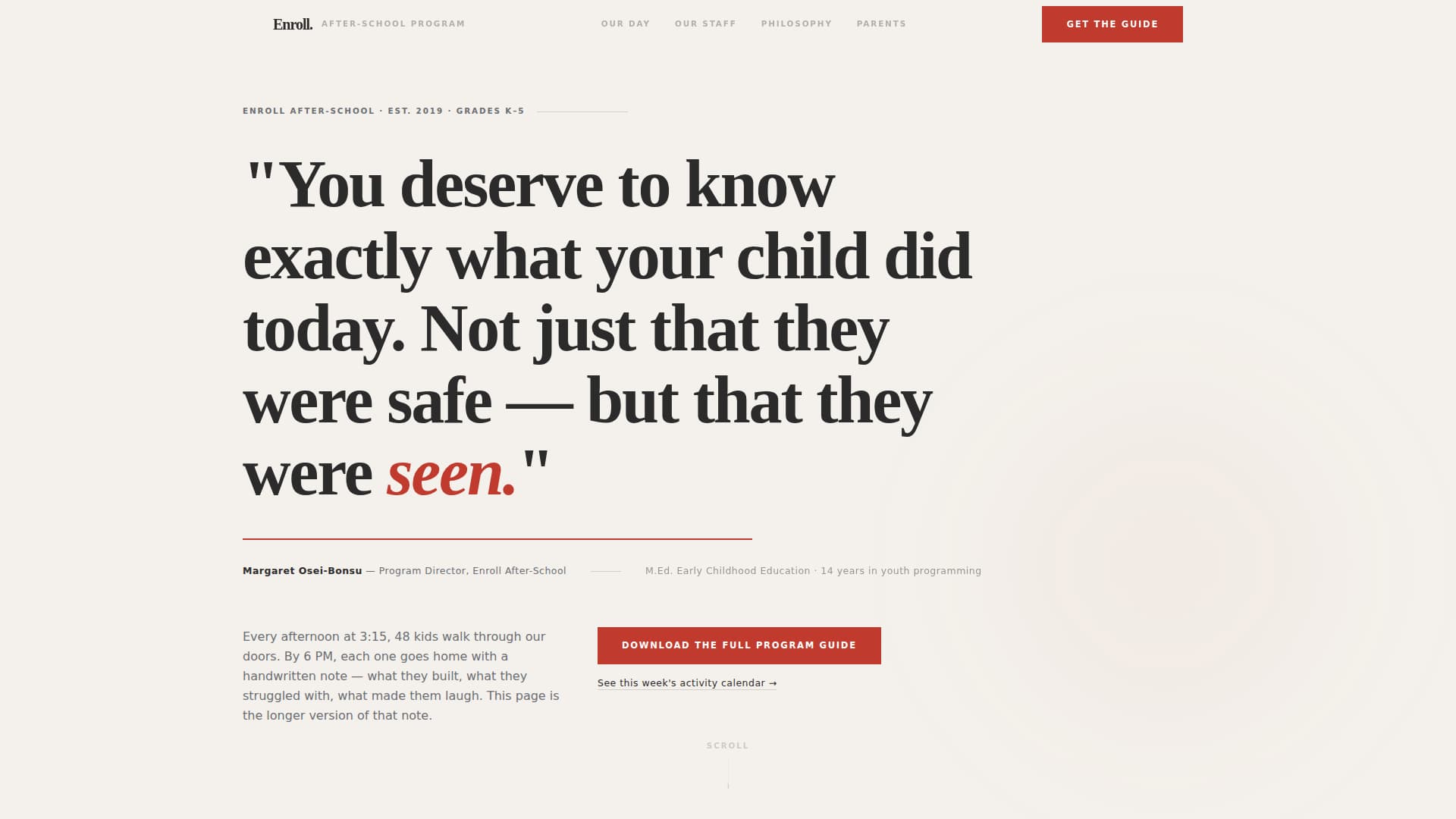
The page opens with an oversized serif quote set against the soft newsprint background. A thin signal-red rule sits beneath it, followed by an editorial byline crediting the program director by name, title, and a single-sentence credential. No stock photography. No image carousel. Just a typeset promise that lands like a front-page headline.
Minute-by-Minute Daily Timeline
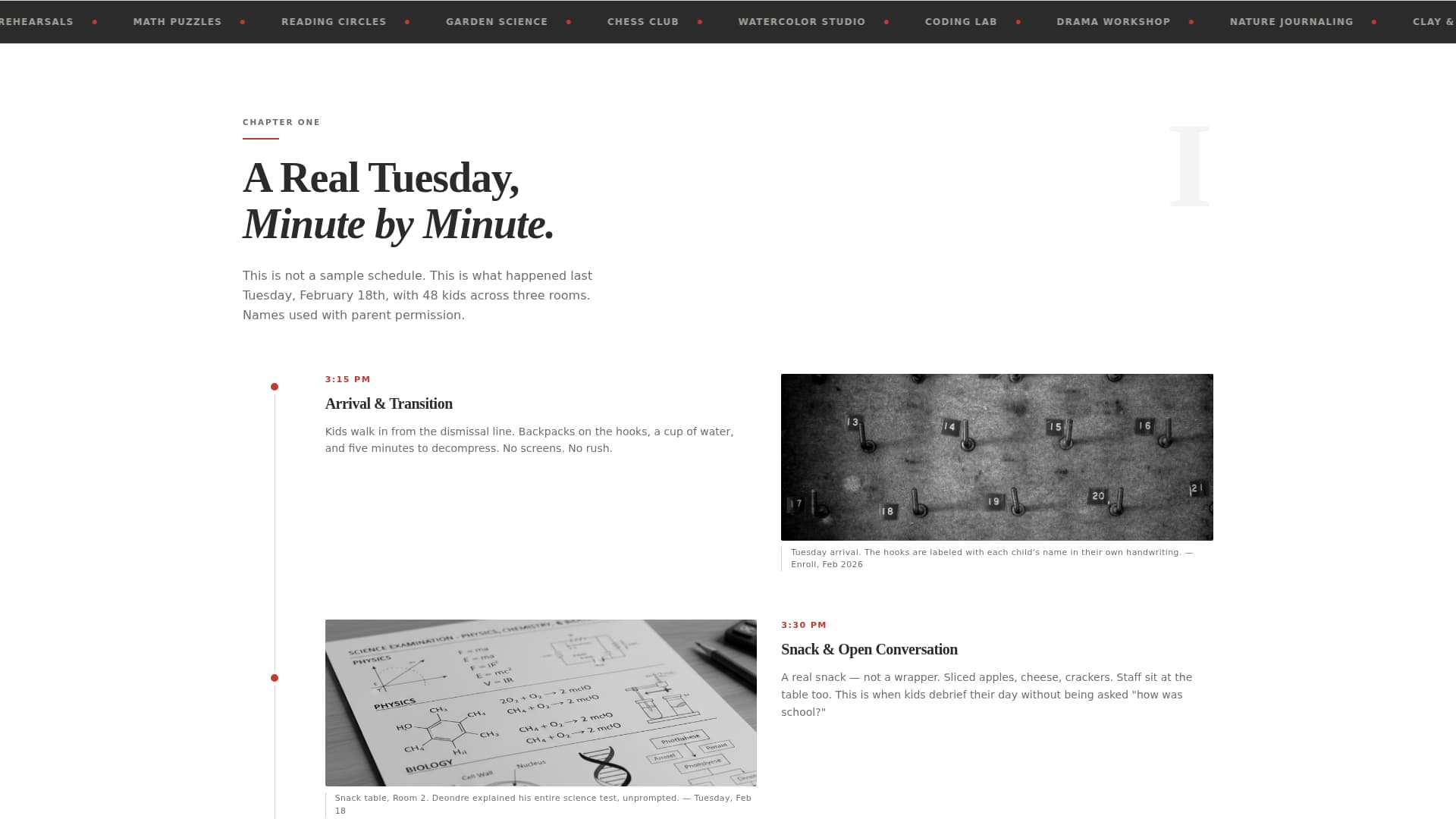
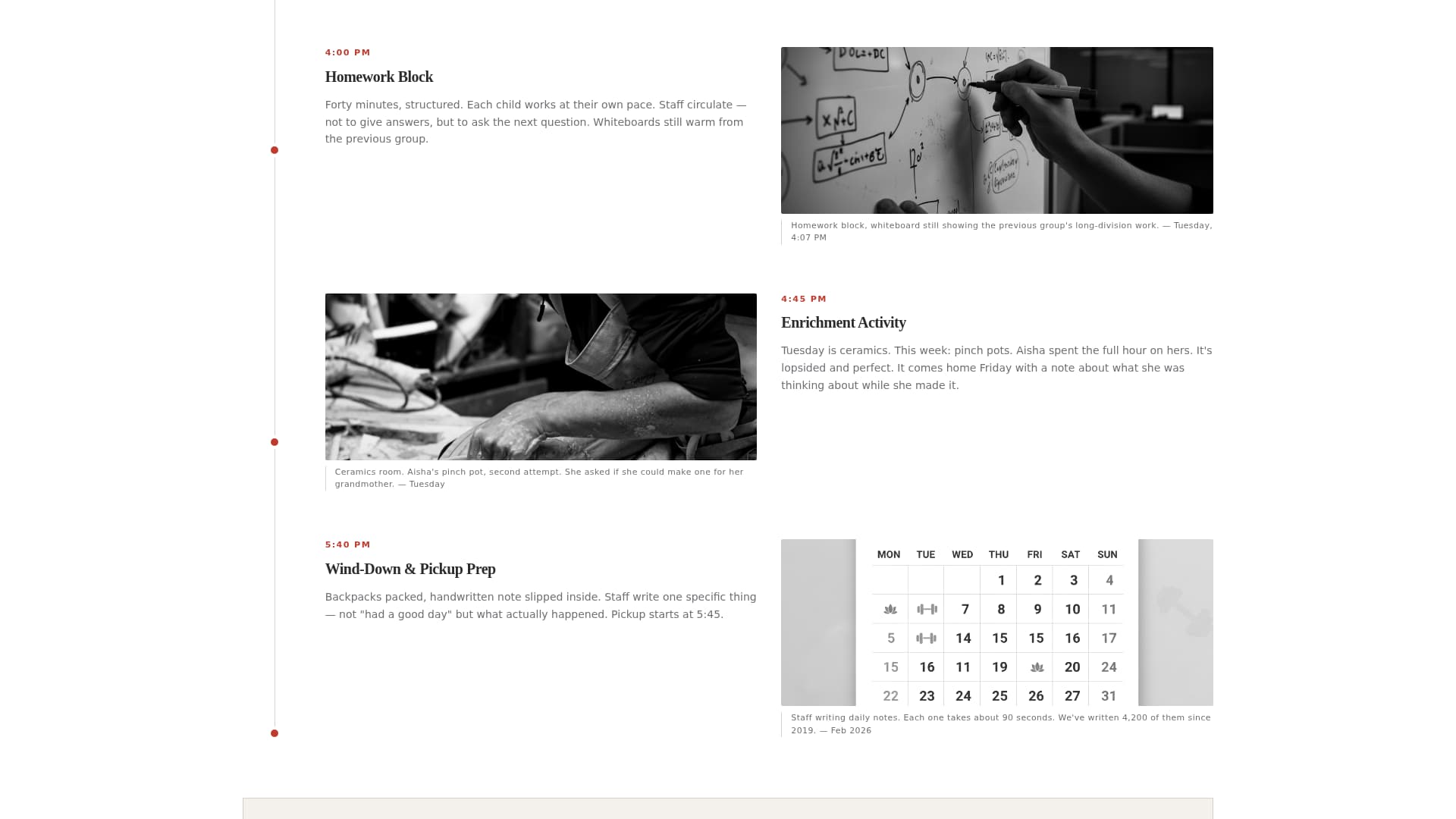
A real Tuesday unfolds as a visual timeline with documentary-style captioned photographs. Parents see exactly what happens at 3:15, 4:00, 5:00, and 6:00 PM. This section answers the specificity question before it is asked, and it is immediately followed by the primary "Download the Full Program Guide" call to action.
Editorial Staff Profile Section
Staff bios are written as human profiles, not résumés. Certifications and child-to-staff ratios appear in the margin as editorial footnotes rather than buried in a FAQ. This format communicates accountability while maintaining the warm, journalistic tone of the page.
Director Voice Curriculum Block
The curriculum philosophy is presented in the program director's own words. A pull-quote in signal-red anchors the section, making the editorial voice unmistakable. This is followed by a second placement of the primary call to action, reinforcing the download offer at a high-trust moment in the scroll.
Parent Q&A Interview Section
Real parent questions are formatted as a published interview, not a generic FAQ accordion. The structure rewards the reader's skepticism by presenting objections openly and answering them with the same candor found throughout the page.
Two-Path Conversion Design
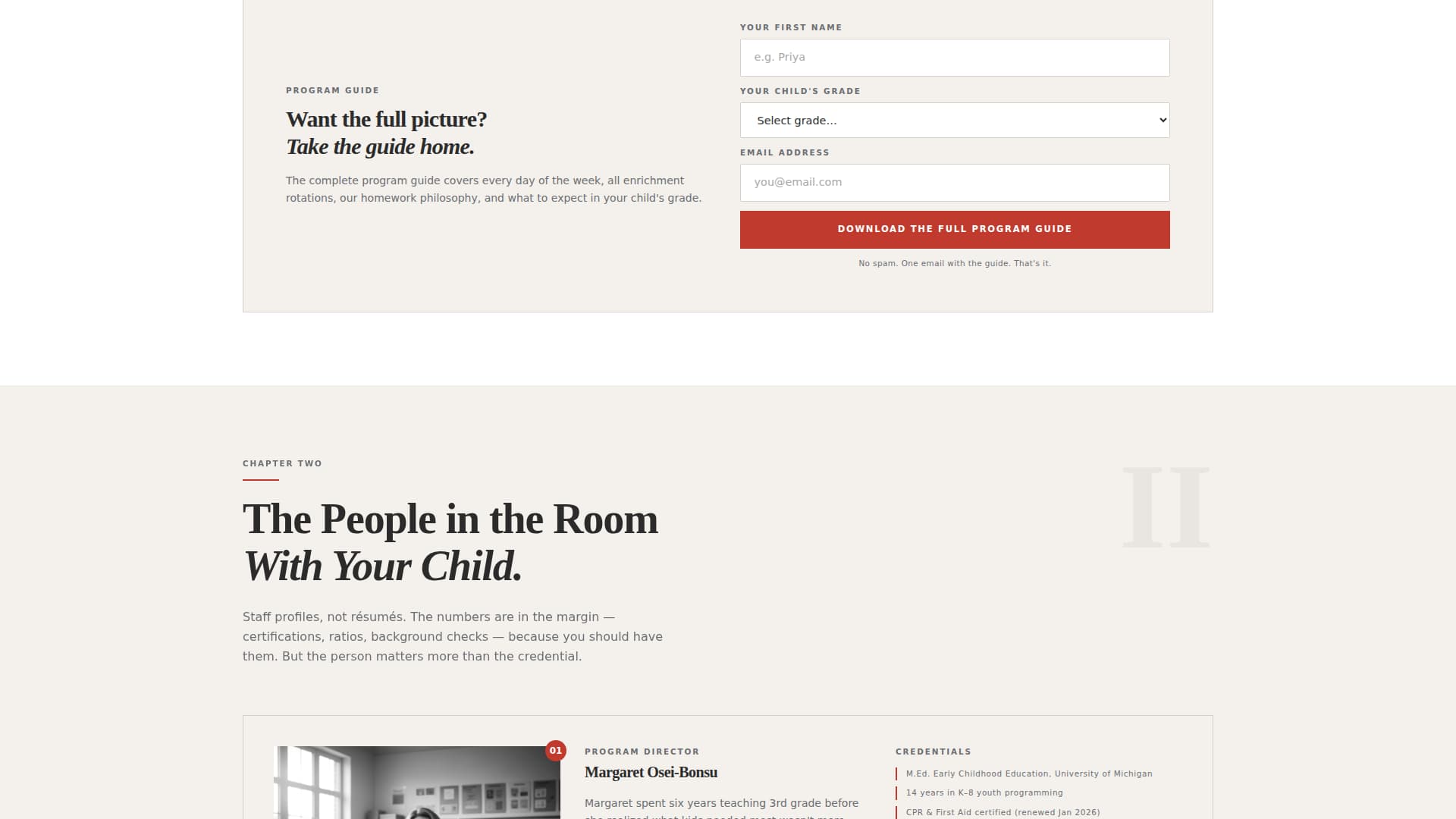
The primary conversion path asks for first name, child's grade, and email, in that order. The grade field signals to the parent that the downloaded guide will be relevant to their specific child. The secondary path is a no-form, instant-access link to the current week's activity calendar, offering value before asking for anything.
Page sections overview
| Section | Purpose |
|---|---|
| Quote/Manifesto Header | Opens with a bold typeset promise and editorial director byline |
| Daily Tuesday Timeline | Shows minute-by-minute program flow with documentary captions |
| Primary call to action Block | First "Download the Full Program Guide" form placement |
| Staff Profile Section | Presents staff as editorial profiles with credentials in footnotes |
| Curriculum Philosophy Block | Director's voice explains approach, anchored by a signal-red pull-quote |
| Secondary call to action Block | Second download call to action placement at a peak trust moment |
| Parent Q&A Interview | Addresses skeptical parent questions as a formatted interview |
| Activity Calendar Link | No-form secondary path to the current week's calendar |
Design & branding system
The template uses the Monochrome Steel color system, which keeps the visual palette intentionally restrained so the words carry the weight. The editorial magazine aesthetic feels like a Kinfolk issue left on a school administrator's desk, handled, human, and unhurried.
- Deep charcoal (#2B2B2B) for headlines, warm steel gray (#6B6E72) for body text, and soft newsprint (#F4F1EC) as the page background
- Signal-red (#C03B2D) used exclusively for calls to action, the thin rule beneath the header quote, and pull-quotes, never decoratively
- Bold serif typography at large display scale for the manifesto header, with a clear editorial hierarchy maintained throughout the scroll
Mobile & speed optimization
The editorial layout is structured for clean rendering on the screens parents actually use, the phone in a school parking lot or the tablet on a lunch break. Every section is designed to remain readable and scannable at smaller viewports without losing its journalistic rhythm.
- Single-column scroll structure keeps the chapter-by-chapter narrative intact on mobile without requiring horizontal navigation
- The two-path conversion design keeps the primary form and the no-form calendar link both accessible and clearly differentiated on small screens
- No image carousel or decorative animation elements that could interrupt the reading experience on slower connections
How this template helps you convert
The page converts through earned trust, not urgency. Every design decision rewards the parent for reading further instead of pressuring them to act before they are ready.
- The manifesto header establishes emotional credibility immediately, positioning the program as one that pays attention to individual children rather than managing groups.
- The transparent chapter structure, timeline, staff profiles, curriculum, Q&A, removes the information gaps that cause parents to leave without acting, guiding them naturally toward the download call to action.
- The two-path conversion system reduces drop-off by giving hesitant parents a zero-friction option (the activity calendar link) before asking for their email, which warms them toward the primary form.
Other information about this template
This template is purpose-built for after-school program Facebook ads landing pages, where the traffic arriving is often cold or semi-warm and needs significant trust-building before a form fill. The editorial magazine template style and Transparent Process creative direction make it especially effective for programs that have a strong story to tell but have previously struggled to tell it online.
- The Content/Resource landing page direction (guide download plus instant-access calendar) makes this template well-suited for lead generation campaigns where the offer needs to feel specific and valuable
- The Quote/Manifesto header concept is designed for programs whose director has a recognizable voice and is willing to put their name and credentials front and center
- The template sits within the Professional Services category under After-School Program Marketing, making it a strong fit for any enrichment program, tutoring center, or community arts program that runs after the school bell
Theme
Editorial Magazine
Creative direction
Transparent Process
Color system
Monochrome Steel
Style
Editorial/Magazine
Direction
Content/Resource
Page Sections
Bold Quote/manifesto Header
Minute-by-minute Daily Timeline
Editorial Staff Profile Section
Director Voice Curriculum Block
Parent Q&a Interview Format
Two-path Conversion System
Related questions
What kind of program is this template designed for?
Do I need a professional photographer to use this template?
How does the two-path conversion system work?
Can I use this template for a Facebook ads campaign?
Why does the form ask for the child's grade?