AgTech Startup Professional Website Template
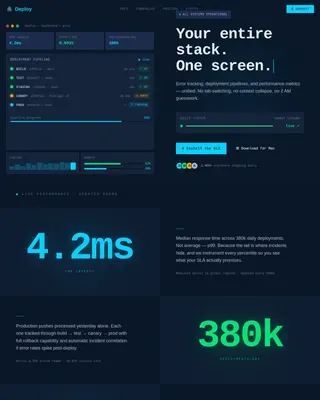
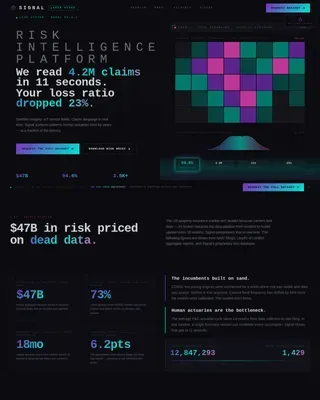
Cultivar is a bold brutalist landing page template built for precision agriculture software startups. It opens with a live-terminal code snippet, moves through a stark problem-to-solution data grid, and closes on a dual app download call to action. Designed for agtech founders targeting operations managers, agronomists, and farm management companies scaling at speed.
by Rocket studio
Quick summary
Cultivar is a single-page, dashboard-style landing page template for growth-stage agtech startups. It leads with a syntax-highlighted API code block, escalates through a numbered data-card problem arc, and drives visitors toward an app install or no-signup demo. Every design choice signals precision, urgency, and engineering credibility.
Who this template is for
This template is built for founders and product teams shipping precision agriculture software to professional farm operators. If your buyers read data before they read copy, this template speaks their language from the first scroll.
- Operations managers at mid-size row crop farms who need field-level decision tools
- Agronomists consulting across multiple counties who want software that matches their workflow
- Venture-backed farm management companies scaling from thousands to hundreds of thousands of acres
What problem this template solves
Most agtech startup pages look like brochures. They rely on stock photography of tractors and vague promises about yield improvement. That approach loses the operations manager who opened your link at 4 a.m. during planting season.
- Generic hero images fail to signal that the product is data-driven and built for professionals
- Soft marketing copy does not communicate the cost of guessing on inputs, timing, or placement
- Standard call-to-action flows ask for sign-ups before the visitor has any reason to trust the product
What you get with this template
You get a complete, conversion-focused landing page layout built around a problem-to-solution visual arc. Every section is purposeful, every visual element earns its place, and the flow ends on a clear install action.
- A terminal-style animated code snippet header that immediately signals engineering depth
- A brutalist data-card grid showing the quantified cost of guessing, followed by dashboard screenshots solving each problem
- A dual call-to-action footer with platform-detected app store badges and a no-signup sandbox demo link
Feature list
This template delivers six purpose-built components matched to the buying context of professional farm operators and agtech investors.
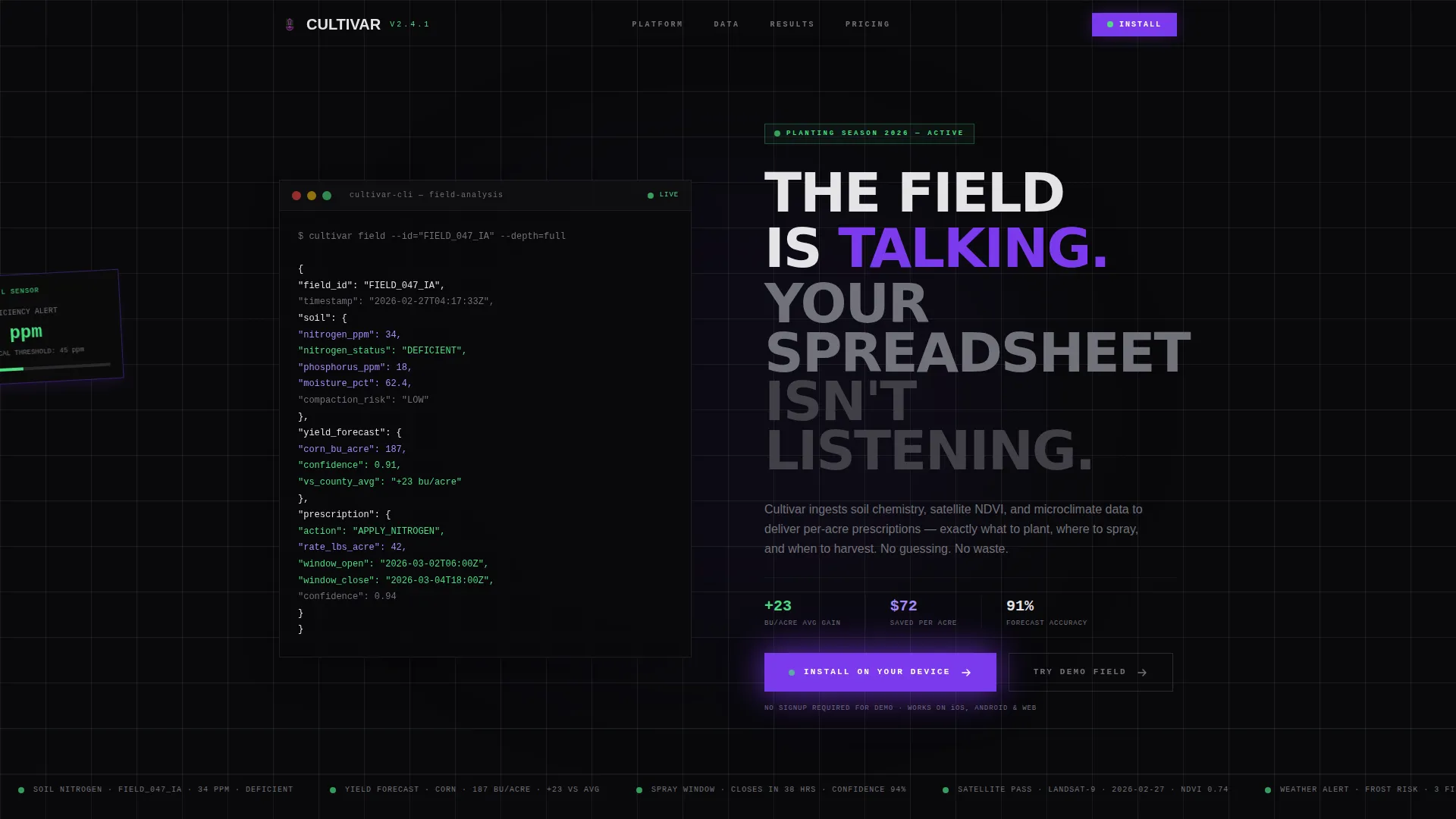
Animated Terminal Code Header
The header centers a monospaced API response block showing real field data: nitrogen levels, predicted yield, and a recommended action. Lines print one by one like live terminal output, syntax-highlighted in deep field violet and phosphor green against void black. No hero image competes with it.
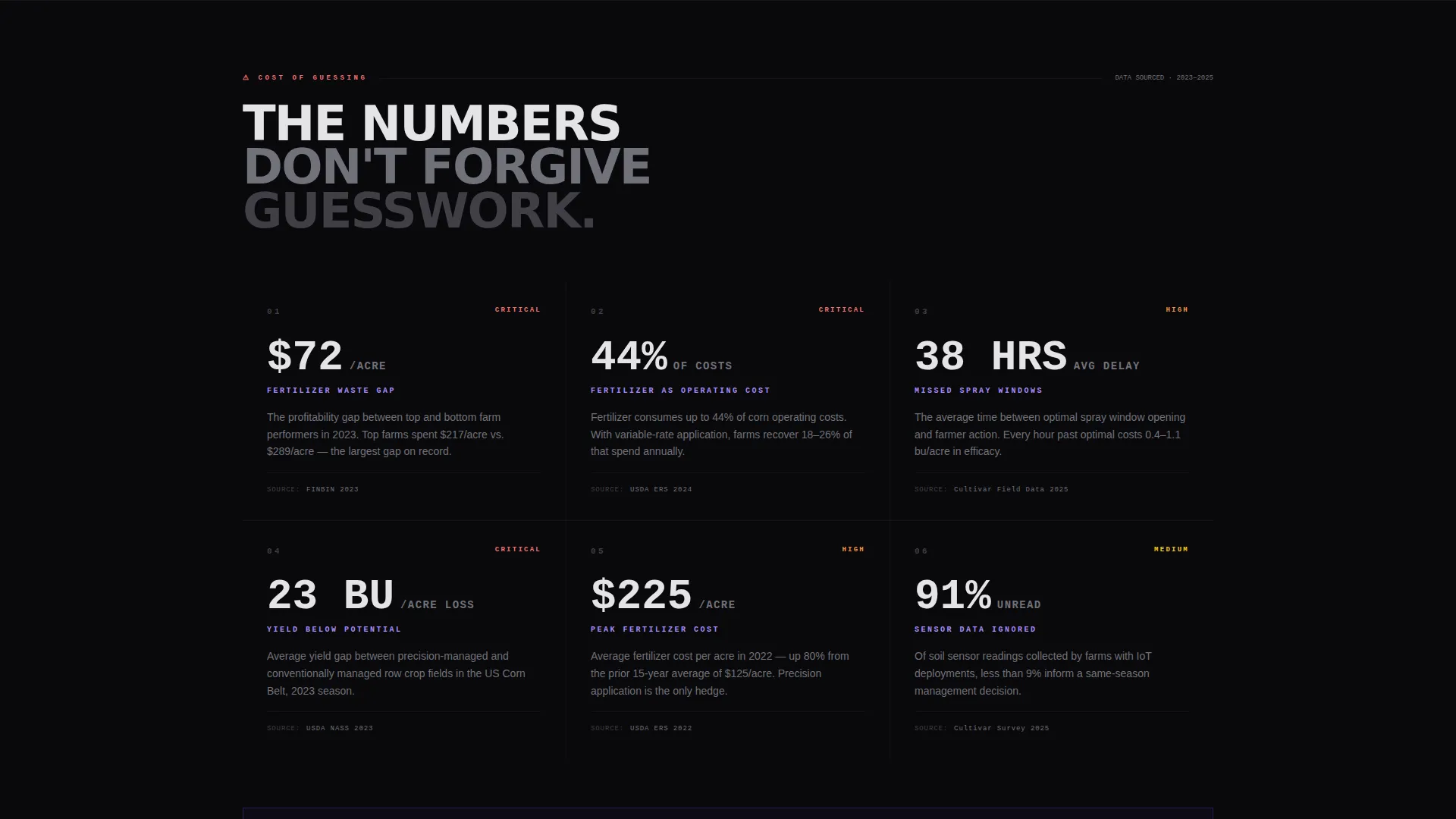
Brutalist Problem Data Cards
A stark numbered grid opens the scroll with the cost of guessing: yield loss percentages, over-application waste in dollars per acre, and missed weather windows. Each card is sourced, numbered, and deliberately uncomfortable to read. The discomfort is the point.
Dashboard Screenshot Data Grid
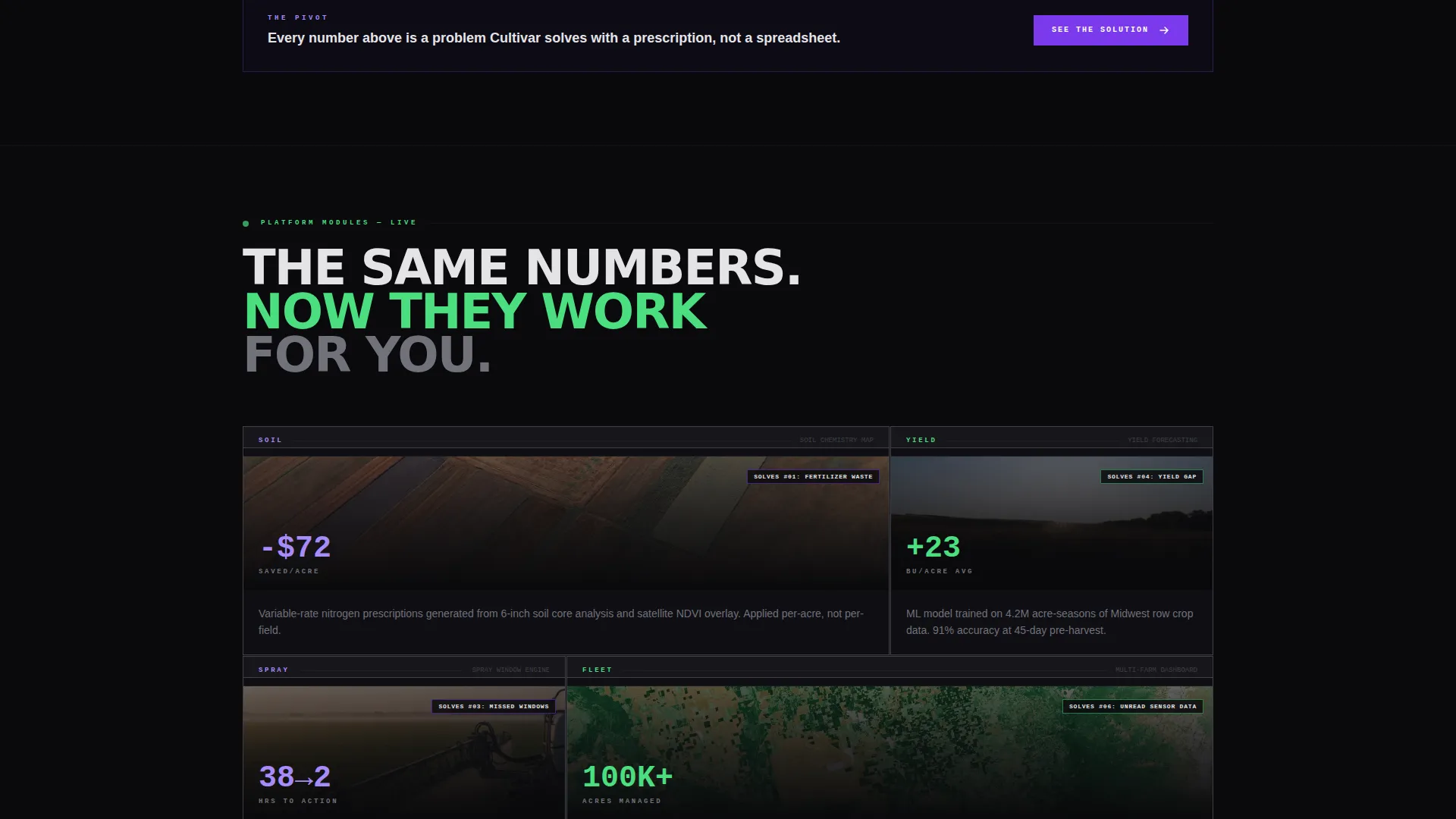
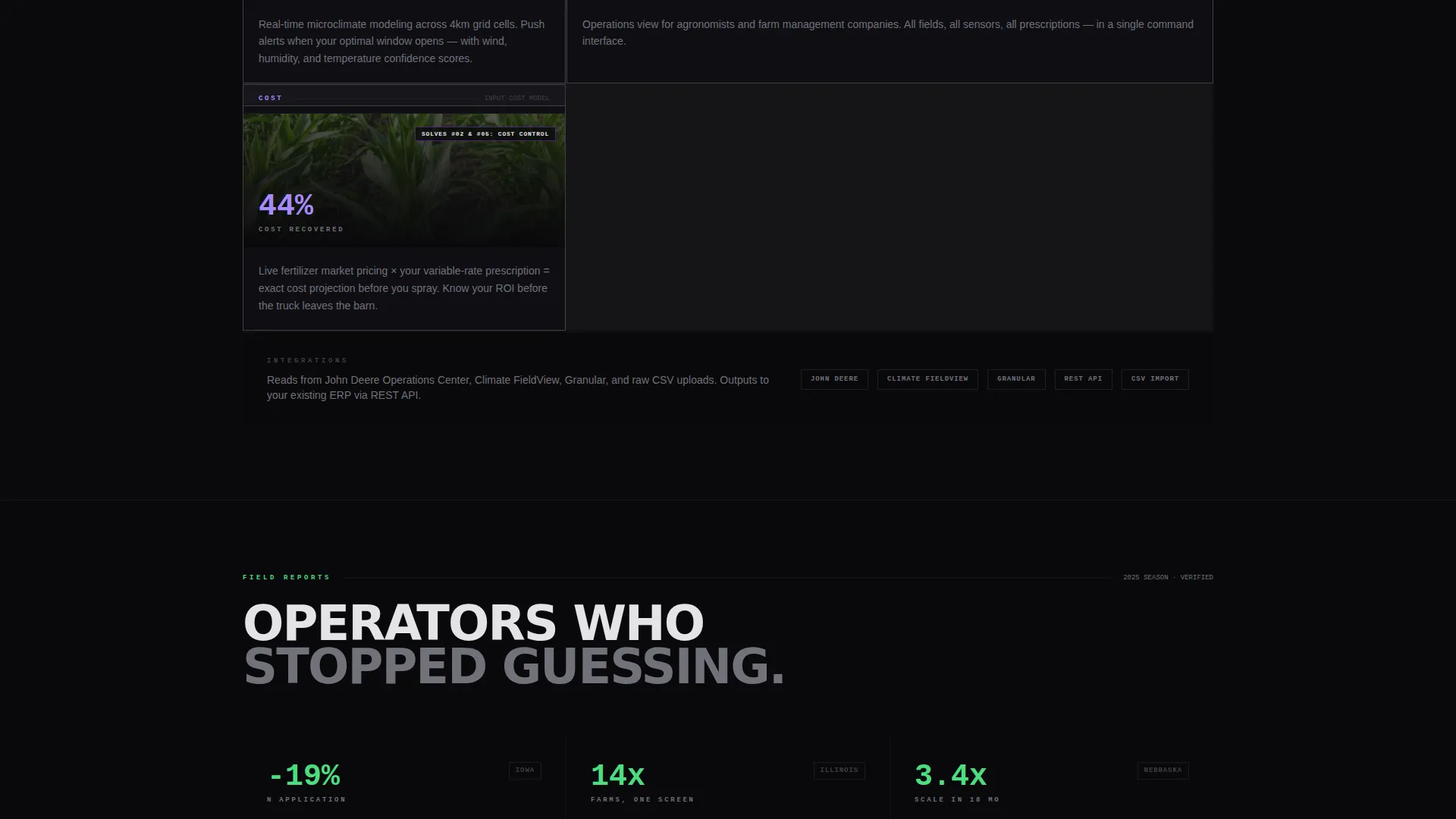
The same grid format pivots to show the product in action. Real interface screenshots are tiled in a data-grid layout, each module positioned directly against the problem it solves. The visual math is immediate: the numbers get worse, then the product makes them better.
Platform-Detected App Download call to action
The primary call to action reads "Install on Your Device" and auto-toggles between App Store and Google Play badges based on the visitor's platform. The detection removes friction for mobile visitors arriving from field conditions or referral links.
No-Signup Sandbox Demo Path
A secondary call to action labeled "Try the Demo Field" drops the visitor into a pre-loaded sample farm dashboard with no account required. Once they have dragged a field boundary and read the data, the install button at the bottom feels like the natural next step.
Cockpit-Grade Color System
Every interactive state, data highlight, and real-time accent follows a strict four-color palette. Violet dominates interactive elements. Phosphor green pulses on live-data indicators. Bleached concrete anchors typography and grid lines. Void black makes every number feel projected rather than printed.
Page sections overview
| Section | Purpose |
|---|---|
| Animated Code Header | Opens with live terminal output to signal engineering credibility immediately |
| Brutalist Headline Block | Delivers the core message in uppercase bleached concrete with no supporting imagery |
| Problem Data Card Grid | Quantifies the cost of guessing across yield loss, waste, and timing errors |
| Solution Dashboard Grid | Mirrors the problem grid with real dashboard screenshots solving each named issue |
| App Download call to action | Closes the page with platform-detected install badges and a no-signup demo link |
Design & branding system
The visual identity is Bold Brutalist using a Void and Violet four-color palette. The aesthetic reads like a cockpit instrument panel running in a dark barn: electric, purposeful, and unsettling in the best way.
- Void black (#09090B) as the base background, making every element feel projected rather than placed
- Deep field violet (#7C3AED) on interactive states and data highlights, with phosphor green (#4ADE80) pulsing on anything real-time
- Bleached concrete (#E4E4E7) for all typography and grid lines, giving text a raw, structural weight
Mobile & speed optimization
The template is structured with mobile visitors in mind, particularly field operators checking links from a phone between tasks. The platform-detection logic on the app download call to action removes the need for the visitor to choose their store manually.
- Data cards and dashboard grid tiles are designed to reflow cleanly at smaller viewport widths
- The terminal code header scales without losing its monospaced alignment or syntax highlight contrast
- The no-signup demo path reduces mobile drop-off by removing account creation from the first interaction
How this template helps you convert
The conversion strategy follows a deliberate mathematical arc. Visitors feel the problem before they see the solution, which makes the product feel necessary rather than optional.
- The problem data cards quantify real costs in stark, numbered format, creating urgency before the product is introduced
- The solution dashboard grid answers each problem directly using real interface screenshots, building trust through specificity rather than claims
- The dual call-to-action structure lets cautious visitors enter the demo without committing, then closes with the install button once trust is established
Other information about this template
This template is part of the Startup and Launch category under the AgTech Startup subcategory. It is designed specifically for the growth-stage agtech niche where technical buyers need to see engineering credibility before they engage with marketing.
- The template style is Dashboard and Data Grid, optimized for products where data density is a feature, not a problem
- The creative direction follows a Problem to Solution Arc, a structure that works especially well when the cost of inaction can be quantified
- The header concept is a Code Snippet, chosen because the target audience reads API responses and field data as part of their daily workflow
- The landing page direction is App Download, with a secondary demo path designed to earn the install rather than demand it
Theme
Bold Brutalist
Creative direction
Problem→Solution Arc
Color system
Void & Violet
Style
Dashboard/Data Grid
Direction
App Download
Page Sections
Animated Terminal Code Header
Brutalist Problem Data Card Grid
Dashboard Screenshot Solution Grid
Platform-detected App Download Call to Action
No-signup Sandbox Demo Path
Cockpit-grade Four-color Palette
Related questions
Who is this template designed for?
Can I use this template without a live app ready?
Do I need to customize the code snippet in the header?
Does the app download call to action work for both iOS and Android?