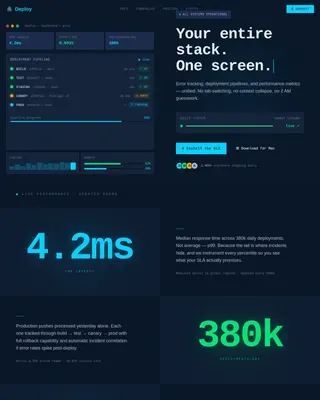
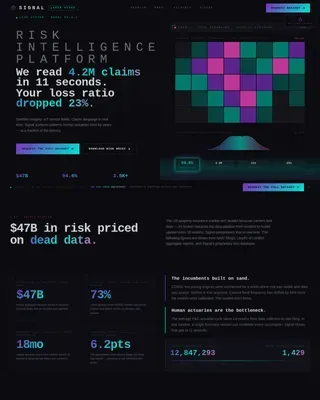
Helix - Precision Biotech Landing Page Template
Helix is a hub-and-spoke landing page template built for biotech API documentation platforms. It pairs a Bold Brutalist visual identity with an Acid Digital color system to create a documentation experience that feels as precise as the science it serves. Sticky anchor navigation, live sandbox toggles, and interactive code blocks guide developers from authentication to deployment in one focused scroll.
by Rocket studio
Quick summary
Helix is a single-page documentation landing page template designed for biotech API platforms. It uses a Bold Brutalist theme, void-black backgrounds, and toxic-green monospaced type to signal precision from the first pixel. Four spoke sections walk developers through a full integration journey, and a freemium call to action converts before asking for anything in return.
Who this template is for
This template is built for technical teams shipping API-driven biotech products. If your platform connects wet-lab instruments to cloud infrastructure, Helix speaks your audience's language from the header down.
- Bioinformatics engineers who need clear, executable documentation for LIMS integrations
- Computational biologists pulling sequence data through REST endpoints at any hour
- DevOps leads at early-stage startups who need instrument-to-cloud pipelines running fast
What problem this template solves
Most biotech documentation pages bury critical integration details inside legacy PDFs or static wikis. Developers lose time deciphering outdated formats instead of shipping working pipelines.
- Generic developer landing pages do not reflect the precision or urgency biotech workflows demand
- Documentation platforms often gate all value behind a sign-up wall, frustrating technical evaluators
- No visual hierarchy guides a developer from a first API call to a complete integration in one session
What you get with this template
Helix delivers a fully structured, single-page documentation landing page with four interactive spoke sections linked by a sticky anchor navigation bar. Every component is built around the biotech developer's real workflow.
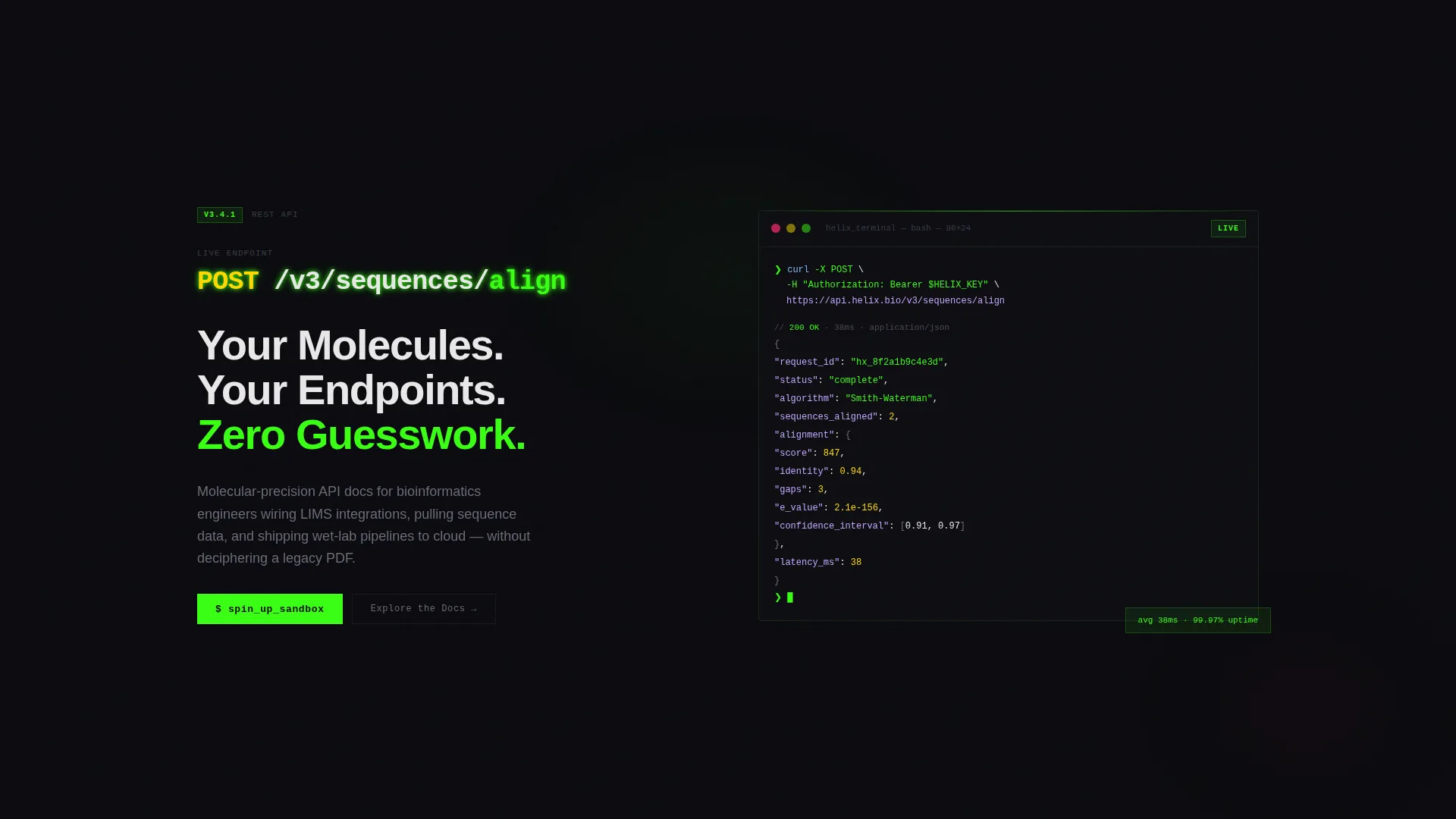
- A full-bleed void header with a large monospaced API endpoint, animated JSON response, and a fading headline
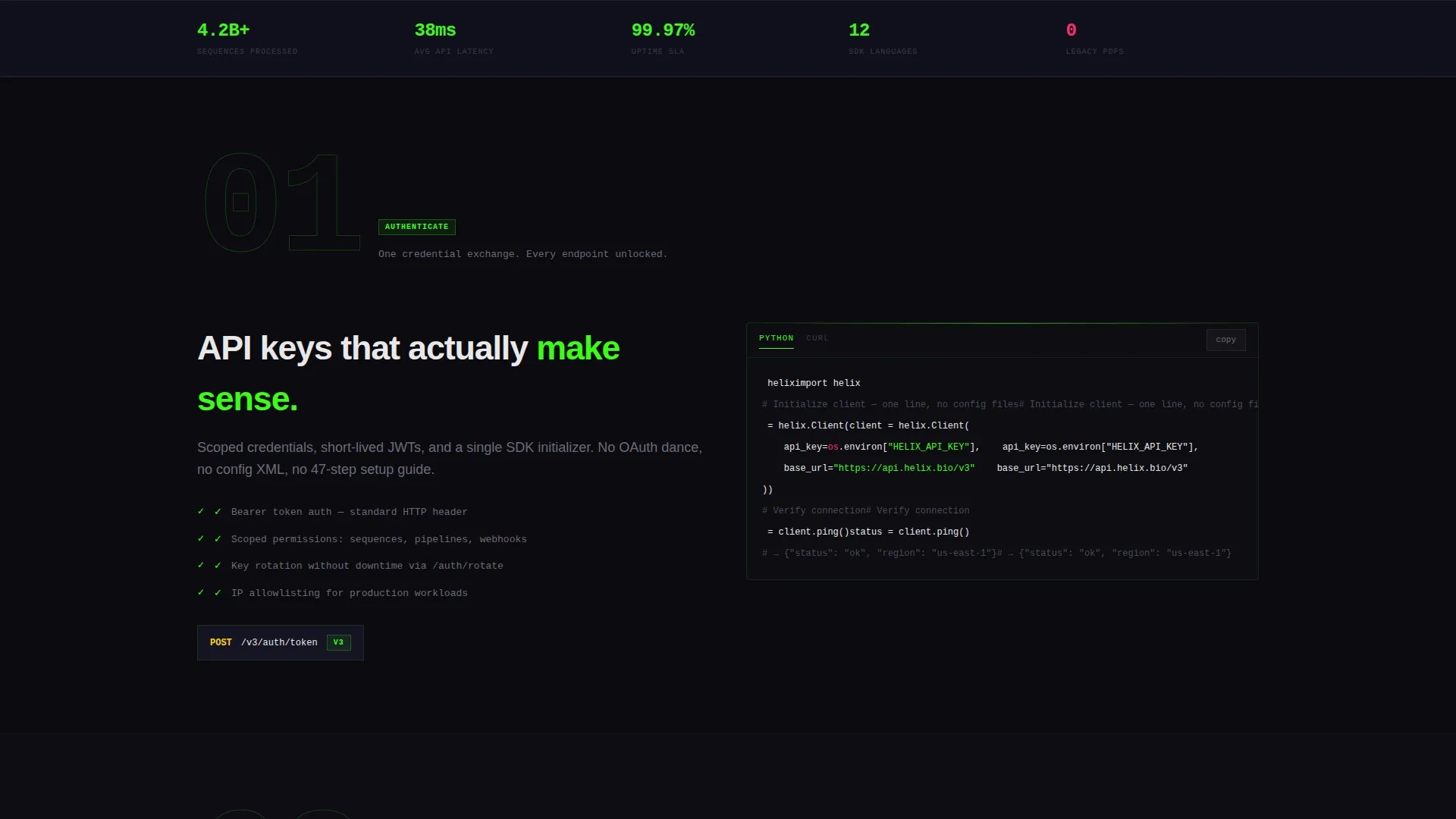
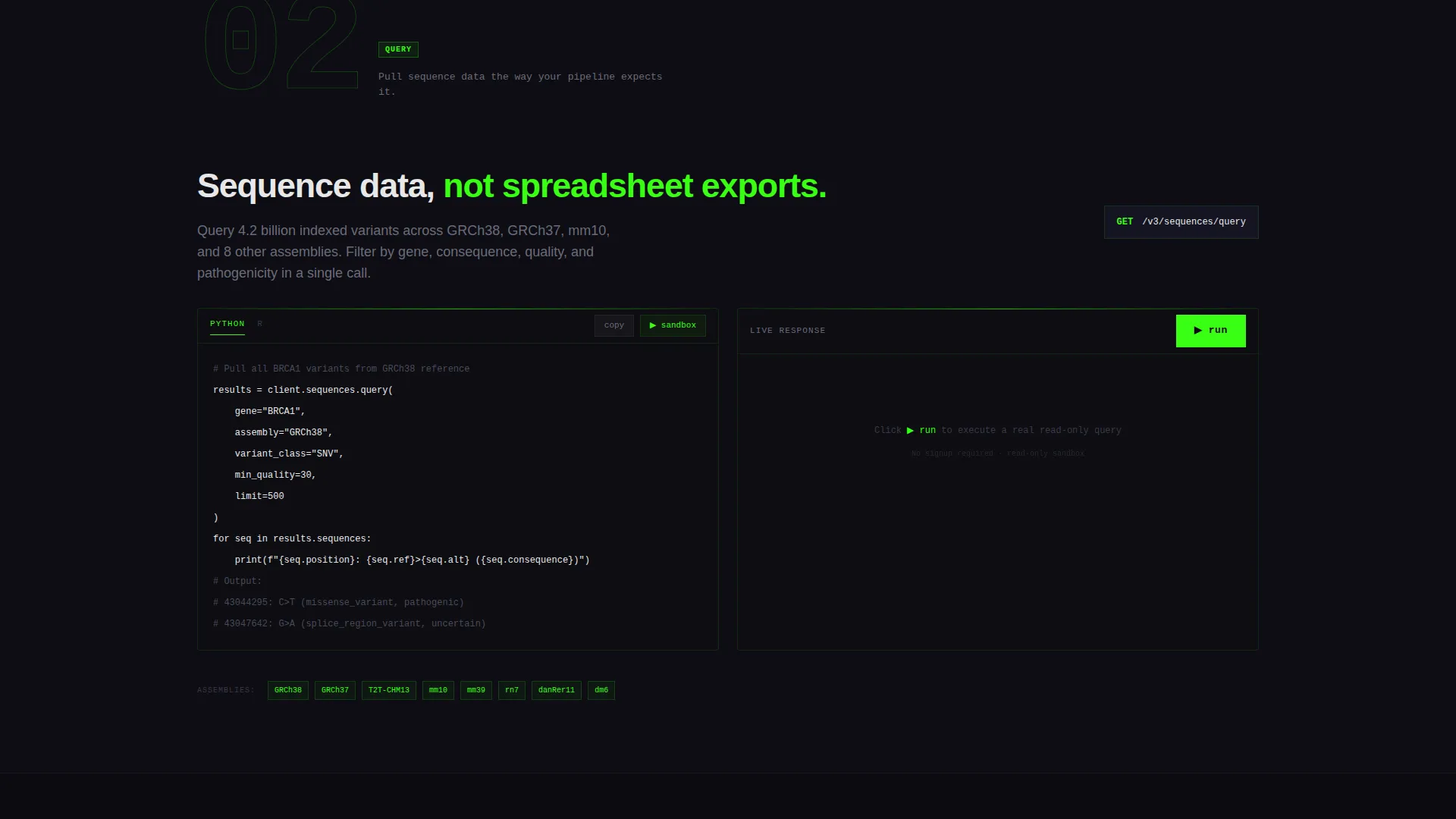
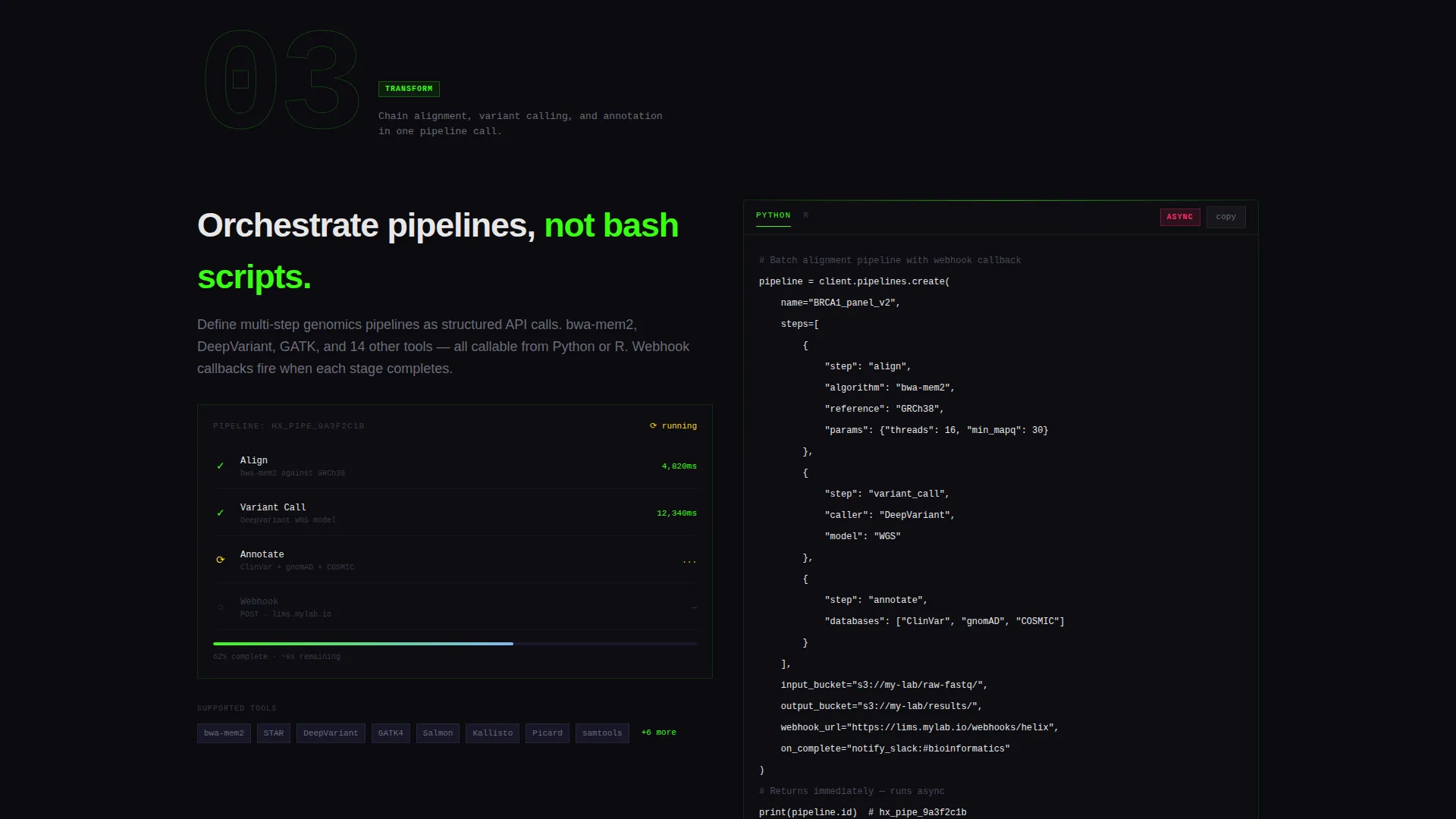
- Four anchor-linked spoke sections (Authenticate, Query, Transform, Deploy) with brutalist section numbers and live code blocks
- A freemium conversion flow built around a single work-email field, plus an ungated "Explore the Docs" secondary path
Feature list
This section covers the core functional and design components included in the Helix template.
Animated API Header Block
The header renders a single API endpoint in massive monospaced type against a void-black background. A neon green glow pulses character by character, and a real JSON response body animates line by line below it as if the call is executing live. The headline fades in only after the response completes.
Sticky Anchor Navigation Bar
A persistent navigation bar keeps the four spoke labels visible throughout the entire scroll. Each label links directly to its corresponding section, and the primary "Spin Up a Sandbox" call to action sits inside the nav so it is always one click away.
Interactive Spoke Sections with Code Blocks
Each of the four spoke sections opens with an oversized brutalist section number and a single-sentence description. SDK code snippets in Python and R follow, alongside live sandbox toggles that let visitors execute read-only API calls before signing up.
Progressive Complexity Narrative
Early spoke sections show simple GET requests. Later sections escalate to batch pipeline orchestrations with webhook callbacks. This structure lets a developer mentally build a complete integration by the time they reach the Deploy section.
Freemium Sandbox Conversion Flow
The primary call to action, "Spin Up a Sandbox," appears in the sticky nav and again after the final Deploy spoke. It opens a single-field form asking only for a work email. No gate stands between the visitor and real API value before that moment.
Acid Digital Color System
The palette uses void black, toxic green, deep terminal gray, and hot magenta. Green carries all primary information. Magenta is reserved exclusively for warnings, deprecation badges, and hover states. It never decorates; it signals.
Page sections overview
| Section | Purpose |
|---|---|
| Full-Bleed Header | Introduce platform with animated endpoint and headline |
| Sticky Anchor Nav | Persistent navigation and primary call to action placement |
| Authenticate Spoke | Guide developers through API authentication setup |
| Query Spoke | Show sequence data retrieval via REST endpoints |
| Transform Spoke | Demonstrate data transformation and pipeline logic |
| Deploy Spoke | Present batch orchestration and webhook callback patterns |
| Sandbox call to action Block | Convert visitors with a single work-email sign-up field |
| Ungated Docs Link | Provide a secondary path to public reference documentation |
Design & branding system
Helix follows a Bold Brutalist theme that treats the screen like a CRT monitor in a working lab. Every design decision prioritizes high contrast and functional clarity over decoration.
- Typography is fully monospaced and high-contrast; green text glows against void black the way a gel band glows under ultraviolet light
- Hot magenta (#FF2D6B) appears only on warnings, deprecation badges, and hover states, never as ornamental color
- Backgrounds stay pure void black (#0B0B0F) with deep terminal gray (#1A1A2E) for structural depth; toxic green (#39FF14) carries all active data signals
Mobile & speed optimization
The template is structured for clarity on any screen size. The bold typographic hierarchy and minimal asset load mean the layout translates cleanly from a large monitor to a mobile device.
- Full-bleed sections and single-column spoke layouts reflow naturally for smaller viewports
- No stock imagery or illustration assets are used, which keeps the visual layer lean and fast to render
How this template helps you convert
Helix earns the conversion before it asks for one. The page is structured so that developers experience real product value during the scroll, which reduces friction at the sign-up step.
- Live read-only sandbox toggles let visitors execute real API calls inside the page, demonstrating platform capability without requiring an account first.
- The "Spin Up a Sandbox" call to action appears in the sticky nav and at the natural end of the integration journey, catching developers at peak intent.
Other information about this template
Helix is part of the Startup and Launch category with a Biotech Startup subcategory focus. It is purpose-built for the Biotech API Documentation niche and carries a high intersection match score, meaning the theme, creative direction, and conversion model all align tightly with the target use case.
- Template style is Hub and Spoke with anchor navigation, making it suitable for documentation platforms that need one-page depth without multi-page complexity
- Creative direction follows a Launch Energy countdown structure, escalating technical complexity section by section to build developer confidence before the call to action
- The freemium and trial conversion model is built into the layout, not bolted on; the single-field email form and ungated docs link reflect a product-led growth approach common in developer tooling
Theme
Bold Brutalist
Creative direction
Launch Energy
Color system
Acid Digital
Style
Hub & Spoke (Anchor Nav)
Direction
Freemium/Trial
Page Sections
Animated Full-bleed API Header
Sticky Anchor Navigation Bar
Four Interactive Spoke Sections
Progressive Integration Narrative
Freemium Sandbox Conversion Flow
Acid Digital Color System
Related questions
Who is the Helix template designed for?
Can I customize the color system and typography?
What are the four spoke sections in the anchor navigation?
Does the template include the actual API sandbox functionality?
Is the secondary Explore the Docs link customizable?