Heritage Editorial Personal Finance Newsletter Landing Page Template
Ledger is a heritage editorial personal finance newsletter landing page template designed for weekly newsletters that treat money as a long story worth reading slowly. Built for sophisticated mid-career readers, it combines a parchment-and-graphite color system, magazine-spread specimen issue previews, an animated trend chart, and a waitlist form with a live counter to start building your audience before the first issue goes out.
by Rocket studio
Quick summary
Ledger is a single-page editorial landing page template designed for a personal finance newsletter with a weekly cadence. It opens like a well-worn hardcover and moves readers through specimen issue previews, a self-drawing animated chart, and a quiet waitlist form. The template is built to start collecting signups before your first issue is ready.
Who this template is for
This template is designed for creators who want to launch a financially literate newsletter that goes deeper than typical budgeting content. It suits writers who think in decades, not quarters, and who want their pages to feel earned rather than assembled.
- Mid-career finance writers and independent researchers who want to start a personal finance newsletter with a distinct editorial voice
- Journalists and analysts exploring newsletter business ideas in the personal finance data and trends space
- Creators ready to build a profitable, niche newsletter audience before the first issue ships
What problem this template solves
Most newsletter landing pages look like every other landing page. They list features, show a mockup, and ask for an email. That approach leaves potential readers cold, especially sophisticated ones who can spot a templated pitch from a paragraph away.
- There is no way to show editorial quality without actually showing it, so the template includes three specimen issue previews designed to leave a strong first impression
- Generic sign-up pages do not build anticipation, so a live waitlist counter and an optional reader question give the form a sense of community from day one
- Readers who could become profitable long-term subscribers need to trust the writing before they commit, and this layout is designed to earn that trust visually and structurally
What you get with this template
You get a complete, ready-to-adapt landing page designed around a single conversion goal: growing a waitlist for a weekly personal finance newsletter. Every section has a clear job and nothing is filler.
- A half-page editorial hero with a serif headline and a "Reserve My Seat" call-to-action placed to catch readers before they start to scroll
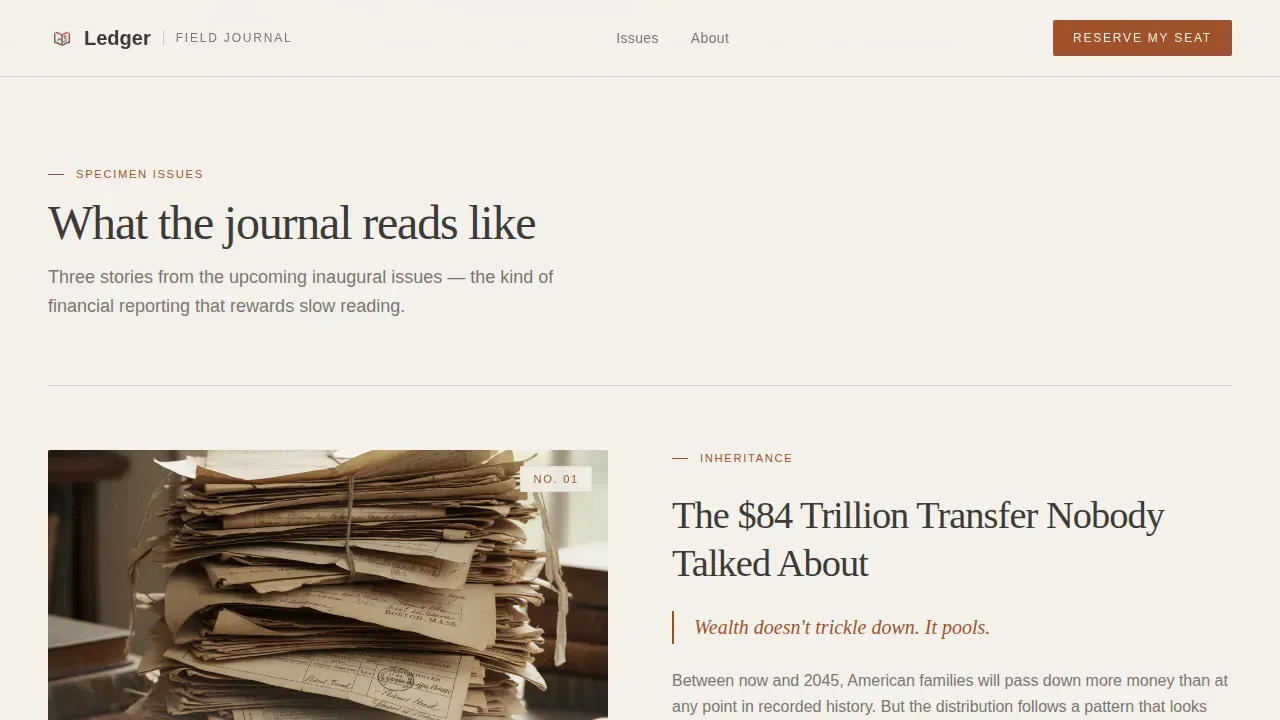
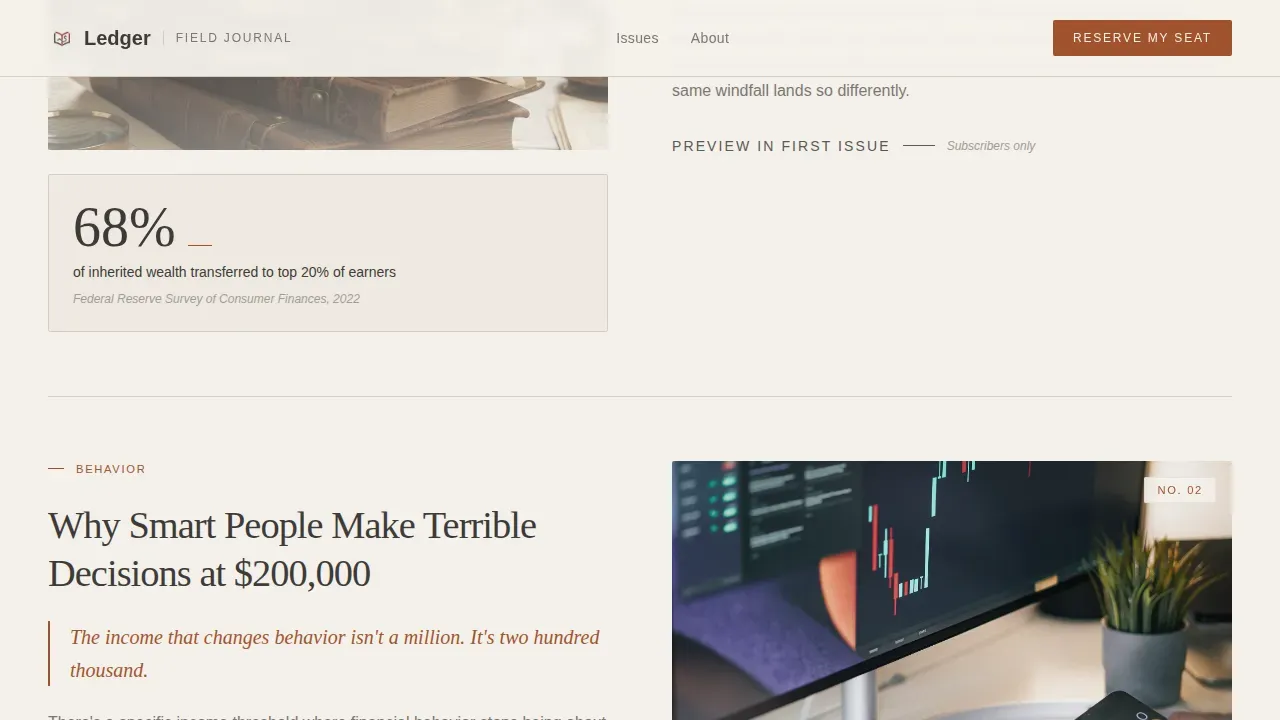
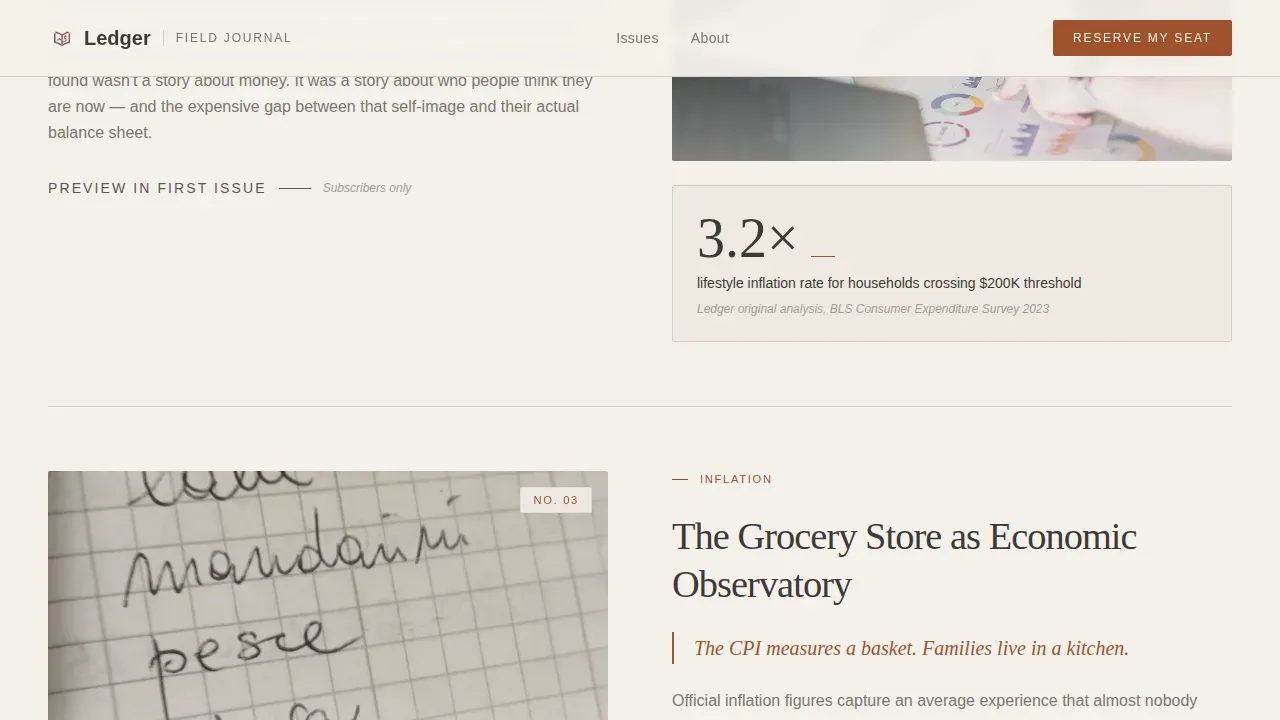
- Three magazine-spread specimen issue blocks, each pairing a data visualization placeholder with a narrative excerpt, so visitors can search for the voice of the newsletter before committing
- A waitlist form that collects an email address plus one optional reader question, paired with a live counter that shows current list size
Feature list
This template includes the following built-in capabilities, each designed to serve a specific editorial or conversion purpose.
Half-Page Editorial Hero
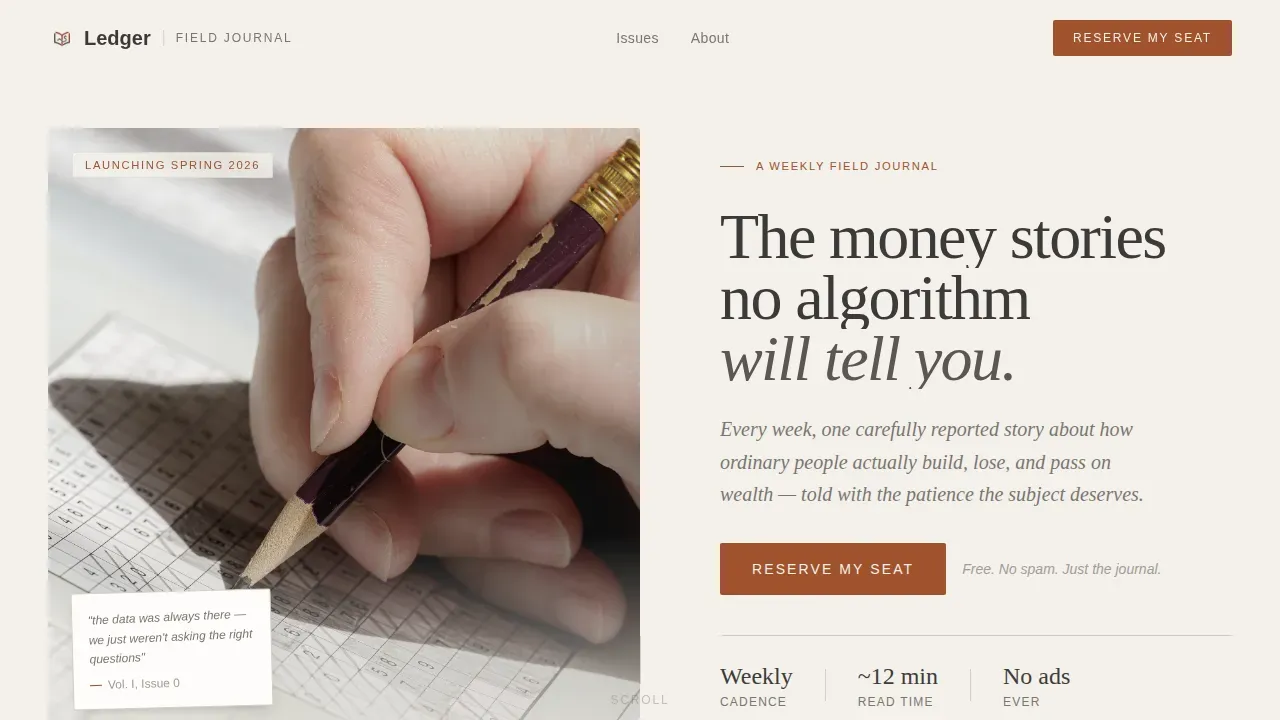
The hero section uses a half-page photo-and-text layout. On one side sits a desaturated editorial photograph; on the other, a large unhurried serif headline with a subline that names the newsletter cadence and promise. The "Reserve My Seat" button appears here first, styled in archival red for high contrast against the parchment background.
Curated Specimen Issue Previews
Three specimen issues are designed as magazine-spread-style feature pages. Each pairs a data visualization on one side with a narrative excerpt on the other. Generous whitespace and a thin rule separate each spread, slowing the scroll deliberately. Hover states on each specimen card add a quiet layer of interactivity.
Self-Drawing Animated Chart
A single animated line chart draws itself mid-page, showing a seventy-year trend. This is the only animated moment on an otherwise still page. It reframes the editorial content above it without competing with the reading experience around it.
Dual Call-to-Action Placement
The "Reserve My Seat" button appears twice: once beneath the hero headline and once after the final specimen issue. Repeating the call-to-action ensures readers who reach the bottom of the page can sign up immediately without scrolling back up.
Waitlist Form with Live Counter
The form asks only for an email address and one optional question, "What money question keeps you up at night?" A live counter beneath the form shows current waitlist size. This creates social proof through honest numbers rather than urgency language.
Heritage Typography and Color System
Fraunces, a serif display typeface, is used for headlines. DM Sans handles body text and labels. Classic serif-and-sans pairings like this create an editorial feel that positions the newsletter as trustworthy and considered from the first line of text a visitor reads.
Page sections overview
| Section | Purpose |
|---|---|
| Editorial Hero | Introduce newsletter value and place first call-to-action |
| Specimen Issue One | Show first sample content spread with data and narrative |
| Specimen Issue Two | Reinforce editorial voice through second issue preview |
| Specimen Issue Three | Complete specimen sequence, lead into animated chart |
| Animated Trend Chart | Draw a 70-year trend line as a single motion moment |
| Waitlist Signup Form | Collect email, optional reader question, show live counter |
| Minimal Footer | Close the page with horizontal flow and essential links |
Design & branding system
The visual identity follows a Heritage and Story theme using a Cloud Canvas color system. The palette feels like a vintage ledger book left open, with pages slightly yellowed and ink still sharp.
- Colors: warm parchment (#F4F1EB) for backgrounds, soft graphite (#3D3A38) for body text, muted ink wash (#7A7570) for secondary text, and archival red (#A0522D) reserved for pull quotes, issue numbers, and subscribe buttons
- Typography: Fraunces serif for display headlines, DM Sans for body copy and labels, creating the classic editorial contrast that helps guide the reader's eye through long-form content
- Imagery: the hero uses a desaturated editorial photograph of a hand-drawn chart on graph paper with a fountain pen and natural window light, the kind of high-quality image that reflects the audience's financial journey without relying on generic stock photography
Mobile & speed optimization
The template is designed desktop-first, recognizing that its primary readers are professionals at desks. Full mobile parity is maintained so the landing page works cleanly on any device.
- Scroll animations use low-to-medium intensity: text reveals on scroll, a single self-drawing SVG chart, and subtle parallax effects that do not overwhelm the reading experience
- The layout keeps interactive elements thumb-friendly on smaller screens, including the call-to-action button and the waitlist form fields
- Server components handle static sections to minimize the JavaScript footprint across all pages of the build
How this template helps you convert
Every design and layout decision in this template is made to move a skeptical, intelligent reader toward a single action: reserving a spot on the waitlist.
- The specimen issues let visitors download a sense of the newsletter's voice before they sign up, which is the most effective way to earn trust from readers who value depth over volume
- The live waitlist counter adds social proof through honest numbers, confirming that other thoughtful people have already chosen to start following the newsletter
- The optional reader question, "What money question keeps you up at night?", makes the form feel like a conversation rather than a data harvest, which increases the likelihood that readers leave their email with genuine intent
Other information about this template
This template is a strong foundation for anyone exploring newsletter business ideas in the personal finance space. The personal finance niche is one of the most profitable categories for independent newsletters, and a well-designed landing page is where that profitable journey starts.
- Newsletter business ideas built around generational wealth, historical financial trends, and field-journal storytelling are gaining traction among readers who want more than listicles
- The included layout is customizable: colors, text fields, typography, and section content can all be adapted to fit your specific newsletter brand
- Creators inspired by newsletter business ideas discussed in communities around thinkers like Greg Isenberg will find this template well-suited to a "quiet launch" strategy, where Greg Isenberg-style ideas about audience-building before product launch are central to the plan
- Greg Isenberg has written and spoken about how newsletter business ideas in niche finance categories can expand into courses, paid tiers, and community products, and this template is designed to support that kind of start
- Ideas around monetization, including subscriptions, sponsorships, and paid course add-ons, are easier to pursue once a profitable waitlist is already growing, and this template is designed to start that list from day one
- The template is also broadly useful for anyone who wants to comment on financial trends through an editorial format rather than a traditional blog, and the comment-style optional question field is a first step toward building that dialogue
- Newsletter business ideas that include a download offer or a sample issue can plug a download link into the specimen section or footer without restructuring the page
- The chapters-style layout of the specimen issue sequence gives the page a narrative rhythm, like moving through chapters of a longer story rather than scanning a product sheet
- Accounting concepts like general ledgers and financial record-keeping inspired the Ledger name and editorial identity, connecting the newsletter to a long tradition of careful, year-by-year financial observation
Theme
Heritage & Story
Creative direction
Curated Collection
Color system
Cloud Canvas
Style
Editorial/Magazine
Direction
Waitlist/Coming Soon
Page Sections
Half-page Editorial Hero Section
Magazine-spread Specimen Issue Previews
Self-drawing Animated Trend Chart
Dual Call-to-action Placement
Waitlist Form with Live Reader Counter
Heritage Typography and Color System
Related questions
Can I change the colors and fonts in this template?
Does the waitlist form require a third-party service to work?
Can I use this template for a newsletter that is already live?
Is this template suitable for launching a profitable paid newsletter?
How many pages does this template include?



