Mobile & Network Operator Cost Calculator Website Template
A hub-and-spoke landing page built for prepaid mobile services. This template gives visitors a kinetic Feature Tab Switcher, an interactive Data Calculator, a 5G Network Map, a Phone Compatibility Checker, and an Add-On Builder, all on one scrollable page. Every section answers a real purchase question before the visitor reaches the "Activate My Plan" button.
by Rocket studio
Quick summary
This is a single-page, anchor-nav landing page template for a no-contract prepaid mobile service. It uses a Dynamic Motion design built on a Carbon Fiber color system. Five interactive sections guide visitors from plan discovery through phone compatibility to final activation, all without a form or a phone call.
Who this template is for
This template is built for direct-to-consumer prepaid mobile brands that need to convert visitors on the first visit. It works especially well for budget-focused telecom operators in the no-contract, instant-activation segment.
- Gig workers such as rideshare and delivery drivers who need quick, affordable top-ups
- Immigrant families managing international minutes on a tight monthly budget
- Budget-conscious parents setting up a first phone for a younger teen
What problem this template solves
Most prepaid mobile pages leave visitors with unanswered questions about plan fit, phone compatibility, and total cost. Visitors leave to call support or compare elsewhere. This template replaces those friction points with live, self-serve tools built directly into the page.
- Visitors cannot easily tell whether their current phone will work on a new network
- Plan pricing feels unclear until add-ons stack up at checkout
- There is no way to explore coverage before committing to activation
What you get with this template
You get a fully structured, mobile-first landing page with five major interactive sections and a persistent bottom-bar call to action. Every component is mapped to a specific stage in the prepaid purchase decision.
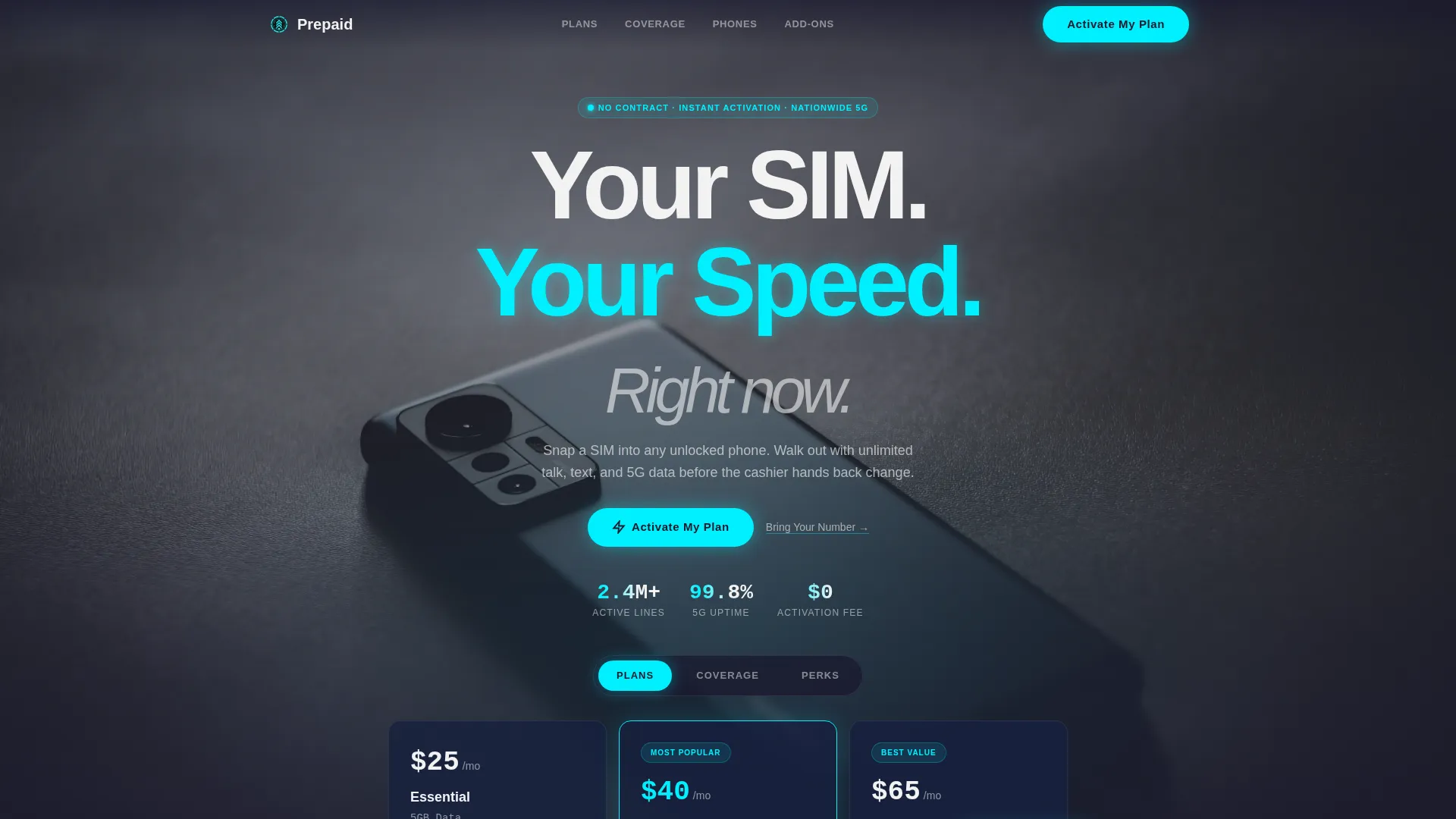
- A hero section with three kinetic tabs covering Plans, Coverage, and Perks
- Four spoke sections reachable from a sticky anchor nav: Data Calculator, Network Map, Phone Checker, and Add-On Builder
- A click-through conversion flow that passes plan and add-on selections as URL parameters into checkout
Feature list
This template includes six purpose-built interactive features. Each one is designed to keep visitors engaged and move them closer to activation.
Kinetic Feature Tab Switcher
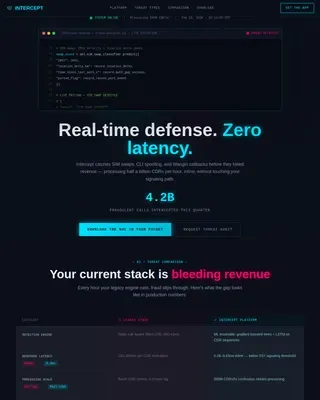
Three tabs sit across the top of a dark, edge-to-edge hero. Clicking "Plans" slides three plan cards upward like lock-screen notifications, each showing price, data cap, and a glowing cyan highlight on the most popular tier. "Coverage" and "Perks" trigger their own animated transitions without any scrolling.
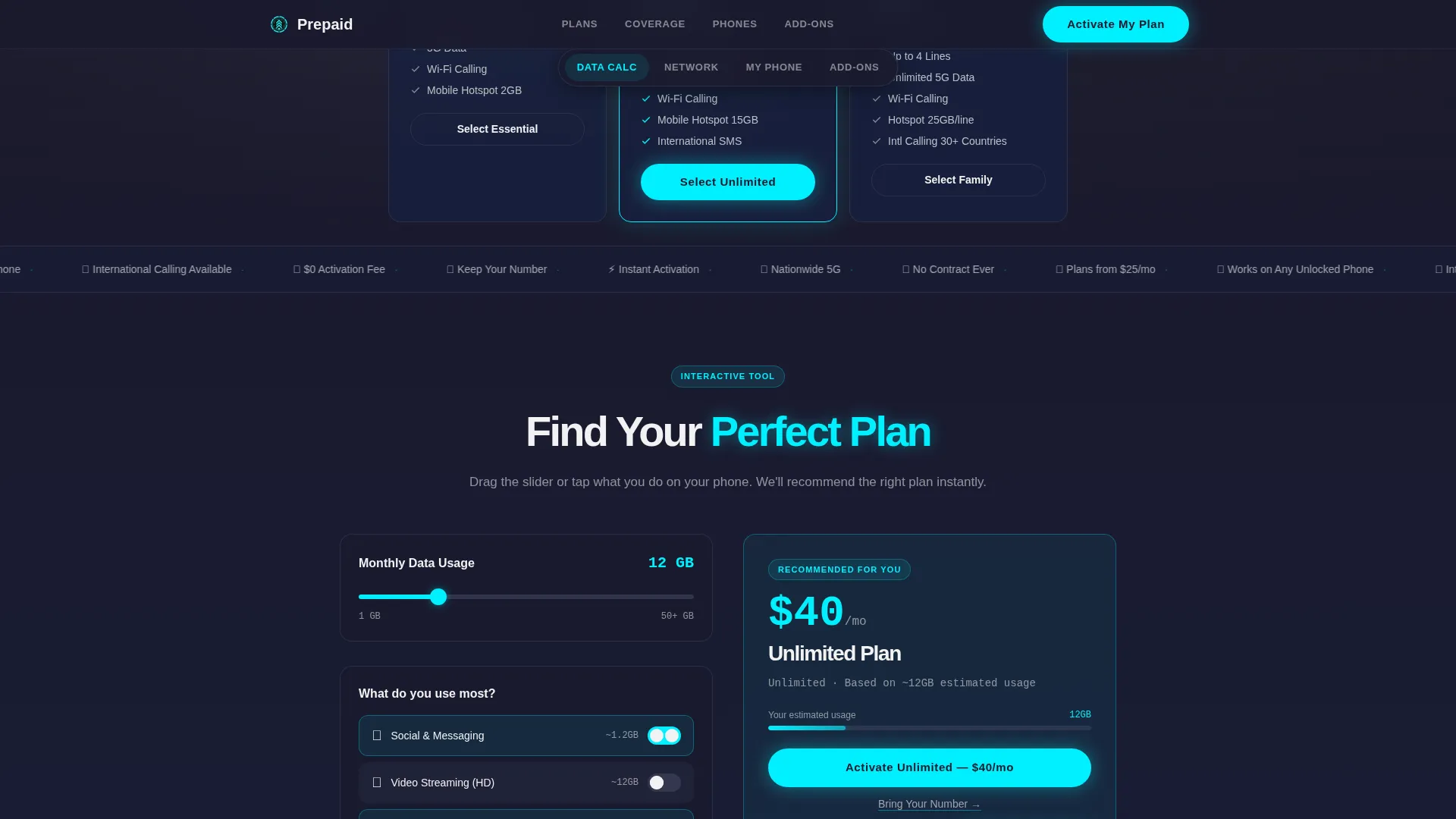
Live Data Usage Calculator
A drag-to-configure slider lets visitors set their estimated monthly data usage. As they drag, the recommended plan updates in real time below the slider. This removes guesswork and anchors visitors to the right tier before they reach the plan comparison.
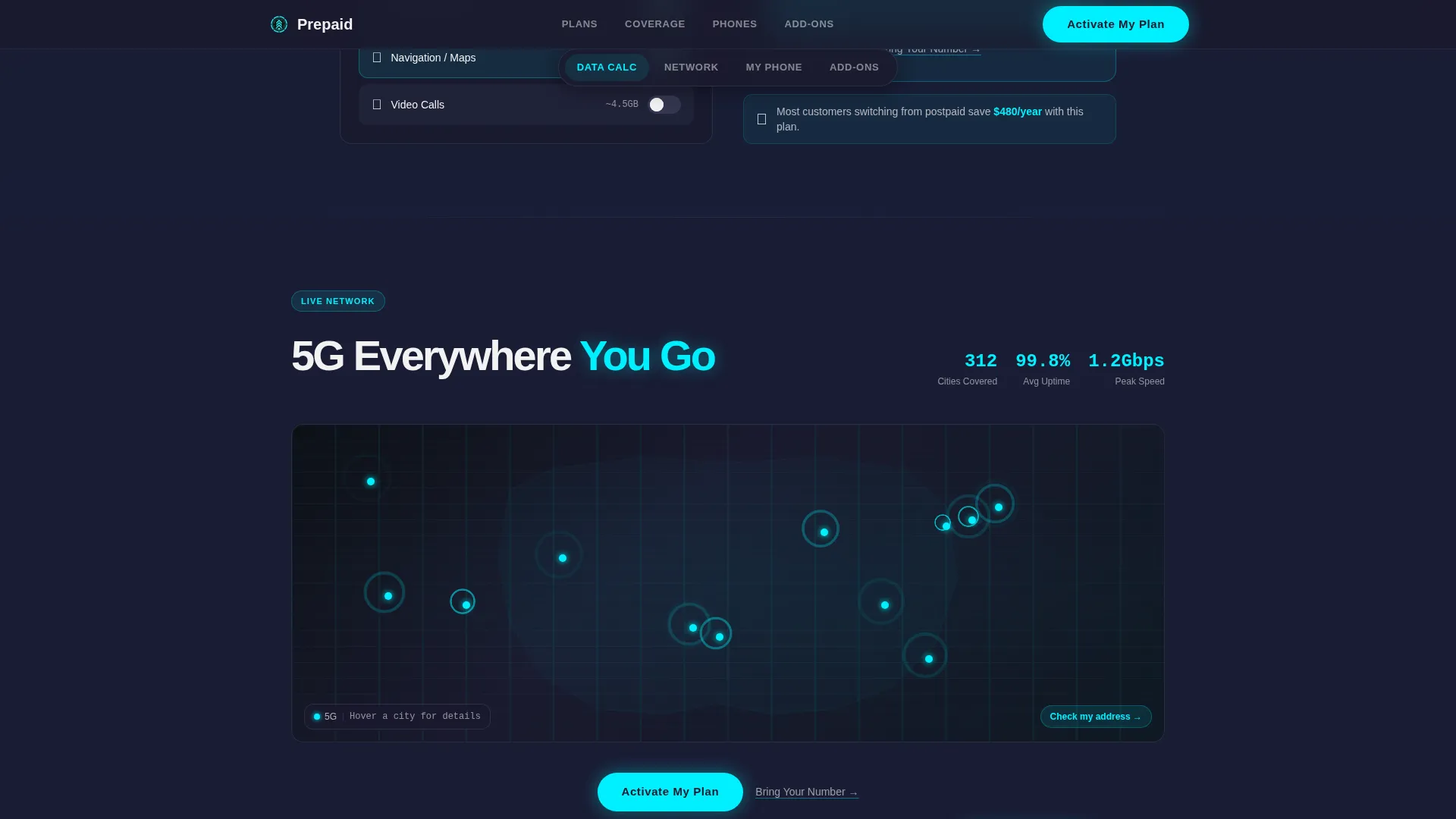
Animated 5G Network Map
An interactive coverage map pulses outward from city centers using heat-map-style rings. Visitors can see 5G availability across US cities without leaving the page. The animation communicates network reach in a way a static map cannot.
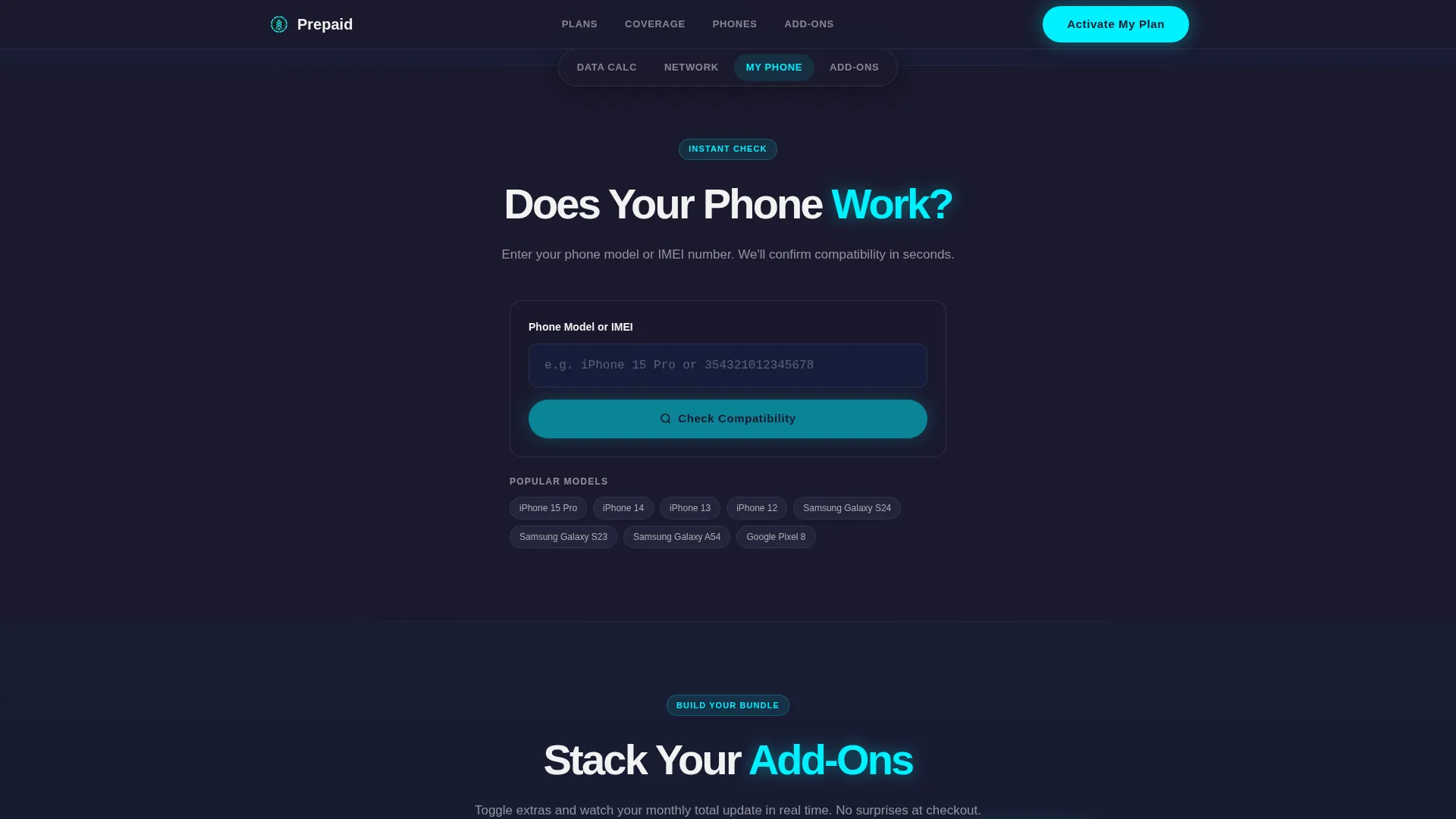
IMEI and Model Phone Checker
Visitors type in their phone's International Mobile Equipment Identity (IMEI) number or model name. The checker returns a green-light animation confirming compatibility. This single interaction eliminates the most common pre-purchase support question.
Stackable Add-On Builder
Visitors pick extras such as hotspot data, cloud storage, or streaming perks and watch a floating monthly total bar update at the bottom of the screen. The running total stays visible as they build, so there are no pricing surprises at checkout.
Persistent Click-Through call to action Bar
The "Activate My Plan" button appears in electric cyan on carbon black at the hero, after the plan comparison, and as a fixed bottom bar on mobile. A secondary "Bring Your Number" text link sits beneath every primary call to action for visitors porting an existing number.
Page sections overview
| Section | Purpose |
|---|---|
| Hero Tab Switcher | Introduce plans, coverage, and perks with kinetic tab transitions |
| Sticky Anchor Nav | Let visitors jump to any spoke section; glows cyan on active section |
| Data Usage Calculator | Help visitors match monthly usage to the right plan tier |
| 5G Network Map | Show animated US city coverage with pulsing heat-map rings |
| Phone Compatibility Checker | Confirm device compatibility via IMEI or model name |
| Add-On Builder | Stack extras and preview a live monthly total in a bottom bar |
| Social Proof Bar | Display live counters for activations, coverage cities, and satisfaction |
| Footer | Single-row linear layout with essential links |
Design & branding system
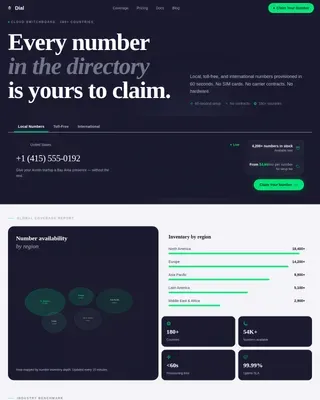
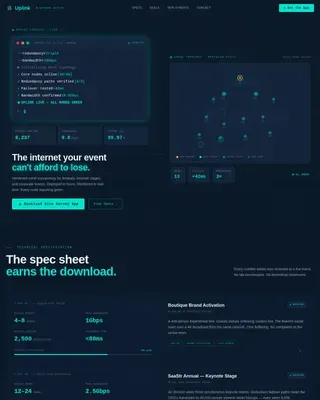
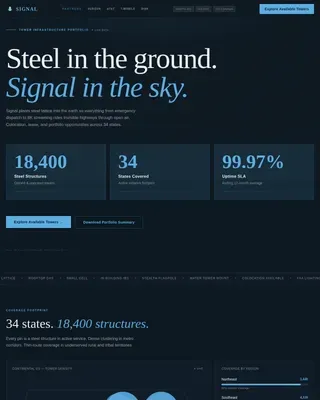
The template follows a Dynamic Motion theme using the Carbon Fiber color system. The palette is engineered to feel technical and lightweight, with dark backgrounds that keep interactive elements in sharp focus.
- Carbon black (#1A1A2E) dominates all backgrounds; titanium mid-gray (#4A4E69) structures cards and dividers; signal white (#F2F2F2) carries all body text
- Electric cyan (#00F0FF) fires exclusively on active states, toggle highlights, plan callouts, and call to action buttons
- DM Sans handles all headings and interface labels; JetBrains Mono renders all data values, prices, and numeric readouts for a technical, monospaced feel
Mobile & speed optimization
This template is designed mobile-first because its primary users activate plans directly from a phone. Layout decisions, interaction targets, and navigation patterns all reflect on-device usage.
- The sticky bottom bar keeps "Activate My Plan" reachable with one thumb at any scroll depth
- Interactive sections use client-side components so sliders, checkers, and builders respond instantly without full-page reloads
- The hero uses CSS scroll-timeline animations to deliver the cinematic background effect without heavy external libraries
How this template helps you convert
This template is structured as a click-through page. Visitors configure everything before they tap the primary call to action, so they arrive at checkout already decided.
- The Data Calculator and Add-On Builder give visitors a confirmed plan and a locked monthly price before they ever see a checkout screen.
- The Phone Compatibility Checker removes the single biggest hesitation for switchers: uncertainty about whether their device will work.
- The "Activate My Plan" call to action passes selected plan and add-on data as URL parameters, sending a prepared, high-intent visitor directly into the activation flow.
Other information about this template
This template is part of the Telecom and Connectivity category under the Mobile and Network Operator subcategory. It is localized for US markets with USD pricing, US city coverage references, and US phone number formats.
- Template style: Hub and Spoke with anchor navigation
- Theme: Dynamic Motion with a Carbon Fiber visual identity
- Header concept: Feature Tab Switcher with kinetic per-tab transitions
- Landing page direction: Click-Through, with no on-page form and no required account creation before activation
- Social proof elements include live stat counters for same-day activations, coverage cities, and satisfaction scores
Theme
Dynamic Motion
Creative direction
Interactive Explorer
Color system
Carbon Fiber
Style
Hub & Spoke (Anchor Nav)
Direction
Click-Through
Page Sections
Kinetic Feature Tab Switcher
Live Data Usage Calculator
Animated 5G Network Map
Phone Compatibility Checker
Stackable Add-on Builder
Persistent Click-through Call to Action with Port Path
Related questions
Does this template include an actual working checkout or payment system?
Can I adjust the plan cards, pricing, and add-on options shown in the template?
Does the Phone Compatibility Checker connect to a live carrier database?
Is this template designed for no-contract prepaid plans specifically?
What fonts does this template use?