Cinematic Healthtech Editorial Landing Page Template
Pulse is a cinematic dark editorial landing page built for a monthly healthtech deep-dive journal. It combines a newspaper-style masthead, researcher spotlight narrative, and a persistent waitlist bar into one scroll-driven single-page experience. Designed for clinical innovation officers, biomedical engineers, and health-focused investors, it converts serious readers into subscribers before the first issue ships.
by Rocket studio
Quick summary
Pulse is a single-page editorial landing page template for a monthly healthtech journal. It opens with a towering publication masthead, descends into a chapter-style researcher profile, and closes with a curiosity-building next-issue teaser. The persistent "Reserve Your Read" bar captures waitlist emails throughout the entire scroll journey.
Who this template is for
This template is built for publishers, independent researchers, and content strategists launching a serious healthtech publication. It suits anyone who wants their editorial work to feel as credible as the science it covers.
- Founders or editors launching a B2B healthtech newsletter or digital journal
- Clinical innovation officers and biomedical communicators building an audience before launch
- Health-focused investors or research teams creating a high-signal content channel
What problem this template solves
Most newsletter landing pages look generic. They fail to signal depth, credibility, or the editorial standard serious professional readers expect before they hand over their email address.
- Readers in clinical and investment roles need proof of rigor before they commit to a subscription
- A plain opt-in form cannot convey the quality of peer-review-level analysis or cinematic editorial craft
- Launching without a preview asset leaves skeptical readers with no reason to act immediately
What you get with this template
You get a complete, single-page editorial landing page with five distinct sections, each serving a specific conversion purpose. The layout is designed to reward the reader who scrolls all the way through, deepening engagement at every stage.
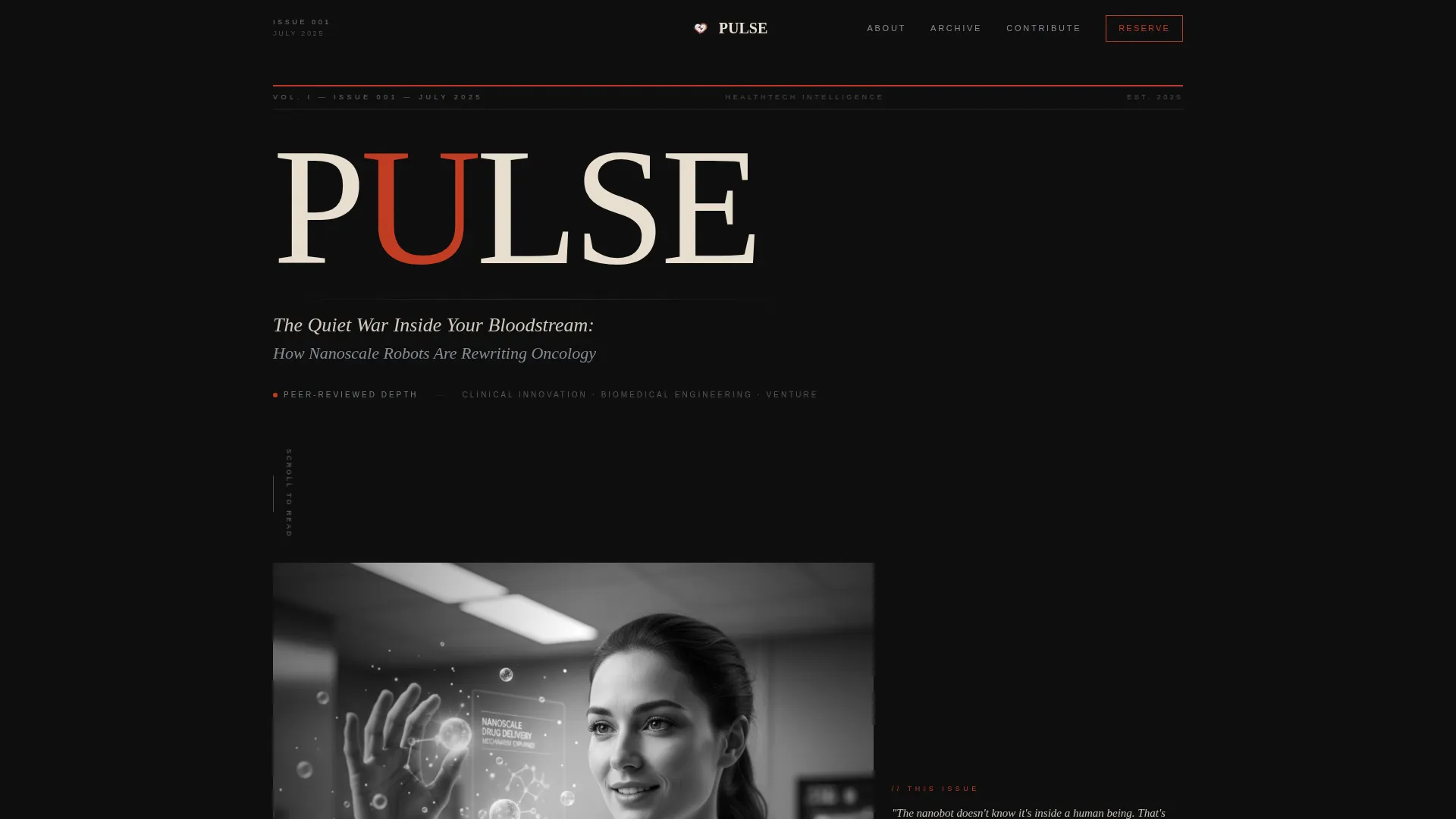
- A full newspaper-style masthead hero with cinematic black-and-white portrait and issue dateline
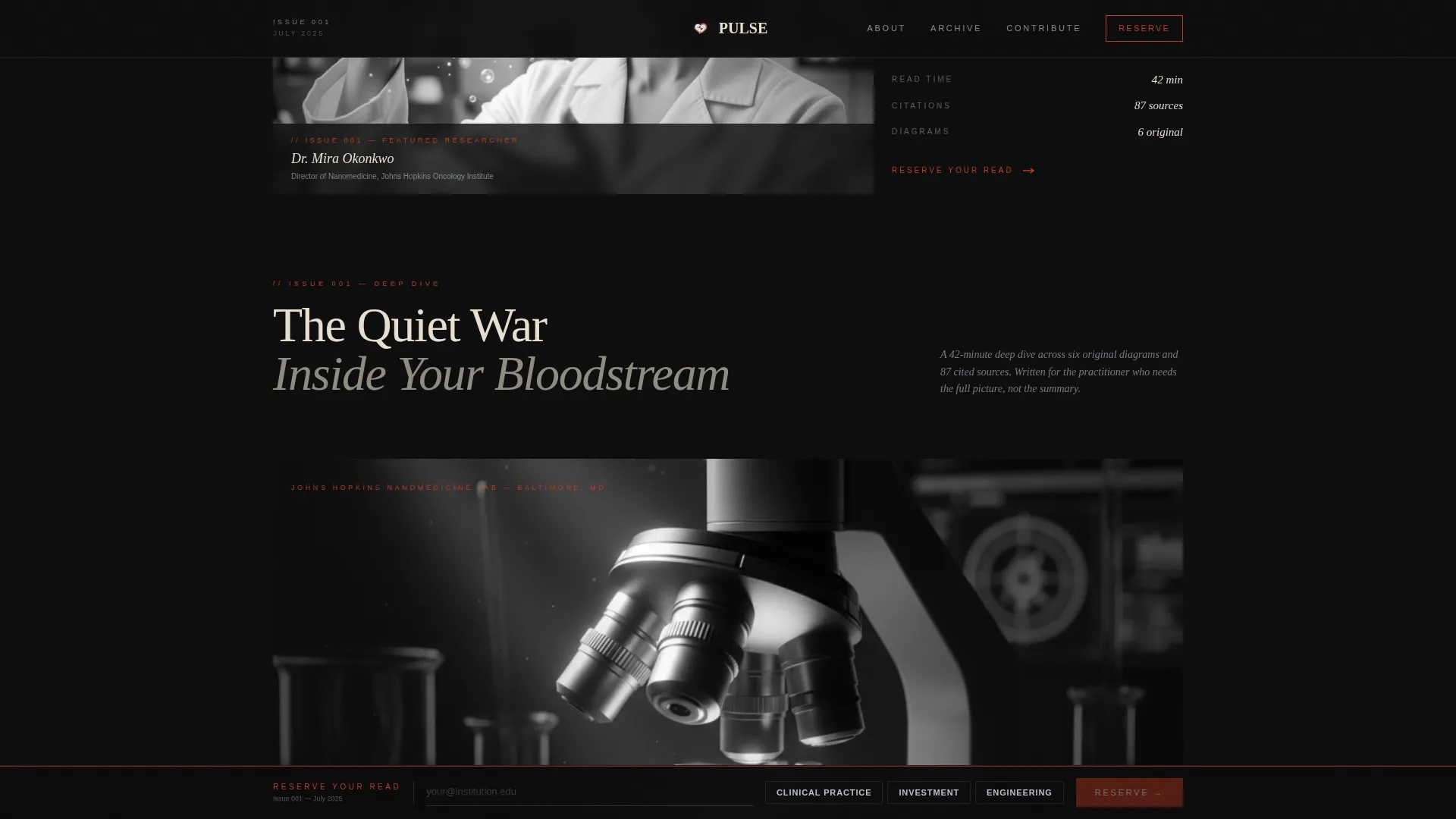
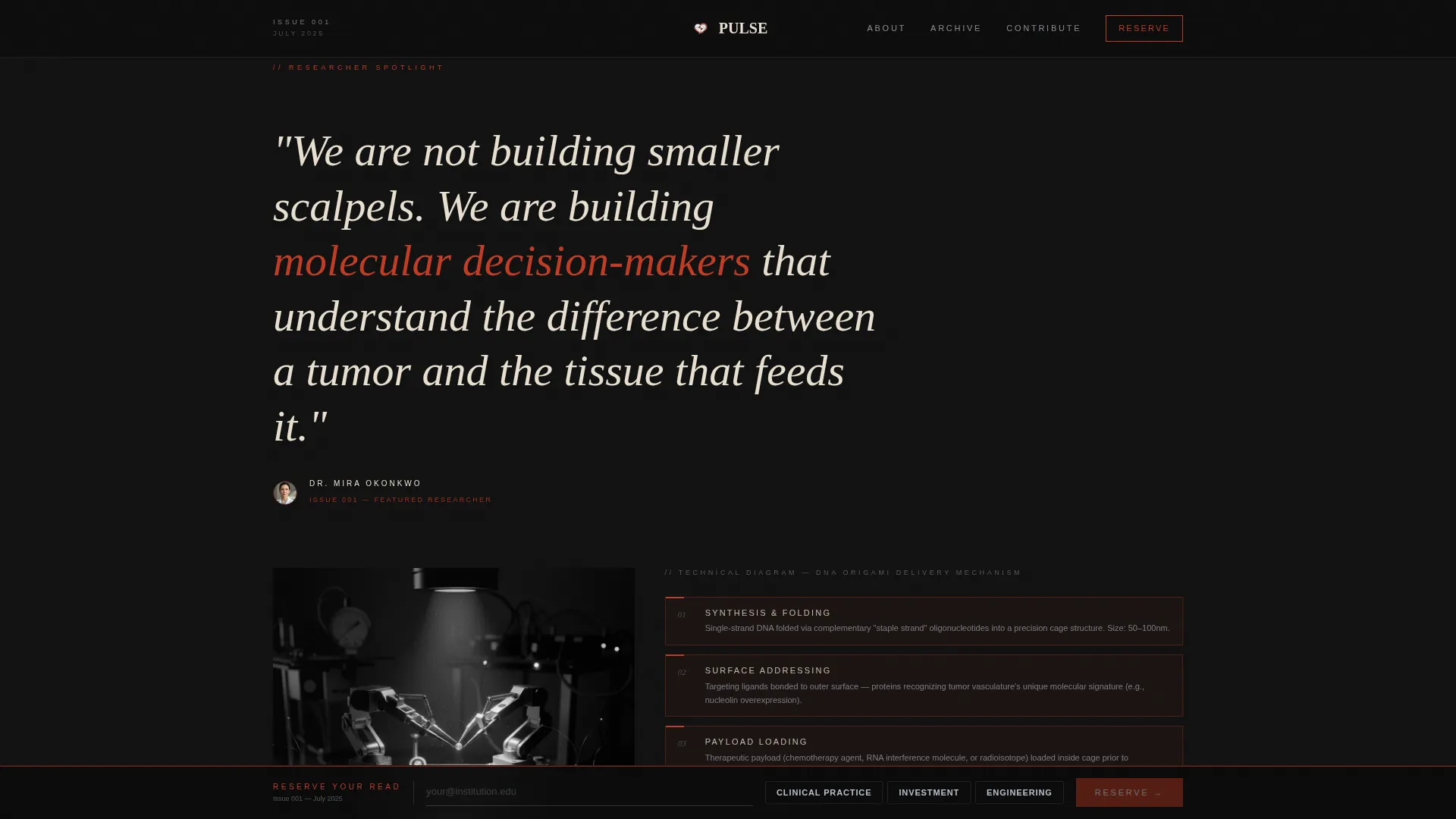
- A chapter-driven researcher spotlight with pull quote, technical diagram placeholder, and cited sources layout
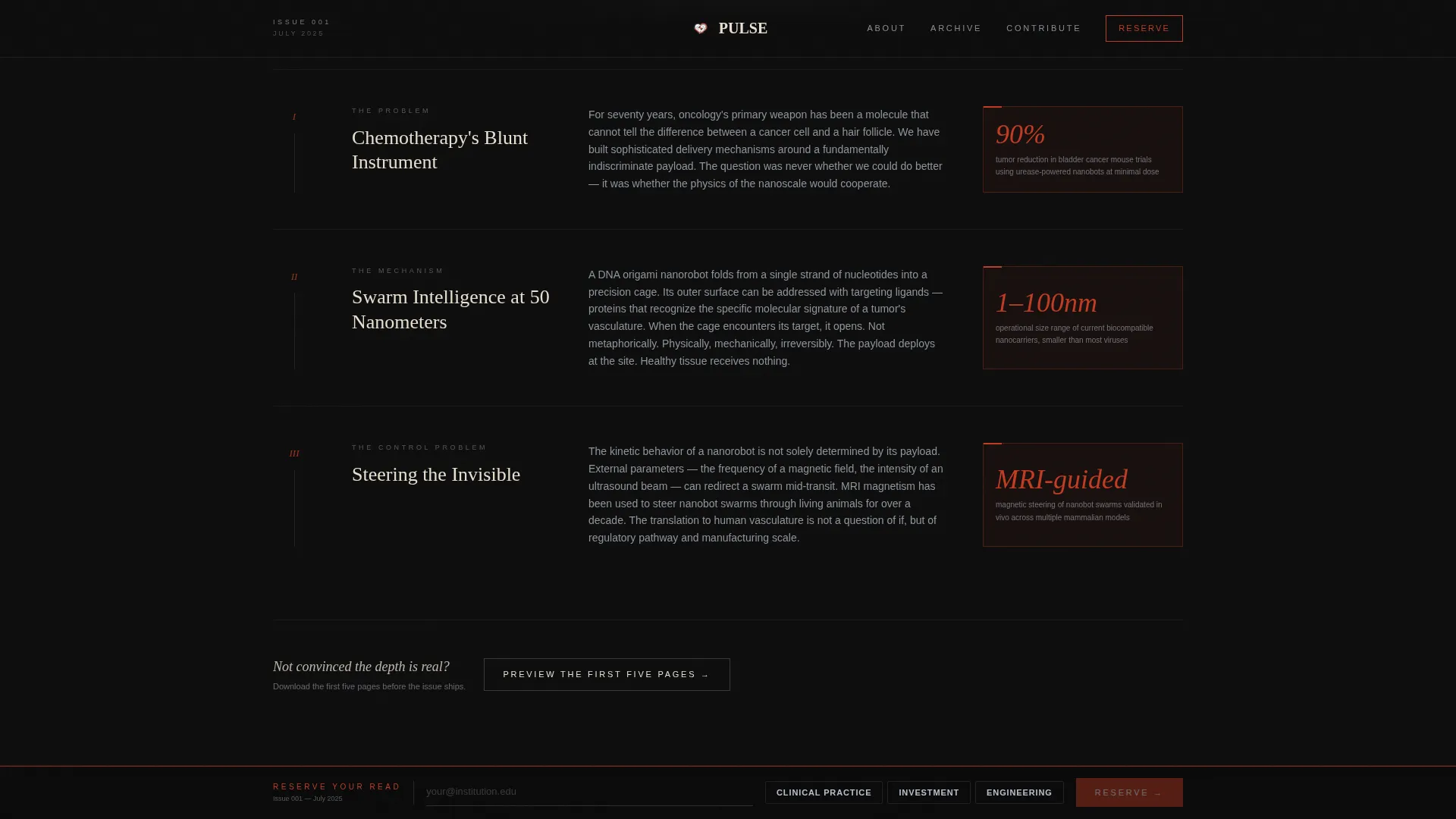
- A persistent bottom call-to-action bar with email capture, role toggle, and a gated PDF preview path
Feature list
The Pulse template ships with a focused set of built-in components, each chosen to serve the editorial reading experience and waitlist conversion goal.
Cinematic Masthead Hero
The hero section sets "PULSE" in a high-contrast serif at exaggerated viewport scale. A dateline marks the issue number and date, and a single subheadline teases the inaugural deep dive. A scroll-blur background effect and Rembrandt-lit black-and-white portrait fill two-thirds of the frame below.
Chapter-Style Editorial Scroll
The template unfolds like a printed journal. Each scroll section acts as a new chapter: a moody chiaroscuro lab environment, an oversized italic pull quote, a redrawn technical diagram, and a curated reading list of cited sources. GSAP ScrollTrigger drives staggered blur-to-sharp entrance animations throughout.
Researcher Spotlight Profile
A dedicated profile block gives the featured researcher a cinematic editorial treatment. The layout includes a portrait frame, an oversized pull quote typeset in Fraunces italic, and a diagram section that communicates technical credibility at a glance.
Next Issue Teaser Section
The final content section reveals the next month's subject in silhouette only. Identity is withheld intentionally to convert curiosity into a second reason to subscribe. The teaser creates urgency without making a single claim about future content.
Persistent Waitlist Conversion Bar
A sticky bottom bar activates after the first scroll event. It asks only for an email address and a three-option role toggle: clinical practice, investment, or engineering. The bar stays visible throughout the entire page journey without disrupting reading.
Gated PDF Preview Download
A secondary conversion path lets skeptical readers access the first five pages of the issue as a downloadable PDF before committing to the waitlist. This component sits alongside the primary call to action and captures readers who need proof of depth before they subscribe.
Page sections overview
| Section | Purpose |
|---|---|
| Masthead Hero | Establishes publication identity and issue context |
| Editorial Issue Preview | Delivers chapter-style narrative and lab imagery |
| Researcher Spotlight | Profiles the featured expert with pull quote and diagram |
| Next Issue Teaser | Builds curiosity with a silhouette reveal |
| Persistent Bottom Bar | Captures waitlist emails with role toggle |
| Footer | Closes the page with a clean linear pattern |
Design & branding system
The visual identity follows an Atelier Studio editorial aesthetic built on a cinematic dark color system. Every color and type choice reinforces the feeling of a private reading room where serious work happens quietly.
- Color palette: near-black matte (#0D0D0D) background, surgical instrument silver (#B8C0CC) for user interface elements, warm parchment (#E8DFD0) for text blocks and pull quotes, and arterial red (#C23B22) reserved exclusively for interactive hotspots and the masthead logotype
- Typography: DM Serif Display for headlines and the masthead, Fraunces for pull quotes and italic accents, Plus Jakarta Sans for body text and interface labels
- Visual style: Rembrandt-lit black-and-white portraiture, chiaroscuro lab photography, high-contrast typographic hierarchy, and editorial restraint throughout
Mobile & speed optimization
The template is built desktop-first to serve the long-form editorial reading experience. Mobile layout gracefully degrades while preserving the cinematic tone and conversion flow.
- Scroll-linked animations use GPU-accelerated CSS transforms only, keeping motion smooth without taxing the browser
- Native CSS smooth scroll handles page flow, with GSAP ScrollTrigger managing staggered section reveals and blur-to-sharp entrances
- The persistent bottom bar and role toggle remain fully functional on smaller screens, so mobile readers can still join the waitlist without friction
How this template helps you convert
The Pulse template is engineered around a two-path conversion strategy: immediate commitment through the persistent waitlist bar, and proof-first engagement through the gated PDF download.
- The persistent "Reserve Your Read" bar activates after the first scroll and stays anchored throughout the page, keeping the call to action visible without interrupting the editorial reading experience
- The gated PDF preview offers the first five pages of the issue as immediate value, giving skeptical readers a concrete reason to act before the full journal ships
- The role toggle in the sign-up form segments subscribers by profession at the point of capture, letting the publisher deliver more relevant follow-up communication from day one
Other information about this template
This template is part of a broader editorial and magazine landing page category, sitting at the intersection of B2B content subscription design and healthtech vertical publishing.
- The template style is Editorial/Magazine, built within the Atelier Studio theme using the Cinematic Dark color system
- The creative direction follows a Creator Spotlight approach, where the featured researcher drives narrative momentum from hero to teaser
- The header concept is modeled on a Newspaper/Publication masthead, giving the page instant publication authority
- The landing page direction is Waitlist/Coming Soon, meaning the entire conversion architecture is optimized for pre-launch email capture rather than direct sale
- The footer uses a Pattern 1 Linear layout, providing a clean close to the editorial scroll without visual noise
Theme
Atelier Studio
Creative direction
Creator Spotlight
Color system
Cinematic Dark
Style
Editorial/Magazine
Direction
Waitlist/Coming Soon
Page Sections
Cinematic Newspaper Masthead Hero
Chapter-style Editorial Scroll Narrative
Researcher Spotlight Profile Block
Curiosity-driven Next Issue Teaser
Persistent Waitlist Conversion Bar
Gated PDF Preview Download
Related questions
Can I customize the issue dateline and headline teaser in the masthead?
Does the template include the gated PDF download component?
Is this template designed for a recurring monthly publication?
How does the role toggle in the sign-up form work?
Can I replace the researcher portrait and technical diagram with my own assets?



