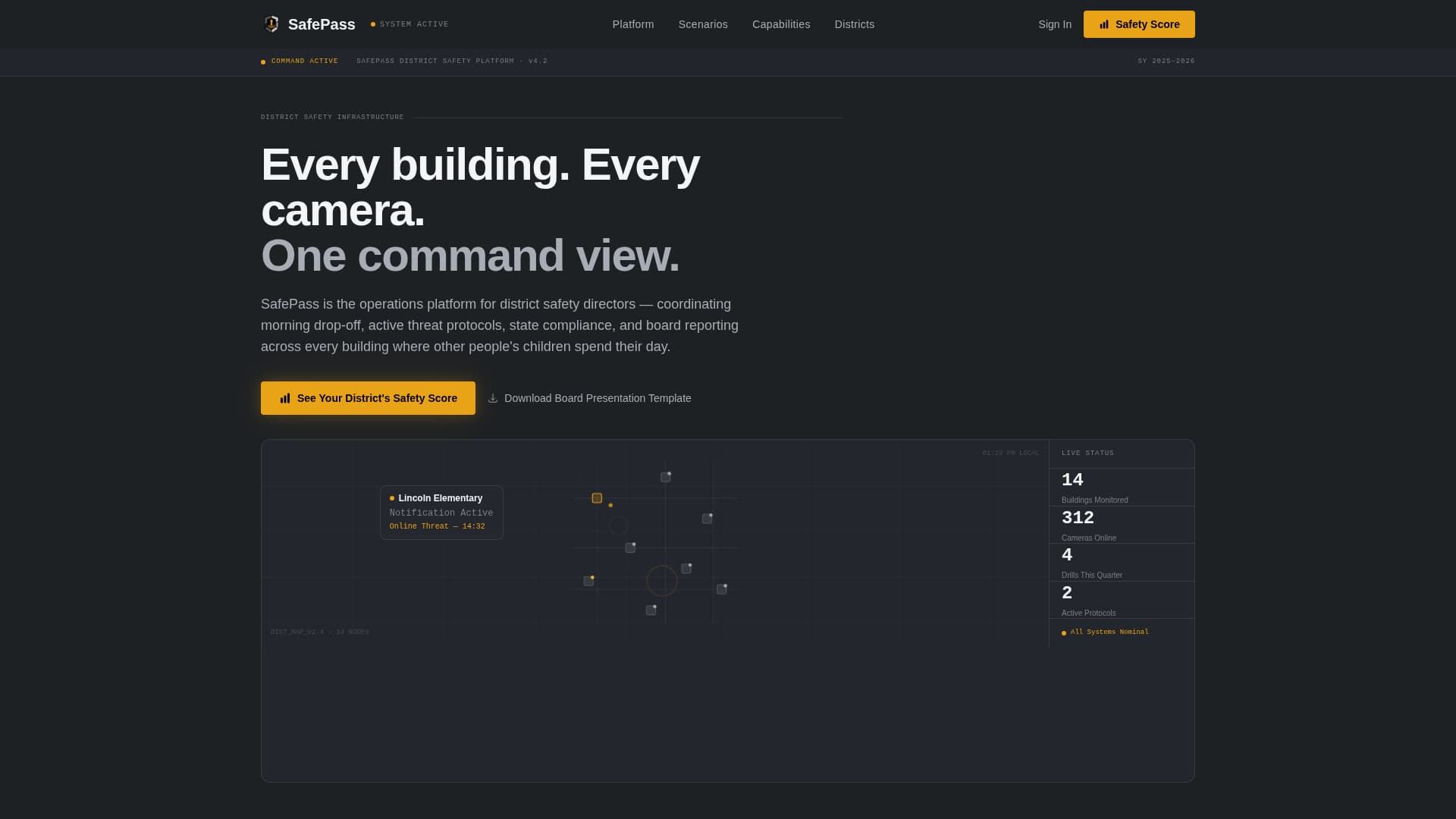
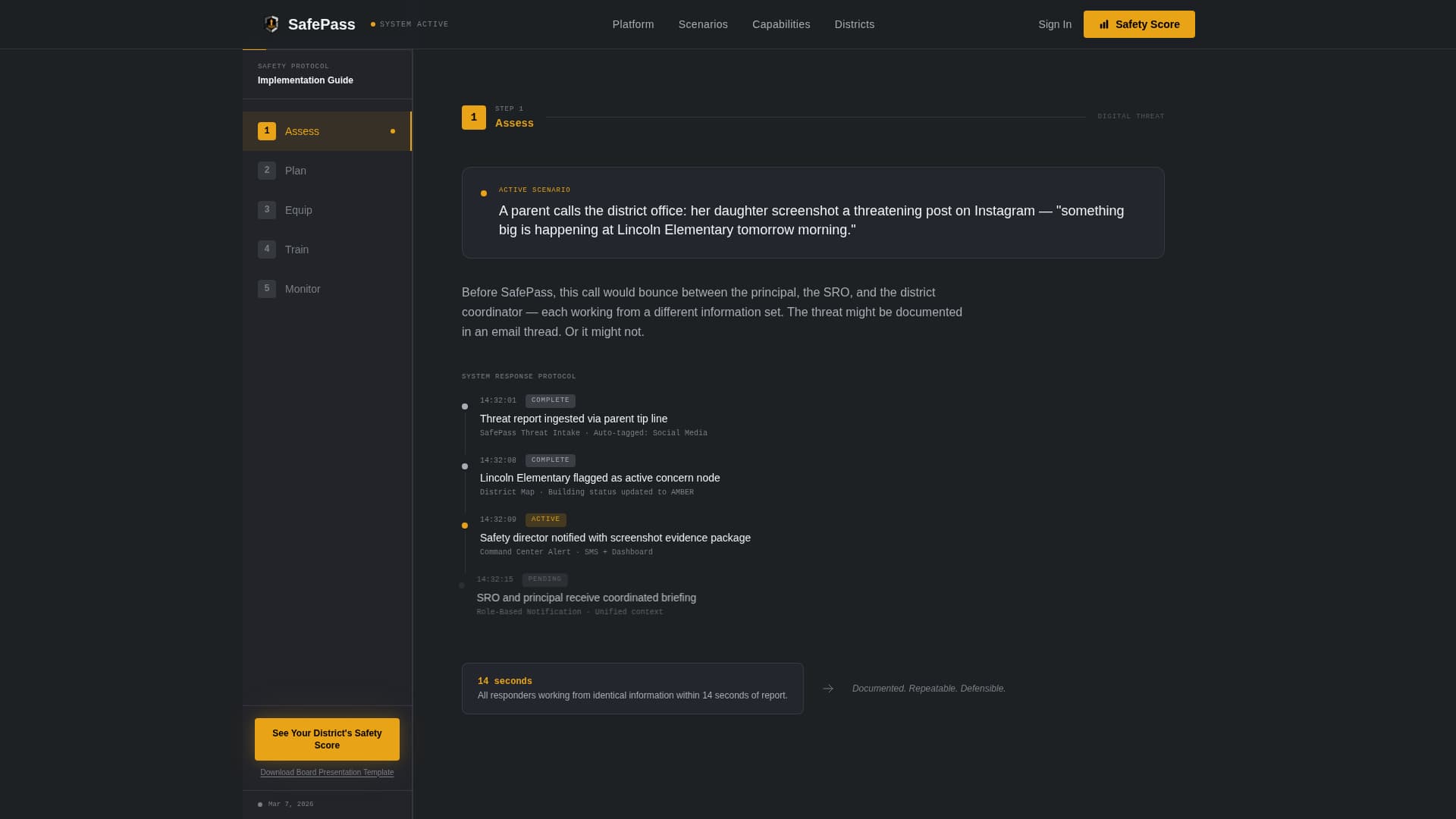
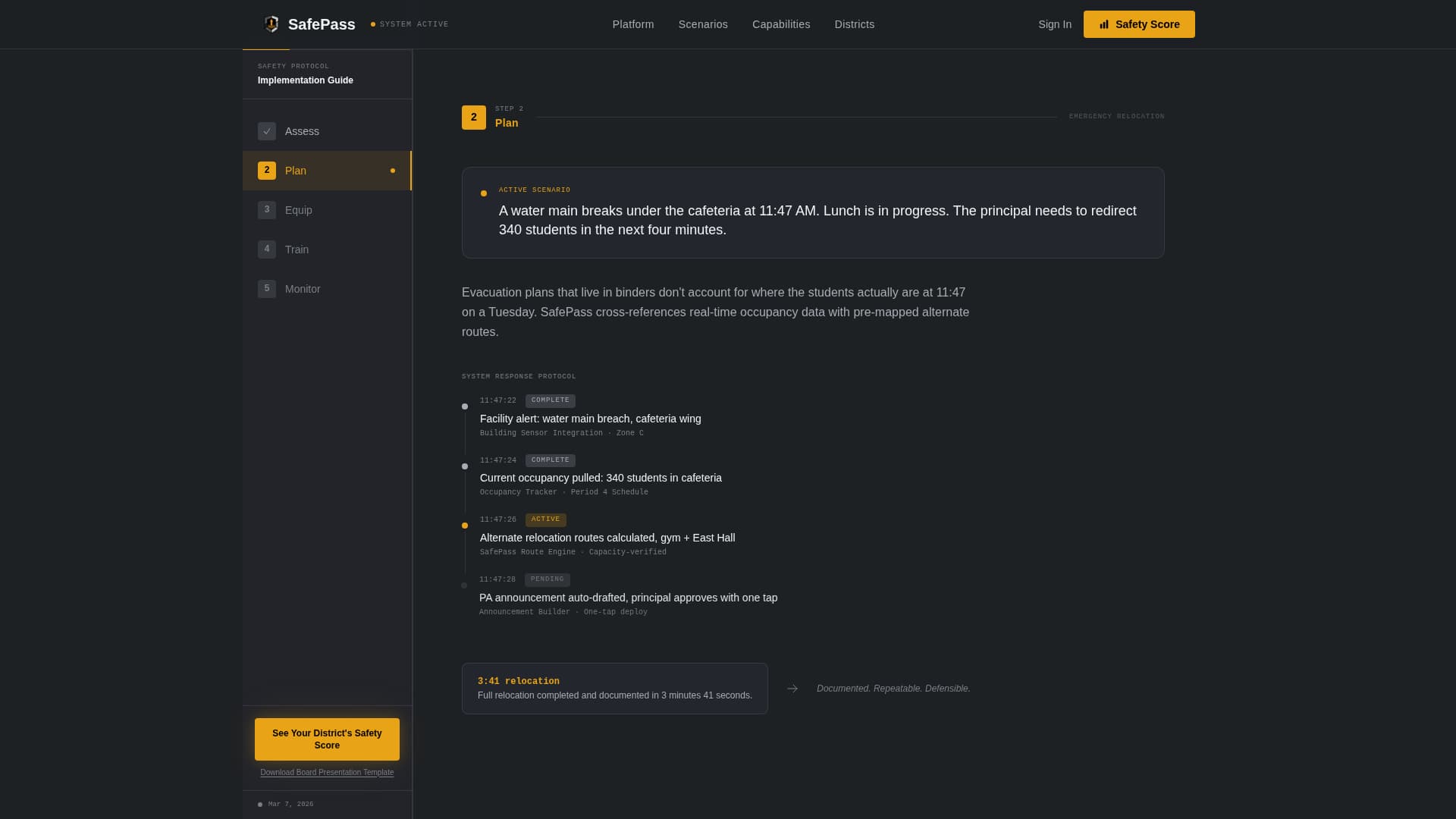
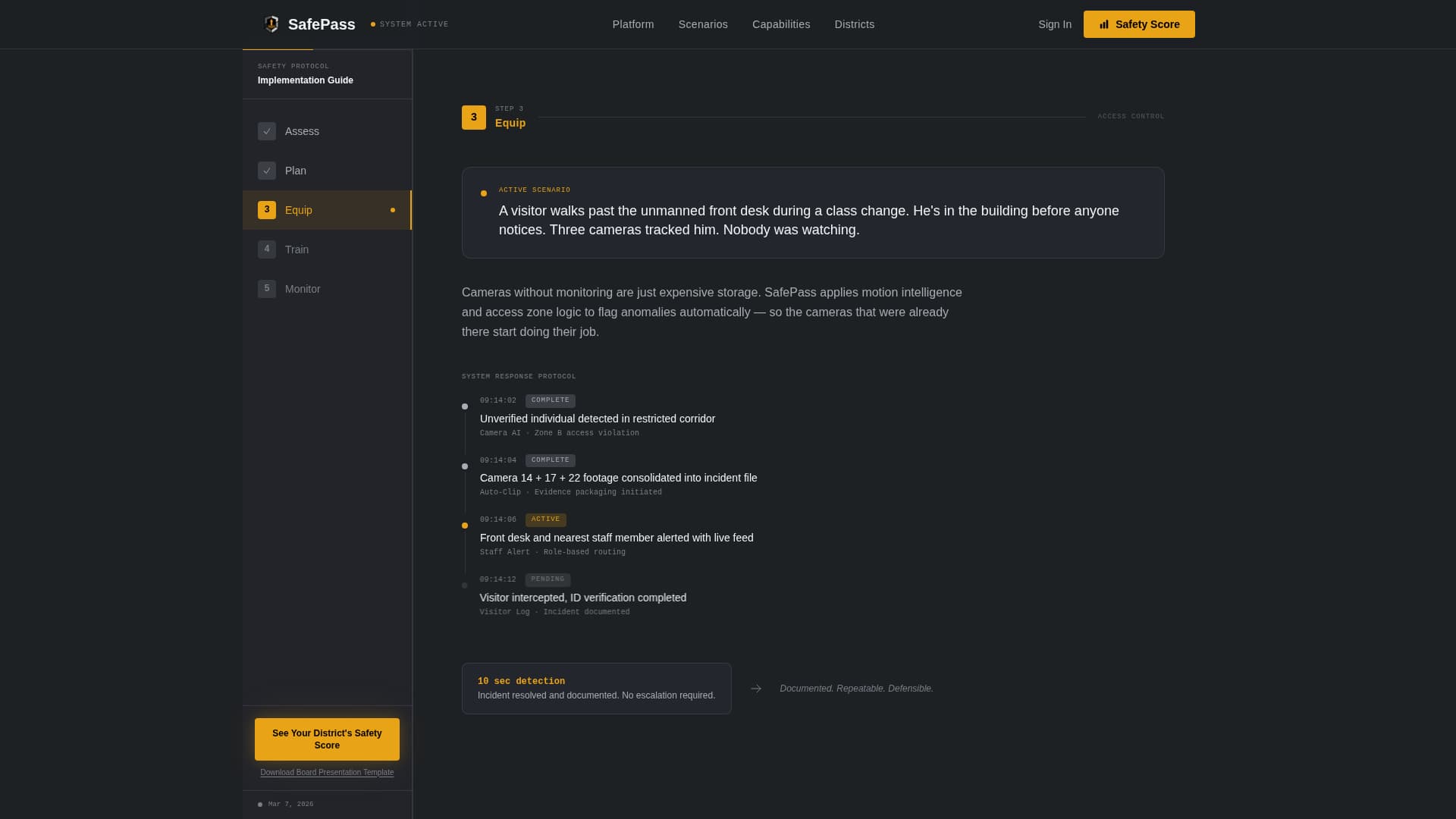
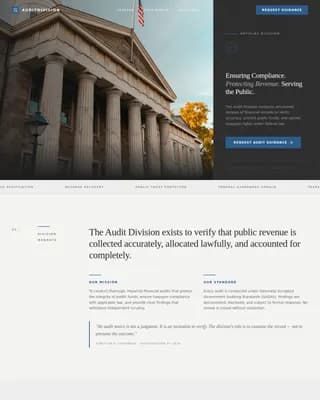
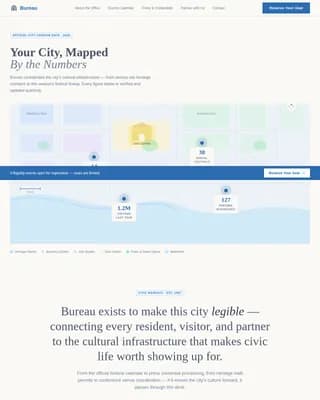
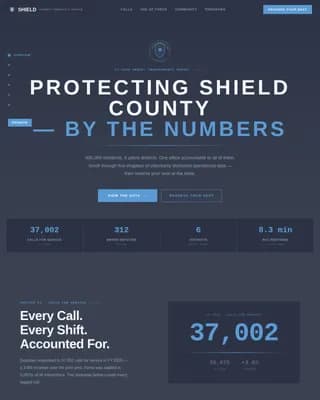
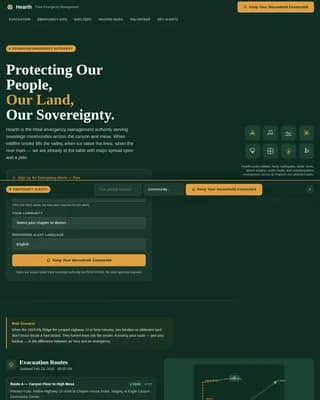
Safepass is a sidebar companion landing page template built for school district safety departments. It uses an interactive district map, a scroll-tracked step-by-step sidebar, and an institutional monochrome steel visual system to guide safety directors, superintendents, and building principals toward a capabilities assessment, without asking them to fill out a form first.
by Rocket studio
Loading preview…
Quick summary
Safepass is a single-page template designed for school safety departments operating at the district level. It opens with a stylized interactive district map, walks visitors through five operational scenarios via a persistent sidebar, and closes with a fixed amber call-to-action bar. The layout is desktop-first, sober in tone, and built to convert cautious public-sector buyers.
Who this template is for
This template serves the people responsible for keeping students and staff safe across multiple school buildings every day. It speaks directly to the operational, budgetary, and procedural pressures that come with district-level safety work.
District safety directors who need to demonstrate system reliability to multiple stakeholders
Superintendents preparing security budget presentations for school board meetings
Building principals who need consistent drill procedures across every wing and facility
What problem this template solves
School safety departments often struggle to communicate the depth and reliability of their systems to people who were not in the room when those systems were built. A generic page full of stock photography and bullet-point promises does not move a cautious public-sector buyer toward action.
Visitors cannot visualize how the system actually responds to a real threat or disruption
Superintendents need ready-made materials to bring to board meetings, not just a contact form
Safety directors need proof of operational coverage before they will click anything
What you get with this template
You get a fully structured, desktop-first landing page with every section pre-built and visually matched to an institutional authority aesthetic. The layout is divided into five major content areas, each serving a specific role in the buyer journey.
An interactive district map hero with pulsing amber status nodes and a real-time metrics sidebar
A scroll-tracked five-step sidebar navigation with a filling amber progress bar
A fixed bottom call-to-action bar and a secondary text link for board-ready document capture
Theme
Institutional Authority
Creative direction
Step-by-Step Guide
Color system
Monochrome Steel
Style
Sidebar Companion
Direction
Click-Through
Page Sections
Interactive District Map Hero
Scroll-tracked Five-step Sidebar
Asymmetric Capabilities Bento Grid
District-scale Stats Block
Dual Call-to-action System
No-form Click-through Architecture
Related questions
Who is this landing page template designed for?
Does this template include a contact form?
Can a superintendent use this template to prepare for a board meeting?
What makes the sidebar navigation different from a standard menu?
Is this template optimized for mobile devices?
Feature list
This template includes six purpose-built features drawn directly from its operational brief. Each one serves a specific role in communicating district-scale safety readiness.
Interactive District Map Header
The hero section renders a stylized district map in steel grays. School buildings appear as geometric nodes, each with a pulsing amber dot indicating active safety status. One building displays concentric notification rings, and a data sidebar shows metrics such as buildings monitored, cameras online, and drills completed this quarter.
Scroll-Tracked Step-by-Step Sidebar
A persistent numbered sidebar guides visitors through five operational chapters: Assess, Plan, Equip, Train, and Monitor. As the visitor scrolls, an amber progress bar fills to reflect their position. Each chapter opens with a concrete scenario, a threat posted online, a water main break, a visitor who bypassed the front desk, then walks through the system response.
Asymmetric Capabilities Bento Grid
A capabilities section uses an asymmetric bento grid layout to display system components clearly. This section gives safety directors a structured view of what the platform covers without requiring them to read dense prose.
District-Scale Credibility Stats Block
A large-number statistics section uses border-left styling to present district-scale proof points. The data-oriented layout reinforces institutional confidence with figures rather than testimonials.
Dual-Layer Call-to-Action System
The primary call-to-action, "See Your District's Safety Score," appears first in the sidebar after Step 2 and again as a fixed bottom bar after Step 4. A secondary text link, "Download the Board Presentation Template," captures superintendents who are not yet ready to click but need something concrete for their next meeting.
No-Form Click-Through Flow
This template does not include a contact form on the page. The click-through design reduces commitment friction for public-sector buyers who need to browse and evaluate before they engage. The single next step is a capabilities assessment on a separate page.
Page sections overview
Section
Purpose
Hero District Map
Opens with an interactive map showing building nodes, pulsing amber status indicators, and a live metrics sidebar
Step-by-Step Scenarios
Five full-viewport sections with a persistent scroll-tracking sidebar and operational walkthroughs
Capabilities Bento Grid
Asymmetric grid layout presenting system components at a glance
Stats Credibility Block
Large-number section with border-left styling to anchor district-scale proof
Call-to-Action Bar
Fixed bottom bar with primary amber button and secondary board-prep text link
Footer
Horizontal flow footer pattern providing navigation and institutional closure
Design & branding system
The visual identity follows an Institutional Authority theme. Every color and typographic choice reinforces the feeling of a well-run operations room, controlled, legible, and built to function under pressure.
Monochrome steel palette: gunmetal base (#3B3F45), brushed aluminum (#A8ADB5), corridor white (#F4F5F7), and signal amber (#E8A317) reserved exclusively for calls-to-action and alert indicators
Typography pairing of DM Sans for headers and JetBrains Mono for data and metrics displays
No stock photography of children; authority is communicated through the system itself and its infrastructure visuals
Mobile & speed optimization
This template is built desktop-first, reflecting the real working environment of district safety directors who operate from command center workstations. The interactive elements are structured to perform well in that context.
Scroll-linked sidebar progress tracking and interactive map nodes are implemented as client-side components
Static structural sections use server components to keep the base load lean
Staggered reveal animations and concentric ripple effects are set to medium intensity to balance visual impact with page responsiveness
How this template helps you convert
Safepass is designed around the specific psychology of a cautious public-sector buyer. Every structural decision reduces friction while building the kind of institutional trust that moves a safety director from browsing to acting.
The scroll-tracked scenario walkthrough replaces abstract promises with concrete operational sequences, giving safety directors the proof of muscle memory they need before they will commit to a next step.
The dual call-to-action placement, sidebar after Step 2 and fixed bar after Step 4, catches visitors at two natural decision points without interrupting their reading flow.
The secondary "Download the Board Presentation Template" text link gives superintendents a low-commitment entry point, capturing leads who are not ready to click but are actively preparing for a board meeting.
Other information about this template
This template is categorized under Government and Public sector use cases, specifically within the Education Department and School Safety Department niche. It is built for Business-to-Government (B2G) software-as-a-service contexts where the sales cycle is longer and buyer skepticism is higher than in commercial markets.
The page is localized for English language, United States dollar pricing context, and United States date formatting
Animation intensity is set to medium, covering pulsing map nodes, concentric ripple effects, and staggered section reveals
The footer uses a horizontal flow pattern suited to institutional navigation structures
The template style is Sidebar Companion, meaning the persistent sidebar is a core structural element rather than a decorative addition
The intersection match score for this template's category, subcategory, and niche alignment is 13, indicating a precise fit for school safety department use cases