Hobby & Passion Content Blog & Content Website Template
Sfoglia is a single-column landing page template for a pasta-making hobby blog and community. It opens like a hand-bound recipe journal, guides visitors through real maker stories, and funnels them into a five-question interactive quiz. The result is a matched starter recipe and an email capture that feels earned, not pushed.
by Rocket studio
Quick summary
Sfoglia is a warm, editorial landing page built for a pasta-making community. It uses a journal-style hero, creator spotlight vignettes, and an embedded personality quiz to turn curious home cooks into engaged community members. The primary conversion path is quiz completion followed by email capture in exchange for a personalized starter recipe.
Who this template is for
This template suits creators, hobby bloggers, and community builders in the culinary space who want to grow an audience around a craft, not just a recipe archive. It works best when you have real stories to share and want visitors to feel something before they sign up.
- Home cook community founders launching a pasta-making blog or newsletter
- Culinary hobby creators who want personality-driven lead capture instead of a plain subscribe form
- Food bloggers pivoting from recipe dumps to community-building and engagement
What problem this template solves
Most food blog templates present a grid of recipes and a sidebar. They do not build relationships. Sfoglia fixes the gap between a visitor's curiosity and their decision to join, using story and play rather than a feature list and a form.
- Visitors with no clear entry point bounce before they see why the community is worth joining
- Generic subscribe forms feel transactional and earn low conversion rates
- Home cooks who are beginners do not know where to start, so they leave without acting
What you get with this template
You get a fully structured single-column landing page with five purposeful sections, each designed to move the reader forward. Every element serves the conversion story from the first journal-style headline to the final email capture.
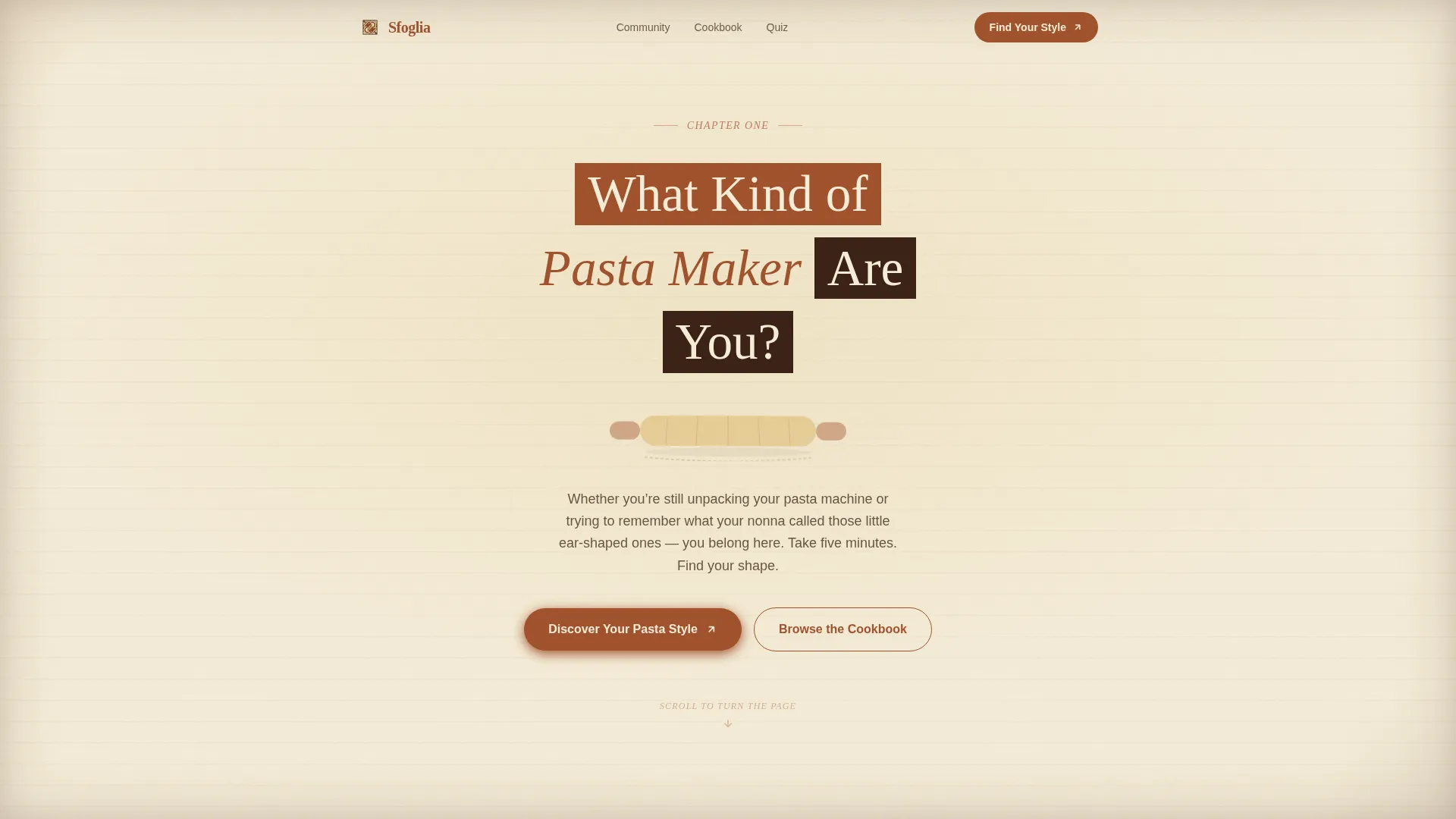
- A chapter-opening hero with a mattarello illustration and a bold serif headline
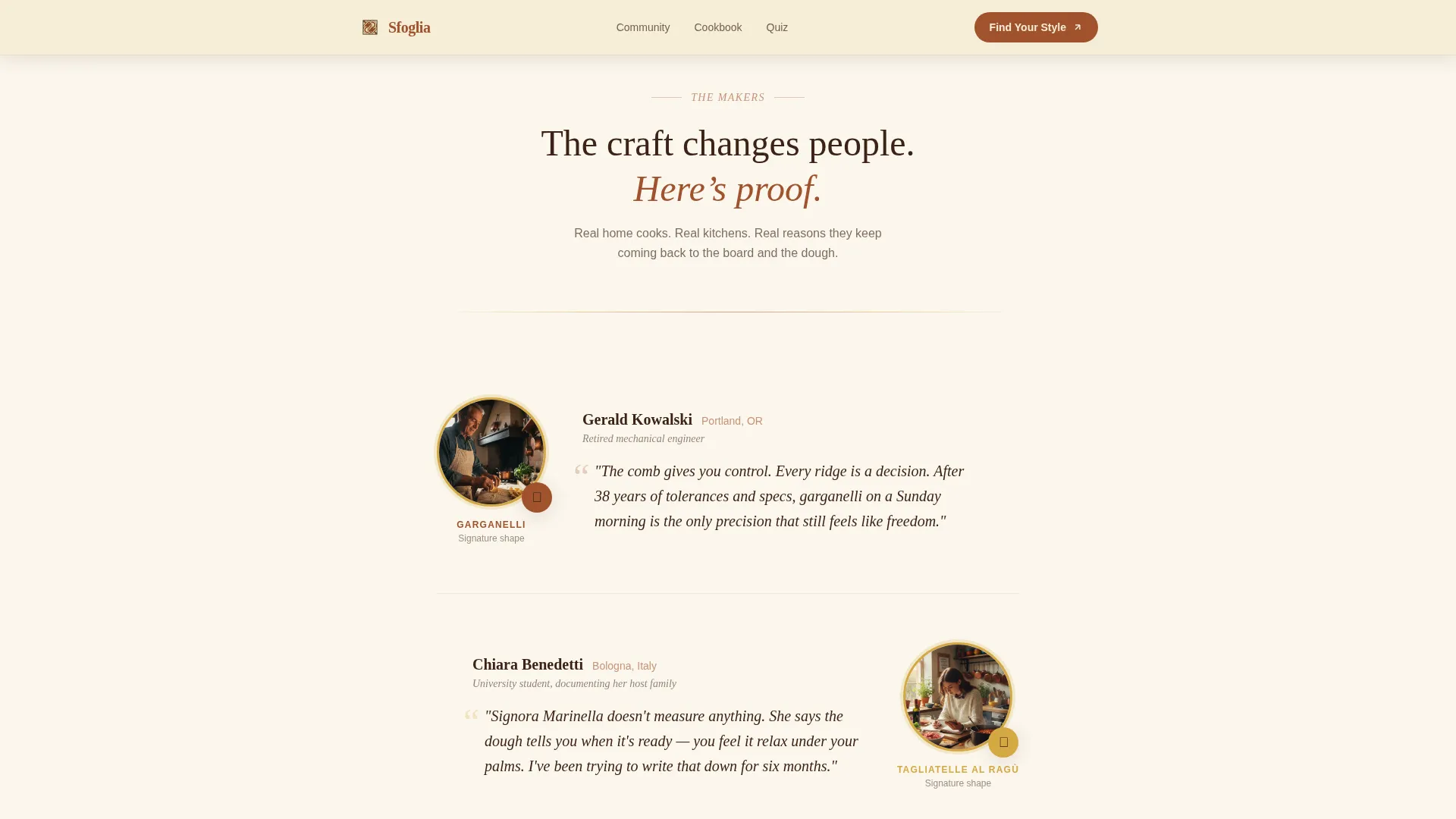
- Three creator spotlight vignettes with portrait, signature shape, and a personal quote
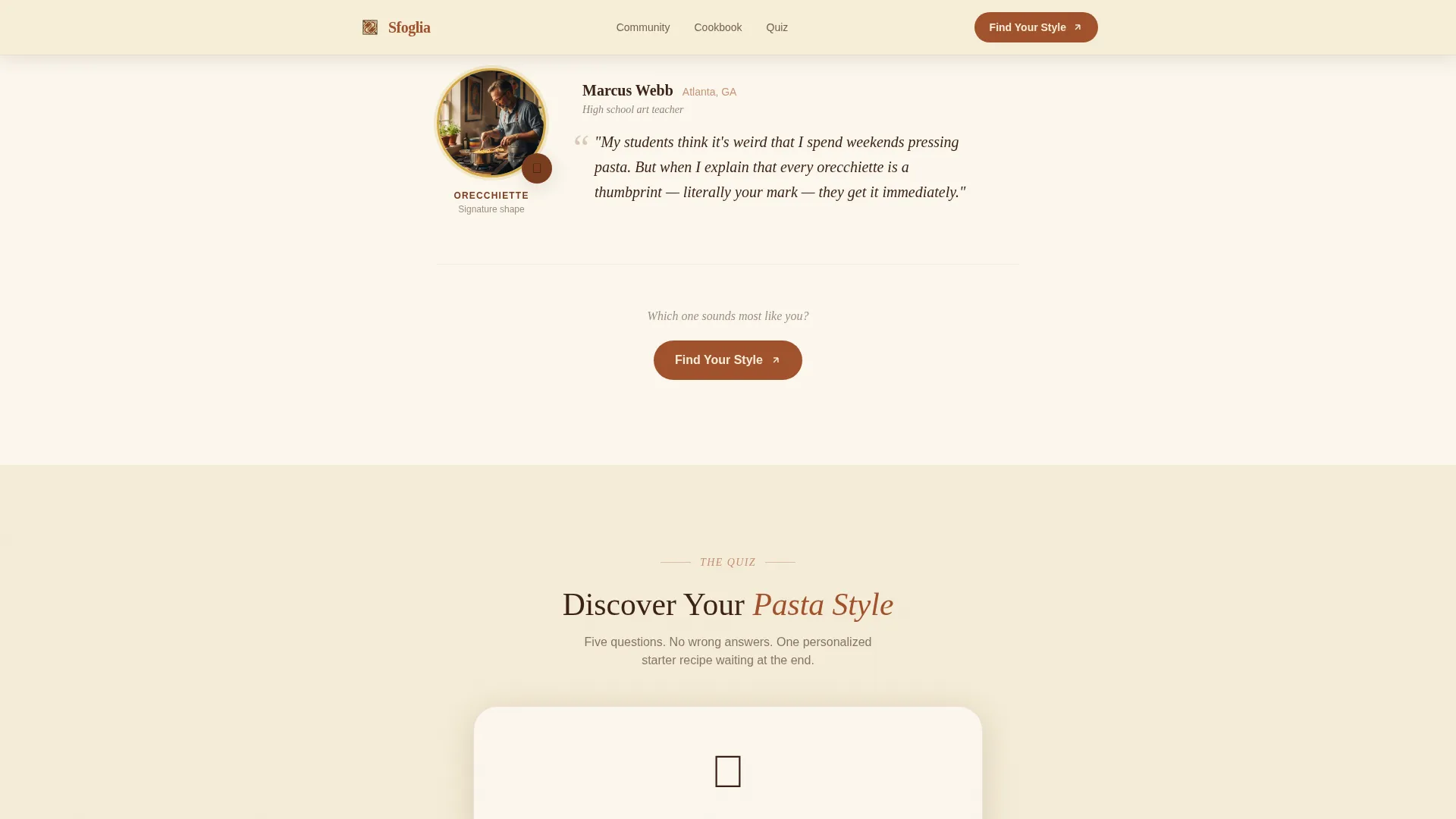
- A mid-scroll interactive quiz with five visual questions, a results page, and an email gate
Feature list
This landing page template includes the following built-in features and design components.
Chapter-Style Journal Hero
The viewport opens like the first page of a hand-bound recipe journal. A serif chapter heading, a subtle mattarello rolling pin illustration, and a parchment-textured background create an immediate emotional tone. No photography competes; typography and paper grain do all the work.
Creator Spotlight Vignettes
Three community member stories appear as scroll-revealed vignettes. Each block includes a portrait, the maker's signature pasta shape, their city, and one quoted line. The scroll reads like turning pages in an anthology, building trust through real people rather than stock imagery.
Embedded Five-Question Visual Quiz
The interactive "Discover Your Pasta Style" quiz sits mid-scroll and repeats at the page close. Questions use visual choices such as photos of Saturday mornings and close-ups of dough textures. The quiz includes state management and progress tracking, guiding visitors toward one of three results: rustic roller, precision folder, or freestyle sculptor.
Personalized Recipe Email Gate
After the quiz, the results page offers a starter recipe matched to the visitor's style. The recipe is unlocked by submitting an email address. This exchange feels like a reward rather than a transaction, improving the quality of sign-ups.
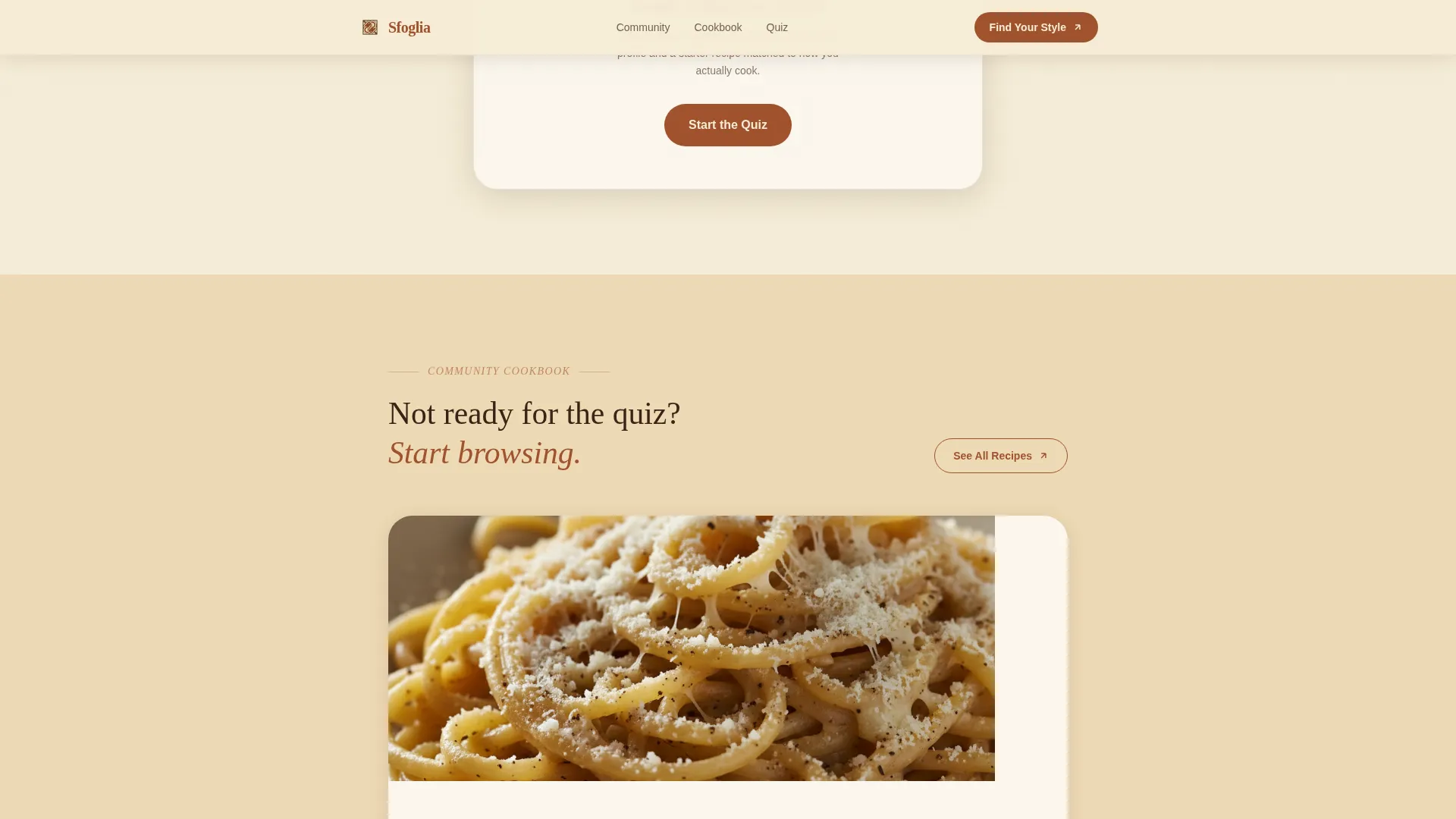
Community Cookbook Browse Path
A secondary call to action, "Browse the Community Cookbook," gives visitors who are not ready to take the quiz a low-friction way to stay engaged. A recipe grid preview acts as a soft entry point into the community without requiring commitment.
Scroll Animations and Hover Interactions
The template includes medium-intensity scroll reveal animations and staggered entrance effects. Hover micro-interactions use the semolina gold accent color to guide attention without distracting from the editorial tone.
Page sections overview
| Section | Purpose |
|---|---|
| Hero Journal Opening | Establish the handcrafted, personal tone and present the primary quiz call to action |
| Creator Spotlight Stories | Build trust through real community member portraits, shapes, and quotes |
| Interactive Style Quiz | Engage visitors with visual questions and guide them toward a personalized result |
| Community Cookbook Preview | Offer a secondary browse path for visitors not ready to take the quiz |
| Final Call to Action | Repeat the quiz prompt and present the email capture to close the page |
| Footer | Horizontal flow footer with supporting links and community navigation |
Design & branding system
The visual identity follows a Warm Artisan theme. Everything on the page feels like a well-loved Italian cookbook whose spine cracked open years ago. Warm wheat tones, earthy pigments, and paper grain textures replace photography as the primary mood-setting tools.
- Color system: aged parchment cream (#F5ECD7) as the dominant background, terra di Siena rust (#A0522D) for headlines and accents, semolina gold (#D4A843) for hover states, and deep walnut (#3B2316) for body text
- Typography: Fraunces serif for headings to carry the handwritten journal feeling, DM Sans for body text to keep reading comfortable and clean
- Texture and illustration: faint paper grain on the hero viewport edges and a hand-drawn mattarello bookplate illustration beneath the chapter heading
Mobile & speed optimization
The template is built mobile-first because home cooks most often browse on their phones in the kitchen. The single-column layout adapts naturally to small screens without layout shifts or content collisions.
- Single-column flow eliminates multi-column breakpoint complexity on phones
- Server Components handle all static sections for fast initial load, while Client Components power the interactive quiz
- Scroll reveal animations are measured and purposeful, avoiding heavy motion that slows or distracts on mobile devices
How this template helps you convert
Every section of this landing page is designed to reduce hesitation and earn the visitor's email address through genuine value rather than pressure.
- The journal hero and creator spotlight stories establish emotional trust before any ask is made, so visitors arrive at the quiz already invested in the community.
- The interactive quiz transforms a passive reader into an active participant, and the personalized recipe result makes the email exchange feel like a fair, meaningful trade.
- The secondary "Browse the Community Cookbook" path captures visitors who are not yet ready to commit, keeping them engaged and on the page longer.
Other information about this template
This template is categorized under Blog & Editorial with a Hobby & Passion Content subcategory, specifically designed for the pasta-making hobby blog and community niche. It combines the creative direction of a Creator Spotlight format with a Quiz/Assessment conversion path, a combination that suits any craft community where personal identity and learning style matter.
- The template style is a Single Column Flow, which keeps the reading experience linear and focused
- The header concept follows a Chapter/Book opening format, giving the page an editorial identity distinct from standard food blog layouts
- Animation intensity is set to medium, with scroll reveals and stagger effects that feel hand-paced rather than tech-forward
- The page supports both a primary conversion path (quiz and email gate) and a secondary engagement path (community cookbook browse), reducing the risk of losing visitors who are at different stages of readiness
Theme
Warm Artisan
Creative direction
Creator Spotlight
Color system
Parchment & Rust
Style
Single Column Flow
Direction
Quiz/Assessment
Page Sections
Chapter-style Journal Hero
Creator Spotlight Vignettes
Five-question Visual Quiz
Personalized Recipe Email Gate
Community Cookbook Browse Path
Scroll Animations and Hover Effects
Related questions
Can I customize the quiz questions and result categories?
Do I need a separate tool to handle the email capture?
Can I replace the creator spotlight portraits with my own community members?
Is this template suitable if I am just starting with no existing community?
What does the footer include?



