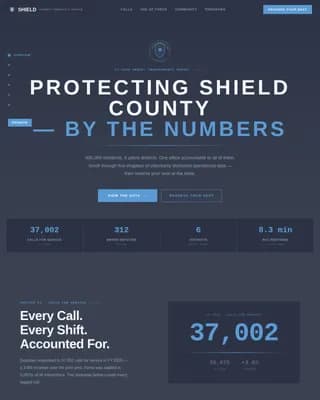
Shield is a zigzag landing page template built for consumer protection county offices. It opens with animated metrics proving real results, then walks residents through interactive preparation checklists for common disputes. The design feels like a calm, organized government resource: clear typography, a navy and sky-blue palette, and a persistent complaint-filing call to action that stays visible throughout the page.
by Rocket studio
Loading preview…
Quick summary
Shield is a single-page landing page template designed for county consumer protection offices. It combines hard-hitting metrics, alternating problem-and-checklist sections, and an always-visible complaint form prompt. The result is a resource that turns resident anxiety into confident, organized action, without ever feeling cold or bureaucratic.
Who this template is for
This template is built for government offices and civic teams that help residents resolve consumer disputes. It works equally well for offices launching a new web presence and those replacing an outdated page that no longer builds trust.
County and municipal consumer protection offices seeking a clear, modern web presence
Civic communications teams building resident-facing resources around complaint filing and rights education
Legal aid organizations or public advocates who need a structured, authoritative resource hub
What problem this template solves
Residents facing a predatory contractor, an unreturned deposit, or an unauthorized charge often feel confused about what to do first. A disorganized or impersonal government page makes that confusion worse. Shield solves this by presenting each common dispute type alongside a clear, actionable checklist so visitors leave with a plan.
Residents arrive anxious and unsure; the checklist structure gives them an immediate sense of control
Offices lose complaints to phone-tag and walk-ins when there is no clear online path forward
Generic government pages fail to build trust; Shield's calm, organized design communicates competence from the first scroll
What you get with this template
Shield delivers a fully structured, single-page layout with every section pre-built and ready to customize. Each component reflects the real workflow of a county consumer protection office, from intake to resolution.
A hero stats section with counting number animations that display key performance metrics at a glance
Three alternating problem-and-checklist zigzag sections covering unauthorized charges, contractor disputes, and identity theft
Theme
Community Hearth
Creative direction
Checklist & Audit
Color system
Slate & Sky
Style
Zigzag/Alternating
Direction
Content/Resource
Page Sections
Animated Metrics Hero Section
Zigzag Problem and Checklist Layout
Interactive Preparation Checklists
Persistent Complaint Filing Bar
Know Your Rights Accordion
Trust-first Complaint Intake Form
Related questions
Can I customize the complaint categories in the dropdown form field?
Does the interactive checklist save a resident's progress between visits?
Can I add or remove zigzag checklist sections for different dispute types?
Is the persistent bottom bar easy to remove or replace?
What content is included in the Know Your Rights accordion?
A "Know Your Rights" accordion, a complaint intake form, interactive PDF checklist downloads, and a persistent bottom call-to-action bar
Feature list
This section describes the core functional and design components included in the Shield template.
Animated Metrics Hero
The hero section displays three large counting numbers against an administrative navy background. Each stat, such as dollars recovered, complaints resolved, and cases closed within 60 days, is paired with a plain-English label. The animation draws attention and immediately establishes the office's track record.
Zigzag Problem and Checklist Layout
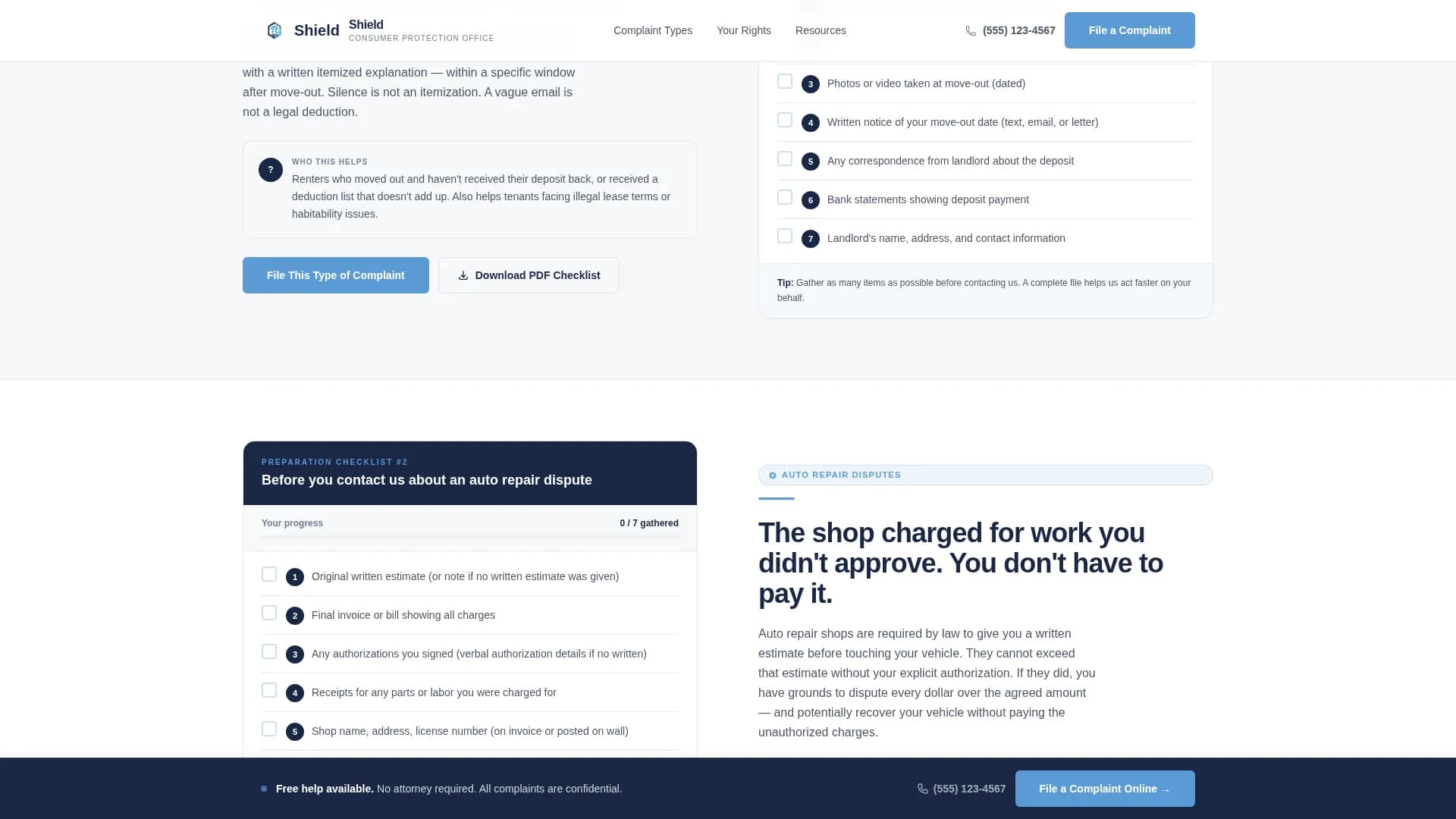
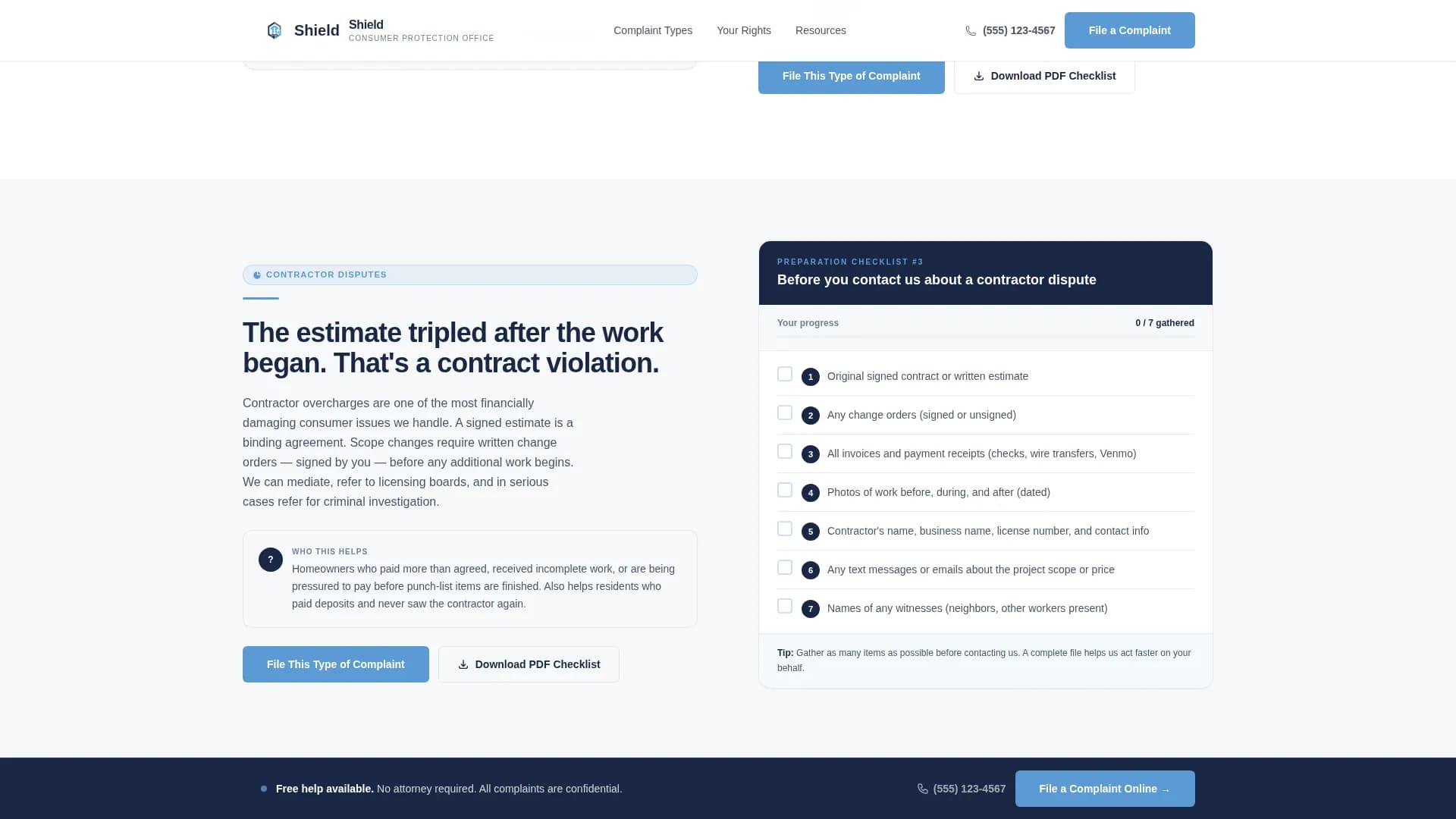
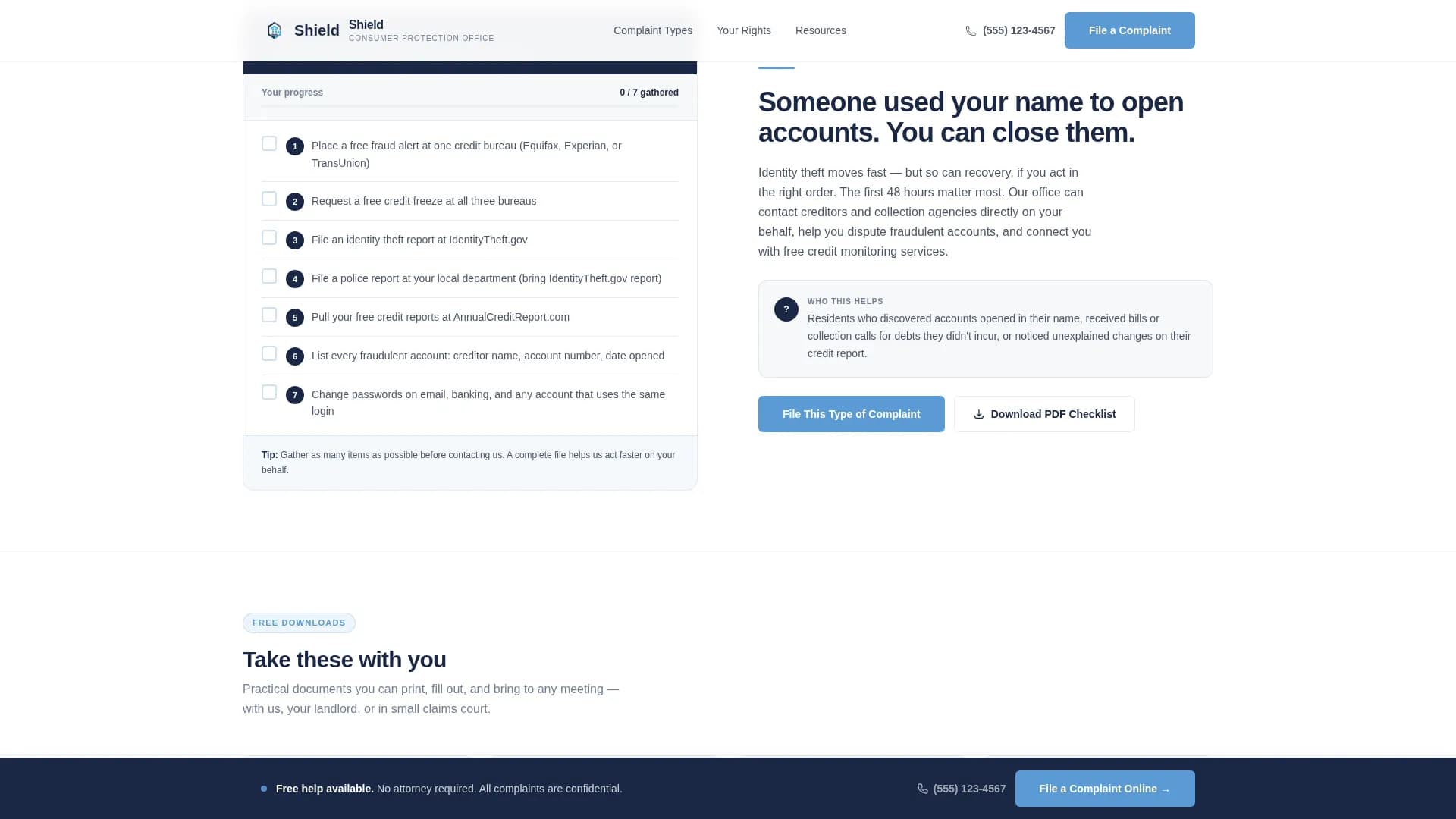
Each alternating section pairs a consumer problem description on one side with a numbered preparation checklist on the other. The layout follows a deliberate zigzag pattern that keeps the scroll engaging and helps residents locate the dispute type most relevant to them.
Interactive Preparation Checklists
Checklist items are interactive checkboxes that visitors can tick directly on the page. This transforms passive reading into active preparation, giving residents a sense of progress before they even contact the office.
Persistent Complaint Filing Bar
A bottom bar anchored to the viewport appears after the first scroll. It keeps the primary call to action, "File a Complaint Online," always visible without interrupting reading. Residents never have to scroll back up to take action.
Know Your Rights Accordion
A collapsible accordion section presents key consumer rights in a compact, scannable format. Each panel expands on demand, so residents can quickly find the guidance relevant to their situation without reading a wall of text.
Structured Complaint Intake Form
The complaint form is sequenced to build trust: it asks for complaint category first via a dropdown, then a one-sentence description, and only then requests contact information. This order reduces friction and signals that the office prioritizes understanding the problem over collecting data.
Page sections overview
Section
Purpose
Hero Stats Counter
Display key performance metrics with counting animation
Unauthorized Charges Zigzag
Explain the problem and provide a preparation checklist
Contractor Disputes Zigzag
Guide residents through contractor dispute documentation
Identity Theft Zigzag
Walk through identity theft steps before contacting the office
Know Your Rights Accordion
Give quick-reference rights information in collapsible panels
Complaint Intake Form
Collect complaint category, description, and contact details
Persistent call to action Bar
Keep "File a Complaint Online" visible throughout the scroll
Page Footer
Linear single-row footer with contact and navigation links
Design & branding system
Shield uses a Community Hearth visual theme built on a Slate and Sky color system. The palette evokes the exterior of a well-maintained county building: stone steps, clear sky, and a sense of stability. Typography uses Plus Jakarta Sans throughout, balancing authority with approachability.
Administrative navy (#1A2744) anchors headers and authority elements; slate gray (#4A5568) grounds body text and darker background panels
Sky blue (#5B9BD5) highlights interactive elements like checklist links and accordion triggers; warm cloud white (#F7F8FA) fills alternating panel backgrounds for a clean, open feel
No stock photography or decorative imagery is used; visual weight comes from large typeset numbers, structured layout, and deliberate whitespace
Mobile & speed optimization
Shield is built with equal weight on mobile and desktop experiences. Residents access this resource from phones at kitchen tables and from desktops at public libraries, so every section adapts cleanly across screen sizes.
The zigzag layout stacks to a single column on smaller screens, keeping checklists readable and tappable
Interactive checkboxes, the accordion, and the persistent bottom bar are all designed to function on touch screens without requiring hover states
How this template helps you convert
Every design and content decision in Shield is oriented toward one outcome: a resident completing and submitting a complaint. The page reduces friction at every step while reinforcing the office's credibility.
The animated metrics hero establishes trust before the resident reads a single word of body copy, making them more likely to continue scrolling and engage with the checklists
The interactive checklist experience turns passive visitors into prepared complainants; by the time a resident reaches the form, they already feel organized and ready to submit
The persistent complaint filing bar ensures the primary call to action is never more than a glance away, removing the need to scroll or search for next steps
Other information about this template
Shield is categorized under Government and Public templates, specifically within the Consumer Protection Government subcategory. It is built for the United States context with English-language copy, USD formatting, and MM/DD/YYYY date conventions throughout.
The template includes a secondary conversion path through downloadable PDF complaint checklists, giving residents a tangible resource to take away even if they are not ready to file immediately
Animation is intentionally low to medium in intensity: counting numbers and scroll reveals add life without slowing the page or distracting from content
The footer follows a linear single-row pattern, keeping the bottom of the page clean and focused on essential contact and navigation links