Venture Capital Newsletter Pre-Launch Website Template
Signal is a horizontal scroll landing page template built for a monthly venture capital publication. It guides visitors through a cinematic deal-anatomy experience, from cold inbound email to closing spread, and converts readers into waitlist subscribers. The editorial magazine aesthetic uses a Cloud Canvas color system, oversized serif typography, and a fixed bottom call-to-action bar throughout the scroll.
by Rocket studio
Quick summary
Signal is a single-page horizontal scroll template for a venture capital monthly deep dive. It presents deal anatomy across five cinematic panels and drives email waitlist signups through two carefully placed calls to action. The design is editorial and analog in spirit, built around oversized serif type, a restrained Cloud Canvas palette, and deliberate negative space.
Who this template is for
This template is built for editorial publishing projects where depth is the product. It suits founders of niche intelligence publications who want to attract an early, high-trust readership before launch.
- Emerging fund managers publishing their first analytical deep dives
- Operators turned general partners who want to establish a written editorial voice
- Limited partners and venture-adjacent writers building a waitlist before Issue One
What problem this template solves
Most newsletter landing pages look interchangeable. They list features, promise value, and ask for an email. They do not create the feeling of intimacy that earns trust from a discerning, skeptical audience.
- Readers in venture have seen every pitch format before and tune out generic promises
- A coming soon page that only asks for an email gives visitors no reason to believe the quality is real
- The horizontal scroll format and deal-panel structure solve both problems by showing, not telling
What you get with this template
You get a fully structured single-page layout that leads visitors through the editorial experience of the publication itself. Every section has a defined role in the conversion flow.
- A giant centered headline panel that sets editorial authority immediately
- Five horizontal scroll deal-anatomy panels moving from cold email to closing
- A full-panel manifesto closing spread with dual calls to action and a sample brief download path
Feature list
A brief paragraph summarizes the template's functional range before the individual features below.
This template combines editorial visual design with purposeful interactivity. Each feature below is described as built into the template layout and interaction system.
Giant Centered Editorial Headline
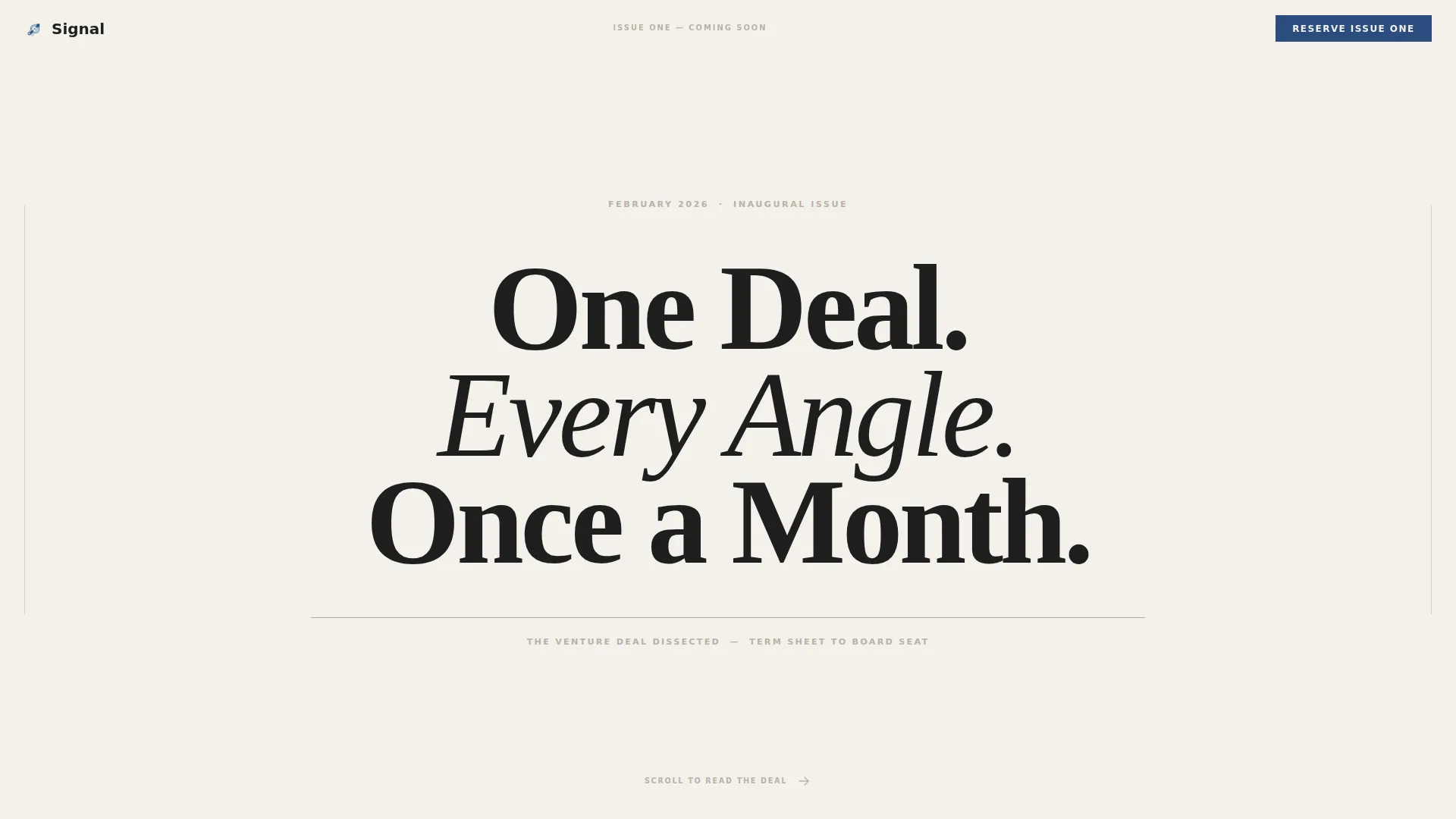
The hero section fills roughly eighty percent of the viewport with a single oversized serif headline: "ONE DEAL. EVERY ANGLE. ONCE A MONTH." A small-caps dateline sits beneath it, and a thin charcoal rule separates the header from the scroll. No imagery, no animation, just confident type on cumulus white.
Five-Panel Horizontal Scroll Experience
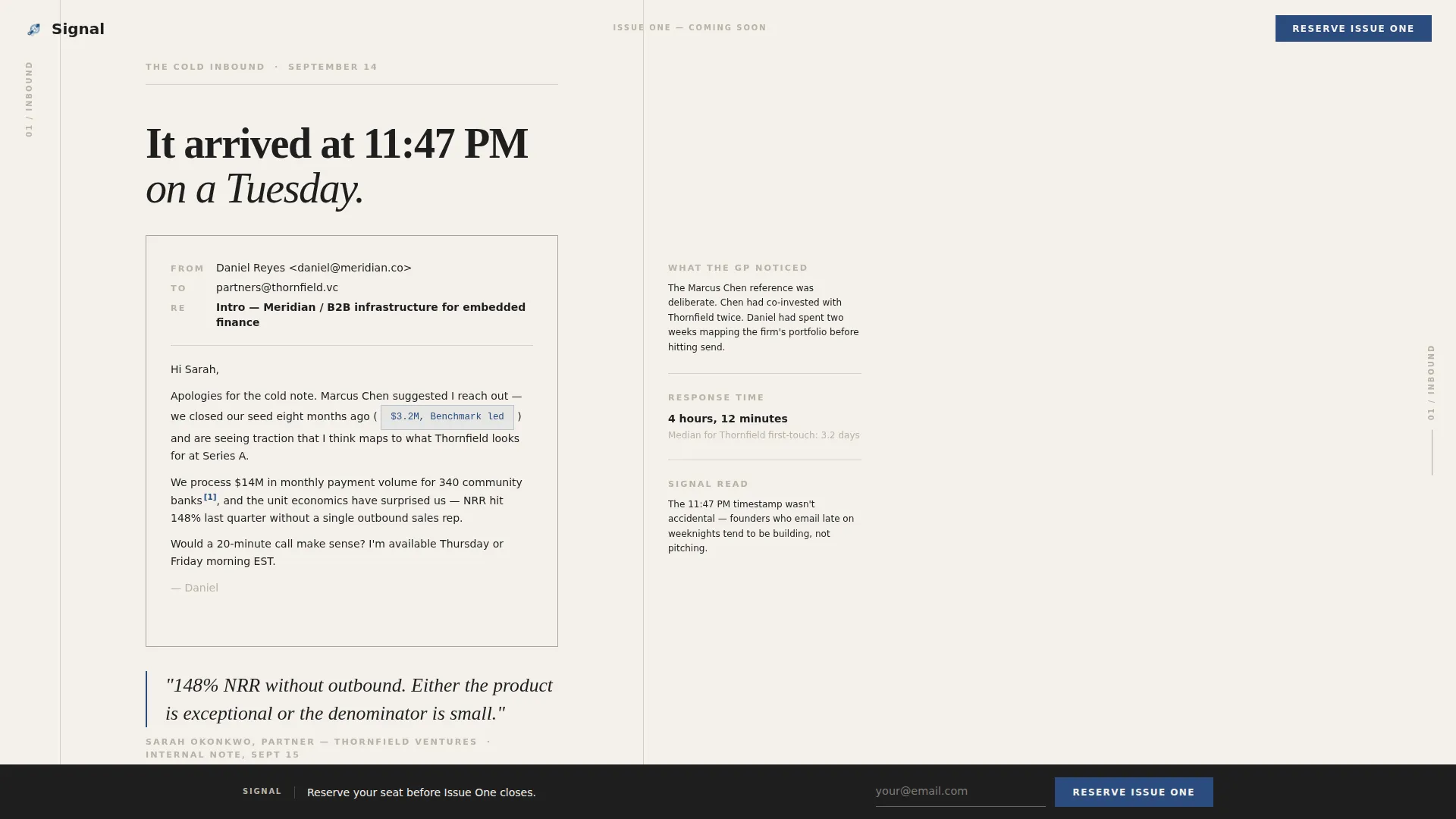
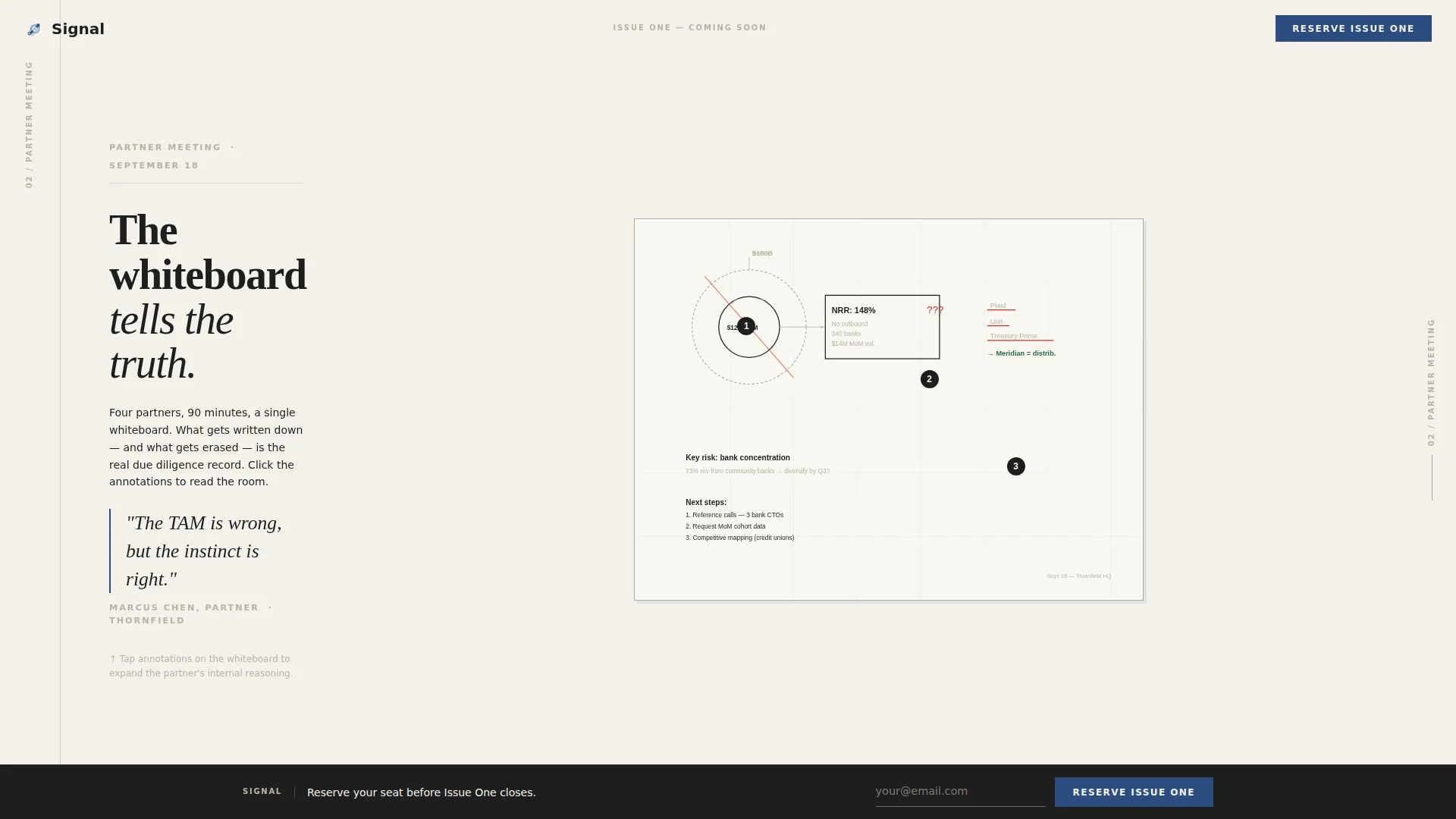
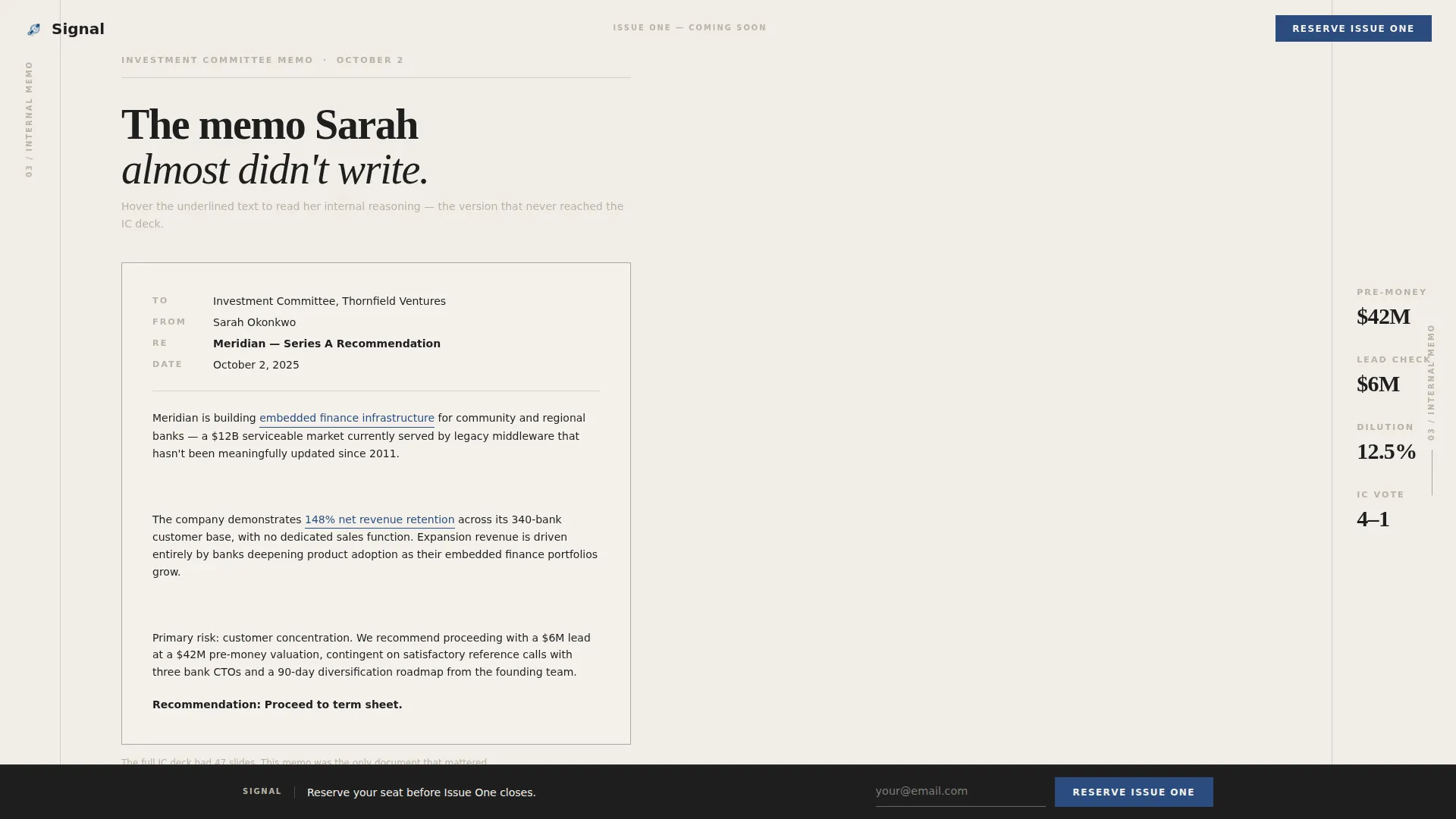
The core of the template is a horizontal scroll sequence styled like turning magazine spreads. Panels move left to right through the life of a deal: the cold inbound email, the annotated whiteboard photo, the founder pitch reframed as an investor memo, the term sheet negotiation timeline with visible redlines, and the closing spread.
Editorial Micro-Interactions
Pull quotes enlarge on hover, footnotes expand inline, and each panel transition uses a subtle page-turn easing. These interactions reinforce the printed-magazine feel without overloading the page with motion.
Fixed Bottom Call-to-Action Bar
A persistent email capture bar sits fixed at the bottom of the viewport during the entire horizontal scroll. It carries the primary call to action: "Reserve Issue One," a single email field, and a fountain-pen blue submit button. The bar stays visible without interrupting reading.
Full-Panel Closing Manifesto Spread
After the scroll sequence ends, a full-width closing panel presents a short manifesto on why depth beats speed in venture intelligence. The "Reserve Issue One" call to action appears again here as the natural end of the editorial journey.
Sample Brief Download Path
A secondary call to action lets visitors download a PDF excerpt of the publication. This path earns the email address through proof of editorial quality rather than a promise alone.
Page sections overview
| Section | Purpose |
|---|---|
| Hero Headline Panel | Sets editorial authority with oversized centered type and launch dateline |
| Cold Email Panel | Opens the deal story with the original inbound message |
| Partner Whiteboard Panel | Shows annotated deal-meeting thinking |
| Investor Memo Panel | Reframes the founder pitch through the investor lens |
| Term Sheet Panel | Renders negotiation as a timeline with visible redlines |
| Manifesto Closing Spread | Delivers the publication's conviction and primary email capture |
Design & branding system
The design system is rooted in a broadsheet analog aesthetic. Every color and type choice reinforces the feeling of a freshly printed editorial publication rather than a digital product.
- Cloud Canvas palette: cumulus white (#F4F1EB) as the dominant background, warm newsprint gray (#B8B2A6) for body and captions, deep editorial charcoal (#1E1E1E) for headlines, and fountain-pen blue (#2B4C7E) reserved for links, pull quotes, and the subscribe button
- Typography uses Fraunces for serif headlines and DM Sans for body text and captions, creating a clear editorial hierarchy
- Vast negative space is treated as a design statement, giving every element room to breathe in the way a premium magazine uses white space intentionally
Mobile & speed optimization
The template is desktop-first by design, because the horizontal scroll experience is built for wide viewports. A thoughtful fallback ensures the content remains fully accessible on smaller screens.
- The horizontal scroll layout falls back gracefully to a vertical stack on mobile devices
- Static-first architecture with server components handling all non-interactive sections keeps initial load lean
- Interactive elements such as the fixed call-to-action bar and inline footnotes are scoped only to the sections that require them
How this template helps you convert
The template treats conversion as a natural outcome of editorial quality. Visitors are not pushed toward signing up; they are drawn toward it by the depth of the content experience.
- The fixed bottom call-to-action bar keeps "Reserve Issue One" visible throughout the scroll without interrupting reading, so the signup moment is always one click away
- The sample brief download gives skeptical visitors a concrete proof point before committing their email, lowering the barrier to the primary conversion action
Other information about this template
This template is categorized under Blog and Editorial with a Venture Capital Newsletter subcategory. It is built for a waitlist or coming soon launch scenario and is optimized for a desktop-first horizontal scroll experience.
- The template style is Horizontal Scroll, the theme is Editorial Magazine, and the creative direction follows a Day-in-the-Life narrative arc through a single venture deal
- The header concept is Giant Headline Centered, consistent with an oversized editorial typography treatment common in broadsheet and magazine design
- The color system is Cloud Canvas, and the layout uses Fraunces and DM Sans as the primary type pairing for editorial hierarchy
Theme
Editorial Magazine
Creative direction
Day-in-the-Life
Color system
Cloud Canvas
Style
Horizontal Scroll
Direction
Waitlist/Coming Soon
Page Sections
Giant Centered Editorial Headline
Five-panel Horizontal Scroll
Editorial Micro-interactions
Fixed Bottom Call-to-action Bar
Full-panel Closing Manifesto
Sample Brief Download Path
Related questions
Who is the Signal template designed for?
What are the two conversion paths included in this template?
How does the horizontal scroll work on mobile devices?
Does the template include editable placeholder content?
How many panels are in the horizontal scroll sequence?



