

A website redesign risks rankings when redirects are missed, URLs change, or meta data disappears. Audit before you build, map every 301 redirect, preserve schema and internal links, and monitor Google Search Console daily after launch. Done right, a redesign improves both design and search performance.
Redesigning a website without losing SEO requires more than updating colors, layouts, and branding. A successful website redesign protects your existing rankings, preserves organic traffic, maintains search visibility, and improves user experience at the same time.
The biggest mistake companies make is treating SEO as a post-launch task. When URLs change without redirects, internal links break, or technical SEO elements disappear, search engines may treat important pages as entirely new content. The result can be lost keyword rankings, lower search engine rankings, and a significant drop in organic traffic.
This guide explains exactly how to redesign website without losing SEO, covering audits, redirects, Core Web Vitals, site architecture, AI search optimization, and post-launch monitoring.
Does Redesigning a Website Affect SEO?
Yes. A website redesign can dramatically affect SEO performance because search engines rely on signals accumulated over time. These signals include URL structure, internal links, meta tags, content relevance, page speed, structured data, and mobile usability.
When these signals change unexpectedly, rankings often decline. Organic search generates approximately 53.3% of trackable website traffic, making SEO preservation a business-critical requirement.
The most common reasons websites lose rankings during redesigns include URL changes without 301 redirects, deleted pages, broken internal links, missing meta descriptions, crawl errors, indexing errors, slower page speed, and removed schema markup. Most redesign-related ranking losses appear within two to six weeks after launch as search engines re-crawl the redesigned site.
Types of Website Redesigns and Their SEO Risk
Not every redesign carries the same level of risk. The more structural changes involved, the more comprehensive your redesign SEO checklist should be.
| Redesign Type | SEO Risk |
|---|---|
| Visual Refresh | Low |
| Content Restructure | Medium |
| URL Structure Changes | High |
| CMS Migration | High |
| Full Website Rebuild | Very High |
| Domain Change | Critical |
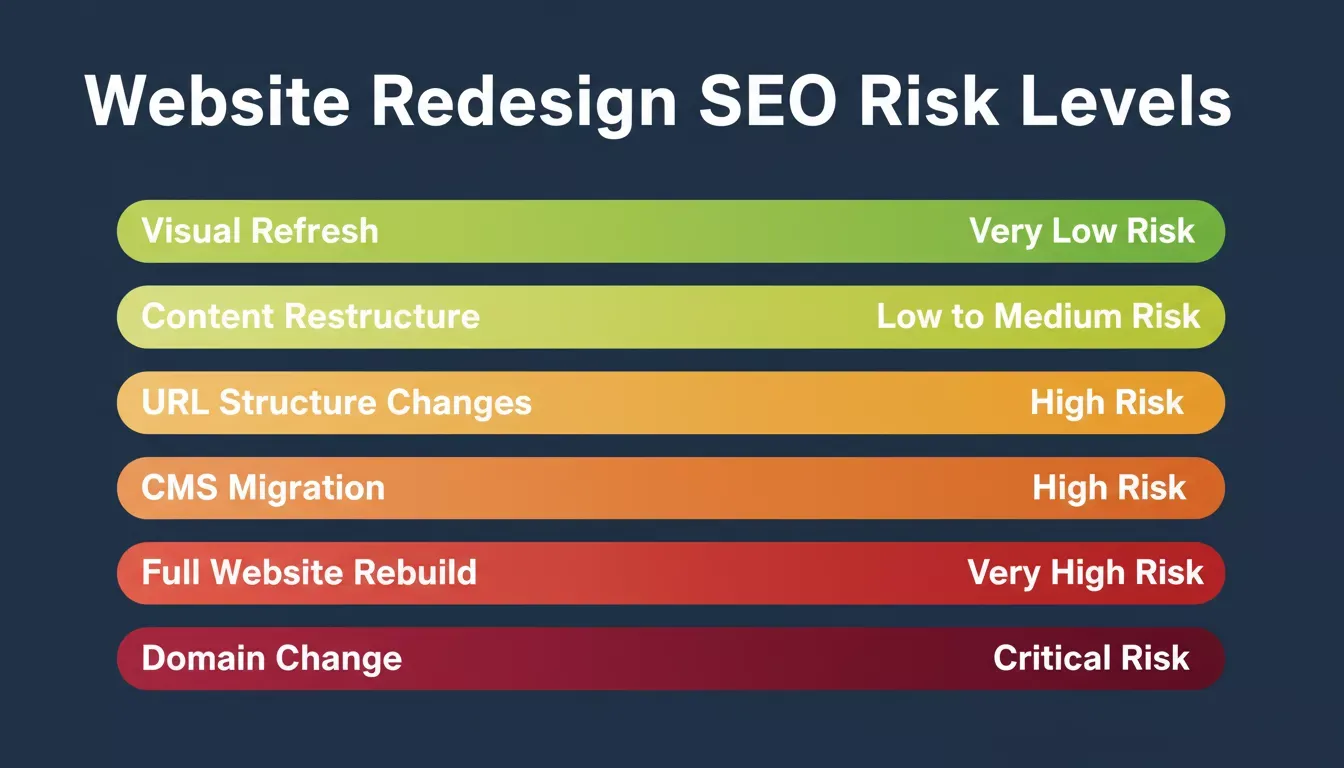
The more structural changes involved, the more comprehensive your SEO protection plan needs to be.
Step 1: Conduct a Full SEO Audit Before Redesigning
Before changing your current website, document everything that currently performs well. This audit becomes your protection blueprint for the entire redesign process.
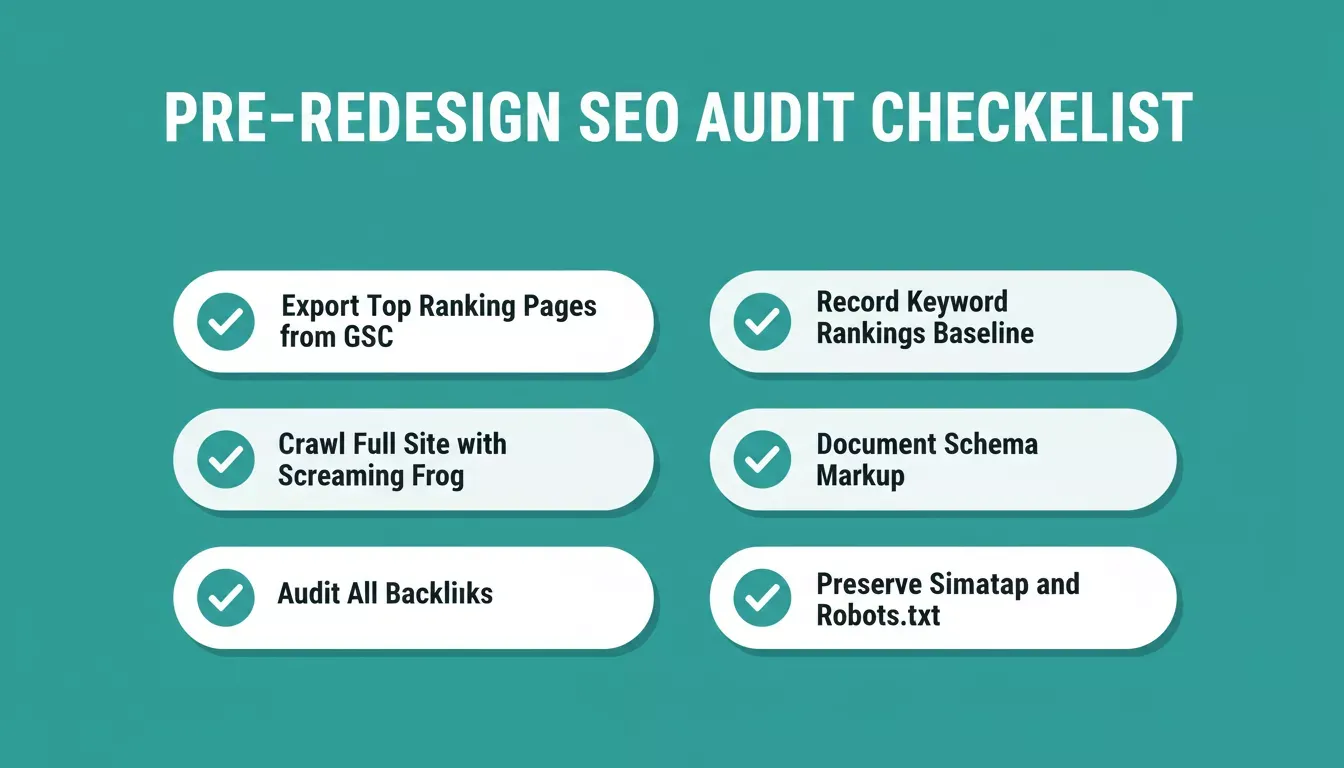
Complete every audit step before development begins. Once the new design is live, the old structure is gone.
Export Top Ranking Pages
Use Google Search Console and Google Analytics to identify high-value pages, top ranking pages, high-performing content, and conversion-driving pages. Only about 1% of pages receive meaningful organic traffic, making these pages especially valuable to protect.
Crawl the Current Website
Use Screaming Frog to export existing URLs, page titles, meta descriptions, canonical tags, internal links, and indexed pages. This creates a benchmark for the entire redesign process.
Audit Existing Backlinks
Export backlink data from Google Search Console, Ahrefs, or Semrush. Pages with strong backlink profiles should either keep their existing URLs or receive properly mapped redirects to preserve their authority.
Record Current SEO Performance
Benchmark organic traffic, keyword rankings, search visibility, and conversion metrics. These numbers become your post-launch comparison baseline. A drop of more than 20% on any tracked keyword within two weeks of launch signals a problem requiring immediate investigation.
Document Technical SEO Elements
Preserve your XML sitemap, robots.txt, canonical tags, meta tags, schema markup, and analytics tracking. Many redesign failures happen because these elements disappear during development and are never rebuilt.
Step 2: Preserve Your URL Structure
Whenever possible, maintain existing URLs. Search engines have already assigned authority and relevance to your current URL structure, and changing URLs without a clear reason increases the risk of losing that accumulated SEO value.
Only create a new URL structure when migrating to a new site architecture, changing domains, removing outdated URL patterns, or consolidating content. If URLs must change, create a complete URL mapping document before development begins. Every changed URL needs a redirect decision logged before a single line of code is written.
For teams managing a full platform migration, the complete website migration guide covers the technical checklist in detail.
Step 3: Build and Test 301 Redirects
A 301 redirect tells search engines that a page has permanently moved. Research shows that 301 redirects transfer 90 to 99% of link equity from the old URL to the new URL, making them the single most important technical step in any redesign.
Create a redirect spreadsheet with every old URL mapped to its new destination. Best practices include using 301 redirects for permanent moves, avoiding redirect chains, redirecting to the most relevant page, and never redirecting all pages to the homepage.
Changing URLs without redirects causes search engines to treat pages as entirely new content, resulting in lost rankings that can take months to recover. Test every redirect on your staging environment before launch day.
Step 4: Protect High-Performing Content
Many redesign projects focus on aesthetics while overlooking the content that actually drives traffic. Preserve ranking pages, high-performing content, target keywords, page titles, meta descriptions, and heading structures.
If a page already ranks well, improve it carefully instead of replacing it entirely. Preserving content assets helps maintain SEO value and protects organic search performance through the transition period. Add new sections below existing content rather than replacing what is already working.
Step 5: Maintain Internal Links and Site Structure
Internal links help search engines understand the relationship between pages. During a redesign, update internal links to new URLs, fix broken links, preserve anchor text relevance, and ensure key pages remain accessible from the main navigation.
A strong site architecture improves crawlability, indexing, and overall search engine performance. Broken internal links frequently lead to crawl errors and weaker authority distribution across the redesigned website. Use Screaming Frog to audit internal links on your staging site before launch.
Rocket's Build feature generates clean semantic HTML with proper internal linking structure by default, reducing the risk of orphaned pages after a redesign.
Step 6: Improve Core Web Vitals and Site Speed
A redesign should improve performance rather than slow the website down. Google's Core Web Vitals continue to influence user experience and search rankings, and new design elements frequently cause regressions if not tested before launch.
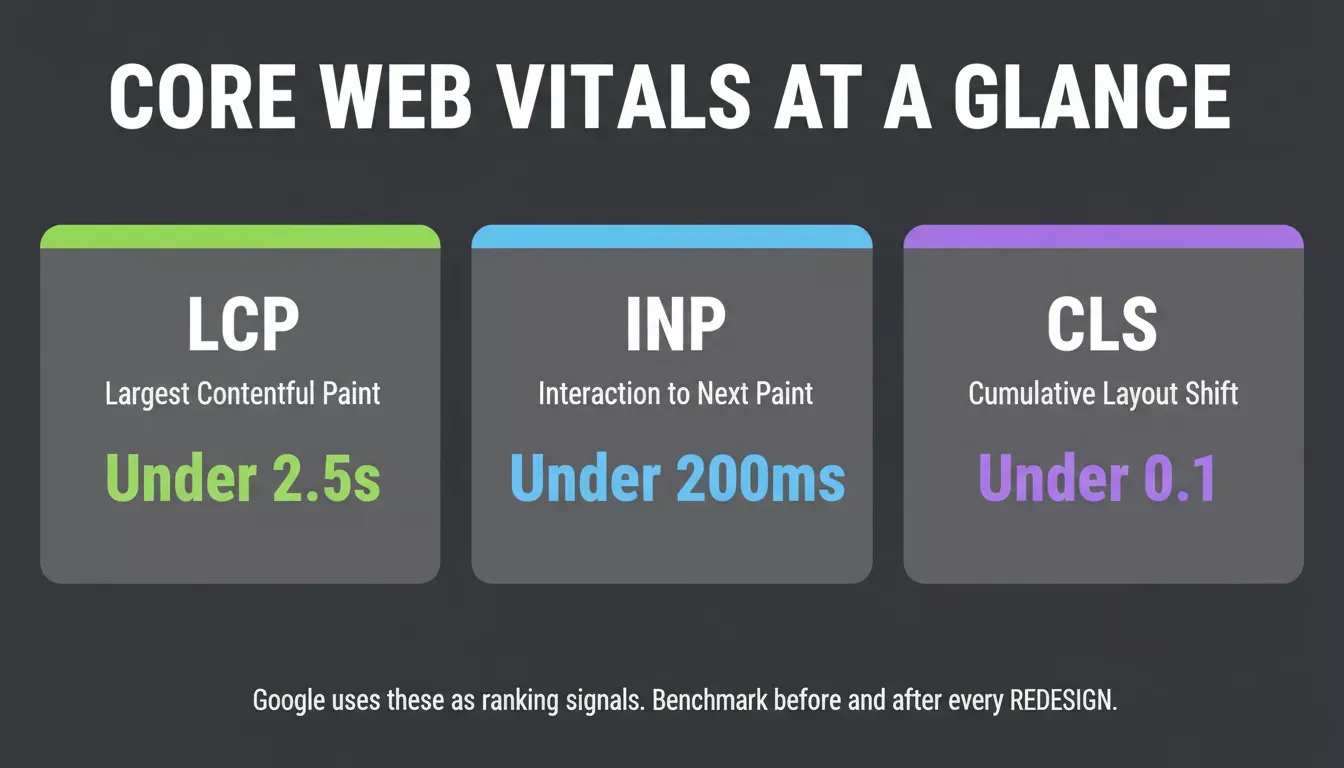
Benchmark your current Core Web Vitals scores before redesigning. Your new design must match or beat these numbers.
Largest Contentful Paint (LCP)
Measures loading performance. Target: under 2.5 seconds. New design frameworks, large hero images, and unoptimized web fonts frequently push this past 4 seconds after a redesign.
Interaction to Next Paint (INP)
Measures responsiveness. Heavy JavaScript that blocks the main thread is the most common cause of poor INP in redesigned sites. Third-party scripts added during a redesign contribute significantly.
Cumulative Layout Shift (CLS)
Measures visual stability. New templates with ads, embeds, or late-loading images often produce higher layout shift than the original design. Always set explicit width and height attributes on images.
Only 49.7% of mobile sites pass Google's Core Web Vitals assessment, and with mobile-first indexing in place, the mobile version of your pages determines rankings. Use Google PageSpeed Insights and Lighthouse to benchmark current performance before redesigning and compare results after launch.
Rocket's Performance dashboard tracks all three Core Web Vitals across staging and production environments, with specific fixes attached to every identified issue.
Step 7: Preserve Schema Markup and Metadata
Schema markup is frequently lost during redesign projects. Audit and preserve Organization schema, FAQ schema, Article schema, Product schema, Breadcrumb schema, and Local Business schema. Also verify meta titles, meta descriptions, canonical tags, and Open Graph tags on every key page.
Preserving structured data helps maintain rich results and search visibility in both traditional search and AI-powered search tools. Use Google's Rich Results Test on your highest-traffic pages before the redesign and re-test the same URLs after launch to confirm nothing was lost.
Step 8: Manage CMS Migrations Carefully
CMS migrations are among the highest-risk redesign projects. Whether moving from WordPress to Next.js, Shopify to a custom platform, or a legacy CMS to a headless architecture, the same risks apply: URL resets, meta tag loss, schema removal, and sitemap changes all happening simultaneously.
Before launch, export existing URLs, preserve metadata, validate redirects, generate a new XML sitemap, verify crawlability, and check canonical tags. A CMS migration should always be treated as an SEO initiative, not simply a development project. Every technical decision made during the migration has a direct impact on post-launch rankings.
Optimizing for AI Search and GEO
Modern search visibility now extends beyond traditional search engines. Platforms such as ChatGPT, Gemini, Claude, and Perplexity favor content that answers questions directly, uses structured formatting, includes supporting statistics, demonstrates expertise, and loads quickly.
To improve GEO (Generative Engine Optimization), use question-based headings, provide direct answers early in each section, add FAQ sections, include author information, and support claims with verifiable facts. This structure improves visibility in both AI search and traditional search results simultaneously.
Rocket's SEO and GEO tools include a /Generate GEO And AEO Report command that audits your site's AI citation readiness and applies fixes across structured content, FAQ JSON-LD, entity clarity, and source signals.
Strengthening E-E-A-T During a Redesign
Google's E-E-A-T framework evaluates Experience, Expertise, Authoritativeness, and Trustworthiness. A redesign is an opportunity to build these signals directly into the site architecture.
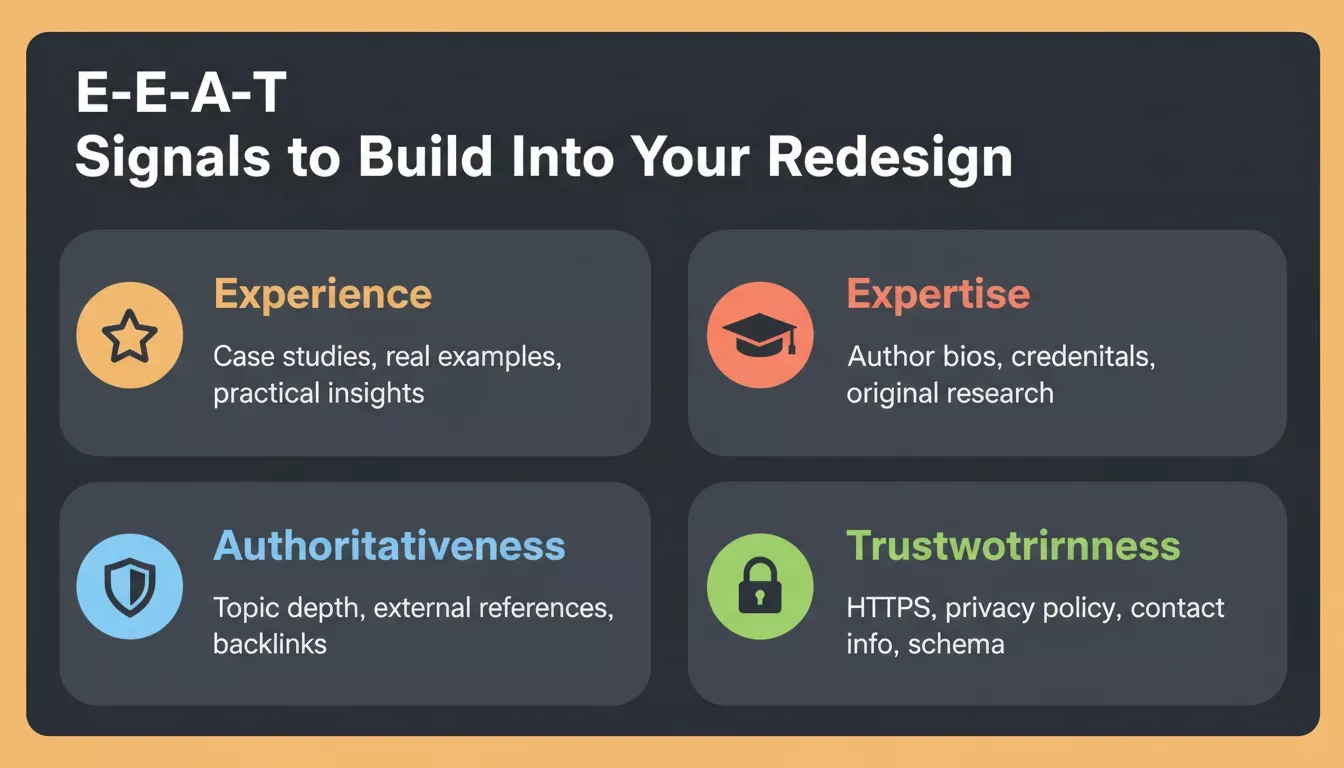
Strong E-E-A-T signals support both SEO rankings and AI citations. Build them into the redesign from the start.
Experience
Add real examples, case studies, and practical insights from actually using the tools and processes you describe. First-person accounts and screenshots carry more weight than generic descriptions.
Expertise
Include author bios with credentials, link to original research, and cite primary sources. Pages with clear authorship and demonstrated subject knowledge rank more consistently.
Authoritativeness
Build topical depth across related content, link to and from authoritative external sources, and earn backlinks from recognized publications. Comprehensive topic coverage signals authority to both search engines and AI systems.
Trustworthiness
Add HTTPS, a clear privacy policy, visible contact information, organization schema, and transparent authorship on every page. Strong E-E-A-T signals support both SEO rankings and AI citations across all major search platforms.
How Rocket.new Helps Redesign a Website Without Losing SEO
Many redesigns fail because teams focus entirely on appearance while ignoring SEO preservation. Rocket.new takes a different approach.
Instead of starting from a blank canvas, Rocket analyzes your existing website structure, content hierarchy, layouts, and components before generating redesign recommendations. The redesign starts from what you already have, not from a template.
Popular redesign commands include:
/Reimagine Website Design: modern look, all existing content preserved/Fix Conversion Issues: layout rebuilt around your drop-off data/Mobile-First Redesign: rebuilt for how most users actually arrive/Redesign from Heatmap: upload user behavior data as per the brief/Redesign Like Competitor: apply another site's design style to your content
Every site built in Rocket generates clean semantic HTML, mobile-responsive layouts, and basic meta tags by default, the foundation search engines need to crawl and index new pages correctly. The platform also provides built-in staging environments, Core Web Vitals monitoring, SEO and GEO reporting, and semantic HTML generation.
Competitors like Lovable, Bolt, and v0 generate from scratch. They read nothing about your current site, map none of your existing URLs, and produce no redirect strategy. Rocket's Redesign commands are built for the opposite challenge: keeping what is working while changing what is not.
For a direct comparison of how Rocket approaches production quality versus other platforms, the Rocket vs. Lovable comparison breaks down the key differences.
Website Redesign SEO Checklist
Before Launch
| Task | Priority |
|---|---|
| Complete a full SEO audit | Critical |
| Export top-ranking pages from Google Search Console | Critical |
| Document existing URLs and meta data | Critical |
| Record keyword rankings baseline | Critical |
| Audit backlinks and flag high-priority pages | Critical |
| Preserve schema markup implementations | High |
| Build complete redirect map | Critical |
| Test staging site with Screaming Frog | Critical |
| Verify canonical tags on staging | High |
| Benchmark Core Web Vitals before launch | High |
| Validate sitemap and robots.txt on staging | Critical |
| Confirm Open Graph and Twitter Card tags | Medium |
After Launch
| Task | Timing |
|---|---|
| Submit updated XML sitemap to Google Search Console | Day 1 |
| Verify all 301 redirects firing correctly | Day 1 |
| Monitor Coverage report for 404 spikes | Daily, Week 1 |
| Track keyword rankings vs. pre-launch baseline | Daily, Weeks 1 to 4 |
| Monitor organic sessions in Google Analytics | Daily, Week 1 |
| Run fresh Screaming Frog crawl on live domain | Day 3 |
| Test schema markup on live domain | Day 2 |
| Check Core Web Vitals on live domain | Day 2 |
| Monitor Google Search Console for crawl errors | Weekly, Month 1 |
A 30 to 50% traffic drop after launch often indicates a technical issue requiring immediate attention. Most successful redesigns stabilize within four to twelve weeks.
What to Monitor After Launch
The first month after launch is critical. Submit your updated sitemap immediately after launch and review Google Search Console daily during the first week.
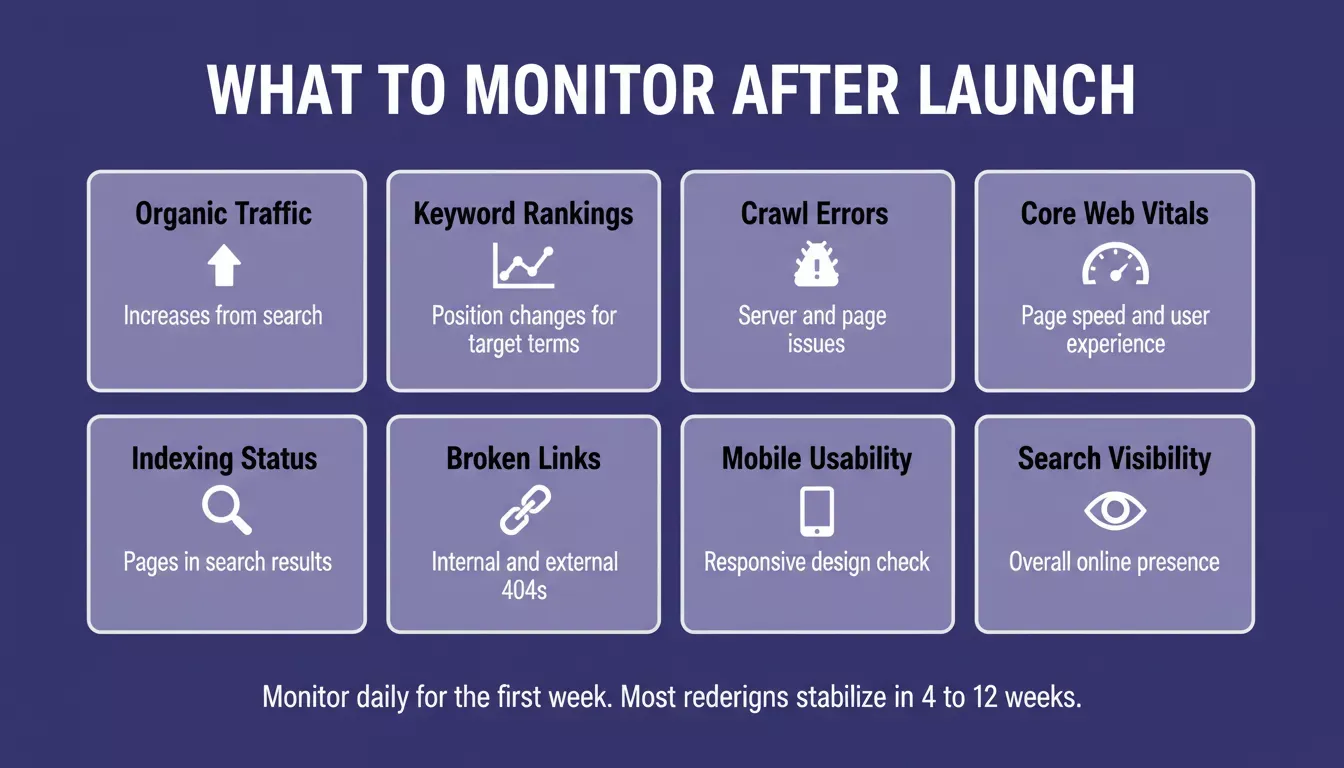
Monitor daily for the first week. Most redesigns stabilize within four to twelve weeks.
Track organic traffic, keyword rankings, search visibility, crawl errors, indexing errors, broken links, mobile usability, and Core Web Vitals. A noindex tag carried over from staging is a surprisingly common cause of pages disappearing from search results after a redesign launch.
Most ranking recoveries take two to six weeks once the problem is found. Finding it on day three versus week four is the difference between a brief dip and months of lost traffic. Rocket's built-in analytics dashboard tracks organic performance from day one, so ranking changes surface immediately rather than weeks after an issue started.
Final Thoughts: Redesign A Better Website Without Losing SEO
A successful redesign improves design, user experience, and performance without sacrificing rankings. The organizations that maintain rankings during redesigns treat SEO as part of the planning process from the beginning, not as a post-launch cleanup task.
By conducting a full SEO audit, preserving high-value pages, protecting internal links, implementing 301 redirects, maintaining Core Web Vitals, and monitoring performance after launch, you can redesign a website without losing SEO. Protect what already works, improve what needs improvement, and your redesigned website can achieve stronger search visibility, better user experience, and long-term organic traffic growth.
Ready to redesign your website without gambling your rankings? Rocket.new's Redesign commands let you paste your URL, choose your direction, and preview every page before anything replaces your live site. Keep the rankings. Change the look.
Table of contents
- -Does Redesigning a Website Affect SEO?
- -Types of Website Redesigns and Their SEO Risk
- -Step 1: Conduct a Full SEO Audit Before Redesigning
- -Export Top Ranking Pages
- -Crawl the Current Website
- -Audit Existing Backlinks
- -Record Current SEO Performance
- -Document Technical SEO Elements
- -Step 2: Preserve Your URL Structure
- -Step 3: Build and Test 301 Redirects
- -Step 4: Protect High-Performing Content
- -Step 5: Maintain Internal Links and Site Structure
- -Step 6: Improve Core Web Vitals and Site Speed
- -Largest Contentful Paint (LCP)
- -Interaction to Next Paint (INP)
- -Cumulative Layout Shift (CLS)
- -Step 7: Preserve Schema Markup and Metadata
- -Step 8: Manage CMS Migrations Carefully
- -Optimizing for AI Search and GEO
- -Strengthening E-E-A-T During a Redesign
- -Experience
- -Expertise
- -Authoritativeness
- -Trustworthiness
- -How Rocket.new Helps Redesign a Website Without Losing SEO
- -Website Redesign SEO Checklist
- -Before Launch
- -After Launch
- -What to Monitor After Launch
- -Final Thoughts: Redesign A Better Website Without Losing SEO

