
The best landing page builder depends on your use case. Rocket.new leads for AI generation, full-stack output, and market intelligence. Unbounce and Instapage win for deep A/B testing. Leadpages suits tight budgets. Framer is best for designers. Free plans exist but come with real catches.
The best landing page builder in 2026 is the one that matches what you are actually building. This guide covers every category, including free tools, AI generators, dedicated conversion platforms, and full-stack builders, with honest reviews, a feature matrix, and a clear pick for each use case.
The median landing page conversion rate sits at just 6.6% across industries. Top performers clear 11% or better. The gap is not mainly about design talent.
It is about how fast a team can test, iterate, and ship the next version, and that comes down to the tool.
Quick Picks: Best Landing Page Builder by Use Case
| Use Case | Best Tool | Free Plan | Starting Price |
|---|---|---|---|
| Best overall | Rocket.new | Yes | Free, then $25/mo |
| Best for paid ad campaigns | Unbounce | Trial only | ~$99/mo |
| Best for agencies and multivariate testing | Instapage | No | ~$199/mo |
| Best budget option | Leadpages | Trial only | ~$37/mo |
| Best for mobile-first paid traffic | Swipe Pages | No | ~$29/mo |
| Best for designers | Framer | Yes | Free |
| Best free landing page builder | Rocket.new | Yes | Free |
| Best for founders building full products | Rocket.new | Yes | Free, then $25/mo |
Note: Pricing verified September 2026. Confirm on each vendor's pricing page before purchasing.
How We Evaluated These Landing Page Builders
Every tool in this guide was assessed against the same criteria: speed to publish, template quality, drag-and-drop editor usability, A/B testing depth, custom domain availability, mobile performance, email and CRM integrations, free plan quality, AI output quality, backend and code ownership, and full-stack capability.
Three Types of Landing Page Builders in 2026

The three generations of landing page builders, and what each one solved and left unsolved.
Drag-and-Drop and Dedicated Builders
These are the tools that built the landing page builder category: Unbounce, Leadpages, Instapage, and Swipe Pages. They are optimized for conversion, including split testing, dynamic text replacement, form capture, and integrations with ad platforms and CRMs.
Their limit is the same across all of them. They handle the front end only. Anything beyond a static page, such as user authentication, backend logic, a database, or a connected product, requires a separate tool or a developer.
What is an AI Landing Page Builder?
An AI landing page builder is a tool that generates a landing page from a text description. You describe your product, audience, and goal, and the AI produces the layout, copy, and structure. You refine it and publish.
How it works in practice:
- Type a prompt describing what the page is for
- The AI generates a full layout: hero section, copy, call to action, form, and supporting sections
- Edit using a visual editor, natural language commands, or direct code access
- Connect your domain and publish
The difference between AI builders is how much context they carry: whether the AI knows your product, your market, and your goals, or whether it is generating from a blank prompt every time.
| Factor | AI Landing Page Builder | Traditional Drag-and-Drop |
|---|---|---|
| Time to first draft | 1 to 3 minutes | 30 minutes to several hours |
| Coding skills needed | None | None to low |
| Starting point | AI-generated from your prompt | Blank template |
| Context between pages | Varies (Rocket.new carries full context) | None |
| Backend and auth | Varies (Rocket.new includes it) | Plugin or developer required |
Full-Stack, Context-Aware Builders
The third category is newer. These tools generate not just the page but the product behind it, including backend logic, user authentication, database schema, API endpoints, GitHub version control, and code export. Rocket.new sits in this category.
The practical difference: a drag-and-drop builder gives you a page that looks like a product. A full-stack builder gives you a page that connects to one.
| Builder Type | Coding Needed | Backend Logic | Responsive Layouts | Time to Launch |
|---|---|---|---|---|
| Drag-and-drop (Unbounce, Leadpages) | None | No, plugin required | Semi-automatic | Hours |
| Design-first (Framer, Webflow) | Low to moderate | No | Manual adjustments | Days |
| Website builders (Wix, Squarespace) | None | Limited | Semi-automatic | Hours |
| AI generator (most AI tools) | None | No | Automatic | Minutes |
| Full-stack AI (Rocket.new) | None | Auto-generated | Automatic | Minutes |
The Best Landing Page Builders Reviewed
1. Rocket.new: Best Overall and Best for Founders
Best for: Founders, marketing teams, agencies, and developers who need a landing page that connects to a real product, with built-in market intelligence and analytics.
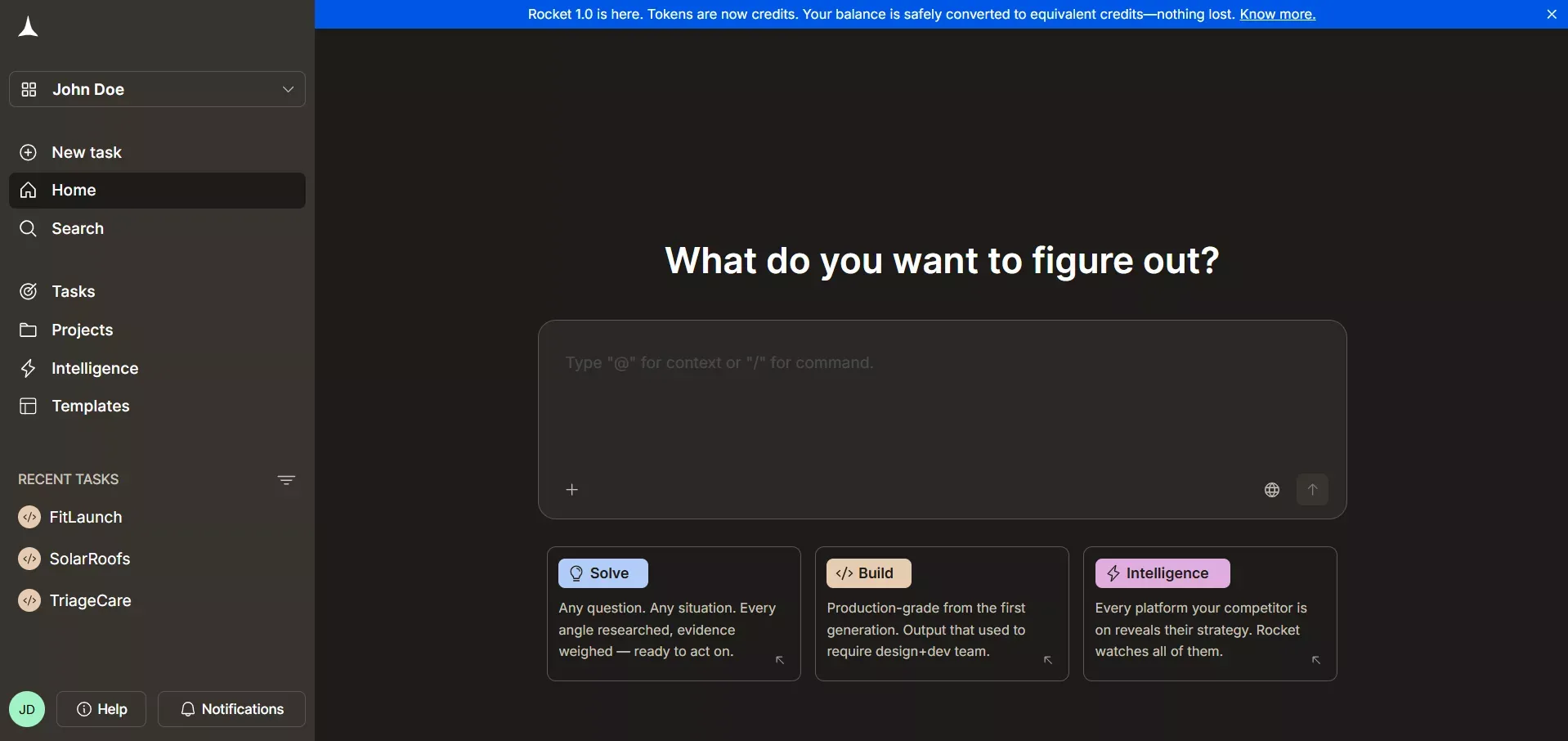
Standout features: AI generation from a prompt, Figma file, screenshot, or URL. Full-stack output including backend, auth, and Supabase integration. GitHub sync and version history. Built-in analytics with Core Web Vitals. Rocket Intelligence for competitive monitoring. 25,000+ templates. Three editing modes: Chat, Visual Edit, and Code.
Limits: The free plan uses credits (20 credits on the free tier). Rocket.new is more than a landing page tool. If you only ever need a simple static page, lighter tools like Carrd or Framer may be faster to start with.
Pricing: Free plan with 20 credits. Pro plan from $25/month with 100 monthly credits.
Verdict: The only platform in this comparison that covers the full arc: validate the idea, build the page, measure performance, and monitor the market, all in one shared context.
2. Unbounce: Best for Paid Ad Campaigns
Best for: Performance marketers running high-volume paid campaigns who need deep A/B testing and dynamic text replacement.
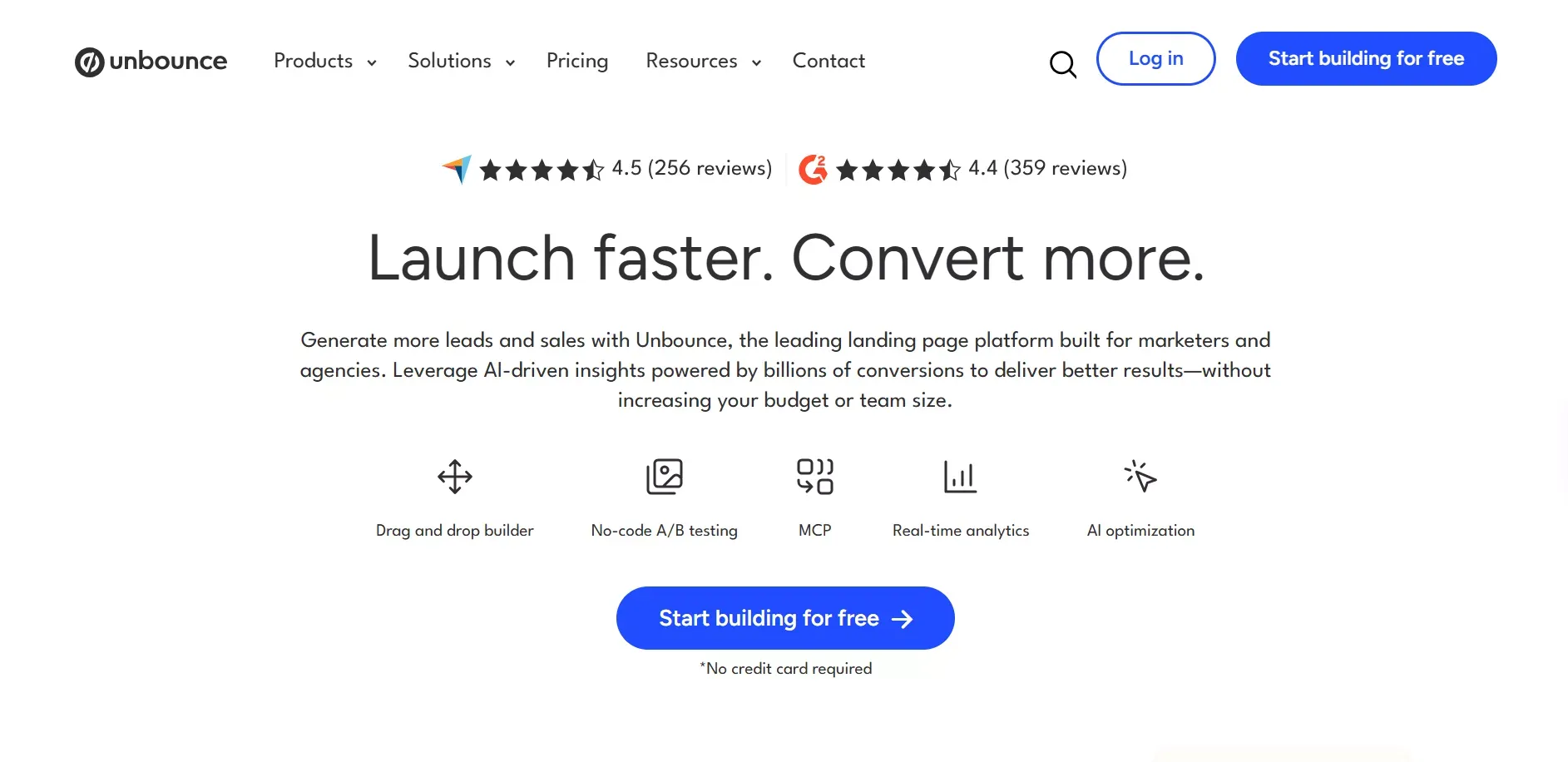
Standout features: Smart Traffic (AI-powered variant routing), dynamic text replacement, robust A/B testing with statistical significance reporting, large template library organized by campaign type, strong CRM and email integrations.
Limits: Pricing starts high. Smart Traffic and advanced A/B testing are locked behind premium plans. No backend, no code ownership, no full-stack capability.
Pricing: Trial available. Plans from ~$99/month.
Verdict: The strongest dedicated conversion tool for teams with ad budgets to match. For everyone else, the cost is hard to justify.
3. Instapage: Best for Agencies and Multivariate Testing
Best for: Marketing agencies managing multiple clients with deep experimentation requirements.
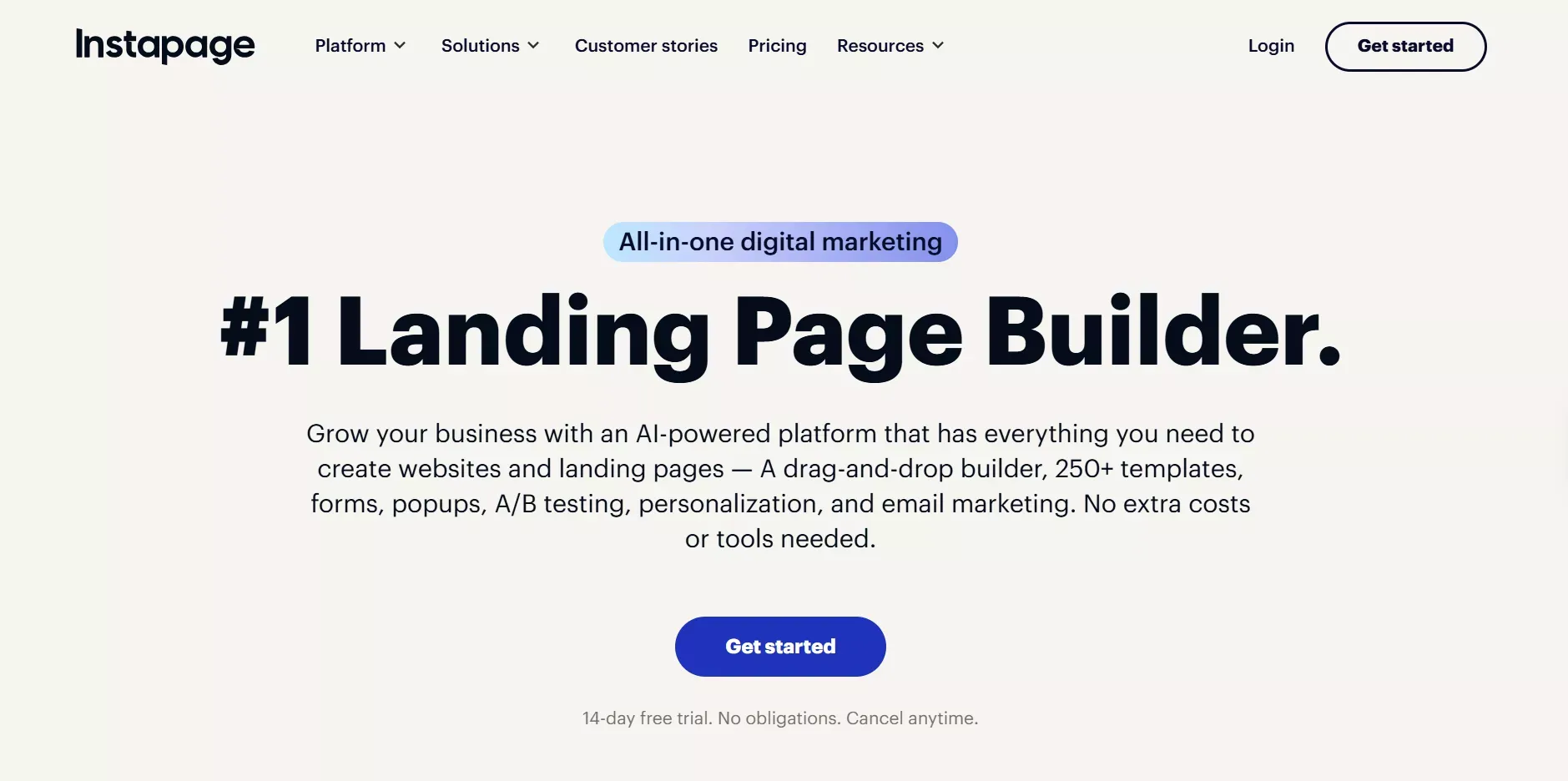
Standout features: Heatmaps, visitor session data, multivariate testing, pixel-level drag-and-drop editor, dynamic text replacement, team collaboration with approval workflows, AMP support for mobile.
Limits: The most expensive option in this category. No free plan. No backend or full-stack capability.
Pricing: No free plan. Plans from ~$199/month.
Verdict: The right tool for agencies where the optimization features pay for themselves in conversion lift. For smaller teams, the cost is hard to justify.
4. Leadpages: Best Budget Dedicated Builder
Best for: Small businesses and solo marketers who need simple landing pages at an affordable price.
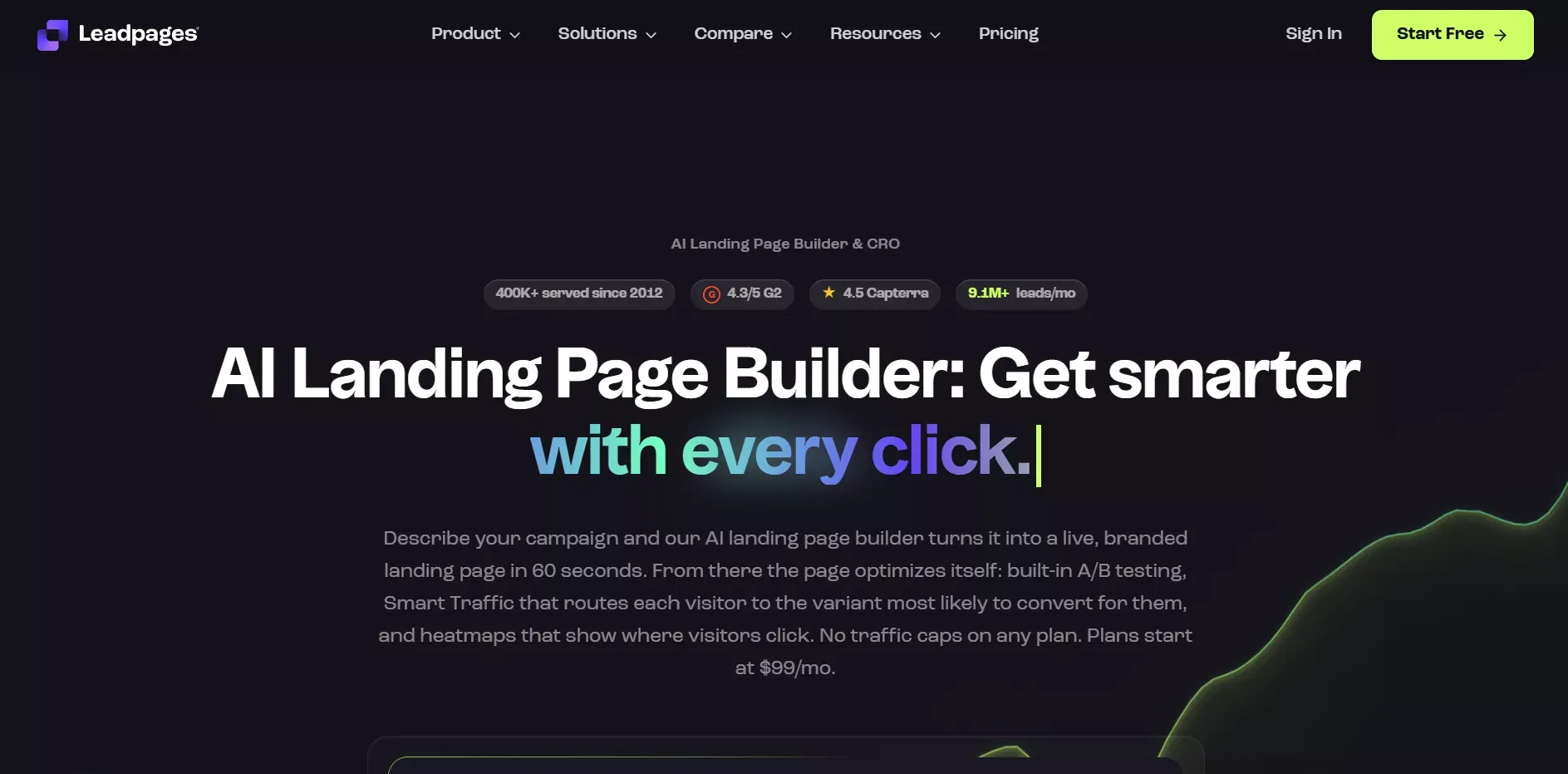
Standout features: Budget-friendly pricing, beginner-friendly drag-and-drop editor, solid template library for lead generation and product launches, built-in form builder and pop-ups, custom domain on paid plans.
Limits: The visual editor is more constrained than competitors. Complex multi-step forms, interactive pages, and dynamic content hit walls quickly. No backend capability.
Pricing: Trial available. Plans from ~$37/month.
Verdict: The most accessible dedicated landing page builder for teams that need simple pages and affordable pricing.
5. Swipe Pages: Best for Mobile-First Paid Traffic
Best for: Paid social and search campaigns where mobile load speed is the primary conversion lever.
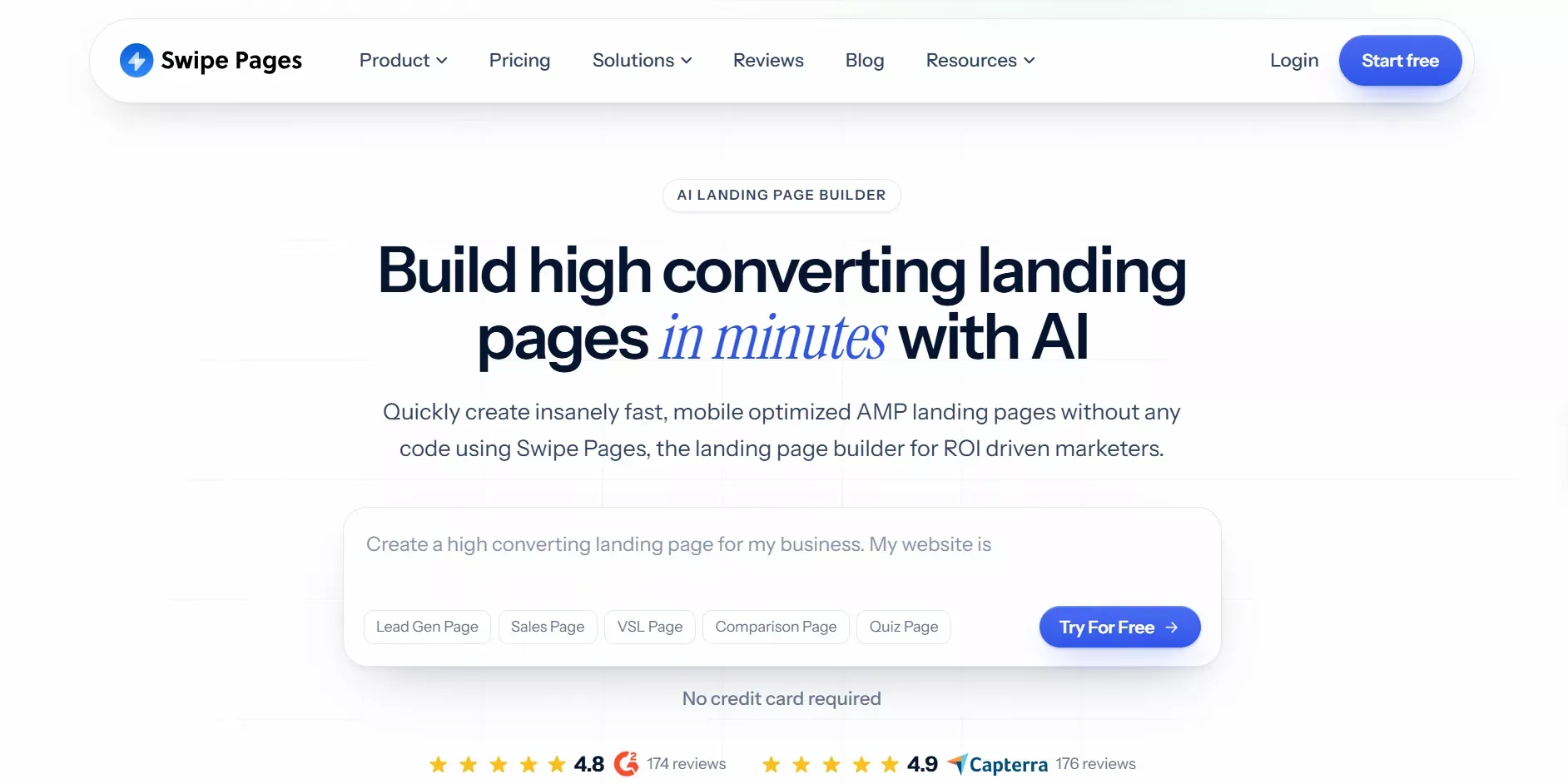
Standout features: AMP support for sub-second mobile load times, mobile-first templates designed for paid traffic, clean drag-and-drop editor, fast hosting.
Limits: Narrow focus. No backend, no full-stack capability. You will outgrow it quickly if your workflow extends beyond paid campaigns.
Pricing: Plans from ~$29/month.
Verdict: Pages loading in 1 second convert at 3 times the rate of pages that take 5 seconds. If mobile speed is your primary constraint, Swipe Pages addresses it directly.
6. Framer: Best for Designers
Best for: Designers who want maximum visual control and distinctive, interactive pages.
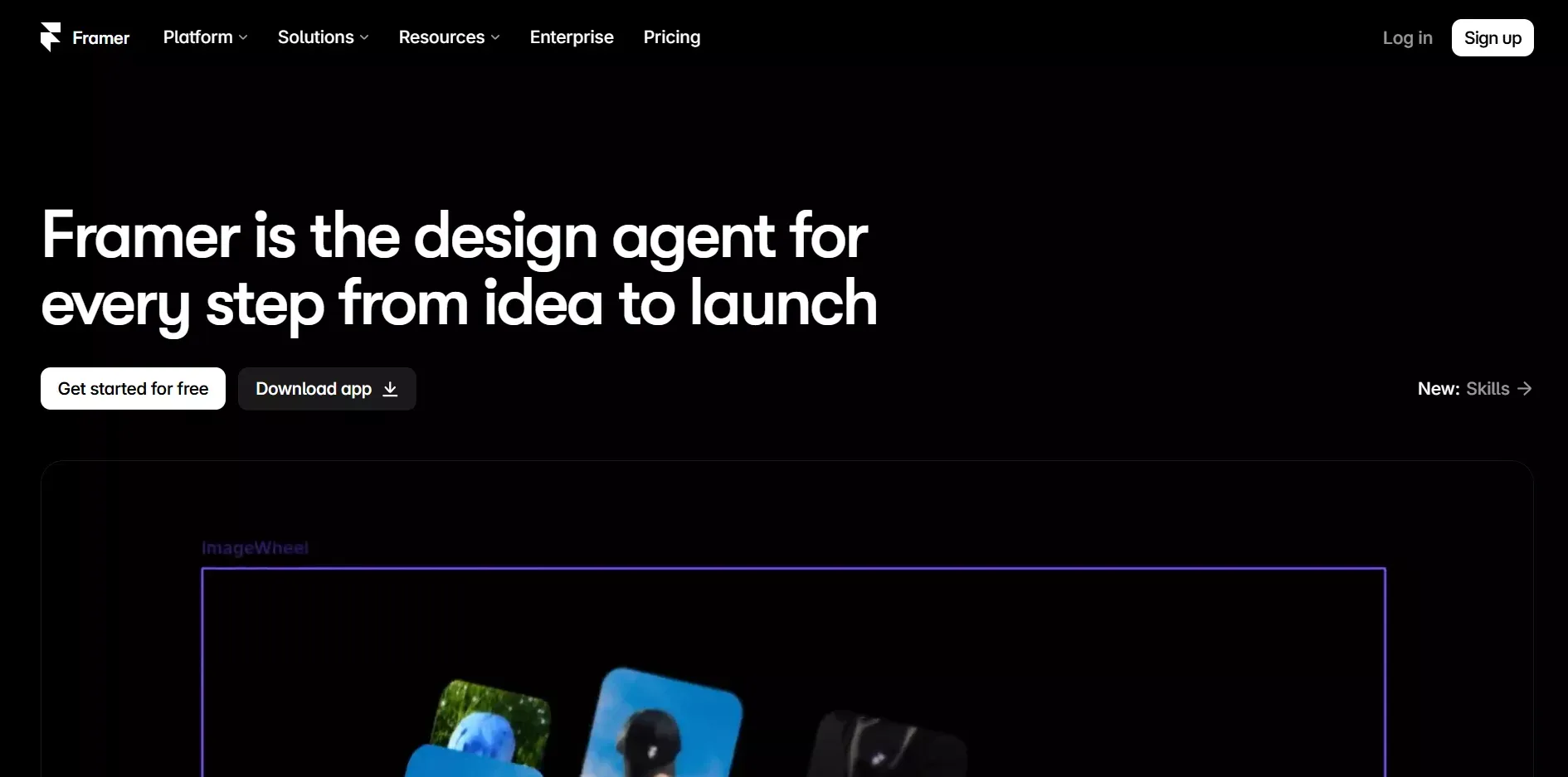
Standout features: Pixel-level design control, advanced animations and scroll interactions, CMS for content-driven sites, free plan with subdomain publishing.
Limits: Steep learning curve for non-technical users. A/B testing, smart traffic, email integrations, and form builder functionality are absent or significantly weaker than dedicated conversion tools.
Pricing: Free plan available (subdomain only). Paid plans start at ~$5/month.
Verdict: Excellent for designers who prioritize visual distinctiveness over conversion optimization. Not the right pick for marketers or founders who need forms, integrations, and testing.
7. Wix and Squarespace: Best for Simple Business Sites
Best for: Small businesses that need a full website with a landing page, not a dedicated conversion tool.
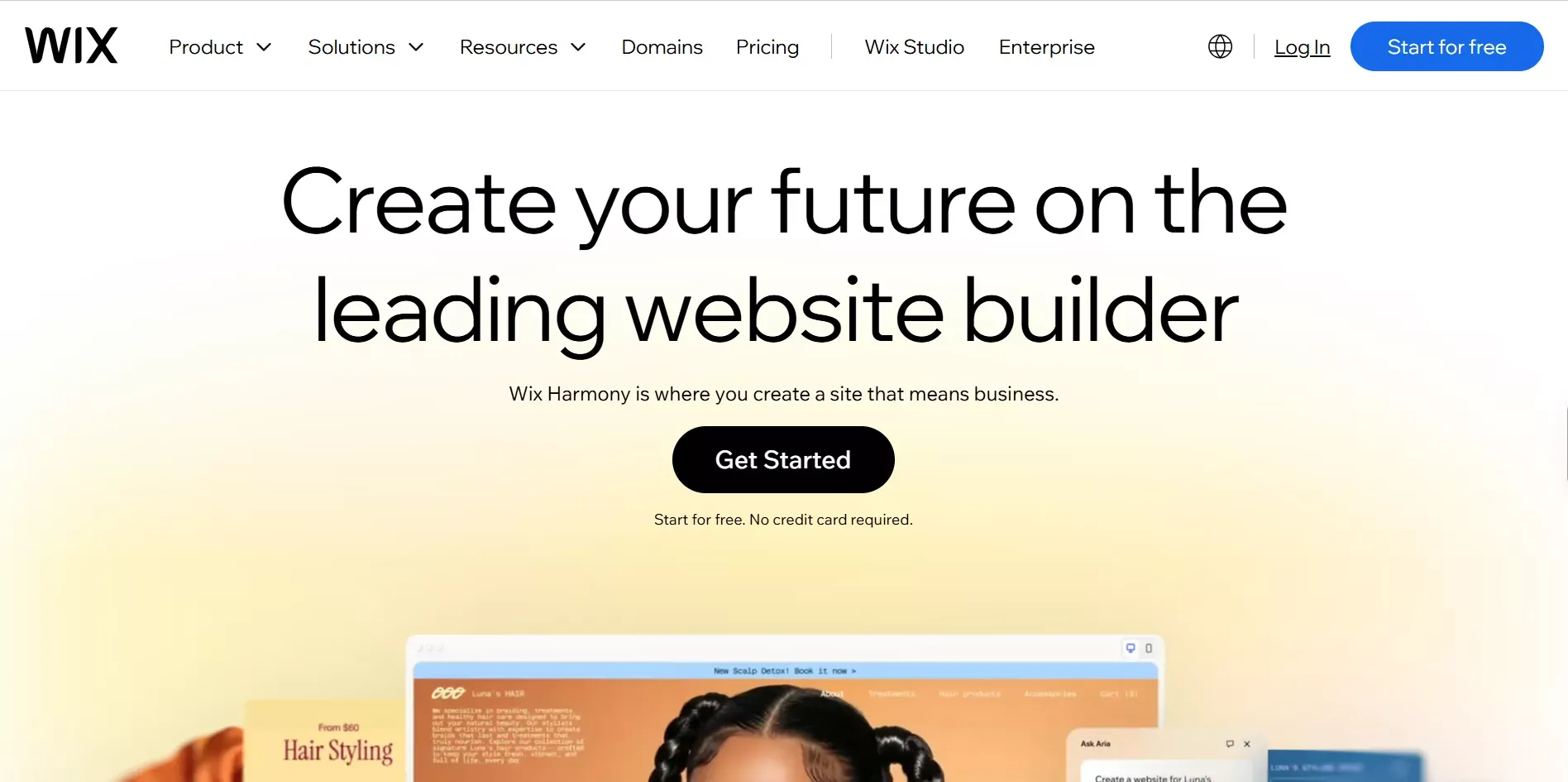
Standout features: Easy setup, broad template libraries, built-in e-commerce, domain and hosting included.
Limits: Limited backend logic. Responsive layouts require manual adjustment. No A/B testing without third-party tools.
Pricing: Free plans available with branding. Paid plans from ~$17/month.
Verdict: Fine for a simple business presence. Not the right pick if conversion rate, backend logic, or product development are priorities.
8. Lovable and Bolt: AI App Builders, Not Landing Page Builders
Best for: Developers and technical founders who want to generate a working app from a prompt.
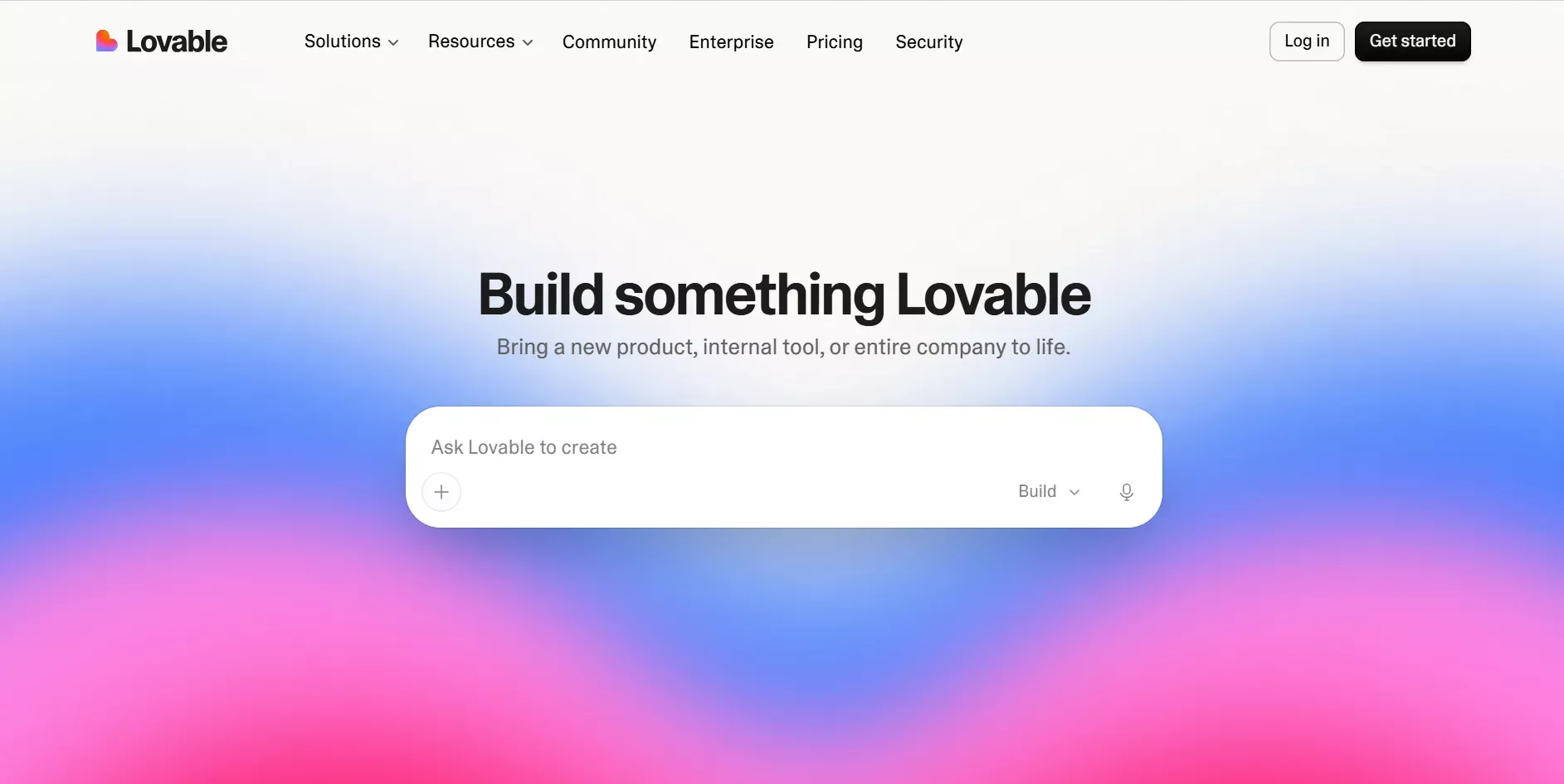
Standout features: Fast AI generation from prompts, React and Next.js output, reasonable code quality.
Limits: They build what you tell them to build, with no market validation before the build, no post-launch intelligence, and no competitive monitoring.
Pricing: Free tiers available. Paid plans vary.
Verdict: Strong for app generation. Not purpose-built for landing pages, conversion optimization, or the full founder workflow.
Landing Page Builder Comparison Table
Features verified September 2026. Only claims confirmed from each platform's documentation are included.
| Feature | Rocket.new | Unbounce | Leadpages | Instapage | Framer | Wix/Squarespace |
|---|---|---|---|---|---|---|
| AI-generated pages | Yes | Partial | No | No | No | No |
| Pages from brand context | Yes | No | No | No | No | No |
| Built-in analytics | Yes | Basic | Basic | Yes | No | Basic |
| Custom domain | Yes, auto DNS | Yes | Paid plans | Yes | Paid plans | Paid plans |
| A/B testing | Yes | Yes, paid | Basic | Yes | No | No |
| Dynamic text replacement | Yes | Yes | No | Yes | No | No |
| Visual editor | Yes | Yes | Yes | Yes | Yes | Yes |
| Backend and auth | Yes | No | No | No | No | No |
| GitHub sync | Yes | No | No | No | No | No |
| Code export | Yes | No | No | No | Partial | No |
| Full-stack web apps | Yes | No | No | No | No | No |
| Mobile apps (Flutter) | Yes | No | No | No | No | No |
| Redesign existing page | Yes | No | No | No | No | No |
| Rocket Intelligence | Yes | No | No | No | No | No |
| Idea validation (Solve) | Yes | No | No | No | No | No |
| 25,000+ templates | Yes | No | No | No | No | No |
| Free plan | Yes | Trial | Trial | No | Yes | Yes, with branding |
| Starting price | Free / $25/mo | ~$99/mo | ~$37/mo | ~$199/mo | Free / ~$5/mo | ~$17/mo |
Free Landing Page Builders: What You Actually Get
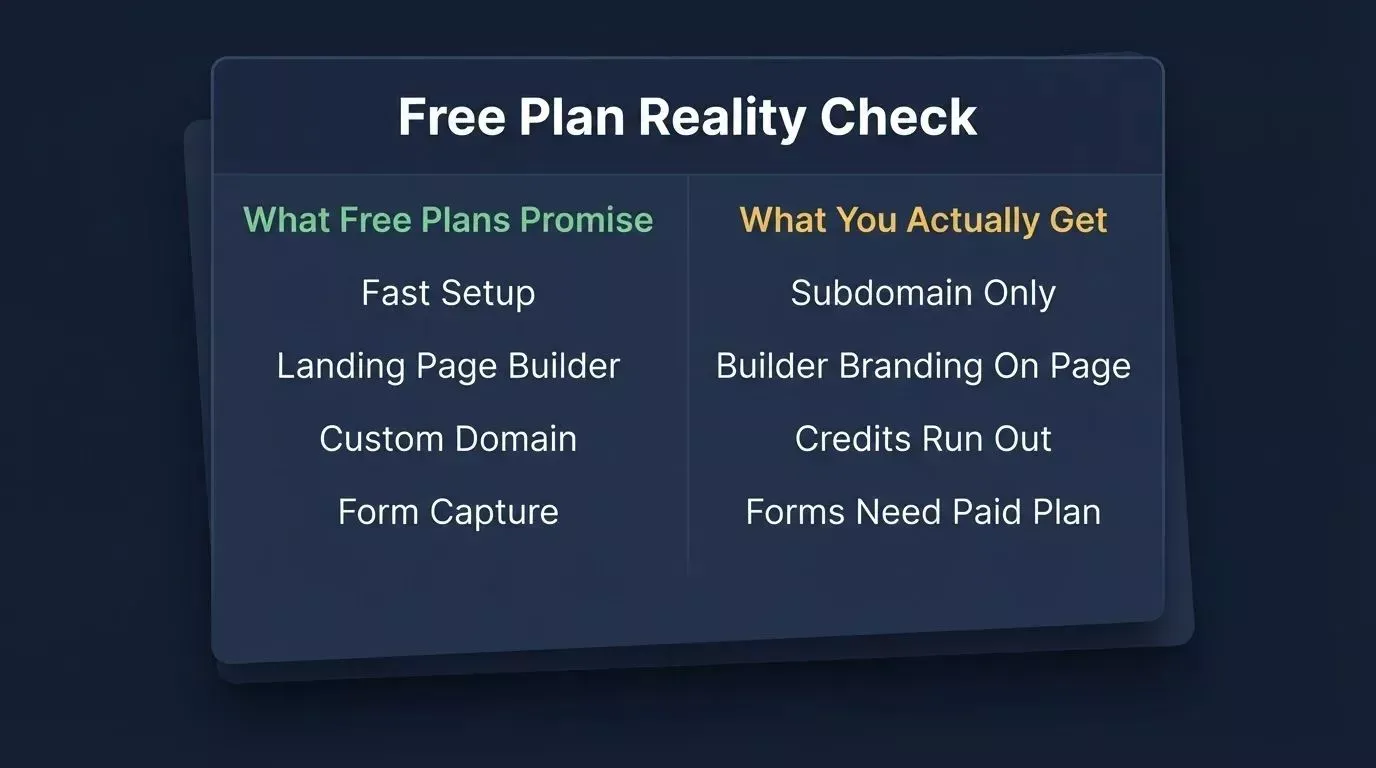
Most free plans come with catches that only become visible once you try to use the page with real traffic.
The Catches With Most Free Plans
Your branding, not yours: Most free plans put the builder's logo or subdomain on your page. Visitors see yourpage.builderplatform.com instead of your domain, which signals a test page rather than a real product.
Custom domain is paywalled: Publishing to your own domain is almost always a paid feature. On some platforms, it requires their highest tier.
Credits run out: AI-powered free plans run on a credit system. Once they are gone, you upgrade or stop building.
Forms do not send data anywhere: Some free plans include a form builder but do not connect it to an email list or CRM. You collect submissions with nowhere for them to go.
No version control: Free plans rarely include version history. One bad edit and the previous version is gone.
Free Plan Comparison
| Tool | Custom Domain | Builder Branding | Form Integrations | Version History | AI Generation |
|---|---|---|---|---|---|
| Rocket.new | No, free tier | No | Yes | Yes | Yes, credits |
| Framer | No, subdomain | Yes | Basic | No | No |
| Wix | No, subdomain | Yes | Basic | No | Limited |
| Squarespace | Trial only | N/A | Trial only | No | No |
| Unbounce | Trial only | N/A | Trial only | No | Partial |
| Leadpages | Trial only | N/A | Trial only | No | No |
What Rocket.new's Free Plan Includes
Rocket.new's free plan gives you 20 credits to build and preview pages before committing to a paid plan. You get the full editor, all three iteration modes (Chat, Visual Edit, Code), and access to the 25,000+ template library. Credits never expire, and custom domain publishing requires a paid plan. The free plan is designed for genuine evaluation, giving you enough to see real output before spending anything.
For teams ready to scale, the Pro plan at $25/month includes 100 monthly credits and the full Rocket.new suite.
AI Landing Page Builders: What to Check Before You Trust One
The "generate and abandon" problem: Most AI builders generate a page and stop. They do not know your brand, your previous pages, or your market. Every new prompt starts from zero, and the output looks AI-made because it was made without context.
Broken mobile layouts: AI-generated pages sometimes look correct on desktop and break on mobile. Check every section at 375px width before publishing.
Forms that do not send data: Confirm that form submissions actually reach your email list or CRM. Test with a real submission before sending traffic.
No version history: If you iterate and something breaks, can you roll back? Most AI tools do not include version control. Rocket.new does, with full version history and one-click rollback built into every project.
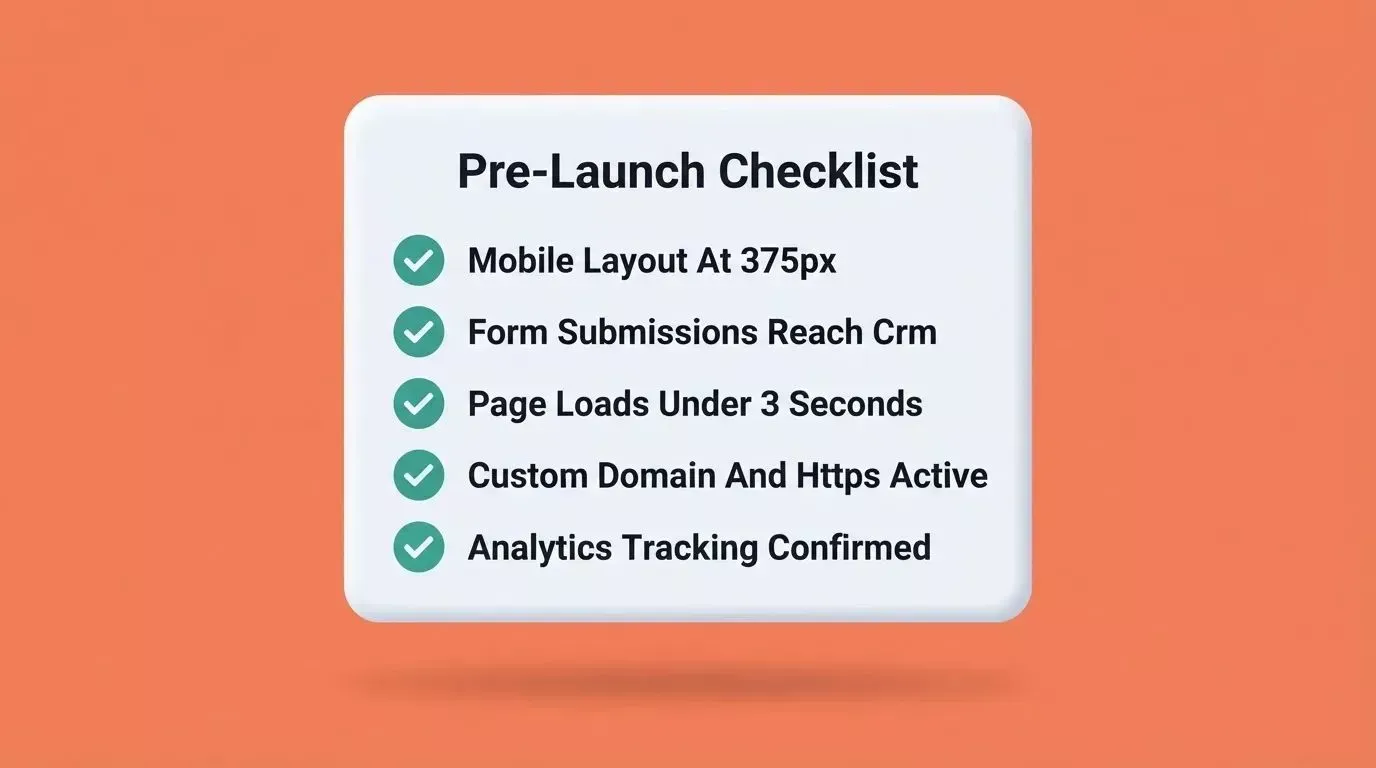
Run through this checklist before sending any real traffic to an AI-generated landing page.
Pre-launch checklist:
- View the page on a real mobile device, not just a browser resize
- Submit the form and confirm the data arrives in your connected tool
- Check page load speed, targeting under 3 seconds on mobile
- Confirm the custom domain is connected, and HTTPS is active
- Verify analytics are firing in your analytics tool, not just the builder dashboard
Rocket Deep Dive: Build, Measure, and Watch the Market
Most landing page builders see their job as done when the page goes live. Rocket.new's job starts there.
Rocket.new is the world's first Vibe Solutioning platform, where strategic thinking, building, and performance monitoring all happen inside the same shared context. It ships with three core capabilities: Solve (validate before you build), Build (generate the page and the product), and Intelligence (monitor the market after you ship). It is trusted by 1.5 million users across 180 countries.
Pages Built From Your Context, Not a Template
Rocket.new draws on everything you have already told the platform about your product, customers, and goals. The hero section speaks to your specific customer problem, not to a generic value proposition pulled from a layout grid. The fifth page you build is smarter than the first because the context compounds.
You can start from a plain language prompt, a Figma file, a screenshot of an existing page, a PDF, or an existing website URL. From description to live preview in 1 to 3 minutes. Refine through Chat (natural language), Visual Edit (click any element in the live preview), or Code (direct source access). Every build ships with clean semantic HTML, mobile-responsive layouts, optimized meta structure, and WCAG accessibility compliance as the baseline.
Explore the full template library to see the range of starting points available across landing pages, SaaS products, e-commerce, and internal tools.
Full-Stack Under the Hood
This is what separates Rocket.new from every other landing page builder in this comparison.
- Supabase integration handles database schema, authentication, and queries inside the build. Landing pages that need a data layer do not require separate backend setup.
- GitHub sync is part of the workflow from day one, with version history and one-click rollback included, not optional.
- Code export in React and Next.js means you own the code. You can hand it to a developer or modify it yourself, and you are not locked into the platform.
- Mobile apps in Flutter can be built from the same system. If your landing page needs to connect to a mobile product, you can build that product without switching tools.
For developers who want to connect an existing codebase, Rocket.new supports GitHub two-way code sync so edits flow between your repository and the AI builder.
Built-In Analytics, Custom Domain, and 26+ Integrations
Every page Rocket.new deploys includes performance monitoring from the moment it goes live: visits, unique visitors, pageviews, visit duration, bounce rate, traffic source breakdown, Core Web Vitals (LCP, INP, CLS), device and geography data, and UTM campaign tracking.
Custom domain publishing includes automatic DNS setup, manual fallback with exact records, domain purchase inside the platform, and automatic HTTPS. For most teams, build to live on a custom domain takes under 30 minutes.
Rocket.new connects to 26+ tools including Stripe, Razorpay, Mailchimp, Brevo, MailerLite, SendGrid, Resend, Google Analytics, Mixpanel, Notion, Airtable, Linear, HubSpot, Supabase, Typeform, Calendly, Tally, and more. Integration setup is a one-time step per service, not a per-page configuration.
Redesign an Existing Page
Rocket.new's Redesign capability handles something most AI landing page builders cannot do: taking an existing page and improving it without starting from scratch.
- Fix Conversion Issues: point Rocket.new at a page with poor conversion rates, and it analyzes the layout and rebuilds around what the data shows
- Redesign from Heatmap: upload a heatmap and Rocket.new rebuilds the page around actual user behavior
- Mobile-First Redesign: rebuild any page with mobile as the primary design constraint
- Generate Brand-Matched Page: create a new page that matches the design language of your existing site
Rocket Intelligence: See What Competitors Are Doing Before You Write Copy
Rocket Intelligence is a personalized, always-on intelligence engine that continuously monitors companies and delivers insights shaped by who you are and what you are trying to accomplish.
It watches companies across nine live signal pillars: Website Intelligence, GTM, Product and Technology, News and Media, Social Media, Business and Finance, People and Hiring, Reviews and Community, and Traffic Analytics.
Before you write a single word of landing page copy, Rocket.new can show you what ad creatives your competitors are scaling right now, when their pricing page changed, what their customers are saying on G2 and Trustpilot, and what they are about to ship based on their hiring patterns.
Intelligence is shaped by your role. A marketing leader watching a competitor gets a different brief from a founder watching the same company. Rocket.new asks why you are following a company before it tells you anything. You can explore any company at rocket.new/intelligence, no account required.
Solve: Validate the Idea Before You Build
Solve is Rocket.new's pre-build capability. Before you generate a single page, Solve turns any market problem, decision, or opportunity into research, evidence, and a clear recommendation. For founders: run a Solve on your idea, validate the concept and map the flows, then move straight into Build. The research from Solve is present when the build starts, so there is no need to re-explain your product to a blank prompt.
Learn more about how Solve works in the research-to-launch workflow.
| Feature | Rocket.new | Framer | Wix AI | Lovable / Bolt |
|---|---|---|---|---|
| Natural language building | Yes, with full context | Partial | Yes | Yes |
| Mobile apps (Flutter) | Yes | No | No | Limited |
| Web apps (Next.js) | Yes | Limited | No | Yes |
| Idea validation before build (Solve) | Yes | No | No | No |
| Post-launch intelligence | Yes | No | No | No |
| Production-ready by default | Yes | Yes | No | Limited |
| Full idea-to-live-to-track cycle | Full | Page only | Page only | Build only |
For Founders: Validate Before You Build
The friction is not in the building. It is in the gap between having an idea and shipping something that works, and in the gap between launching and knowing whether the market moved while you were building.
Traditional landing page builders address neither gap. They give you a page. They do not tell you whether the idea behind it is worth building, and they do not tell you what your competitors did while you were building it.
Rocket.new covers the complete arc: research the market with Solve, build the page and the product with Build, watch what your competition does next with Intelligence. One system. One shared context. Nothing re-explained between steps. 1.5 million people across 180 countries have built with Rocket.new, reaching that scale primarily through organic product-led growth.
From Prompt to Live Page in Under 30 Minutes
Here is the practical flow for getting a landing page live with Rocket.new:
Step 1: Describe your page (2 minutes). Type a prompt: your product name, what it does, who it is for, and the one action you want visitors to take. One or two sentences is enough.
Step 2: Review the generated output (3 minutes). Rocket.new generates a full layout: hero, supporting sections, form, and call to action. Review it in the live preview.
Step 3: Refine (10 minutes). Use Chat to change copy in plain language, Visual Edit to click and adjust any element, or Code if you want direct access. Connect your form to your email tool or CRM.
Step 4: Connect your domain (5 minutes). Add your custom domain. Rocket.new handles DNS automatically for supported providers. HTTPS is configured automatically.
Step 5: Publish and verify (5 minutes). Publish, then run through the pre-launch checklist above. Analytics start tracking from the moment the page goes live.
Total: under 30 minutes from prompt to live page on your domain.
What Makes a Landing Page Convert
The tool shapes the outcome, but the page structure determines whether visitors take action.
| Element | What It Does | Common Mistake |
|---|---|---|
| Headline | States the specific benefit for the specific visitor | Generic value proposition that could apply to any product |
| Subheadline | Clarifies how the benefit is delivered | Repeats the headline in different words |
| Hero image or video | Shows the product or outcome | Abstract imagery unrelated to the offer |
| Call to action | One clear action, above the fold | Multiple competing CTAs, or a CTA buried below the fold |
| Social proof | Specific testimonials with names and outcomes | Generic ratings without context |
| Form | Asks for the minimum information needed | Too many fields, as every additional field reduces conversions |
| Mobile layout | Full functionality at 375px width | Desktop layout squeezed into a smaller screen |
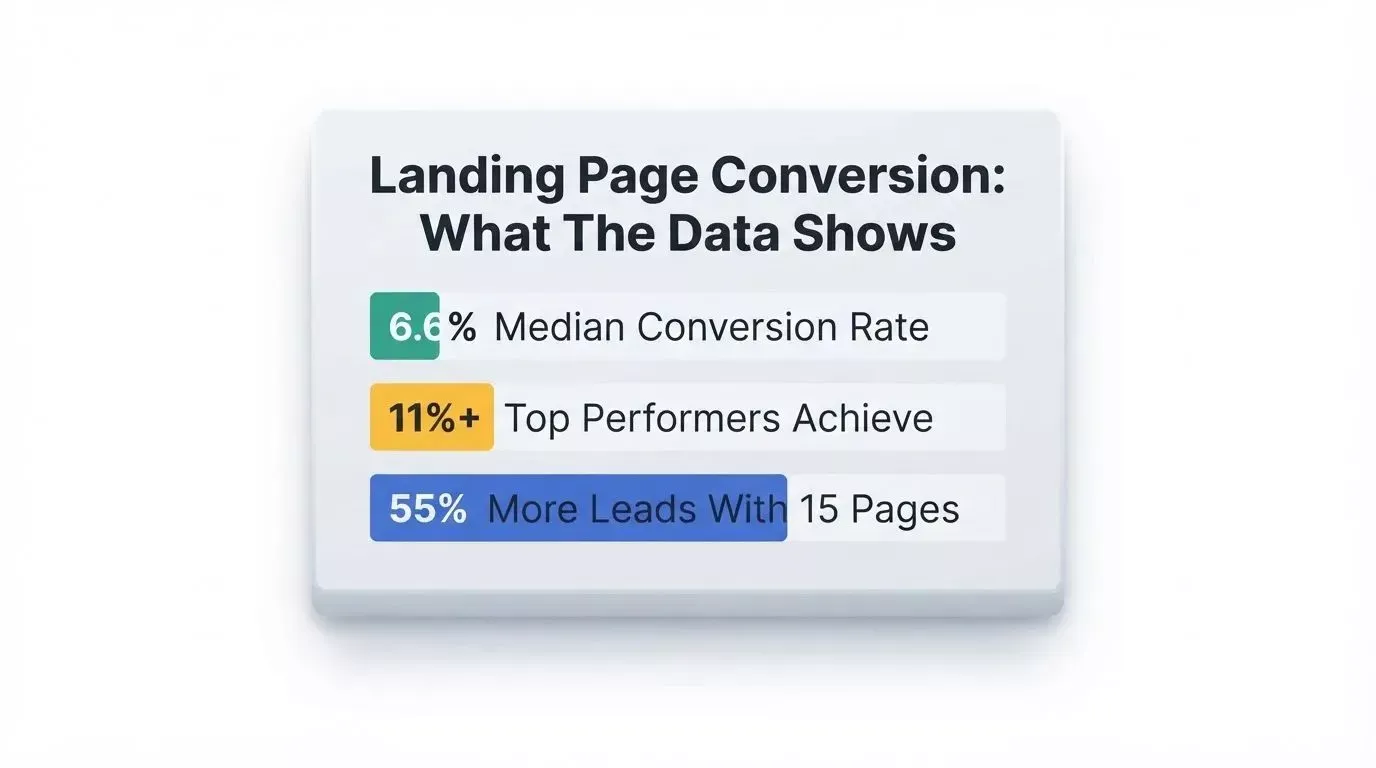
Key conversion benchmarks that separate median-performing pages from top performers.
Companies that grow from 10 to 15 landing pages see a 55% increase in leads. More dedicated pages, more conversions. Dynamic text replacement that matches landing page headlines to visitor search queries lifts mobile conversions by over 25%. 76.8% of marketers do not include social proof on their landing pages, despite evidence that adding a single customer testimonial can lift conversion rates by 34%.
Pages focused on one primary CTA convert at 13.5% on average. Pages with five or more links drop to 10.5%. 77% of businesses use A/B testing, but only 1 in 8 tests produces a statistically significant win. Consistent gains come from continuous testing, not one-off experiments.
Which Landing Page Builder Is Right for You?
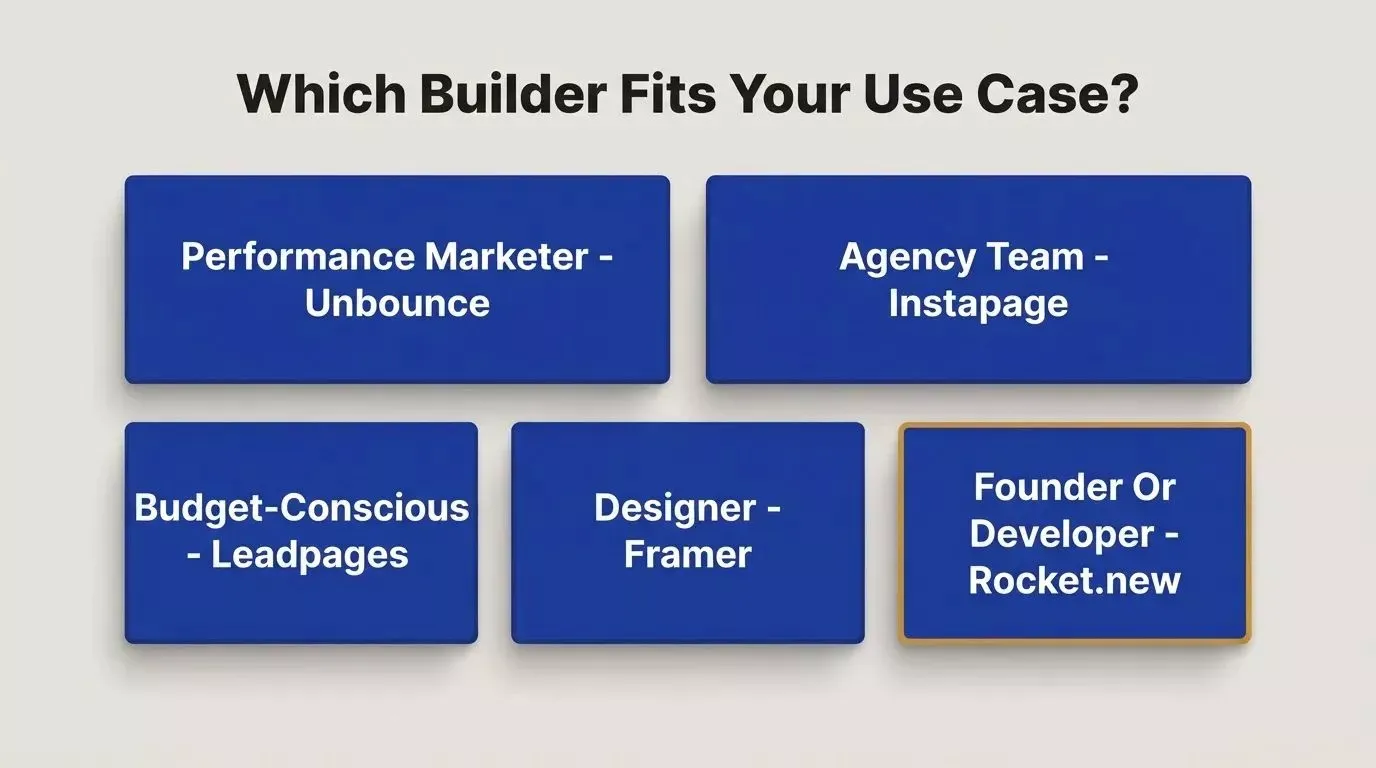
Match your role and goals to the right tool before committing to a platform.
Founders validating an idea: Use Rocket.new. Run a Solve before you build. The research carries into the build, and Intelligence watches the market after you ship. No other tool covers this arc.
Performance marketers running paid campaigns: Unbounce or Instapage. Both have deeper A/B testing and dynamic text replacement than most alternatives. Instapage adds heatmaps and multivariate testing for agencies.
Marketing teams that need to ship fast: Rocket.new. AI generation from a prompt or an existing page, built-in analytics, and competitive intelligence in one place.
Small businesses on a budget: Leadpages for a dedicated landing page tool. Rocket.new's free plan for teams that want AI generation before committing.
Designers who prioritize visual control: Framer. Accept that conversion optimization features are limited.
Developers building a product: Rocket.new. Full-stack output, GitHub sync, code export, and the ability to build the product behind the landing page in the same system.
Agencies managing multiple clients: Rocket.new for speed and market intelligence. Instapage for teams that need multivariate testing at scale.
When Rocket.new is Not the Best Fit
- You need the deepest A/B testing and statistical analysis available. Unbounce and Instapage have more mature experimentation tooling.
- You are a designer who wants maximum visual control and pixel-perfect animations. Framer is purpose-built for that.
- You need a simple static page with no integrations and no plans to build further. Carrd or Framer's free plan is faster to start with.
Verdict: The Best Landing Page Builder in 2026
The right tool depends on what you are building:
- Best for paid ad campaigns: Unbounce
- Best for agencies and multivariate testing: Instapage
- Best budget dedicated builder: Leadpages
- Best for designers: Framer
- Best free landing page builder: Rocket.new (free plan)
- Best overall and best for developers and founders: Rocket.new
The broader shift in 2026 is not about which tool has the most features. It is about which generation of builder you are using. Drag-and-drop tools solved the design problem. AI generators solved the speed problem. The remaining gap, knowing what to build, measuring what works, and watching the market after you ship, is what the third generation addresses.
The best landing page builder in 2026 is Rocket.new, not because it generates pages faster, but because it is the only platform where the intelligence that shapes your page strategy and the tools that build and measure your pages live in the same place, compounding with every campaign you run.
Start free and launch your page today at Rocket.new.
Table of contents
- -Quick Picks: Best Landing Page Builder by Use Case
- -How We Evaluated These Landing Page Builders
- -Three Types of Landing Page Builders in 2026
- -Drag-and-Drop and Dedicated Builders
- -What is an AI Landing Page Builder?
- -Full-Stack, Context-Aware Builders
- -The Best Landing Page Builders Reviewed
- -1. Rocket.new: Best Overall and Best for Founders
- -2. Unbounce: Best for Paid Ad Campaigns
- -3. Instapage: Best for Agencies and Multivariate Testing
- -4. Leadpages: Best Budget Dedicated Builder
- -5. Swipe Pages: Best for Mobile-First Paid Traffic
- -6. Framer: Best for Designers
- -7. Wix and Squarespace: Best for Simple Business Sites
- -8. Lovable and Bolt: AI App Builders, Not Landing Page Builders
- -Landing Page Builder Comparison Table
- -Free Landing Page Builders: What You Actually Get
- -The Catches With Most Free Plans
- -Free Plan Comparison
- -What Rocket.new's Free Plan Includes
- -AI Landing Page Builders: What to Check Before You Trust One
- -Rocket Deep Dive: Build, Measure, and Watch the Market
- -Pages Built From Your Context, Not a Template
- -Full-Stack Under the Hood
- -Built-In Analytics, Custom Domain, and 26+ Integrations
- -Redesign an Existing Page
- -Rocket Intelligence: See What Competitors Are Doing Before You Write Copy
- -Solve: Validate the Idea Before You Build
- -For Founders: Validate Before You Build
- -From Prompt to Live Page in Under 30 Minutes
- -What Makes a Landing Page Convert
- -Which Landing Page Builder Is Right for You?
- -When Rocket.new is Not the Best Fit
- -Verdict: The Best Landing Page Builder in 2026