

Which AI app builder fits your workflow best? Rocket.new offers deeper full-stack control, while Bolt.new prioritizes rapid, prompt-based generation. As low-code adoption rises, the choice depends on speed requirements, depth of customization, and development flexibility.
Rocket.new vs Bolt.new. Which platform delivers better results?
It depends on the type of application development you want.
Bolt focuses on quickly generating AI-powered apps with simple prompts. Rocket advances deeper full-stack development with greater control over generated code.
According to recent data, 65% of all app development activity is expected to be conducted using low-code or no-code tools in the near future. This highlights a significant shift toward modern AI tools in software development.
That shift explains why tools such as Rocket.new and Bolt.new are receiving attention. Teams want speed. Developers want control. Founders want to launch yesterday.
So let’s break it down clearly.
Understanding the Core Idea Behind Both Platforms
Both platforms are built around AI-powered app development.
The promise is simple.
Type a prompt. Press enter. Get a working application.
That sounds similar on the surface. But once the building starts, the experience feels quite different.
How Rocket Approaches It?
- Focuses on full-stack development
- Supports backend logic and database setup
- Offers version control options
- Gives more flexibility during deployment
- Feels closer to structured app development
Rocket still uses AI tools, but it also provides greater control over generated code and backend functionality.
How Bolt Approaches It?
- Focuses on rapid prototyping and quick app building
- Works mainly from a single prompt
- Uses natural language to generate code in one go
- Designed for speed and fast launch
- Great for testing an idea without a heavy setup
Bolt keeps things simple. Describe the app, press enter, and let the AI handle app generation instantly.
So the real choice comes down to one thing.
Is speed the top priority, or is structured development with deeper control more important? Both platforms work. The better fit depends on how the project needs to grow.
Rocket.new: The Platform That Lives Up to the Name
Rocket.new lets you create real, ready-to-use apps just by describing your idea. There’s no need for coding knowledge. The platform handles the research, design, and deployment process for you.
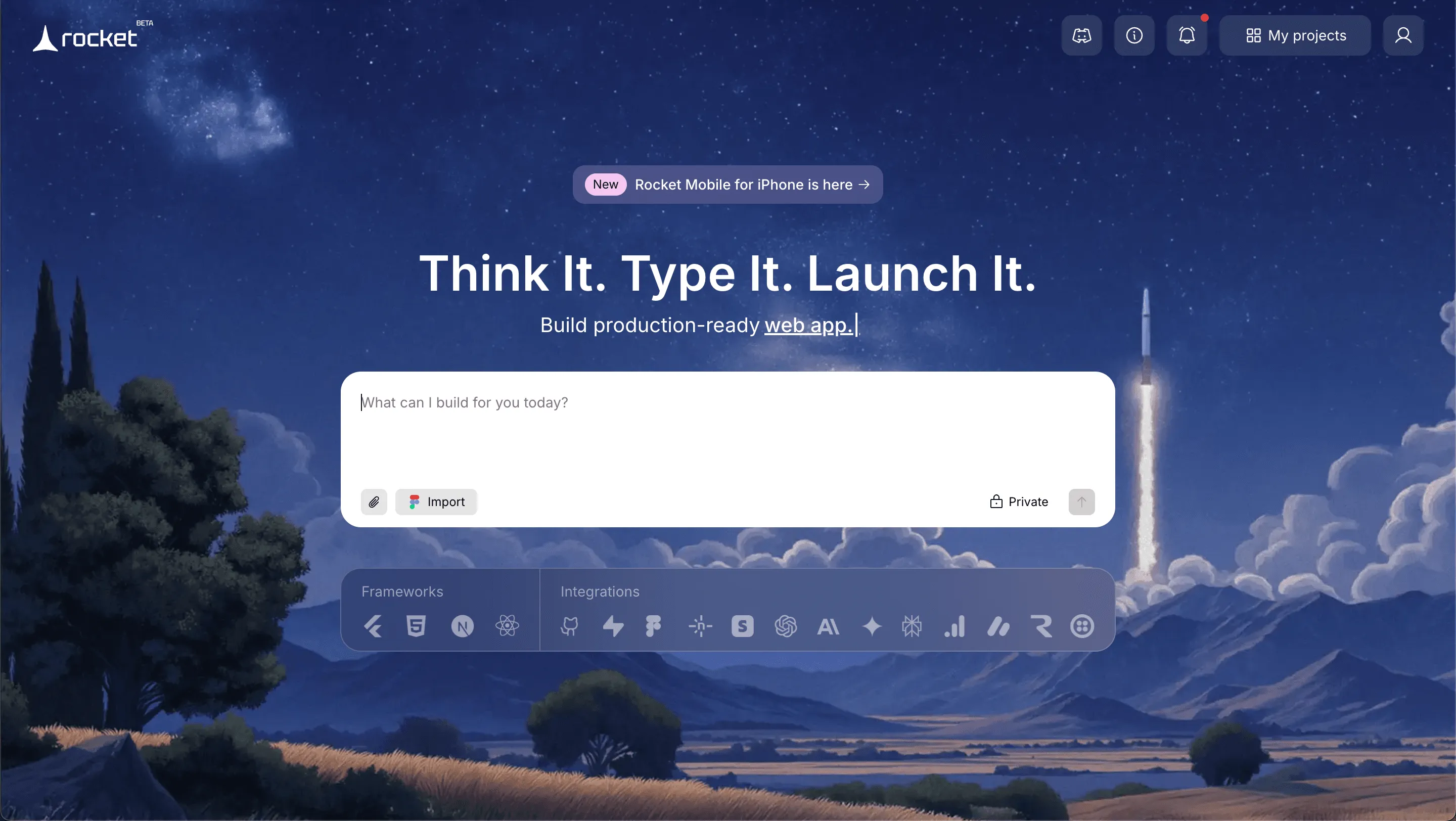
By turning simple prompts into functional applications, Rocket makes app development fast, straightforward, and accessible to anyone, not just experienced developers.
Top Features
- Prompt to App Creation: Builds apps directly from single prompts
- Figma Import: Converts design files into live, editable layouts
- AI-Powered Backend: Automatically handles logic, data, and workflows
- Custom Domain Support: Publishes projects with a branded domain
- Code Export: Allows developers to extend or customize later
- Live Preview: Shows instant updates while editing
Best For
Rocket.new serves individuals and teams who want full-stack application development with generated code that you can edit later.
It works well for:
- Internal tools
- Web applications with backend logic
- Product MVPs with future plans
- Projects needing more control over generated code and deployment flow
Pricing
Rocket.new uses a token-based monthly model with both free and paid plans:
| Plan | Price | Notes |
|---|---|---|
| Starter (Free) | Free | 1M tokens, limited screens |
| Personal | $25/month | 5M tokens, basic app building |
| Rocket | $50/month | 10.5M tokens, more screens |
| Booster | $100/month | 22M+ tokens, high volume |
Rocket also focuses on security and deployment stability. For teams working on internal tools that manage real data, that matters.
Use Cases
Rocket supports multiple project types.
Internal Tools for Teams: Companies use Rocket to develop internal tools for operations. These include dashboards, reporting systems, and admin panels. Backend and database setup are created automatically,y but remain editable.
Web Applications with Full Stack Needs: Rocket supports full stack web applications. It handles the front-end UI, back-end logic, and database connections in a single process. Developers can test and iterate quickly.
Product MVP with Growth Plans: Rocket is suitable for founders who want rapid prototyping but also care about future scalability. The platform suits teams that want to start building quickly but avoid rewriting the application later.
Landing Page Plus Backend : You can create a landing page connected to a real database and backend system. This makes it fully functional rather than merely visual.
Rocket appears to be the platform for builders who think long term. It supports structured app development, gives access to generated code, and keeps backend and database control in your hands.
Teams that care about version control, security, and scalable full-stack projects will likely feel comfortable here. It may not be the fastest for a rapid landing page idea, but it rewards developers who want stability and future growth.
What is Bolt.new Really Built For?
Bolt is built for vibe coders and teams that prioritize speed. The platform shines in rapid prototyping and simple web applications.
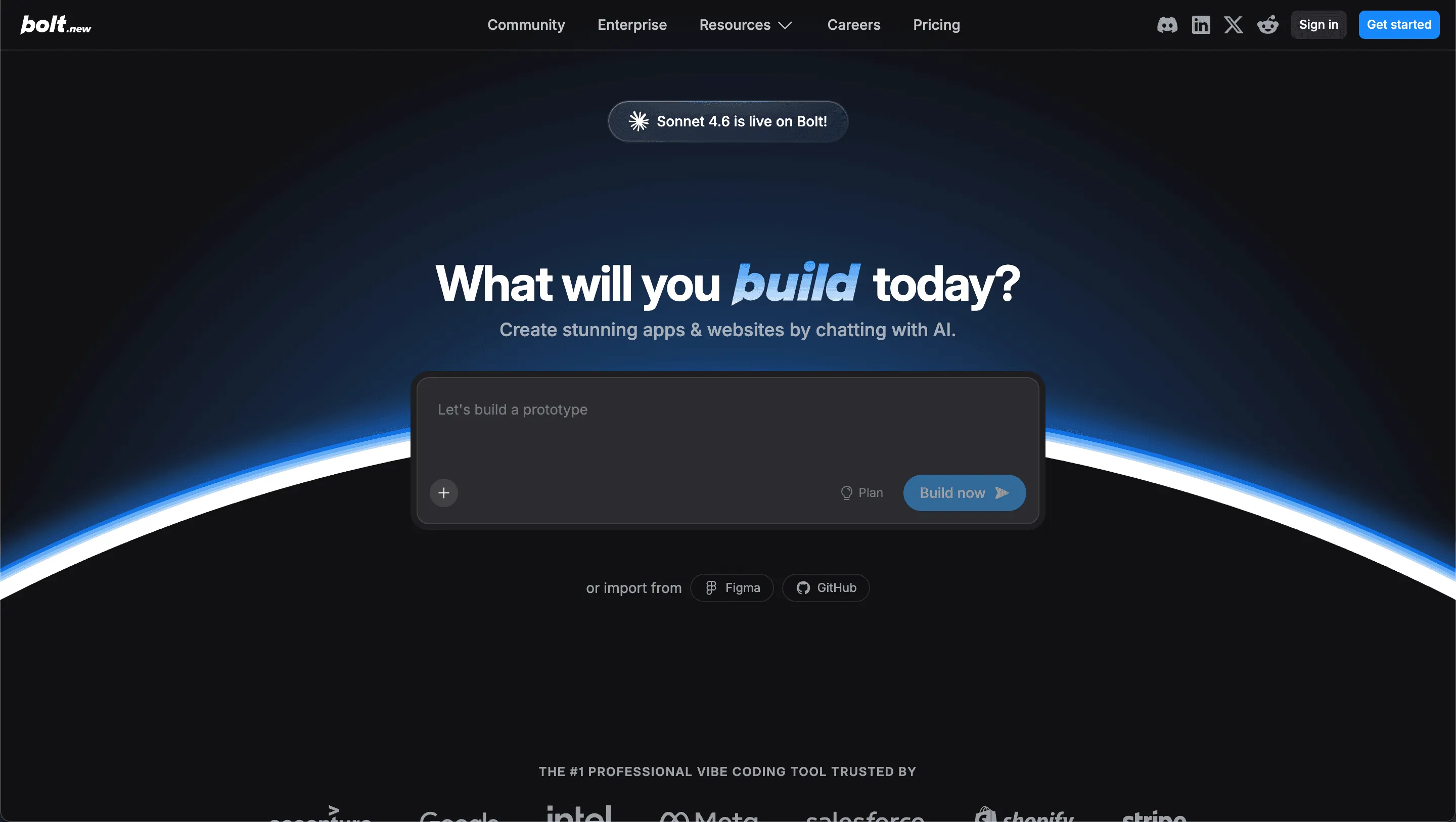
You type a single prompt. Press enter. The AI handles app generation. It creates ui screens, backend, and even some database structure. It feels like fast-forward for app building.
Key features of Bolt include:
- Single prompt app generation
- Quick landing page setup
- AI powered backend setup
- Basic user authentication
- Simple deployment options
- Free plan and free tier access
Best For
Bolt.new is well-suited for rapid prototyping and interactive, full-stack, AI-assisted development entirely in your browser. It excels when you want to generate ideas quickly with minimal setup.
Pricing
Bolt.new also uses tokens, with freemium and paid plans:
| Plan | Price | Notes |
|---|---|---|
| Free | $0 | Limited tokens, basic features |
| Pro ($20–$25/mo) | ~$20–25 | 10M monthly tokens |
| Higher Pro ($50–$100/mo) | $50 / $100 | More tokens & priority features |
| Teams ($30+/mo) | Custom | Collaboration & shared tokens |
| Enterprise | Custom | SLA, security, premium support |
The free tier provides basic app building and testing. Paid plans boost token limits, support private projects, custom domains, and collaboration.
Limitations
- Token consumption can be unpredictable in bigger apps.
- Some users report inconsistent code quality generated.
- Debugging and fixes might need manual intervention.
Bolt is user-friendly for non-technical users as well. Natural language input lowers the barrier. You describe what you want. Press enter. The app gets created. For startups, that speed can feel transformative.
How They Compare
Rocket and Bolt both support modern app development, but they approach it differently.
This brief comparison highlights where each platform performs best, so teams can make decisions more quickly.
| Aspect | Rocket.new | Bolt.new |
|---|---|---|
| Speed | Good | Excellent |
| Full Stack Support | Strong | Moderate to Strong |
| Generated Code Quality | Better | Mixed |
| Best for Prototypes | Yes, but structured | Yes, rapid |
| Best for Production | More reliable | Often needs cleanup |
Bolt is distinguished by its speed and rapid prototyping. Rocket stands out for structured full-stack development and cleaner generated code. The right choice depends on whether the priority is quick launch or long-term stability.
Code Quality and Generated Code
Generated code should not just work today. It should stay manageable as the app grows.
Rocket
- Easier to inspect and edit generated code
- Better version control support
- Stronger code quality for scaling
Bolt
- Generates code quickly
- Works well for simple apps
- May need cleanup for complex applications
Bolt gives fast, usable results. Rocket provides greater control over scaling and a cleaner architecture.
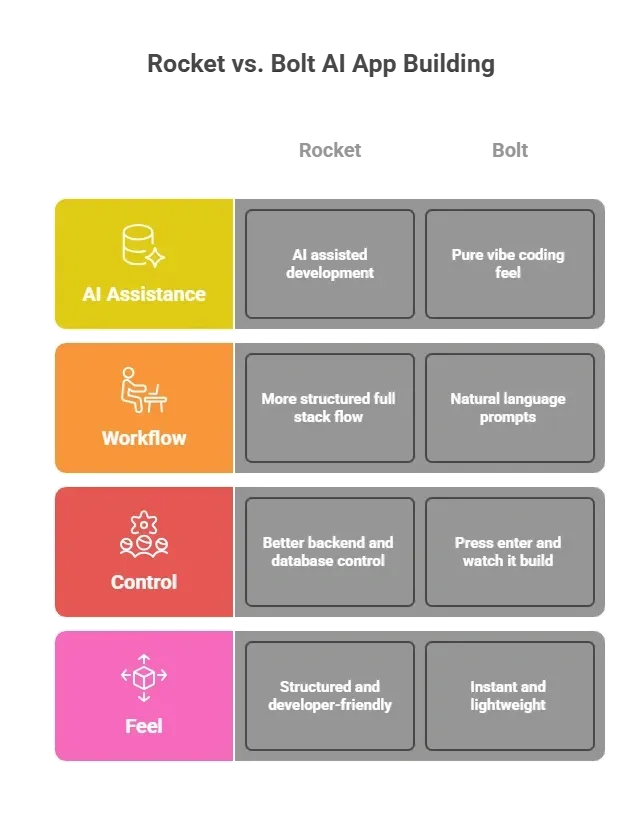
AI-Powered Experience and Vibe Coding
Both platforms rely heavily on AI for app building. The difference shows in how the workflow feels.
Community Insight
Developers discussed on Reddit how Rocket compares with other AI-powered app-building tools.
No affiliation, Claude supported model Plus the usual been a bit frustrated with dependability for serious acceleration of idea to execution and developing production solutions with Lovable Replit and Bolt. Some of this is the reliance on LLM but not all of it.
Several users pointed out that Rocket feels more developer-friendly because it provides access to generated code
Which Platform Fits Which Team?
Not every team builds the same way. Some want speed and quick validation, while others want structure and long-term control.
Who should choose Rocket?
- Developers who care about code quality
- Teams building complex applications
- Projects needing stronger backend and database control
- Long term app development plans
Each platform fits different needs.
So who should choose Bolt?
- Founders testing an idea
- Teams building internal tools quickly
- Vibe coders who want rapid prototyping
- Users who prefer single prompt workflows
Bolt fits teams that move fast and test ideas quickly. Rocket fits teams that think bigger and build for stability and scale.
Choosing Between Rocket and Bolt
Teams want faster app development without losing control. They want ai powered tools that generate code but still allow editing. Choosing between rocket.new vs bolt.new can feel confusing.
Bolt works well for rapid prototyping and quick launch. Rocket enables deeper full-stack development with stronger backend, database, and version-control capabilities.
If the goal is pure speed and idea testing, Bolt is a solid pick. If the goal is structured app development with better code access, Rocket delivers better long-term results.
Table of contents
- -Understanding the Core Idea Behind Both Platforms
- -How Rocket Approaches It?
- -How Bolt Approaches It?
- -Rocket.new: The Platform That Lives Up to the Name
- -Top Features
- -Best For
- -Pricing
- -Use Cases
- -What is Bolt.new Really Built For?
- -Best For
- -Pricing
- -Limitations
- -How They Compare
- -Code Quality and Generated Code
- -Rocket
- -Bolt
- -AI-Powered Experience and Vibe Coding
- -Community Insight
- -Which Platform Fits Which Team?
- -Who should choose Rocket?
- -So who should choose Bolt?
- -Choosing Between Rocket and Bolt

