
AI app creation has shifted from months of engineering work to hours of natural language prompts. This blog compares the top platforms, explains how to choose between them, and covers what each tool actually delivers.
What is Driving the AI App Creation Shift?
Building software used to mean months of engineering work and five-figure agency bills. That changed. Global AI software revenue is projected to hit 298 billion dollars by 2027, and teams are turning to faster methods.
AI stepped in with natural language prompts, smarter builders, and visual editors that react almost instantly. Builders now generate complete sections, fix issues in minutes, and create apps without writing backend logic from scratch.
As a result, the shift opened a real path into AI app creation for non-technical users and developers alike.
How AI App Creation Actually Works
Most AI app creation platforms follow a similar three-stage process. The quality of each stage varies significantly between tools.
The AI app creation workflow: from a natural language prompt to a deployed, live app.
The key differentiator between platforms is where they start and where they stop. Some tools only handle code generation. Others cover the full arc from research to deployment. That distinction is what makes choosing the right tool straightforward.
The Four Categories of AI App Creation Tools
Understanding the category before picking a tool saves significant time.
AI App Builders (Full-Stack Generation)
These tools respond to plain text and generate complete frontend, backend logic, data structures, routing, and interactive flows from a single description. They work best for founders, non-technical builders, and anyone going from idea to deployed app without writing code.
Low-Code Visual Editors
These tools match builders who prefer dragging components, linking data sources, and shaping custom apps without extensive coding knowledge. For a deeper look at how low-code and no-code development compares, the differences matter when choosing a platform. They work best for operations teams and product managers who want hands-on layout control.
Hybrid Builders
These tools generate code, support custom domain setups, and offer more control for teams that want a working app with deeper customization. They support rapid prototyping and help build fully functional, well-structured full-stack apps. They work best for developers who want AI acceleration without giving up code ownership.
Backend Automation Platforms
These tools focus on data models, workflow automation, role-based access, and API keys. They work best for internal tools, dashboards, and data-heavy applications where design is secondary to function.
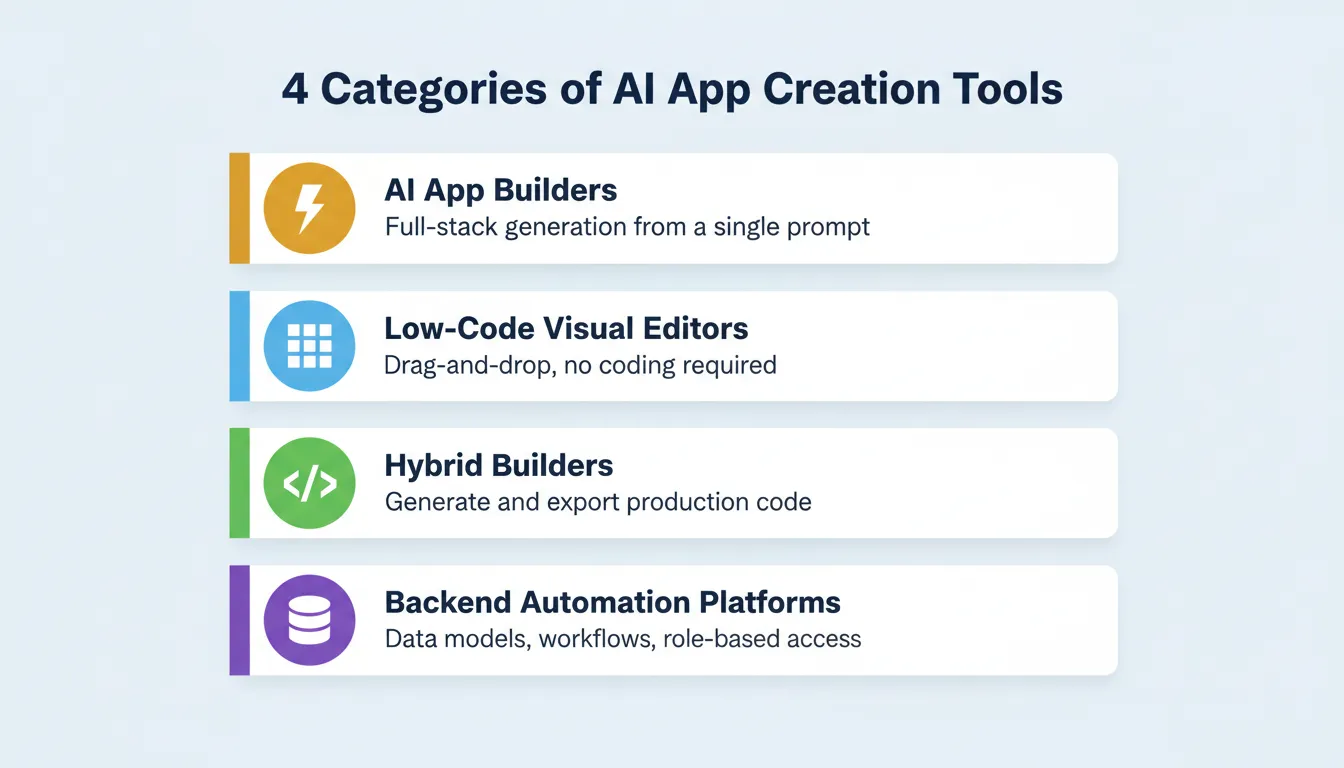
The four categories of AI app creation tools. Each serves a different builder type and use case.
What to Look for in an AI App Creation Tool
Not all AI app creation tools deliver the same output. Evaluate any platform against these six criteria before committing.
1. Output quality. Does the generated app look like a real product or a template? The best tools produce intentional typography, real visual hierarchy, and design that does not announce itself as AI-made.
2. Framework and code ownership. What technology does the tool generate? Can you download the source code? Next.js and Flutter are production-grade. Proprietary formats lock you in.
3. Iteration model. Can you make changes through natural language after the first generation? Tools that limit changes or require full regeneration cost more over time.
4. Integrations. Does the tool connect to the services your app needs, such as payments, databases, email, and analytics, without manual API wiring?
5. Deployment and hosting. Can you deploy to a custom domain in one click? Are staging and production environments separate? Is there version history and rollback?
6. Who it is built for. Some tools target developers who want AI assistance. Others target non-technical founders who want to ship without writing code. Choosing the wrong category wastes time.
The Best Platforms for AI App Creation Today
1. Rocket: The Vibe Solutioning Platform
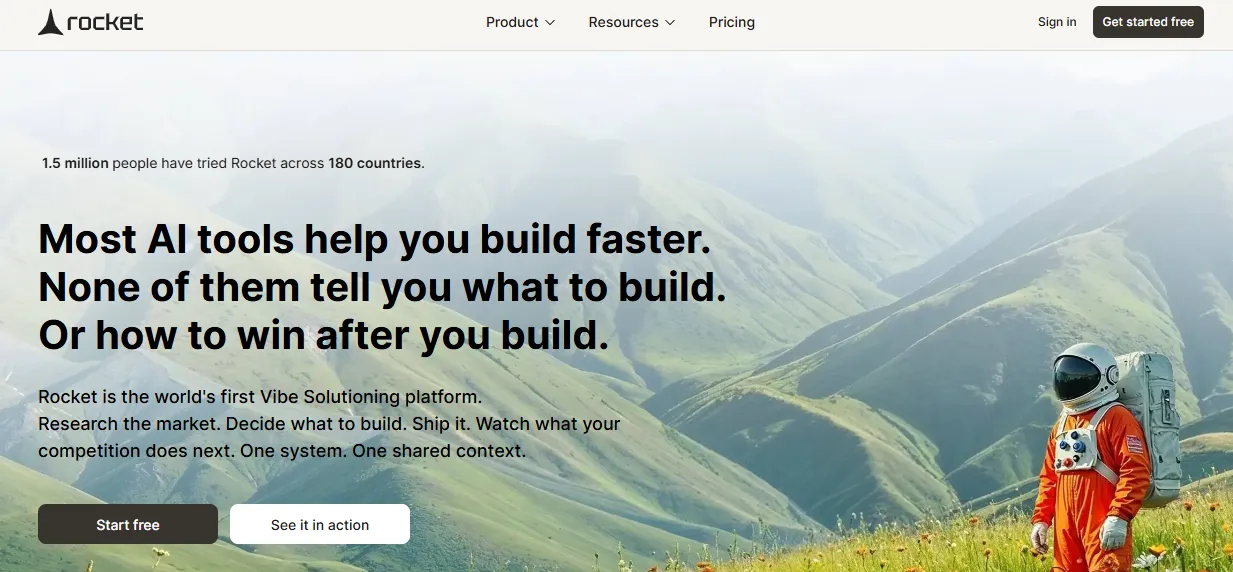
Rocket is the world's first Vibe Solutioning platform. It is the first platform where business thinking and building happen in the same place. 1.5 million people have tried Rocket across 180 countries, from solopreneurs to enterprise teams. Salesforce Ventures and Accel back the platform.
How it works. Describe your app in plain language. Rocket plans the architecture, writes production-ready code, and shows a live preview. Most apps generate in 1 to 3 minutes. Web apps are built in Next.js. Mobile apps are built in Flutter with real design systems, dark/light theming, and fluid navigation. The output is a working, deployable product, not a wireframe.
What you can build:
- Web apps: SaaS, dashboards, internal tools, marketplaces, customer portals
- Mobile apps: iOS and Android from a single Flutter codebase, ready for App Store and Google Play
- Landing pages: conversion-focused, SEO-ready, fast-loading
- E-commerce stores: product catalogs, checkout flows, payment integrations
- Internal tools: OKR trackers, compliance tools, investor data rooms
Six ways to start a build:
- From a plain language prompt
- From an uploaded file (image, PDF, spreadsheet, CSV)
- From a Figma design (preserves typography, spacing, color system)
- From an existing GitHub repo (Next.js and TypeScript only)
- From a template (zero credits consumed)
- From a URL (redesign an existing website with eight slash commands)
Three pillars that set Rocket apart.
Solve researches what to build before the build begins. Any business question becomes a complete structured solution with findings, evidence, and recommendations. Build generates production-grade Next.js web apps and Flutter mobile apps from natural language, Figma files, or existing GitHub repositories. Intelligence monitors every public platform a competitor operates on continuously and interprets what signals mean for your business.
Every build ships with SEO-ready structure, WCAG accessibility compliance, GDPR coverage, and performance optimization. These are the baseline, not optional extras.
25+ integrations include Stripe, Supabase, Google Analytics, OpenAI, Anthropic, Gemini, Perplexity, PayPal, Mailchimp, Mixpanel, Notion, Linear, Airtable, Typeform, Twilio, Resend, SendGrid, and more. Authenticate once and they flow into every build.
After you ship, deploy to a live URL with one action. Staging and production environments are separate. Full version history and one-click rollback are included. Built-in analytics track visitors, conversions, and Core Web Vitals.
Limitation to know. The framework is assigned automatically. Next.js handles web and Flutter handles mobile. You cannot change the framework after a task is created.
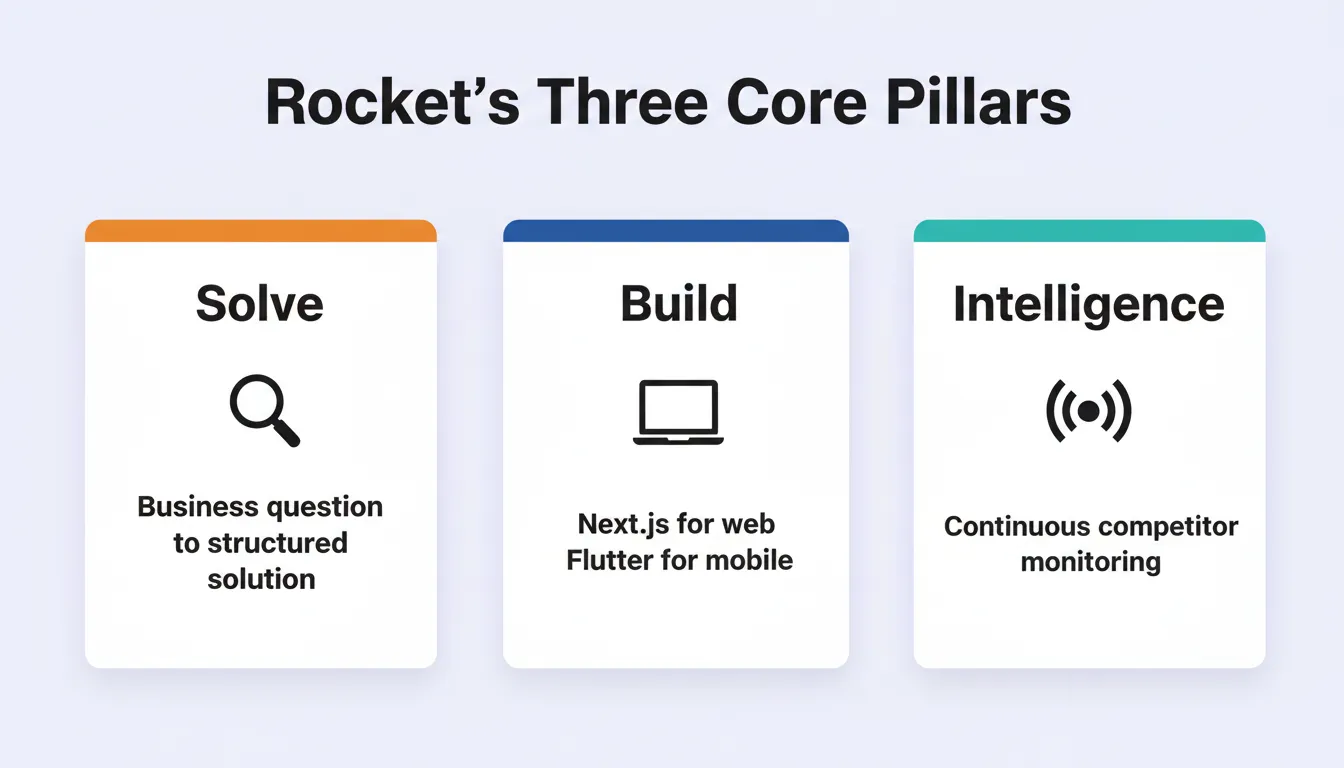
Rocket's three pillars — Solve, Build, and Intelligence — share one context so nothing is re-explained between steps.
Rocket Pricing Overview
| Plan | What It Covers |
|---|---|
| Free | 20 one-time credits on signup |
| Build | App generation credits, roll over monthly |
| Solve + Build | Research and app generation credits |
| Solve + Build + Intelligence | Full platform access |
| Intelligence add-on | USD 100 per month per competitor tracked |
2. Bubble: Visual App Builder with Depth
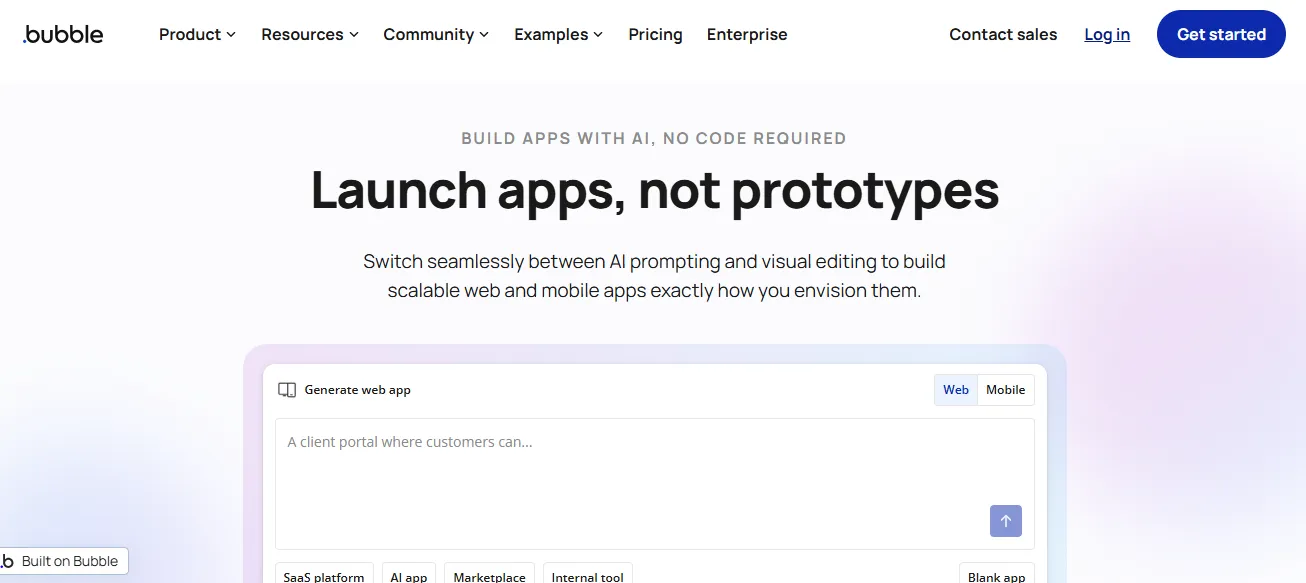 Bubble is a mature option for builders who prefer a visual editor. It works well for solo builders and teams building multi-step web apps with complex logic.
How it works. Bubble uses a drag-and-drop interface with a visual workflow editor. Most builds require no code. Plugins extend functionality significantly.
What you can build. Multi-page web apps, marketplaces, SaaS products, and client portals. Bubble does not natively generate mobile apps.
Strengths:
- Mature ecosystem with thousands of plugins
- Connects to external data sources and Google Sheets
- Strong community and learning resources
- Handles complex conditional logic without code
Limitations:
- Generated output uses a proprietary format and cannot be exported as source code
- Large projects can feel heavy when many components sync data
- Mobile experience requires additional configuration
Best for. Non-technical founders building web-only SaaS products or marketplaces who want maximum visual control and a large plugin ecosystem.
3. FlutterFlow: Hybrid Builder for Mobile and Web
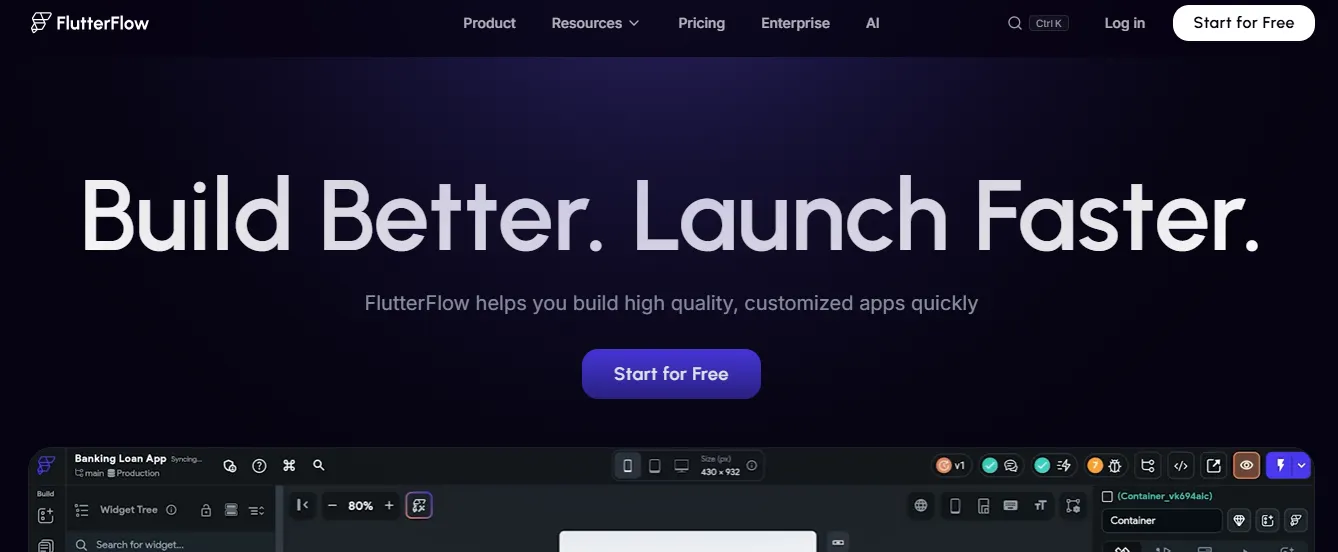 FlutterFlow generates Flutter code, lets you export it, and supports mobile app projects with serious depth. Designers and developers both find it useful.
How it works. FlutterFlow uses a visual drag-and-drop interface that generates Flutter code underneath. Firebase integration is native. The generated code is exportable and production-ready.
What you can build. iOS apps, Android apps, and web apps. It is particularly strong for mobile-first projects.
Strengths:
- Exportable Flutter code with no lock-in
- Clear component libraries and user interface tools
- Works well for teams who want control over the final codebase
Limitations:
- Paid plans start earlier than expected, limiting the free plan experience
- Steeper learning curve than pure no-code tools
- Firebase-centric backend can feel limiting for non-Firebase stacks
Best for. Developers and technical founders who want AI-assisted mobile app development with the ability to own and extend the generated code.
4. Softr: Simplest Path from Data to App
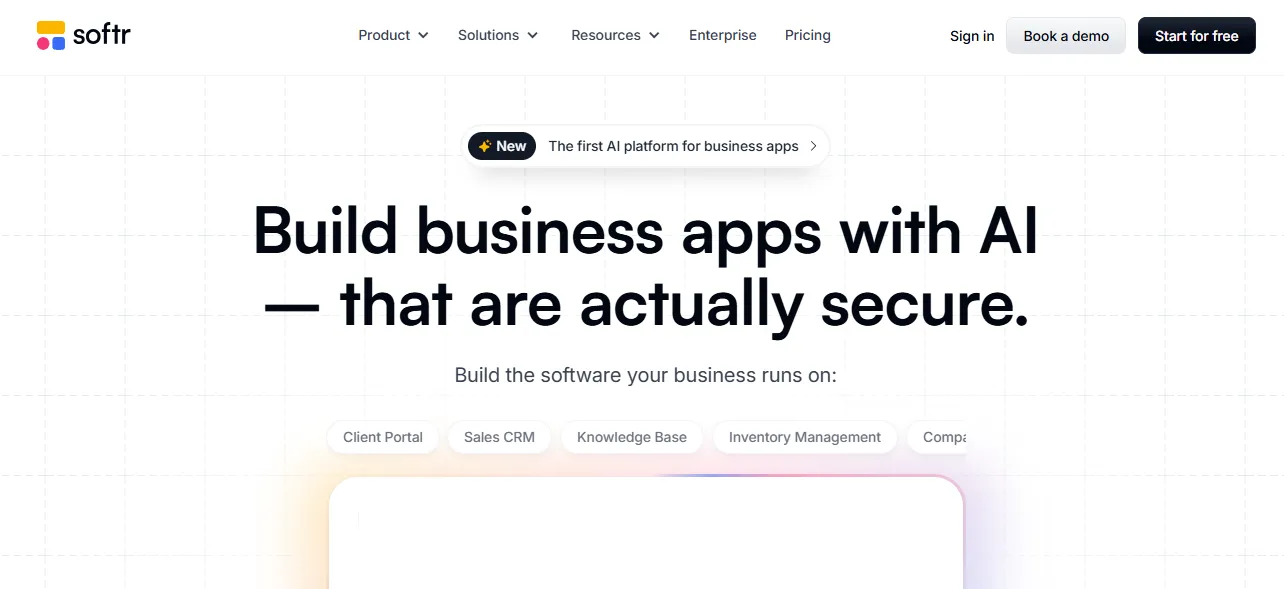 Softr attracts non-technical builders who use Google Sheets or Airtable as their data source. It is simple, clean, and well-suited for internal tools and client portals.
How it works. Connect an Airtable base or Google Sheet, select a template, and Softr generates a web app around your data. No code is required.
What you can build. Internal tools, client portals, member directories, job boards, and simple dashboards. Web-only.
Strengths:
- Fastest path from a spreadsheet to a working app
- Easy file storage management
- Friendly for small teams with no technical background
Limitations:
- Tightly coupled to Airtable and Google Sheets; other databases require workarounds
- Not suitable for complex backend logic or custom authentication flows
- Limited design flexibility compared to full builders
Best for. Operations teams and non-technical founders who already work in Airtable or Google Sheets and want a web app on top of their existing data.
5. Adalo: Fast Mobile App Prototyping
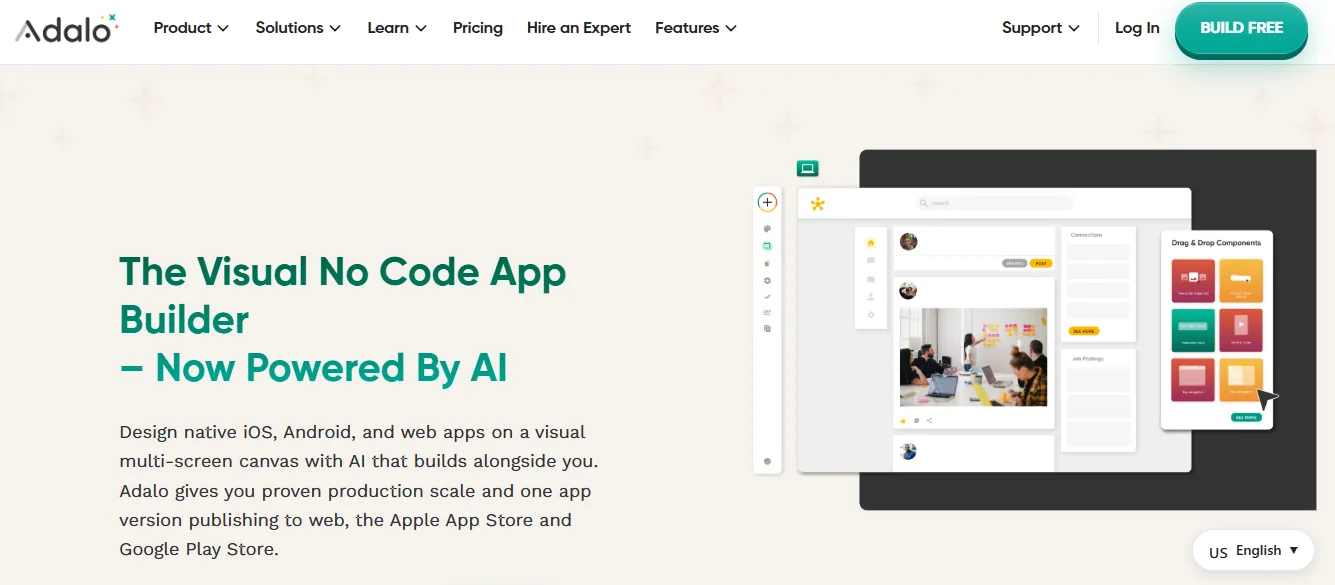 Adalo works well when teams need a fast-working mobile app without major wiring. Its AI assistant helps create flows and generate small code snippets.
How it works. Adalo uses a visual builder with a component library. You can connect to external APIs or use Adalo's built-in database. Apps publish directly to iOS and Android.
What you can build. Mobile apps, simple web apps, and MVPs. It is well-suited for early-stage validation.
Strengths:
- Smooth natural language workflows for simple apps
- Direct publish to App Store and Google Play
- Friendly to non-technical users
Limitations:
- Heavy backend logic may require external systems
- Performance can degrade with complex data relationships
- Limited scalability for production apps with high traffic
Best for. Non-technical founders who need a mobile app MVP quickly and want to validate an idea before investing in a more scalable platform.
6. Replit: AI-Assisted Cloud IDE
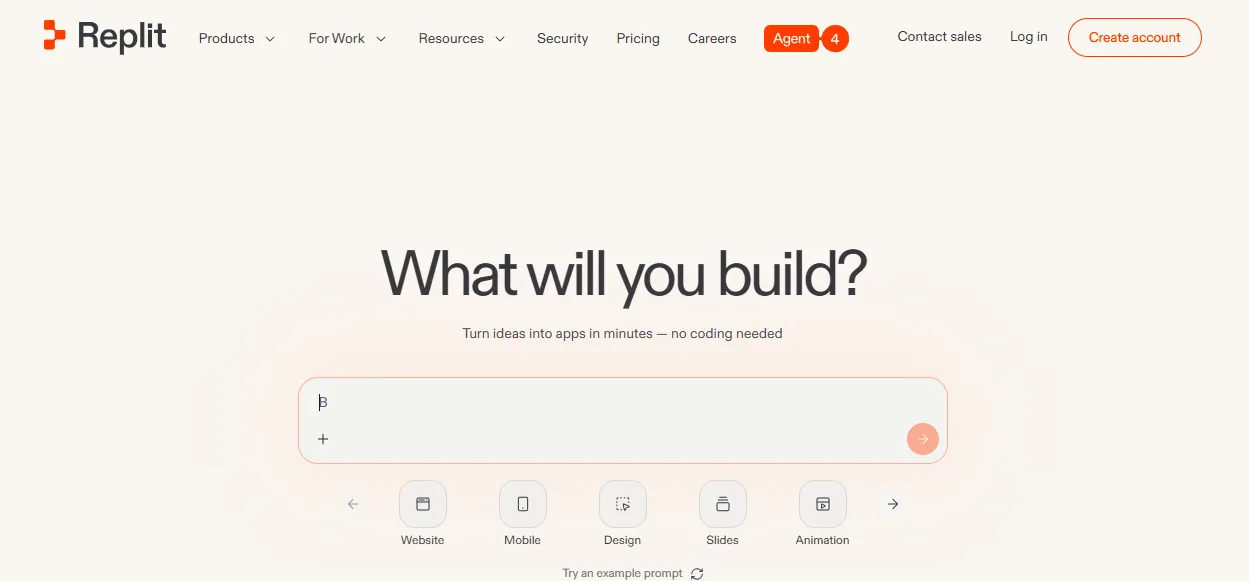 Replit is a cloud-based development environment with AI features built in. It is not primarily an app builder. Instead, it is a coding environment where AI helps you write and debug code faster.
How it works. You write code in a browser-based IDE. Replit's AI generates functions, fixes bugs, and suggests completions. You deploy directly from the editor.
What you can build. Full-stack web apps, APIs, scripts, bots, and data pipelines. It supports most programming languages and frameworks.
Strengths:
- Strong full-stack potential across many languages
- Good for AI-powered apps that require custom logic
- Active community with shared projects
Limitations:
- Not suitable for non-technical users
- More manual editing required than a traditional AI app builder
- Hosting reliability has been a concern for production workloads
Best for. Developers who want AI coding assistance inside a cloud IDE and are comfortable writing and debugging code themselves.
7. Appsmith: Open-Source Internal Tool Builder
 Appsmith works well for internal tools and dashboard-style builds where data flow matters more than design. It is open-source, so you can self-host it.
How it works. You connect data sources such as databases, REST APIs, and GraphQL, then drag and drop UI components and write JavaScript for custom logic. Self-hosted and cloud options are both available.
What you can build. Internal dashboards, admin panels, data management tools, and approval workflows. Web-only.
Strengths:
- Open-source with full self-hosting control
- Strong database connector library covering PostgreSQL, MySQL, MongoDB, and REST APIs
- Good for role-based access and complex data requirements
Limitations:
- Outputs look functional but not polished; not suitable for customer-facing products
- Requires technical knowledge to set up and maintain self-hosted instances
- AI generation features are limited compared to dedicated AI builders
Best for. Engineering and operations teams that need data-heavy internal tools, want open-source flexibility, and are comfortable with a technical setup process.
Side-by-Side Comparison
| Tool | Best For | Output Type | Code Export | Mobile Support | Free Tier |
|---|---|---|---|---|---|
| Rocket | Full-stack, mobile, internal tools | Next.js / Flutter | Yes | Yes (Flutter) | 20 credits |
| Bubble | Web SaaS, marketplaces | Proprietary | No | Via plugins | Yes (limited) |
| FlutterFlow | Mobile-first, hybrid | Flutter | Yes | Yes (native) | Yes (limited) |
| Softr | Data-to-app, portals | Proprietary | No | No | Yes |
| Adalo | Mobile MVPs | Proprietary | No | Yes (native) | Yes |
| Replit | Developer coding | Any language | Yes | Via code | Yes |
| Appsmith | Internal tools | Proprietary | No | No | Yes (open-source) |
How to Choose the Right AI App Creation Tool
The right tool depends on three things: who is building, what they are building, and how much control they need after launch.
Non-technical founder building a customer-facing product. Rocket generates production-ready Next.js web apps and Flutter mobile apps from a plain language description. It ships with SEO and accessibility compliance by default and deploys in one click.
Web app with complex visual logic and a mature ecosystem. Bubble. Its plugin library and visual workflow editor handle multi-step logic well. Accept that you cannot export the code.
Mobile app where you want to own the codebase. FlutterFlow. The exported Flutter code is yours. Developers can extend it locally.
Data already lives in Airtable or Google Sheets. Softr. It is the fastest path from a spreadsheet to a working web app.
Mobile MVP in days with no technical background. Adalo. It is the simplest path to App Store submission. For a broader look at rapid prototyping approaches, the options vary significantly by platform.
Developer who wants AI coding assistance. Replit. It accelerates code writing without abstracting away the code itself.
Self-hosted internal tool with database connections. Appsmith. The open-source model gives you full control.
Who Should Use AI App Creation Tools
AI app creation tools serve different users in different ways.
Founders and solopreneurs. This is the primary use case. AI app creation eliminates the need to hire a development team for an MVP. The best tools let you validate an idea and ship a working product in days, not months.
Product managers. AI builders let PMs prototype ideas without waiting for engineering bandwidth. Platforms with pre-build research capabilities go further by researching whether the idea is worth building before the build begins.
Developers. AI app creation tools accelerate repetitive work such as boilerplate, CRUD operations, and authentication flows. Replit and FlutterFlow serve this group best.
Agencies. AI builders reduce delivery time for client projects. Redesign features that reimagine existing client websites without starting from scratch are particularly useful here.
Enterprise teams. Team collaboration features such as role-based access, shared context, and unified billing make certain platforms significantly stronger for teams replacing tool sprawl.
How AI Agents Are Changing App Creation
AI agents expanded the scope of what builders can automate. Instead of just generating code, they now handle tasks, test flows, and build screens individually. Some connect data sources and shape full-stack logic without extensive coding experience.
The most significant shift is from prompt-to-code to prompt-to-product. Early AI coding tools generated code snippets. In contrast, current AI app creation platforms generate complete, deployable products with routing, authentication, data models, and integrations from a single description.
For teams who want to understand how to build apps without coding, the options today are meaningfully different from what existed two years ago. The next shift is already underway: platforms that research what to build before building it.
The Role of Natural Language in App Building
Natural language lets builders describe screens, backend logic, client portals, authentication systems, and internal tools without writing a single line of code. AI tools build layouts, fix issues, and update routing in seconds.
This removes barriers for non-technical teams and still helps experts who want more control. The best AI app creation tools understand intent, not just syntax. That distinction determines how many revision cycles you go through.
Practical tips for better AI app creation prompts:
- Lead with purpose, not features: "Build a booking system for a hair salon" beats "build a booking app"
- List 3 to 5 key features upfront and add more through chat after the first generation
- Name screens explicitly in your prompt
- Include example data for data-heavy apps
- Separate design requests from functionality requests in iterations
Common Mistakes in AI App Creation
Understanding what goes wrong helps you avoid it.
Over-prompting the first generation. Front-loading every feature in one prompt produces bloated, inconsistent results. Start lean. Describe the core purpose and three to five key screens, then add features through chat after reviewing the first output.
Skipping the preview step. Every AI app creation tool generates a live preview. Interact with it like a real user before making changes. Most issues become visible in the first minute of testing.
Ignoring mobile until the end. If your app needs to work on mobile, specify that in the first prompt. Retrofitting mobile layouts after a desktop-first build takes significantly more work.
Choosing a tool based on price alone. A platform that cannot export code, cannot scale, or cannot connect to your existing services will cost more in migration time than the subscription savings.
Confusing a prototype with a production app. Some AI app creation tools generate prototypes that look like apps but cannot handle real users, real data, or real traffic. Verify that your chosen tool generates production-ready code before committing.
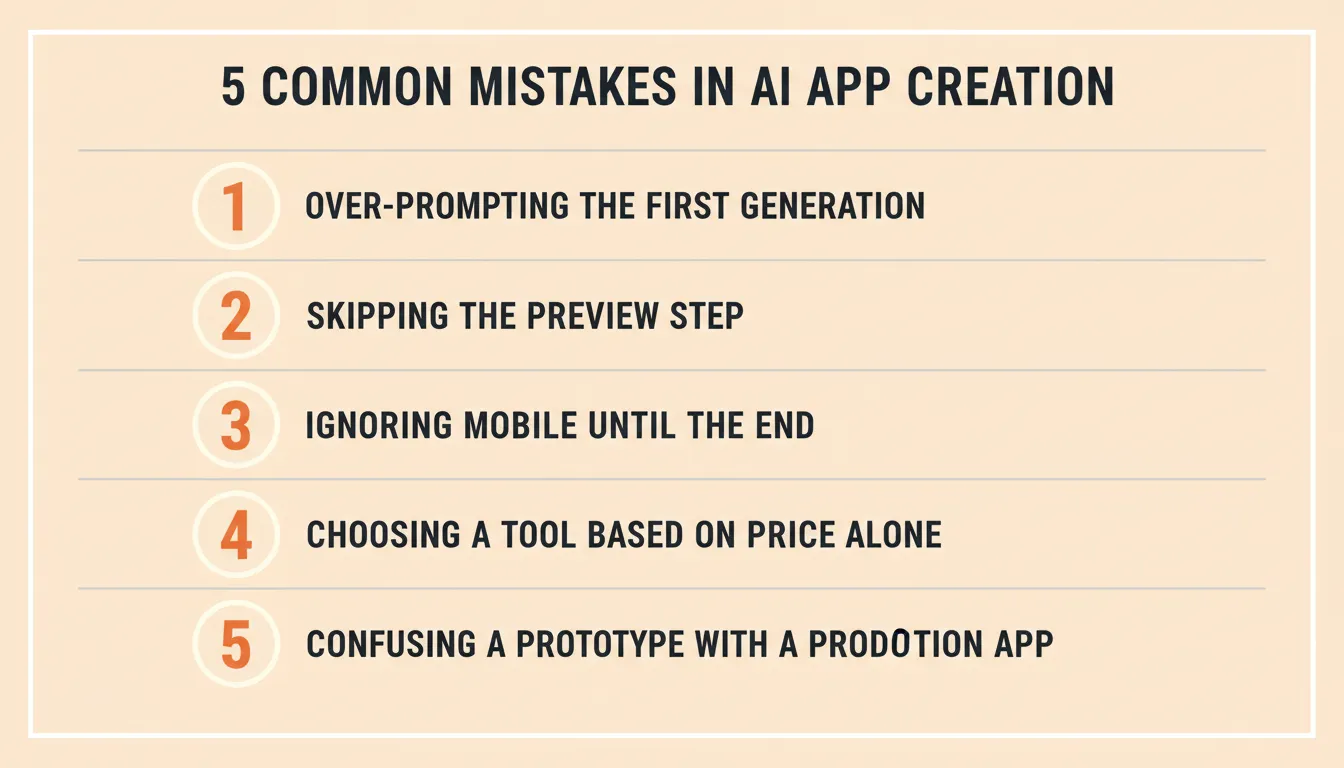
Avoiding these five mistakes will save significant time and rework in any AI app creation project.
The Direction AI App Creation Is Heading
AI app creation is not slowing down. The tools that matter in the next two years are the ones that connect research, building, and monitoring in a single context, not the ones that do one step faster.
The most expensive mistake in any build is not a bad execution. It is a good execution of the wrong thing. The platforms that address what to build, not just how to build it, are where the category is heading.
Rocket covers that full arc, from the business question that validates the direction, to the production-grade app that executes it, to the competitive intelligence that keeps it relevant. Start building on Rocket.new and see what your idea looks like as a working product.
Table of contents
- -How AI App Creation Actually Works
- -The Four Categories of AI App Creation Tools
- -AI App Builders (Full-Stack Generation)
- -Low-Code Visual Editors
- -Hybrid Builders
- -Backend Automation Platforms
- -What to Look for in an AI App Creation Tool
- -The Best Platforms for AI App Creation Today
- -1. Rocket: The Vibe Solutioning Platform
- -Rocket Pricing Overview
- -2. Bubble: Visual App Builder with Depth
- -3. FlutterFlow: Hybrid Builder for Mobile and Web
- -4. Softr: Simplest Path from Data to App
- -5. Adalo: Fast Mobile App Prototyping
- -6. Replit: AI-Assisted Cloud IDE
- -7. Appsmith: Open-Source Internal Tool Builder
- -Side-by-Side Comparison
- -How to Choose the Right AI App Creation Tool
- -Who Should Use AI App Creation Tools
- -How AI Agents Are Changing App Creation
- -The Role of Natural Language in App Building
- -Common Mistakes in AI App Creation
- -The Direction AI App Creation Is Heading