API Management Technology Specialist Professional Website Template
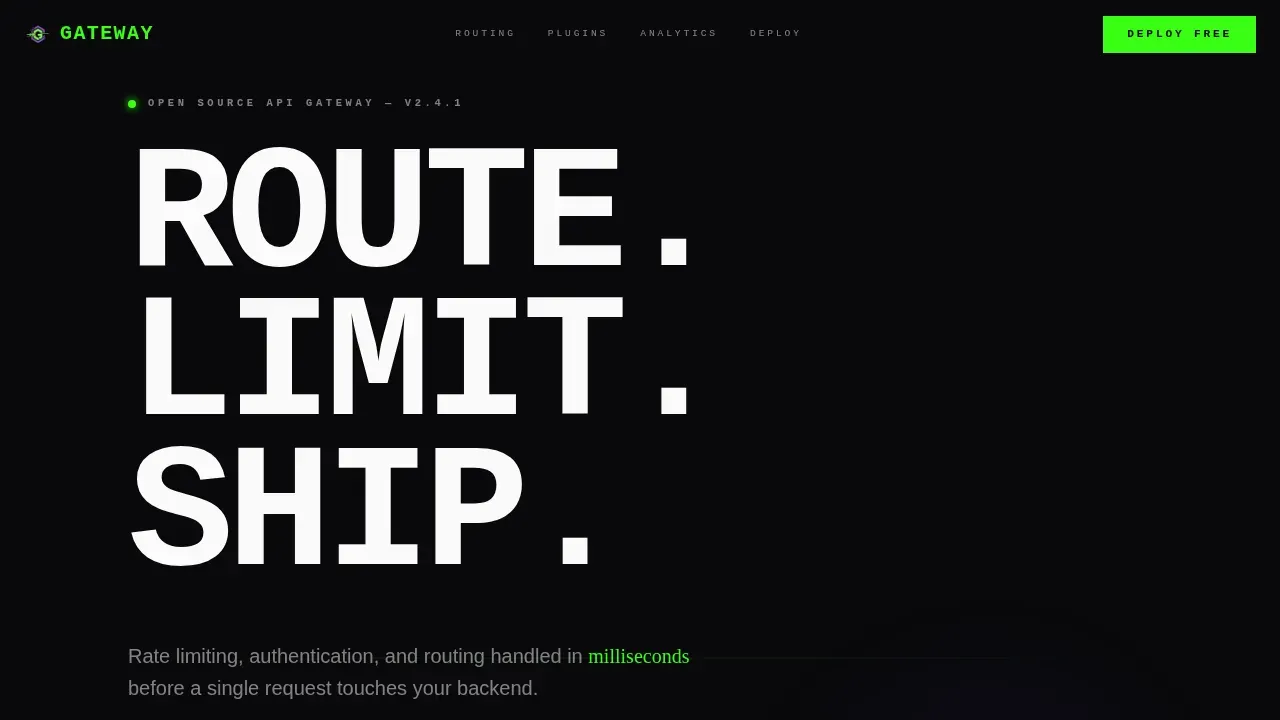
Gateway is a scroll-reveal landing page template built for open-source API gateway projects. It uses a Bold Brutalist aesthetic with an AI Iridescent color system to present routing, rate limiting, and authentication features with raw technical confidence. The interactive URL input hero, snap-reveal sections, and inline deploy flow make it ideal for platform engineers and DevOps leads ready to self-host enterprise-grade API management in minutes.
by Rocket studio
Quick summary
Gateway is a single-page, scroll-reveal landing page template designed for open-source API gateway projects. It combines a brutalist terminal aesthetic with high-interactivity sections to move platform engineers from curiosity to a running API management instance in one focused session. Every section snaps into view on scroll, reflecting the precision that serious API management demands.
Who this template is for
This template speaks directly to the engineers who live inside API infrastructure every day. It is built for people who know what an API gateway does and need a page that respects that knowledge without wasting their time.
- Platform engineers managing microservice sprawl across multiple backend services
- DevOps leads who need a credible, deployable API management solution without vendor lock-in
- Startup CTOs who require enterprise-grade API management architecture at open-source cost
What problem this template solves
Modern development teams need a way to present their API gateway project with the same precision the software itself delivers. A generic template undermines credibility. Visitors who are api developers or seasoned architects will leave immediately if the page feels like a brochure. This template solves that trust gap by leading with a working demo, not a marketing pitch.
- No interactive demo means visitors cannot feel the value of your api gateway before they commit
- Scattered calls to action and unclear deploy paths lose engineers who want one command and one answer
- Generic design signals low-quality software, damaging credibility with the exact users you need to convert
What you get with this template
You get a fully structured, single-page landing template with six distinct scroll-reveal sections, each designed to deepen product understanding as the visitor moves down the page. The template is built to act as both a developer portal and an api catalog entry point for your open-source project.
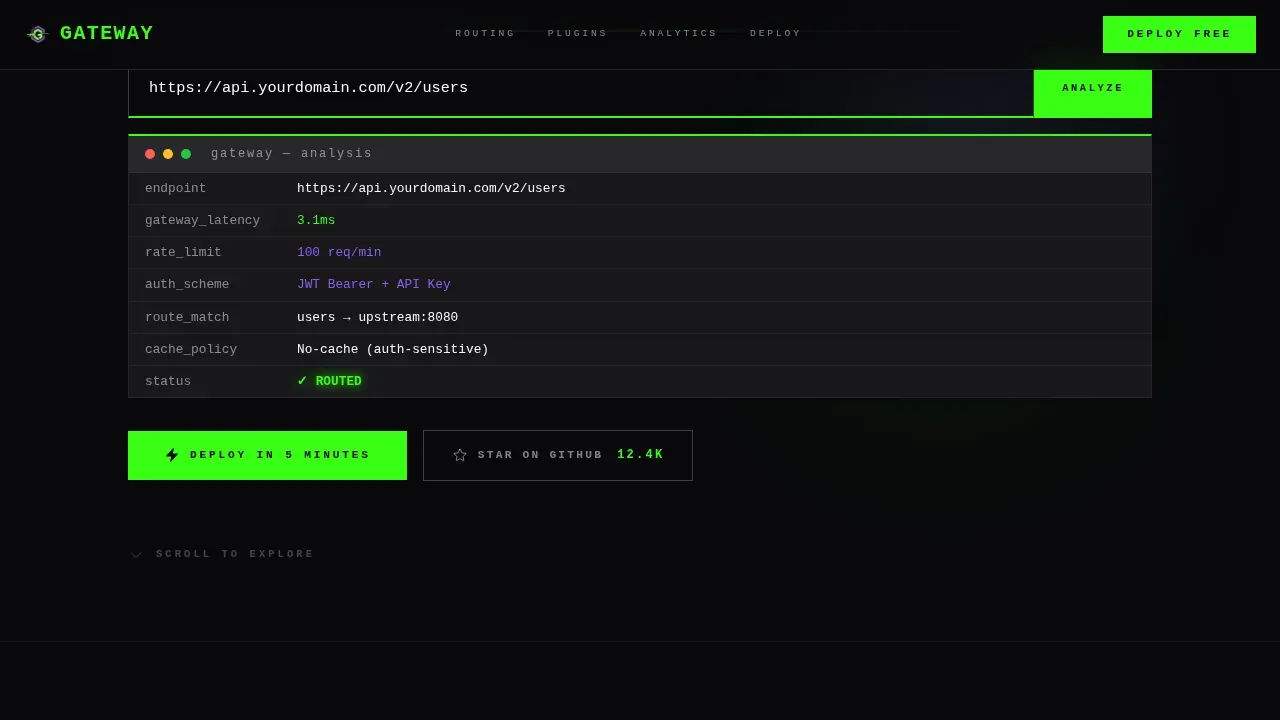
- A hero section with a live interactive URL input that simulates a gateway api analysis on paste
- Five additional brutalist sections covering the routing engine, plugin ecosystem, analytics dashboard, and deploy flow
- An inline three-step deployment flow with environment selection, admin email input, and a copy-to-clipboard install command
Feature list
This template ships with a focused set of built-in capabilities, each grounded in the specific requirements of an API gateway landing page for technical audiences.
Interactive URL Demo Hero
The hero section places an api gateway input field at dead center of a full-bleed void-black viewport. When a visitor pastes any API endpoint, the page renders a simulated analysis showing latency estimates, rate limit recommendations, and auth scheme suggestions. This converts passive browsing into active product engagement. Interactive demos such as embedded API explorers increase time-on-site and help visitors understand value before any signup wall appears.
Scroll-Triggered Snap Reveal System
Each section of the page stays hidden behind a hard brutalist black curtain until the visitor's scroll position triggers an IntersectionObserver reveal. Transitions snap into place with no easing and no fade, mimicking terminal output. This progressive disclosure keeps attention focused and prevents cognitive overload across a content-dense api management landing page.
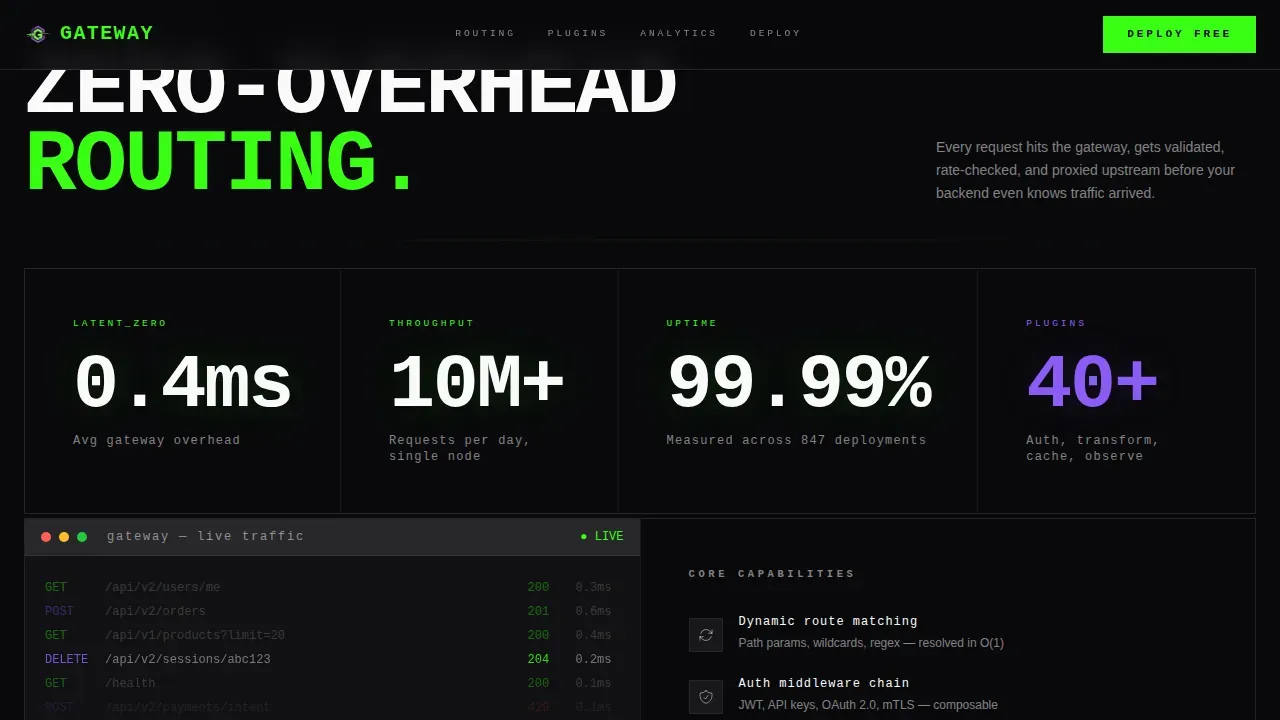
Routing Engine Stats Grid
A brutal stat grid section displays raw performance numbers: latency figures, throughput benchmarks, and uptime data. The layout is designed to communicate the performance story of your API gateway architecture at a glance. Numbers are set in oversized JetBrains Mono, making them immediately scannable for engineers who evaluate systems on data, not prose.
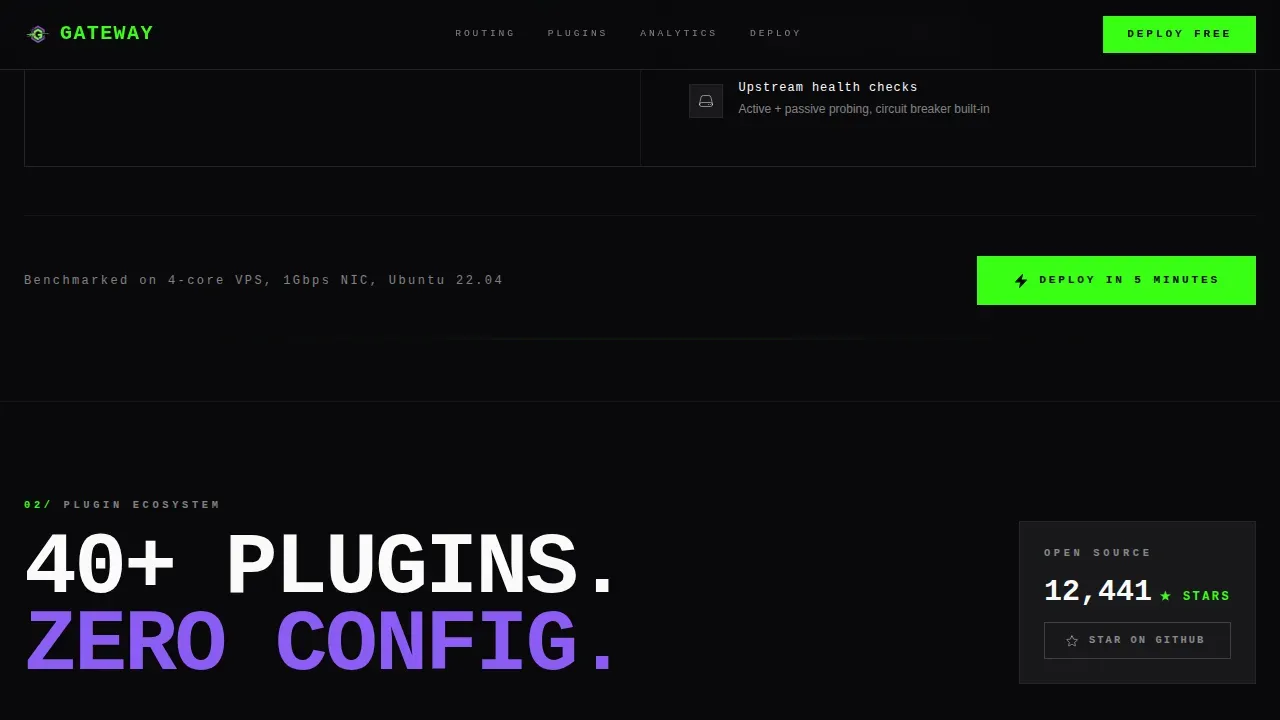
Plugin Ecosystem Tile Grid
A tile-based grid section presents the available authentication, rate limiting, and transform plugins that extend the gateway. Each tile connects to a GitHub star call to action, reinforcing social proof. This section communicates the breadth of the api management solution and signals active community maintenance to skeptical developers.
Inline Three-Step Deploy Flow
The deploy flow section removes every barrier between a visitor and a running api management instance. Visitors select their environment (Docker, Kubernetes, or bare metal), enter an admin email address, and copy a single install command. No credit card and no signup wall. This flow is designed to enable the fastest possible path from discovery to a deployed API gateway.
Simulated Analytics Dashboard
A terminal-style analytics dashboard section renders real metric types in a monospace interface that mirrors what engineers actually see in production. It demonstrates api monitoring capabilities including request volume, error rates, and traffic distribution. The simulated output builds confidence in the product's observability features before the visitor ever deploys.
Page sections overview
| Section | Purpose |
|---|---|
| Hero URL Input | Demonstrates gateway value interactively on page load |
| Routing Engine Stats | Shows raw performance and latency data in a stat grid |
| Plugin Ecosystem Grid | Presents auth, rate-limit, and transform plugin tiles |
| Analytics Dashboard | Simulates terminal-based api monitoring and metrics |
| Deploy Flow Steps | Guides visitors through a three-step install process |
| Footer Developer Minimal | Provides GitHub links, project resources, and navigation |
Design & branding system
The design system uses a Bold Brutalist theme combined with an AI Iridescent color palette. Every visual decision reinforces a terminal-and-infrastructure aesthetic that resonates with the technical users this template targets. High-quality visuals, compelling headlines, and supporting subheadlines are essential components of effective API landing pages, and this system delivers all three without decoration for its own sake.
- Color palette: void black (#09090B) as the base, phosphor green (#39FF14) for live states and success signals, iridescent violet (#8B5CF6) for interactive surfaces and hover states, and signal white (#FAFAFA) for type
- Typography: JetBrains Mono for all headlines and code-style elements, DM Sans for body copy, with oversized grotesque weights slamming into the grid at brutalist scale
- Animation system: scroll-triggered snap reveals using IntersectionObserver, blinking cursor in the hero, iridescent glow pulse at center screen, and a typing simulation in the URL input field
Mobile & speed optimization
The template is designed desktop-first, reflecting the reality that platform engineers and DevOps leads typically work on large-screen workstations. All animations use GPU-accelerated transforms to keep the rendering pipeline clean. Load times of under three seconds are a baseline target for any serious api management landing page, and the template's animation approach is built with that in mind.
- GPU-accelerated CSS transforms are used exclusively for all scroll-reveal and transition effects
- IntersectionObserver drives section reveals without continuous scroll-event listeners, keeping the main thread clear
- Responsive breakpoints ensure the layout adapts for mobile visits without breaking the core interactive flows
How this template helps you convert
This template is structured around a single conversion goal: get a qualified engineer to deploy a running API gateway instance. Every section earns the next scroll, and every call to action repeats the same low-friction action.
- The interactive URL input in the hero proves value before asking for anything, removing skepticism early and making the "Deploy in 5 Minutes" call to action feel earned rather than pushy
- The inline deploy flow eliminates every friction point by presenting a three-step sequence with no credit card requirement, no signup wall, and a single copy-paste install command that works across Docker, Kubernetes, and bare metal environments
- The live GitHub star count and performance benchmark data act as trust signals, showing visitors that real development teams are already using and maintaining the project
Other information about this template
This template is built specifically for open-source API gateway projects and the communities around them. Understanding the broader context of API management architecture helps you use and position it effectively. The following notes cover common scenarios and reference architecture considerations that are relevant to this template's audience.
- APIs have become integral to how organizations access services, both internal apis within a private internal network and external apis exposed to the internet
- An API gateway acts as a reverse proxy and acts as the single entry point for all client requests, routing them to the appropriate backend services while handling authentication, ssl termination, ssl certificate validation, load balancing, and authorization before any traffic reaches your systems
- A load balancer can work alongside an application gateway layer to distribute requests across multiple backend systems, improving high availability and enabling capacity planning for traffic spikes
- API management can be deployed in a Hub and Spoke reference architecture where the following diagram shows a centralized api management instance handling requests from multiple services; this same configuration supports disaster recovery by routing traffic to standby environments
- The diagram shows that centralized API management allows consistent application of security, authentication, and authorization policies across both internal and external apis, and the architecture supports hybrid connectivity by deploying the gateway api layer inside a virtual network
- Azure API Management serves as a foundational element in the governance, publication, and oversight of APIs; microsoft azure offers this as a managed service that allows organizations to manage services across hybrid and multicloud environments with additional effort only where custom policies are needed
- Creating a dedicated Azure API Management Landing Zone allows for centralized management of all APIs, and having an api management instance in the same application spoke can reduce latency for api requests while preserving the same configuration across environments
- This template functions as a developer portal and api catalog surface, giving api developers and development teams a self-service entry point to obtain api keys, review api services, and understand the api manager configuration without requiring direct backend access
- Centralized API management can save costs by consolidating resources and management efforts, while decentralized approaches offer more flexibility but can lead to duplication of effort when implementing security and authentication policies
- The template supports common scenarios including JWT-based authorization through an identity provider, OAuth2 flows, real time traffic monitoring, and back end services protection via rate limiting policies
- API management validation policies can validate api requests and responses against an OpenAPI schema, and using a CI/CD process helps development teams manage, version, and edit API management configurations effectively
- Capacity planning is simplified when a centralized api management solution provides a global view of api requests, performance, and usage data across all connected systems
- Trust signals like recognizable client logos, security badges, and user statistics help establish credibility; a sub-one-second load time can impact conversion rates, with a one-second delay potentially reducing conversions by 7 percent
- Interactive documentation in this template includes an embedded try-it-now console for testing endpoints and generating api keys, supporting Java and other languages through code snippet examples
- The benefits and deploy sections focus on outcomes rather than features, following the principle that the benefits section of an API landing page should outline how the API solves user problems
- Scalability is communicated through the routing engine stats section, which presents throughput and latency data that help teams evaluate the gateway under load before they deploy
- This template is one gateway high performance api management landing page template that covers the full journey from first impression to deployed instance, designed for open-source projects that need to compete on credibility, not budget
Theme
Bold Brutalist
Creative direction
Calculator/Tool First
Color system
AI Iridescent
Style
Scroll Reveal (Progressive)
Direction
Freemium/Trial
Page Sections
Interactive API Gateway URL Demo
Scroll-triggered Snap Reveal Sections
Brutalist Performance Stats Grid
Plugin Ecosystem Tile Grid
Inline Three-step Deploy Flow
Simulated Terminal Analytics Dashboard
Related questions
Can I use this template without writing custom code?
Does the interactive URL input connect to a live API?
What environments does the deploy flow section support?
Is this template suitable for a commercial API gateway product?
How does the Deploy in 5 Minutes call to action work in this template?



