Shingle - Dynamic Roofing Landing Page Template
Shingle is a hub-and-spoke roofing landing page template built for homeowners, insurance adjusters, and contractors who need a fast, visual way to compare roofing materials. With animated stat bars, a sticky spec-builder bar, and Dark Glass Panel headers, it turns a complex buying decision into a confident, side-by-side material comparison experience.
by Rocket studio
Quick summary
Shingle is a single-page roofing material showcase built on a hub-and-spoke anchor navigation structure. It guides visitors through asphalt, metal standing seam, synthetic slate, and clay barrel tile using animated comparisons, weather simulation toggles, and a sticky spec-builder bar. The result is a digital showroom that feels hands-on without requiring a single site visit.
Who this template is for
This template serves anyone who needs to present roofing material options with clarity and confidence. It works equally well for roofing businesses, contractors, and suppliers who want their audience to arrive at a decision pre-educated.
- Homeowners staring down a repair or full replacement and needing real cost and lifespan data before calling anyone
- Insurance adjusters who process hail claims and need a visual reference that organizes multiple material options clearly
- General contractors who want to show clients why a premium material justifies its price over a cheaper alternative
What problem this template solves
Choosing a roofing material is a high-stakes decision, but most online resources bury the useful information in walls of text or generic product pages. Visitors leave confused, not converted.
- There is no easy way to compare wind resistance, fire class, energy reflection, and warranty length across materials in one view
- Homeowners and contractors waste time hunting for installed cost per square and lifespan data across multiple sources
- Lead forms arrive with unqualified visitors who have not yet engaged with the material options
What you get with this template
This template delivers a fully structured, interaction-rich landing page ready to present up to five roofing materials through a single scrollable experience. Every section is purpose-built to move a visitor from curiosity to a confirmed spec decision.
- A five-panel Dark Glass header where each material panel brightens, expands, and reveals its lifespan stat on hover
- Five anchor-navigated spoke sections, each opening with a material-in-motion animation and animated side-by-side stat bars
- A sticky "Build Your Roof Spec" bottom bar that tallies favorited materials and opens a pitch, square footage, and zip code spec builder
Feature list
This template is built around interactive, comparison-first design. Every feature listed here is grounded in what the template actually delivers.
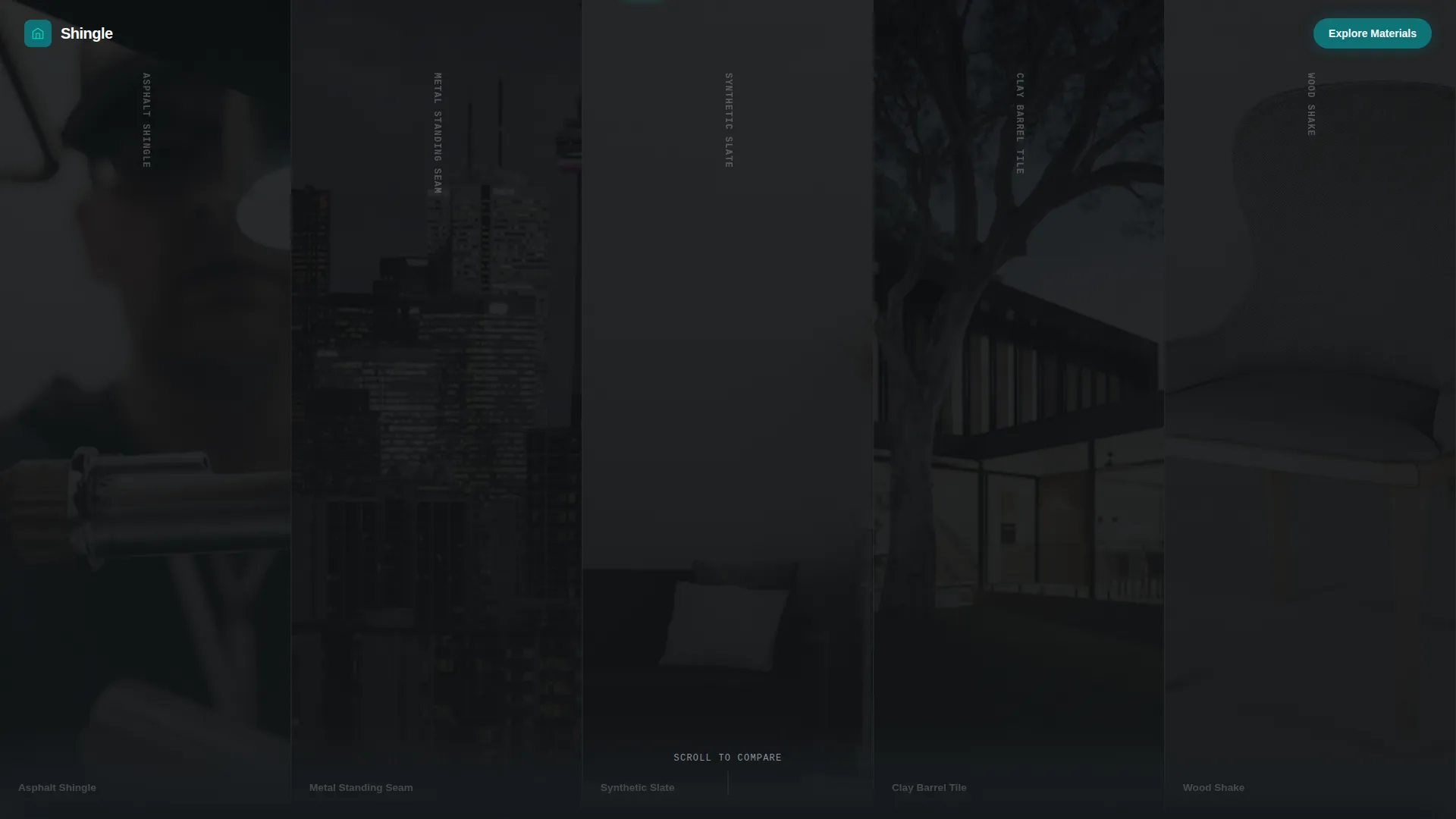
Dark Glass Panel Header
Five tall, narrow panels sit edge-to-edge across the full viewport width. Each panel shows a macro-close roofing material photo through a dark tinted overlay. On cursor entry, the panel brightens to full color, expands slightly, and surfaces the material name plus its lifespan in years in catalyst cyan text. No headline competes for attention.
Anchor Navigation with Pulse Indicators
A pinned top navigation bar holds five material category icons. Each icon pulses subtly when its corresponding section is off-screen, then locks to a solid active state when the visitor scrolls into that section. This gives visitors a live map of where they are in the comparison flow at all times.
Animated Stat Bar Comparisons
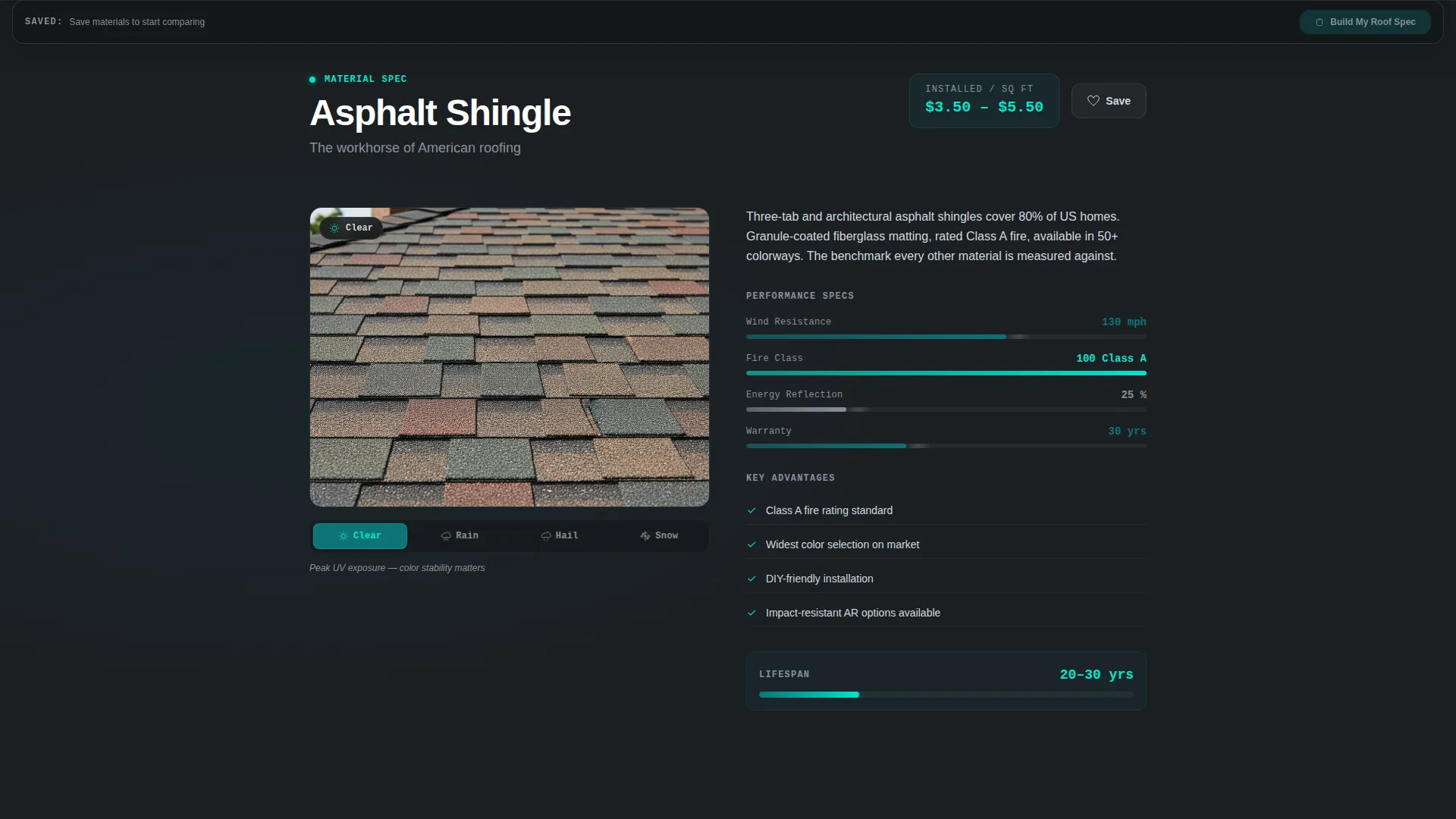
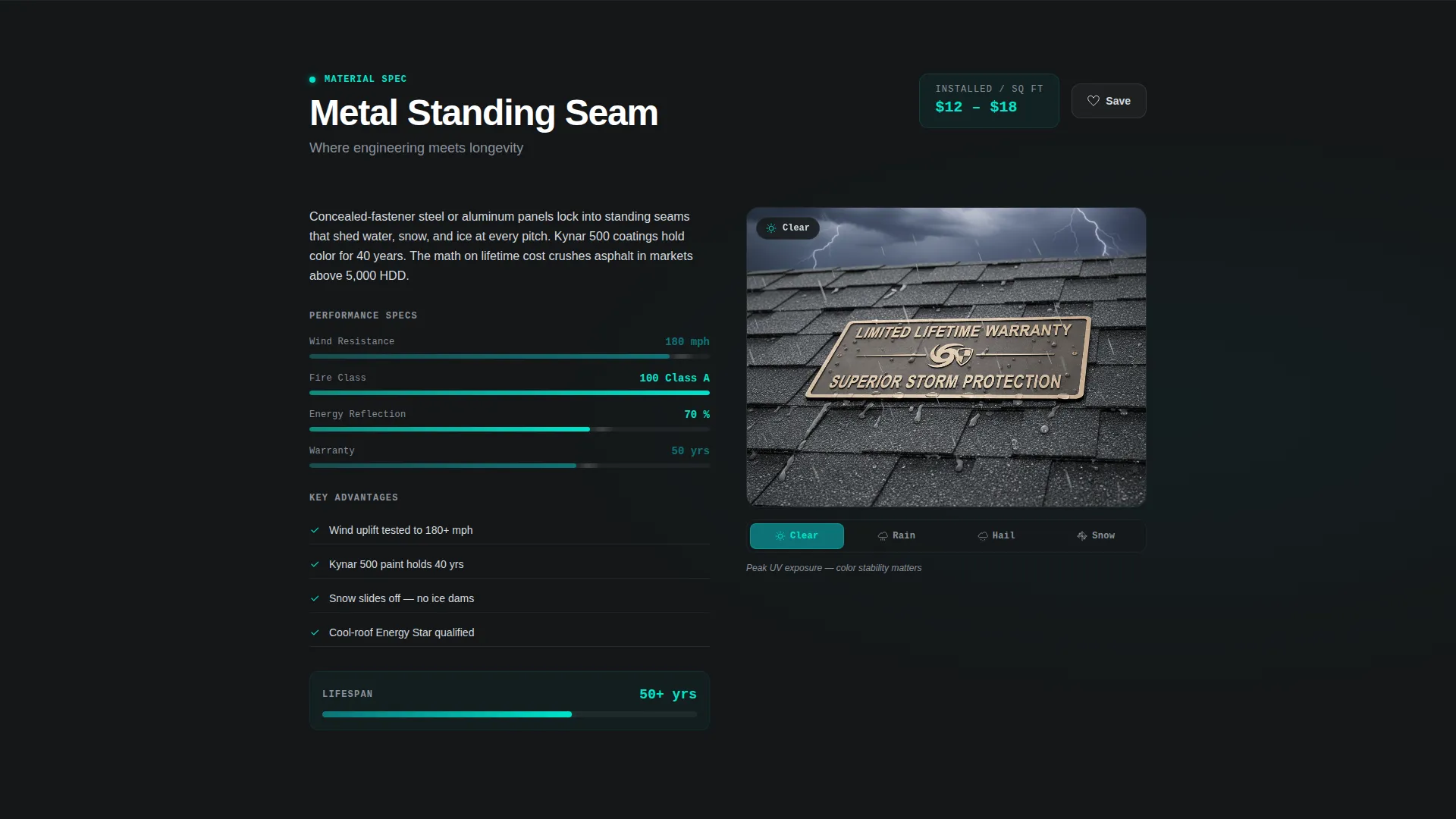
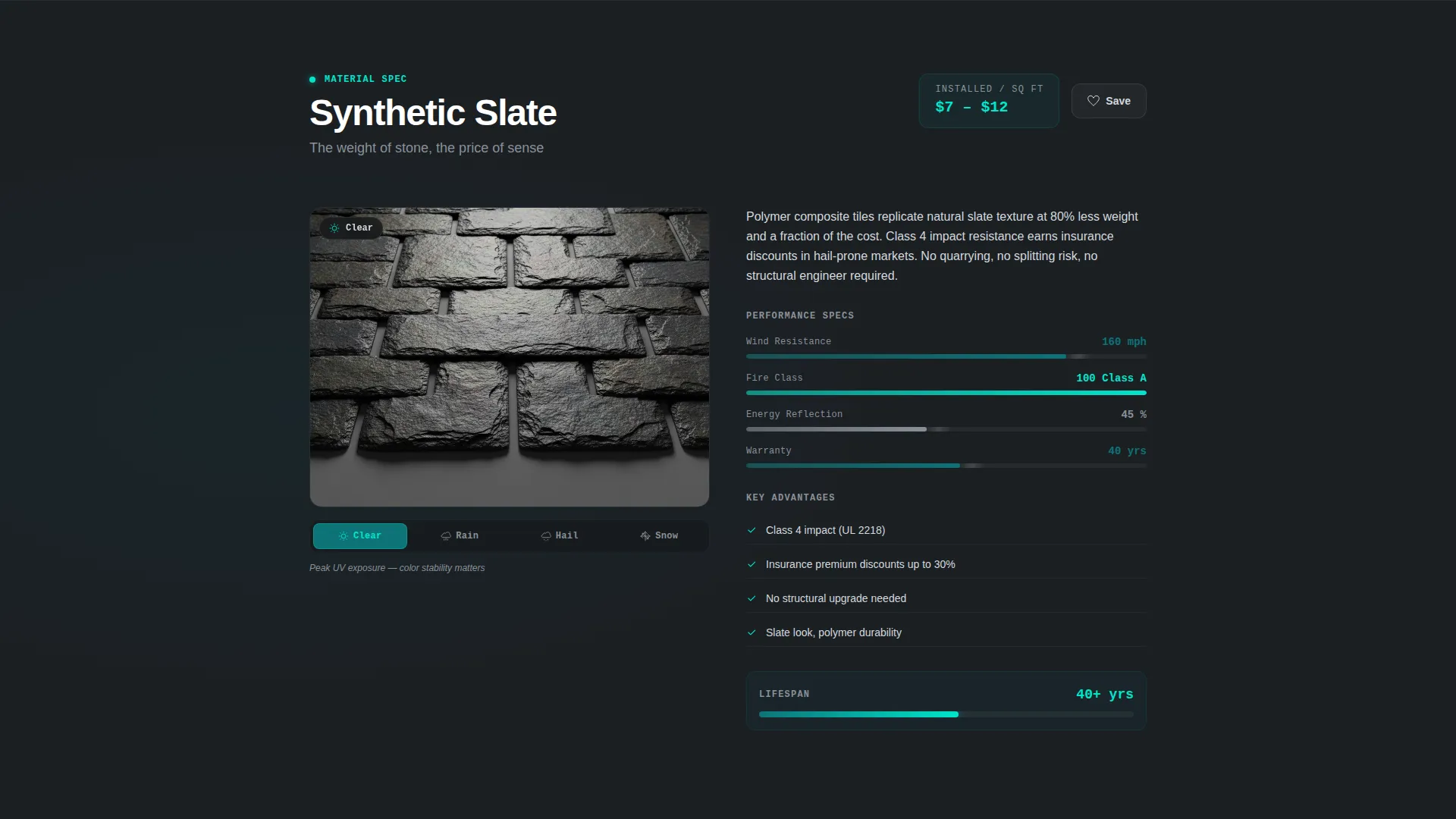
Each spoke section contains side-by-side animated stat bars covering wind resistance, fire class, energy reflection, and warranty length. The bars race to their values on scroll entry, so the visitor watches the materials compete rather than just reading static numbers.
Weather Simulation Toggle
Midway through each material spoke, a toggle lets visitors preview how the material looks under four conditions: sun, rain, hail, and snow. Each state applies a color-graded overlay to the material visual, making the weathering story tangible rather than abstract.
Sticky Spec Builder Bar
A persistent bottom bar tracks which materials the visitor has favorited as they scroll. Clicking "Build Your Roof Spec" opens a focused builder where the visitor enters roof pitch, square footage, and zip code. The tool then returns an instant side-by-side cost and lifespan projection for their shortlisted materials.
Gated Contractor Quote Form
The "Get a Contractor Quote" lead path only appears after the visitor has compared at least two materials. This engagement gate ensures every form submission comes from a visitor who has already worked through the options, not a casual browser.
Page sections overview
| Section | Purpose |
|---|---|
| Dark Glass Header | Introduce all five roofing materials through expanding macro-photo panels |
| Anchor Nav Bar | Pin material category icons and signal active section as visitor scrolls |
| Asphalt Shingles Spoke | Present asphalt with fanning animation, stat bars, and weather toggle |
| Metal Standing Seam Spoke | Show metal panels locking into seam with animated cost and lifespan data |
| Synthetic Slate Spoke | Display synthetic slate stacking animation alongside comparison stat bars |
| Clay Barrel Tile Spoke | Introduce clay tile with kiln-rack stack animation and material stats |
| Spec Builder Bar | Tally favorites and open pitch, square footage, and zip code input flow |
| Contractor Quote Form | Gate lead capture behind two-material comparison engagement |
Design & branding system
The visual identity follows a Dynamic Motion theme built on the Teal Catalyst color system. Every color choice references the feeling of standing on a roof at dusk during a clearing storm, with dark sky behind and electric teal breaking through ahead.
- Deep storm teal (#0D7377) as the primary anchor tone, catalyst cyan (#00E5CC) on hover and active navigation states, carbon flashing (#1B1F23) for backgrounds and panel frames, and weathered zinc (#D4D9DE) for body text and divider lines
- Material-in-motion entry animations for each spoke section: asphalt fanning like a dealt hand, metal panels sliding into a standing seam lock, and clay tiles stacking in a kiln rack
- Color-graded weather simulation overlays that shift the visual mood of each material panel through four distinct atmospheric states
Mobile & speed optimization
The Interactive Explorer creative direction is designed to translate across screen sizes without losing the comparison experience. Scroll-triggered animations and toggle states are scoped to the layout constraints of the device rendering them.
- The anchor navigation bar and sticky spec builder bar remain accessible at all screen widths, keeping the core conversion paths reachable on smaller viewports
- Animated stat bars and weather simulation toggles are built to trigger on scroll entry, so they activate only when the relevant section is in view
How this template helps you convert
The Comparison/Versus landing page direction means every interaction is designed to move a visitor closer to a material decision, not just inform them.
- The animated stat bar race on scroll entry creates a visceral, competitive comparison that holds attention and makes material differences memorable rather than abstract.
- The sticky spec builder bar builds commitment incrementally by letting visitors favorite materials as they scroll, so by the time they click "Build Your Roof Spec" they have already invested in the process.
- The engagement-gated contractor quote form filters out passive browsers so every lead submission arrives with demonstrated intent and a shortlist already in hand.
Other information about this template
This template is categorized under Technology and the Roofing Digital Presence subcategory, targeting the Roofing Digital Menu niche. It is built as a hub-and-spoke anchor navigation landing page under the Dynamic Motion theme. A few additional details worth knowing before you build:
- The template is designed to present up to five roofing material categories, matching the five-panel header and five-spoke navigation structure described in the brief
- Installed cost per square, wind ratings, and warranty decade data are displayed as part of the stat bar and spec builder components, making this template particularly useful for roofing companies that already have their material data ready to plug in
- The spec builder collects roof pitch, square footage, and zip code inputs and returns a side-by-side cost and lifespan projection, making it a practical conversion tool rather than a decorative element
Theme
Dynamic Motion
Creative direction
Interactive Explorer
Color system
Teal Catalyst
Style
Hub & Spoke (Anchor Nav)
Direction
Comparison/Versus
Page Sections
Dark Glass Panel Header
Anchor Navigation with Pulse Indicators
Animated Stat Bar Comparisons
Weather Simulation Toggle
Sticky Spec Builder Bar
Engagement-gated Contractor Quote Form
Related questions
Who is this landing page template best suited for?
Can I use this template if I only offer two or three roofing materials?
How does the engagement-gated lead form work?
What does the spec builder ask visitors to enter?
Is this template useful for insurance adjusters handling hail claims?



