Staff — Premium Healthcare Staffing Landing Page Template
Rounds is a sidebar companion landing page template built for healthcare and hospital recruiting agencies. It features a rolling digit placement counter, a drifting headshot mosaic, interactive specialty and facility-type tags, anonymized candidate profile cards, and a persistent progressive quiz sidebar that auto-populates from visitor browsing behavior, guiding hospital HR directors and clinic administrators toward a "See Your Candidate Matches" conversion.
by Rocket studio
Quick summary
Rounds is a healthcare staffing agency landing page template designed for B2B recruiting firms that place travel nurses, surgical techs, and physicians with hospitals and clinics. The sidebar stays fixed as visitors scroll, quietly building a candidate-match quiz from their clicks. The result feels less like filling out a form and more like a discovery session.
Who this template is for
This template was built for recruiting agencies that specialize in healthcare and hospital staffing. It speaks directly to the facilities side of the equation, targeting decision-makers with open requisitions and no time to waste.
- Hospital HR directors managing thirty or more open roles at once
- Rural clinic administrators far from any local staffing support
- Department heads losing clinical staff to competitor sign-on bonuses
What problem this template solves
Healthcare staffing agencies often struggle to convert busy HR professionals who skim past generic contact forms. The problem is not the service, it is the entry point. A cold form asks for trust before it gives anything back.
- Visitors leave before completing traditional lead-capture forms
- HR directors cannot quickly communicate what they actually need
- Agencies lose warm prospects who browsed but never clicked
What you get with this template
You get a fully structured, single-page layout with a persistent sidebar quiz, interactive content sections, and a conversion flow designed around browsing behavior rather than form friction. Every built-in component is specific to healthcare recruiting use cases.
- A rolling digit counter hero with a drifting headshot mosaic background
- Interactive specialty tags and facility-type filters that feed the sidebar quiz
- Anonymized candidate profile cards, a proof and urgency section, and a linear single-row footer
Feature list
This template ships with purpose-built components for healthcare recruiting agencies. Each piece connects to the next, moving visitors from curiosity to conversion without a hard sell.
Rolling Digit Placement Counter
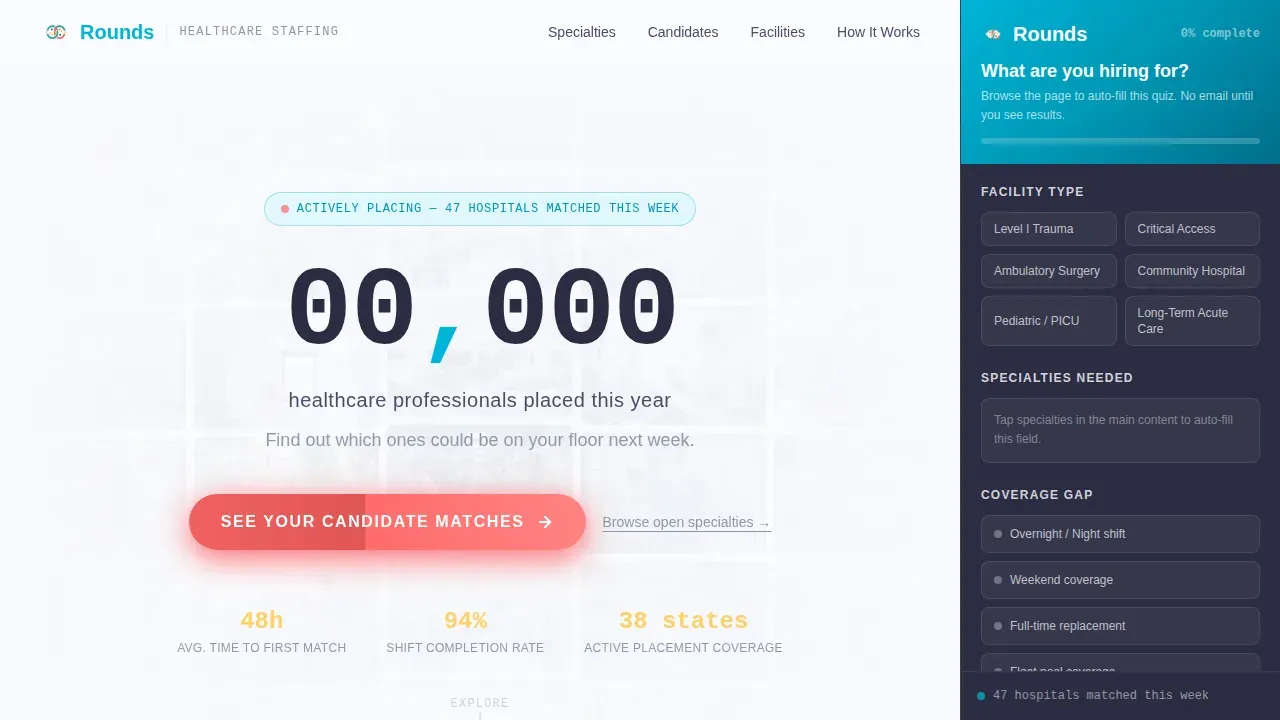
The hero section opens with a large animated counter displaying placements made this year. Individual digits roll like an arrivals board, giving the number weight and immediacy. A mosaic grid of headshots drifts upward behind it, pairing institutional scale with human faces.
Persistent Progressive Sidebar Quiz
The sidebar stays fixed throughout scrolling and evolves with each section. It opens with a simple "What are you hiring for?" prompt, then quietly populates fields as visitors interact with specialty tags and facility-type filters. By the time they reach the call to action, most quiz fields are already filled.
Interactive Specialty Tag Filters
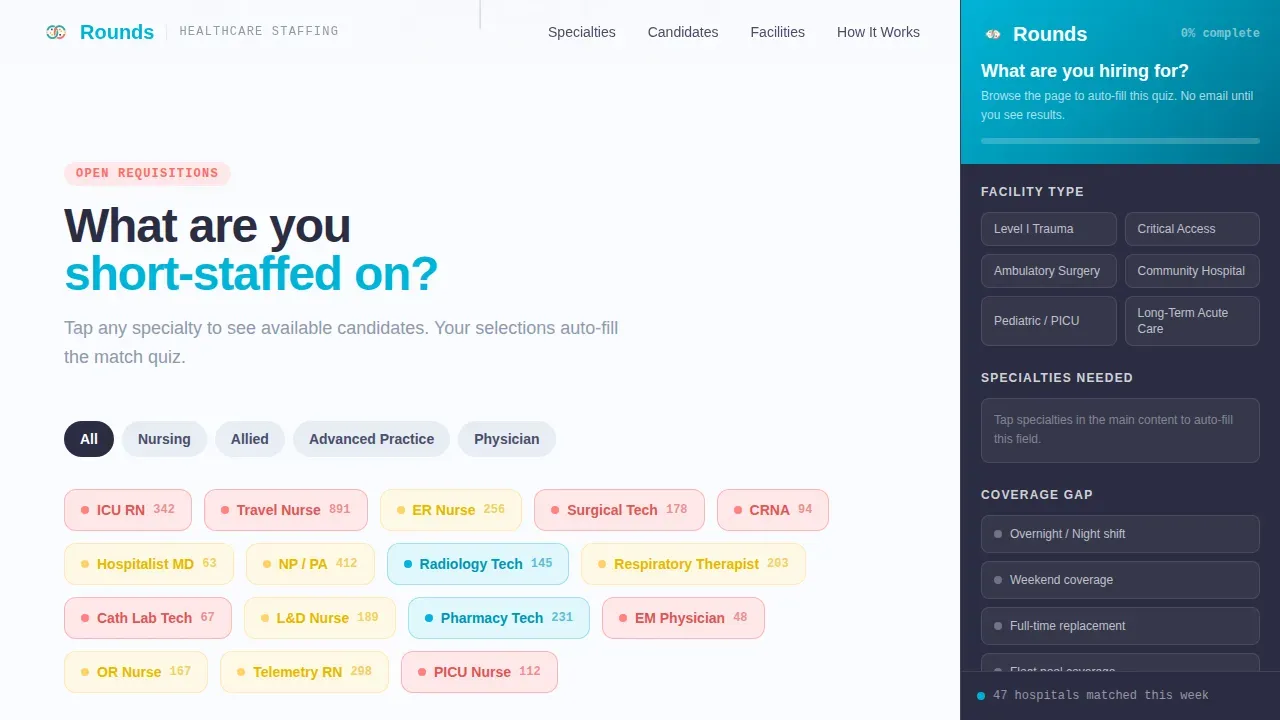
Visitors can tap specialty tags such as ICU nursing, surgical tech, or physician placement to filter the content area. Each tap also registers as a quiz answer in the sidebar, turning passive browsing into active lead qualification without the visitor noticing the transition.
Anonymized Candidate Profile Cards
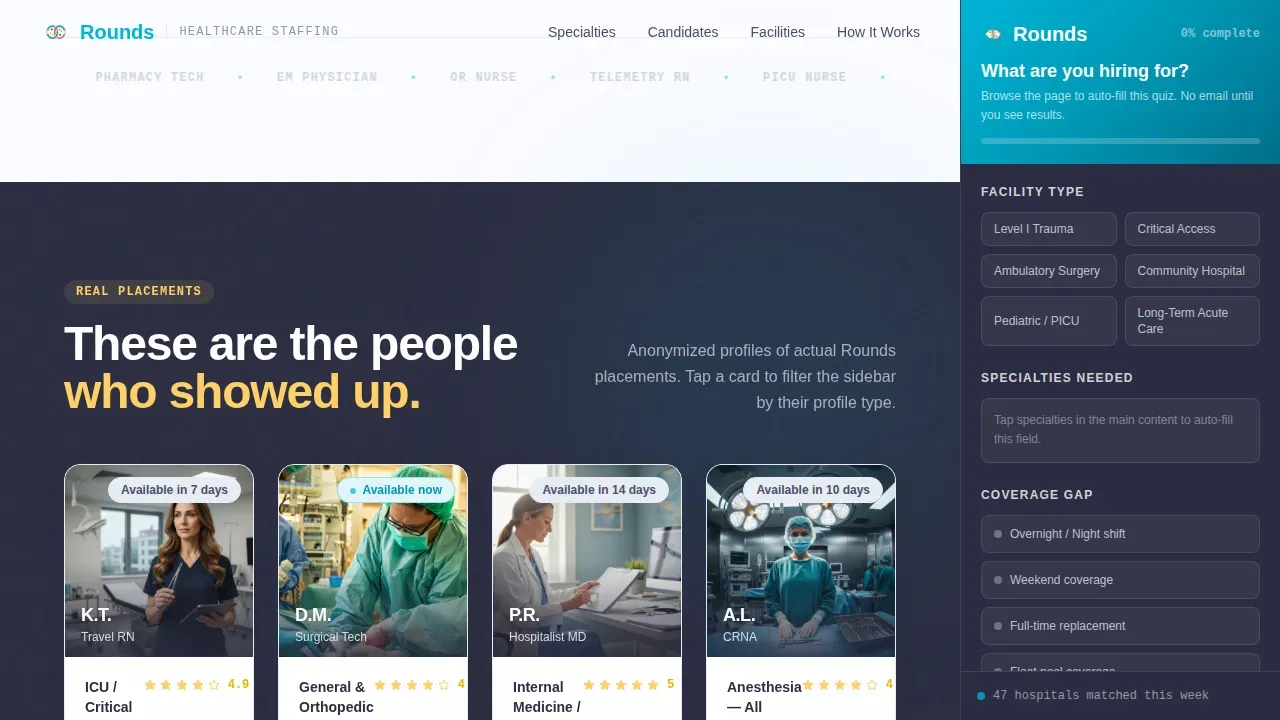
Placed candidates are presented as role-and-facility cards with enough detail to be credible and enough anonymization to stay compliant with professional norms. Cards show role type, facility category, and shift coverage context, giving HR directors a concrete sense of placement quality.
Facility Type Bento Grid
A bento-style grid presents facility categories such as Level I Trauma, Critical Access, and Ambulatory with interactive tags. Clicking a tag filters the visible content and feeds the sidebar quiz, letting administrators self-identify their context in seconds.
Proof and Urgency Section
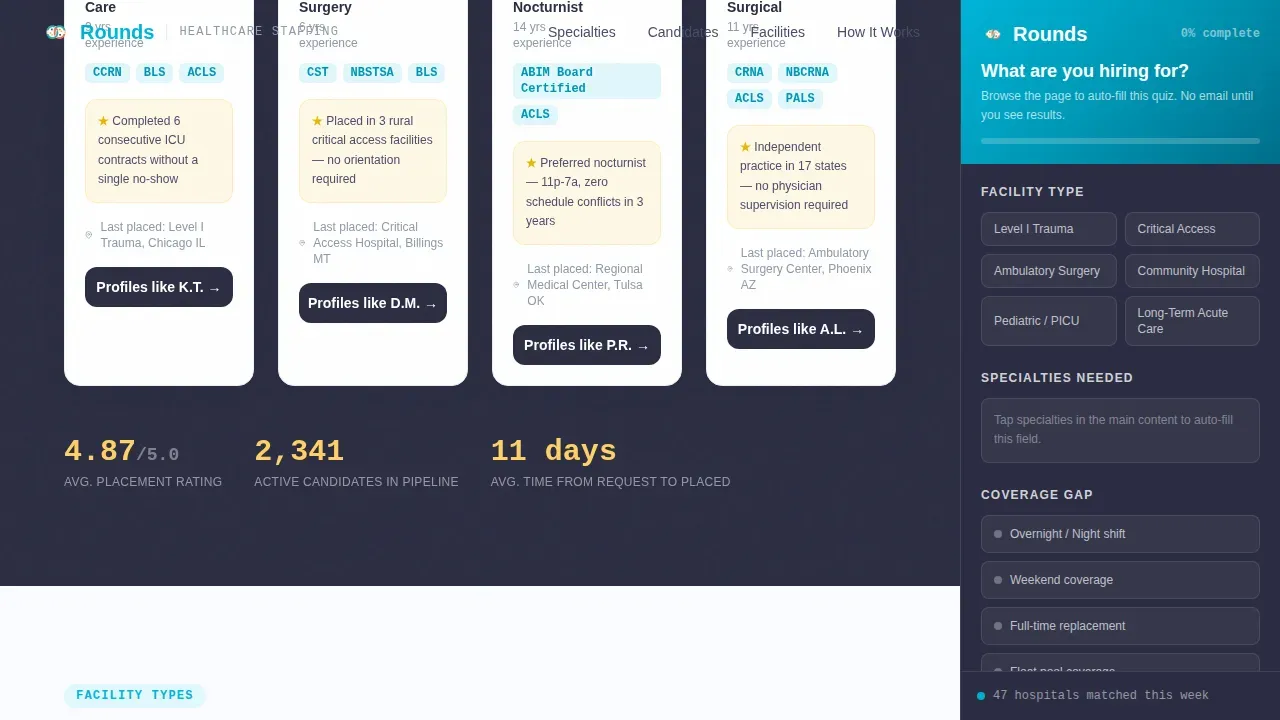
A dedicated section combines hard placement statistics with testimonial-style case studies from department heads. The yellow highlight treatment draws the eye to key figures, reinforcing credibility at the point where visitors are most likely to decide.
Page sections overview
| Section | Purpose |
|---|---|
| Hero ticker + mosaic | Establish scale, humanity, and sidebar quiz entry |
| Specialties tag filter | Let visitors self-sort by clinical specialty |
| Candidate profile cards | Show real placement quality through anonymized role cards |
| Facility type grid | Match visitors to their facility context interactively |
| Proof and urgency | Reinforce trust with stats and department head testimonials |
| Footer single-row | Provide simple navigation and closing call to action |
Design & branding system
The visual identity follows a Dopamine Pop color system applied through a Directory and Discovery theme. The palette feels like a hospital break room that someone actually decorated: bright, human, and deliberately defiant against clinical sterility.
- Scrub teal (#00B4D8) leads navigation and the persistent sidebar; adrenaline coral (#FF6B6B) fires on calls to action and urgency indicators
- Badge-lanyard yellow (#FFD166) highlights stats and proof points; clean-chart white (#FAFBFF) carries all backgrounds
- DM Sans handles headings in bold and black weights; JetBrains Mono is reserved for counters, stats, and data-style figures
Mobile & speed optimization
The template is built desktop-first to match the primary user: hospital HR directors working at a workstation during a shift or between meetings. Mobile responsiveness is included to support clinic administrators who may be on the floor.
- Static page sections use server-rendered components to keep initial load lean
- Interactive elements including the rolling counter, sidebar quiz, and tag filters use client-side rendering only where needed
- The layout adapts cleanly for mobile viewports without sacrificing the sidebar quiz functionality
How this template helps you convert
The conversion strategy here is built on reducing friction before the ask. Visitors are never asked to give their email until the quiz generates results, which means the barrier to starting is nearly zero.
- Browsing behavior becomes quiz answers automatically, so the sidebar feels almost complete by the time visitors consciously engage with it
- The "See Your Candidate Matches" call to action lands at a moment of high intent, after the visitor has already self-identified their facility type, specialty, and urgency level
Other information about this template
This template is categorized under HR and Hiring, specifically within the Healthcare and Hospital HR subcategory. It is purpose-matched for healthcare and hospital recruiting agencies operating in the United States market, with localization set for USD, MM/DD/YYYY date format, and Eastern Standard Time.
- The template style is Sidebar Companion, meaning the quiz column is structurally central to the page experience, not an afterthought
- Animation level is high throughout: the digit counter rolls, the headshot mosaic drifts, the sidebar quiz progresses, and section reveals are scroll-triggered
- The intersection match score for this template against its category and niche is 13, indicating a strong alignment between the design system and the target use case
- The template is built to support USA-based agencies placing staff across facility types including Level I Trauma centers, Critical Access hospitals, and Ambulatory care settings
Theme
Directory & Discovery
Creative direction
Team & People
Color system
Dopamine Pop
Style
Sidebar Companion
Direction
Quiz/Assessment
Page Sections
Rolling Digit Placement Counter
Persistent Progressive Sidebar Quiz
Interactive Specialty and Facility Tags
Anonymized Candidate Profile Cards
Proof and Urgency Stats Section
Facility Type Bento Grid
Related questions
Does the sidebar quiz require visitors to enter their email upfront?
What clinical specialties does the template cover?
Who is this landing page template designed for?
Can the sidebar quiz fields be customized for different placement types?
Is this template suitable for agencies placing both travel and permanent staff?



