
A real time AI coding assistant integrates directly into your code editor, reads your project context, and delivers accurate code suggestions as you type without breaking your flow. This guide covers every major tool across inline assistants, security-focused options, and full-stack AI app builders, with verified features, pricing, use cases, and a clear decision framework to help you choose the right one.
What is a real-time AI coding assistant?
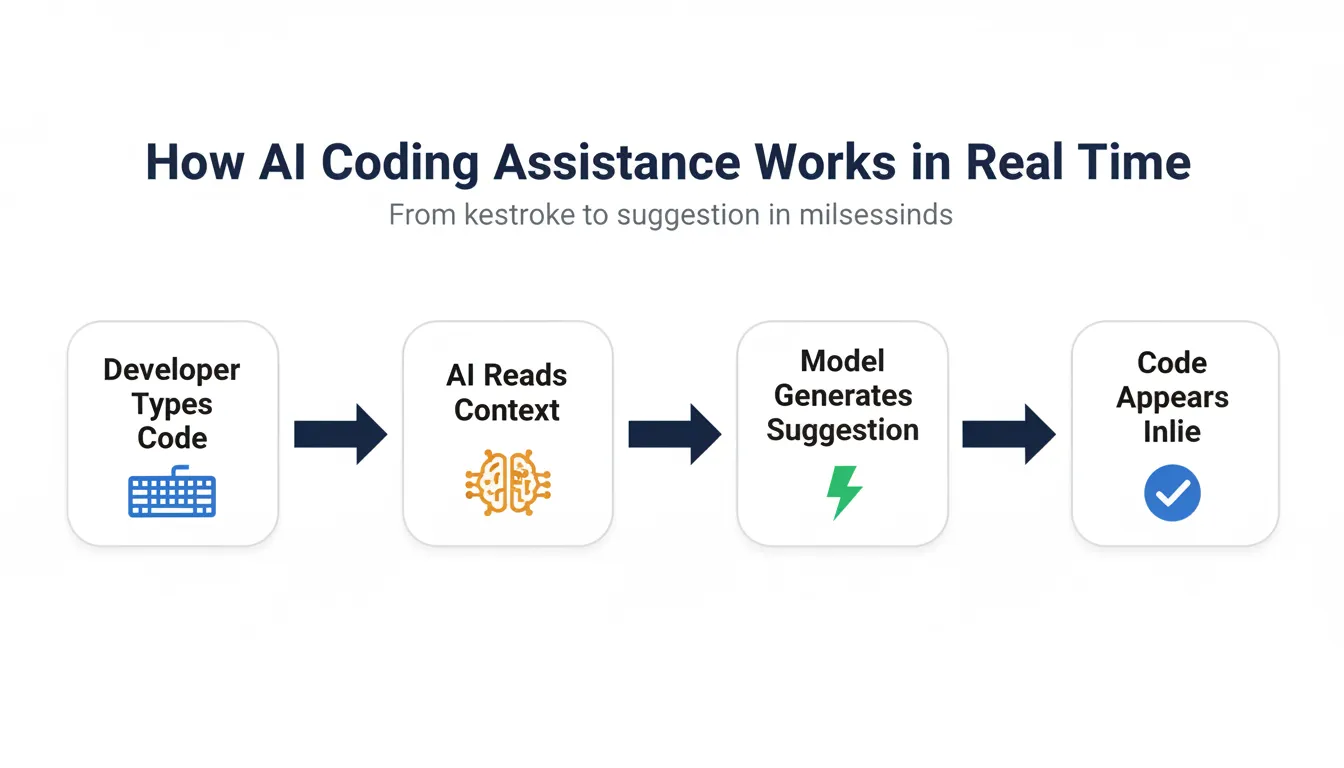
A real-time AI coding assistant works directly inside a code editor and helps while developers type. It provides code suggestions, code completion, and quick fixes based on existing code and project context.
So instead of switching tabs or searching examples, developers write code and get help instantly. This keeps the coding process smooth and focused.
There is also a clear distinction worth noting. Inline assistants specialize in accurate code suggestions and intelligent code completion. AI app builders focus on broader code generation and entire functions. Both support AI coding, just at different levels.
How AI Coding Assistants Work
Most AI coding assistant tools rely on large language models trained on large collections of public code across many programming languages. These models analyze existing code, comments, and structure to understand intent.
Natural language plays a major role here. Developers write natural language prompts, comments, or queries, and the AI assistant responds by generating functional code. This feels similar to AI pair programming rather than traditional autocomplete.
Then comes editor support. Many tools run as code extensions in Visual Studio Code. Others work in browser-based editors. The goal stays the same: support the development process without interrupting flow.
Why This Matters: Developer Adoption in 2026
The adoption of AI coding tools has moved from experimental to standard practice. The 2023 Stack Overflow Developer Survey shows that 70% of developers already use or plan to use AI coding tools in their development process.
That shift is not slowing down. A controlled experiment by GitHub researchers involving 95 professional developers found that those using GitHub Copilot completed a coding task 55% faster than those without it, taking 1 hour 11 minutes on average versus 2 hours 41 minutes. The result was statistically significant.
The same research found that 60-75% of Copilot users reported feeling more fulfilled in their work, less frustrated when coding, and better able to focus on meaningful tasks. Speed is part of the story, but reduced cognitive load is the bigger gain.
Inline Assistants vs. AI App Builders: The Core Distinction
Before comparing tools, it is worth being precise about what each category does.
Inline AI coding assistants (GitHub Copilot, TabNine, Amazon Q Developer, IntelliCode, Cursor) operate inside your existing editor. They are designed for line-by-line and function-level code completion, debugging, and refactoring within an existing codebase.
AI app builders (Rocket, Replit) operate at the project level. They generate full-stack applications from a natural language description. They are built for creating new products from scratch, not for assisting within an existing codebase.
Choosing the wrong category is the most common mistake developers make. Inline tools will not help you build a new product from zero. App builders will not help you refactor a function in an existing service. The tools are complementary, not competing.
Top Real Time AI Coding Assistants: Tool Reviews
Rocket
Rocket operates at a fundamentally different level from inline coding assistants. Rather than helping within an existing codebase, Rocket generates complete, production-ready full-stack applications from a natural language description. It is the right tool when you need to build something new: an MVP, an internal tool, a SaaS product, rather than extend something existing.
 You describe what you want to build. Rocket generates the full application, a Next.js frontend, backend API, database schema, and authentication, as clean, readable, and editable code. The generated code is yours completely with no vendor lock-in. 1.5 million people have tried Rocket across 180 countries.
Key features:
- Full-stack generation from a single prompt: frontend, backend, database, and auth
- Production-grade code quality with WCAG accessibility, GDPR coverage, and SEO-ready structure by default
- Built-in integrations with Supabase, Stripe, OpenAI, and 25+ other services
- Editable and exportable code with no vendor lock-in
- Builds from Figma files, existing GitHub repositories, or natural language descriptions
Pricing:
- Free: $0/month platform fee, 20 credits included, unlimited team members
- Pro: $25/month platform fee, 100 credits included, unlimited team members
- Rocket: $50/month platform fee, 250 credits included, unlimited team members
- Booster: $250/month platform fee, 1,500 credits included, unlimited team members
Additional credits can be purchased on any plan and never expire. Annual plans save 20%.
Best for: Founders, product teams, and developers who need to build and ship new applications quickly. Ideal for MVPs, internal tools, SaaS products, and client projects where speed to market is the priority.
You can see what is possible to build on Rocket in the full-stack AI app builder guide.
GitHub Copilot
GitHub Copilot, developed by GitHub in partnership with OpenAI, is the most widely adopted real time AI coding assistant available. According to the 2023 Stack Overflow Developer Survey, GitHub Copilot was used by 55% of respondents who reported using any AI developer tool. It integrates natively with VS Code, Visual Studio, Neovim, JetBrains IDEs, and more.
 Copilot reads the current file, open tabs, and recent edits to generate inline code suggestions. It can complete single lines, entire functions, and full classes from a comment describing the desired behavior. Copilot Chat enables conversational code assistance directly within the editor.
Key features:
- Context-aware code suggestions while typing
- Entire functions generated from comments
- Support for Python, JavaScript, TypeScript, Go, Ruby, Rust, and more
- Agent mode for autonomous multi-file task execution
- Cloud agent for assigning work and creating pull requests
- Public code filter with code referencing on all paid plans
Pricing: Free ($0, 2,000 completions/month, no credit card required); Pro ($10/user/month); Pro+ ($39/user/month); Teams ($40/user/month).
Best for: Individual developers and enterprise teams already using GitHub who want the most mature inline AI coding assistant available.
TabNine
TabNine is a real time AI coding assistant built for teams that prioritize privacy, consistency, and local deployment. Unlike cloud-first tools, TabNine offers a self-hosted option that keeps all code and suggestions on-premises.
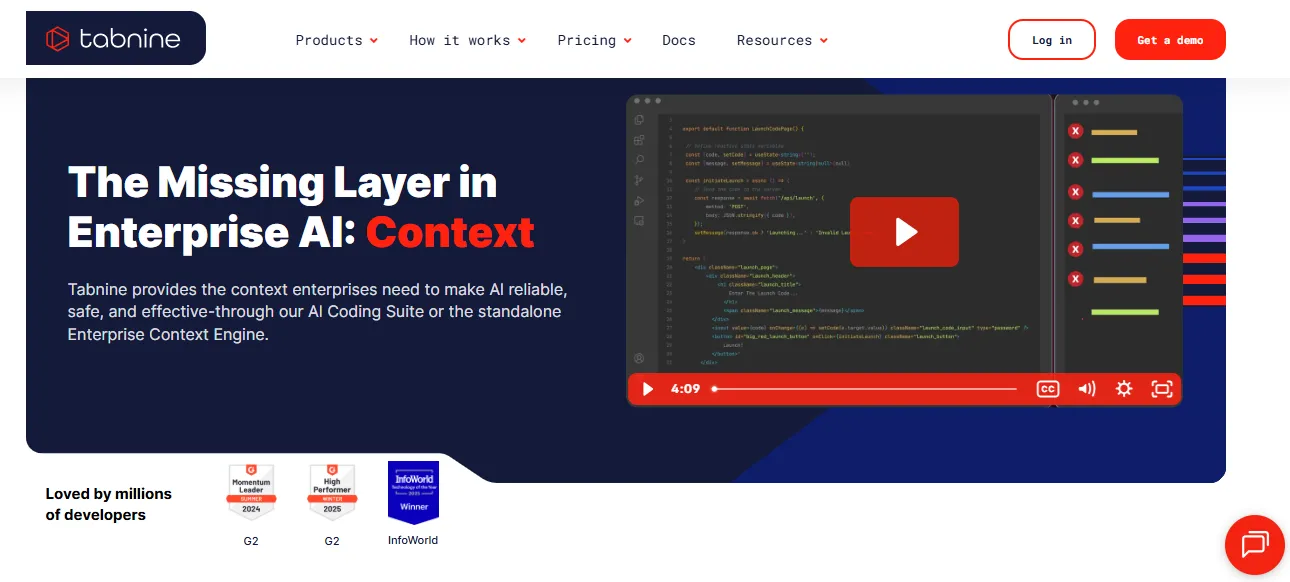 TabNine trains on your team's codebase to learn project-specific patterns, variable naming conventions, and architectural preferences. It delivers intelligent code completion that reflects your team's actual coding style rather than generic public code patterns.
Key features:
- Local and private deployment, with code staying within your infrastructure
- Team-trained models that adapt to project-specific coding style
- Supports over 30 programming languages
- Works in VS Code, JetBrains, Vim, Emacs, and more
Pricing: Free tier available; paid plans available. Contact TabNine for current Pro and Enterprise pricing as rates are subject to change.
Best for: Enterprise teams with strict data governance requirements, financial services, healthcare, and any organization handling proprietary code.
Amazon Q Developer
Amazon Q Developer (formerly Amazon CodeWhisperer) is Amazon's real time AI coding assistant, now part of the Amazon Q product family. It has a strong emphasis on security scanning and AWS ecosystem integration.
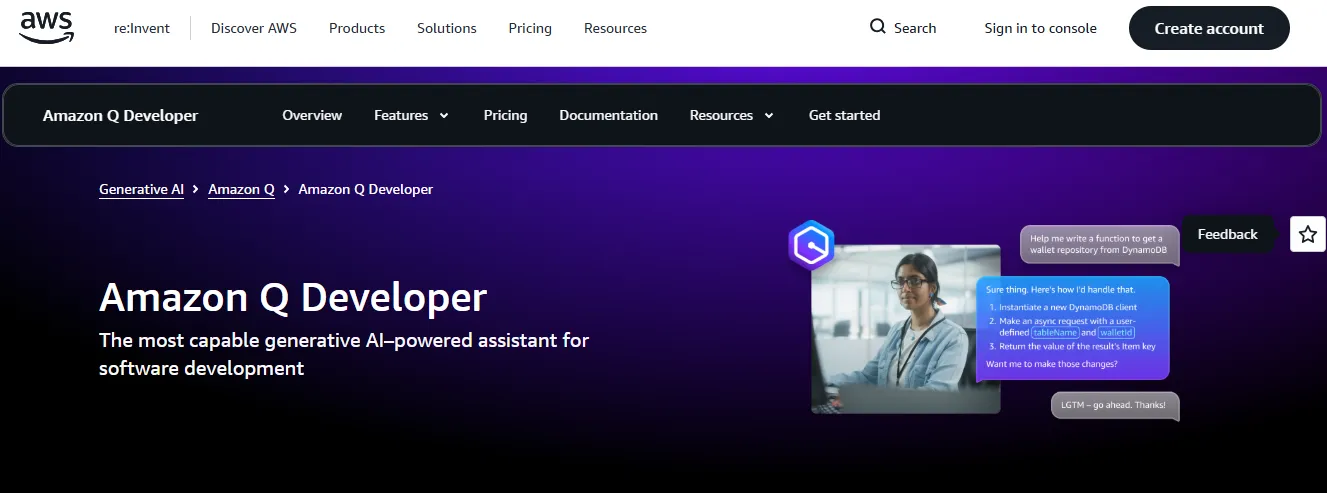 Amazon Q Developer generates real time code suggestions and simultaneously scans generated code for security vulnerabilities using a built-in scanner aligned with OWASP standards. It also includes a reference tracker that identifies when suggestions resemble open-source code and cites the relevant license.
Key features:
- Built-in security scanning that flags vulnerable code patterns before they ship
- Native awareness of AWS APIs, SDKs, and best practices
- Reference tracker for open-source license compliance
- Agentic capabilities for implementing features, testing, reviewing, and refactoring code
- Supports Python, Java, JavaScript, TypeScript, C#, Go, Rust, PHP, SQL, and more
- Available in VS Code, JetBrains, Visual Studio, Eclipse, and CLI
Pricing: Free tier available (50 agentic chat interactions/month). Visit aws.amazon.com/q/developer for current Pro tier rates.
Best for: AWS-native development teams and any team where security compliance is a first-class concern.
IntelliCode (Visual Studio and VS Code)
Microsoft IntelliCode is an AI-assisted development tool built into Visual Studio and available as a free extension for VS Code. Rather than generating novel code, it enhances existing IntelliSense completions by ranking suggestions based on what high-quality code in similar contexts actually uses.
IntelliCode analyzes thousands of high-quality open-source repositories on GitHub to learn which API calls, method arguments, and code patterns are most commonly used in specific contexts. It then surfaces those patterns at the top of completion lists.
Key features:
- Whole-line completions for C#, C++, Python, TypeScript, and JavaScript
- Team completions that learn from your specific codebase
- Smarter API and argument suggestions based on real-world usage patterns
Pricing: Free. Included in Visual Studio and available as a free VS Code extension.
Best for: .NET developers, C# teams, and any developer already in the Visual Studio ecosystem.
Cursor
Cursor is an AI-first code editor built on VS Code that has gained significant traction among professional developers. Rather than being a plugin, Cursor is a standalone editor with AI embedded into every interaction.
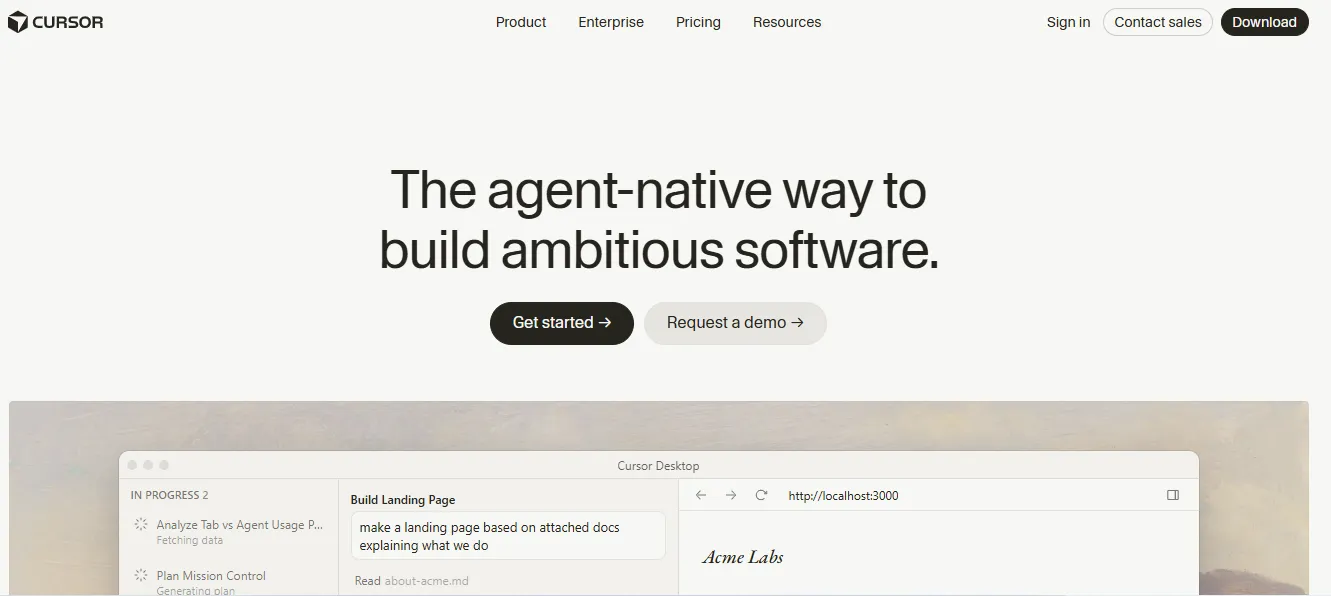 Cursor uses a combination of models to power inline completions, multi-file editing, codebase-wide chat, and an agent mode that can autonomously make changes across multiple files based on a single instruction. One instruction can update logic across multiple related files simultaneously.
Key features:
- Codebase-aware chat that answers questions about your entire repository
- Multi-file editing from a single natural language instruction
- Agent mode for autonomous task execution within the codebase
- Cloud agents and automations
- Compatible with all VS Code extensions
Pricing: Hobby (Free, limited agent requests and tab completions); Individual Pro ($20/month); Teams ($40/user/month); Enterprise (custom pricing).
Best for: Professional developers and engineering teams who want the most capable AI-native editing experience and are willing to switch editors.
Replit
Replit is a browser-based development platform with built-in AI assistance. It is designed for speed of experimentation, learning, and collaborative coding without any local setup.
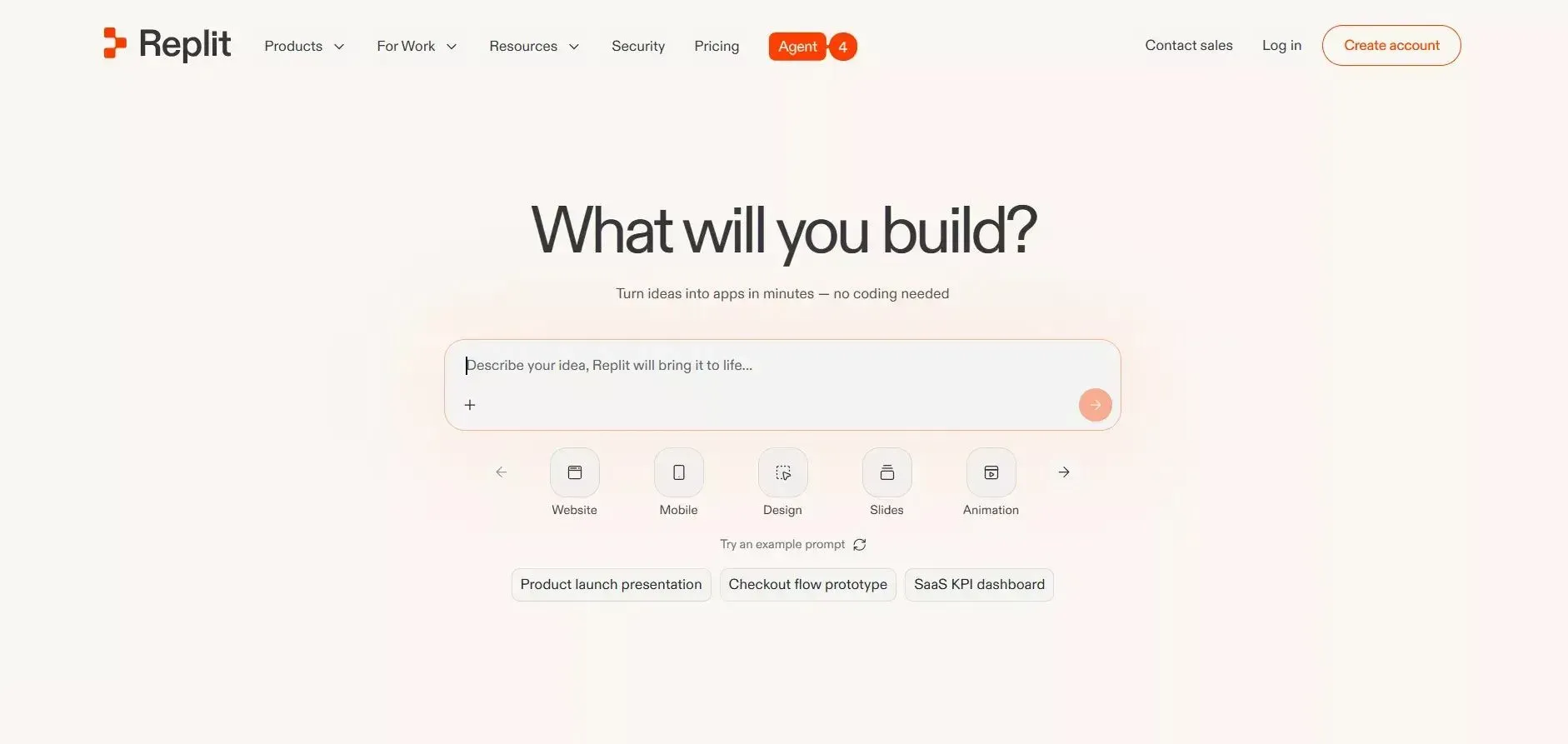 Replit provides inline code completion, an AI agent for building full applications, code explanation features, and real time debugging assistance, all within the browser. Zero setup is required.
Key features:
- Zero setup, runs entirely in the browser
- Real time collaboration with multiple users in the same environment
- Integrated deployment for quick sharing and testing
- AI agent for building and iterating on applications
- Strong support for beginners and non-traditional developers
Pricing: Starter (Free, limited daily agent credits); Core ($20/month, $20 monthly credits, up to 5 collaborators); Pro ($100/month, $100 monthly credits, up to 15 collaborators).
Best for: Students, educators, and developers who want to prototype quickly without local environment setup.
Feature Comparison: Real Time AI Coding Assistants
| Tool | Type | Best For | Privacy Options | Free Tier | Starting Price |
|---|---|---|---|---|---|
| Rocket | AI app builder | New product development | Cloud | Yes | Free ($0) / Pro $25/mo / Rocket $50/mo / Booster $250/mo |
| TabNine | Inline assistant | Privacy-first teams | Full local deployment | Yes | Contact for pricing |
| Amazon Q Developer | Inline assistant | AWS / security-focused | Reference tracking | Yes | Free tier available |
| IntelliCode | Completion enhancer | .NET / Visual Studio | On-premises | Yes | Free |
| Cursor | AI-native editor | Professional developers | Privacy mode | Yes | Free / $20/mo Pro |
| Replit | Browser-based | Learning / prototyping | Cloud only | Yes | Free / $20/mo Core |
| GitHub Copilot | Inline assistant | All developers | Code referencing controls | Yes | Free / $10/mo Pro |
Real-World Use Cases: When to Use Which Tool
Use Case 1: Enterprise team on AWS with security requirements. An engineering team building cloud-native services needs security scanning on every generated function and full AWS API awareness. Amazon Q Developer's free tier covers both, with built-in OWASP-aligned scanning. For teams with proprietary code that cannot leave the building, TabNine's local deployment adds an additional privacy layer.
Use Case 2: Solo developer building an MVP over a weekend. A developer with a product idea and a tight timeline needs to go from concept to working application fast. Rocket generates the full-stack application from a description. Once the scaffold is live, GitHub Copilot or Cursor handles ongoing feature development within the generated codebase.
Use Case 3: Bootcamp student or self-taught developer. Someone learning to code wants AI assistance without environment setup friction. Replit's free Starter plan runs in the browser with zero configuration. As skills develop and the developer moves to VS Code, IntelliCode provides intelligent completions at no cost.
Use Case 4: .NET enterprise team building internal tools. A Microsoft-stack team working in C# and Visual Studio already has IntelliCode included. Adding GitHub Copilot Pro provides more advanced generation capabilities without changing the existing toolchain.
Use Case 5: Startup product team shipping a client portal. A non-technical founder and a single developer need to ship a customer-facing product quickly. Rocket generates the complete application: frontend, backend, database, and authentication, so the team can ship a production-ready product without a full engineering team. See how teams build internal tools and admin panels with Rocket.
Security, Privacy, and Intellectual Property Considerations
Security vulnerabilities in generated code are a documented risk. Studies have shown that AI coding assistants can produce code with common vulnerability patterns, particularly around SQL injection, cross-site scripting, and insecure cryptographic implementations. Amazon Q Developer's built-in scanner addresses this directly. All teams should include AI-generated code in their standard security review process regardless of tool.
Intellectual property and licensing require attention. Some tools may generate code that resembles open-source code from their training data. GitHub Copilot and Amazon Q Developer both provide mechanisms to identify and manage this risk. Teams shipping commercial software should review their vendor's data processing agreements and code reference policies before deployment.
Data privacy for proprietary code is the most common concern for enterprise teams. Cloud-based tools send code snippets to external APIs for processing. TabNine's local deployment and GitHub Copilot's privacy controls on paid plans are specifically designed for teams where code cannot leave their infrastructure.
Best Practices for Developers Using AI Coding Assistants
Review every suggestion before accepting it. AI-generated code needs the same review as code from any other contributor. It can be plausible-looking while containing subtle bugs or using deprecated patterns.
Write clear, descriptive comments. The quality of AI suggestions is directly proportional to the clarity of the context you provide. Detailed comments produce better code. This applies across every tool on this list.
Use AI for scaffolding, not for critical security logic. Generate boilerplate, data models, and UI components with AI. Write authentication, authorization, and cryptographic code manually or with careful review.
Match the tool to the task. Use inline assistants for existing codebase work. Use AI app builders like Rocket when starting something new. Mixing the two categories leads to frustration and wasted time.
For teams building production applications, Rocket's build best practices documentation covers how to get the most reliable output from AI-generated full-stack code.
What Developers Also Need to Know
Context Windows and Their Limits
The quality of AI suggestions depends on how much of your codebase the tool can "see" at once. Current tools have context window limits that restrict how much code they can reason about simultaneously. Cursor's codebase-wide chat and Rocket's shared context architecture both address this differently. As long-context models improve, this limitation will shrink, but it is a real constraint today that affects suggestion quality on large codebases.
Agentic Coding: What Is Coming Next
The next generation of AI coding assistants will operate as autonomous agents, capable of executing multi-step tasks across entire codebases without step-by-step human guidance. Cursor's agent mode and GitHub Copilot's cloud agent are early examples. Developers will increasingly act as reviewers and directors rather than writers of every line. This shift is already visible in how vibe coding tools are shaping next-generation development workflows.
The Cost of Over-Reliance
Developers who accept AI suggestions without understanding the underlying logic risk weakening problem-solving skills over time. The tool is a collaborator, not a replacement. Understanding what the generated code does before accepting it is not optional. It is the practice that separates developers who get better with AI tools from those who become dependent on them.
AI Coding Tools and the Full Development Lifecycle
AI assistance is expanding beyond code writing into testing, documentation, deployment, monitoring, and incident response. The real time AI coding assistant of today is becoming the AI development partner of tomorrow, present at every stage of the software development lifecycle. Teams that automate repetitive coding tasks are already seeing this shift in practice.
How to Choose the Right Real Time AI Coding Assistant
Choosing the right real time AI coding assistant depends on workflow, team size, and goals. Inline tools shine during daily coding tasks. App builders support fast projects and demos. Used thoughtfully, these tools help developers write cleaner software while staying in control.
Choose GitHub Copilot if you want the most mature, widely supported inline assistant with strong GitHub integration and a free tier to start.
Choose TabNine if your team has strict data privacy requirements and needs fully on-premises deployment.
Choose Amazon Q Developer if you are building on AWS and want built-in security scanning at no additional cost.
Choose IntelliCode if you are a .NET or Visual Studio developer who wants intelligent completions without a subscription.
Choose Cursor if you want the most capable AI-native editing experience and are willing to switch editors.
Choose Replit if you are learning to code or need a zero-setup collaborative environment.
Choose Rocket if you need to build a complete new application from scratch, as fast as possible.
The Real Time AI Coding Assistant Is Redefining How Software Gets Built
The real time AI coding assistant has moved from novelty to necessity. Whether you are a solo developer building your first product, an enterprise team managing a complex codebase, or a founder who needs to ship an MVP before the competition, there is now an AI coding tool built precisely for your situation.
The tools covered in this guide represent the current state of the art across every category. Inline assistance, security-focused generation, privacy-first deployment, AI-native editing, and full-stack application generation each serve a distinct moment in the development process. The right choice depends on what you are building, who you are building it with, and what constraints your team operates under.
For developers and teams who need to go beyond inline assistance and build complete, production-ready applications from scratch, Rocket.new is the fastest path from idea to shipped product. You describe what you want to build. Rocket generates a full-stack application: clean, editable, production-ready code, in minutes. 1.5 million people across 180 countries have tried it.
Table of contents
- -How AI Coding Assistants Work
- -Why This Matters: Developer Adoption in 2026
- -Inline Assistants vs. AI App Builders: The Core Distinction
- -Top Real Time AI Coding Assistants: Tool Reviews
- -Rocket
- -GitHub Copilot
- -TabNine
- -Amazon Q Developer
- -IntelliCode (Visual Studio and VS Code)
- -Cursor
- -Replit
- -Feature Comparison: Real Time AI Coding Assistants
- -Real-World Use Cases: When to Use Which Tool
- -Security, Privacy, and Intellectual Property Considerations
- -Best Practices for Developers Using AI Coding Assistants
- -What Developers Also Need to Know
- -Context Windows and Their Limits
- -Agentic Coding: What Is Coming Next
- -The Cost of Over-Reliance
- -AI Coding Tools and the Full Development Lifecycle
- -How to Choose the Right Real Time AI Coding Assistant
- -The Real Time AI Coding Assistant Is Redefining How Software Gets Built