
Cross-device testing ensures your Android and iOS app works across different screen sizes, OS versions, and hardware. Use emulators early, real devices before release, and combine manual and automated testing for full coverage.
Cross-device testing is essential for any team building Android or iOS apps. With Android holding over 70% of global mobile OS market share and iOS at around 28%, apps must perform consistently across hundreds of hardware configurations, OS versions, and screen sizes.
This guide covers every testing type, tool, and strategy you need to ship reliable mobile applications.
Why Cross-Device Testing Matters
If your app crashes on a Galaxy S23 but passes every emulator test, you have a cross-device problem. Users do not care about your test coverage numbers. They care that the button works on their phone.
Android holds over 70% of the global mobile OS market share, while iOS takes around 28%. That split means your app runs on devices with wildly different screen densities, memory constraints, and OS versions, and an app that renders perfectly on a Pixel 8 can break its layout entirely on a budget Android running Android 10.
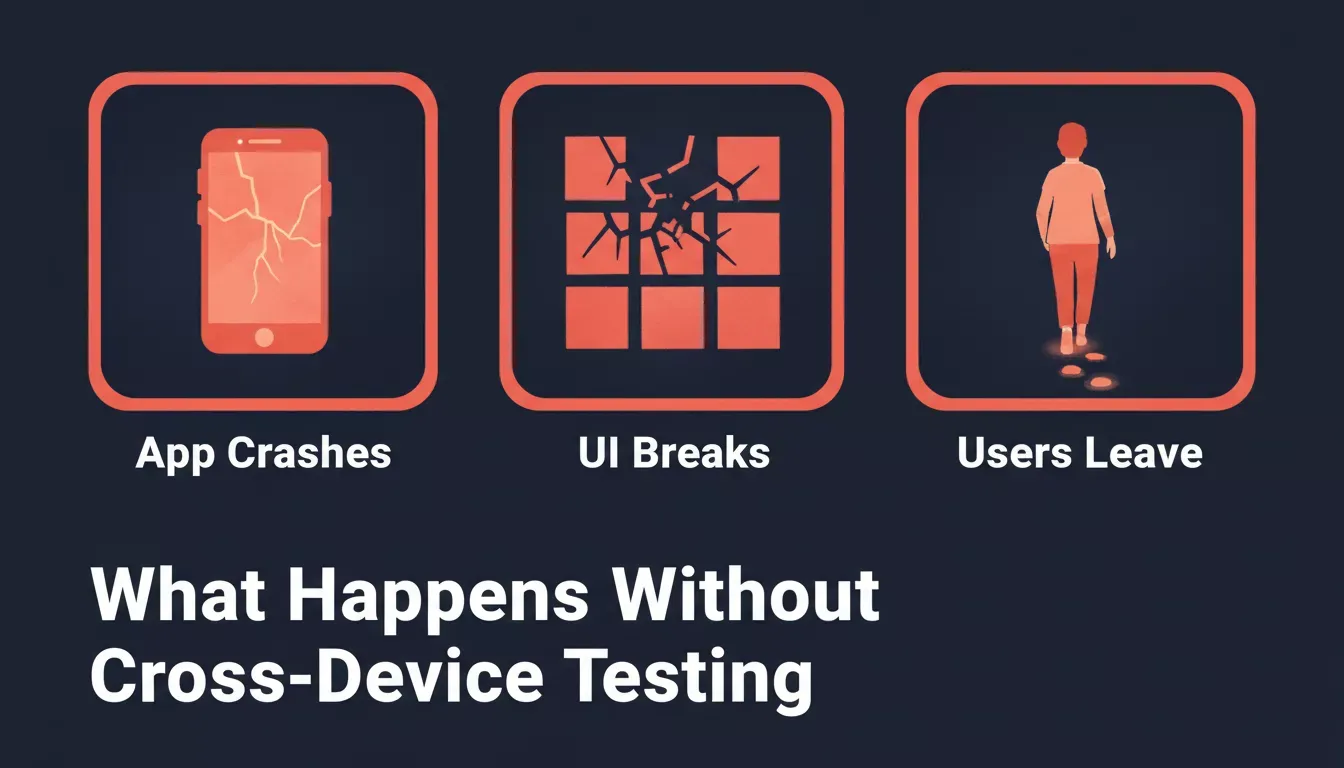
App crashes, broken layouts, and user drop-off are the direct consequences of skipping cross-device testing
So testing across devices is not optional. It is part of building reliable mobile applications.
Types of Testing You Should Perform
Most teams think about testing as a single pass before release. It is not. It is four distinct disciplines, each catching a different class of bug, and skipping any one of them means shipping with a blind spot.
1. Functional Testing
Functional testing verifies that every feature works correctly across different devices and OS versions. Buttons respond. Forms submit. Data loads. Each module should be unit tested before moving forward, because teams that unit-test components early catch defects fast, and the ones that skip it spend the last week before launch playing whack-a-mole with regressions.
2. Performance Testing
Run the app under weak network conditions: try 3G, try spotty WiFi, try switching from WiFi to cellular mid-session. Performance testing measures load time, tracks memory usage, and watches for bottlenecks. It surfaces problems that only appear on lower-end hardware, where the CPU cannot mask a poorly optimized render cycle.
3. Security Testing
Security testing checks how data is stored, reviews network calls, and validates encryption. A single unencrypted API call on a public network can expose user data, and mobile devices connect to public networks constantly. Test this before release, not after a breach report.
4. Visual and Usability Testing
The iPhone SE has a 375px viewport. A layout that looks fine on a 6.7-inch display can collapse its navigation into an unusable stack on that smaller screen. Take screenshots during test sessions, compare them across specific devices, and check whether the actual tap targets are reachable, not just whether the elements are technically present.
Real Devices vs Emulators and Simulators
Emulators and simulators are not a substitute for real hardware. They are a complement to it. Here is where each one earns its place.
| Aspect | Emulators and Simulators | Real Devices |
|---|---|---|
| Battery drain | Not measurable | Accurate |
| Network performance | Simulated only | True conditions |
| Hardware sensors | Limited accuracy | Full accuracy |
| Setup cost | Low | Higher |
| Best use case | Early development | Pre-release validation |
| Speed | Fast iterations | Slower but reliable |
Emulators are fast and cheap, which makes them the right tool for early iteration: catching layout breaks and functional regressions before you burn time on device setup. But they will not tell you that Samsung's One UI adds a system-level overlay that pushes your bottom navigation bar up by 48px, or that Android's back-gesture conflicts with a custom swipe drawer on devices running Android 13 and later.
Real devices consistently surface more bugs than emulator-only workflows, especially around hardware sensors and network behavior
Research on mobile testing practices shows teams using real device clouds reduce release-blocking bugs compared to emulator-only workflows. Start with emulators for early validation, move to real devices before release.
Manual Testing and Automated Testing
Most teams debate manual vs. automated testing like it is a choice. It is not. You need both, and the question is just where each one fits.
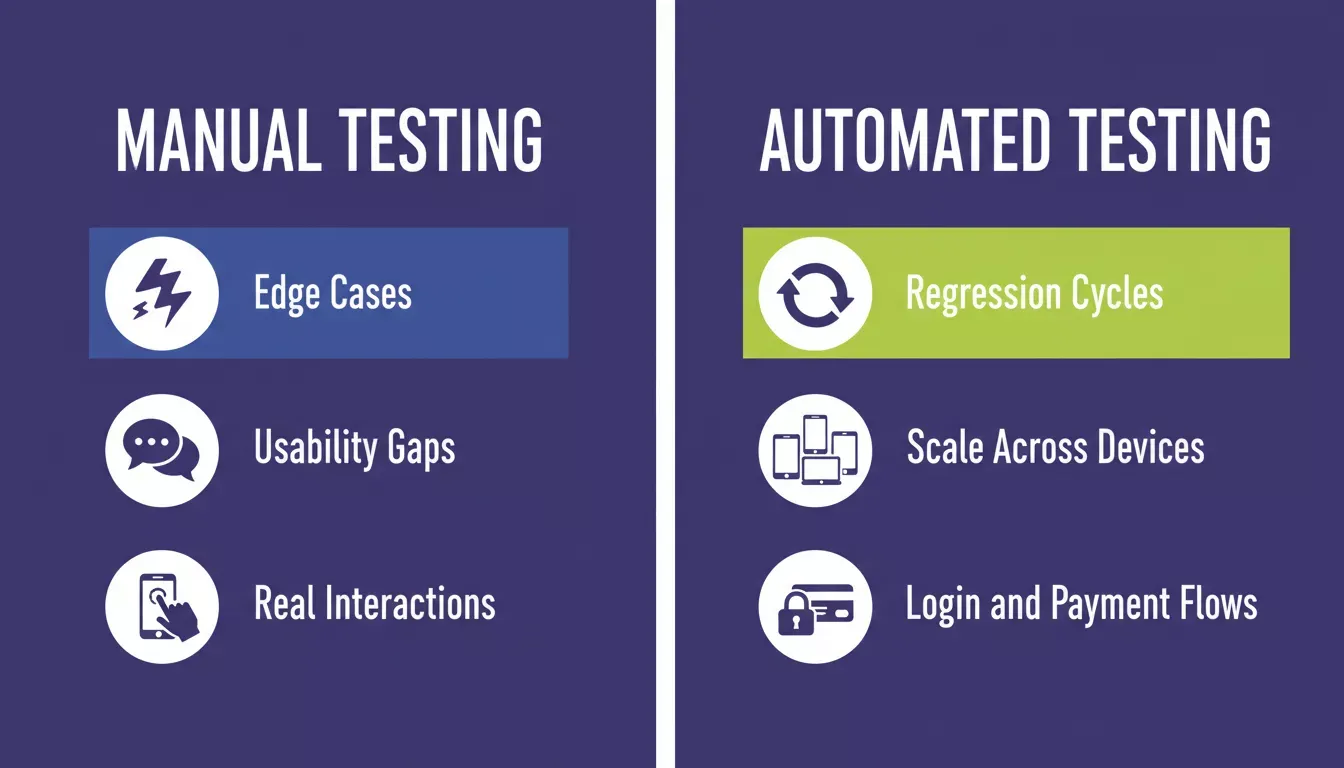
Manual testing catches edge cases and usability gaps; automated testing handles scale and regression cycles
Automated testing speeds up repetitive checks, runs your login flow and payment path against every build, and scales across device configurations without adding hours to your QA cycle. When code is unit tested early, scripts become more stable and reduce flaky tests. But automation has a ceiling: it will pass 100% green for weeks while a rendering bug on Samsung's One UI makes your checkout button invisible behind a z-index issue, technically present, just unclickable. A tester opens it once and catches it in ten seconds.
Manual testing fills that gap. It catches the edge cases, the usability friction, the flows that work technically but feel broken in practice. Your QA lead will find things no script will.
If you are building production-ready mobile apps, running both in parallel is not overhead. It is the only way to ship with confidence.
Testing Across Operating Systems and OS Versions
Mobile OS fragmentation means a significant portion of active Android devices run versions that are two or more years old. Android 10 and 11 still account for a meaningful share of active installs, and behavior differences between those versions and Android 14 are real, not theoretical.
Key Focus Areas:
- Test on at least three major Android versions (Android 11, 12, and 14 as a baseline)
- Test on at least two iOS versions (current and one prior major release)
- Verify functionality remains consistent across updates
- Check behavior on older OS versions, especially around permission dialogs, which changed significantly in Android 12
- Confirm layouts adjust across screen sizes, and pay particular attention to foldable devices if your target market includes them
When you skip OS version testing, you are essentially betting that nothing changed between releases. That bet loses more often than it wins.
Cross-Device Testing Workflow
A structured workflow keeps testing consistent across every release cycle:
- Define Scop: identify target devices, OS versions, and test types
- Pick Devices: select emulators for early iteration, real devices for pre-release
- Test All Types: run functional, performance, security, and visual checks
- Fix and Retest: address issues and rerun affected test areas
- Ship: release once all test types pass across target devices
Cross-device testing workflow: define scope, select devices, test all types, fix issues, and ship
Cloud Based Testing vs Physical Devices
Buying physical devices is expensive. Maintaining them is harder: firmware updates, charging cycles, storage management, and the inevitable device that stops booting the week before a release. A real device cloud gives you access to remotely hosted hardware without any of that.
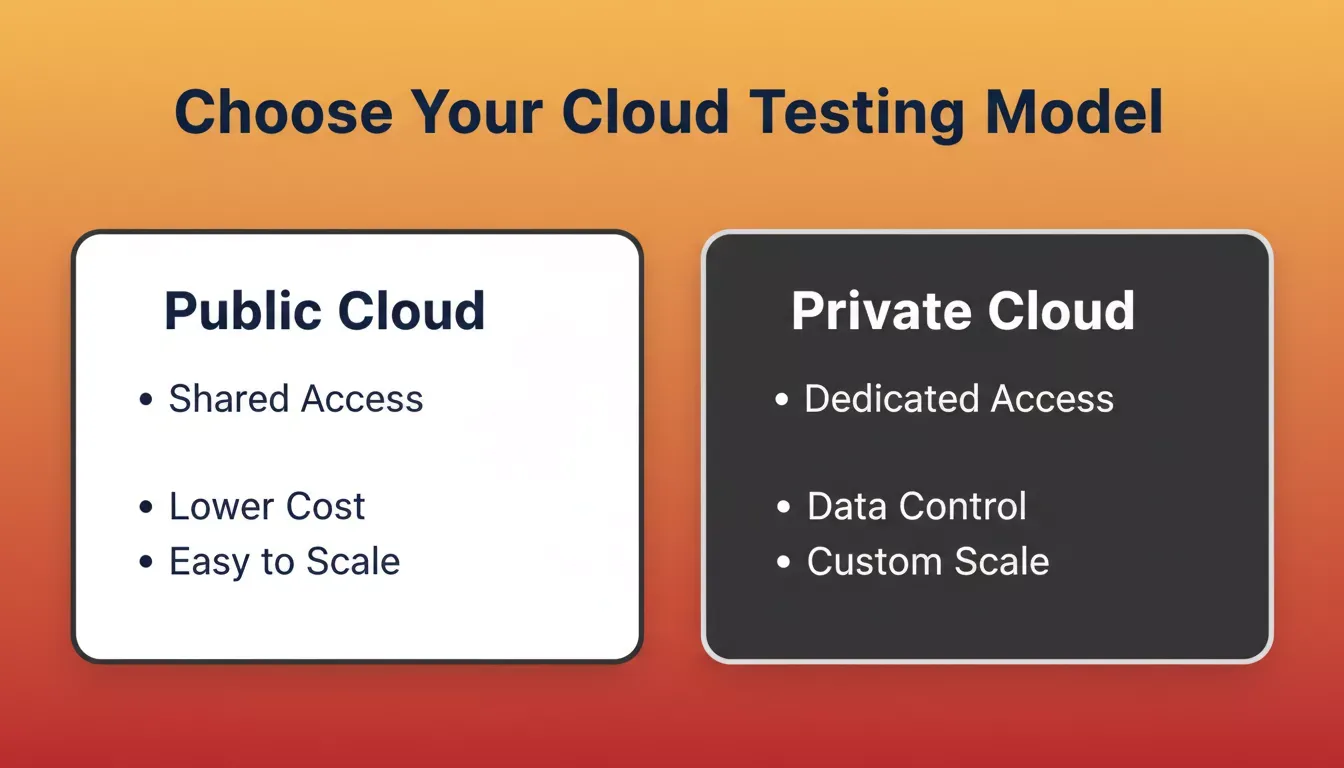
Public cloud suits most teams for cost and scale; private cloud is the right choice when data control is a priority
| Feature | Public Cloud | Private Cloud |
|---|---|---|
| Access | Shared | Dedicated |
| Data control | Standard isolation | Higher control |
| Cost | Lower upfront | Higher setup |
| Scalability | Easy to scale | Custom options |
| Best for | Most teams | Regulated industries |
Public cloud is the right default for most teams. Private cloud makes sense when your app handles sensitive data in healthcare, fintech, or enterprise, where standard isolation is not enough and your compliance requirements specify dedicated infrastructure. Many companies run a hybrid: public cloud for routine regression testing, private cloud for release validation on sensitive builds.
If you are also looking to build a mobile app with AI, the same principles apply: generate clean, well-structured code first, then test across your target device matrix.
Network Testing and Data Validation
Network testing means checking what happens when the signal drops. Test slow 3G, spotty WiFi, and airplane mode recovery, then confirm the app does not just hang or silently lose data. Capture network logs. Check API latency. Validate that data written during a connection drop is either saved locally or surfaced to the user as an error, not quietly discarded.
Apps that handle network interruptions gracefully retain users. Apps that silently fail get one-star reviews. This process also improves cross browser compatibility for any web views your app loads inside mobile browsers.
Cross Browser Testing for Mobile Apps
Many apps load website content or open pages inside in-app browsers, and that is where cross browser issues appear. Chrome on Android and Safari on iOS handle CSS differently, JavaScript execution timing varies, and a layout that renders correctly in a standalone browser can break inside a WebView.
What to Focus On:
- Check compatibility across Chrome and Safari, the two that matter most
- Verify how content is displayed inside mobile browsers, not just native screens
- Test responsive layouts across different screen sizes, especially 375px (iPhone SE) and 360px (common Android baseline)
- Validate scripts and interactive elements inside WebViews
- Confirm consistent behavior on both Android and iOS. Do not assume parity.
No-code app builders still generate web views that need cross browser checks. The tool that built the app does not eliminate the browser compatibility surface.
Community Insight
A Reddit user shared this in r/QualityAssurance:
"We found bugs on real devices that never appeared on emulators. After switching to a real device cloud, our release cycles became smoother."
How Rocket Fits In
Cross-device testing starts with building an app that is structured for it: clean navigation, consistent state management, a codebase you can actually hand to a QA workflow without untangling spaghetti first. That is where Rocket.new comes in.
Rocket's Build pillar generates Flutter mobile apps and Next.js web apps from a plain-language prompt. Flutter targets iOS and Android from a single codebase, which means your device matrix is smaller from the start. One codebase to test instead of two. The generated code ships with SEO-ready structure, WCAG accessibility compliance, and performance optimization by default, not as optional extras you add later.
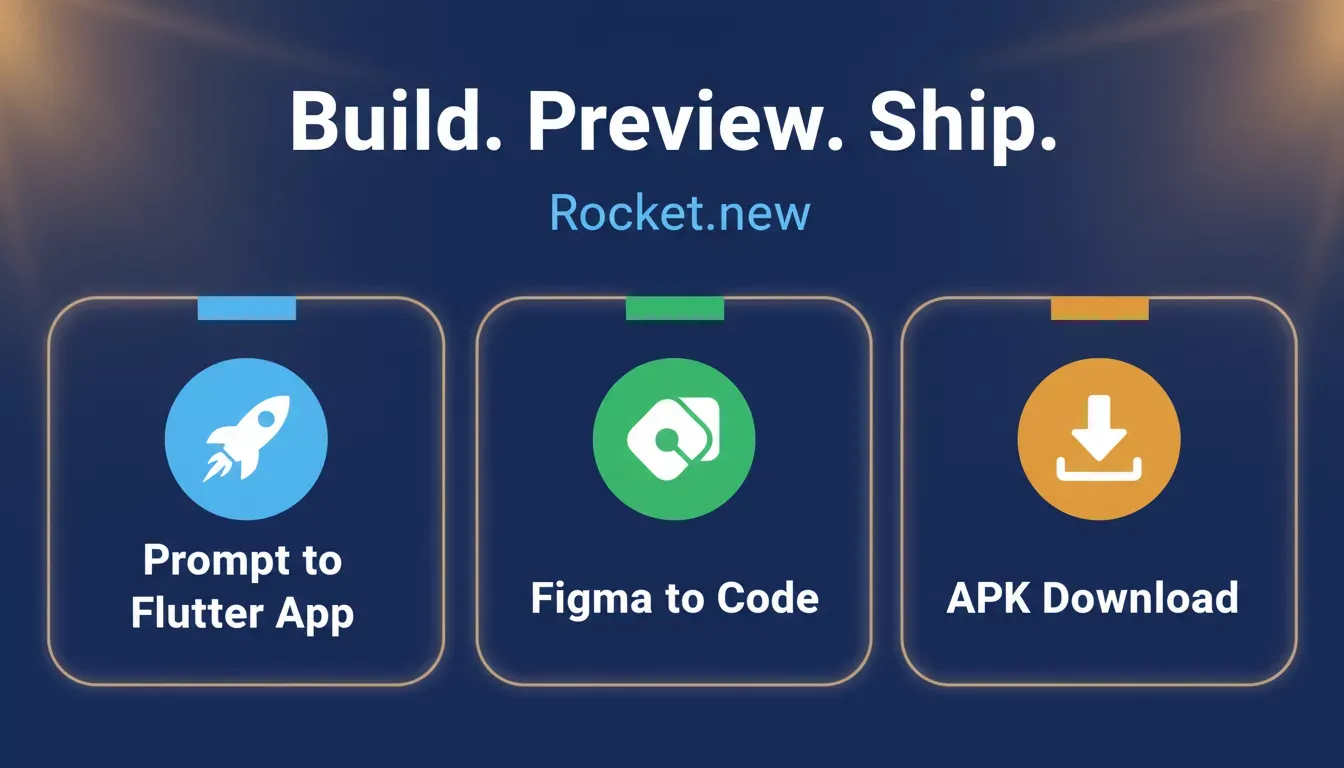
Rocket.new Build generates Flutter and Next.js apps from a prompt, with Figma import and APK download built in
What Build Does
- Prompt to app: Describe your app in plain language. Rocket plans the architecture, writes the code, and shows a live preview the moment generation finishes.
- Figma import: Import a Figma design and Rocket converts frames and components into production-ready Flutter or Next.js code with pixel accuracy.
- Live preview: Test your app directly in the editor as you build: responsive previews, screen navigation, and screenshot capture, no deploying needed.
- APK download: Generate and download a signed Android APK to sideload and test on any Android 8.0+ device before submitting to Google Play.
- Web preview for mobile: Share your Flutter app as a browser-accessible web preview so testers can open the build instantly without installing an APK.
- Code export: Download the full project as a .zip and continue in your own editor, or sync to GitHub for two-way code collaboration.
- Custom domain: Connect a custom domain after launch. Rocket handles SSL and DNS automatically.
Rocket also includes Solve (structured market research and PRDs from a business question) and Intelligence (continuous competitor monitoring with daily Intel cards), so the same platform that builds your app also helps you validate the idea before you build and track the competitive landscape after you ship.
Use Cases
- A solo founder shipping their first Flutter app: Use Solve to validate the idea, Build to generate the app, then download the APK and run it on a real Android device before submitting to the Play Store. The whole loop: research, build, test, without switching platforms.
- A QA lead preparing a release: Export the generated Next.js or Flutter codebase to GitHub, run your existing automated testing suite against it, and use Rocket's live preview for rapid visual regression checks between iterations.
- Teams building for both platforms: A single Flutter codebase targets iOS and Android from one prompt, which cuts the device matrix your cross device testing needs to cover roughly in half.
Why Smart Testing Wins Every Time
Apps behave differently across devices, OS versions, and network conditions, and the bugs that ship are almost always the ones nobody thought to test for. A layout that works on every device in your office breaks on the one your biggest user carries.
Combine automated testing, manual testing, and performance testing. Use public cloud to scale. Choose a private cloud when handling sensitive data. And if you want to build mobile apps without coding and still ship something testable, the stack matters: Flutter gives you one codebase, one set of tests, and one device matrix to manage.
Ready to build an Android or iOS app that is structured for reliable cross-device testing from day one? Rocket.new generates production-ready Flutter and Next.js apps from a single prompt, with APK download, web preview, and code export built in. Start building for free.
Table of contents
- -Why Cross-Device Testing Matters
- -Types of Testing You Should Perform
- -1. Functional Testing
- -2. Performance Testing
- -3. Security Testing
- -4. Visual and Usability Testing
- -Real Devices vs Emulators and Simulators
- -Manual Testing and Automated Testing
- -Testing Across Operating Systems and OS Versions
- -Cross-Device Testing Workflow
- -Cloud Based Testing vs Physical Devices
- -Network Testing and Data Validation
- -Cross Browser Testing for Mobile Apps
- -Community Insight
- -How Rocket Fits In
- -What Build Does
- -Use Cases
- -Why Smart Testing Wins Every Time