
Building a business website takes 8 clear steps: pick a builder, choose a domain, set up hosting, customize a template, add content, link social tools, optimize for SEO, and launch. AI-powered builders like Rocket.new let you go from idea to live site in hours, no coding needed.
Building a business website is simpler than it seems. Learn how to build a website for a business step by step, from choosing the right website builder and domain name to optimizing for search engines and launching with confidence. This guide gives small business owners a clear, stress-free path to a professional online presence.
Why Your Business Needs a Website
A business without a website today is like a shop without a sign. Your business website works 24/7, and people can visit anytime, from anywhere.
About 87% of mobile users use search engines to find local services. That means if your business isn't online, you could literally be invisible to many new customers.
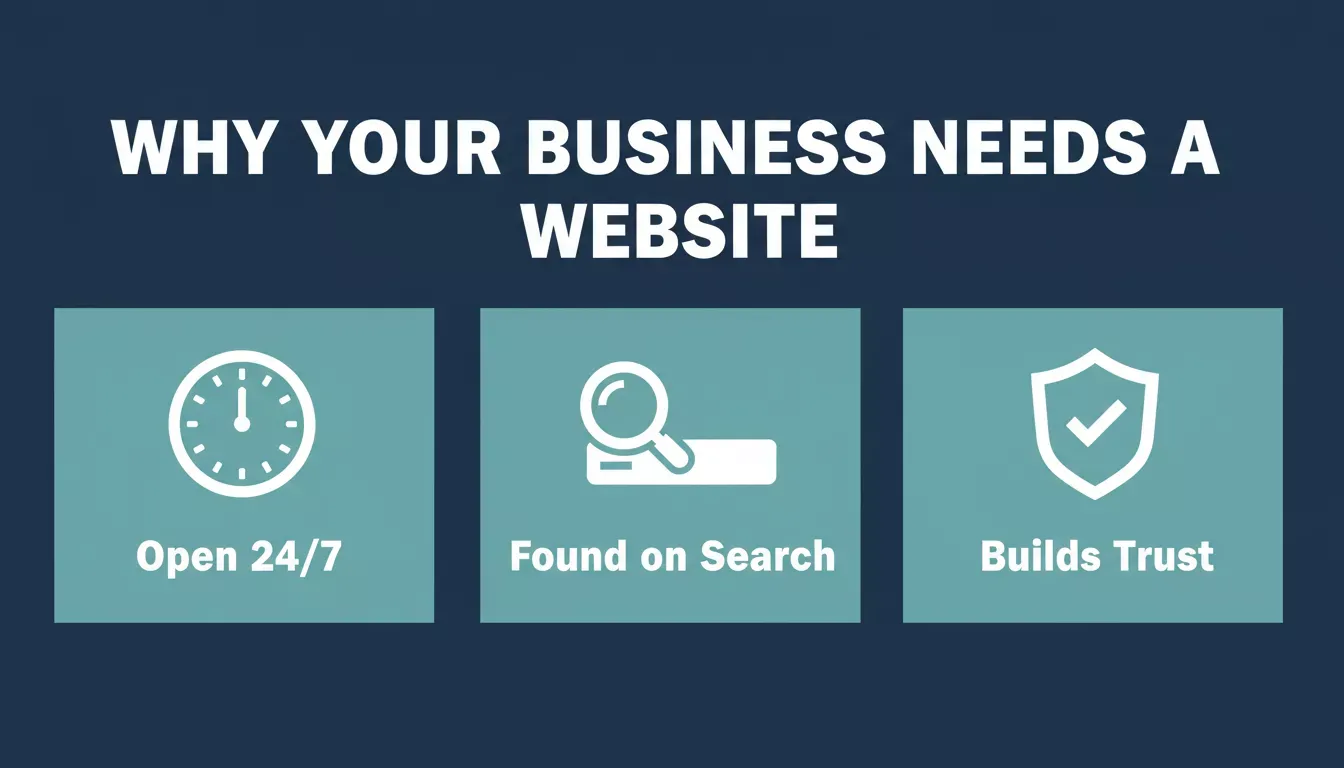
Three reasons every business needs a website in today's market
A website also:
- Gives a place to show services or products
- Let customers contact you easily
- Helps you show who you are and why you matter
- Connects all your social media accounts and other profiles in one spot
Having a business website isn't just about being online; it's about being found, trusted, and remembered. Think of it as your 24/7 salesperson that never takes a day off.
How to Build a Business Website: Step by Step
Before diving in, it helps to have a rough idea of your business goals and what you want your website to achieve. This makes it much easier to pick the right tools.
Step 1: Pick a Website Builder
Most small business owners don't want to code. That's where website builder tools shine, as these let you make your own website with little to no technical skill.
There are many to choose from, ranging from traditional drag-and-drop platforms to AI-powered ones. Some modern AI-powered builders even generate production-ready web apps and mobile apps from a single text prompt.
When choosing, consider your needs:
| Option | Best For | Notes |
|---|---|---|
| Free website platforms | Beginners, testing ideas | Simple to start, limited features and storage |
| Drag-and-drop builders | Business owners who want visual control | Easy to use with lots of templates |
| AI-powered builders | Fast builds with content and logic | Generates production-ready web apps and mobile apps |
| Freelance web developer | Fully custom work | Good for unique, complex sites with bespoke requirements |
No matter which route you choose, the key is to start building. Even a simple site is better than none, and you can always expand and improve it later.
Step 2: Choose a Domain Name
Your domain name is the web address people use to find your site. Think of it like your business street address online.
Pick something short, memorable, and related to your business name. Once that's set, you can connect it to your site.
Getting a custom domain name makes your business website look more professional and easier to remember.
Step 3: Set Up Web Hosting
Web hosting is where your site lives on the internet. Most website builders for small businesses include hosting with their plans, especially if you use a free website builder option or a paid one.
Hosting ensures your site is always live for visitors. Key things to look for include uptime guarantees, SSL/HTTPS included by default, and fast load times on mobile.
What's the difference between a domain and hosting? A domain is your address (e.g., yourbusiness.com). Hosting is the server where your site's files actually live, and you need both.
Step 4: Pick a Template and Customize
Next up: choose from tons of website templates. These pre-designed layouts save time and help your professional website look good even if you're not a designer.
Templates usually include:
- Homepage
- About page
- Services or product pages
- Contact page
With drag-and-drop editors, you just click where you want text, pictures, or buttons. Pro tip: use your own images if possible. It makes your site look authentic and less like everyone else's.
Step 5: Add Your Content
Now for the fun part: writing content and placing elements on your pages. Content needs vary by business type, and a restaurant site needs menus and booking forms, while an e-commerce store needs product pages and a checkout flow.
Think about what your visitors want:
- Clear contact info so they can reach you
- Easy navigation so they don't guess where to click
- Information that tells them what you do and why you're great at it
- A blog or page of content that gets traffic from search engines
This step connects your business goals with site visitors. If you're building an online store, make sure product pages include clear pricing, descriptions, and a visible call-to-action.
Step 6: Link Social Media and Tools
A business website should link to your social media platforms, such as Instagram, Facebook, and LinkedIn. This helps potential customers see your activity across the web.
Consider adding email signup forms for email marketing, too. These can help you stay in touch with visitors and turn them into loyal customers.
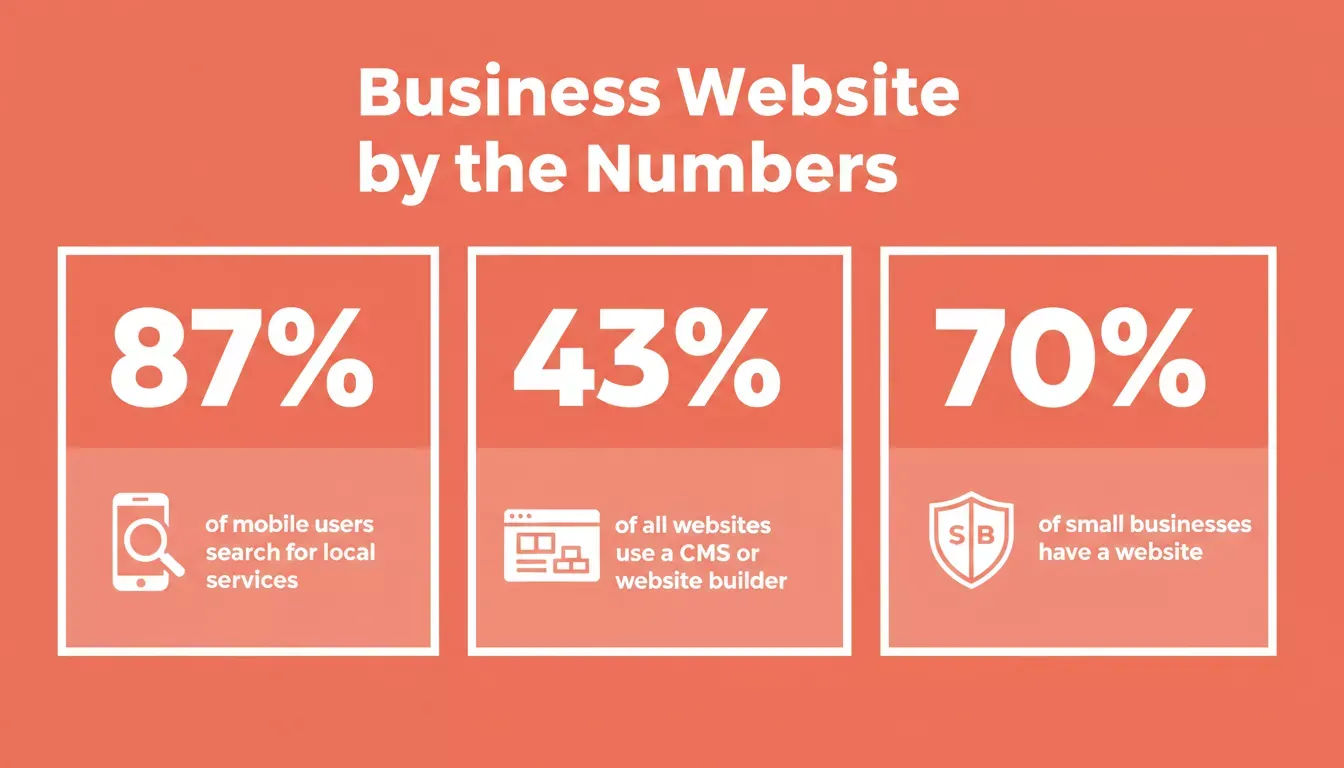
Key statistics that show why having a business website is no longer optional
Step 7: Optimize for Search Engines
Once your site looks good, give it a push so people can actually find it. This is where search engine optimization comes in.
If your site pops up in search engines, more people can find you without ads. Over 43% of all websites are built on some form of CMS or website builder platform, showing just how mainstream these tools have become.
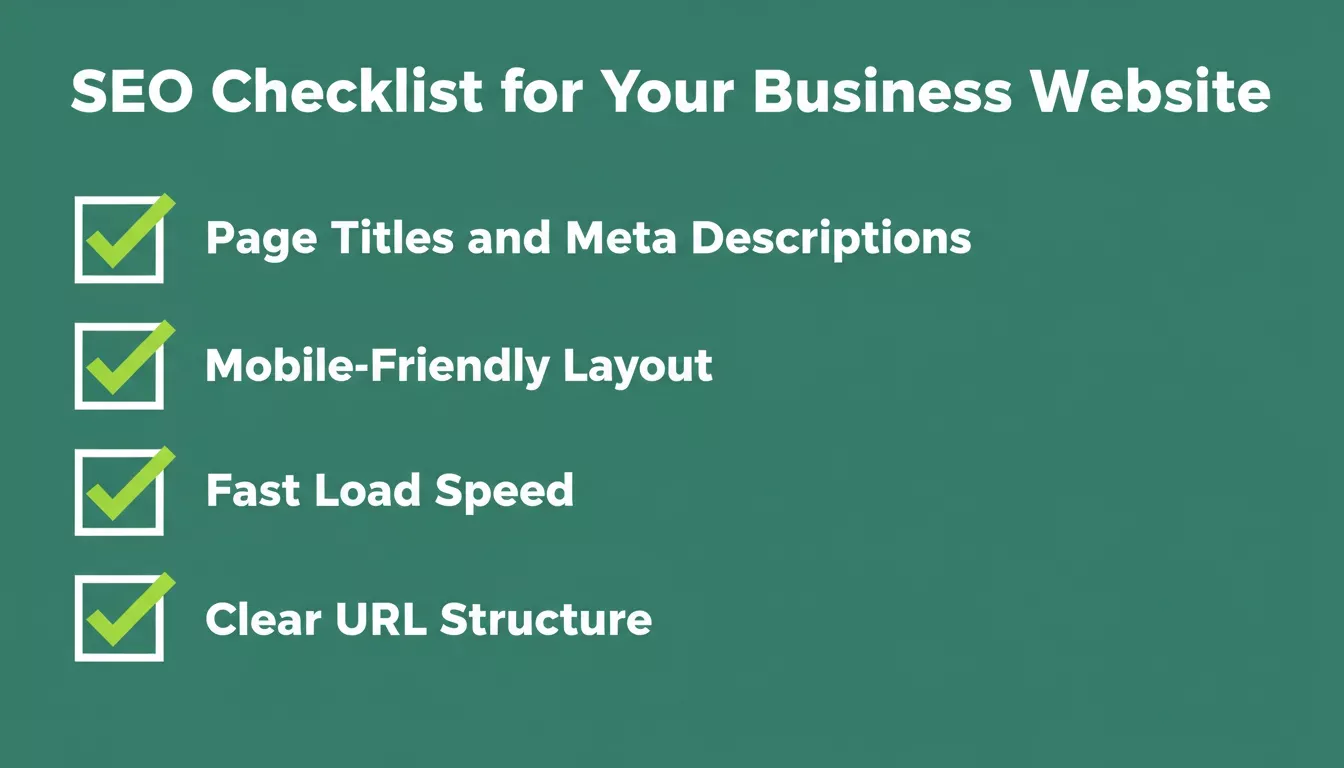
Five SEO essentials every business website should have before launch
Key SEO steps include writing descriptive page titles and meta descriptions, using relevant keywords naturally throughout your content, and ensuring your site loads quickly on mobile devices. Add alt text to all images for both accessibility and search indexing.
Step 8: Preview and Launch
Before you click publish, test your site thoroughly. Check all links, see how it looks on phones and tablets, and make sure forms and buttons work.
Verify SSL/HTTPS is active (look for the padlock in your browser), and check page load speed with a free tool like Google PageSpeed Insights. Once it's running, your business website can start pointing customers your way.
Building a business website is more like planting a tree than flipping a switch. Start simple, let it grow, tweak as you go, and soon it will be a hub that attracts new customers day and night.
Community Voices on Business Websites
Here's what small business owners say on Reddit:
"A lot of small business owners put most of their energy into social media (which is great for reach), but having your own website is still one of the most powerful moves you can make."
How Much Does It Cost to Build a Business Website?
Cost is one of the most common questions business owners have. Here's a realistic breakdown:
| Option | Typical Cost | What You Get |
|---|---|---|
| Free website builder | $0 | Basic site, platform subdomain, limited features |
| Paid website builder (Pro tier) | $10 to $30/month | Custom domain, more storage, e-commerce features |
| AI-powered builder (full-stack) | $25 to $50/month | Production-ready web and mobile apps, research tools, and integrations |
| Freelance web developer | $500 to $5,000+ one-time | Fully custom site, ongoing maintenance costs extra |
| Domain name | $10 to $20/year | Your own branded web address |
| SSL certificate | Usually free | Included with most modern hosting plans |
Is it free to build a business website? Yes, you can start for free with platforms like Google Sites or free tiers on website builders. However, free plans typically show the platform's branding and restrict your domain to a subdomain. For a professional business presence, a paid plan starting around $10 to $25/month is the practical minimum.
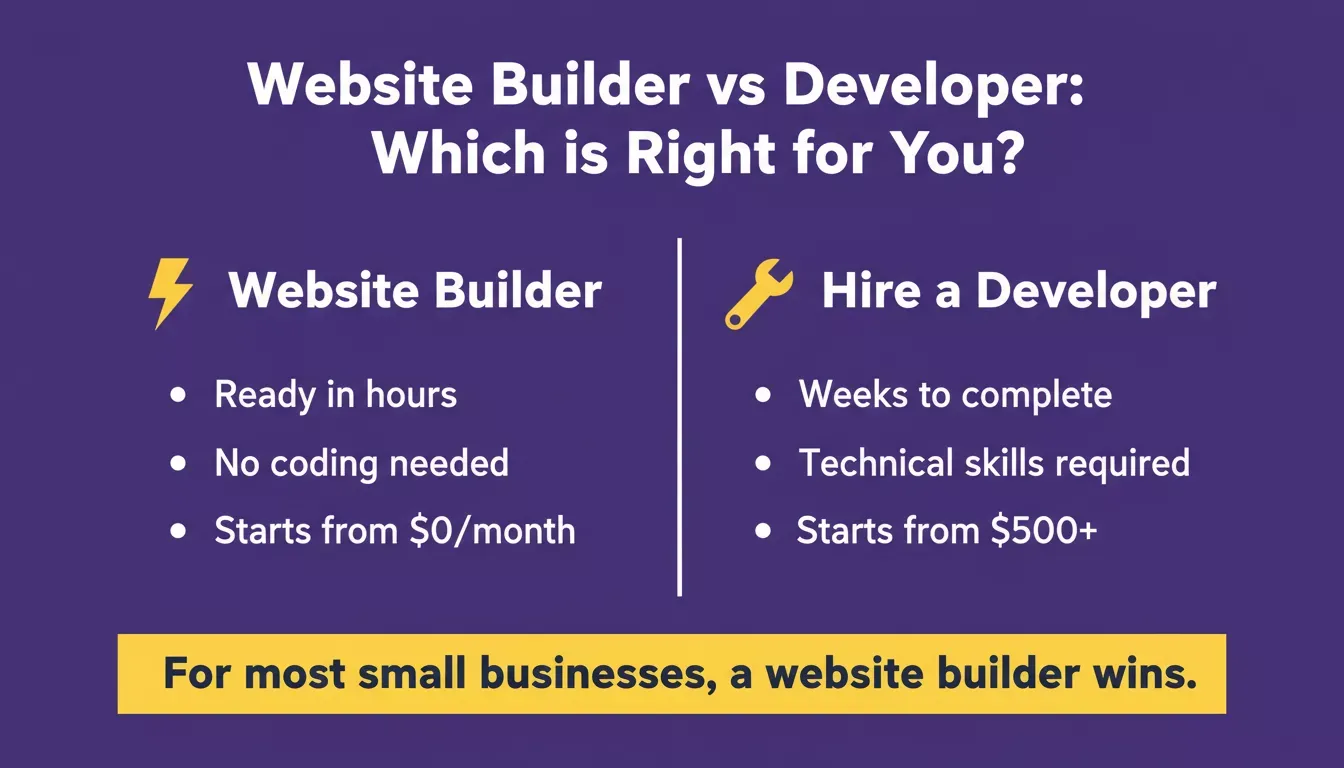
For most small businesses, a website builder is faster, cheaper, and easier to maintain
How to Build a Business Website: Step-by-Step Flow
Six-stage process from idea to a live, optimized business website
The six key stages from idea to a live, optimized business website: Define Goals, Choose Builder, Domain and Hosting, Template and Content, SEO and Test, Launch and Monitor.
Rocket.new: Research, Build, and Monitor in One Place
If the idea of building a site still feels slow or disconnected from your broader business goals, there's a modern approach worth knowing about.
Rocket.new is the vibe solutioning platform, the only platform that covers the full arc of building a product or running a business. It combines three capabilities in one place, and 1.5 million people have tried Rocket.new across 180 countries.
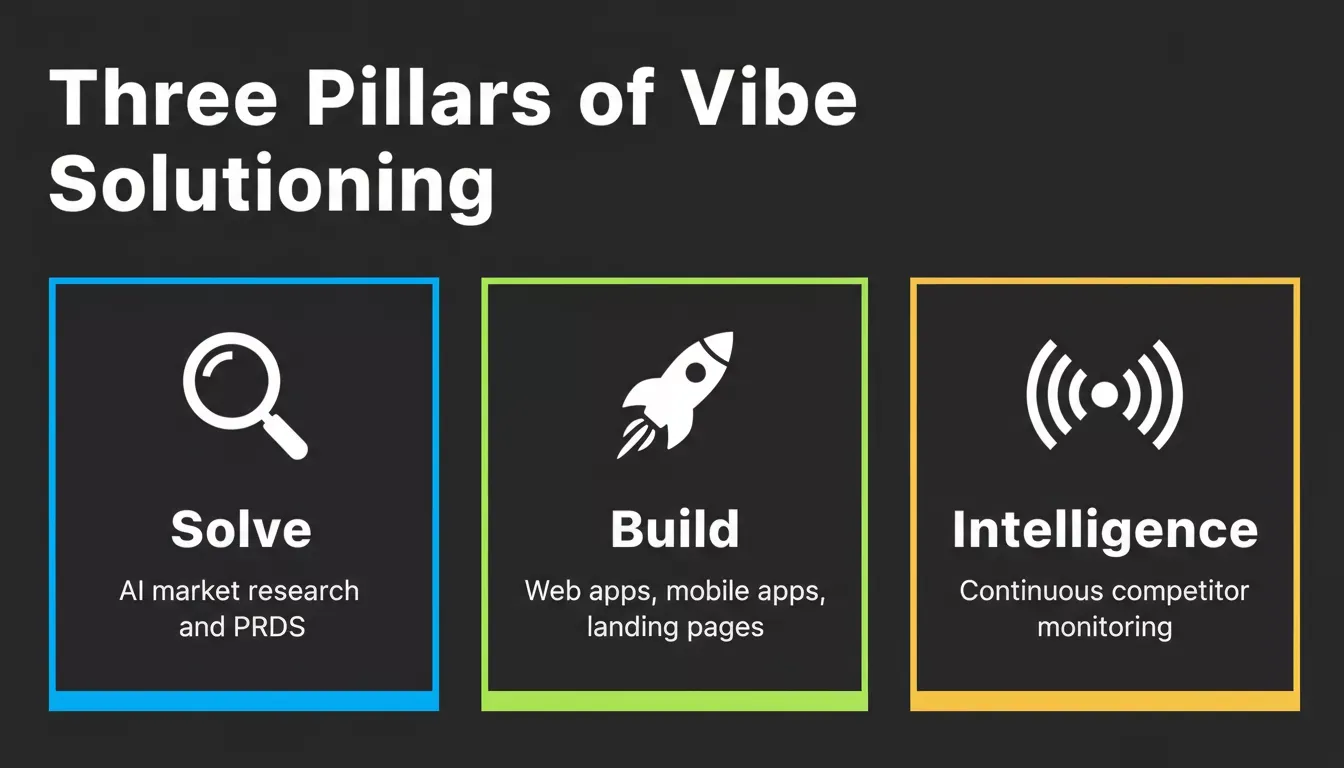
Rocket.new's three pillars work independently or together in one shared workspace
The three pillars:
- Solve: AI-powered market research, idea validation, and PRDs. Ask any business question and get a structured, evidence-backed report in 60 to 90 minutes.
- Build: Generate production-ready web apps (Next.js) and mobile apps (Flutter for iOS and Android) from a text prompt, a Figma design, or an existing GitHub repo. No coding required.
- Intelligence: Continuous competitive monitoring. Set it up once, and Rocket.new watches your competitors across their websites, social media, news, and customer reviews automatically.
You can use each pillar independently or chain them together. Validate your idea with Solve, build the site with Build, then track what competitors are doing with Intelligence, all inside one workspace with shared context.
What Rocket.new's Build pillar produces:
| Output Type | Details |
|---|---|
| Web apps | Production-ready Next.js, SaaS, dashboards, e-commerce, landing pages |
| Mobile apps | Flutter (iOS and Android), submit directly to App Store and Google Play |
| Multi-page websites | Full sites at landing-page quality across every page |
| Internal tools | Dashboards, portals, compliance tools, data rooms |
Key differentiators for business owners:
- Figma Import: Paste your Figma design URL, and Rocket.new converts it into production-ready code (web-only feature; not available in the Rocket.new iOS app)
- Two-way GitHub sync: Push and pull code between Rocket.new and your GitHub repo for Next.js projects
- 25+ integrations: Stripe, Supabase, Google Analytics, Mailchimp, Airtable, HubSpot, Calendly, and more. Authenticate once, and they flow into every build
- Custom domain support: Connect your own domain with automatic HTTPS (paid plan required)
- Code export: Download your full source code and continue development anywhere (paid plan required)
- Built-in analytics, Visitors, conversions, and Core Web Vitals tracked from day one, zero setup required
- SEO, WCAG accessibility, and GDPR compliance, shipped as defaults on every build, not optional extras
Do I need to write code to use Rocket.new? No. Describe what you want in plain language, and Rocket.new produces production-ready Next.js web apps or Flutter mobile apps. You can also explore ready-made templates to get started even faster.
Pricing overview:
| Plan | Price | What's Included |
|---|---|---|
| Free | $0 | 20 one-time credits, Build web and mobile apps |
| Pro | $25/month | 100 credits/month, Build production-ready sites and apps |
| Rocket | $50/month | 250 credits/month, Build + Solve research + Intelligence monitoring |
| Booster | $250/month | 1,500 credits/month, All features + SSO, premium support |
All paid plans include unlimited team members. See the full pricing page for details.
For teams who want to see how AI-powered building compares to traditional approaches, the Rocket.new vs Webflow comparison breaks down the key differences in depth.
Ready to stop waiting and start building? Rocket.new makes it easy to go from idea to a fully functional business website in minutes, no coding required, no tool-switching, and no starting from scratch.
Start building your business website today and see how fast your online presence can come to life.
Table of contents
- -Why Your Business Needs a Website
- -How to Build a Business Website: Step by Step
- -Step 1: Pick a Website Builder
- -Step 2: Choose a Domain Name
- -Step 3: Set Up Web Hosting
- -Step 4: Pick a Template and Customize
- -Step 5: Add Your Content
- -Step 6: Link Social Media and Tools
- -Step 7: Optimize for Search Engines
- -Step 8: Preview and Launch
- -Community Voices on Business Websites
- -How Much Does It Cost to Build a Business Website?
- -How to Build a Business Website: Step-by-Step Flow
- -Rocket.new: Research, Build, and Monitor in One Place