
Want to build a Notion app? This blog covers every step, from defining core features and picking a tech stack to launching a production-ready connected workspace, with time and cost estimates included.
Can you build a Notion app without a full engineering team?
You can. First, plan your features. Then, pick your tech stack. Finally, design an interface that keeps everything in one connected workspace.
Notion started as a simple idea: replace messy sticky notes, scattered docs, and separate tools with a single, flexible app.
The productivity software market is expected to reach over $153 billion by 2030, underscoring the demand for apps that simplify note-taking and manage projects efficiently.
This blog breaks down exactly how to build one.
Why Notion Stands Out
Notion is not just a productivity app. It is an AI-powered workspace that combines note-taking, task management, project management, meeting notes, and personal to-dos in one place.
The real differentiator is Notion's block-based architecture. It lets users compose any workflow from reusable content blocks, including text, tables, databases, and embeds, without writing code. That same philosophy should guide your build from day one.
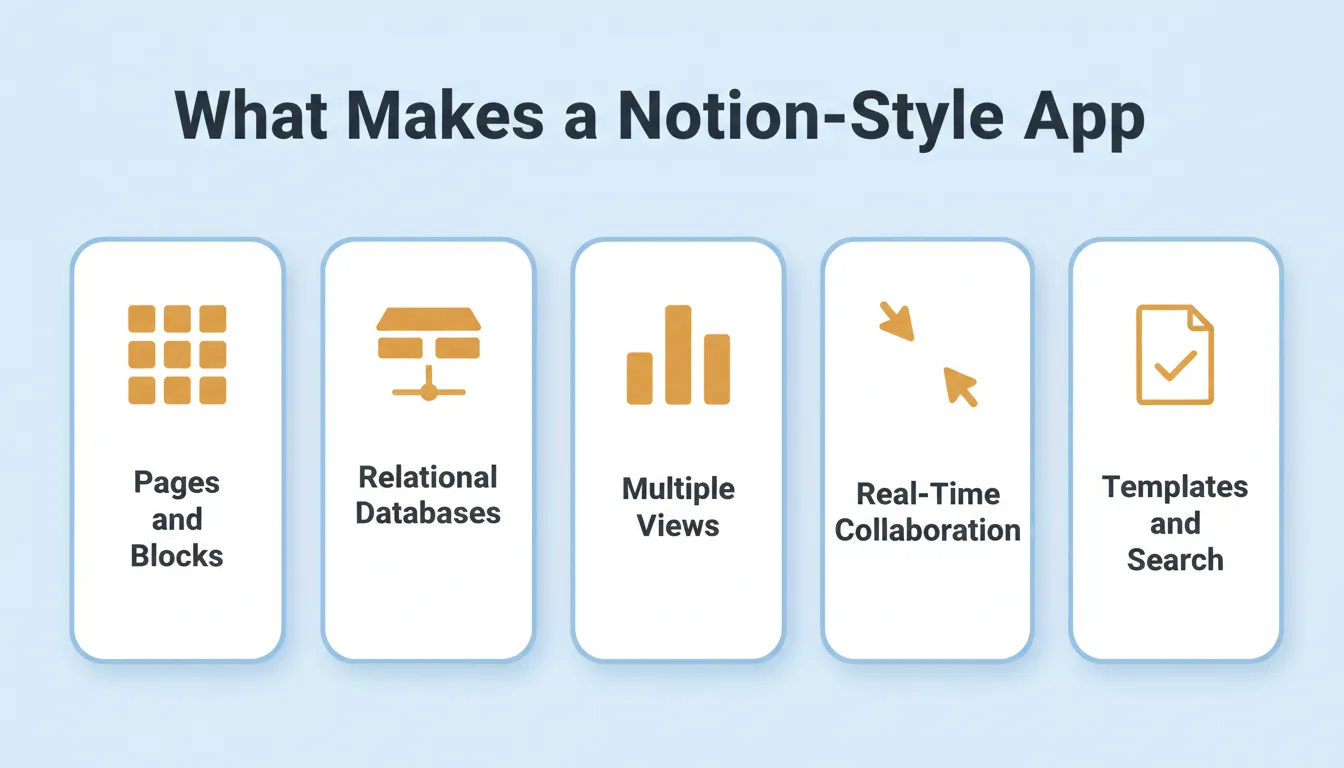
Together, these five components form the foundation of every successful Notion-style app.
How Long Does It Take to Build a Notion-Style App?
Time and cost depend entirely on scope. Here is an honest breakdown:
| Build Scope | Estimated Time | Approach |
|---|---|---|
| Basic notes and pages | 2 to 4 weeks | Solo developer |
| Databases and task management | 1 to 3 months | Small team |
| Full clone with real-time collaboration | 6 to 12 months | Dedicated engineering team |
| Production-ready MVP | Days to weeks | AI app builder |
The biggest cost driver is real-time collaborative editing. It requires specialized conflict-resolution logic that takes significant engineering effort to get right.
The 10-Step Build Process
Building an app like Notion works best when the process stays structured. These steps cover core features, platform choices, technical decisions, and real user needs. Throughout, the focus stays on a single connected workspace. Follow them in order, adjust as feedback comes in, and the app starts to come together naturally.
The ten-step workflow for building a Notion-style app from concept to launch.
Step 1: Outline Core Features
Before coding, get a clear picture of what your app needs to do. Defining core features early ensures every part of your Notion clone serves a real purpose.
- Pages and Blocks – Users can write notes and build pages using modular, reusable content blocks.
- Notion Databases – Flexible, linked databases track tasks, projects, contacts, and meeting notes.
- Task Management – To-do lists, upcoming tasks, priority labels, and progress tracking keep work moving.
- Multiple Database Views – Table, board (Kanban), calendar, and gallery views display the same data differently.
- Tags and Labels – Priority labels, status tags, and custom properties attach to any record.
- Real-Time Collaboration – Simultaneous editing, commenting, and sharing with permissions keep teams aligned.
- Templates – Customizable templates serve students, teams, and startups.
- Search – Fast, full-text search covers all pages and databases.
Think of this as the backbone of your app. Get it right, and everything else falls into place. To see how AI can accelerate this phase, read more about how to build an app with AI.
Step 2: Choose Platforms
Decide where users will interact with your app the most. Choosing the right platform first helps you focus development and reach users effectively.
- Web apps – fast, easy to update, and accessible anywhere; the right starting point for most teams
- Desktop apps – suited for offline work and heavier workflows
- Mobile apps – essential for on-the-go productivity; Flutter is the leading cross-platform choice
Start with web first, then expand. Trying to ship all three simultaneously is the most common reason Notion-style builds stall.
Step 3: Pick the Right Tech Stack
The technology you choose determines your app's speed, flexibility, and scalability. Picking the right stack early saves significant headaches later.
For a deeper look at how these layers fit together, see this guide on tech stack for web development.
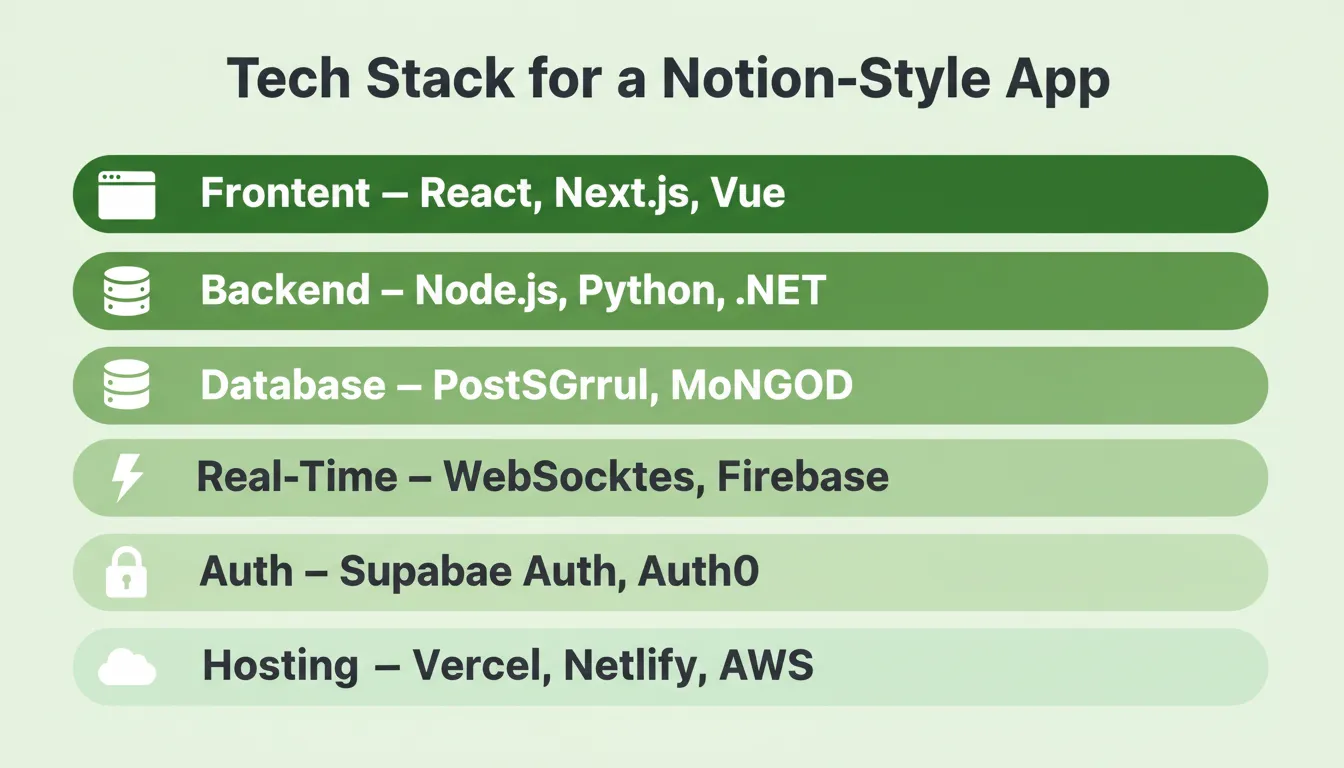
Each layer builds on the one below it, so choosing the right tools at each level makes the whole stack more stable.
| Layer | Recommended Options | Why |
|---|---|---|
| Frontend | React, Next.js, Vue | Dynamic UIs, server-side rendering, SEO |
| Backend | Node.js, Python, .NET | API handling, real-time events, auth |
| Database | PostgreSQL, MongoDB | Flexible schemas for notion databases |
| Real-time | WebSockets, Firebase | Live collaboration and task sync |
| Auth | Supabase Auth, Auth0 | User accounts, OAuth, role-based access |
| Hosting | Vercel, Netlify, AWS | One-click deployment, global CDN |
PostgreSQL with a JSONB column is the most common database pattern for Notion-style block storage. It stores arbitrary block types without a rigid schema, flexible enough to support every view type users expect.
Step 4: Choose Your App Builder
Rocket — The Vibe Solutioning Platform
Rocket is the world's first Vibe Solutioning platform. 1.5 million people have tried Rocket across 180 countries, from solopreneurs to enterprise teams. It combines three pillars in one place: Solve for market research and validation, Build for AI app generation, and Intelligence for competitive monitoring. As a result, you validate your idea, build the product, and track competitors without switching tools.
For building a Notion-style app, the Build pillar is where the work happens:
- AI-Powered App Creation – Describe your app in plain language. Rocket plans the architecture, writes production-ready code, and shows a live preview. Most apps generate in 1 to 3 minutes.
- Next.js for Web, Flutter for Mobile – Frameworks are assigned automatically. Web apps ship in Next.js. Mobile apps ship in Flutter, ready for App Store and Google Play submission.
- Supabase Integration – Backend flows in cleanly: schema, authentication, queries, and storage handled automatically.
- 25+ Integrations – Stripe, Google Analytics, Supabase, Notion, Linear, Airtable, Mailchimp, Mixpanel, OpenAI, Anthropic, and more. Authenticate once; they flow into every build.
- Figma Import – Import Figma designs and Rocket converts them to working code, preserving typography, spacing, and color system.
- GitHub Sync – Connect an existing Next.js TypeScript repository. Two-way sync keeps your codebase and Rocket in step.
- Templates (Zero Credits) – Browse a template library by category. Templates are free to browse; credits apply when you start customizing.
- Built-in SEO, WCAG, and GDPR – Every build ships with SEO-ready structure, WCAG accessibility compliance, and GDPR coverage by default.
- One-Click Deploy – Staging and production environments, full version history, and one-click rollback. Built-in analytics track visitors, conversions, and Core Web Vitals after launch.
Six ways to start a build in Rocket:
- From a plain language prompt
- From an attachment (PDF, spreadsheet, screenshot)
- From a Figma file
- From a GitHub repository
- From a template (zero credits)
- From a URL (Redesign an existing site with eight slash commands)
Step 5: Build Notion Databases
Databases are the heart of a Notion-style app. Flexible, linked, and easy-to-use databases let users manage all types of content efficiently.
What your database layer needs to support:
- Track projects, tasks, contacts, and personal projects
- Link records across pages and boards (relational data)
- Create multiple views: table, board, calendar, gallery
- Filter by priority labels, due dates, status, or custom properties
- Support formulas and rollups for calculated fields
Each database is essentially a collection of pages, where every page is a record with typed properties. Views are saved filters and sorts on the same underlying data, not separate tables. Make the database flexible but simple. Nobody wants to feel trapped under too many menus.
Step 6: Design a User-Friendly Interface
A clean interface ensures users focus on productivity rather than figuring out the app. Intuitive design is more valuable than fancy graphics.
Standard Notion-style layout:
- Left sidebar – navigation, page tree, and workspace switcher
- Main area – block editor for writing notes, to-do lists, or meeting notes
- Top bar – breadcrumb navigation, search, share, and quick actions
Key UX principles for productivity apps:
- Keyboard-first navigation (users expect
/commands to insert blocks) - Drag-and-drop block reordering
- Inline editing: click to edit, no separate edit mode
- Empty states that teach users what to do next
- Responsive design from day one
Step 7: Collaboration Features
Collaboration transforms your app from a personal tool into a team workspace. Real-time teamwork keeps students, teams, and startups engaged and coming back.
For a practical look at what collaboration architecture requires, see this guide on building a document collaboration tool.
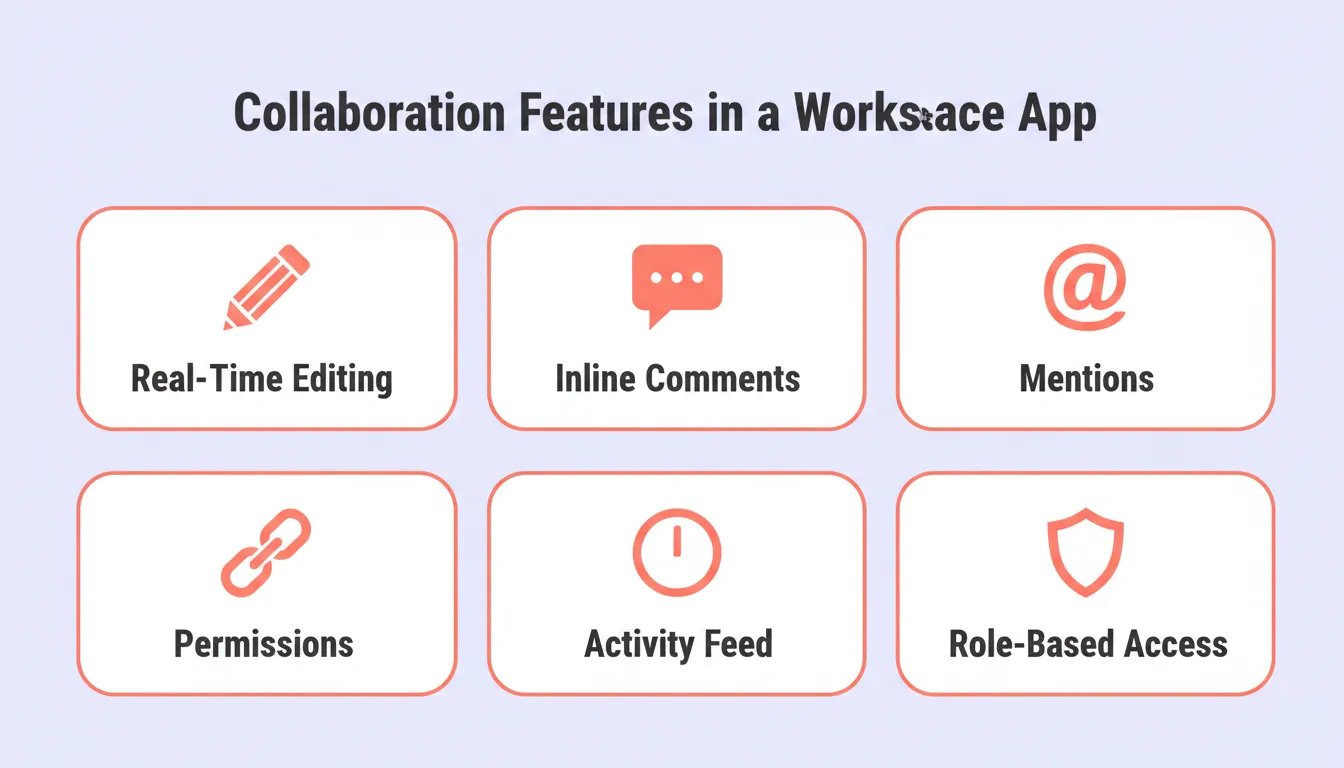 When these six features work together, a simple notes app becomes a fully connected team workspace.
Core collaboration features:
- Real-time editing on pages (WebSocket-based, conflict resolution required)
- Inline commenting on any block
- @-mentions to notify teammates
- Sharing links with granular permissions (view, comment, edit)
- Activity feeds to track who changed what and when
- Role-based access control (owner, editor, viewer)
Real-time collaborative editing is technically the hardest part of a Notion clone. Operational Transformation (OT) or CRDTs (Conflict-free Replicated Data Types) are the two standard approaches. Most teams start with a simpler model and upgrade later.
Step 8: Add Productivity Enhancements
Extra features make users feel your app goes the extra mile. In fact, small touches can significantly boost engagement and daily active use.
- Sync with Google Calendar and Google Docs
- Study planner templates for students
- AI writing assistance to simplify note-writing or auto-generate content
- Drag-and-drop task reordering
- Powerful filters for upcoming tasks and task management
- Keyboard shortcuts and slash commands
- Dark mode and custom themes
- Offline support with background sync
Together, these features help users do more with fewer tools, increasing productivity and reducing churn.
Step 9: Test With Real Users
User testing reveals what works and what does not. Observing real behavior improves app design before launch and prevents expensive post-launch rewrites.
Who to test with:
- Students wanting to organize class notes and school year planning
- Teams tracking project updates and meeting notes
- Solo users managing personal projects and personal to-dos
Ask them to try notes, priority labels, and status tags. Watch how they use a single connected workspace. Their actions reveal what needs to be tweaked.
Step 10: Polish and Launch
Finalize your app with a focus on usability, performance, and cross-platform support. A gradual launch ensures smooth adoption.
Pre-launch checklist:
- Mobile-friendly responsive layouts
- Onboarding flow with tips for new users
- Template library for personal and professional goals
- AI features for auto-summarizing meeting notes
- SEO metadata, Open Graph tags, and sitemap
- WCAG accessibility compliance
- GDPR cookie consent and privacy policy
Launch gradually. Start with the web, then expand. A soft launch to a small beta group before public release is the single most effective way to catch critical bugs. For mobile, see how to build a mobile app with AI for a practical walkthrough.
Notion App Build: Approach Comparison
| Approach | Time to MVP | Scalability | Best For |
|---|---|---|---|
| Build from scratch (solo dev) | 6 to 12 months | High | Full control, custom architecture |
| Hire a dev team | 3 to 6 months | High | Enterprise-grade requirements |
| No-code tools | 1 to 3 months | Limited | Non-technical founders, simple use cases |
| AI app builder (Rocket) | Days to weeks | High | Founders, startups, fast validation |
Who is Building Notion-Style Apps?
Understanding your target users shapes every product decision. The three most common personas for Notion-style apps are:
The Student Organizer – Wants to manage class notes, assignments, and study schedules in one place. Values simplicity, templates, and a clean mobile experience.
The Startup Team – Needs a shared workspace for project management, meeting notes, and team wikis. Values real-time collaboration, integrations, and role-based access.
The Solo Founder – Wants to replace multiple separate tools with one connected workspace. Values flexibility, databases, and the ability to build custom workflows without writing code.
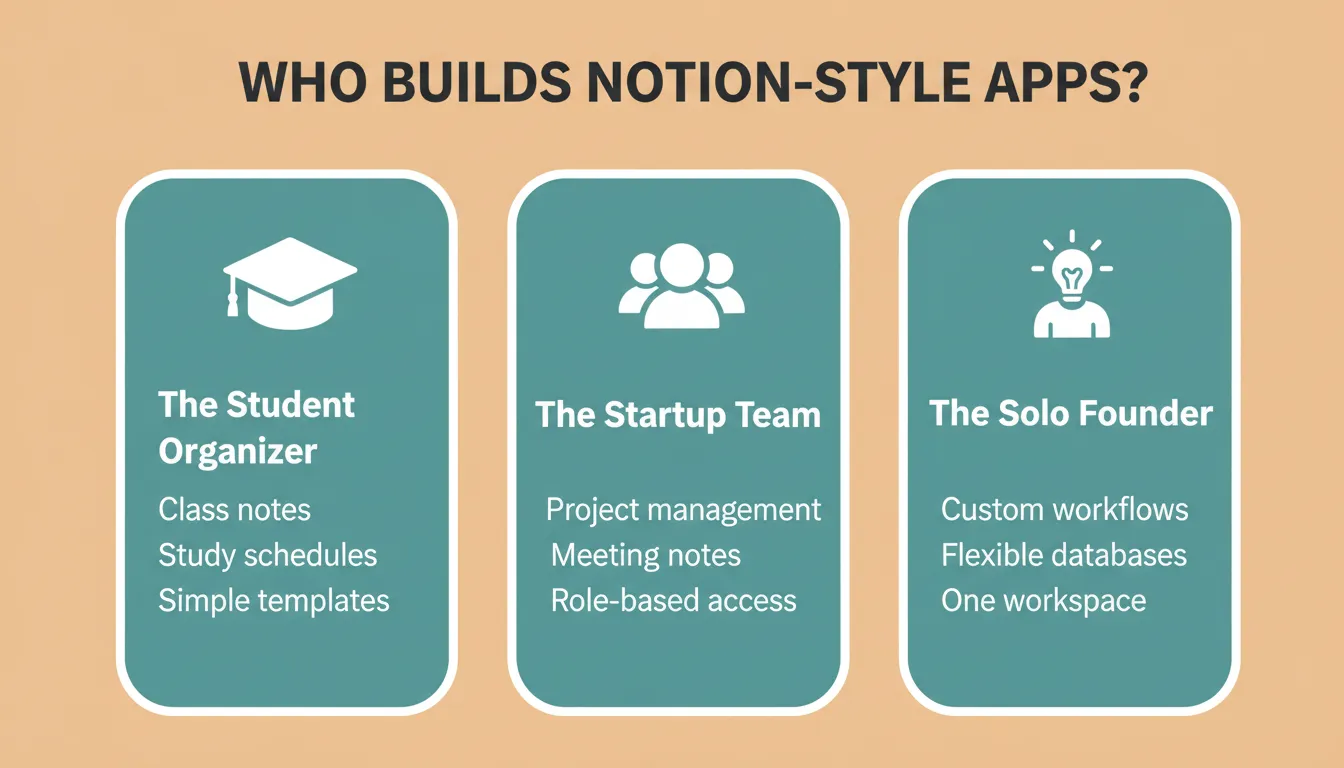
Each persona has different priorities, so understanding which one you are building for shapes every design and feature decision.
Community Insight
On LinkedIn, a product manager shared their experience while discussing modern workspace tools:
"Teams using a Notion-like app saw nearly a 30% reduction in time spent switching between other apps and tracking project updates. Having one connected workspace really changed how the team worked day to day."
People do not want more tools on top of other tools. They want fewer tools that handle daily work in one place. For a broader look at how AI is reshaping this category, see our guide on productivity app development.
Start Building Your Notion App
The demand for connected workspace tools is not slowing down. As teams grow more distributed and workflows more complex, the notion app model becomes more relevant, not less. Flexible databases, real-time collaboration, and everything in one place: that combination keeps winning.
You have the blueprint. The steps are clear, the tech stack is proven, and the user need is real. 1.5 million people have tried Rocket across 180 countries to research, build, and ship products exactly like this. Type what you want to build. Rocket handles everything after that.
Table of contents
- -Why Notion Stands Out
- -How Long Does It Take to Build a Notion-Style App?
- -The 10-Step Build Process
- -Step 1: Outline Core Features
- -Step 2: Choose Platforms
- -Step 3: Pick the Right Tech Stack
- -Step 4: Choose Your App Builder
- -Rocket — The Vibe Solutioning Platform
- -Step 5: Build Notion Databases
- -Step 6: Design a User-Friendly Interface
- -Step 7: Collaboration Features
- -Step 8: Add Productivity Enhancements
- -Step 9: Test With Real Users
- -Step 10: Polish and Launch
- -Notion App Build: Approach Comparison
- -Who is Building Notion-Style Apps?
- -Community Insight
- -Start Building Your Notion App