Softr works well for simple portals. But if you need native mobile apps, a built-in database, or more design control, there are better options. This blog covers the five strongest Softr alternatives in 2026, with verified pricing and honest trade-offs for each.
What are the best Softr alternatives in 2026?
The top Softr alternatives are Rocket, Bubble, Glide, Webflow, and Microsoft Power Apps. Each platform is built for a different type of project. Some are better for mobile apps. Others focus on design, enterprise tools, or complex SaaS products.
This blog breaks down each option clearly. You will find key features, real use cases, pricing, and a simple recommendation for each scenario.
Why Teams Are Searching for Softr Alternatives in 2026
Softr made it easy to turn Airtable and Google Sheets data into client portals and internal tools. For many teams, that is still enough. But as projects grow, some teams find they need more.
According to Gartner, 80% of technology products and services will be built by people outside of traditional IT teams. That shift is driving demand for no-code platforms that work for non-technical teams. When project requirements grow, Softr's limitations become more visible.
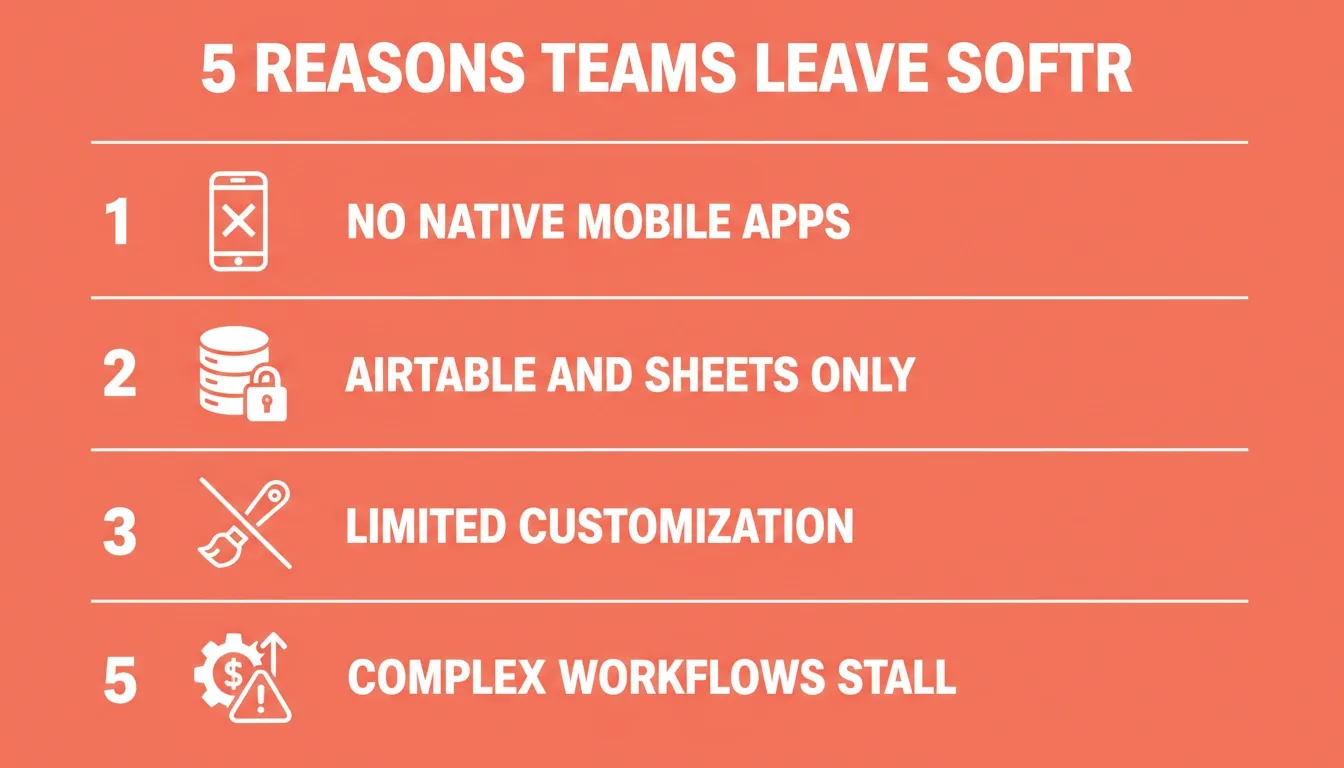
- Limited data sources: Softr works best with Airtable and Google Sheets. Teams that need SQL databases or multiple data sources may need a different tool.
- No native mobile apps: Softr apps are progressive web apps. Teams that need apps in the App Store or Google Play will need an alternative.
- Limited customization: Softr's design system works well for standard use cases. More complex layouts or custom code requirements may need a different platform.
- Pricing model: Costs can increase as you add more users and projects. Teams should review pricing as they scale.
- Complex workflow needs: Building internal tools with advanced permissions or multi-step workflows may require more configuration than simpler use cases.
The 5 Best Softr Alternatives at a Glance
| Platform | Best For | Mobile Apps | Free Plan | Starting Price |
|---|---|---|---|---|
| Rocket | Full-stack web and mobile apps, AI-powered | Native iOS + Android | Yes (20 credits) | Free |
| Bubble | Complex web apps and SaaS products | Native iOS + Android | Yes | $59/month |
| Glide | Spreadsheet-to-app, internal tools | Native mobile apps | Yes | $199/month |
| Webflow | Design-first websites | Responsive web only | Yes | $15/month |
| Microsoft Power Apps | Enterprise internal tools | Native iOS + Android | Dev plan only | $20/user/month |
1. Rocket: Best for AI-Powered Full-Stack App Building
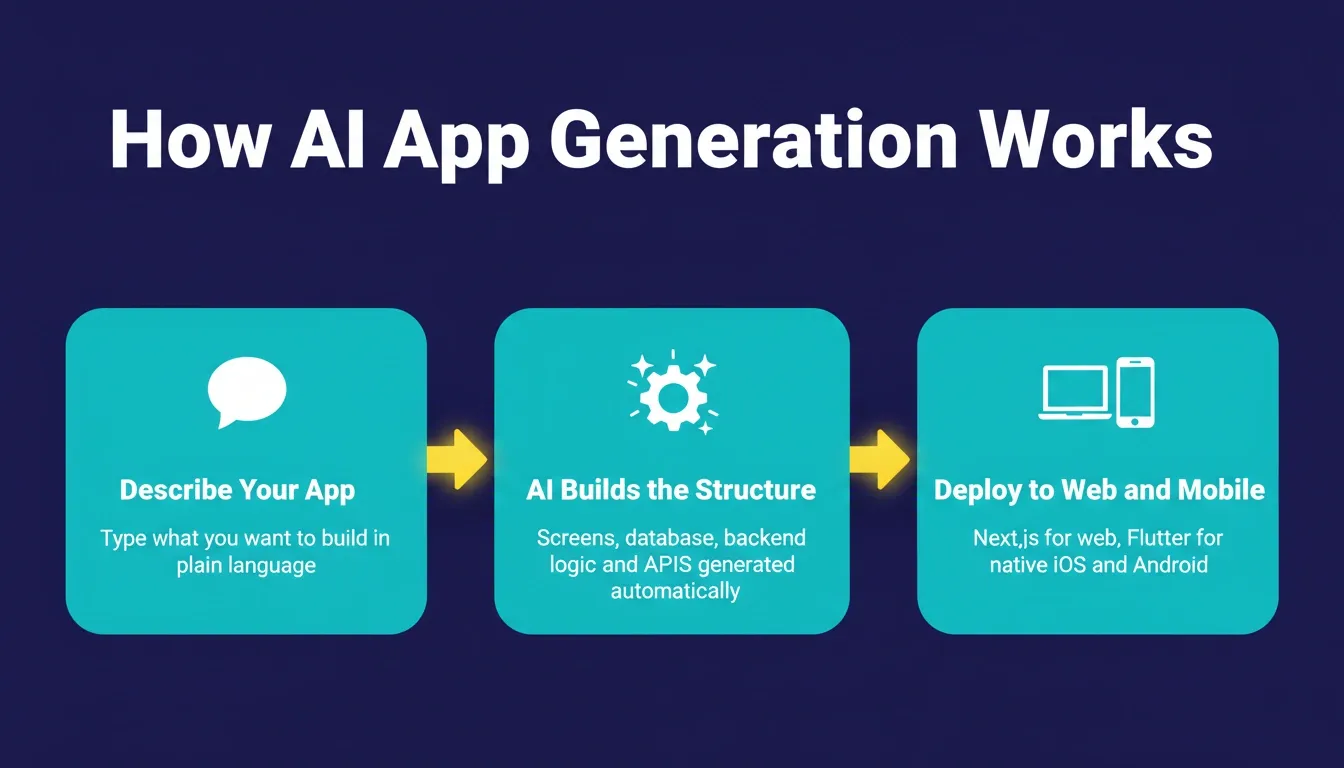
Rocket is an AI-powered app builder that generates full-stack web and mobile apps from plain-language descriptions. It produces Next.js code for web and Flutter code for mobile. Teams keep the generated codebase and can extend it as needed.
1.5 million people have tried Rocket across 180 countries, from solo founders to enterprise teams building internal tools and customer-facing products.
Key Features
- AI-powered app generation: Describe your app and Rocket builds the structure: screens, database schema, backend logic, and APIs.
- Native mobile apps: Generates native iOS and Android apps using Flutter. These can be submitted to app stores.
- Built-in database: Includes its own database. You can also connect to Airtable, Google Sheets, and external APIs.
- User authentication: Role-based access, user groups, and permissions are included from the start.
- Custom domain: Deploy to your own domain with one click.
- 25,000+ templates: A library of ready-to-use templates for client portals, dashboards, CRM systems, and more.
- Drag and drop interface: A visual editor for refining layouts after AI generation.
- Workflow automation: Build multi-step workflows and automated emails without writing code.
- Custom code support: Developers can access and extend the generated codebase.
- Figma-to-app: Import Figma designs and convert them into functional apps.
Who It Works Best For
Rocket suits teams that want to build both web and mobile apps from a single platform. There is no need to manage separate tools for each. It works well for client portals, internal tools, SaaS products, and mobile apps for field teams. The AI generation is useful for non-technical teams who want to move quickly from idea to working app.
You can see how it compares on the Rocket vs Bubble and Rocket vs Webflow pages.
Real-World Use Cases
- Agency client portals: Build a branded client portal where clients log in to view project status, approve deliverables, and download assets. Role-based access controls what each client sees.
- Field team mobile apps: A logistics company builds a native Flutter app for drivers to log pickups and deliveries. The app works offline and syncs when connected.
- SaaS MVP: A founder describes a subscription-based task management tool. Rocket generates authentication, database schema, billing integration, and a web app ready to demo.
- Internal operations dashboard: An operations team replaces spreadsheets with a custom internal tool that includes approval workflows, user roles, and automated notifications.
Pros
- Generates both web and mobile apps from a single prompt
- Native iOS and Android apps using Flutter, not progressive web apps
- Owned, production-grade codebase in Next.js and Flutter
- Built-in database alongside external connector support
- Free plan includes 20 credits that never expire
- No per-seat fees, with unlimited team members on all plans
Considerations
- AI generation works best with clear, specific prompts
- Community and third-party resources are still growing
Pricing
Rocket uses a credit-based model with no per-seat fees. Plans: Free (20 credits, never expire), Pro ($25/month, 100 credits/month), Rocket ($50/month, 250 credits/month), Booster ($250/month, 1,500 credits/month). Unlimited team members on all plans.
Best for: Teams that want to build both web and mobile apps with AI assistance, without being limited to Airtable or Google Sheets as their only data sources.
2. Bubble: Best for Complex Web Applications
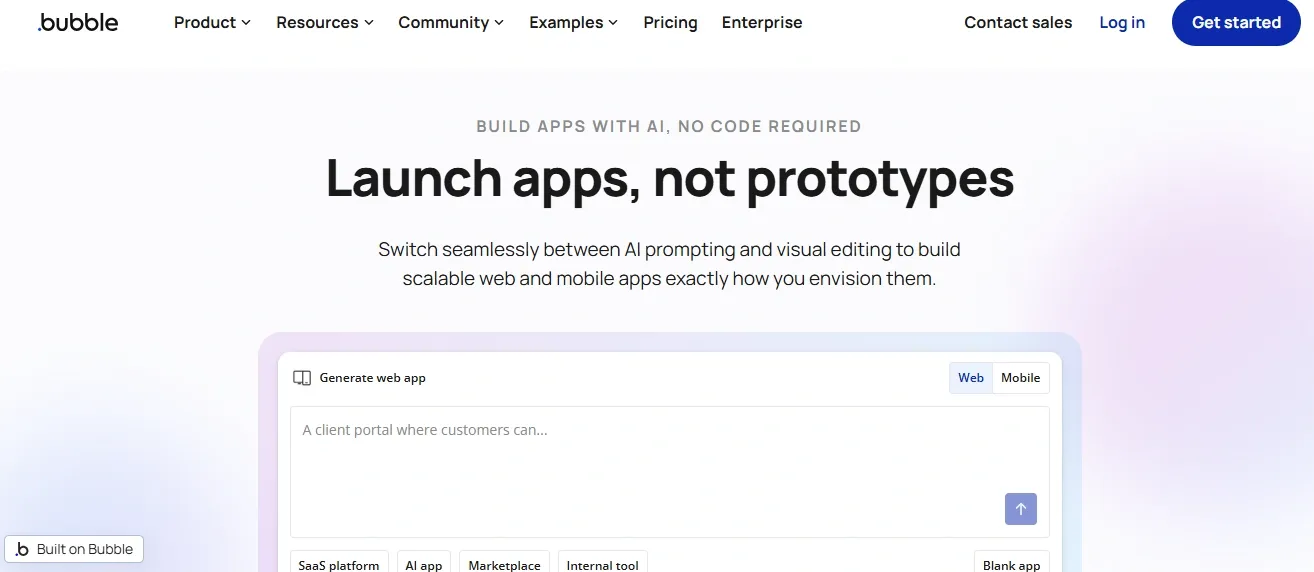
Bubble is a mature no-code platform for building complex web applications, SaaS products, and marketplaces. It supports native iOS and Android apps on all plans via React Native. It also has a large community, an extensive plugin marketplace, and detailed documentation.
Bubble gives technical founders and developers fine-grained control over data models, workflows, and logic. It takes time to learn, but that investment pays off for complex projects.
Key Features
- Visual drag and drop editor
- Built-in database with relational data support
- Advanced workflows and multi-step automation
- Native iOS and Android apps via React Native
- API connections and external services
- Plugin marketplace with hundreds of integrations
- Role-based access and advanced permissions
Real-World Use Cases
- SaaS product development: Technical founders build full-featured SaaS products with complex data models, subscription billing, and multi-tenant architecture.
- Marketplace platforms: Two-sided marketplaces with custom matching logic, payment processing, and review systems.
- Complex internal tools: Enterprise teams build internal tools with intricate conditional logic and deep API integrations.
Pros
- Handles complex application logic that many no-code tools cannot
- Large community and extensive documentation
- Flexible enough to build almost any web application
- Mature plugin ecosystem
- Supports native mobile apps via React Native
Considerations
- Has a learning curve, with most users needing several weeks to get comfortable
- Workload-unit pricing varies with usage
- Performance tuning may be needed for high-traffic apps
Pricing
Paid plans start at $59/month (Starter, billed annually). Growth is $209/month. Team is $549/month.
Best for: Developers and technical users who need to build complex SaaS products and are comfortable investing time in learning the platform.
3. Glide: Best for Spreadsheet-Based Mobile Apps
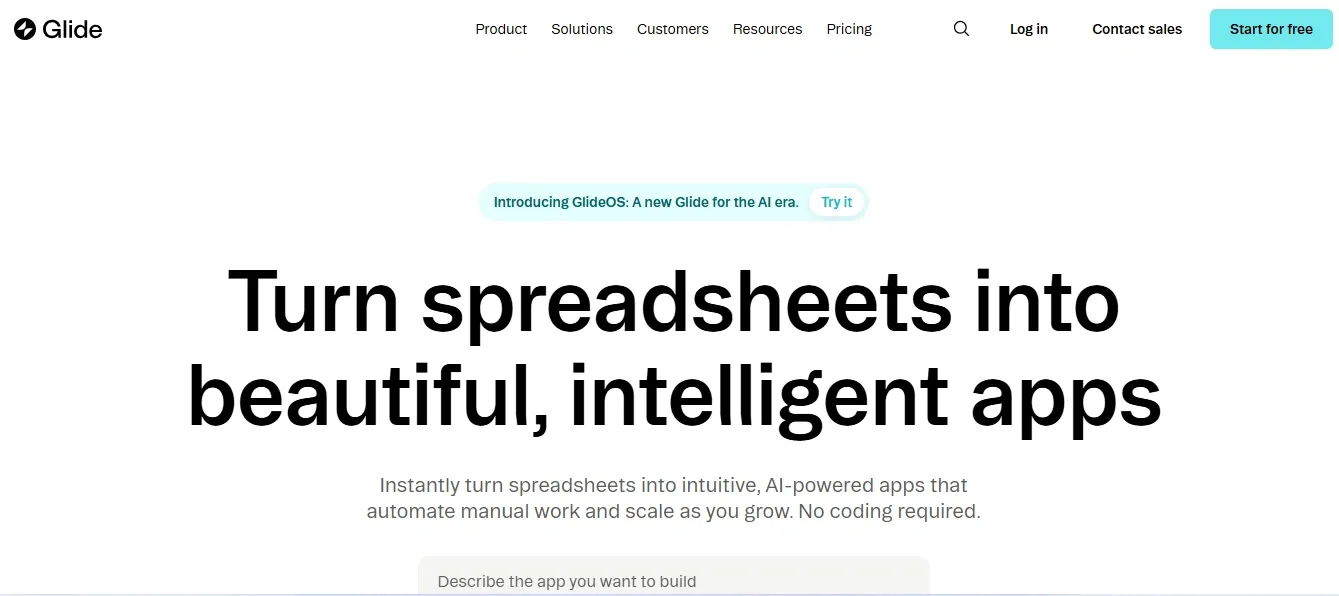 Glide turns Google Sheets, Airtable, and Excel into mobile apps and web apps. It is one of the most approachable tools in this list. Teams can go from a spreadsheet to a published mobile app quickly. It works best for simple use cases where data already lives in a spreadsheet.
Key Features
- Drag and drop interface for building apps from spreadsheets
- Native iOS and Android apps published to app stores
- Google Sheets, Airtable, and Excel as primary data sources
- Pre-built templates for common use cases
- User authentication and role-based access
- Built-in database called Glide Tables
Real-World Use Cases
- Field inspection apps: Property managers turn a Google Sheet of inspection checklists into a mobile app their team uses on-site.
- Event registration tools: Event organizers build a simple mobile app for attendee check-in from a spreadsheet.
- Small business directories: Local associations build searchable directories from Airtable data as a mobile app.
Pros
- One of the fastest ways to turn a spreadsheet into a published mobile app
- Native mobile apps that can be submitted to app stores
- Free plan available for learning and prototyping
- Approachable for non-technical teams
Considerations
- Works best when data lives in Google Sheets, Airtable, or Excel
- More complex data models or multiple data sources may need a different tool
- Business plan starts at $199/month, which is a significant step up from the free plan
Pricing
Business plan starts at $199/month (billed annually), including 30 users. Additional users are $5/user/month. Enterprise pricing is custom.
Best for: Non-technical teams who want to turn Google Sheets or Airtable data into native mobile apps quickly.
4. Webflow: Best for Design-First Web Apps
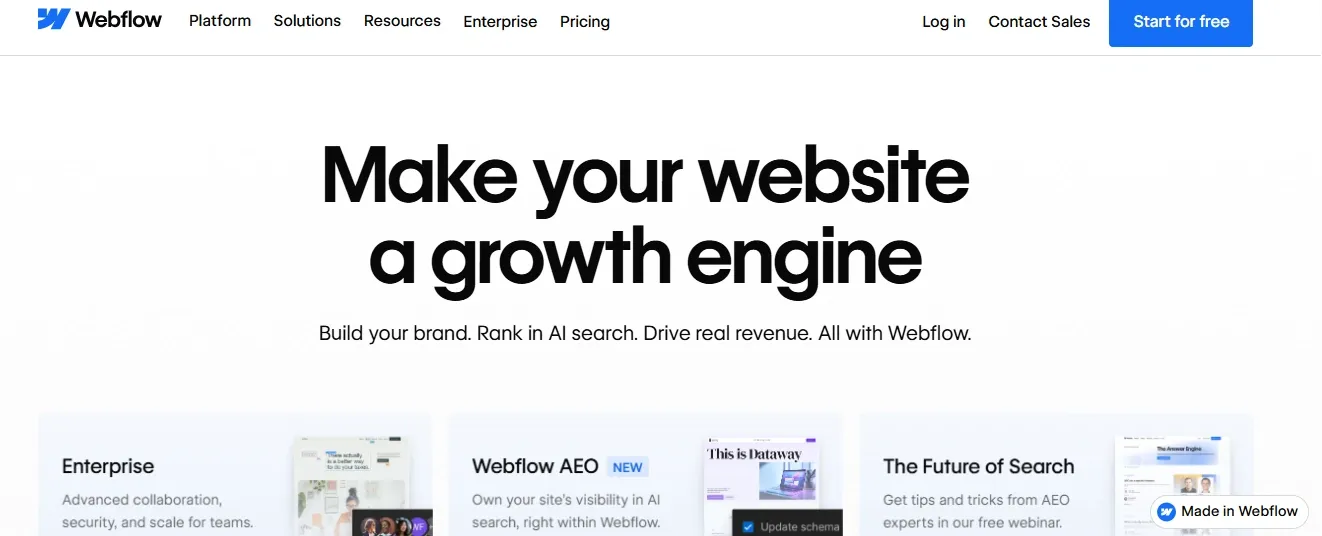 Webflow is a visual web platform that gives designers precise control over layout, typography, and interactions. Agencies and design teams use it to build polished, client-facing websites. It includes a CMS for content-driven sites and an e-commerce layer.
Webflow is built for the web only. It does not produce native mobile apps. Its backend capabilities are also limited compared to full-stack platforms. It is the right choice when design quality is the top priority.
Key Features
- Pixel-perfect design control with a visual editor
- CMS for content-driven web applications
- Responsive design across all devices
- Custom code injection for advanced features
- Hosting and custom domain included
- Pre-built templates for landing pages and websites
Real-World Use Cases
- Agency websites: Design agencies build client-facing websites with polished animations and custom typography.
- Content marketing sites: SaaS companies use Webflow's CMS to manage blog content and landing pages at scale.
- E-commerce storefronts: Brands build custom e-commerce experiences with Webflow Commerce.
Pros
- Strong design control, with one of the most capable visual editors available
- Well-suited for polished, client-facing web projects
- Good for e-commerce and content-heavy sites
- Large template marketplace and active designer community
Considerations
- Focused on web, with no native mobile apps
- Backend logic and user authentication require external tools or workarounds
- Has a learning curve for users without a design background
Pricing
Basic plan starts at $15/month (billed yearly). Premium plan is $25/month.
Best for: Designers and agencies building polished, design-heavy websites where visual quality is the priority.
5. Microsoft Power Apps: Best for Enterprise Internal Business Tools
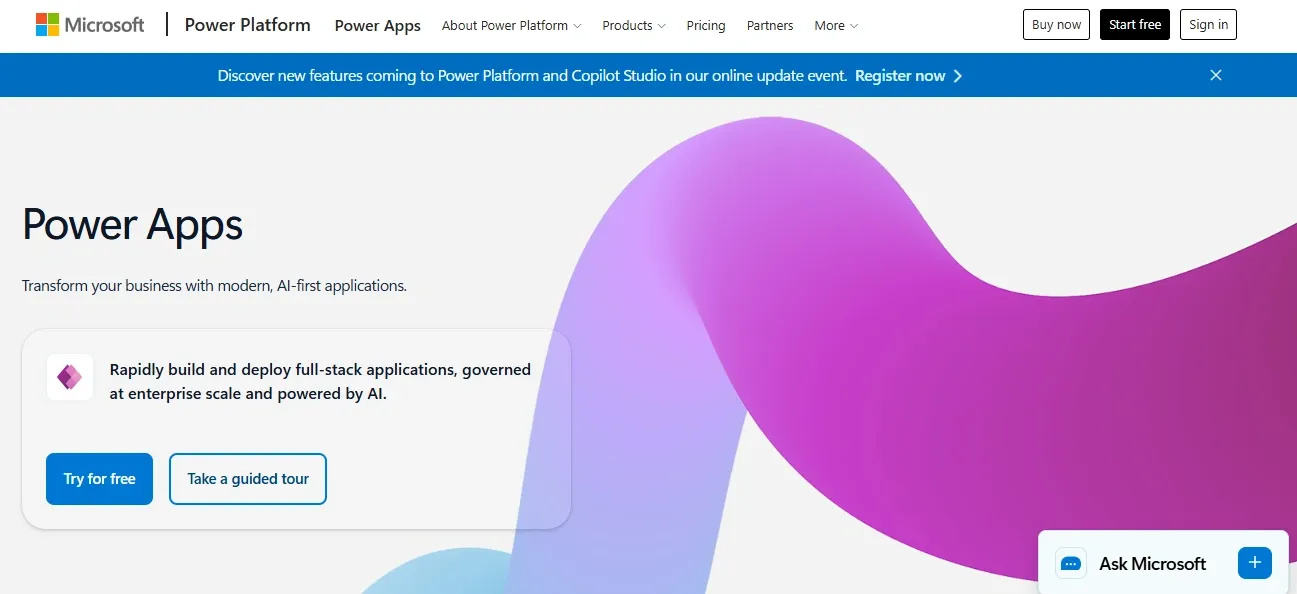
Microsoft Power Apps is part of the Microsoft Power Platform. It is built for organizations already using Microsoft services. Business users can build internal tools connected to SharePoint, Teams, Dynamics 365, and SQL databases.
Power Apps works well inside the Microsoft ecosystem. Teams outside that ecosystem may find the setup more complex and the per-user pricing harder to justify.
Key Features
- Drag and drop interface for building apps
- Native iOS and Android apps
- Deep integration with Microsoft services including SharePoint, Teams, and Dynamics
- Advanced permissions and role-based access
- Connection to SQL databases and multiple data sources
- Workflow automation through Power Automate
Real-World Use Cases
- HR onboarding tools: HR teams build custom onboarding apps connected to SharePoint and Teams, automating document collection for new hires.
- Inventory management: Operations teams build mobile inventory apps that sync with SQL databases and trigger Power Automate workflows.
- Compliance tracking: Regulated industries build audit trail tools with enterprise-grade security connected to Dynamics 365.
Pros
- Deep integration with Microsoft services
- Native mobile apps for iOS and Android
- Strong security and enterprise compliance features
- Connects to a wide range of external data sources
Considerations
- Works best for teams already in the Microsoft ecosystem
- Setup and configuration typically requires IT involvement
- Per-user pricing adds up for large teams
Pricing
Power Apps Premium is $20/user/month (paid yearly). A 2,000-seat minimum plan is available at $12/user/month. A free developer plan exists for testing only.
Best for: Enterprise teams already using Microsoft services who need internal business tools with advanced security and compliance requirements.
How to Choose the Right Softr Alternative
Each platform in this list does something well. The right choice depends on three things: what you are building, who is building it, and where your data lives.
Choose Rocket if:
- You want to build both web and mobile apps from a single platform
- You need a built-in database alongside external connector support
- You want AI to generate your app structure from a description
- You are building client portals, internal tools, or SaaS products
Choose Bubble if:
- You are building a complex SaaS product or marketplace
- You have a technical background or are willing to invest time learning
- You need fine-grained control over data models and workflows
Choose Glide if:
- Your data already lives in Google Sheets or Airtable
- You need a native mobile app quickly
- Your use case is straightforward and your team is non-technical
Choose Webflow if:
- Design quality and visual precision are your top priorities
- You are building a marketing site or content-driven web application
- You do not need complex backend logic or native mobile apps
Choose Microsoft Power Apps if:
- Your organization is already using Microsoft services
- You need enterprise-level security and compliance
- You have IT resources to support deployment and maintenance
Softr Alternatives: Full Feature Comparison
| Feature | Rocket | Bubble | Glide | Webflow | Power Apps |
|---|---|---|---|---|---|
| Native Mobile Apps | Yes (iOS + Android) | Yes (React Native) | Yes (iOS + Android) | No | Yes (iOS + Android) |
| Built-in Database | Yes | Yes | Glide Tables | No | Yes (Dataverse) |
| Airtable and Google Sheets | Yes | Limited | Yes | No | Limited |
| AI App Generation | Yes | No | No | No | No |
| Custom Domain | Yes | Yes | Yes | Yes | Yes |
| User Authentication | Yes | Yes | Yes | Limited | Yes |
| Role-Based Access | Yes | Yes | Yes | Limited | Yes |
| Pre-built Templates | 25,000+ | Yes | Yes | Yes | Yes |
| Custom Code Access | Yes | Yes | No | Yes | Limited |
| Figma Import | Yes | No | No | Yes (Labs) | No |
| Workflow Automation | Yes | Yes | Limited | Limited | Yes (Power Automate) |
| Free Plan | Yes (20 credits) | Yes | Yes | Yes | Dev plan only |
| Starting Price (paid) | $25/month | $59/month | $199/month | $15/month | $20/user/month |
Pricing Comparison: What You Actually Pay as You Grow
| Platform | Free Plan | Entry Paid | Key Pricing Note |
|---|---|---|---|
| Rocket | Yes (20 credits, no expiry) | $25/month (Pro) | Credit-based; no per-seat fees; unlimited team members |
| Bubble | Yes (dev only) | $59/month | Workload-unit pricing varies with usage |
| Glide | Yes (limited) | $199/month | 30 users included; additional users at $5/month |
| Webflow | Yes (2 pages) | $15/month | Separate CMS and e-commerce plans available |
| Power Apps | Dev plan only | $20/user/month | Per-user model; volume discount at 2,000+ seats |
Rocket's free plan includes 20 credits that never expire and requires no credit card. Bubble's workload-unit model means costs vary with app activity. Power Apps' per-user pricing scales with headcount. Glide's business plan includes 30 users with additional users available at $5/month.
Moving from Softr to Rocket
If you decide Rocket is the right fit, here is a practical migration path from Softr:
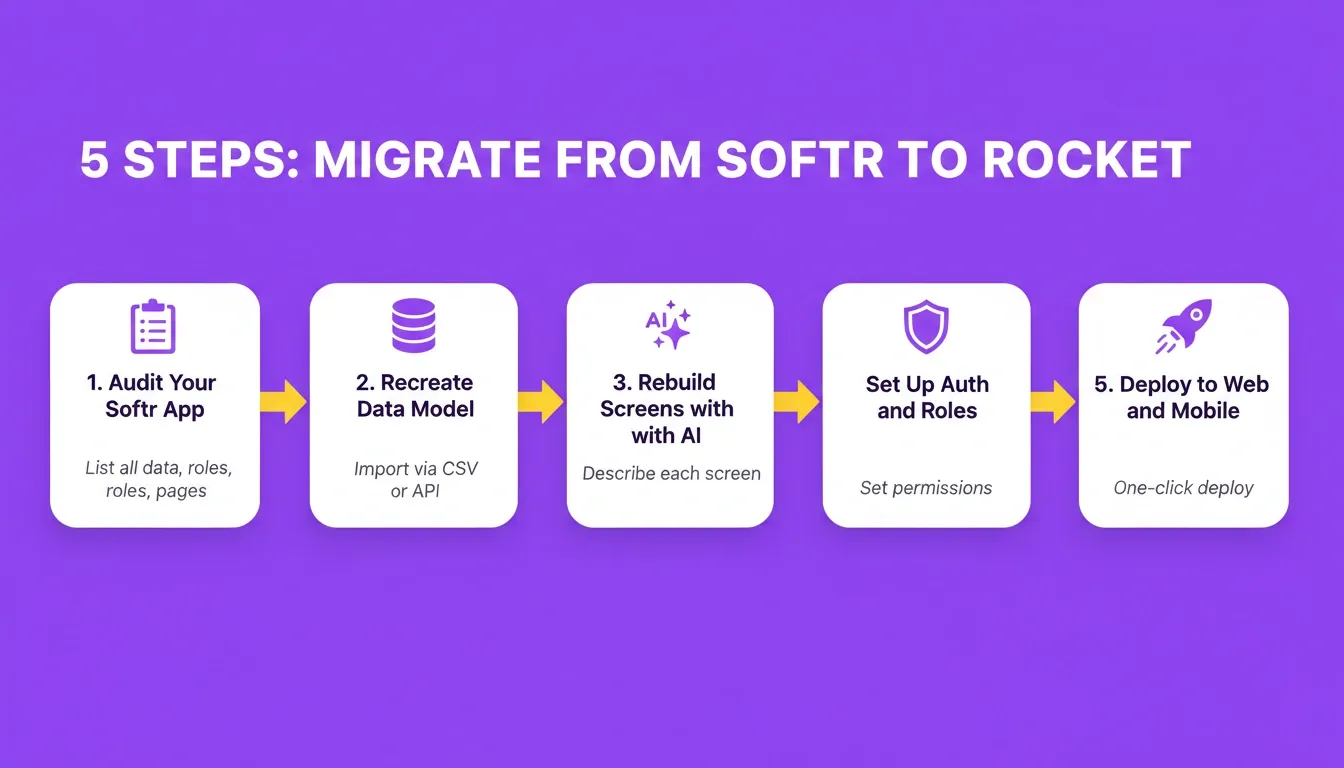
Step 1: Audit Your Current Softr App
List every data source, user role, page, and workflow your Softr app uses. This becomes your migration checklist.
Step 2: Recreate Your Data Model in Rocket
Rocket's built-in database can replicate your Airtable or Google Sheets structure. Use Rocket's AI to describe your data model and let it generate the schema. Then import your existing data via CSV or API.
Step 3: Rebuild Screens with AI Generation
Describe each screen to Rocket's AI. For example: "Build a client portal dashboard showing project status, recent activity, and a file upload section." The AI generates the layout, connects it to your database, and applies your brand settings.
Step 4: Configure User Authentication and Roles
Set up your user roles, permissions, and access rules. Invite existing users via email or import them in bulk.
Step 5: Test and Deploy
Use Rocket's preview mode to test all workflows before going live. Deploy to your custom domain with one click. For mobile apps, submit to the App Store and Google Play directly from Rocket's launch tools.
Migration time estimate: Simple client portals typically migrate in one to two days. Complex internal tools with multiple workflows may take three to five days. You can explore ready-to-use starting points in the Rocket AI app builder to speed up the process.
The No-Code Market in 2026: Context for Your Decision
Understanding where the no-code market is heading helps you choose a platform that will serve your needs over time. According to G2's no-code development platform category, there are now 413 platforms competing in this space.
A few trends are shaping which platforms teams are choosing:
- AI-assisted generation is becoming more common. Platforms that can generate app structures from descriptions are reducing the time from idea to working product.
- Native mobile support is increasingly expected. Teams building customer-facing products often need apps in the app stores, not just browser-based experiences.
- Data flexibility matters as teams grow. Platforms that support multiple data sources and SQL databases tend to scale better than those tied to a single source.
- Code ownership is a consideration for teams that want to extend or migrate their apps in the future.
The Right Softr Alternative Depends on What You Are Building
The no-code space has matured. Teams no longer have to choose between ease of use and production-ready output. There is a platform in this list for every use case, whether that is a design-first website, a spreadsheet-powered mobile app, an enterprise internal tool, or a full-stack web and mobile product.
Test the free plans before committing. Rocket, Bubble, Glide, and Webflow all offer free tiers. Building a small prototype is the fastest way to find out if a platform fits your needs.
Start building for free with Rocket.new and see how quickly you can go from description to working app.
Table of contents
- -Why Teams Are Searching for Softr Alternatives in 2026
- -The 5 Best Softr Alternatives at a Glance
- -1. Rocket: Best for AI-Powered Full-Stack App Building
- -Key Features
- -Who It Works Best For
- -Real-World Use Cases
- -Pros
- -Considerations
- -Pricing
- -2. Bubble: Best for Complex Web Applications
- -Key Features
- -Real-World Use Cases
- -Pros
- -Considerations
- -Pricing
- -3. Glide: Best for Spreadsheet-Based Mobile Apps
- -Key Features
- -Real-World Use Cases
- -Pros
- -Considerations
- -Pricing
- -4. Webflow: Best for Design-First Web Apps
- -Key Features
- -Real-World Use Cases
- -Pros
- -Considerations
- -Pricing
- -5. Microsoft Power Apps: Best for Enterprise Internal Business Tools
- -Key Features
- -Real-World Use Cases
- -Pros
- -Considerations
- -Pricing
- -How to Choose the Right Softr Alternative
- -Softr Alternatives: Full Feature Comparison
- -Pricing Comparison: What You Actually Pay as You Grow
- -Moving from Softr to Rocket
- -Step 1: Audit Your Current Softr App
- -Step 2: Recreate Your Data Model in Rocket
- -Step 3: Rebuild Screens with AI Generation
- -Step 4: Configure User Authentication and Roles
- -Step 5: Test and Deploy
- -The No-Code Market in 2026: Context for Your Decision
- -The Right Softr Alternative Depends on What You Are Building