Most teams overpay for e-signatures. Seven strong DocuSign alternatives exist at a fraction of the cost. If none fit your exact workflow, Rocket lets you build a custom signing tool in minutes.
Methodology: pricing figures are sourced directly from each vendor's public pricing page.
Comparing seven DocuSign alternatives on pricing, free tiers, legal compliance, and workflow fit so you can stop overpaying for e-signatures and pick the tool that actually matches how your team works.
How Do These Seven E-Signature Providers Stack Up?
The table below compares all seven tools at a glance. Use it as your starting filter before reading the full breakdown.
| Tool | Starting Price | Free Tier | Best For | Key Compliance |
|---|---|---|---|---|
| Adobe Acrobat Sign | $14.99/mo | No | PDF-heavy enterprise teams | ESIGN, eIDAS, HIPAA |
| PandaDoc | $19/user/mo | Yes | Sales teams and proposal workflows | ESIGN, eIDAS, HIPAA |
| Dropbox Sign | $15/mo | No | Teams using Dropbox or Google Workspace | ESIGN, eIDAS |
| SignNow | $10/user/mo | No | Budget-conscious small teams | ESIGN, eIDAS |
| Zoho Sign | $12/user/mo | Yes | Businesses already using Zoho apps | ESIGN, eIDAS |
| Xodo Sign | $10/mo | Yes | Freelancers who want zero cost | ESIGN, eIDAS |
| OneSpan Sign | $22/mo | No | Regulated industries | ESIGN, eIDAS, HIPAA, qualified e-signatures |
Winner by category: Cheapest paid: SignNow ($10/user/mo) | Best free plan: Xodo Sign | Best for enterprise: OneSpan Sign
All prices reflect annual billing where available. Many tools offer free trials lasting between seven and thirty days.
The global digital signatures market reached $7.56 billion in 2023 and is projected to hit $99.65 billion by 2032, growing at a 33.18% CAGR. That growth means more options for businesses tired of rigid pricing models and limited functionality.
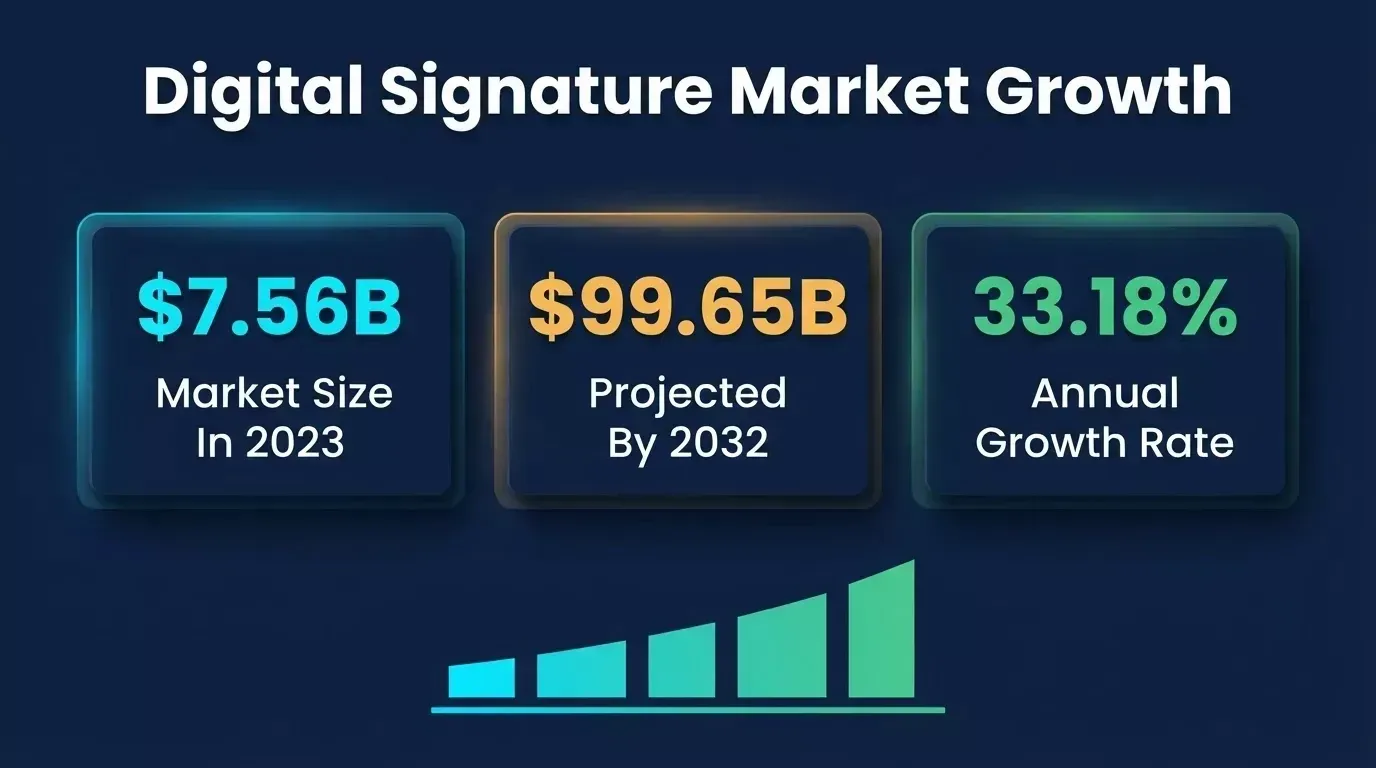
Digital signature market growth from 2023 to 2032
What Should You Check Before Switching Providers?
Before comparing individual tools, it helps to have a framework. Not all e-signature platforms are built for the same use cases, and the wrong choice means switching again in six months.
Here are five factors that matter most when evaluating an alternative to DocuSign:
-
Legal compliance. Your provider should support the ESIGN Act (US), eIDAS regulation (EU), and produce legally binding electronic signatures with tamper-evident seals. If you operate in healthcare or finance, check for HIPAA compliance and qualified signatures. Note that "click-to-sign" electronic signatures satisfy the ESIGN Act for most US commercial contracts, but some states and countries require a stronger "wet signature" or qualified electronic signature for specific document types such as wills, real estate deeds, and notarized instruments.
-
Pricing model. Some tools charge per user per month, others per envelope, and a few offer flat-rate unlimited signatures. Match the pricing model to your document volume. Hidden fees for extra envelopes or signer attachments can make a "cheaper" tool more expensive than DocuSign.
-
Connections to your existing workflows. Does the platform connect with your CRM, cloud storage provider, and tools like Google Drive, Salesforce, or Microsoft SharePoint? Small teams often pick the tool that fits their current tech stack without requiring a full migration. Teams interested in AI-powered app building for non-technical teams may also want API access for custom connections.
-
Ease of use. A clean user interface matters for both senders and signers. If your clients struggle to sign documents quickly on mobile devices, that friction slows deals. Look for great mobile apps and a straightforward signing process.
-
Security features. Audit trails, encryption, identity verification, and digital identity checks protect your contracts and your clients. Some platforms offer advanced security features like SMS-based authentication and biometric verification on higher-tier plans.
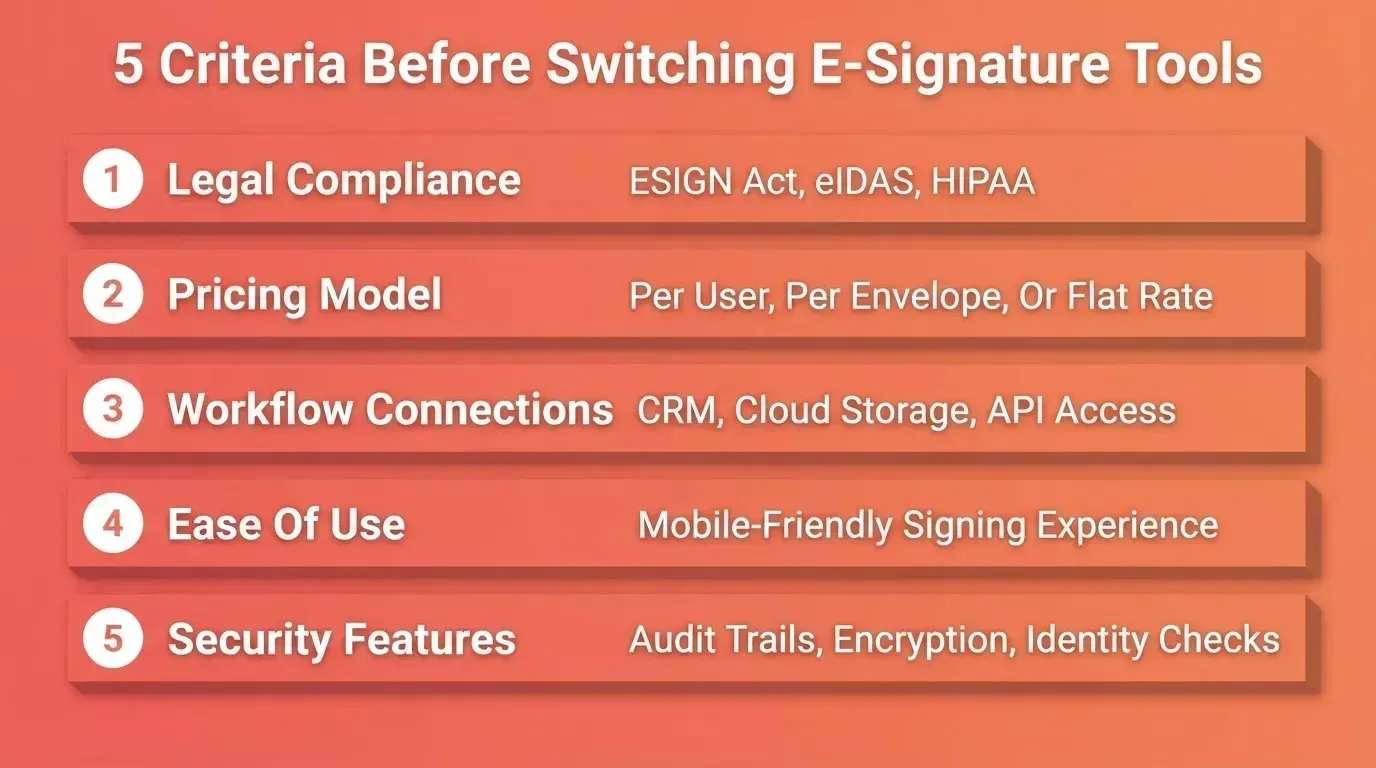
Five criteria to evaluate before choosing an e-signature provider
Adobe Acrobat Sign
Adobe Acrobat Sign's higher tiers start at $14.99/mo and is best for PDF-heavy teams already inside the Adobe ecosystem.
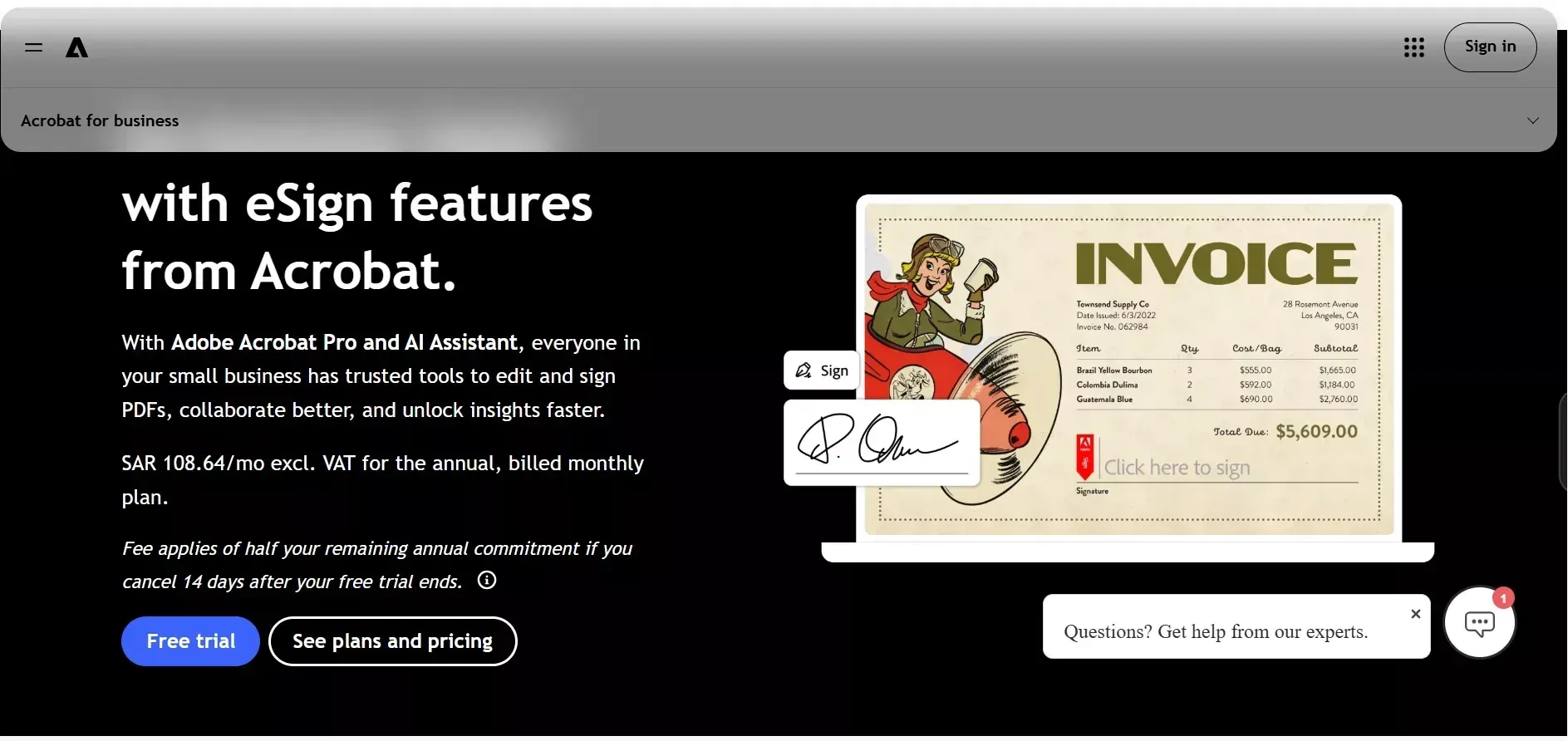
Adobe Acrobat Sign is the natural choice for teams deep in the Adobe ecosystem who handle PDF documents daily.
-
Strongest feature set for PDF editing. Unlike other signing tools, Adobe Acrobat Sign lets you edit, annotate, and restructure PDF documents before sending them for signatures. That is a significant time saver compared to DocuSign, where PDF modification happens offsite.
-
Salesforce connection is tightly integrated. Enterprise customers running their sales operations through Salesforce find Adobe Sign fits their existing workflows with minimal setup. The platform also integrates with other Adobe products like Acrobat Pro and Adobe Reader.
-
Enterprise plans include advanced features. Custom branding, digital identity verification, and bulk sending come standard on higher-tier plans. Adobe's professional plan starts at $14.99 per month for individuals, while the Acrobat Standard for teams plan costs $17 per user per month billed annually.
-
Transaction limits of 150 per user per year apply on team plans. That is slightly higher than DocuSign's 100-envelope limit, but still restrictive for high-volume organizations.
If your team already pays for Adobe Acrobat and handles document-heavy workflows, Adobe Acrobat Sign removes the need for a separate e-signature provider. For teams without Adobe ties, it can feel expensive compared to other solutions on this list.
PandaDoc
PandaDoc starts at $19/user/mo and is best for sales teams that need document creation, proposals, and signing in one platform.
PandaDoc stands apart by combining document creation, contract management, and electronic signatures into a single platform for sales and marketing teams.
-
All-in-one document workflow. Create contracts from templates, send proposals, collect legally binding signatures, and accept payments inside one tool. Sales teams save hours each week by not switching between separate apps for document creation and signing documents.
-
The Free plan includes unlimited signatures. PandaDoc's free e-signatures tier has no envelope limits, unlike DocuSign's standard plan. That alone makes PandaDoc a strong option for freelancers and small businesses with low budgets.
-
CRM integrations run deep. The platform connects with Salesforce, HubSpot, Zoho CRM, and dozens of other apps through native and Zapier connections. Sales documents flow directly from your CRM to signing with minimal friction.
-
PandaDoc pricing starts at $19 per user per month on the Starter plan, while the Business plan costs $49 per user per month. According to G2's Spring 2026 report, PandaDoc holds a higher NPS than DocuSign among verified reviewers who switched, reflecting stronger customer satisfaction scores.
The trade-off? PandaDoc is built for sales enablement and contract processes. If you only need basic esignature functionality without proposals or templates, a lighter tool may be a better value.
Dropbox Sign
Dropbox Sign starts at $15/mo and is best for teams that want unlimited sending with no document caps.
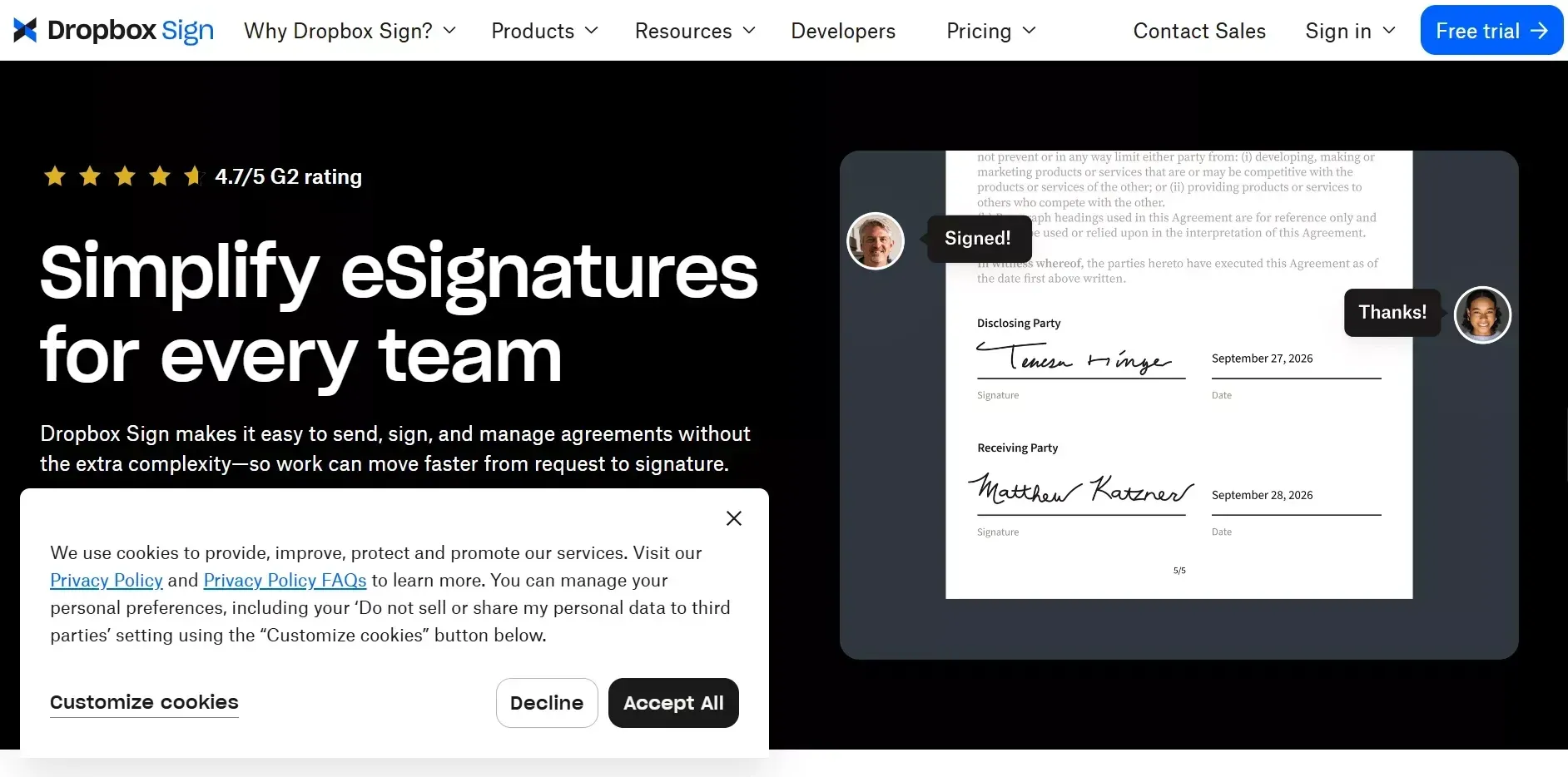
Dropbox Sign, formerly HelloSign, is the alternative for teams that value simplicity and already store files in Dropbox or Google Drive.
-
Clean, user-friendly solution. The user interface is minimal and stays out of the way. Signers open a document, sign, and leave. No account creation required for recipients, which makes the signing process fast for external parties.
-
Cloud storage connection is native. Files stored in Dropbox sync automatically with Dropbox Sign. Google Workspace users can trigger signing workflows directly from Google Drive, which saves time for teams using those tools daily.
-
Unlimited signature requests on all plans. Unlike DocuSign, Dropbox Sign does not limit the number of documents you can send on any paid plan. The Essentials plan starts at $15 per month for one user.
-
Template limits apply on lower plans: five on Essentials, fifteen on Standard. Larger teams may find this restrictive compared to DocuSign's offerings.
Dropbox Sign is best suited for teams that want a straightforward, no-limit e-signature tool without bells and whistles. It is not designed for document creation or contract management, so teams needing those features should look at PandaDoc or other solutions.
SignNow
SignNow starts at $10/user/mo and is the budget pick for small teams that need unlimited sending at the lowest per-user cost.
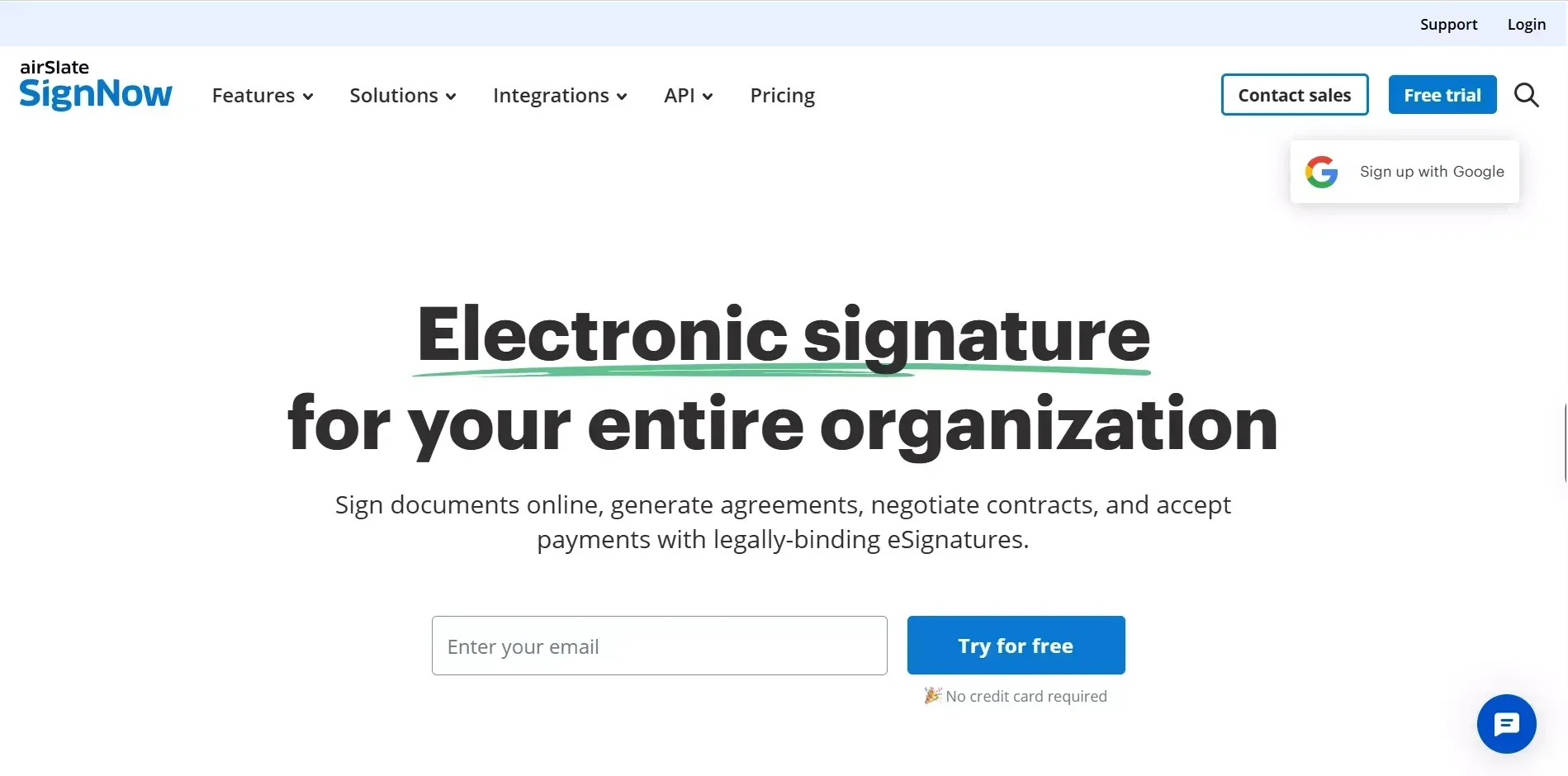
SignNow offers the lowest per-user cost among mainstream signing tools, starting at $10 per user per month billed annually.
-
Unlimited signature requests from day one. The business plan includes unlimited sending, custom branding, and reusable templates at a lower price point than most DocuSign competitors.
-
Strong mobile experience. SignNow has great mobile apps for both iOS and Android, allowing users to sign documents quickly from any device. Field teams and remote workers benefit from this.
-
Bulk sending and automation on affordable plans. Features that DocuSign reserves for business premium or enterprise plans are available at SignNow's business tier. Small teams handling high document volume get more functionality for less money.
-
Limited native CRM integrations on lower plans. API access and premium connections require the enterprise plan at $30 per user per month.
SignNow is a solid option for budget-conscious businesses and small teams that need standard e-signature functionality without the cost of larger platforms. Teams looking to manage vendor contract renewals at scale will appreciate SignNow's unlimited sending model.
Zoho Sign
Zoho Sign starts at $12/user/mo and is the best value for businesses already running on Zoho apps.
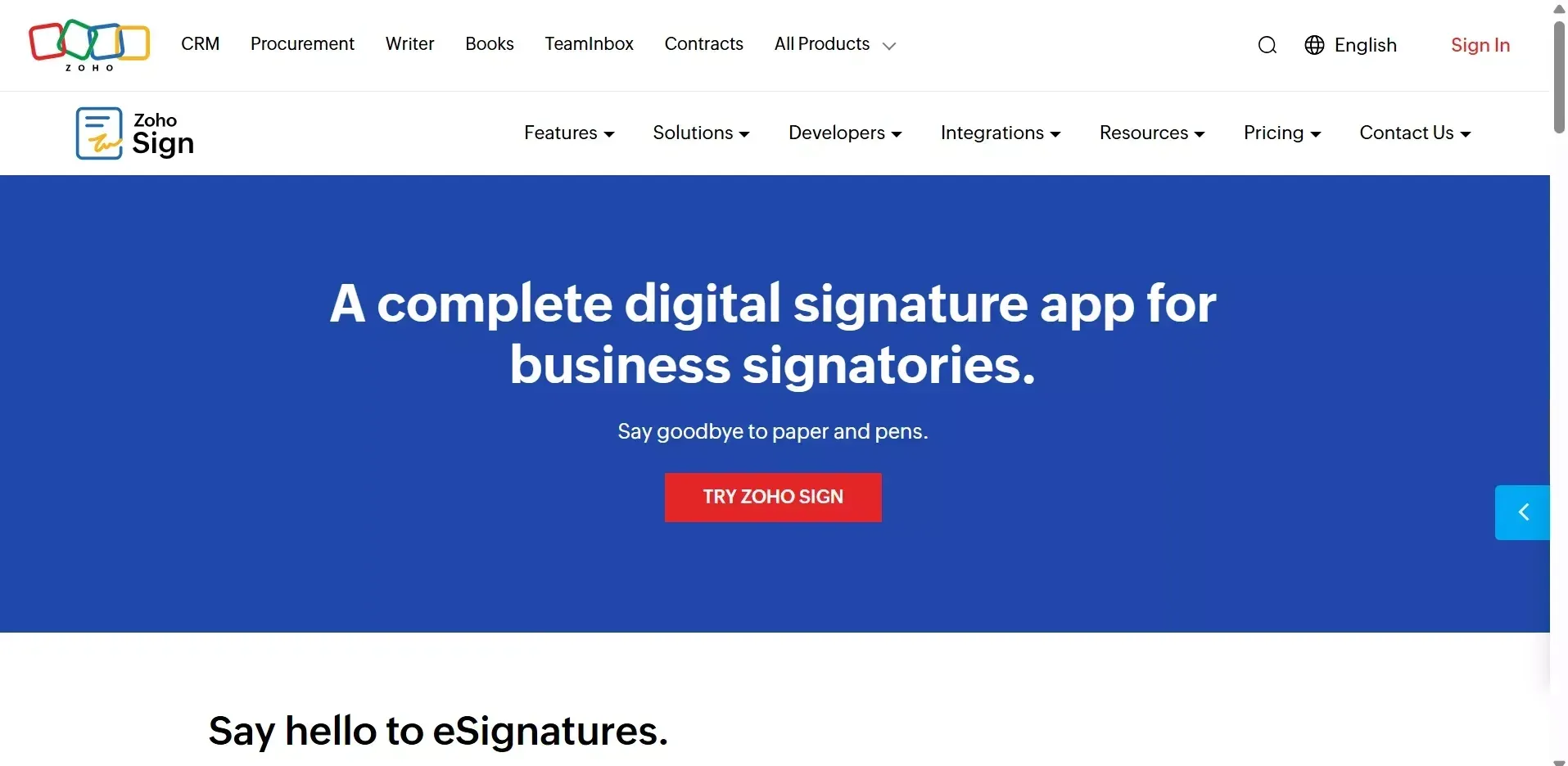
Zoho Sign pricing starts at $12 per user per month, and teams already using other Zoho apps get the deepest benefit.
-
Zoho ecosystem locks in value. Zoho Sign integrates natively with Zoho CRM, Zoho Books, and other Zoho apps. If your company runs operations on Zoho, adding Zoho Sign is a no-friction move that keeps document workflows inside one platform.
-
Automated workflows and approval workflows built in. Multi-step approval workflows, sequential signing, and automated reminders come standard on paid plans. These features cost extra on DocuSign.
-
Cloud storage and web form support. Zoho Sign offers cloud-based e-signature solution capabilities with built-in cloud storage, web form creation, and form creation tools for collecting data alongside signatures.
-
Zoho Sign offers a free plan limited to a small number of documents per month. For larger volumes, the professional plan costs $18 per user per month.
Zoho Sign is a great alternative to DocuSign for small businesses already invested in the Zoho ecosystem. For teams using Salesforce or Google Workspace instead, the limited integrations outside Zoho may be a drawback. Teams that need a broader document hub can explore how to build a document management system that connects multiple tools.
Xodo Sign
Xodo Sign is free for unlimited documents and is the best genuine zero-cost option for individual users and freelancers.
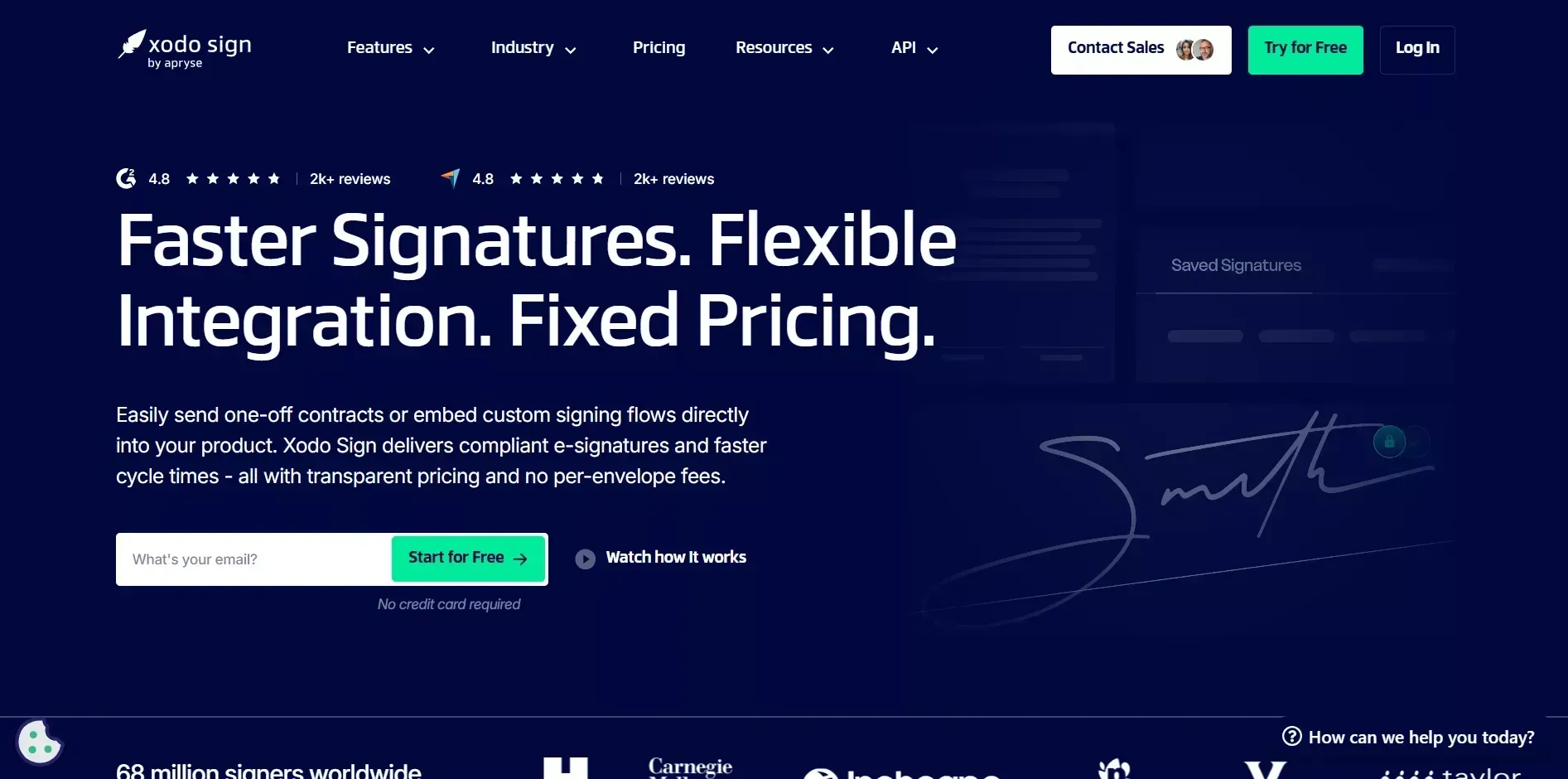
Xodo Sign (formerly Eversign, note: Xodo is also a separate PDF reader brand; this review refers specifically to the Xodo Sign e-signature service) provides a free plan with no credit card required and no time limit.
-
Unlimited document signing on the basic plan. Send, prepare, and sign unlimited documents at zero cost. The free plans include audit trails and legally binding signatures compliant with the ESIGN Act.
-
PDF editing on the professional plan. For $10 per month, Xodo Sign adds built-in PDF editing, custom branding, unlimited templates, and API access. That is a lot of functionality at a lower price point than DocuSign or Adobe Acrobat Sign.
-
Simple setup, limited integrations. Xodo Sign is designed for individuals and small teams who want basic functionality without complex configuration. Connections to other apps and cloud storage are limited compared to larger platforms.
Xodo Sign is best for freelancers and solopreneurs who need to electronically sign documents without paying anything. For teams needing advanced workflow features, contract management, or enterprise-level security, step up to PandaDoc or OneSpan Sign.
OneSpan Sign
OneSpan Sign starts at $22/mo and is best for regulated industries that require identity verification, qualified signatures, and HIPAA compliance.
OneSpan Sign is built for organizations in highly regulated industries where security and compliance are non-negotiable.
-
Identity verification at every level. OneSpan combines electronic signatures with digital identity verification, knowledge-based authentication, and biometric checks. For healthcare organizations handling HIPAA data, financial institutions, and government departments, this level of verification is a requirement.
-
1,000 documents per year on the professional plan. Compared to DocuSign's 100 envelopes per year on its personal plan, OneSpan Sign's professional plan offers ten times the volume at $22 per month. Enterprise customers can negotiate custom volume pricing.
-
Open API and SDKs for developers. Enterprise plans include API calls, webhook support, and white-label branding options. OneSpan's customer support includes phone support and dedicated account management for enterprise-level customers.
-
Advanced functionality comes at a premium. The platform is clearly designed for larger organizations, and smaller teams may find the feature set heavier than they need.
OneSpan Sign is the right choice for enterprise customers and regulated industries where compliance requirements go further than what DocuSign's standard plans cover. Teams building HIPAA-compliant workflows can also explore how to build a healthcare app with HIPAA-compliant data architecture for deeper compliance coverage.
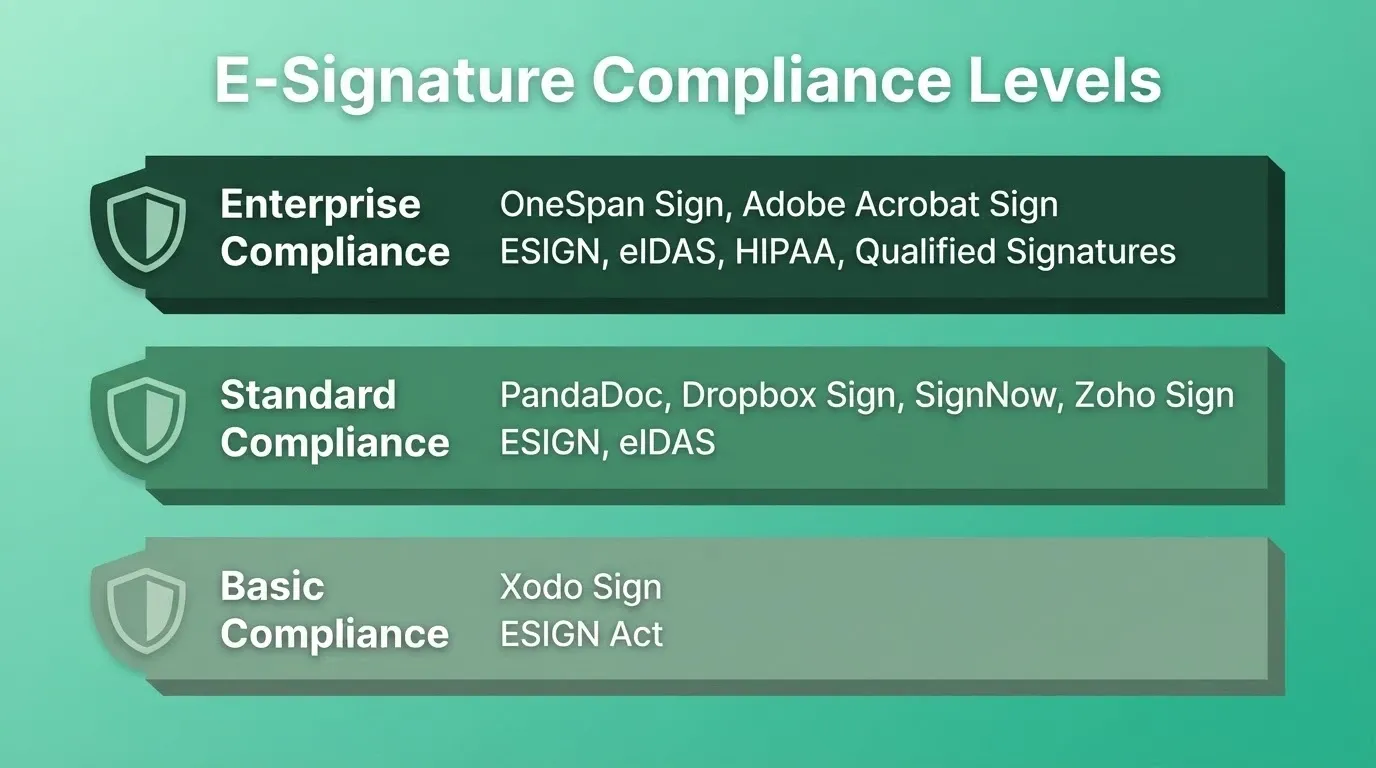
Compliance tiers across all seven e-signature tools
Which Signing Tool Fits Your Specific Use Case?
Most comparison articles stop at listing features. But the real question is practical: given your team size, budget, and workflow, which tool should you actually pick?
Here is a decision framework based on four common team types:
-
Small businesses (under 20 people). Zoho Sign or SignNow deliver the most features at a low cost. If you already use Zoho apps, Zoho Sign is the easiest choice. If not, SignNow's $10 per user pricing covers unlimited signatures and bulk sending.
-
Freelancers and solopreneurs. Xodo Sign's free plan handles low-volume signing without any cost. PandaDoc's free tier is another cost-effective option when you need proposals alongside signatures.
-
Enterprise organizations. Adobe Acrobat Sign or OneSpan Sign cover the specific requirements of large enterprises. Adobe fits teams relying on Salesforce and Adobe products. OneSpan fits organizations in regulated industries like finance and healthcare where identity verification and qualified signatures are mandated.
-
Developers wanting API access. Dropbox Sign and OneSpan Sign both offer well-documented APIs with webhook support. For teams interested in building apps from a plain-language prompt, Rocket can generate a custom signing workflow tailored to your specific needs.
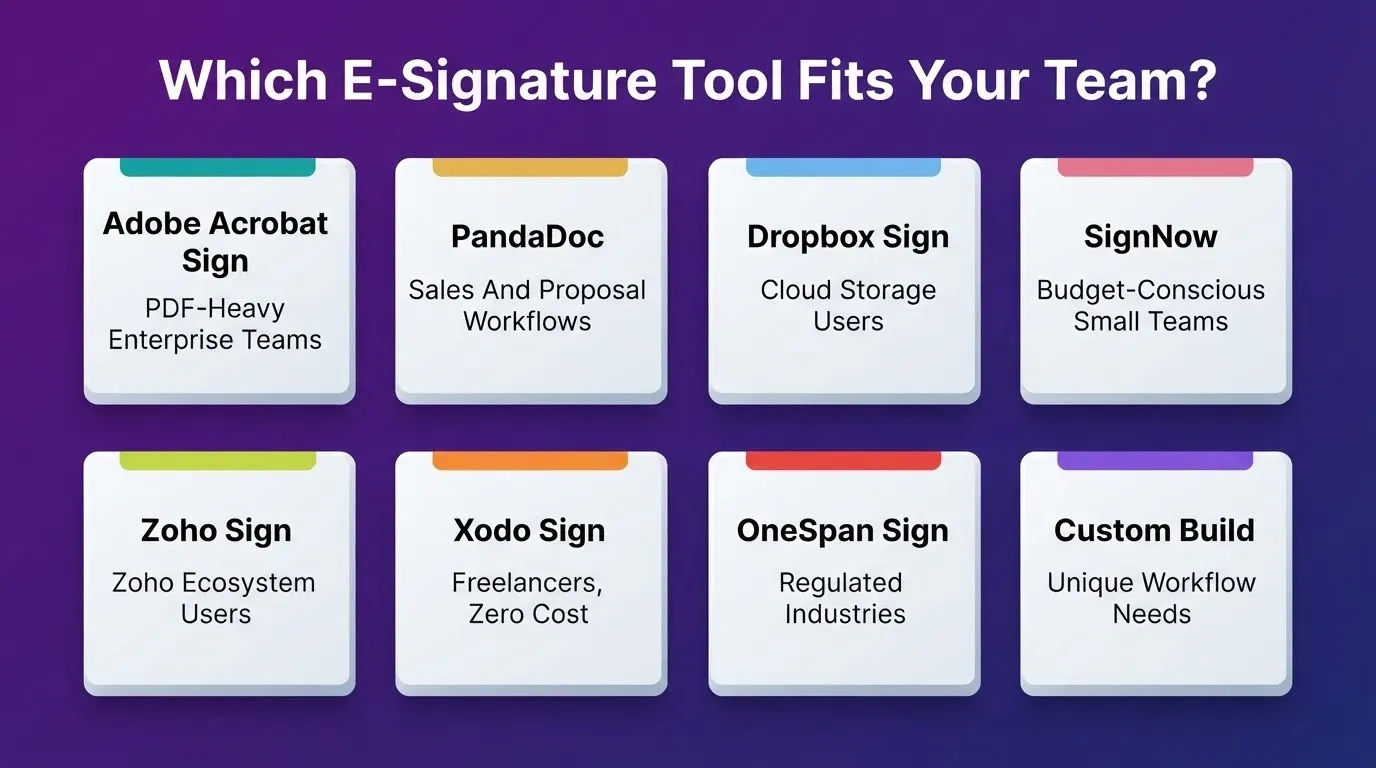
Tool selection guide by team type and use case
Decision flowchart: match your team type to the right e-signature tool
The flowchart above maps your starting point to a recommendation. If none of these tools match your exact contract workflow or approval workflows, the next section covers what to do instead.
When Off-the-Shelf Tools Fall Short, Build Your Own
Sometimes the right e-signature solution does not exist yet. Maybe your team needs signing embedded inside an internal portal, or you want to automate a contract workflow that connects document creation, approval, signing, and payment collection in a sequence no vendor supports out of the box.
That is where platforms like Rocket come in.
-
Describe your signing workflow in plain language. Tell Rocket what you need: "Build a contract signing app where clients upload ID documents, review terms, and sign with SMS verification." Rocket generates a production-ready Next.js web app or Flutter mobile app in minutes.
-
Connect to the tools you already use. Rocket ships with 26+ connectors spanning payments (Stripe, Razorpay), databases and authentication (Supabase), analytics (Google Analytics, Mixpanel), and productivity tools (Notion, Google Workspace). Connectors split into two types: workspace-level connectors such as Supabase, GitHub, and Google Workspace connect once via OAuth and are shared across all your projects; task-level connectors such as Stripe and HubSpot are connected per task with an API key. Your signing workflow can be tightly integrated with your existing tech stack on one platform.
-
Customize without limits. Off-the-shelf e-signature tools lock customization options behind enterprise plans. With Rocket, you control every screen, every field, every step. Add custom branding, role-based access, approval workflows, and automated workflows without paying per feature.
-
Own and export the code. Unlike vendor-locked signing tools, apps built on Rocket use real Next.js and Flutter code. Download the source, push to GitHub, and continue development locally. There is no vendor lock-in. See how non-developers ship production apps without writing a single line of code.
The difference between a generic e-signature provider and a custom-built signing tool is control. Vendor tools scale well for standard use cases. But when your contract processes, document workflows, or compliance requirements go further than what standard e-signature software covers, building your own is not as hard as it sounds.
Teams that need to automate approval steps across multiple stakeholders can also explore how to set up a central purchase approval system as a model for multi-step signing flows. For teams that want to understand what integrations are available before building, the full integrations overview covers every connector in detail.
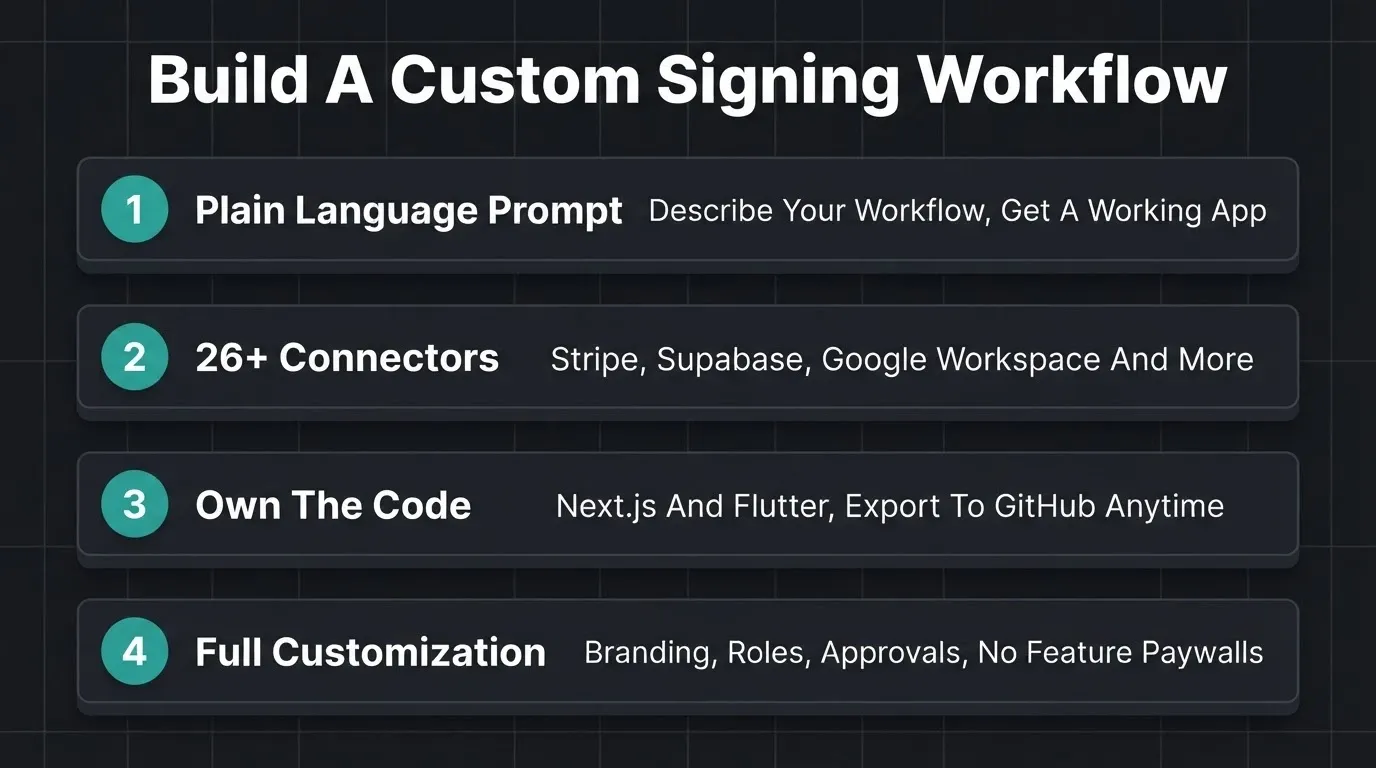
How Rocket.new powers custom e-signature and document workflow apps
Your Next Move Toward Smarter, Cheaper Signing
The best alternative depends on what you need right now. For budget-friendly signing, try SignNow or Xodo Sign. For sales-focused document workflows, PandaDoc is the pick. For enterprise compliance, OneSpan Sign or Adobe Acrobat Sign will cover you. Match the tool to the problem, not the brand name.
And if none of these seven tools quite cover your specific workflow, you have a new option: build exactly what you need.
Start Building Your Custom Signing Solution
Ready to stop overpaying for e-signatures or outgrowing what off-the-shelf tools can do?
Rocket.new lets you describe your exact signing workflow in plain language and generates a production-ready app in minutes, complete with payment collection, approval steps, and the integrations your team actually uses.
Start building for free and ship your custom signing solution today.
Table of contents
- -How Do These Seven E-Signature Providers Stack Up?
- -What Should You Check Before Switching Providers?
- -Adobe Acrobat Sign
- -PandaDoc
- -Dropbox Sign
- -SignNow
- -Zoho Sign
- -Xodo Sign
- -OneSpan Sign
- -Which Signing Tool Fits Your Specific Use Case?
- -When Off-the-Shelf Tools Fall Short, Build Your Own
- -Your Next Move Toward Smarter, Cheaper Signing
- -Start Building Your Custom Signing Solution