Build a wellness app for iOS and Android by validating your idea with Solve, then generating a Flutter codebase in 1-3 minutes with Rocket.new. Cover features, security, and tech stack before launch.
Wellness app development for iOS and Android starts with a clear concept, real user validation, and a structured process covering the right technologies, security, and a focused feature set. The global digital health market is projected to reach $946.04 billion by 2030, and demand for health, fitness, sleep, and meditation tools on mobile continues to grow fast.
This guide walks through every stage, from validating your idea to generating a production-ready Flutter app, with concrete steps you can follow today.
What Is a Wellness App?
A wellness app is a mobile or web application that helps users manage one or more dimensions of personal health, including physical fitness, mental health, sleep, nutrition, meditation, or habit formation, typically through tracking, guided programs, or personalized recommendations. The category spans everything from simple habit trackers to clinically-informed mental health tools.
Understanding which sub-category you are building for shapes every decision that follows, from tech stack to compliance requirements.
Why Wellness Apps Are Growing
The market for wellness apps continues to expand rapidly. People want support for sleep, meditation, nutrition, and managing stress, and they want it accessible on their phone at any moment.
Wellness apps help users track habits, monitor health data, and follow guided meditations. Many apps also include mood tracking, video lessons, and personalized programs that adapt over time.
The focus today is not just fitness. It includes mental health, balanced lifestyle habits, pregnancy support, and corporate employee wellness programs. This breadth creates a strong market opportunity, but competition is real, and wellness app development must be thoughtful and strategic to stand out.
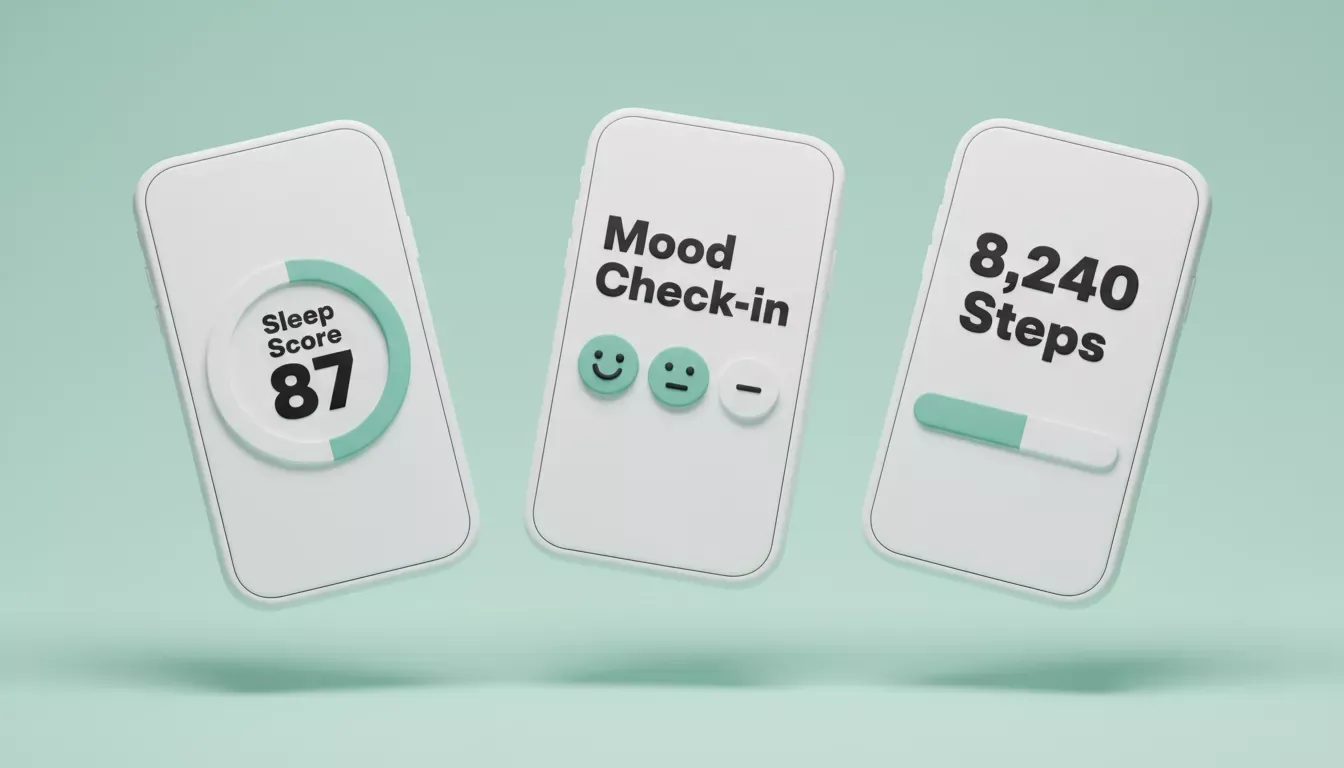
What Users See Every Day in a Wellness App
Types of Wellness Apps
Not all wellness apps are the same. Different categories serve different user needs and require different technical approaches.
| App Type | Core Feature | Key Tech Consideration |
|---|---|---|
| Meditation | Guided audio sessions, sleep programs | Audio streaming, offline playback |
| Fitness | Workout plans, exercise logging | Wearable device integration, video |
| Mental Health | Mood tracking, journaling, CBT tools | Data privacy, clinical compliance |
| Nutrition | Calorie tracking, meal planning | Food database API, barcode scanning |
| Habit Tracking | Daily streaks, reminders, progress | Push notifications, local storage |
| Corporate Wellness | Team challenges, EAP resources | SSO, role-based access, reporting |
| Physical Therapy | Exercise adherence, progress tracking | Secure media storage, clinician portal |
Core Features That Matter
Every successful wellness app shares a strong core feature set, and the key is restraint. Build the minimum that delivers real value, then expand based on actual user behavior rather than assumptions.
| Feature | Why It Matters |
|---|---|
| Mood Tracking | Helps users log emotions and identify mental health patterns |
| Guided Meditations | Supports stress management and mindfulness practice |
| Sleep Tracking | Improves sleep quality through data-driven insights |
| Workout Plans | Encourages consistent fitness routines with structured guidance |
| Data Analytics | Provides personalized insights for ongoing personal growth |
| Wearable Integration | Connects with fitness trackers and health monitoring devices |
| Push Notifications | Keeps users engaged through timely habit reminders |
| Secure Authentication | Protects personal health data with robust login flows |
Features must serve a clear purpose. Extra features that add no value increase cost, slow development, and confuse users.
Before You Build: Validate the Idea with Solve
The most common reason wellness apps fail is not poor execution. It is building the wrong thing. Before writing a single prompt or selecting a single screen, use Rocket.new's Solve feature to research your market.
Solve takes a business question and returns a structured, evidence-backed report covering market sizing, competitor teardowns, user pain points, and feature gap analysis. For a wellness app, a prompt like "Analyze the meditation app market for iOS and Android, including key competitors, unmet user needs, and feature gaps" produces a research brief you can hand directly into the build phase.
This is how Rocket.new's own product journey is designed: Solve first, then Build. The research context from Solve carries forward into your project automatically, so the generated app reflects genuine product thinking rather than a generic template.
How to Build a Wellness App with Rocket.new
Rocket.new is an AI-powered full-stack app builder that generates production-ready code from a plain-language description or a Figma import. Mobile apps are built in Flutter, giving you a single codebase that runs natively on both iOS and Android. Web apps use Next.js. Most apps generate in 1 to 3 minutes.
Step 1: Define the Wellness Concept Clearly
Start with clarity. A focused idea saves months of confusion later. Decide what problem the wellness app solves before touching any tools.
Pick one strong core direction: meditation and guided sessions, mood tracking for mental health, sleep tracking, fitness workouts, or nutrition and calorie counting. Keep the scope tight for MVP development. Rocket.new's own best-practice guidance is to list only the 3 to 5 most important features upfront, then add more through chat after the first generation.
Step 2: Sign Up and Create Your Project
Go to Rocket.new and sign up. Create a new project from the dashboard. If you ran a Solve research task first, create the Build task inside the same project. Rocket.new carries the research context forward automatically, so the generated app reflects your market findings rather than starting from a blank slate.
Step 3: Enter a Prompt or Import from Figma
There are two starting paths.
Option 1: Plain language prompt. Select the Mobile App category tab and describe your app with specificity. Example:
"Build a wellness app for iOS and Android focused on meditation and sleep tracking. Include login with Supabase auth, a guided meditation library with audio playback, mood tracking with daily entries, and a progress dashboard showing streaks and weekly trends."
Option 2: Import from Figma. If you already have designs, connect your Figma workspace and paste the file URL. Rocket.new converts your frames directly into working Flutter code, preserving typography, spacing, color system, and visual hierarchy. The designer-to-developer handoff becomes unnecessary.
Step 4: Select the Screens You Need
After the initial prompt, Rocket.new presents an AI-suggested list of screens for your wellness app. Review the list and deselect any screens you do not need for the MVP. You can always add screens later through chat without regenerating the entire app.
Typical screens for a wellness app include login and signup, home dashboard, mood tracking screen, meditation library, sleep tracking page, progress and streaks view, and profile and settings.
Step 5: Watch the Flutter App Generate
Rocket.new plans the architecture, writes the Flutter codebase, and shows a live preview in a device simulator when done. What Rocket.new generates is not a wireframe or mockup. It is a working, deployable product with dark and light theming, fluid navigation, staggered animations, and production-quality code. Most apps are ready in 1 to 3 minutes.
Step 6: Review and Iterate
Pause and inspect everything carefully before iterating. Check that mood tracking stores entries correctly, the meditation library is organized and navigable, the sleep dashboard shows useful insights, and navigation flows are smooth in the device simulator.
Rocket.new offers three ways to refine the app: Chat for natural language instructions with no change limit, Visual Edit to click any element in the preview and change it directly, and Code to open the Flutter source files and edit them manually. All three modes work in context, so you never re-explain what already exists.
Step 7: Test Thoroughly Before Distribution
Before distributing to users, test every core flow on a real device. A bug in a health app erodes user trust faster than in almost any other category. Test data saving accuracy for mood and sleep entries, meditation audio playback and buffering, push notification delivery, authentication edge cases, and security settings.
Step 8: Distribute Your Wellness App
Rocket.new offers three distribution paths for Flutter mobile apps.
| Distribution Method | Speed | Best For |
|---|---|---|
| Web Preview Link | Instant | Demos, stakeholder reviews, early feedback |
| Android APK Download | Minutes | Device testing, beta distribution |
| App Store / Google Play | Days to weeks | Public release and monetization |
For App Store and Google Play submission, Rocket.new generates your store-ready Flutter build. For Android, this is a signed AAB bundle you upload to Play Console. For iOS, it is a build you submit through App Store Connect. The submission process itself uses your own developer accounts: a one-time $25 fee for Google Play and $99 per year for the Apple Developer Program. Rocket.new handles the code generation; you handle the store relationship.
One real limitation worth knowing: Rocket.new's Flutter output is optimized for phone form factors. Tablet-specific layouts are not currently supported. If your wellness app targets iPad as a primary surface, plan for additional layout work after export.
Wellness App Development Workflow
The six-step process from idea validation to distribution:
- Validate with Solve: Research market gaps and competitor features before building
- Prompt or Figma Import: Describe your app or import existing designs
- Select Screens: Choose from AI-suggested screen list, deselect what you do not need
- Flutter Generates in 1-3 min: Production-ready codebase with theming, navigation, and auth
- Review and Iterate: Refine via Chat, Visual Edit, or Code with no change limit
- Test and Distribute: Web preview, APK download, or App Store submission
Choosing the Right Technologies
Rocket.new auto-assigns the framework based on what you are building: Flutter for mobile and Next.js for web. You do not need to configure this. Flutter is a strong choice for wellness apps because it produces a single codebase that deploys to both iOS and Android with native-quality performance, real design systems, and fluid animations.
For teams building beyond Rocket.new's generated foundation, the broader tech decisions include Supabase for backend (Rocket.new's default integration, handling Postgres database, user auth, file storage, and edge functions), HealthKit and Google Health Connect APIs for wearable device data, and cloud ML services for mood prediction, sleep quality scoring, and personalized recommendations.
The global health and fitness app market continues to grow at a strong compound annual rate, making early investment in a scalable tech stack a sound long-term decision. Research from Business of Apps shows the fitness app segment alone generates billions in annual revenue.
Security and Data Privacy
When building wellness apps, security is not a side task. Health data is personal, and users expect it to stay protected. From mood tracking to sleep records, every piece of data must be handled responsibly.
Security planning should begin at the very start of the development process. Protecting user data is not just technical work; it is about maintaining long-term credibility with users who are sharing some of their most personal information.
- End-to-end encryption for all health data in transit and at rest
- Role-based access controls to limit data exposure across user types
- Secure authentication with multi-factor options (Supabase handles this out of the box with Rocket.new)
- Regular security audits and penetration testing before launch
- Clear, user-facing privacy policy explaining what data is collected and why
A note on HIPAA: Most consumer wellness apps, including meditation, fitness, and habit tracking tools, are not HIPAA-covered entities. HIPAA applies when an app is used by a healthcare provider, health plan, or business associate in a clinical context. For general consumer wellness apps, GDPR (for European users) and CCPA (for California users) are the more directly applicable frameworks. If you are building for clinical or employer-sponsored health programs, consult a healthcare compliance specialist before launch.
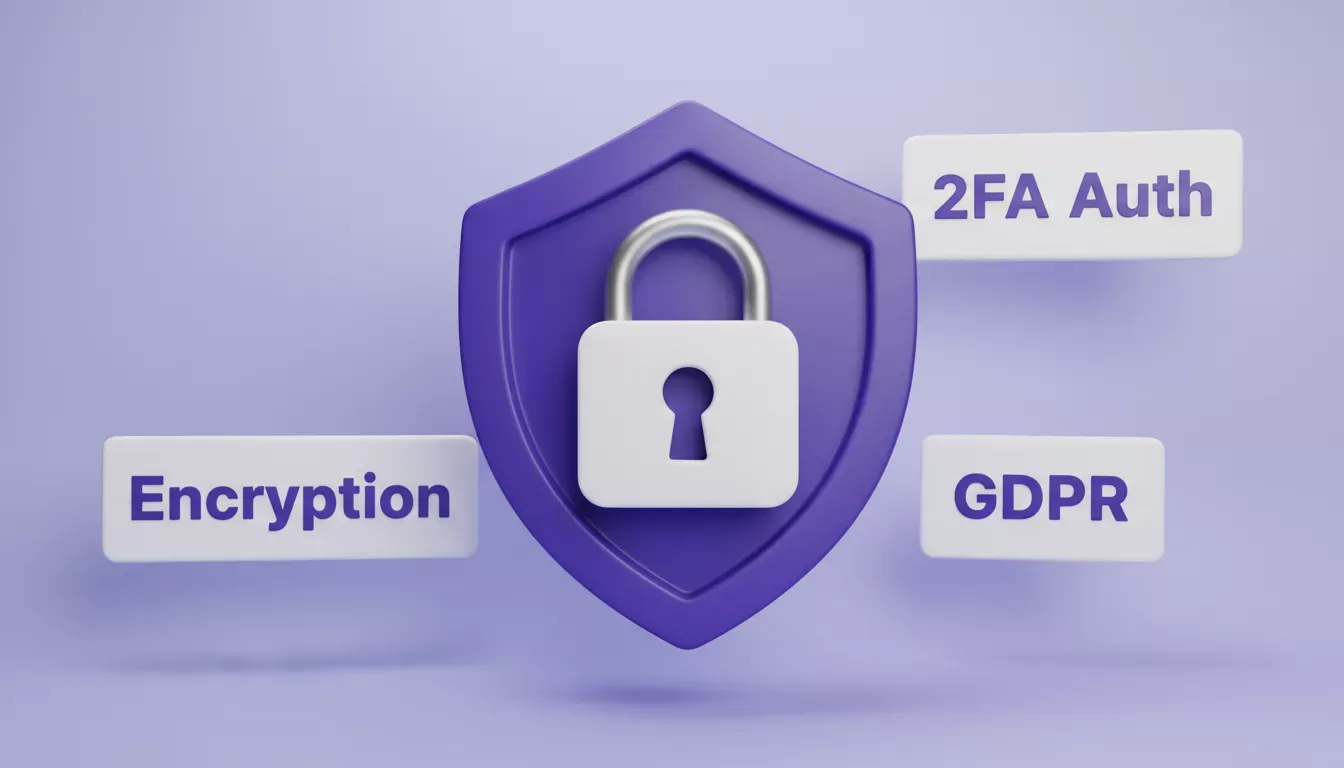
Security Essentials for Wellness Apps; Encryption, Authentication, and Compliance
Rocket.new vs. Traditional Development
The practical advantage of Rocket.new for wellness app development is not just speed. The generated Flutter codebase is yours to download, modify, and extend. You are not locked into a platform's visual editor.
| Approach | Time to First Build | Typical Cost | Flexibility |
|---|---|---|---|
| Rocket.new (Flutter) | 1-3 minutes to first screens | Subscription-based | Chat, visual edit, or code |
| Hire a dev agency | 4-12 weeks to MVP | $20,000 to $100,000+ | Full custom, slow to change |
| No-code builders | Hours to days | Low monthly cost | Limited to platform features |
| Hand-coding (native) | Weeks to months | High, two codebases | Maximum flexibility and cost |
The Role of a Wellness App Development Company
Partnering with a wellness app development company can simplify the journey for teams that need custom integrations, clinical compliance, or enterprise-grade infrastructure beyond what an AI builder produces out of the box.
An experienced team brings expertise in wellness software development, wearable integrations, and security. They manage planning, development, testing, and launch. Wellness app development services typically include UI and UX design for health-specific interaction patterns, backend architecture and data modeling, machine learning model development for personalization, wearable device integration, and ongoing compliance audits.
The most effective approach today combines AI-generated scaffolding with expert review. Use Rocket.new to produce the initial codebase fast, then bring in specialists for the compliance and integration layers that require domain knowledge.
Cost of Wellness App Development
Cost depends on features, technologies, and complexity. Basic MVP development may range from $20,000 to $50,000. Advanced wellness software development, including machine learning, wearable integration, and complex programs, can exceed $100,000.
Ongoing support, updates, and security maintenance also add to the total cost over time. With Rocket.new, the initial generation cost is a fraction of traditional development. The investment shifts from building the foundation to refining, testing, and distributing the app. According to Statista, the fitness app segment alone generates billions in annual revenue, making early investment in quality development a sound long-term decision.
Wellness App Development: The Real Picture
Many wellness apps fail for predictable reasons. They copy competitors, overload features, ignore real users, and treat security as an afterthought. Some skip proper planning. Others rush to launch without testing.
The smarter approach is clear. Start with a Solve research brief to validate the idea before building. Use Rocket.new to generate a Flutter codebase in minutes rather than weeks. Keep features tight for the MVP. Prioritize security and data privacy from day one. Then grow steadily after launch using real user data and feedback.
Wellness app development succeeds when it solves real problems and supports users in their daily lives, including sleep, meditation, fitness, and long-term well-being.
Launching Your Wellness App on iOS and Android App Stores
Go From Research to Live App Faster
Building a wellness app that users actually keep requires more than a good idea. It requires validating the market before building, choosing a tech stack that scales, and a platform that removes the friction between concept and launch.
Rocket.new handles the Flutter codebase generation, backend scaffolding, and iteration, so your team spends time on the product decisions that matter, not the infrastructure.
Start building your wellness app today and take your health and wellness concept from research to a live iOS and Android app faster than traditional development allows.
Table of contents
- -What Is a Wellness App?
- -Why Wellness Apps Are Growing
- -Types of Wellness Apps
- -Core Features That Matter
- -Before You Build: Validate the Idea with Solve
- -How to Build a Wellness App with Rocket.new
- -Step 1: Define the Wellness Concept Clearly
- -Step 2: Sign Up and Create Your Project
- -Step 3: Enter a Prompt or Import from Figma
- -Step 4: Select the Screens You Need
- -Step 5: Watch the Flutter App Generate
- -Step 6: Review and Iterate
- -Step 7: Test Thoroughly Before Distribution
- -Step 8: Distribute Your Wellness App
- -Wellness App Development Workflow
- -Choosing the Right Technologies
- -Security and Data Privacy
- -Rocket.new vs. Traditional Development
- -The Role of a Wellness App Development Company
- -Cost of Wellness App Development
- -Wellness App Development: The Real Picture
- -Go From Research to Live App Faster