Fire Safety Consultancy Landing Page Template
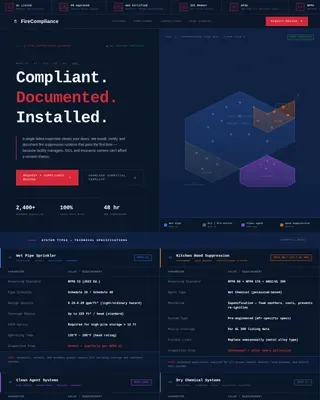
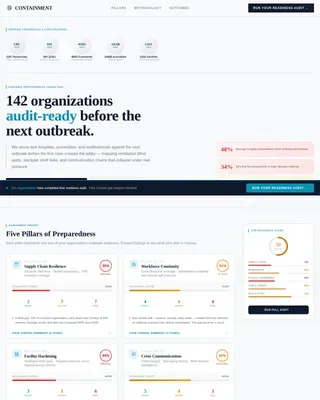
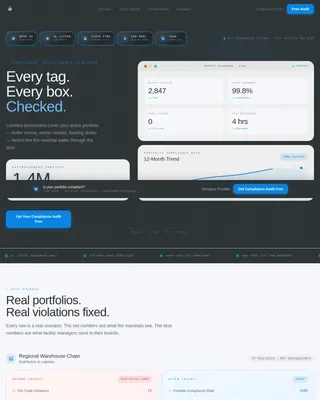
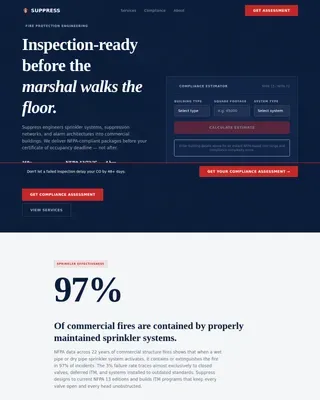
Comply is a fire safety consultancy landing page built around a data-command visual identity. It leads with bold audit metrics, flipping stat cards, and a gated compliance checklist download. Designed for facilities managers, property developers, and school business managers, it turns technical fire safety expertise into an evidence wall that earns trust before asking for a single detail.
by Rocket studio
Quick summary
Comply is a single-page fire safety consultancy template built to communicate expertise through data. A split header, live-styled stat counters, and a grid of flipping audit-metric cards establish authority on first scroll. The page closes with a gated checklist download and an ungated booking button, giving visitors two clear paths forward.
Who this template is for
This template is built for fire safety consultants and compliance professionals who need to convert cautious, detail-oriented buyers. It works especially well when the audience already understands the stakes and simply needs proof of competence.
- Facilities managers overseeing multi-site commercial portfolios
- Property developers working toward a certificate of occupancy deadline
- School business managers responsible for fire drill compliance and reinspection readiness
What problem this template solves
Fire safety consulting is a high-trust purchase. Prospective clients arrive with specific fears and a low tolerance for vague promises. A generic service page loses them before the first scroll ends. This template solves that credibility gap by making the data speak first.
- Visitors see audit metrics and pass rates before they read a single paragraph of copy
- The number-then-proof rhythm builds an evidence wall that replaces hollow service claims
- Two distinct call-to-action paths serve both researchers and buyers who are already ready to commit
What you get with this template
The template delivers a complete single-page layout structured around measurable fire safety proof points. Every section earns its place by contributing to the overall case for expertise.
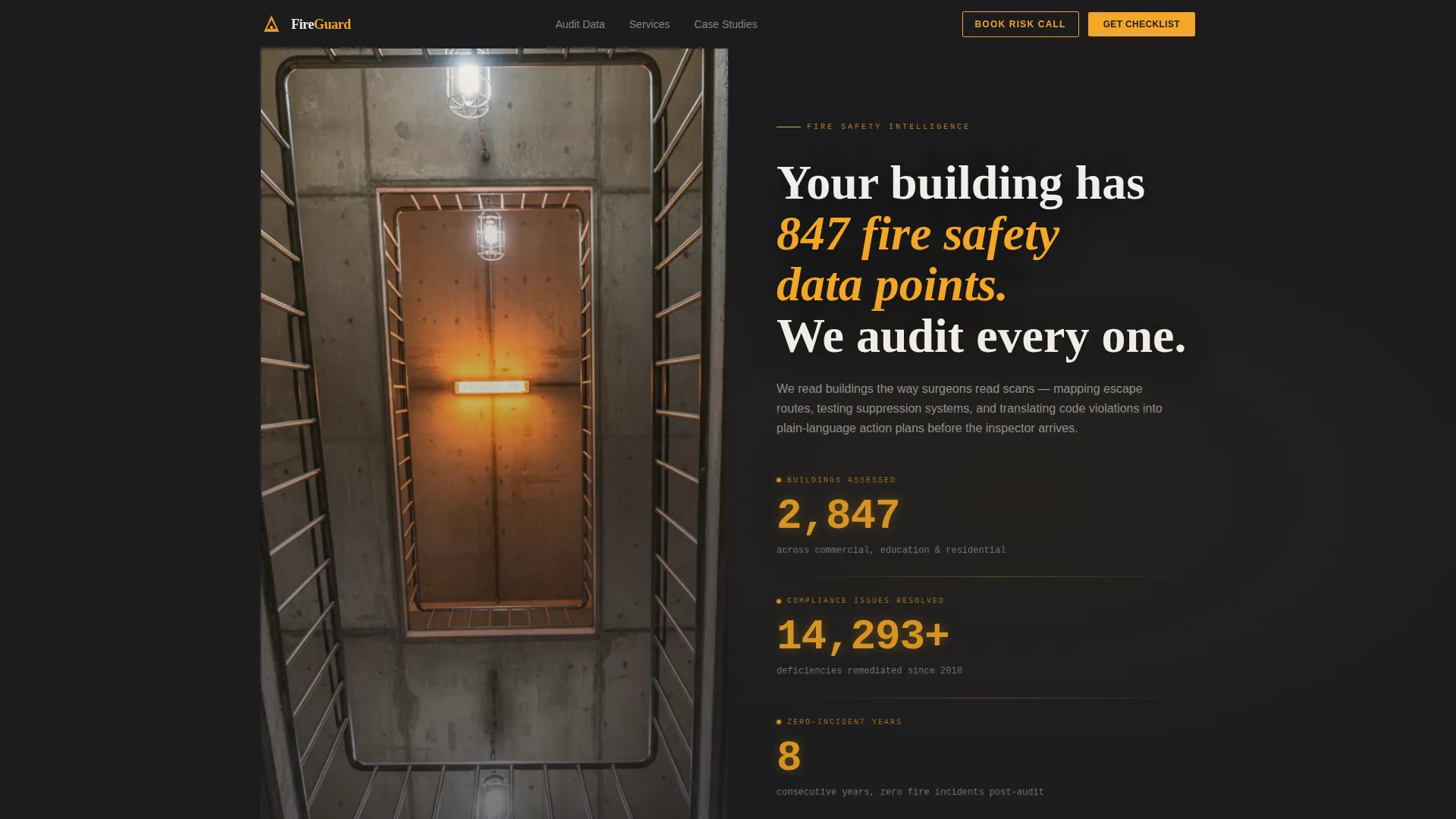
- A half-page split header with a stairwell photograph, a bold headline, and three amber stat counters
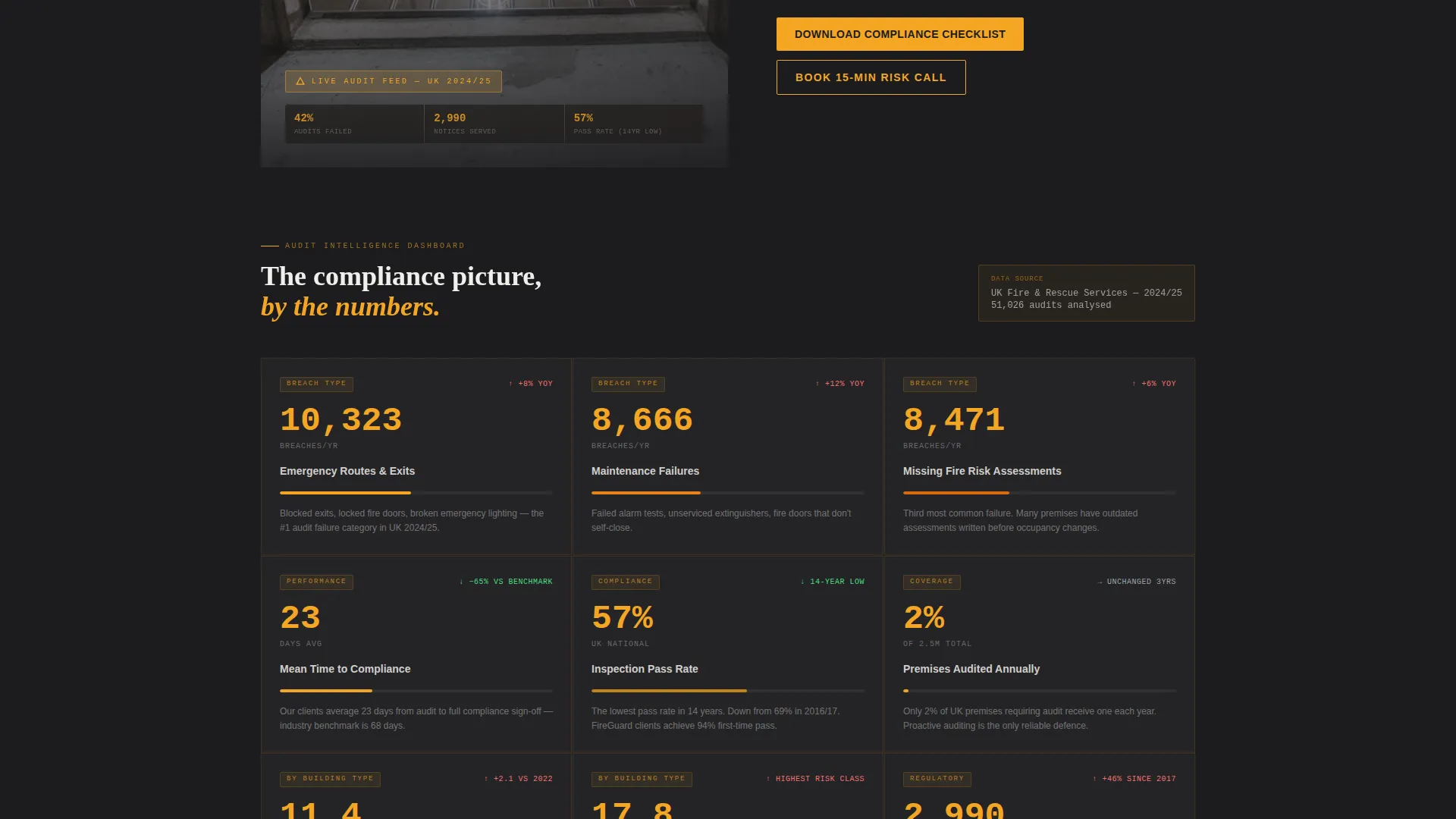
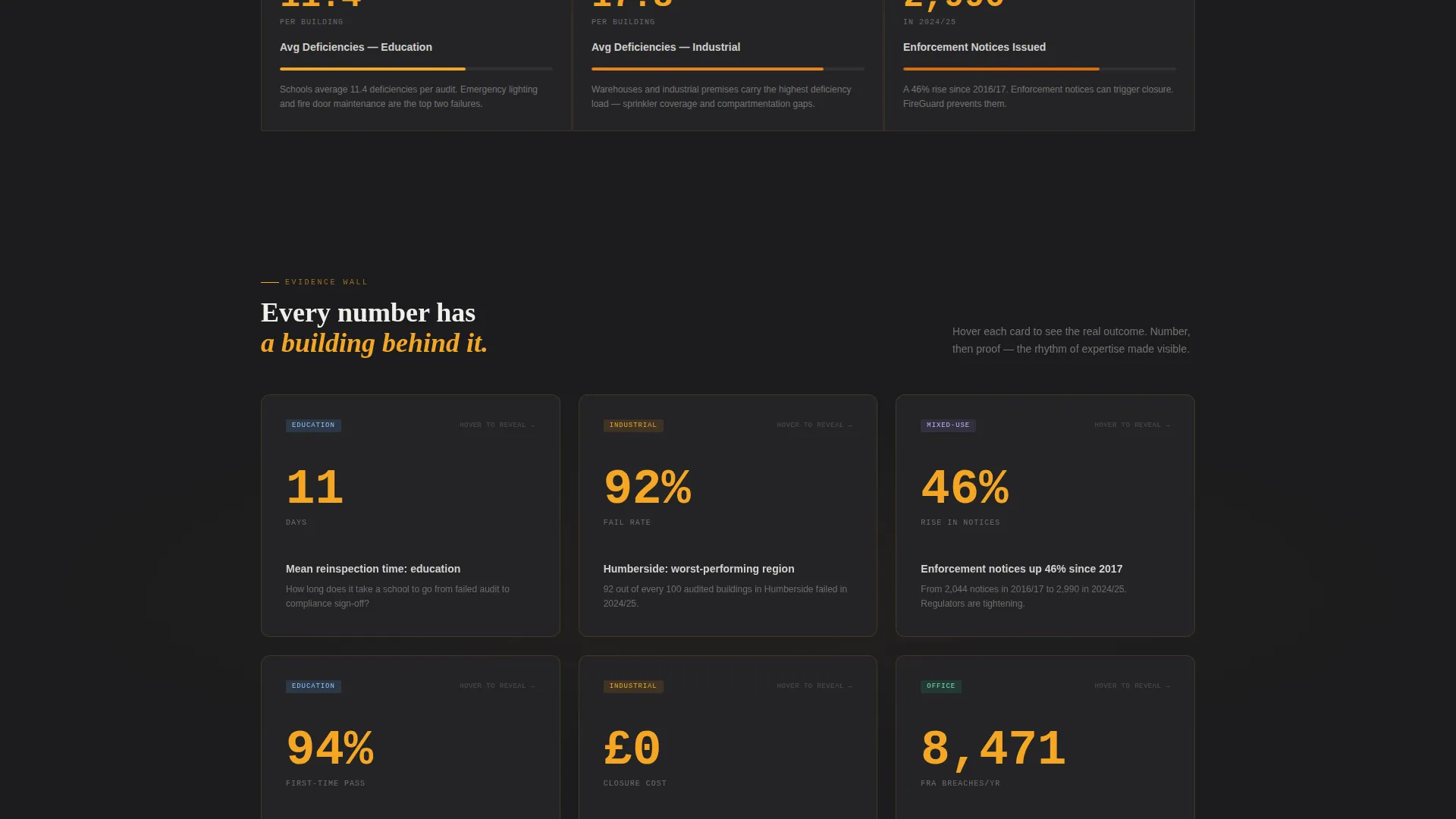
- A dashboard-style audit metrics grid where each card flips on hover to reveal a real-world outcome story
- A gated two-field form for the compliance checklist download and a secondary ungated booking button
Feature list
This template packages several purpose-built components that work together to move a skeptical visitor toward action.
Split Header with Live Stat Counters
The header divides the viewport into a high-contrast stairwell photograph on the left and a bold headline on the right. Three stat counters tick upward in amber monospace type, displaying buildings assessed, compliance issues resolved, and zero-incident years. The effect is immediate: this consultancy measures everything.
Flipping Audit Metric Cards
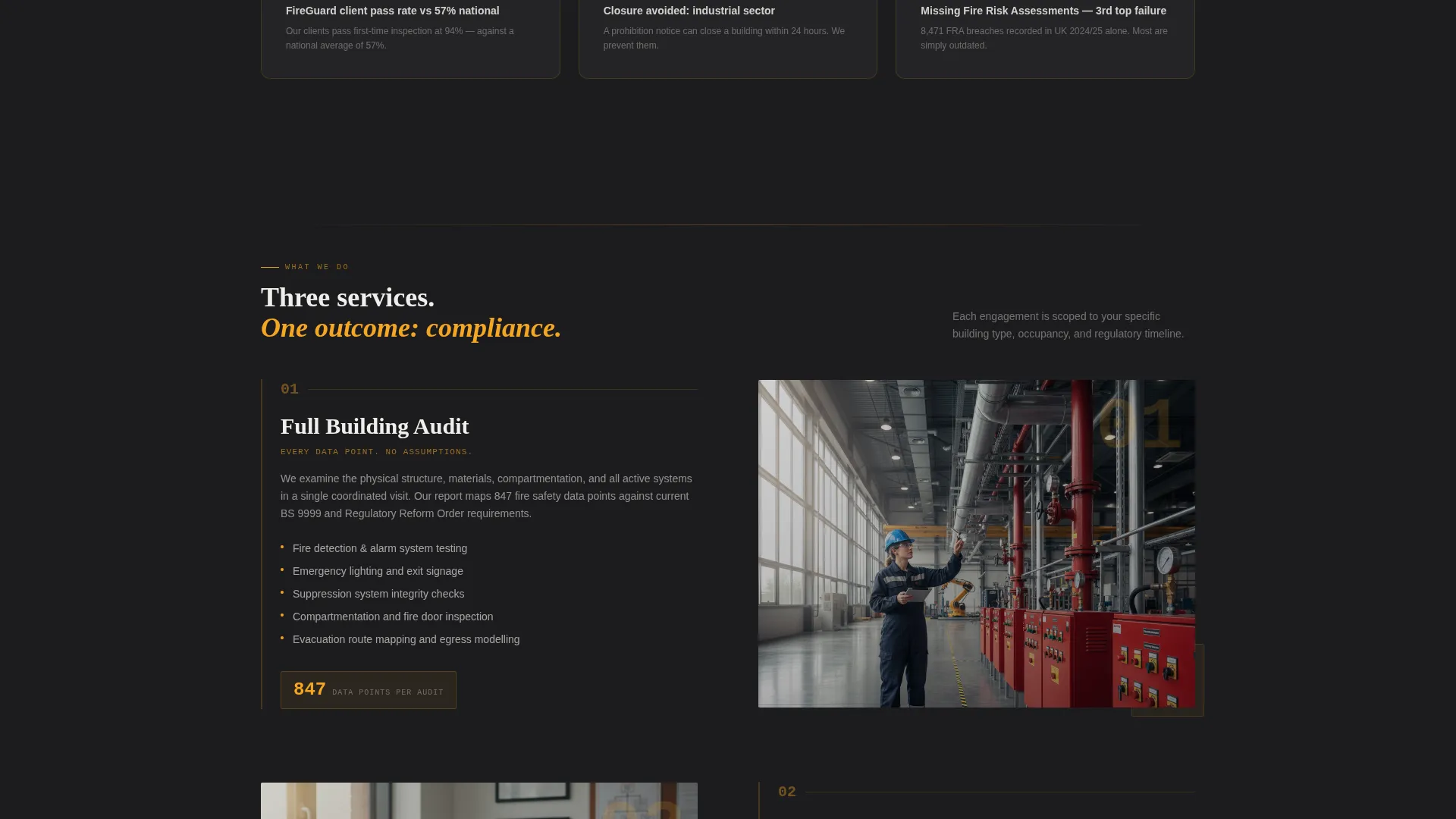
A tile grid fills the viewport below the header with fire safety data points such as average deficiencies per building type, mean time to compliance, and inspection pass rates. Each card flips on hover to reveal the human story behind the number, connecting raw data to real outcomes like a school that passed reinspection in eleven days.
Gated Compliance Checklist Form
The primary conversion point is a two-field form collecting a work email and a building type selection covering office, education, residential, mixed-use, and industrial properties. The form is positioned after the stats and metric cards, so visitors have already seen proof of value before they are asked to share any information.
Secondary Risk Call Button
An ungated "Book a 15-Minute Risk Call" button runs alongside the checklist form. It serves visitors who are already in decision mode and do not need further nurturing. Having two paths prevents the page from losing high-intent visitors who would never fill out a form.
Data Command Visual System
The entire layout follows a dark industrial palette with signal amber used exclusively to highlight every metric that demands attention. The result is a page that feels like a live fire panel, dark and purposeful, with amber cutting through wherever the data matters most.
Page sections overview
| Section | Purpose |
|---|---|
| Split header panel | Introduces the consultancy with a stairwell photo, headline, and three animated stat counters |
| Audit metrics grid | Displays key compliance data in flippable cards that reveal real-world outcome stories on hover |
| Checklist download form | Gates the compliance checklist behind a two-field form to capture qualified leads |
| Risk call button | Provides an ungated booking path for high-intent visitors ready to speak immediately |
Design & branding system
The visual identity follows a Data Command theme built on four deliberate colors. Deep smoke black forms the background, while signal amber acts as the single active accent, pulling the eye to every metric and call to action. The palette reads like a fire panel on a concrete wall at 2 a.m.: dark, industrial, and alive only where it matters.
- Deep smoke black (#1C1C1E) and ash gray (#3A3A3C) form the structural background layers
- Signal amber (#F5A623) highlights all stat counters, card data points, and interactive elements
- Extinguisher white (#F0EEEB) is used for data labels and body text to maintain legibility against dark surfaces
Mobile & speed optimization
The layout is structured as a modular card grid, which naturally adapts from a wide desktop dashboard view to a stacked single-column format on smaller screens. The dark background and high-contrast typography keep the page readable without relying on image-heavy decorative elements.
- Stat counter cards and metric tiles stack vertically on mobile, preserving the number-then-proof rhythm
- The two-field checklist form remains compact and thumb-friendly on small screens
- Amber accent color maintains sufficient contrast against dark backgrounds at all viewport sizes
How this template helps you convert
The page is structured so that credibility is established before any ask is made. Visitors move through an evidence wall of data before they reach any form or button.
- The stat counters in the header create an immediate impression of scale and track record, lowering skepticism before a single word of body copy is read.
- The flipping metric cards sustain engagement through the middle of the page, each hover rewarding curiosity with a concrete outcome story that reinforces the consultancy's expertise.
- The dual call-to-action structure matches the two dominant visitor mindsets: researchers download the checklist for more detail, while decision-ready visitors book the risk call directly, so neither group hits a dead end.
Other information about this template
This template is designed specifically for the fire safety consulting and safety services market. It suits any consultancy communicating complex compliance data to buyers who value evidence over narrative.
- The card grid layout is compatible with the Card Grid (Modular) template style for easy section reordering
- The Data Command theme and amber accent system can be adapted to related safety and emergency services verticals
- The gated checklist form supports lead segmentation by building type, useful for consultancies serving mixed portfolios
- This template is a strong fit for the Safety Consulting and Services subcategory within the broader Safety and Emergency category
Theme
Engineering Blueprint
Creative direction
Step-by-Step Guide
Color system
Midnight Blue
Style
Card Grid (Modular)
Direction
Content/Resource
Page Sections
Split Header with Animated Stat Counters
Flipping Audit Metric Card Grid
Gated Compliance Checklist Form
Ungated Risk Call Booking Button
Data Command Dark Visual Theme
Related questions
Can I change the stat counter numbers to match my own consultancy's data?
What building types does the checklist form support?
Do I need both the checklist form and the risk call button?
Is this template suitable for a solo fire safety consultant or only for larger firms?
Can the flipping metric cards display my own audit data?