
An AI app maker converts a plain-language description into a working, deployable web or mobile app, with real code you own. This blog covers how these tools work, who they serve, and how to choose the right one.
Can you build a real app without writing code? Yes, and it ships faster than you think.
An AI app maker takes your text description and generates a fully functional app, complete with frontend, backend, and authentication. According to data from index.dev, developers now spend 30–60% less time on routine coding and testing compared to traditional methods. The output is not a locked template. It is real, editable code you can deploy, download, or hand to a developer.
This blog covers how AI app makers work, who benefits most, and what to look for before choosing one.
Why AI App Makers Matter Right Now
Building an app used to mean hiring developers or learning months of coding. That is still true if that is what you want.
Something different is happening now. Tools such as AI app generators and AI app builders turn ideas into real apps with no traditional development required. You give an AI app generator a description. It writes the code. It also sets up backend systems, including authentication, database connections, and logic, automatically.
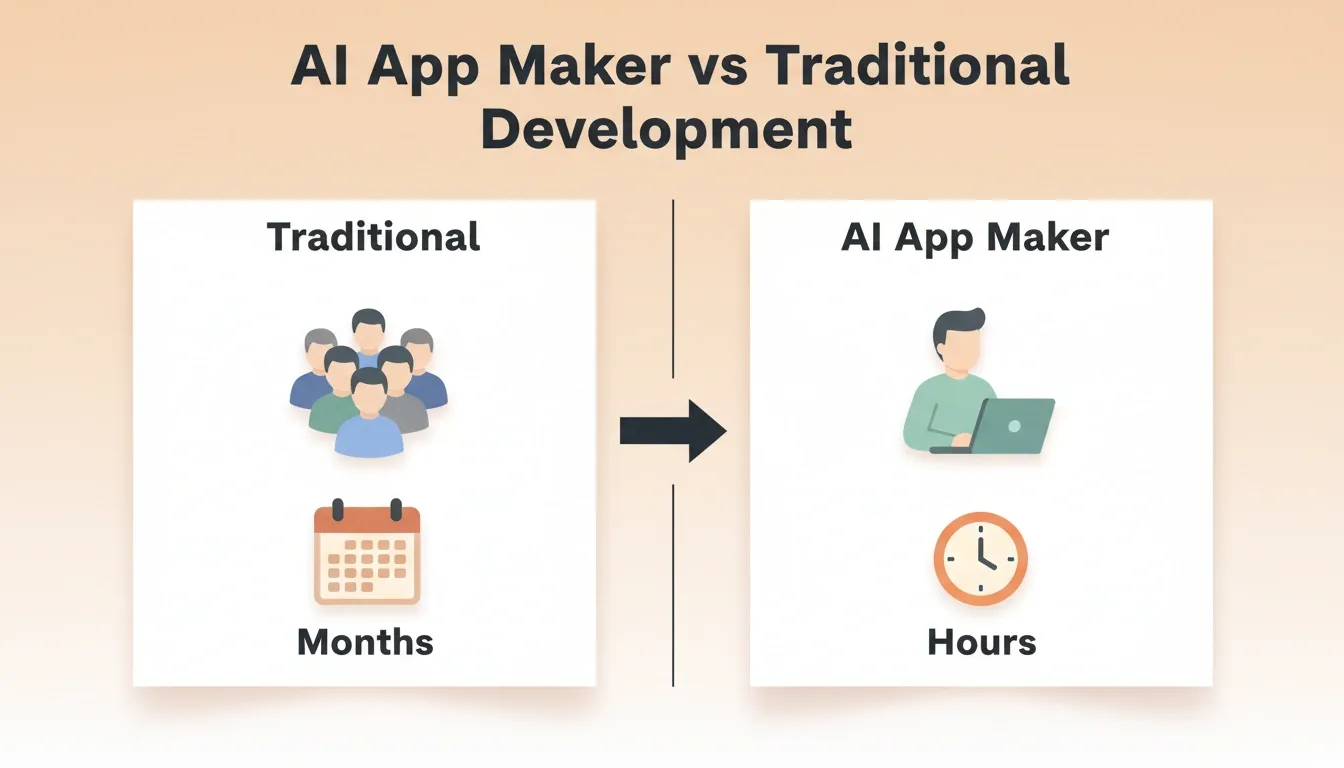
AI App Maker vs Traditional Development
Here is how AI tools replace traditional coding tasks:
| What Traditional Coding Requires | What an AI App Maker Handles |
|---|---|
| Writing code by hand | AI writes code automatically |
| Setting up backend services | Backend configured by AI |
| Connecting auth systems | Authentication systems auto-generated |
| Testing manually | Automated test suggestions |
| Hiring a development team | No large team needed |
| Weeks to first prototype | Hours to first working app |
These tools save time and reduce friction. As a result, anyone with an idea can get a working app in front of real users, without waiting on a development team.
Who Can Build Apps Now
You no longer need coding skills to build apps. If you can type clear sentences, you can build apps. These tools take your natural-language prompt and turn it into complete apps that run on both phones and browsers.
Here is who benefits most:
- Non-technical founders who have ideas but no coding knowledge
- Developers who want to move 10x faster on prototypes and internal tools
- Startup teams looking for an MVP without a large upfront cost
- Small business owners who want a custom tool without hiring developers
- Agencies delivering client work faster with production-ready output
AI tools are lowering barriers. They enable more people to create, test, and ship software. The idea matters more than technical depth at this stage. Still, good apps need thought and refinement. Typing a prompt and walking away is not enough.
For startup founders specifically, a no-code app builder for startups can compress weeks of development into days. This makes it possible to validate an idea before committing to a full build.
What is an AI App Maker
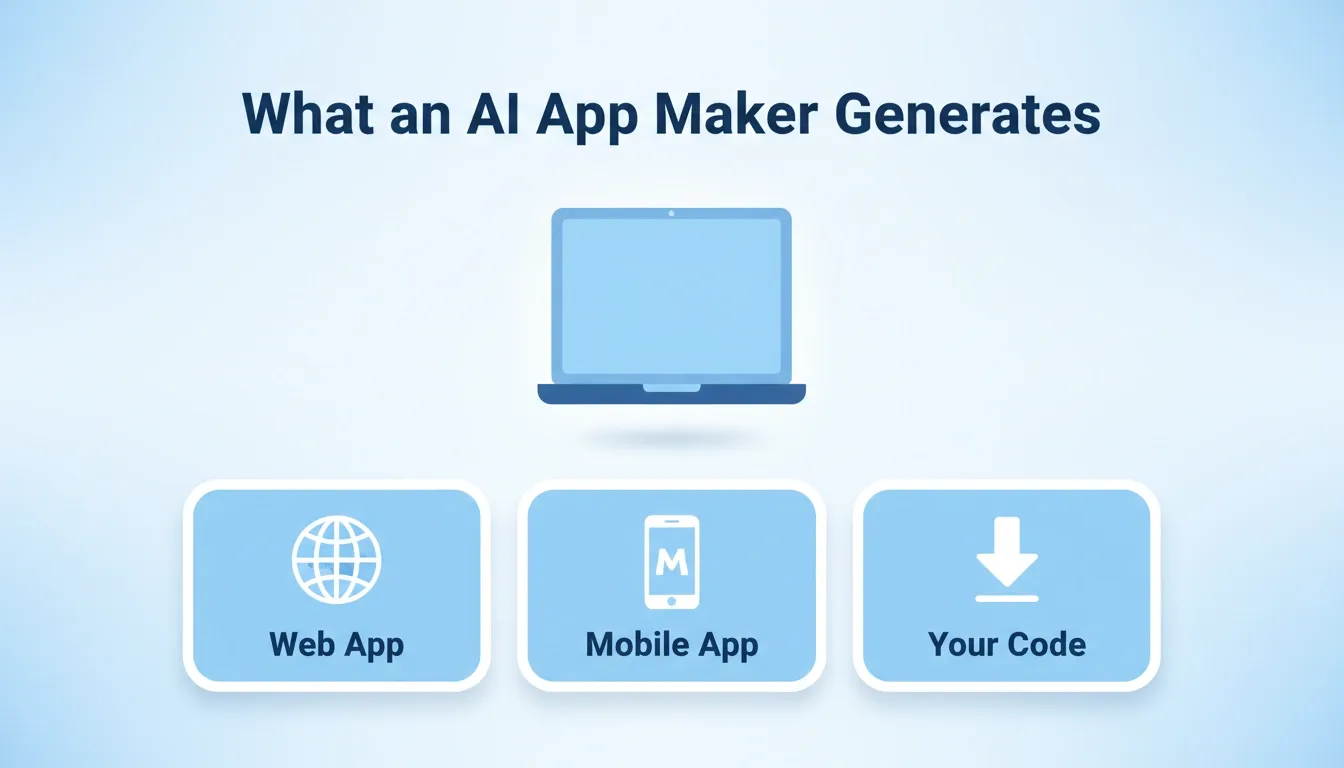
An AI app maker is software that generates complete, production-ready apps from a plain-language description. You describe what you want, including the app type, key screens, features, and design preferences. The tool then builds a functional web or mobile app with code you can use, edit, and publish.
The critical distinction is that you get the actual source code. The output is not locked inside a proprietary builder. It is real software, specifically Next.js for web apps and Flutter for mobile apps. You can download it, host it anywhere, or continue editing it in any code editor.
That is the big shift. It is not a demo or a mockup. It is deployable software.
AI App Maker vs Traditional Development
Before choosing a path, it helps to understand the real tradeoffs:
| Factor | Traditional Development | AI App Maker |
|---|---|---|
| Time to first working app | Weeks to months | Hours to days |
| Cost | $10,000 to $150,000+ | Subscription-based |
| Code ownership | Full ownership | Full ownership (exportable) |
| Customization depth | Unlimited | High (with code access) |
| Team required | Developers, designers, QA | One person |
| Iteration speed | Days per change | Minutes per change |
| Production readiness | Depends on team | Built-in (SEO, WCAG, GDPR) |
For most early-stage products, internal tools, and MVPs, an AI app maker delivers faster results at a fraction of the cost. For highly complex, long-term systems with unique technical requirements, a traditional development team may still be the better fit.
Web Apps vs Mobile Apps: What Is the Difference
- Web apps run inside a browser. Users open a link on their phone or laptop and start using the app immediately. No downloads are required, and updates happen automatically. Web apps are typically built using Next.js.
- Mobile apps are installed on phones. They access device features such as the camera, notifications, GPS, and biometrics more deeply. Android and iPhone versions are typically built from a single codebase using Flutter.
The good part is that many modern AI app makers handle both. You describe your app once and get a web app and a mobile app from the same build. This saves time, avoids duplicate work, and helps you reach more users faster.
How AI App Generators Work: Step by Step
AI app generators follow a simple flow. You describe what you want, the system builds it, and you shape the final result.
The complete AI app generation loop: from prompt to live app, with iteration built in
Step 1. Write Your Prompt
Start with a clear description of your app. Include the app type, key screens, features, and any design preferences. The more specific you are, the closer the first result will be to your vision.
Example prompt:
"Create a mobile app where users track daily water intake, save progress, get reminders, and connect with friends."
Step 2. AI Plans and Generates
The AI takes your prompt and plans the architecture. It then writes production-ready code and shows a live preview the moment generation finishes. Most apps generate in 1 to 3 minutes. You get a real, interactive preview, not a static mockup.
Step 3. Refine Through Conversation
Once the app is generated, you can make changes through three methods: chat in plain language, visual edit by clicking any element, or direct code access. There is no change limit.
Step 4. Test and Launch
Test on real devices. When everything looks right, publish to the web with one click. You can also submit to the App Store and Google Play.
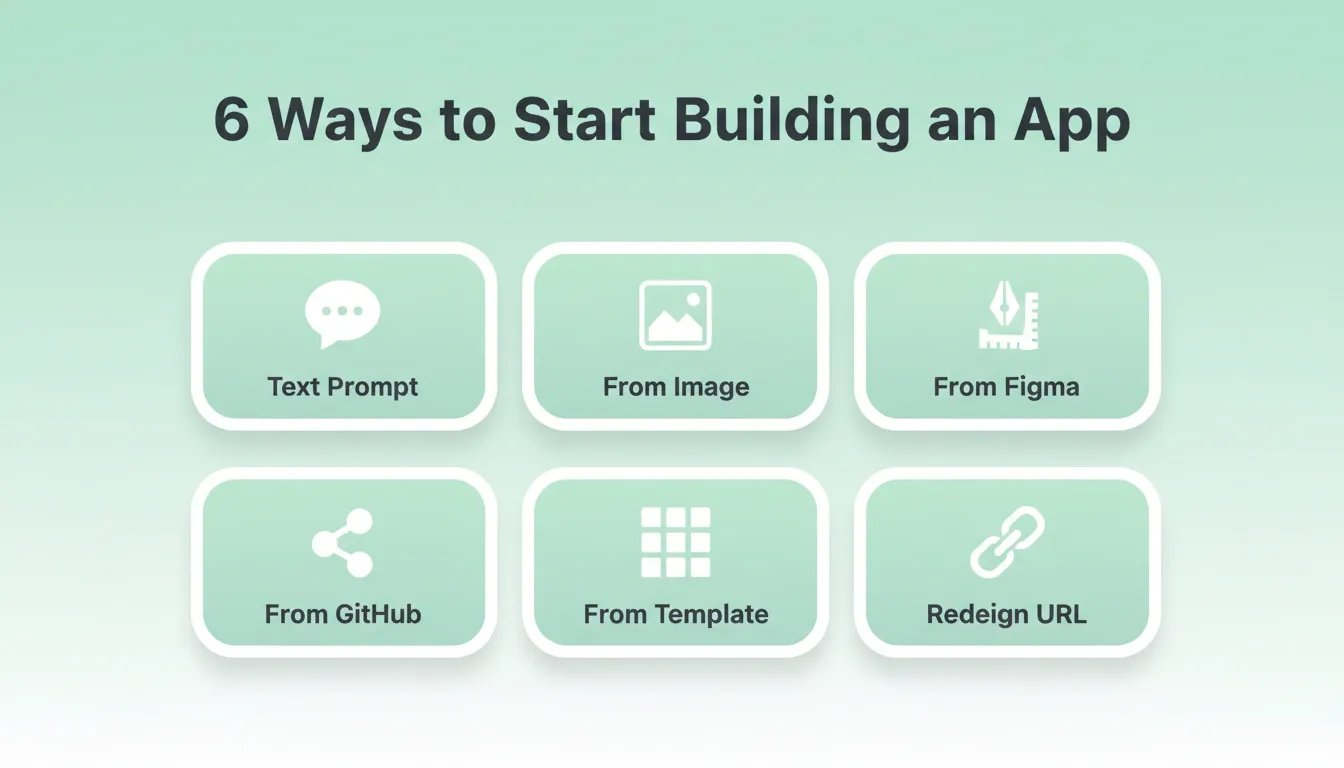
6 Ways to Start Building an App
The best AI app makers offer multiple starting points, not just a blank prompt:
| Starting Method | Best For |
|---|---|
| From a text prompt | Starting fresh with an idea |
| From an image or screenshot | Have a UI reference or mockup |
| From a Figma design | Completed designs ready to become code |
| From a GitHub repo | Existing codebase to continue building |
| From a template | Common pattern (SaaS, landing page), want something fast |
| Redesign from a URL | Rebuilding or redesigning an existing website |
Templates are especially useful for getting started quickly. In some tools, templates consume zero credits. You only use credits when you start customizing.
What a Good AI App Maker Actually Generates
Not all AI app makers produce the same quality output. Here is what to expect from a production-grade tool:
Frontend: Complete UI with real screens, navigation, and responsive layouts. Dark and light theming. Fluid animations and transitions.
Backend: User authentication covering sign-up, sign-in, and password recovery. Database schema and queries. API routes and logic. Environment variable management, with API keys never exposed in client code.
Quality standards built in by default: SEO-ready structure, WCAG accessibility compliance, GDPR coverage, and performance optimization.
Deployment: Staging environment for testing, one-click production deployment, custom domain support with automatic HTTPS, full version history, and one-click rollback.
Building internal tools with AI without a developer follows the same pattern. You describe the dashboard, tracker, or admin panel you need. The tool generates it with the same production standards.
How to Choose an AI App Maker
Not all tools are equal. Here is what to evaluate before committing:
1. Do you own the code? This is the most important question. A good AI app maker gives you the full source code, downloadable at any time. It should not be locked inside a proprietary platform.
2. What frameworks does it use? Production-grade tools use real frameworks: Next.js for web apps and Flutter for mobile apps. Avoid tools that generate proprietary code if you plan to scale or hand off to a team.
3. Does it handle both web and mobile? Building separate apps doubles your work. Look for tools that generate both from a single description.
4. What integrations are available? Your app will need payments, databases, email, and analytics. Check whether the tool supports services like Stripe, Supabase, and Google Analytics out of the box.
5. How do you iterate? Look for tools that let you refine through natural language chat, visual editing, and direct code access, without re-explaining what you have already built.
6. What does launch look like? Can you deploy to a custom domain? Is there a staging environment? Can you submit to the App Store and Google Play?
7. Is there a free tier? Most serious tools offer a free tier to test the product before committing. Look for one that does not require a credit card to start.
Rocket: A Full-Stack AI App Builder
Rocket is built around one idea: describe what you want and get a working app. No long setup. No messy steps. Just a direct path from idea to usable software.
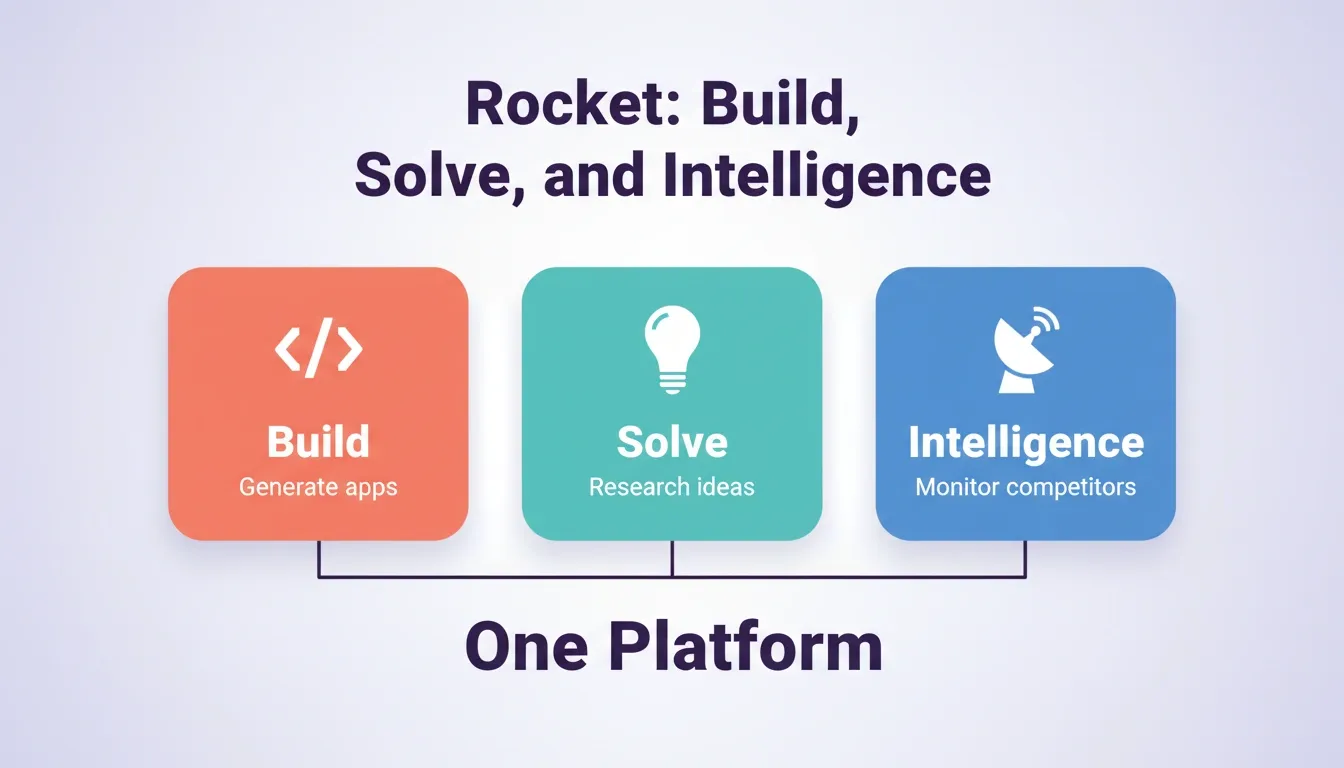
Rocket is a vibe solutioning platform that combines three capabilities: Build for AI app generation, Solve for market research and validation, and Intelligence for competitive monitoring. You can use one, two, or all three.
What Rocket Generates
- Web apps built in Next.js, with SEO-ready structure, WCAG accessibility, and GDPR compliance by default
- Mobile apps built in Flutter, with dark and light theming, fluid navigation, and staggered animations, ready for App Store and Google Play submission
- Landing pages that are conversion-focused, with built-in SEO and fast load times
- E-commerce stores with product catalogs, checkout flows, and payment integrations
- Internal tools including dashboards, trackers, admin panels, and customer portals
How Rocket Fits Your Needs
- Type to Build: Describe your app in plain English. Rocket scores your prompt for clarity, asks targeted questions if needed, and then generates a fully functional app.
- Frontend and Backend Included: Screens, logic, authentication, and backend services are generated in a single build. Login, data handling, and core flows come ready to use.
- Exportable Code: Download the source code or connect directly to GitHub. Rocket pushes changes to a
rocket-updatebranch and opens pull requests to your main branch. - 25+ Integrations: Connect Stripe, Supabase, OpenAI, Anthropic, Google Analytics, Mixpanel, Mailchimp, Airtable, Notion, Linear, Figma, and more. Authenticate once and they flow into every build.
- Version History and Rollback: Every generation creates a new version. Browse and restore any previous version with one click.
- Built-In Analytics: After launch, track visitors, conversions, and Core Web Vitals without additional tools.
Mobile App Distribution Options
| Distribution | Best For | Cost |
|---|---|---|
| Web preview link | Demos, stakeholder reviews | Free |
| APK download | Android testing on real devices | Included with paid plan |
| Google Play Store | Public Android release | $25 one-time developer account |
| Apple App Store | Public iOS release | $99 per year Apple Developer account |
Getting Started
When you create a Rocket account, a workspace is auto-created with the Free plan and 20 credits. No credit card is required. Templates consume zero credits. You only use credits when customizing via chat.
1.5 million people have tried Rocket across 180 countries, from solopreneurs to enterprise teams.
Use Cases
| Use Case | What You Can Build | Time to Launch |
|---|---|---|
| Internal tools for businesses | Dashboards, trackers, admin tools | Hours |
| MVP launch for startups | Working product for investors or early users | Days |
| Web presence for side projects | Live web apps with exportable code | Hours |
| Mobile apps | iOS and Android from a single codebase | Days |
| E-commerce | Full store with payments and checkout | Hours |
| Client deliverables for agencies | Production-ready apps for handoff | Days |
Common Mistakes to Avoid
AI tools speed things up, but a few missteps can slow you down.
- Vague prompts: Short or generic descriptions lead to generic apps. Specify the platform, list 3 to 5 key features, name the screens, and include example data for data-heavy apps.
- Front-loading every feature: Trying to describe a complete product in one prompt produces cluttered results. Start lean. Describe the core first, then add features through chat.
- Skipping tests: Always test on real devices. Small layout or logic issues show up fast when real users interact with the app.
- Ignoring mobile until the end: If you need a mobile app, say so from the start. Rebuilding for mobile late in the process forces major restructuring.
- Over-iterating instead of shipping: Once the output looks good, ship it and get real feedback. Polishing endlessly before launch delays the learning that only real users can provide.
What Is Next After Your First App
Launching your app is the starting line, not the finish line.
- Get feedback from real users: Observe how people interact with the app. Honest feedback shows what works and what feels off.
- Track analytics: Use built-in analytics to understand which pages get traffic, where users drop off, and which features drive engagement.
- Iterate on features: Tweak flows, adjust layouts, and add features based on real usage data, not assumptions.
- Monitor performance: Check Core Web Vitals regularly. Google uses them as ranking signals. A fast, accessible app ranks better and converts better.
For teams generating MVPs with AI, the post-launch iteration cycle is where the real product takes shape. The first version validates the direction. Every version after that sharpens it.
The Future of App Building Is Already Here
The AI app maker category is moving fast. What required a development team and months of work now takes hours. As these tools improve at understanding context, handling complex logic, and generating production-quality output, the gap between idea and live product will keep shrinking.
For founders, developers, and teams who want to build and ship without the traditional overhead, the tools exist today. The question is not whether to use them. It is which one fits your workflow. Start with a clear prompt, test on real devices, and ship early.
Table of contents
- -Why AI App Makers Matter Right Now
- -Who Can Build Apps Now
- -What is an AI App Maker
- -AI App Maker vs Traditional Development
- -Web Apps vs Mobile Apps: What Is the Difference
- -How AI App Generators Work: Step by Step
- -Step 1. Write Your Prompt
- -Step 2. AI Plans and Generates
- -Step 3. Refine Through Conversation
- -Step 4. Test and Launch
- -6 Ways to Start Building an App
- -What a Good AI App Maker Actually Generates
- -How to Choose an AI App Maker
- -Rocket: A Full-Stack AI App Builder
- -What Rocket Generates
- -How Rocket Fits Your Needs
- -Mobile App Distribution Options
- -Getting Started
- -Use Cases
- -Common Mistakes to Avoid
- -What Is Next After Your First App
- -The Future of App Building Is Already Here