
Explore how AI app builders empower marketers to quickly create, launch, and optimize high-converting apps without coding, helping boost engagement, streamline campaigns, and drive measurable business growth.
Trying to build marketing apps quickly without getting stuck in code?
That is exactly where an AI app builder for marketers makes sense. These platforms help marketers create web apps, mobile apps, and AI-powered app solutions without deep coding knowledge or long development cycles.
Today, AI is reshaping how apps are built. Reports show that the global low-code and no-code software market is growing rapidly and is expected to reach over $65 billion by 2027.
So, let’s break down why AI app builders matter, what features actually help marketers, and which platforms make it easier to build apps that convert.
Why AI App Builders Are Changing Marketing?
AI has changed how marketers approach product building.
In the past, creating an app meant hiring developers, managing the development process, and spending months building features. That slowed down testing and growth.
Now, AI builds apps using natural language prompts and automation. A marketer can describe an idea, and the platform will generate the structure of an AI app.
This shift brings a few clear advantages:
-
No need for deep coding knowledge
-
Faster speed to build and launch
-
Ability to test multiple app ideas quickly
-
Lower cost compared to traditional development
Because of this, marketers can now create apps for campaigns, funnels, and customer engagement without relying fully on developers.
What to Look for in an AI App Builder?
Choosing the right app builder helps avoid issues later. Not every platform fits every business.
Here are the features that actually matter:
1. Ease of Use and No Code Control
A no code app builder should let you create apps without writing code.
Look for:
-
Visual editor for pages
-
Drag and drop components
-
Easy workflows to automate tasks
2. Data Handling and Connections
Apps rely on data. The platform should help you connect and manage it easily.
Check for:
-
Ability to sync data across tools
-
Integration with Google Sheets
-
API keys support
3. Customization and Design
Design affects how users interact with your app.
Good tools offer:
-
Templates for fast setup
-
Options to customize layouts
-
Control over app's design
4. Mobile and Web Support
Your app should work across devices.
Look for:
-
Web apps support
-
Native mobile or Android builds
-
Cross device compatibility
5. Security and Scale
For business use, safety matters.
Important features include:
-
Enterprise grade security
-
Access control
-
Ability to scale to millions of users
Choosing the right AI app builder is not just about features.
It’s about how easily you can turn an idea into a working app. Go for a platform that feels simple to use, supports your growth, and helps you create, test, and improve without slowing you down. The smoother the process, the faster you can build apps that actually work for your business.
Top AI App Builders for Marketers
Here are the best platforms marketers are using right now.
Each app builder listed here focuses on helping marketers create apps faster with no code, but the level of control, customization, and backend support can vary from platform to platform.
Before choosing any platform, it’s a good idea to match your app ideas, business goals, and required features with what the tool actually offers.
Rocket.new
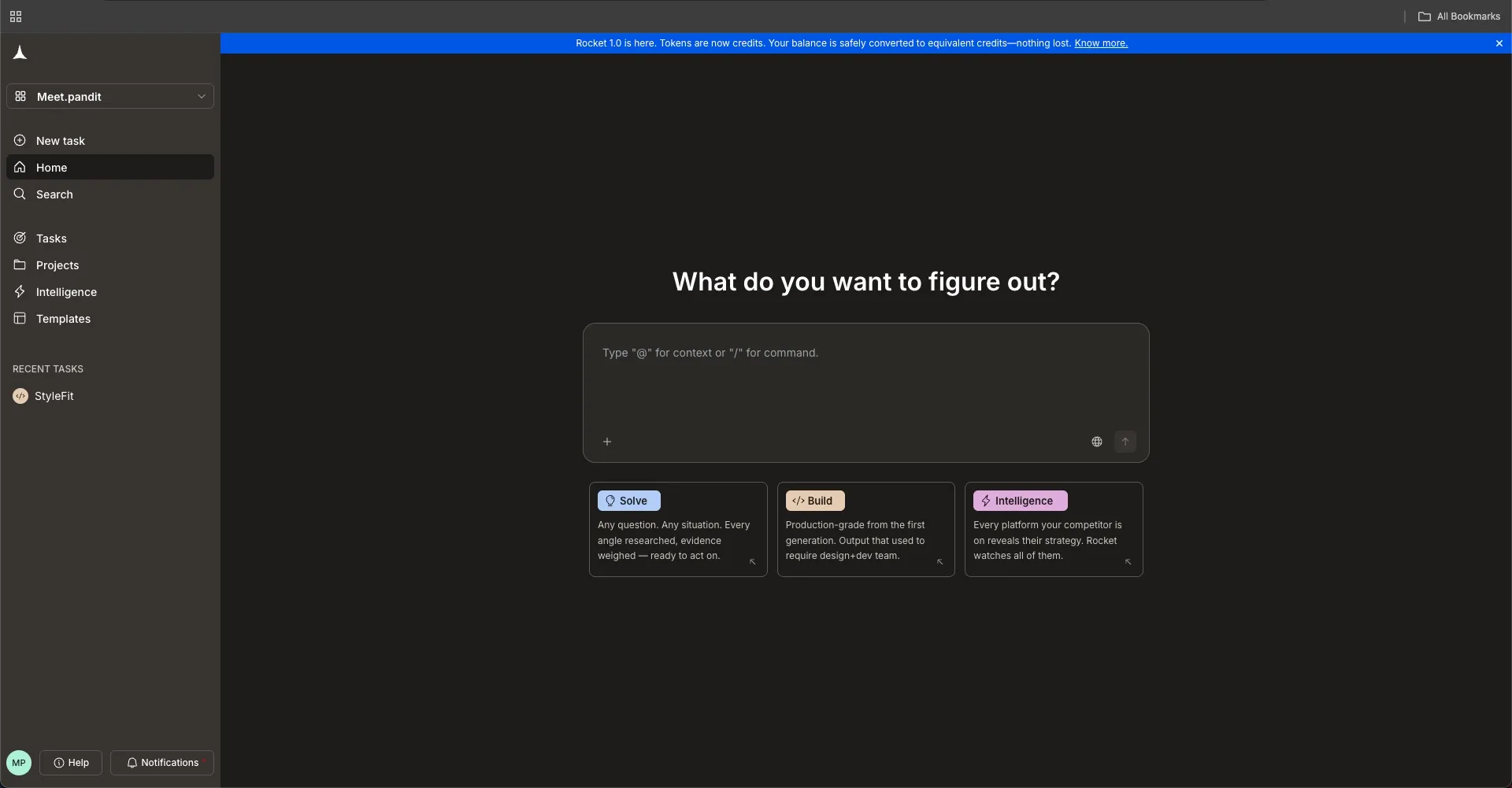 Rocket.new represents the next step in how an AI app builder works. Instead of manually setting up logic, backend, and UI, the platform uses AI to turn simple prompts into fully working apps.
You can describe your idea using natural language, and the platform will generate a complete AI powered app with frontend, backend, and workflows already in place. It supports both web apps and mobile apps, which makes it useful for marketers building campaigns, funnels, or internal tools.
This approach removes the need for writing code while still giving flexibility to customize and scale your app.
Key Features
-
AI powered app generation from prompts
-
Converts ideas or design files into working apps
-
Built-in backend with logic, data, and workflows
-
Supports web apps and native mobile apps
-
Code export for developers who want more control
-
Live preview and fast prototype creation
-
Custom domain support
Best For
-
Rapid prototyping and testing app ideas
-
Marketing funnels and landing pages
-
Internal tools and dashboards
-
Custom apps for campaigns and automation
Pricing
-
Free plan available
-
Paid plans start around $20 per month depending on usage and features
Rocket.new makes it simple to build apps without writing code while still giving control over features, workflows, and data. It works especially well when speed matters and you want to test ideas quickly.
Bubble
Bubble is one of the most popular no-code app builder platforms. It gives marketers full control to create web apps and full-stack applications without writing code.
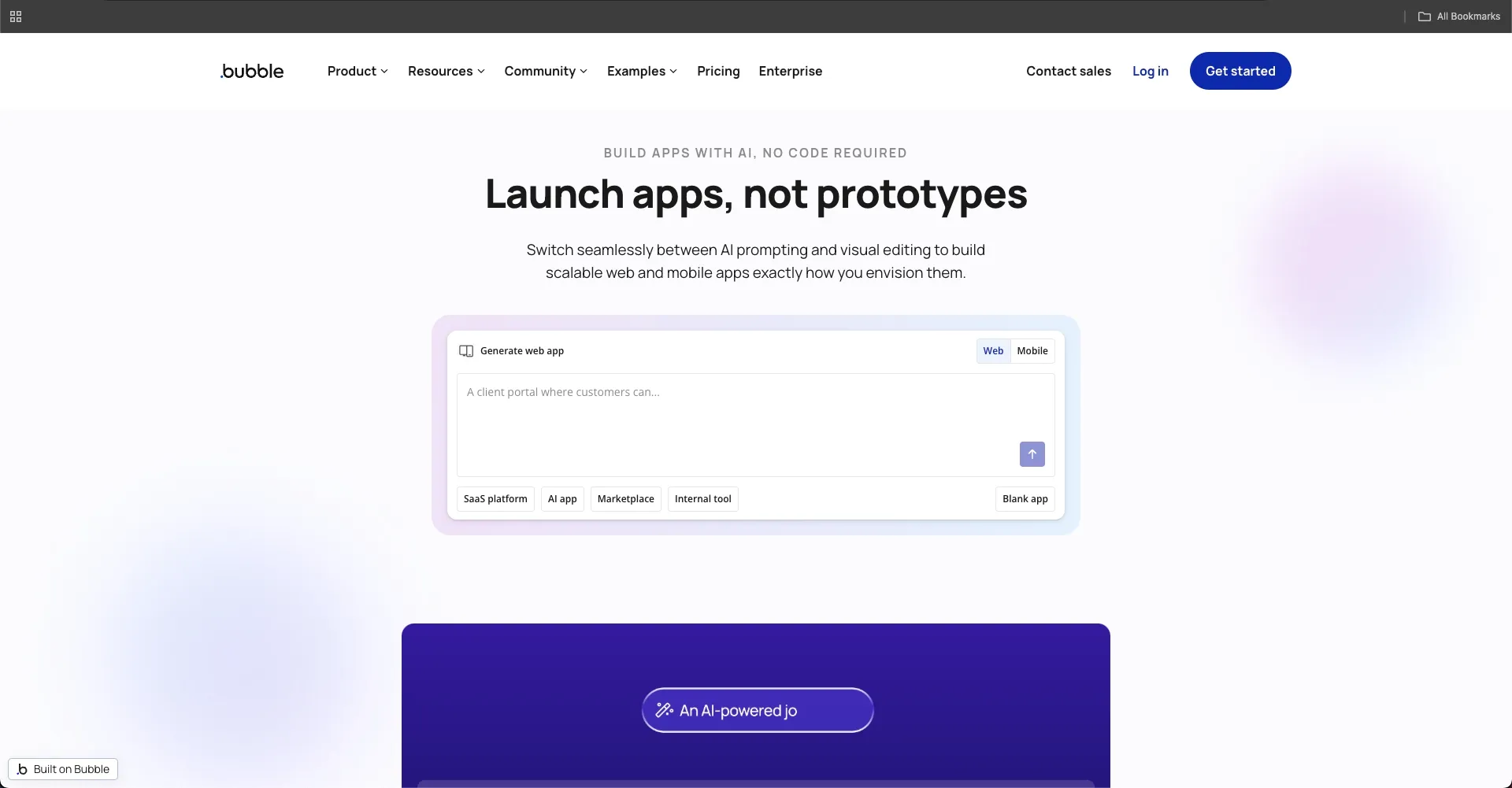 It works well for users who want flexibility and deeper customization while still avoiding heavy coding experience.
Key Features
-
Visual drag and drop editor
-
Backend workflows and logic builder
-
API keys support
-
Database and data management
-
Responsive design for web apps
Best For
-
SaaS tools
-
Complex marketing apps
-
Customer dashboards
-
Advanced automation tools
Pricing
-
Free plan available
-
Paid plans start around $29/month
Bubble is a strong choice if you want deeper control without writing code. It takes some time to learn, but it gives you the power to build advanced apps.
Glide
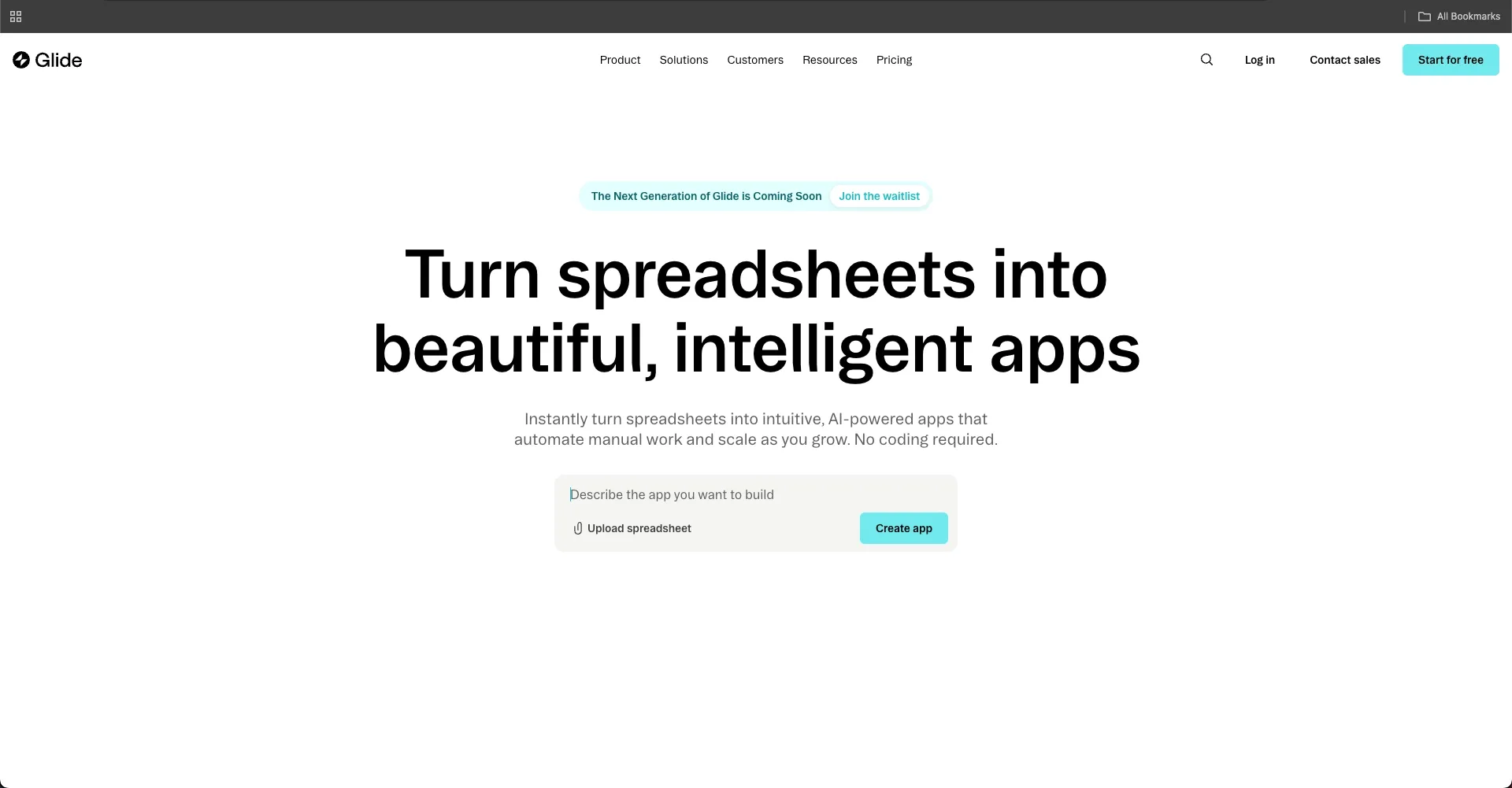
Glide focuses on simplicity and speed. It turns data into working apps quickly using a no-code interface. It is ideal for marketers who want to create apps fast using existing data sources like Google Sheets.
Key Features
-
Connect Google Sheets and databases
-
Generate apps quickly
-
Pre-built templates
-
Forms and workflows
-
Mobile-friendly layouts
Best For
-
Internal tools
-
CRM apps
-
Quick prototypes
-
Data-driven apps
Pricing
-
Free plan available
-
Paid plans start around $25/month
Glide is perfect when you want to build apps fast using data. If your goal is speed and simplicity, this platform gets the job done.
Adalo
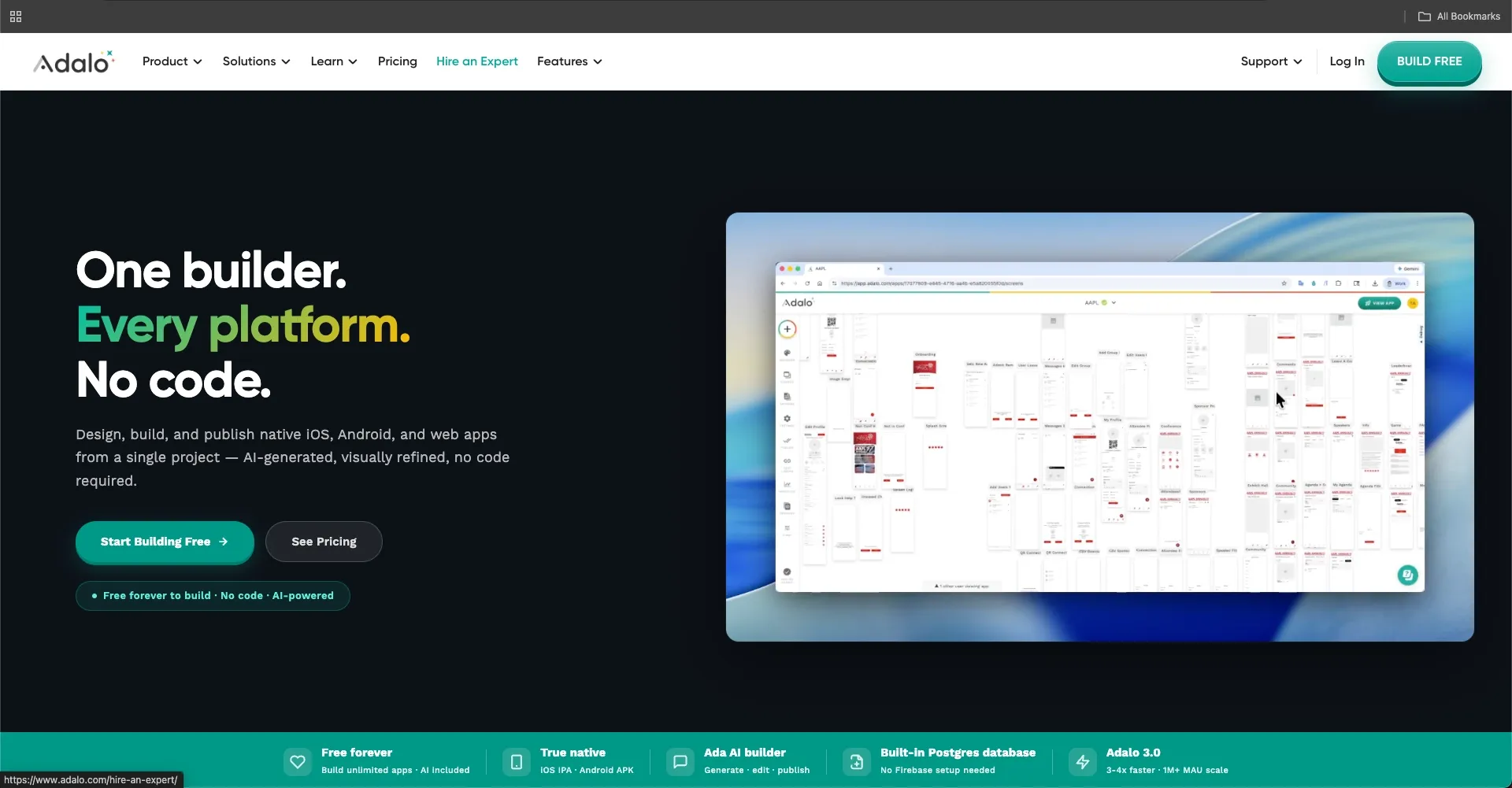
Adalo helps marketers build native mobile apps without coding knowledge. It focuses on mobile-first app creation with a simple interface.
Key Features
-
Drag and drop builder
-
Built-in database
-
Native mobile app support
-
Forms and workflows
-
App publishing options
Best For
-
Mobile apps
-
Customer engagement apps
-
Loyalty apps
-
Simple product apps
Pricing
-
Free plan available
-
Paid plans start around $36/month
Adalo works well if your focus is mobile. It keeps things simple and helps you launch apps quickly without technical stress.
Quick Comparison
Before choosing an AI app builder, it helps to compare platforms side by side. This makes it easier to match your idea, required features, and speed of development with the right tool.
| Platform | No Code | Mobile | Backend | Speed |
|---|---|---|---|---|
| Rocket.new | Yes | Yes | Strong | High |
| Bubble | Yes | Limited | Strong | Medium |
| Glide | Yes | Yes | Medium | Fast |
| Adalo | Yes | Yes | Medium | Medium |
Each platform offers a different balance of speed, control, and flexibility. If you want fast app creation, go with simpler tools. If you need deeper control and advanced features, choose a platform with stronger backend support.
How Marketers Use AI App Builders?
So, how do marketers actually use these tools?
They use them to:
-
Create landing pages that convert
-
Build apps for lead capture forms
-
Automate workflows
-
Test app ideas quickly
-
Launch new features faster
Instead of waiting months, marketers can now build an app, test it, edit it, and launch within days.
Insight From Real Users
Real users show how powerful these tools are.
On LinkedIn, a user shared this about Rocket.new:
“From a single prompt to a full-stack live app.”
This captures what makes AI app builders stand out today. Platforms like Rocket.new reduce the gap between idea and execution. Instead of spending weeks on setup and coding, users can create, test, and launch apps much faster.
For marketers, this means quicker experiments, faster feedback, and the ability to build apps that actually support real business goals without slowing down the process.
How to Build Apps Using AI
Getting started with an AI app builder might feel confusing at first, but the process is actually simple once you break it down. You don’t need deep coding knowledge. You just need a clear idea and the right platform.
Step 1: Start With an Idea
Begin with one clear idea. Don’t try to solve everything at once. Focus on a single problem your users face and build around that.
A simple idea makes it easier to create apps, test faster, and improve without getting stuck.
Step 2: Generate a Prototype
Use AI to generate your app layout, structure, and pages. Most platforms allow you to describe your idea using natural language prompts.
This step helps you quickly visualize your app and understand how users will interact with it.
Step 3: Customize Features
Now refine your app. Edit workflows, adjust forms, and tweak components based on your needs.
Customization helps you shape the app according to your business goals and user expectations.
Step 4: Connect Data
Connect your app to data sources like backend systems, APIs, or Google Sheets. This makes your app functional and dynamic.
A proper data connection helps automate processes and improves how your app works in real scenarios.
Step 5: Test the App
Test your app multiple times. Check how it performs across devices, fix bugs, and improve the flow.
Testing helps you catch issues early and improve user experience before launch.
Step 6: Launch and Scale
Once everything looks good, publish your app and start gathering feedback. Then improve features based on user behavior.
Launching is just the beginning. Keep updating your app to match user needs and scale gradually.
Building apps with AI is not complicated when you follow a clear process. Start small, keep testing, and improve step by step. The more you build, the easier it becomes to turn ideas into real apps that work.
Common Mistakes to Avoid
Avoid these mistakes while building apps:
-
Trying to build too many features at once
-
Ignoring mobile experience
-
Skipping testing
-
Not using templates
-
Overcomplicating workflows
Keep things simple and focused.
Best AI App Builder for Marketers
Marketers often struggle to build apps because of limited coding knowledge, tight timelines, and complex tools. This slows down the process of testing ideas, launching campaigns, and improving customer engagement. Many end up depending on developers, which makes it harder to move fast and adapt to changing business needs.
That’s where platforms like Rocket.new come in. It helps you create apps using AI and no-code workflows, making it easier to test, edit, and launch quickly. You can turn a simple idea into a working app without writing code. The right AI app builder for marketers helps you move faster, experiment more, and build apps that actually deliver results.
Table of contents
- -Why AI App Builders Are Changing Marketing?
- -What to Look for in an AI App Builder?
- -1\. Ease of Use and No Code Control
- -2\. Data Handling and Connections
- -3\. Customization and Design
- -4\. Mobile and Web Support
- -5\. Security and Scale
- -Top AI App Builders for Marketers
- -Rocket.new
- -Key Features
- -Best For
- -Pricing
- -Bubble
- -Key Features
- -Best For
- -Pricing
- -Glide
- -Key Features
- -Best For
- -Pricing
- -Adalo
- -Key Features
- -Best For
- -Pricing
- -Quick Comparison
- -How Marketers Use AI App Builders?
- -Insight From Real Users
- -How to Build Apps Using AI
- -Step 1: Start With an Idea
- -Step 2: Generate a Prototype
- -Step 3: Customize Features
- -Step 4: Connect Data
- -Step 5: Test the App
- -Step 6: Launch and Scale
- -Common Mistakes to Avoid
- -Best AI App Builder for Marketers