

Building a business app no longer demands a developer or a large budget. AI app builders let small businesses ship custom web and mobile apps in hours. This blog compares seven AI app builders for small businesses in 2026. It covers AI generation depth, pricing, mobile support, and real use cases to help you pick the right platform fast.
What is the best AI app builder for small business in 2026
The best AI app builder for small business in 2026 is Rocket. It generates a fully functional, production-ready web or mobile app from a plain-language description in minutes, with no coding required and no developer needed.
Small businesses no longer need a \$30,000 development quote to ship a custom app. The global low-code and no-code platform market is valued at \$31.59 billion in 2026 and projected to grow at a 20.12% CAGR through 2031, with SMEs recording the fastest growth rate of any segment, according to Mordor Intelligence.
This blog evaluates seven platforms on AI generation depth, no-code accessibility, mobile support, pricing, and real-world fit.
What Makes an AI App Builder Right for Small Business?
Not every app builder is built with small businesses in mind. Enterprise platforms are too complex. Hobbyist tools are too limited. The right small business app builder sits at the intersection of genuine AI capability, beginner-friendly design, and pricing that does not require outside funding to justify.
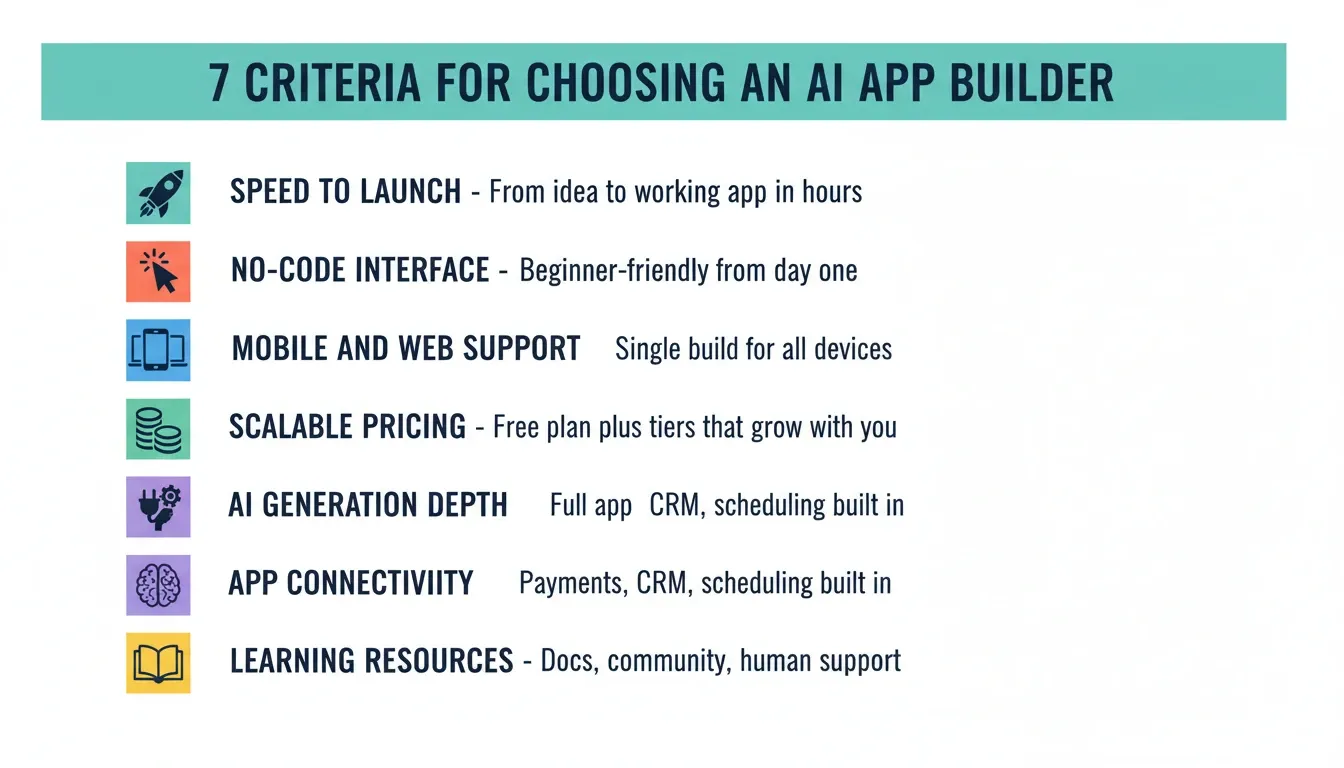
Before comparing platforms, here are the seven criteria that separate a great small business app builder from a mediocre one.
Speed to Launch
Can you go from concept to working app in a day or two? For a small business owner, every hour spent on onboarding is an hour away from operations. The best platforms generate a working first version in minutes, not days.
True No-Code Interface
A genuine no-code builder removes the need for technical skills entirely. The test: can a non-technical business owner build and launch without calling a developer? Look for platforms that are beginner-friendly from day one, not just marketed that way.
Mobile and Web Support
Your app should run on phones, tablets, and browsers from a single build. Platforms that require separate mobile and web builds double your effort and your cost.
Pricing That Scales With You
Look for a free plan to test the platform and paid tiers that grow with usage, not with headcount. Most platforms offer a free tier. The difference is what you can actually build on it.
AI Generation Depth
There is a meaningful gap between "AI-assisted" and "AI-generated." Assisted tools suggest layouts or autocomplete fields. Generated tools produce the entire app, including UI, backend logic, data structure, and authentication, from a text description. That gap determines how much work you still have to do after the AI finishes.
App Connectivity
Your app should work with the tools you already rely on: payments, scheduling, CRM, inventory, email. Platforms that require manual API wiring add friction that most small business owners cannot absorb.
Learning Resources and Support
Quality documentation, active communities, and human support options make a real difference when you get stuck. AI builders that leave you alone with a broken app are not small-business-friendly.
The 7 Best AI App Builders for Small Businesses in 2026
1. Rocket — Best Overall AI App Builder for Small Business
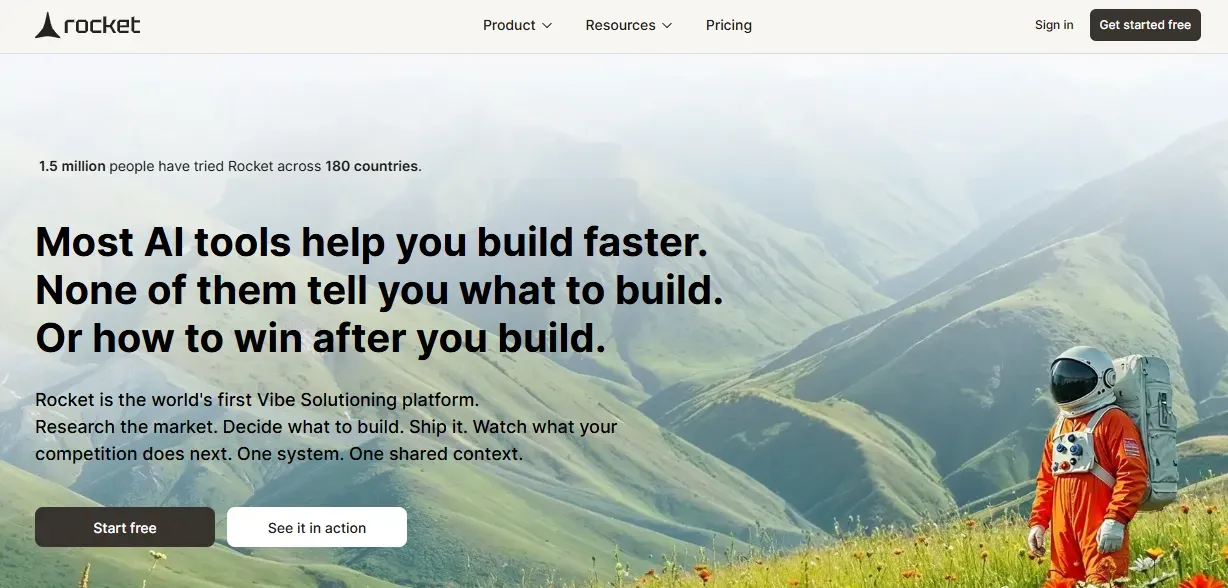
1.5 million people have tried Rocket across 180 countries, from solopreneurs to enterprise teams. That traction is not from paid campaigns. It is from builders who needed a better answer to the question that comes before the code: what is actually worth building?
Rocket is the only platform where business thinking and building happen in the same place. You type what you want to build. Rocket handles the research, the architecture, the code, and the deployment. The output is a working, deployable product, not a wireframe or a locked template.
How Rocket Works
The process has three steps:
-
Describe — type what your app should do in plain language. "Build a booking system for my hair salon with client profiles, appointment scheduling, and SMS reminders." Rocket scores the clarity of your prompt and asks clarifying questions if needed.
-
Generate — Rocket plans the full architecture and writes production-ready code. Most apps generate in 1 to 3 minutes. Web apps are built in Next.js. Mobile apps are built in Flutter.
-
Refine and launch — iterate through Chat (natural language), Visual Edit (click any element), or Code (edit source files directly). No change limit. Deploy with one click.
For small businesses that need production-ready mobile apps alongside web apps, Rocket generates both from a single project with shared context.
What Rocket Generates
Rocket's AI app builder produces six types of products from one platform:
-
Web apps — SaaS tools, dashboards, internal tools, marketplaces, customer portals
-
Mobile apps — iOS and Android from a single Flutter codebase, ready for App Store and Google Play
-
Landing pages — conversion-focused marketing pages with SEO-ready structure by default
-
Multi-page websites — full sites where every page holds the same design quality as the hero
-
E-commerce stores — product catalogs, checkout flows, Stripe payment integration
-
Internal tools — OKR trackers, client portals, compliance dashboards, onboarding systems
Every build ships with SEO-ready structure, WCAG accessibility compliance, GDPR coverage, and performance optimization by default. These are the baseline, not optional extras.
Key Differentiators for Small Business
Production code you own. The output is actual deployable code. A developer can extend it when the business grows. There is no proprietary lock-in.
25+ integrations built into generation. Stripe, Google Analytics, Supabase, Notion, Airtable, Mailchimp, Mixpanel, Cal.com, PayPal, Twilio, Resend, OpenAI, Anthropic, Gemini, and more. Authenticate once, and they flow into every build. No manual API wiring.
Solve, Rocket's pre-build intelligence. Before you build, Solve takes any business question and returns a complete structured analysis. "Should I build a booking app or a client portal?" becomes a researched, evidence-backed recommendation, not a guess.
Competitive Intelligence built in. Rocket monitors every public platform your competitors operate on and delivers daily or weekly briefs on what changed and what it means. A small business owner gets the kind of competitive awareness that used to require a dedicated analyst.
Human Help when the AI reaches its limit. Rocket's Success team steps in inside the platform, no tickets, no email chains. For non-technical small business owners, this is a meaningful safety net.
Rocket Pricing
| Plan | Monthly Fee | Credits Included | Best For |
|---|---|---|---|
| Free | $0 | 20 credits | Testing and exploration |
| Pro | $25/mo | 100 credits/mo | Light regular use |
| Rocket | $50/mo | 250 credits/mo | Individuals and small teams |
| Booster | $250/mo | 1,500 credits/mo | Power users and fast-moving teams |
Credits never expire. Unlimited team members on all plans. No per-seat charges. Additional credits can be purchased at any time.
Best for: Small businesses that need a real, scalable, production-ready app quickly, without hiring a developer, learning a visual builder, or spending weeks on setup.
2. Bubble — Best for Complex Web App Logic
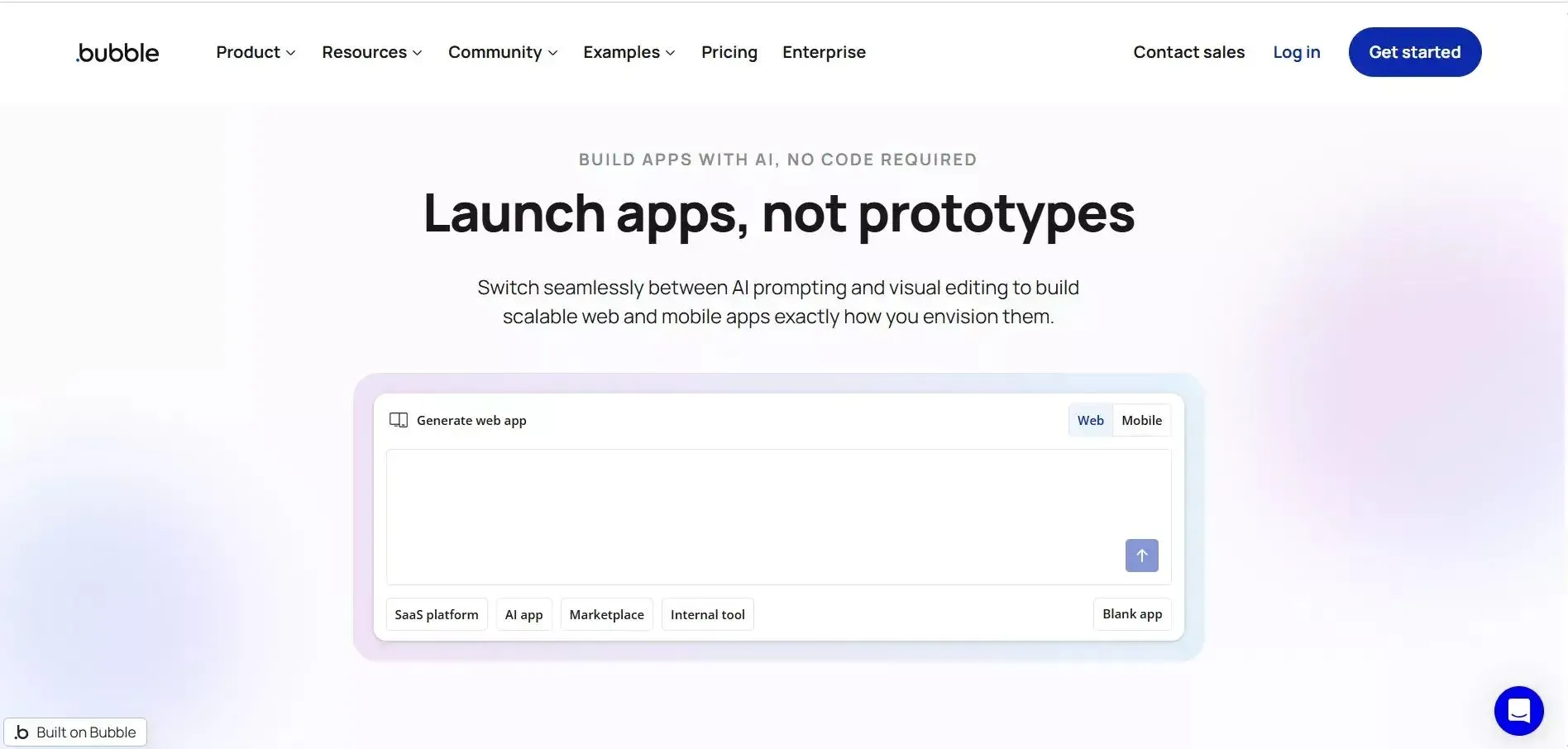
Bubble has been one of the most capable no-code web app platforms for years. Its depth is hard to match when complex, multi-step business logic is involved.
Bubble uses a visual drag-and-drop editor with a large element library and a powerful workflow engine for conditional, multi-step logic. It has a plugin marketplace with hundreds of third-party add-ons and a mature community with extensive documentation.
Bubble's learning curve is steep. Most small business owners report spending days or weeks before shipping their first functional app. It is not AI-first. There is no AI generation of layouts, logic, or data structure. You build everything manually in a visual editor.
Bubble also has no mobile-native output. Apps are web-based and can be made responsive, but they are not native iOS or Android apps. For small businesses that need a real mobile app, Bubble is not the right tool. For a direct breakdown of the differences, see how Rocket compares to Bubble.
Bubble Pricing
| Plan | Price | Key Limit |
|---|---|---|
| Free | $0/mo | Development only, no live publishing |
| Starter | $59/mo (billed annually) | 175K workload units/mo, 1 live app |
| Growth | $209/mo (billed annually) | 250K workload units/mo, 2 editors |
| Team | $549/mo (billed annually) | 500K workload units/mo, 5 editors |
| Enterprise | Custom | Custom workload, dedicated support |
Note: Bubble charges for workload units (server resources). Usage overages apply if you exceed your plan's included units.
Best for: Small businesses with complex web app requirements and the time to invest in learning a powerful visual builder. Not recommended for first-time app builders.
3. Glide — Best for Spreadsheet-Connected Apps
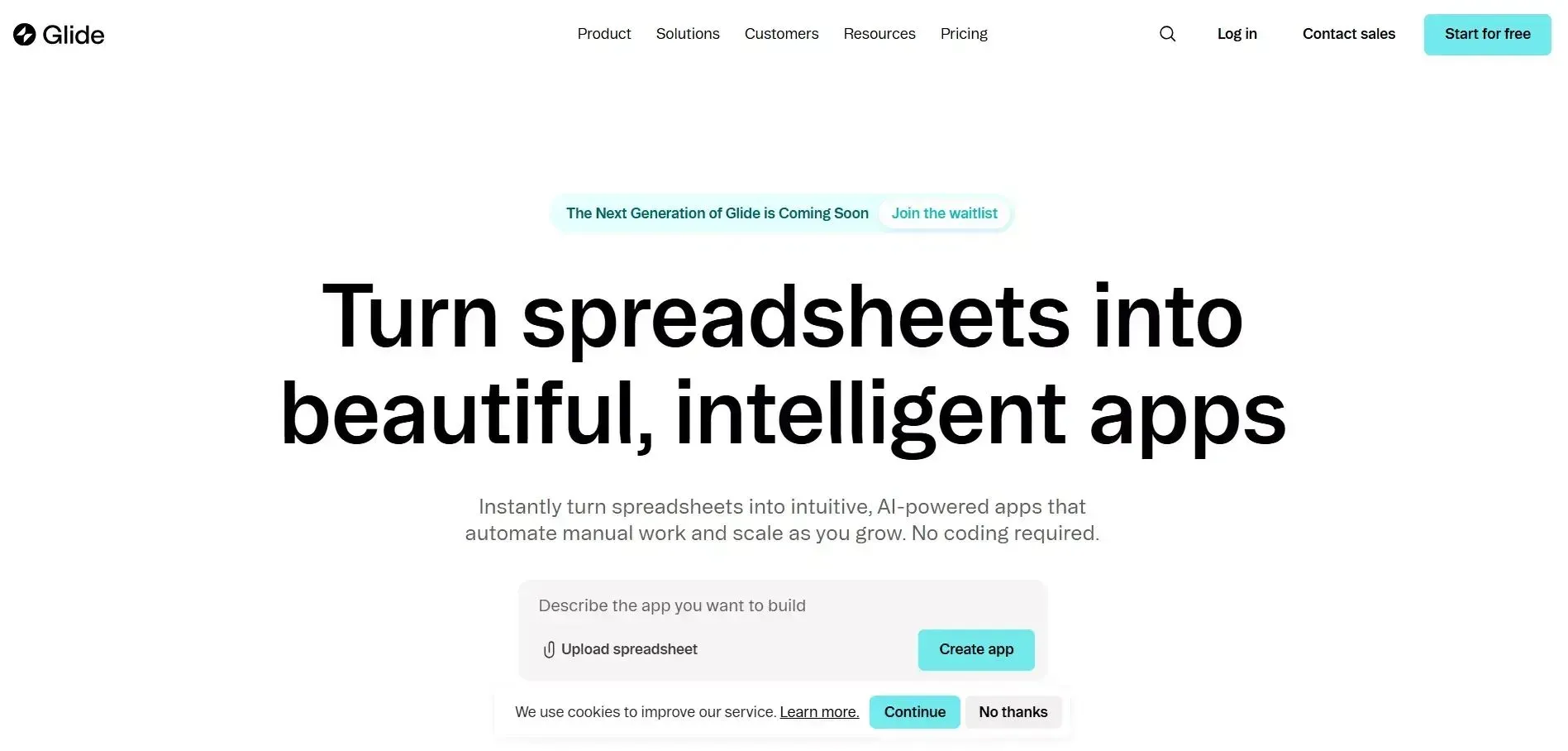
Glide builds apps directly from your existing spreadsheet or database. If your business already tracks things in Google Sheets or Airtable, Glide can turn that data into a live app in under an hour.
It connects to Google Sheets, Excel, Airtable, and BigQuery, and offers clean templates for internal tools and customer-facing products. Pricing is simple and predictable for small teams.
Glide works best when your data is already structured. If you are starting from scratch, you need to build the spreadsheet first, then build the app. The AI generation is partial. It assists with layouts and views but does not generate logic, authentication, or backend structure.
Glide apps are web-based. Native mobile publishing requires higher-tier plans.
Glide Pricing
| Plan | Price | Key Limit |
|---|---|---|
| Free | $0/mo | 1 editor, Glide Tables only, no publishing |
| Business | $199/mo (billed annually) | 30 users included, 100K rows, Google Sheets/Airtable/Excel sync |
| Enterprise | Custom | Custom users, rows, and data sources |
Additional users cost \$5/month each (annual) or \$6/month (monthly). Updates beyond the included 5,000/month cost \$0.02 each.
Best for: Small businesses that already manage data in Google Sheets or Airtable and want to turn that data into a customer-facing or internal app quickly.
4. Adalo — Best for Native Mobile Apps
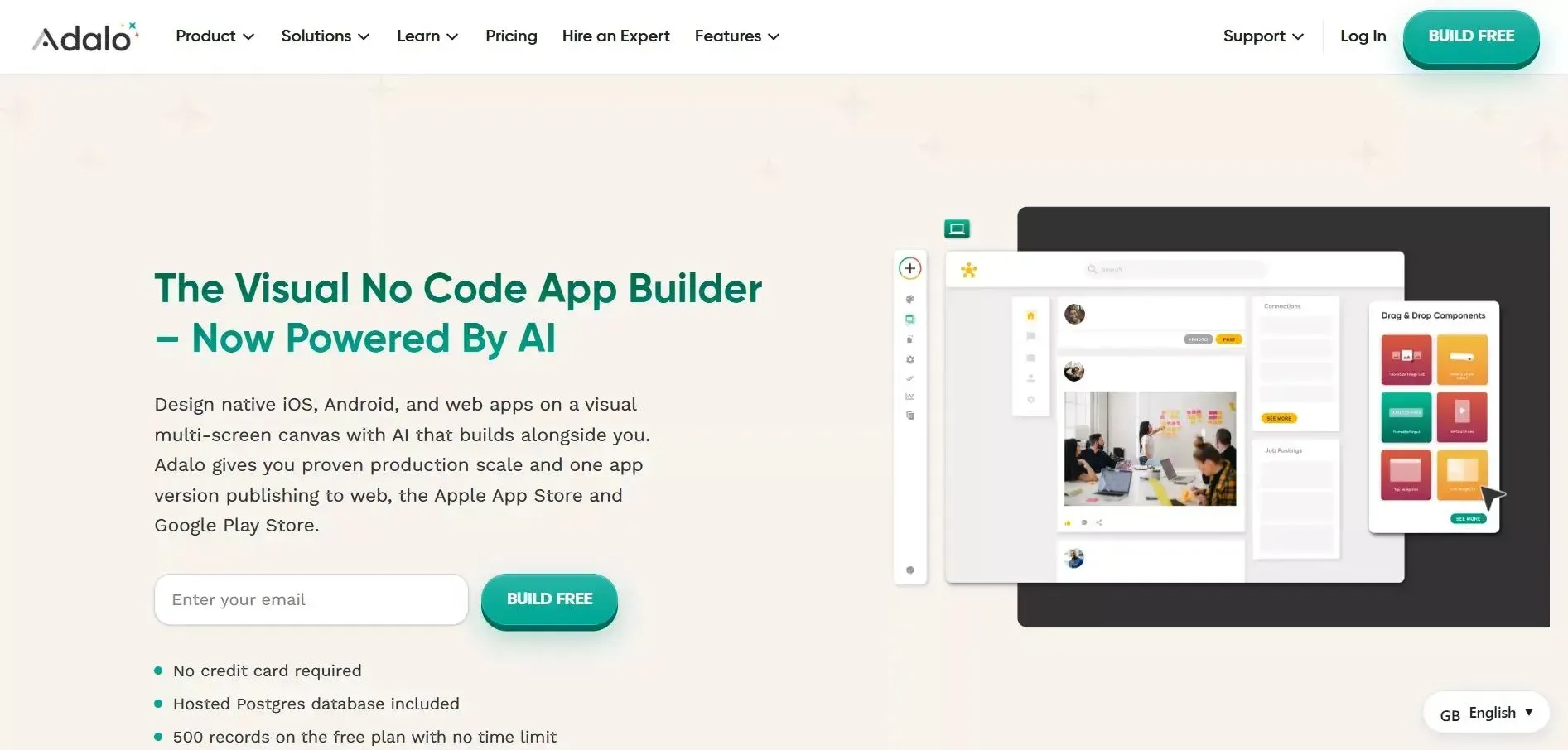
Adalo focuses on native mobile apps for iOS and Android with a visual builder that requires no mobile development experience.
It offers native iOS and Android publishing from one build, a pre-built component library with common screen patterns, a built-in database with relationship support, and Zapier connectivity for external workflows.
Adalo does not have meaningful AI generation. You build every screen manually using a visual editor. For small business owners without design experience, this can produce apps that look amateurish without significant effort.
Adalo also has hard complexity limits. Apps with advanced logic, custom authentication flows, or complex data relationships quickly hit the ceiling of what the platform can handle.
Adalo Pricing
| Plan | Price | Key Limit |
|---|---|---|
| Free | $0/mo | 500 records/app, no publishing |
| Starter | $36/mo (billed annually) | 1 published app, 5GB storage, custom domain |
| Professional | $52/mo (billed annually) | 2 published apps, 25GB storage, push notifications |
| Team | $160/mo (billed annually) | 5 published apps, 125GB storage, 10 editors |
No usage-based charges on any plan. Flat, predictable pricing.
Best for: Small businesses that need a native mobile app for iOS and Android and are willing to invest time in a visual builder. Not suitable for complex apps.
5. Softr — Best for Client Portals and Directories
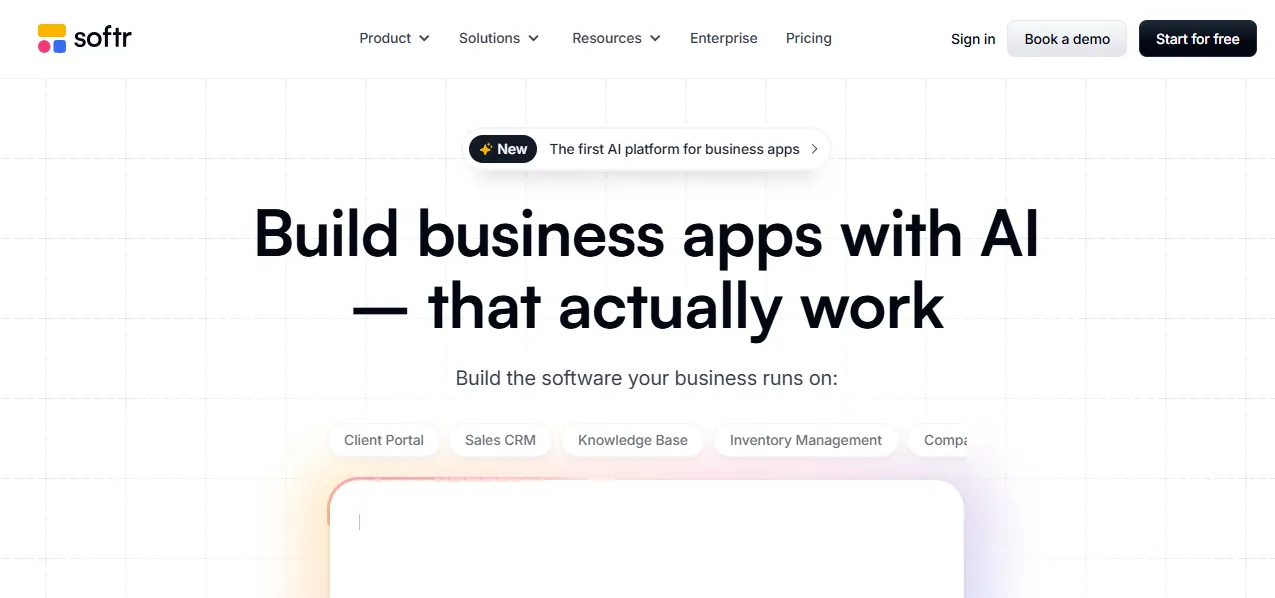
Softr is designed for web portals, directories, and client-facing tools built on structured data. It is the right pick when you want to give customers or team members a clear, organized view into your business.
It is built on Airtable and Google Sheets as the data backbone, with pre-built blocks for portals, directories, marketplaces, and dashboards. User login and conditional content visibility are included. Many portals go live in under a day.
Softr is not built for transactional workflows, complex logic, or custom app functionality. It is a portal and directory builder, excellent at what it does, but narrow in scope. If your app needs payment processing, multi-step workflows, or custom backend logic, Softr will not cover it.
Softr Pricing
| Plan | Price | Key Limit |
|---|---|---|
| Free | $0/mo | 10 app users, 5,000 database records |
| Basic | $49/mo | 20 app users, 50,000 records |
| Professional | $139/mo | 100 app users (+$10/10 extra users), 500K records |
| Business | $269/mo | 500 app users, 1M records |
| Enterprise | Custom | Custom limits, SSO, dedicated support |
Best for: Small businesses that need a web portal for clients, partners, or team members built on top of Airtable or Google Sheets. Not suitable for complex or transactional apps.
6. FlutterFlow — Best for Exportable Cross-Platform Code
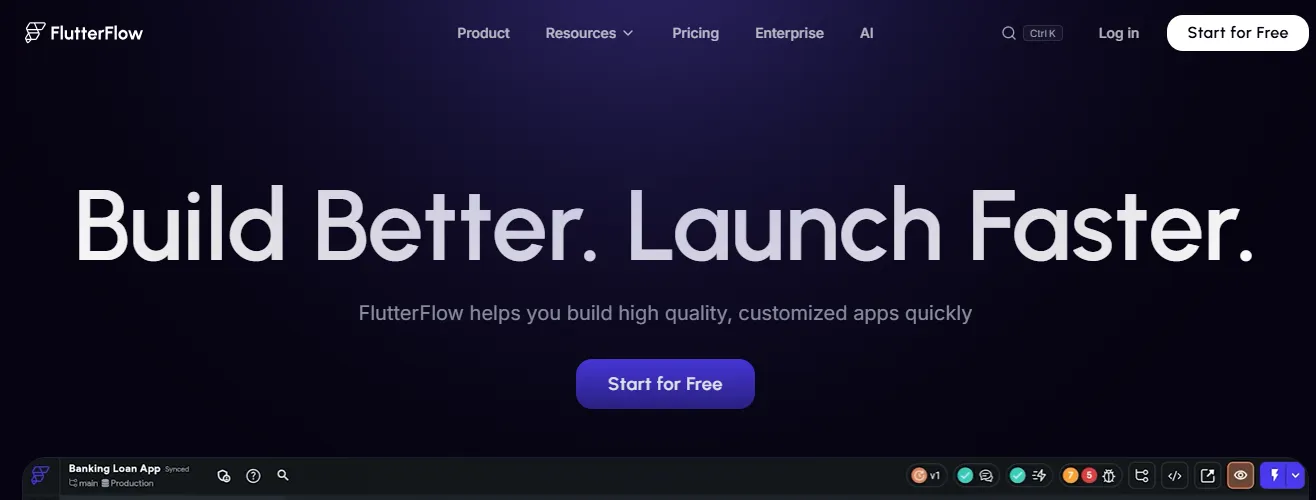
FlutterFlow lets you build mobile and web apps visually using Flutter, Google's open-source UI framework. The output is performant, cross-platform, and exportable.
It offers a visual builder that exports real Flutter code, a single codebase for iOS, Android, and web, Firebase built in for backend and authentication, and a growing template library with an active developer community.
FlutterFlow has a steeper learning curve than most platforms on this list. It is designed for technically-minded users who want visual building with code export, not for non-technical small business owners starting from scratch. The free plan is limited. Meaningful app development requires a paid subscription.
FlutterFlow Pricing
| Plan | Price | Key Limit |
|---|---|---|
| Free | $0/mo | 2 projects, web publishing only, no code download |
| Basic | $39/mo | Unlimited projects, code download, APK download, app store deployment |
| Growth | $80/mo (first seat) | GitHub integration, real-time collaboration (2 users) |
| Business | $150/mo (first seat) | Up to 5 collaborators, Figma frame import |
Note: Growth and Business plans are priced per seat. Additional seats cost \$55/mo (Growth) and \$85/mo (Business) respectively.
Best for: Small businesses with a developer on the team who want clean, exportable Flutter code and a visual building environment. Not recommended for non-technical owners.
7. Thunkable — Best for First-Time App Builders
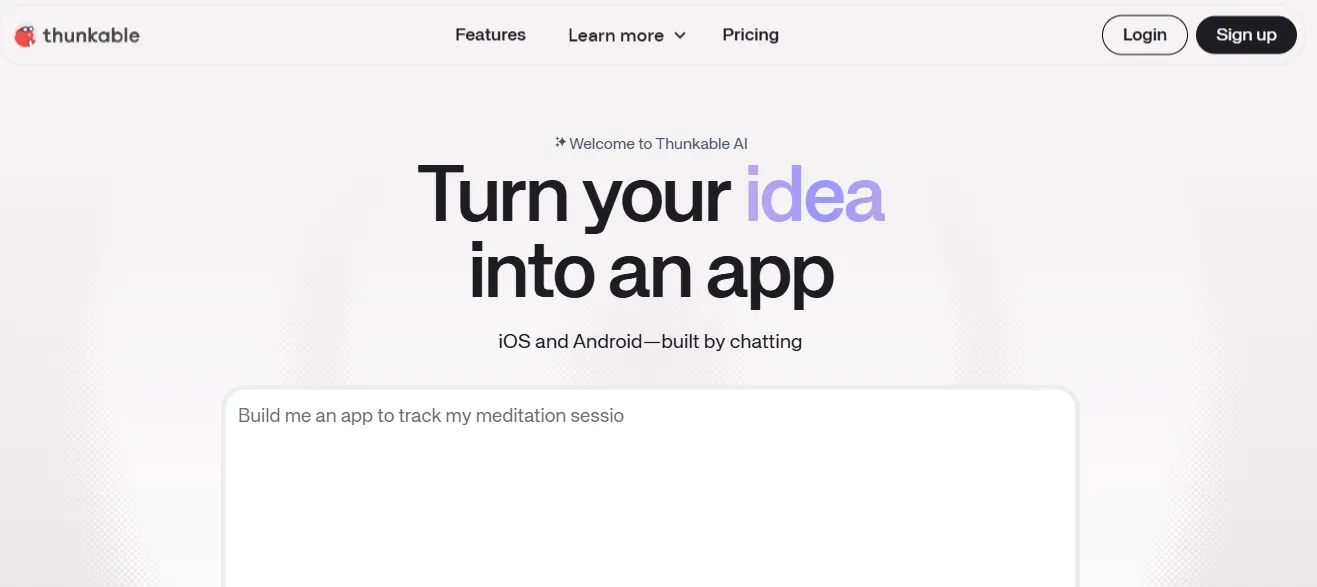
Thunkable strips app building down to its most beginner-friendly form, designed for people who have never shipped an app before.
It has a straightforward drag-and-drop interface with minimal setup, iOS and Android publishing support, a free tier for basic app projects, and strong tutorials with a beginner-focused community.
Thunkable is a starting point, not a destination. The platform has significant complexity limits. Apps with real business logic, custom authentication, or advanced data relationships quickly outgrow it. Most users move to a more capable platform as their needs grow. There is no meaningful AI generation. Every screen is built manually.
Thunkable Pricing
| Plan | Price | Key Limit |
|---|---|---|
| Free | $0/mo | 3 public projects, 5 screens/project, 2,000 AI tokens |
| Accelerator | $19/mo | 5 public + 1 private project, 10 screens/project, 20,000 tokens |
| Builder | $59/mo | Unlimited public + 10 private projects, 1 live published app, custom branding |
| Advanced | $189/mo | Unlimited projects and published apps, priority support |
| Enterprise | Custom | Custom limits, team features |
Best for: Small business owners building their very first app who want the lowest possible barrier to entry. Expect to migrate to a more capable platform as the business grows.
Side-by-Side Comparison: 7 Best AI App Builders for Small Business
Here is how each platform performs across the five criteria that matter most to small businesses.
| Platform | AI Generation | No-Code Friendly | Mobile + Web | Free Plan | Starting Paid Price |
|---|---|---|---|---|---|
| Rocket | Full AI | Yes | Both | Yes ($0) | $25/mo |
| Bubble | None | Moderate | Web only | Yes ($0) | $59/mo (annual) |
| Glide | Partial | Yes | Both | Yes ($0) | $199/mo (annual) |
| Adalo | None | Yes | Mobile-first | Yes ($0) | $36/mo (annual) |
| Softr | None | Yes | Web only | Yes ($0) | $49/mo |
| FlutterFlow | Partial | Moderate | Both | Yes ($0) | $39/mo |
| Thunkable | None | Yes | Mobile | Yes ($0) | $19/mo |
Understanding the AI Generation Gap
The gap between "partial AI" and "full AI" matters more than it sounds.
Partial AI assists the build process. It suggests layouts, fills fields, and recommends components. You still design every screen, configure every workflow, and wire every integration manually.
Full AI generation produces the entire app from a text prompt. UI, backend logic, data structure, authentication, integrations, and deployment configuration are all generated together. The difference in time-to-launch is measured in days, not hours.
TechTarget's overview of no-code development explains the category clearly, including the meaningful differences between no-code, low-code, and AI-generated tools.
What Makes Rocket the Right Call for Most Small Businesses?
Most small businesses without a technical team will arrive at Rocket. Here is why the platform stands apart from every other option on this list.
The Problem Every Other Builder Ignores
Every other AI app builder on this list starts at the same place. You arrive with an idea, and the tool builds it. The quality of what comes out depends entirely on what you brought to the tool.
Rocket starts earlier. Before you build, Solve researches whether the idea is worth building. Market validation, competitive analysis, target user definition, and feature prioritization all happen first. That thinking flows directly into the build through shared context. The first version reflects genuine product thinking, not a guess.
As Retool's State of Internal Tools research found, developers spend over 30% of their time building and maintaining internal tools. For small businesses without a dedicated developer, that time simply does not get spent at all. That is exactly the gap Rocket fills. For teams that want to explore this further, the guide on internal tools without a developer covers the full range of what is possible.
Production Quality, Not Prototype Quality
Every AI builder on the market produces output that looks like AI made it. Generic cards. Predictable grids. Layouts that announce themselves as generated.
Rocket generates output that looks like a design team touched it. Considered typography. Real visual hierarchy. Design identity specific to the product, not from a template library. Web apps in Next.js. Mobile apps in Flutter with dark/light theming, fluid navigation, and staggered animations.
The output is production code you own. Download the source, hand it to a developer, or deploy it directly. No proprietary lock-in. No vendor dependency.
25+ Integrations That Flow Into Every Build
Rocket connects Stripe, Google Analytics, Supabase, Notion, Airtable, Mailchimp, Mixpanel, Cal.com, PayPal, Twilio, Resend, OpenAI, Anthropic, Gemini, and more, directly into the generation process. Authenticate once, and they flow into every build automatically. No manual API wiring. No configuration files to manage.
For a small business owner, this means a booking app with Stripe payments, Cal.com scheduling, and Mailchimp email automation can be generated and deployed in a single session.
Built-In Compliance and Accessibility
Every Rocket build ships with WCAG accessibility compliance, GDPR coverage, and SEO-ready structure by default. For small businesses serving EU customers or operating in regulated industries, this removes a significant compliance burden that other platforms leave entirely to the user.
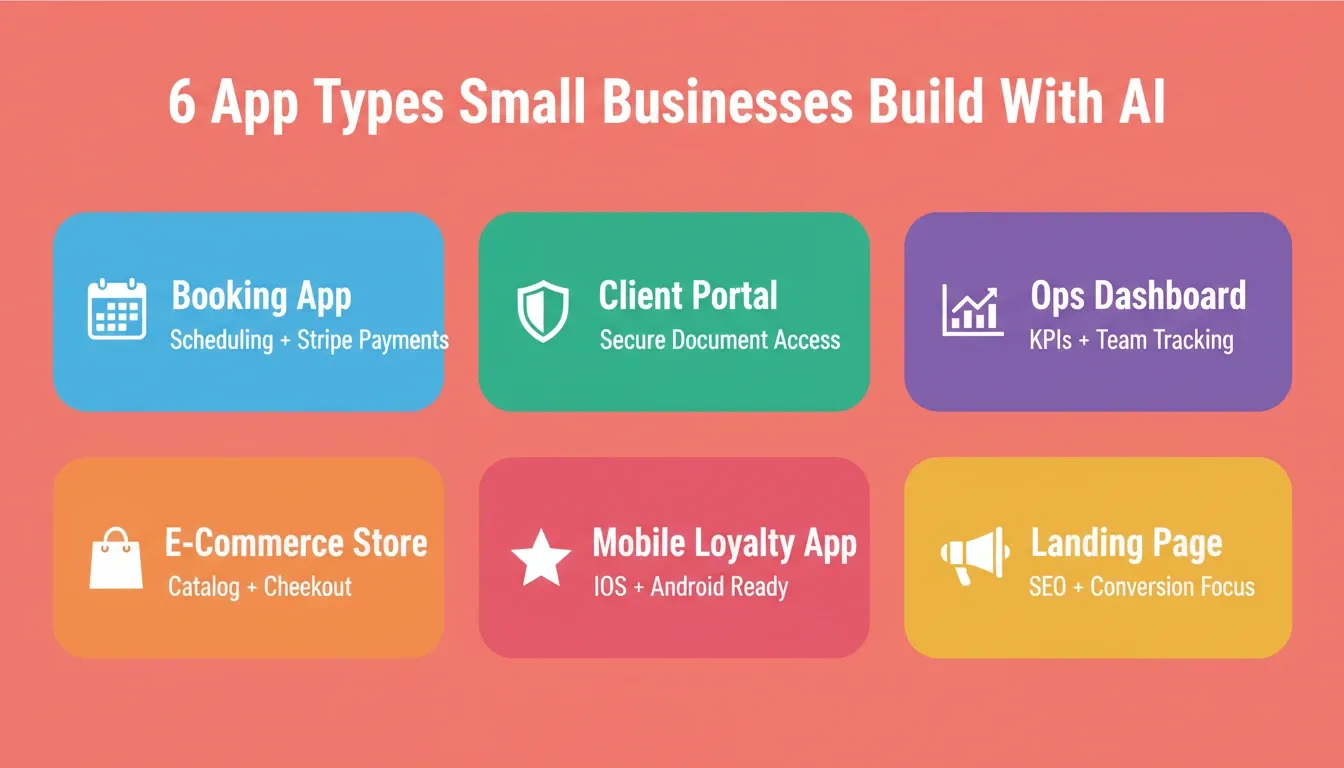
Real-World Use Cases: Small Business Apps Built With AI
Understanding which platform to use is easier when you see concrete examples of what small businesses actually build.
Booking and Scheduling Apps
A hair salon, fitness studio, or consulting practice needs a booking system with client profiles, appointment scheduling, payment processing, and reminder notifications. Rocket generates this as a full-stack web app, with authentication, database, Stripe integration, and Cal.com scheduling, from a single prompt. Time to first working version: under 10 minutes.
Client Portals
A professional services firm needs a secure portal where clients can access documents, track project status, and submit requests. Softr handles this well if the data lives in Airtable. Rocket handles it better if you need custom logic, authentication tiers, or a mobile version alongside the web portal.
Internal Operations Dashboards
A logistics company needs a dashboard to track shipments, manage driver assignments, and monitor KPIs. Bubble can build this but requires significant manual configuration. Rocket generates it from a description, with Airtable or Supabase as the backend, in a fraction of the time. The post on cost of hiring a developer vs AI breaks down exactly where the savings come from.
E-Commerce Stores
A product brand needs a store with a product catalog, checkout flow, and order management. Rocket generates this with Stripe integration built in. Glide can do a simpler version if the product catalog lives in a spreadsheet.
Mobile Apps for Customer Engagement
A restaurant needs a loyalty app for iOS and Android. Adalo or Thunkable handle simple versions. Rocket generates a Flutter app with a real design system, push notifications, and Stripe integration, ready for App Store and Google Play submission.
Landing Pages and Marketing Sites
Every small business needs a conversion-focused landing page. Rocket generates these with SEO-ready structure, Core Web Vitals optimization, and WCAG compliance by default, built from the project's competitive research and customer insight so the hero speaks to the specific value proposition.
How to Choose the Right AI App Builder for Your Small Business
The right choice depends on what you are building, your technical comfort level, and how much time you can invest in learning a new platform.
-
Choose Rocket if you want to describe your app in plain language and get a working, production-ready product fast. Best for small businesses without a technical team that need a real, scalable app, not a prototype.
-
Choose Bubble if your app involves complex multi-step workflows and you are prepared to invest time in a powerful visual builder. Best for technically-minded founders building complex web apps.
-
Choose Glide if your data already lives in a spreadsheet and you want to turn it into a customer-facing product quickly.
-
Choose Adalo if you need a native mobile app for iOS and Android with a straightforward, guided build process.
-
Choose Softr if you need a web portal for clients or team members built on top of Airtable or Google Sheets.
-
Choose FlutterFlow if you want clean, exportable Flutter code and expect to bring in a developer for customizations.
-
Choose Thunkable if this is your first app project and you want the lowest possible barrier to entry.
For founders and early-stage teams evaluating their options, the comparison of no-code builders for startups covers the same decision from a startup-specific angle.
The App Gap Is Closing for Small Businesses
The idea that custom apps are only for companies with large engineering teams is no longer accurate. AI app builders have genuinely changed the cost, time, and skill requirements for building business software.
What used to require a \$30,000 to \$80,000 development quote and a six-month timeline now takes hours and a free account. The small businesses acting on that shift now have a measurable head start over those still patching together off-the-shelf tools that almost fit.
The platforms that matter most in this shift are the ones that generate real, production-ready products, not prototypes, not templates, not locked editors. Rocket leads this list not because it has the most features on paper, but because it gets you to a live, working app faster than anything else here, with output quality that holds up in production.
In 2026 and beyond, the best AI app builder for small business is the one that removes the most friction between your idea and a working product. That is Rocket. Type what you want to build, and Rocket handles the research, the architecture, the code, and the deployment. Start building for free at Rocket.new.
Table of contents
- -What Makes an AI App Builder Right for Small Business?
- -Speed to Launch
- -True No-Code Interface
- -Mobile and Web Support
- -Pricing That Scales With You
- -AI Generation Depth
- -App Connectivity
- -Learning Resources and Support
- -The 7 Best AI App Builders for Small Businesses in 2026
- -1\. Rocket — Best Overall AI App Builder for Small Business
- -How Rocket Works
- -What Rocket Generates
- -Key Differentiators for Small Business
- -Rocket Pricing
- -2\. Bubble — Best for Complex Web App Logic
- -Bubble Pricing
- -3\. Glide — Best for Spreadsheet-Connected Apps
- -Glide Pricing
- -4\. Adalo — Best for Native Mobile Apps
- -Adalo Pricing
- -5\. Softr — Best for Client Portals and Directories
- -Softr Pricing
- -6\. FlutterFlow — Best for Exportable Cross-Platform Code
- -FlutterFlow Pricing
- -7\. Thunkable — Best for First-Time App Builders
- -Thunkable Pricing
- -Side-by-Side Comparison: 7 Best AI App Builders for Small Business
- -Understanding the AI Generation Gap
- -What Makes Rocket the Right Call for Most Small Businesses?
- -The Problem Every Other Builder Ignores
- -Production Quality, Not Prototype Quality
- -25+ Integrations That Flow Into Every Build
- -Built-In Compliance and Accessibility
- -Real-World Use Cases: Small Business Apps Built With AI
- -Booking and Scheduling Apps
- -Client Portals
- -Internal Operations Dashboards
- -E-Commerce Stores
- -Mobile Apps for Customer Engagement
- -Landing Pages and Marketing Sites
- -How to Choose the Right AI App Builder for Your Small Business
- -The App Gap Is Closing for Small Businesses

