
Teams switch from Builder.io for more code control, better collaboration, and deeper integrations. Rocket leads alternatives with AI-powered building, real-time collaboration, and enterprise-grade security in one platform.
Looking for builder.io alternatives that give your team more control, better collaboration, and real developer flexibility?
The global content management software market is expected to reach USD 123,500 million by 2026 at a CAGR of ~16.7%. Whether you need headless CMS support, code export, or AI-driven tools, this guide covers the top platforms to replace or complement Builder.io.
Why Look for Builder.io Alternatives?
Before picking a platform, it helps to understand why teams look beyond Builder.io.
Different projects have different requirements, and knowing your priorities makes choosing the right alternative much easier.
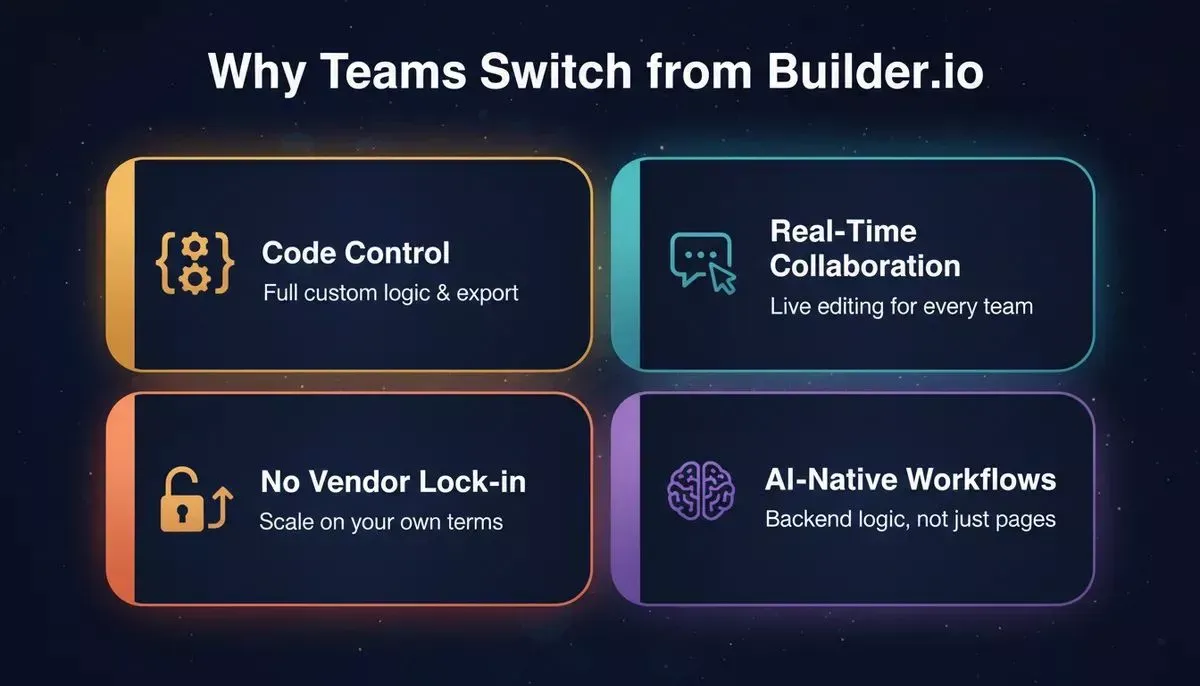
Common reasons teams explore builder.io alternatives range from code control to collaboration needs.
That's why exploring builder.io alternatives helps you match your workflow with a platform that fits both developer needs and marketing tools.
How to Choose the Right Builder.io Alternative?
Choosing the right platform isn't just about features; it's about matching the tool to your team's workflow and project goals.
Asking the right questions upfront makes the decision much easier.
- Do you need a drag-and-drop visual builder for fast web pages?
- Are developer tools like code export and custom code important?
- Do you want structured content and dynamic content management?
- Will your team need real-time collaboration, role-based access, or audit logs?
- Are AI tools and integration with marketing tools part of the workflow?
- What are your budget and pricing tiers?
The right platform balances visual editing experience, developer flexibility, and integration requirements.
Comparison of Builder.io Alternatives
To make comparing these builder.io alternatives easier, here's a side-by-side overview of their key features, including headless CMS support, visual editing, code export, collaboration tools, free plans, and AI tools.
| Platform | Headless CMS | Code Export | Collaboration Tools | Free Plan | AI Tools |
|---|---|---|---|---|---|
| Rocket | Yes | Yes | Real time | Yes | Yes |
| Webflow | Yes | Yes | Yes | Limited | No |
| Contentful | Yes | Yes | Yes | Limited | No |
| Sanity | Yes | Yes | Real time | Yes | Yes |
| Strapi | Yes | Yes | Yes | Yes | Yes |
| Squarespace | Limited | Limited | Limited | Yes | No |
| WordPress + Elementor | Yes | Yes | Yes | Yes | No |
| HubSpot CMS Hub | Yes | Limited | Yes | Yes | No |
This table makes it easy to see which platforms fit your team's workflow and project needs.
Top Builder.io Alternatives
Not all platforms are built the same. Depending on your project, team size, and workflow, some tools might be a better fit than others.
These builder.io alternatives offer visual editing, headless CMS, code export, real-time collaboration, and integration capabilities, making it easier to design web pages and manage dynamic content efficiently.
Let's look at the top platforms.
1. Rocket: Modern Collaboration and AI Builder
Rocket is a vibe solutions platform designed for teams that want the best of both worlds: fast visual creation and developer-level flexibility all in a unified workflow.
Unlike traditional page builders that lock you into rigid templates or siloed content systems, Rocket lets teams build, iterate, and ship UI experiences collaboratively with minimal friction.
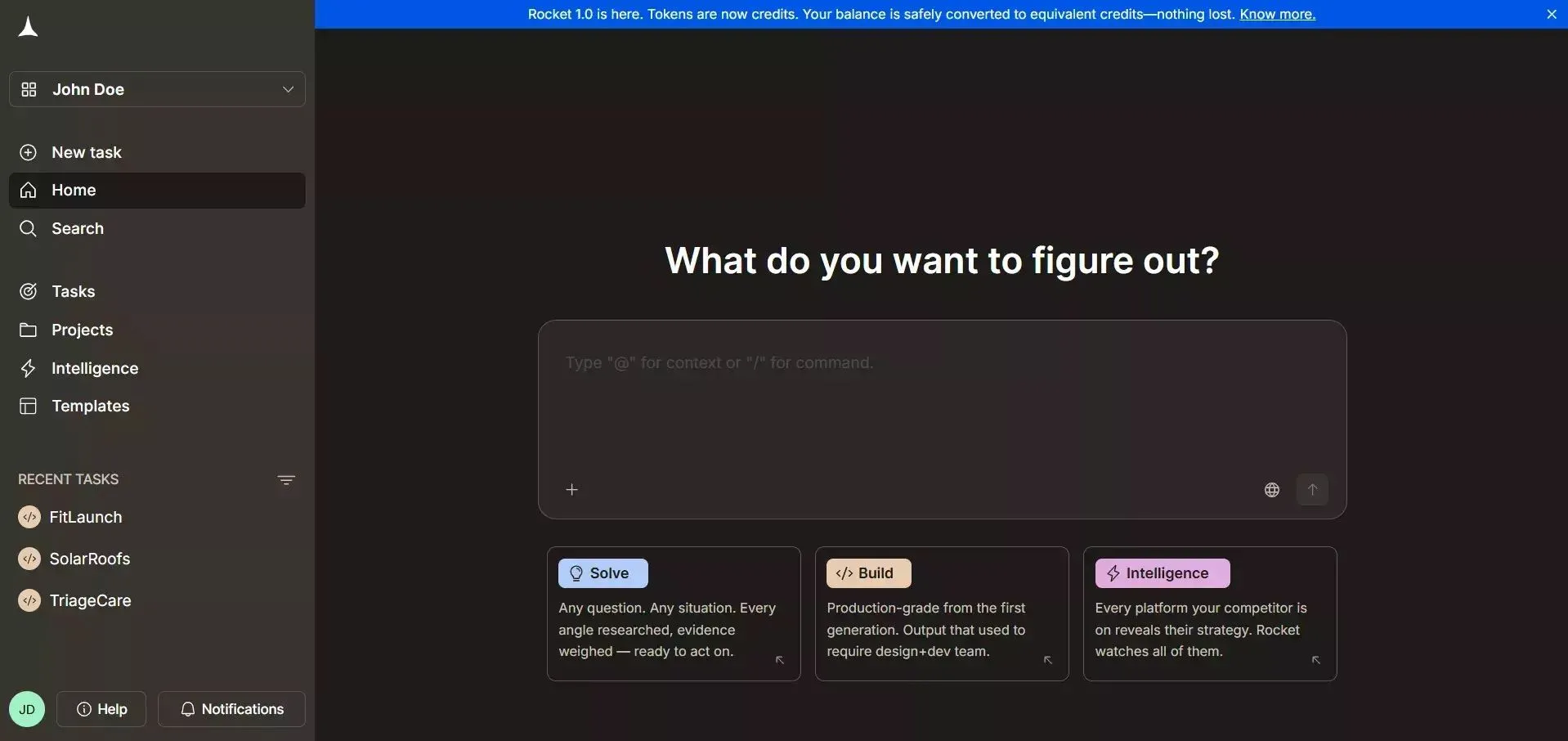
Top Features:
- Prompt to App Creation: Builds apps directly from single prompts
- Figma Import: Converts design files into live, editable layouts
- AI-Powered Backend: Automatically handles logic, data, and workflows
- Custom Domain Support: Publishes projects with a branded domain
- Code Export: Allows developers to extend or customize later
- Live Preview: Shows instant updates while editing
- Reusable Components: Speeds up building with ready-to-use elements
- Command-based actions: Use / and @ to run actions and quickly scope edits
Use Cases:
- Marketing Teams: Quickly design web pages and campaigns
- Development Teams: Add custom business logic and integrate with SQL databases
- Large Enterprises: Manage multiple projects with audit logs, structured content, and secure access
2. Webflow
Webflow is a popular builder.io alternative known for its clean visual builder and developer-friendly code export.
Key Features:
- Drag and drop visual builder and visual editor for fast web pages
- Headless CMS support for structured content and dynamic content
- Code export and custom code support for developer needs
- Collaboration tools and role-based access
- Pre-designed templates for quick setup
- Responsive design for different devices
- Free plan and flexible pricing tiers
3. Contentful: Developer-Focused Headless CMS
Contentful is ideal for projects where structured content, API-first workflows, and developer needs are the main priority. It's best for integration-heavy, enterprise-scale websites and apps.
Key Features:
- Structured content management and dynamic content
- API-first approach for seamless integration with existing systems
- Enterprise-grade security and role-based access
- Code export for custom code and developer needs
- Collaboration tools and workflows
- Custom components for complex applications
- Free plan and scalable pricing tiers
Contentful shines when structured content, API-first workflows, and developer needs are the priority for your projects.
4. Sanity
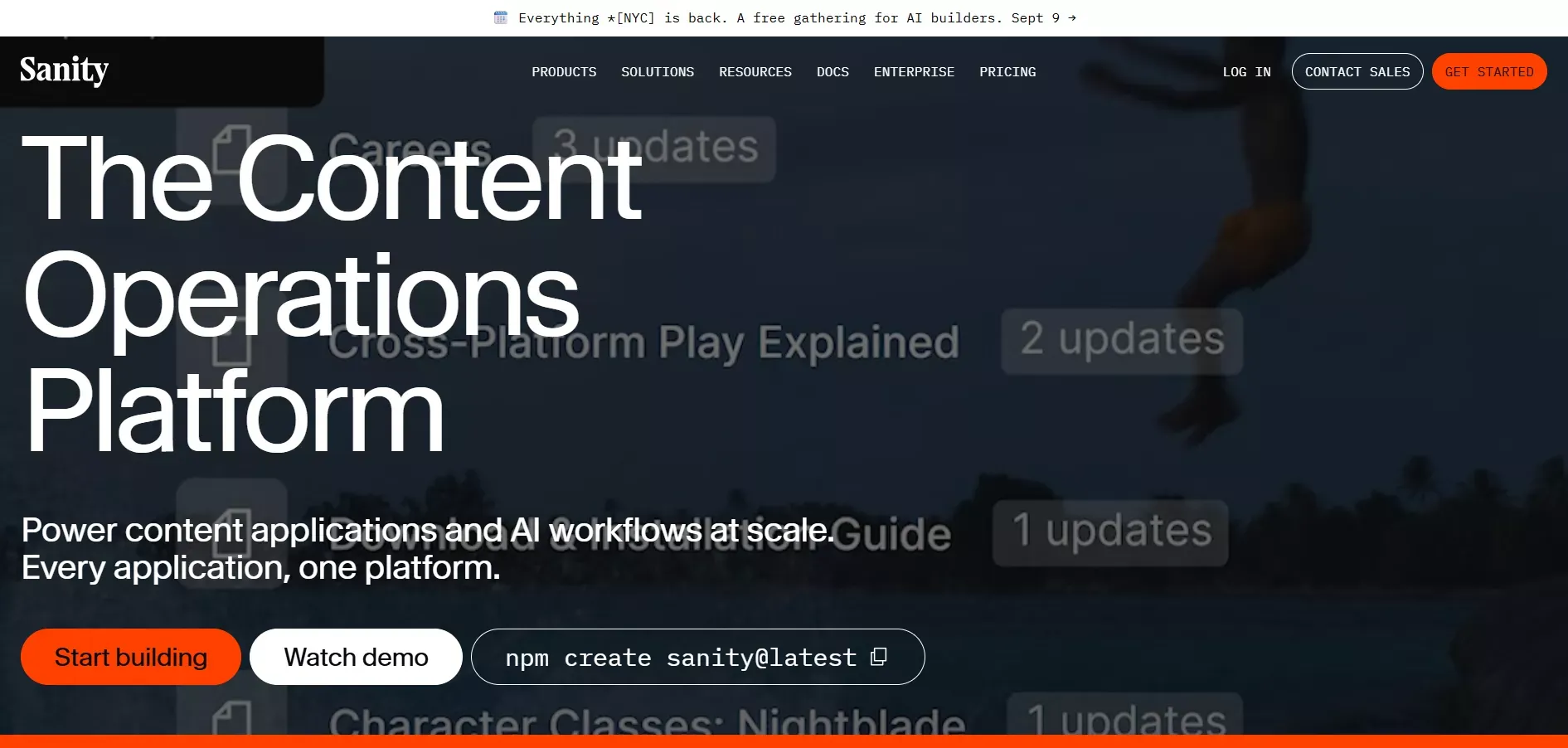
Sanity offers a real-time collaborative editor and a flexible visual interface, ideal for teams balancing developer needs and content management.
Key Features:
- Real-time collaboration and audit logs
- Visual editor and Sanity Studio
- Structured content and dynamic content management
- API-first approach with code export
- Custom components and plugin ecosystem
- AI tools for content and design
- Free plan for small teams
Sanity is great for teams balancing real-time collaboration, structured content, and flexible developer customization.
5. Strapi: Open Source and Customizable
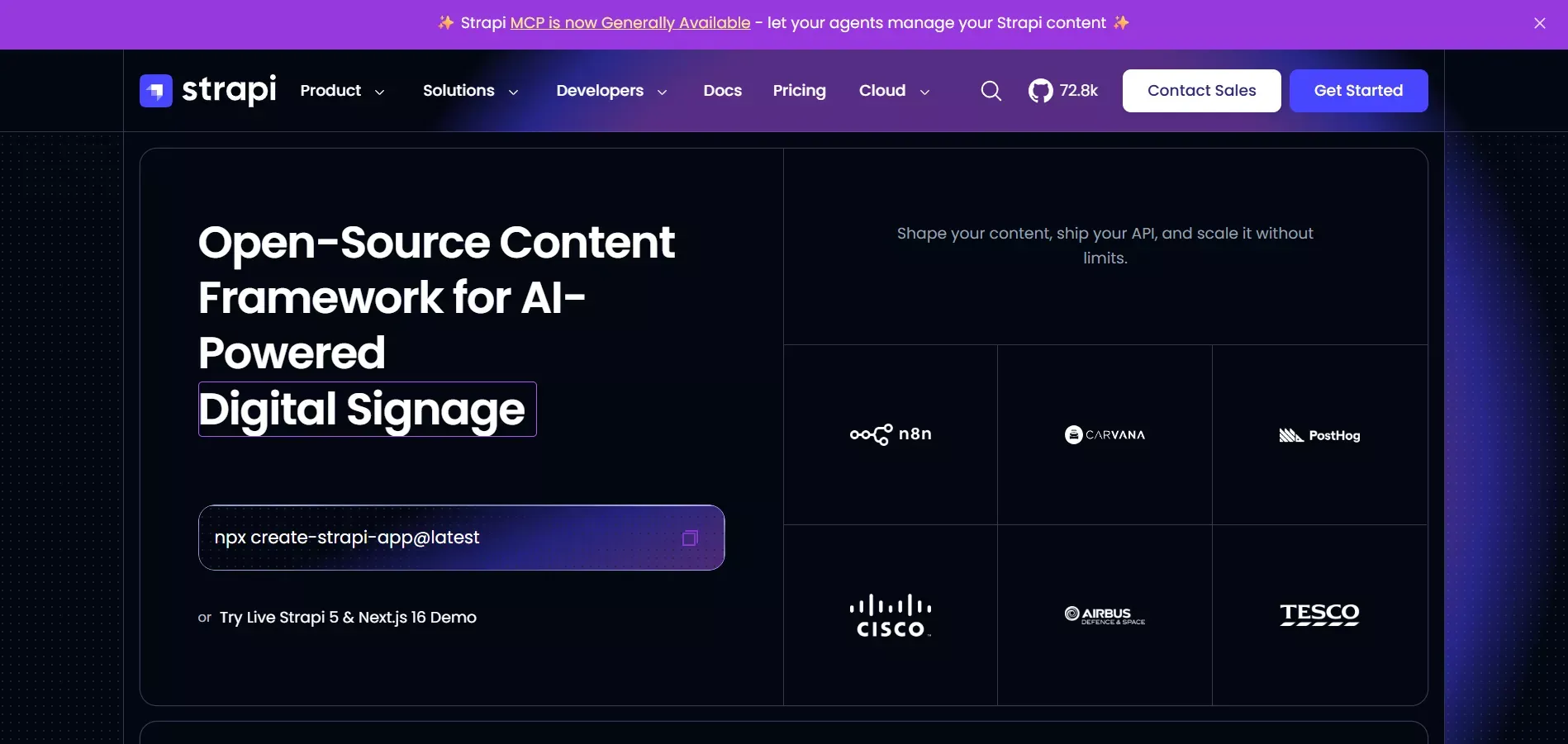
Strapi is well-suited for teams that need full code control, build complex applications, and require customizable headless CMS features. It's a good fit for development-centric workflows.
Key Features:
- Headless CMS with structured content
- Drag and drop content editor
- API-first architecture
- Role-based access and audit logs
- Custom components and code export
- SQL database integration and plugin ecosystem
- AI tools support
Strapi is ideal for development teams that need full code control, custom components, and support for complex applications.
6. Squarespace
Squarespace is a simple, user-friendly platform for small businesses, freelancers, or portfolios. It focuses on visual design and quick setup, with minimal developer involvement.

Key Features:
- Drag and drop visual editor
- Pre designed templates
- Responsive design for different devices
- Marketing tools integration
- Free plan for small websites
- Limited custom code support
Squarespace is ideal for small businesses or freelancers seeking quick, visually appealing sites without extensive developer involvement.
7. WordPress with Elementor
WordPress + Elementor combines headless CMS capabilities with a drag-and-drop visual builder, making it perfect for teams managing dynamic sites with both developers and designers.

Key Features:
- Headless CMS via REST API
- Drag-and-drop visual editor
- Pre-designed templates
- Code export and custom code support
- Collaboration tools and workflows
- Plugin ecosystem for custom components
- Role-based access
WordPress + Elementor works well for agencies or teams managing dynamic websites that require both custom code and visual editing.
8. HubSpot CMS Hub
HubSpot CMS Hub is designed for teams that want content management tightly integrated with marketing workflows, while still providing secure role-based access and enterprise features.

Key Features:
- Headless CMS support
- Drag and drop visual editor
- Marketing tools integration
- Role based access control
- Free and professional plan
- Enterprise grade security
HubSpot CMS Hub is best for teams that want content management tightly integrated with marketing workflows and secure role-based access.
Why Teams Switch from Builder.io?
Not every platform works perfectly for every team.
While Builder.io is strong for visual editing, some organizations need extra flexibility, developer control, and collaboration features. Here's why many teams explore builder.io alternatives:
Reasons Teams Switch:
- Complete code control and custom business logic: developers want full freedom to create and extend functionality.
- Enhanced real-time collaboration: multi-team workflows benefit from live editing and structured content.
- Integration with existing systems: connect easily to SQL databases, marketing tools, and other platforms.
- Avoiding vendor lock-in ensures projects can scale without being tied to one platform.
Understanding these reasons helps teams pick a platform that truly fits their workflow, project needs, and long-term growth plans.
How Builder.io Alternatives Compare: Decision Flow
Decision flowchart to help you choose the right builder.io alternative based on your team's primary needs.
Community Insight
One Reddit user shared their experience using Rocket for rapid prototyping and MVP work:
"I've been experimenting with Rocket.new recently, and I think it's worth sharing how it works and my experience with it. On the Pro plan you get five million tokens and the ability to export code as a ZIP. Personally, I think $25 is pretty fair given the quality of the generated apps and how consistent the flow is for rapid prototyping."
Choosing the Right Builder.io Alternative
Builder.io works well, but teams often need more code control, collaboration, and integration options. Builder.io alternatives like Rocket, Webflow, and Contentful provide visual editing, headless CMS, code export, and real time collaboration.
Pick a platform that fits your team's workflow, project needs, and integration requirements for faster, flexible, and collaborative web development.
Ready to move beyond Builder.io? Rocket gives your team AI-powered building, real-time collaboration, code export, and enterprise-grade security, all in one platform. Start building for free on Rocket.new and ship your next project faster than ever.
Table of contents
- -Why Look for Builder.io Alternatives?
- -How to Choose the Right Builder.io Alternative?
- -Comparison of Builder.io Alternatives
- -Top Builder.io Alternatives
- -1. Rocket: Modern Collaboration and AI Builder
- -2. Webflow
- -3. Contentful: Developer-Focused Headless CMS
- -4. Sanity
- -5. Strapi: Open Source and Customizable
- -6. Squarespace
- -7. WordPress with Elementor
- -8. HubSpot CMS Hub
- -Why Teams Switch from Builder.io?
- -How Builder.io Alternatives Compare: Decision Flow
- -Community Insight
- -Choosing the Right Builder.io Alternative