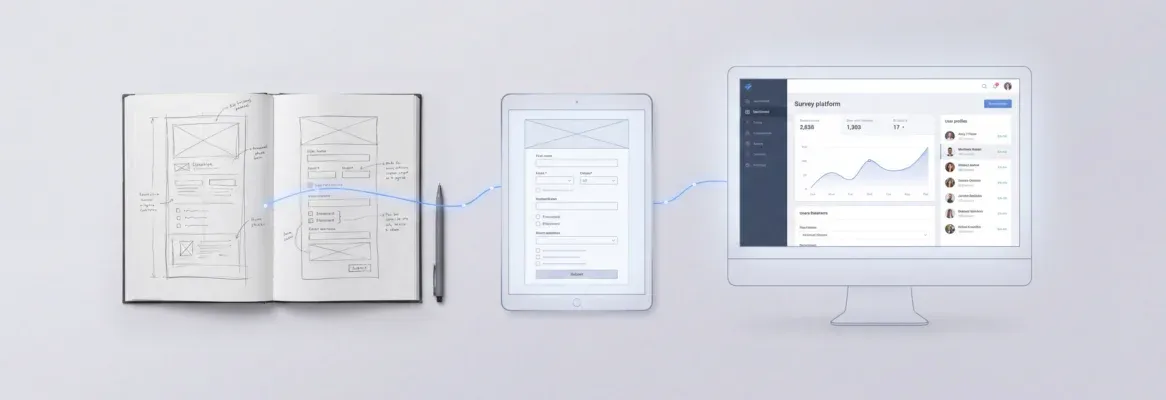
The fastest path from PWA idea to deployed product is a structured AI prompt. Name your users, offline behavior, notification triggers, and deployment target before writing a single line of code.
How do you write an AI prompt that actually ships a progressive web app?
A GitHub survey on AI coding tools found that more than 97% of respondents used AI tools at work at some point. Most rely on these tools for writing code. Yet many AI-generated apps fall short of real PWA standards. The tools have the capability. The prompts lack specificity.
This blog covers the exact prompt structures that produce production-ready PWAs. You will learn how to write prompts for offline support, push notifications, and installable experiences, from the first description to a deployed product.
What is a Progressive Web App?
A progressive web app (PWA) is a web application that uses modern browser APIs to deliver app-like experiences. It gives users offline access, home screen installation, and push notifications without requiring an app store visit.
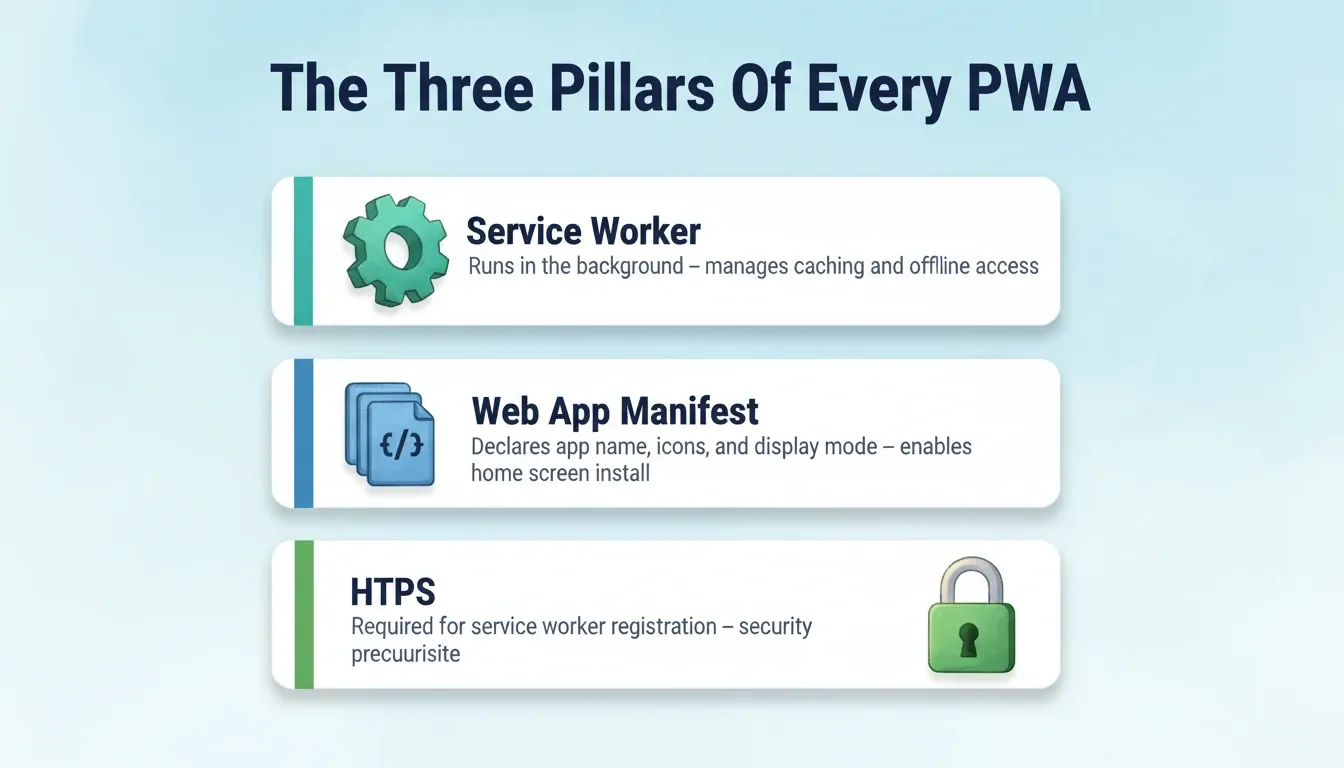
| Technology | What It Does | Why It Matters |
|---|---|---|
| Service Worker | JavaScript file that runs in the background, intercepts network requests, and manages caching | Enables offline mode and background sync |
| Web App Manifest | JSON file declaring app name, icons, colors, and display mode | Enables "Add to Home Screen" on Android and iOS |
| HTTPS | Secure connection required for service worker registration | Security prerequisite for all PWA features |
PWAs sit between a standard website and a native app. They load in a browser. Once installed, they launch from the home screen, run in standalone mode, and work without an internet connection.
PWA vs Native App vs Website
| Feature | Website | PWA | Native App |
|---|---|---|---|
| Offline access | No | Yes | Yes |
| Home screen install | No | Yes | Yes |
| Push notifications | No | Yes (limited on iOS) | Yes |
| App store required | No | No | Yes |
| Update mechanism | Instant | Instant | App store review |
| Discoverability | Search engines | Search + stores | App stores only |
Understanding this distinction makes your AI prompts more precise. When you tell an AI builder "build me an app," it does not know whether you want a website, a PWA, or a native app. Specifying "installable, offline-capable progressive web app" changes the entire architecture it generates.
What Makes a Great Prompt for PWA Generation?
The quality of your AI prompt directly determines the quality of your app. Vague requests produce vague results. Structured prompts generate apps that match your vision on the first generation.
Start with the app's purpose, not a feature list. A prompt like "Build a task management PWA for remote teams that works offline and syncs when reconnected" gives the AI the right context to make architectural decisions. In contrast, "make a to-do app" produces something generic that needs dozens of follow-up prompts to refine.
Include your target users and their primary workflow. Writing "Create a PWA for field technicians who need to log equipment inspections without internet access" tells the AI exactly which screens to generate. It also clarifies what data to store locally and how the sync mechanism should work.
Specify technical constraints in plain language. A single prompt that mentions "offline-first with background sync, installable on Android and iOS, push notifications for task deadlines" gives the AI builder clear direction. No coding is required. Reference app design and data requirements too, such as dashboard layout, data tables, mobile-first card interface, and brand colors.
Use iterative prompts for complex projects. Start with the core structure, then add features through follow-up prompts. This approach works better than describing everything in one massive block of natural language.
For a deeper look at prompt structure, check out this guide on writing effective prompts for AI builders.
Good vs. Bad PWA Prompt Patterns
| Good Prompt Pattern | Bad Prompt Pattern | Why It Fails |
|---|---|---|
| "Build a PWA for restaurant staff to manage orders offline with real-time sync when connectivity returns" | "Make me a food ordering app" | No offline spec, no user context |
| "Create an installable fitness tracker that sends push notifications for workout reminders on Android and iOS" | "Build a health app" | No install target, no notification triggers |
| "Generate a project management PWA with team dashboards and version history. Works offline for viewing, syncs on reconnect." | "I need a project tracker thing" | No offline behavior, no data model |
| "Build a field inspection PWA for Android with cache-first asset loading and queue-based form submissions" | "Make it work without internet" | No caching strategy, no fallback spec |
How to Prompt for Offline and Installable Features
Offline capability and installation are what separate progressive web apps from regular websites. Your prompts need to explicitly request these features. Otherwise, the AI will skip them entirely.
Offline Prompts
Offline prompts need specificity about what works without internet. Write "This app works offline for viewing cached reports and submitting new entries that sync when connectivity returns" rather than "make it work offline." The AI needs to know which screens display cached data and which features queue actions for later.
Request caching strategies by name. A prompt mentioning "cache-first for static assets, network-first for API data, and a custom offline fallback page" gives the AI builder precise instructions for the service worker code. You describe the behavior, and the AI writes the code.
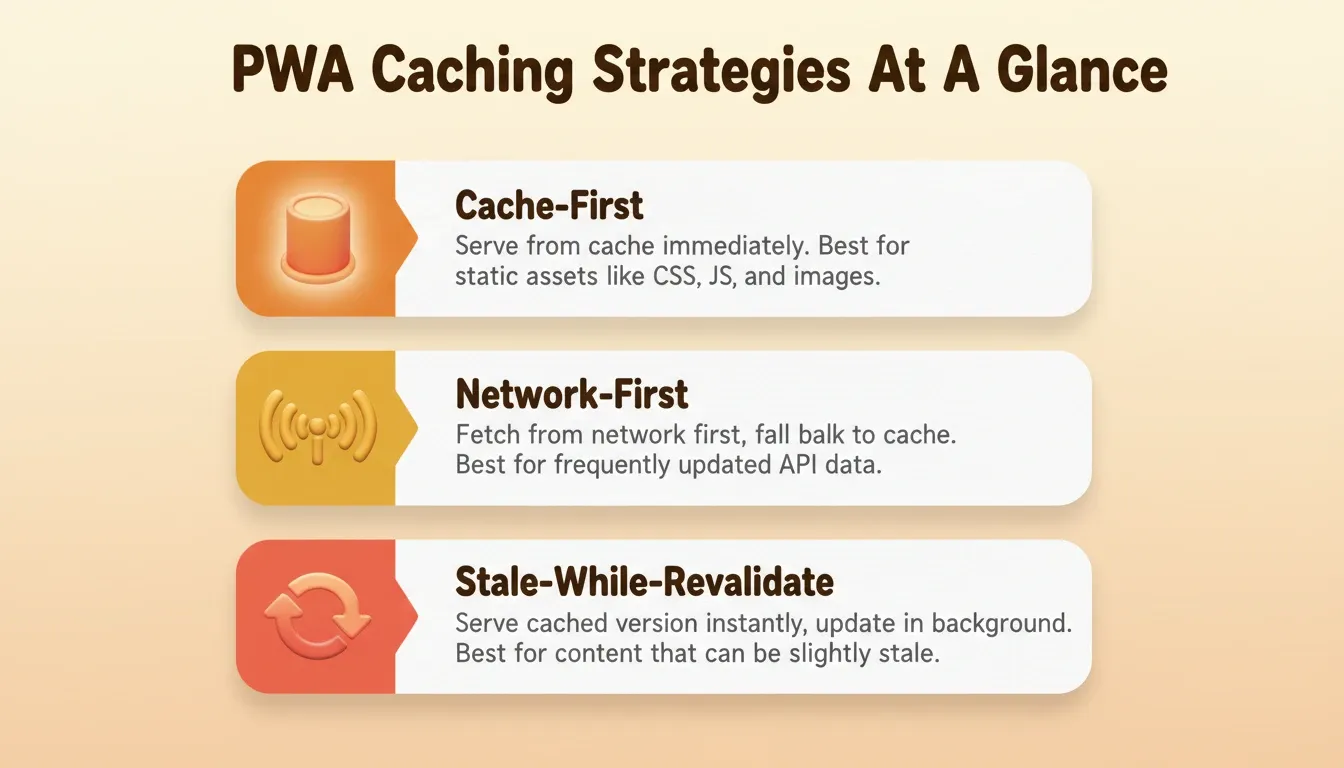
The three main caching strategies to reference in your prompts:
| Strategy | Best For | Prompt Phrase to Use |
|---|---|---|
| Cache-first | Static assets (CSS, JS, images) | "Cache-first for all static files" |
| Network-first | API data that changes frequently | "Network-first for API calls, fall back to cache" |
| Stale-while-revalidate | Content that can be slightly stale | "Serve cached version instantly, update in background" |
Installation and Notification Prompts
Installation prompts should specify platforms. A prompt like "Make this installable on Android home screens and iOS through Safari's Add to Home Screen. Include a custom install prompt after the user's second visit." This tells the AI to configure the web app manifest, service worker registration, and PWA installation UX correctly on every mobile device.
Push notifications require context about triggers. Specify what events fire notifications: "Send push notifications when a team member completes a task, when a deadline is 24 hours away, and when new comments are posted." This prevents the AI from generating a generic notification system that real users ignore.
Include permissions handling. Write "Request notification permissions after the user creates their first project, not on page load." This avoids the common anti-pattern of asking too early.
The Rakuten 24 PWA case study demonstrated a 450% increase in user retention after implementing installability and push notifications. Getting the install flow right is what separates a real PWA from a website with a manifest file. Your prompts control whether the AI builds that correctly.
If you want to skip writing these prompts manually, some platforms handle PWA features by default. See how building PWAs without writing code works in practice.
Every offline feature, every notification trigger, and every installation behavior needs an explicit mention in your AI prompt. The AI cannot infer which features should work without connectivity.
Prompts That Handle Backend Logic and Database Setup
A progressive web app that only handles the frontend is incomplete. Your prompts need to address backend logic, database structure, authentication, and API connections to create complete applications.
Describe your data model in natural language. Write "This app needs a database with tables for users, projects, tasks, and comments. Each task belongs to a project and is assigned to a user with role-based permissions." The AI generates the schema, relationships, and backend logic from that description.
Authentication prompts should specify the method. Try "Add user management with email/password authentication, Google OAuth sign-in, and session-based access control." Do not leave it to the AI to guess which authentication approach fits your use case.
API prompts generate more accurate results with endpoint descriptions. A prompt like "Create a REST API with endpoints for CRUD operations on all resources, rate limiting for production environments, and webhook support for real-time updates" produces clean backend architecture and production-ready code.
Specify how the generated code handles data sync. When building a PWA that works offline, your backend needs conflict resolution logic. Prompt with "Handle offline data conflicts with last-write-wins strategy and show users a confirmation when their queued changes sync successfully."
Request full-stack apps explicitly. Write "Generate a complete application with a Next.js frontend, Node server backend, PostgreSQL database, and deployment configuration for production environments." This tells the AI to build across the entire stack rather than stopping at the UI layer.
For a practical walkthrough of generating full apps from descriptions, this guide covers the process from a single prompt to a deployed product.
Backend prompts that specify your data model, auth requirements, and API structure eliminate the back-and-forth that slows down development time. Give the AI a clear picture of your backend needs, and it produces production-ready code on the first attempt.
How Rocket Ships Your PWA from a Single Conversation
Most AI builders generate frontend code and leave the rest to you. Rocket takes a different approach. It handles the full arc from AI prompt to deployed web app inside one workspace, with no coding required.
Rocket is a vibe solutioning platform that combines Solve for strategic research, Build for production-grade app generation, and Intelligence for continuous competitive monitoring, all in a single product. 1.5 million people have tried Rocket across 180 countries.
What Rocket Actually Generates
Describe your PWA idea, and Rocket generates a fully functional Next.js web app. You get production-grade code with real design systems, proper architecture, and working functionality. Not wireframes. A deployable product.
Every build ships with SEO-ready structure, WCAG accessibility compliance, and GDPR coverage as defaults. Full version history means every generation creates a restorable version. If a prompt produces unexpected results, you can roll back immediately. Built-in analytics tracks visitors, conversions, and Core Web Vitals from day one, with zero setup required.
Three Ways to Iterate After Generation
Rocket gives you three iteration modes after your first generation.
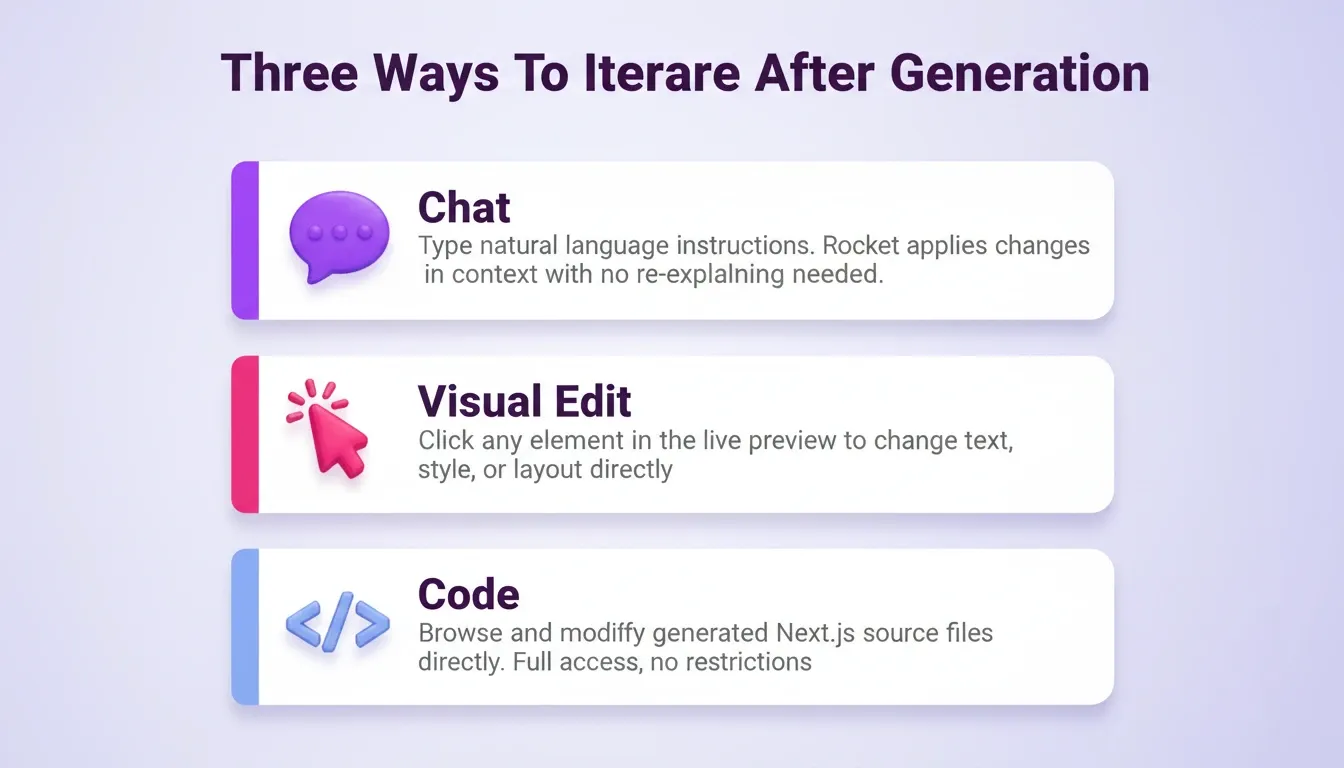
| Mode | How It Works | Best For |
|---|---|---|
| Chat | Natural language instructions: "Add offline support for the dashboard view" | Feature additions, logic changes |
| Visual Edit | Click any element in the live preview to change text, style, or layout | Design tweaks, copy changes |
| Code | Direct access to generated Next.js source files | Advanced customization |
No change limit. Iterate until the app is exactly right.
Deployment: Staging to Production
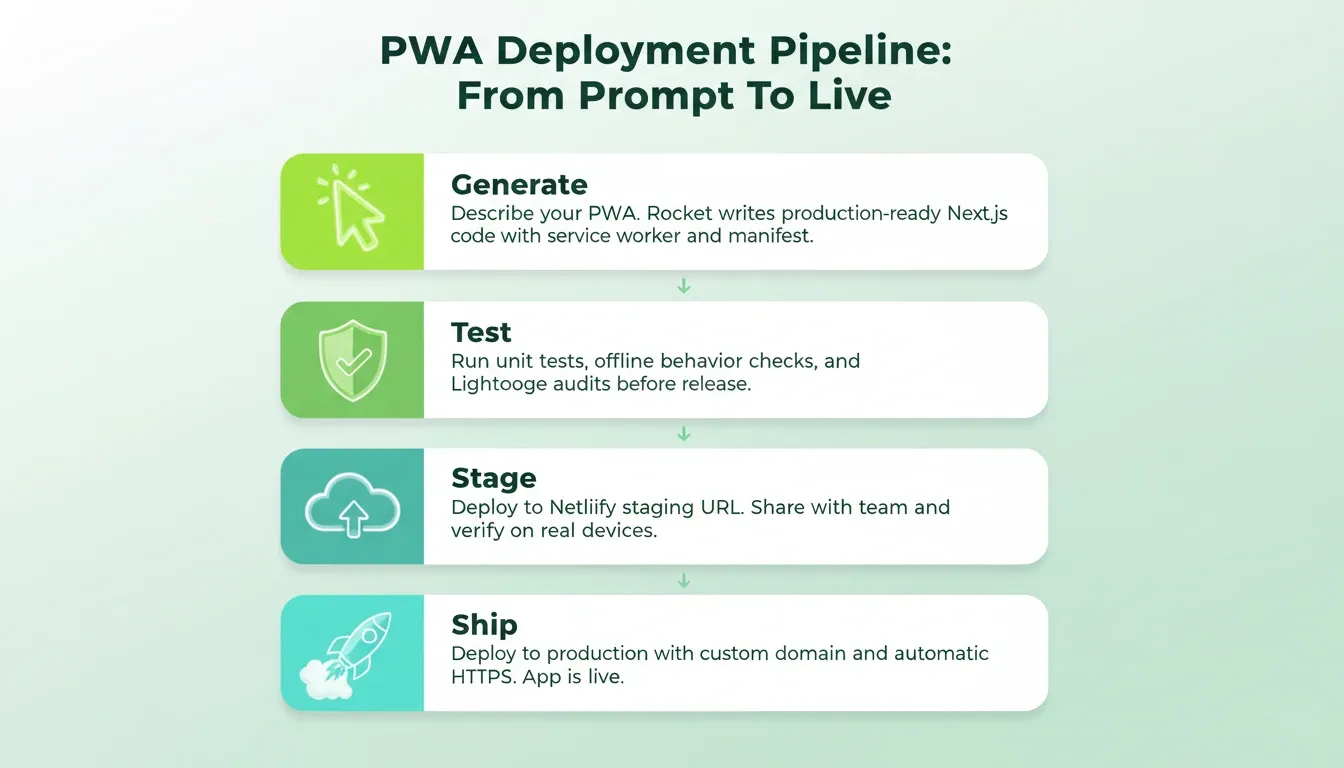
Rocket deploys in two stages. Click Launch, then Staging, then Publish. Rocket deploys to Netlify and gives you a shareable staging URL for testing and team feedback. Automatic HTTPS is included, and deployment is instant.
For production, connect your custom domain. Rocket configures DNS automatically for supported providers. It also shows exact DNS records for manual setup. You can buy a domain directly through Rocket from the Launch panel.
25+ integrations flow into every build: Stripe, Supabase, Google Analytics, Mailchimp, Mixpanel, Twilio, SendGrid, OpenAI, Anthropic, Gemini, Notion, Airtable, Linear, and more. Authenticate once, and they connect into every build automatically.
The difference between writing prompts into a generic AI chat and writing them into Rocket is what comes out the other side. You get a production-grade product for real users, not a prototype that needs weeks of additional work.
Which Prompts Work Best for Testing and Deployment?
Your PWA is only as good as your testing and deployment strategy. The right prompts generate testing infrastructure and deploy pipelines alongside your app code.
Request test coverage in your initial prompt. Write "Generate unit tests for all API endpoints, integration tests for the offline sync mechanism, and a testing dashboard that shows coverage." The Stack Overflow Developer Survey reports that 82% of developers currently use AI for writing code, and 27% use it specifically for testing.
Deployment prompts should specify environments. Try "Configure deployment with staging and production environments, environment variables for API keys, and automatic HTTPS on custom domains." This generates everything needed to ship a production-ready app.
PWA-specific testing prompts check installability and offline behavior. Write "Add tests that verify the app works offline after first load, that the service worker caches critical assets, and that the install prompt appears correctly on Android and iOS devices."
Request Google Play and App Store configurations. Prompts like "Generate a signed Android build ready for Google Play submission and an iOS-compatible PWA that can be published through PWABuilder" cover distribution beyond the browser.
Ask for performance metrics. Write "Include Lighthouse audits in the build process, monitor Core Web Vitals after launch, and display a performance dashboard for speed, accessibility, and SEO scores."
Testing and deployment prompts protect you from shipping broken experiences. Include them from the start rather than adding them after your app is already live.
Common Prompting Mistakes That Break PWA Builds
After seeing thousands of prompts generate web apps, clear patterns emerge around what fails. Avoiding these mistakes saves hours of debugging and iteration.
Front-loading every feature into one prompt. The AI handles complexity better when you break projects into phases. Start with core screens and navigation, then add features through focused follow-up prompts.
Skipping platform specifications. A prompt that does not mention "installable," "offline-capable," or "mobile-first" produces a standard web application. You need to explicitly request PWA capabilities.
Ignoring the data model. Vague requests about "storing user information" produce generic schemas. Describe your exact fields, relationships, and access patterns so the AI generates a proper database structure.
Forgetting about updates and maintenance. Your prompts should address how the app handles new version deployment, cache invalidation for updated assets, and keeping content current for users who installed earlier versions.
Writing prompts that describe design without functionality. "Make it look like Spotify" gives the AI a visual direction but says nothing about what the app does. Always lead with purpose and user workflow. Visual direction is secondary.
Confusing PWA and native app prompts. Prompting for "an iOS app" when you want a PWA produces a Flutter mobile app, not a web-based installable experience. Be explicit: "a progressive web app installable on iOS and Android."
Most broken PWA builds trace back to one root cause: the builder assumed the AI would fill in the gaps. It will not. Every important behavior needs a prompt.
PWA Build Workflow: From Prompt to Production
Your Next App Starts With One Prompt
The distance between an idea and a launched progressive web app is shorter than ever before. With structured prompts covering offline behavior, installation, backend logic, and deployment, AI tools produce complete applications in minutes. Development teams used to need weeks to ship the same product.
Stop over-planning and start building. Your prompts do not need to be perfect on the first attempt. They need to be specific enough to generate something you can refine in the next conversation.
Build the PWA You Have Been Putting Off
AI prompts to build progressive web apps have moved from experimental to production-standard. The builders shipping real PWAs today are not writing more code. They are writing better prompts. As AI tooling matures, the gap between a well-structured prompt and a deployed, installable web app will keep narrowing. The builders who learn this skill now will ship faster than anyone relying on traditional development cycles.
Describe your PWA idea on Rocket. Rocket researches the architecture, writes the code, and deploys to production. You ship the product, not the scaffolding.
Table of contents
- -What is a Progressive Web App?
- -PWA vs Native App vs Website
- -What Makes a Great Prompt for PWA Generation?
- -Good vs. Bad PWA Prompt Patterns
- -How to Prompt for Offline and Installable Features
- -Offline Prompts
- -Installation and Notification Prompts
- -Prompts That Handle Backend Logic and Database Setup
- -How Rocket Ships Your PWA from a Single Conversation
- -What Rocket Actually Generates
- -Three Ways to Iterate After Generation
- -Deployment: Staging to Production
- -Which Prompts Work Best for Testing and Deployment?
- -Common Prompting Mistakes That Break PWA Builds
- -PWA Build Workflow: From Prompt to Production
- -Your Next App Starts With One Prompt
- -Build the PWA You Have Been Putting Off