
AI coding tools no longer compete on speed but on how deeply they understand your project. Cursor and Windsurf generate strong code but rely heavily on user guidance. Rocket.new stands out by managing full context, from research to deployment, making development faster and more consistent.
Why do some AI coding tools feel smarter over time while others feel repetitive?
The answer is simple. It’s not just about code generation; it’s about how deeply the tool understands your project context. Tools that remember your decisions, structure, and flow perform better with each iteration.
According to Statista, AI has the potential to increase labor productivity by around 30% over time, especially when systems are able to learn and reuse context instead of repeating tasks.
So, when comparing modern tools, the real difference is not who can generate code faster, but who understands your entire project better.
The Shift from Code Generation to Context Depth
For a long time, tools competed on how fast they could write code. That phase is changing. Today, most platforms are already good at generating code snippets, so speed alone is no longer the deciding factor.
What really matters now is how well a tool understands your project as a whole. When an AI coding tool has full context awareness, it goes beyond simple output and starts connecting the dots across your system.
-
Understands your backend logic instead of treating each task separately
-
Maintains your database structure without breaking consistency
-
Connects changes across multiple files without confusion
-
Reduces repeated work by remembering previous decisions
So instead of repeating tasks, the system keeps improving with every step. This is exactly where the comparison of Windsurf vs Cursor starts to get interesting.
Comparison Table
When you place these tools side by side, the differences become much clearer. At first glance, they may look similar, especially in terms of code generation and core features.
But once you look deeper into how they handle context and system-level tasks, the gap starts to show.
| Feature | Rocket.new | Cursor | Windsurf AI |
|---|---|---|---|
| Context Depth | High | Medium | Medium |
| Code Generation | Strong | Strong | Strong |
| Multi-File Editing | Yes | Yes | Yes |
| Agent Mode | Advanced | Basic | Windsurf's Cascade |
| Backend Setup | Automated | Manual | Semi-automated |
| Visual Interface | Yes | No | Partial |
| Full Stack Application Development | Yes | Limited | Limited |
| Custom Domains | Yes | No | No |
| Production Ready Code | Yes | Yes | Yes |
So while all three tools are capable and reliable, the real difference lies in how much of the system they handle for you.
That’s where Rocket.new stands out, not just by writing code, but by managing the full development flow.
Cursor and Windsurf: Strong at Code, Limited in Context
Cursor and Windsurf are both impressive tools, especially when it comes to writing code quickly. They are widely used by professional developers and beginners who want faster workflows with AI-assisted coding.
But once you look past speed, a pattern starts to appear. Both tools are great at helping you generate code, yet they rely heavily on your instructions to move forward. They assist you, but they don’t fully manage your project from end to end.
Cursor:
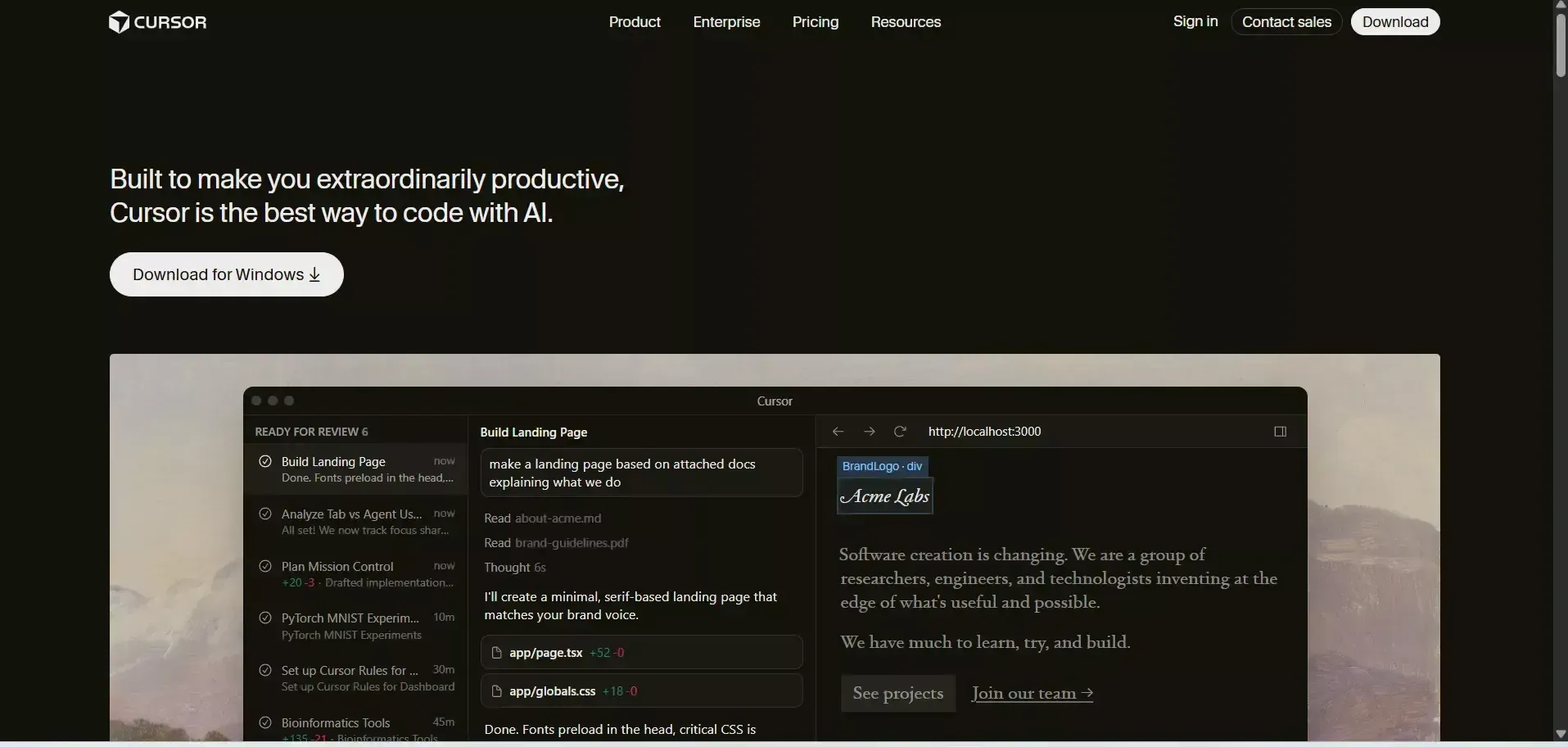 Cursor works like an AI-first code editor built on VS Code. It focuses on improving how you write and edit code inside a familiar environment.
-
Provides smart AI suggestions while you type
-
Supports inline editing for quick changes
-
Works across multiple programming languages
-
Uses natural language prompts to generate code
-
Allows editing across multiple files with agent mode
So, Cursor feels like a powerful assistant sitting beside you. You guide it step by step, and it responds well. But it still depends on you to connect everything across the entire project.
Windsurf AI:
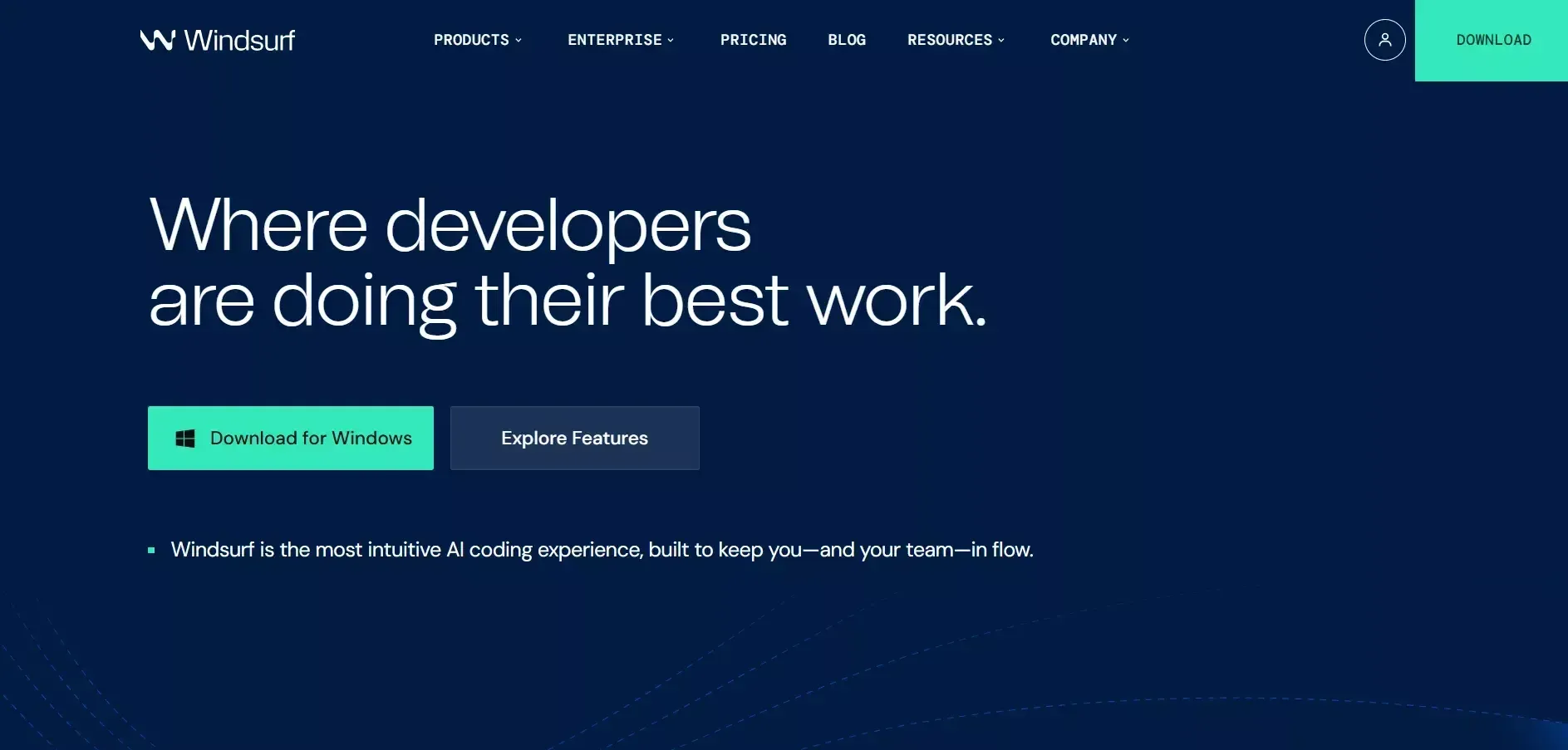 Windsurf AI is another strong player that takes automation a bit further. It brings more coordination into the workflow using advanced features.
-
Uses windsurf's cascade to manage tasks across files
-
Supports multi-file editing for larger changes
-
Can execute terminal commands directly
-
Uses an AI agent to coordinate development steps
Both windsurf and Cursor rely on Claude Code, which is why their code quality feels very similar in most cases.
Where the Gap Appears
So when you look at windsurf vs cursor, the difference is not really about generating better code. Both tools handle that well.
The real gap comes from context. Neither tool fully understands your entire project structure, backend logic, or long-term flow on its own. That’s where the limitations start to show.
Context Depth
The difference is not about generating code snippets. It’s about deep understanding. Tools like Cursor and WindSurf AI are helpful for manual coding. They assist you in writing and editing code, but they don’t fully take ownership of the system.
When a platform has full context awareness, it goes beyond assistance and starts managing the bigger picture:
-
Handles backend setup without repeated instructions
-
Maintains a consistent database structure
-
Manages role-based access control across the system
-
Supports complex business logic without breaking flow
So instead of working piece by piece, the platform understands how everything connects. That’s exactly where Rocket stands apart.
Rocket.new: Built for Context First Development
Rocket is not just an AI code editor. It's a vibe solutioning platform, the only one that combines research, building, and competitive monitoring in a single workflow across three pillars: Solve, Build, and Intelligence.
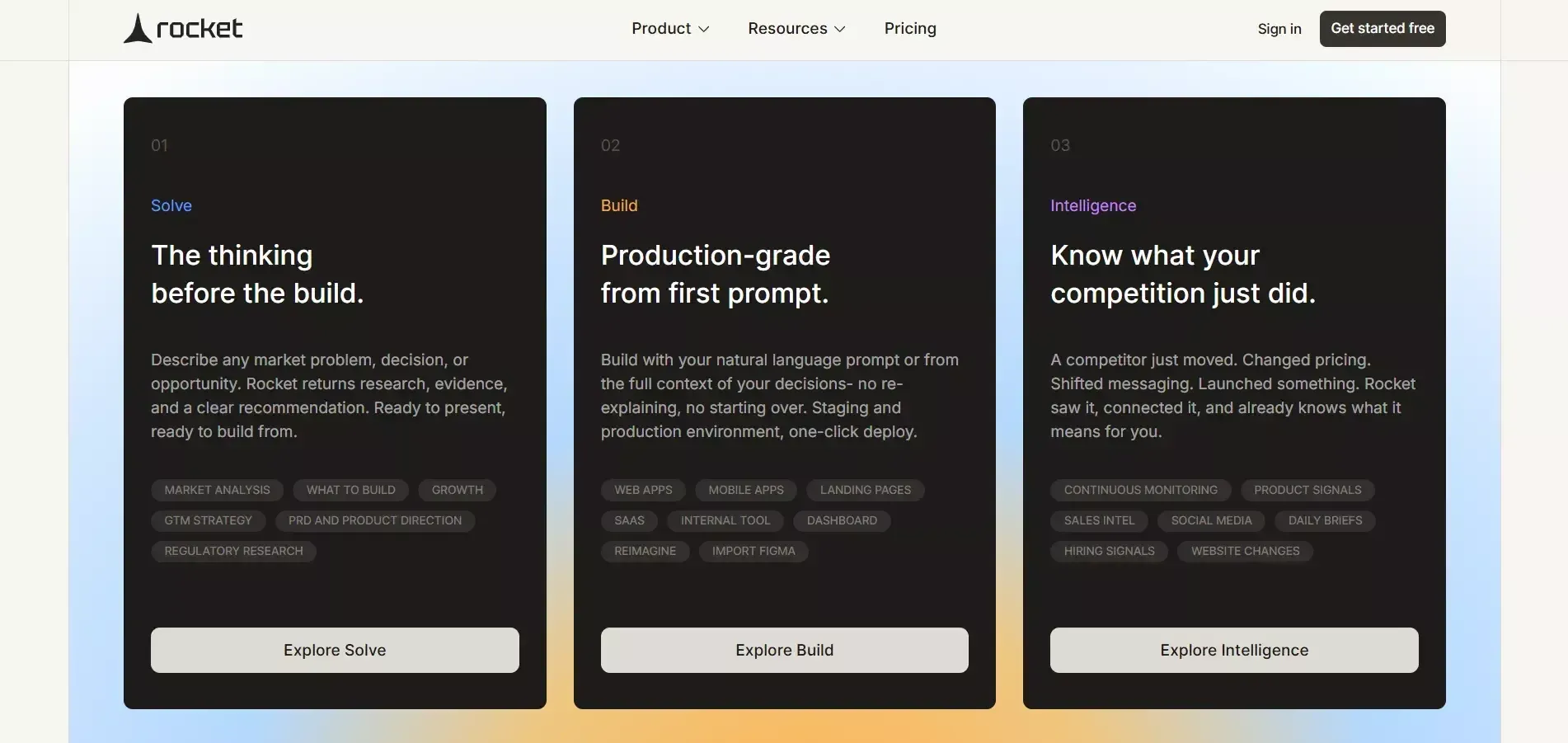 You don't just generate code. You build a live app grounded in research, with every change tracked and your competitive landscape monitored after launch.
How Rocket Works
Rocket uses natural language to move you from research to a production-ready app without switching tools.
-
Research your market and validate direction with Solve before writing a single line of code
-
Describe your app in plain language, and Rocket builds the architecture, writes production-ready code, and shows a live preview instantly
-
Refine through chat, Visual edit, or direct code access
-
Track every change with Build's Versions feature, roll back or continue from any prior state
-
Deploy with custom domain support, including automatic SSL and DNS configuration
-
Monitor competitors continuously after launch through Intelligence
Key Features
Based on the official documentation, here's what Rocket actually supports:
-
Start from an idea, a Figma file, a screenshot, a template, or a GitHub repo
-
Supports web apps, mobile apps (iOS and Android), landing pages, and e-commerce stores
-
Offers a visual editor for easier building without touching code
-
Supports custom domains for deployment with automatic SSL
-
Connect to payments, databases, AI models, email providers, analytics, and more through Connectors
-
Download the full project as a .zip file
-
Built-in SEO, accessibility, and compliance polish features
-
Solve runs structured research reports before you build market analysis, competitive teardowns, pricing benchmarks, and product direction
-
Intelligence continuously monitors competitors and delivers signals to a persistent dashboard
You don't have to jump between different platforms. Everything happens in one place, with full context always intact.
focuses on context depth, and that's exactly where Rocket is built differently. Instead of stopping at code generation, it focuses on understanding and managing the full product journey from research to launch to monitoring.
Here's what that looks like in practice:
-
Solve grounds every build decision in structured, evidence-backed research before any code is written
-
Build generates the full app frontend, backend logic, UI, and navigation from a plain language description
-
The Versions feature tracks every change so you can revisit, roll back, or refine without losing progress
-
Intelligence monitors competitors after launch, so context never goes stale
So rather than working step by step like a typical assistant, Rocket operates across the full product lifecycle. That's the real difference. While Windsurf AI and Cursor assist you with code, Rocket builds with you from the first research question to post-launch monitoring.
Windsurf AI vs Cursor vs Rocket
Let’s simplify this. When you break it down, each tool has a clear focus, and your choice depends on what you actually want to achieve.
-
Cursor is great if you like VS Code and want better AI assistance while you write code
-
. Windsurf AI is strong with AI agents and automation for handling development tasks
-
Rocket is built for creating web apps without switching between tools
So it really comes down to one simple question. Do you want help writing code, or do you want help building a full system? That’s where the gap lies, and that’s what truly separates these tools.
What people are saying
Here’s a real perspective from developers on LinkedIn:
“Before this, I was spending the first 3–4 messages correcting the AI… same rules, over and over.” Linkedin
This highlights a very real issue.
When AI tools don’t retain context, developers end up repeating instructions, fixing patterns, and wasting time on the same corrections.
Pricing Model and Accessibility
Let’s talk about the pricing model. Cost and ease of getting started matter just as much as features, especially when you’re trying out new tools.
-
Cursor offers a free plan with some limits on usage
-
Windsurf AI follows a flexible pricing model based on how much you use it
-
Rocket also provides a free plan, making it beginner-friendly
Rocket keeps things simple with minimal setup, so you spend less time configuring and more time building.
Choosing the Right Tool
Choosing the right tool depends on your goal and how you like to work.
If you enjoy manual coding and want help with code snippets, then Cursor or Windsurf AI will fit well into your workflow.
If you want to code smarter and build full systems using natural language, Rocket is the better choice since it handles more of the overall process for you.
Rocket.new vs Cursor vs Windsurf
Most tools still focus mainly on code generation. They help you write code quickly, but they don't fully understand your project structure, backend setup, or app logic. This often leads to repeated work, broken flow across multiple files, and extra effort to connect everything manually.
Rocket takes a different approach by focusing on context depth across three pillars: Solve for research, Build for development, and Intelligence for post-launch monitoring. It manages the full system, from validating your idea to shipping production-ready code to tracking your competitive landscape.
Rocket.new vs Cursor vs Windsurf is not about better code, but better understanding. When context is preserved across the entire product journey, development becomes faster, cleaner, and more consistent.
Table of contents
- -The Shift from Code Generation to Context Depth
- -Comparison Table
- -Cursor and Windsurf: Strong at Code, Limited in Context
- -Cursor:
- -Windsurf AI:
- -Where the Gap Appears
- -Context Depth
- -Rocket.new: Built for Context First Development
- -How Rocket Works
- -Key Features
- -Windsurf AI vs Cursor vs Rocket
- -What people are saying
- -Pricing Model and Accessibility
- -Choosing the Right Tool
- -Rocket.new vs Cursor vs Windsurf