
Compare the top AI app builders that handle full-stack development with backend, auth, and deployment in one place.
If you are searching for Tempo Labs alternatives that handle full-stack development with backend, auth, and deployment in one place, this guide compares the leading platforms so you can pick the right one for your project.
Rocket is the only platform in this list that combines market research, full-stack app generation, and continuous competitor monitoring in a single workspace.
Why Are Teams Switching Away from Tempo?
The shift away from Tempo Labs started when product teams realized they needed more than polished UI components.
-
Frontend ceiling is real. Tempo focuses on React components and design-to-code workflows, which work for designers building mockups. But when you need backend logic, database schemas, and authentication systems, the platform sends you elsewhere.
-
No built-in deployment pipeline. Shipping a working app from Tempo still requires connecting external hosting, configuring deploys manually, and stitching together third-party services.
-
Limited framework support. Tempo's strength remains React and Supabase. If your project needs Flutter for mobile or Next.js server actions for production web apps, you hit a ceiling fast.
-
Coding experience is still required. Despite the AI interface, engineers find themselves writing and debugging custom code to get past the initial generation. The best AI app builders in 2026 handle much more of this automatically.
For product teams building complete applications, these gaps compound quickly. The market responded with platforms that cover the full development arc from prompt to live URL.
What Should You Look for in a Full-Stack AI Builder?
A Tempo Labs alternative worth switching to must clear a higher bar than UI generation. Before comparing specific platforms, here is what separates a capable AI app builder from one that drops you at the prototype stage.
-
Backend and database support. Your builder should generate real database schemas, handle data relationships, and set up authentication without manual configuration.
-
One-click deployment. The best tools let you go from generated code to a live URL with a single action. No wrestling with hosting providers or DevOps pipelines.
-
Framework flexibility. Some projects need Next.js for web applications. Others need Flutter for mobile. A platform locked to one framework limits where you can ship.
-
Iteration through natural language. After the first build, you should be able to describe changes in natural language and see them applied in context without re-explaining the whole project.
-
Team collaboration. Solo builders and product teams have different needs. Role-based access, shared workspaces, and version history matter at scale.
| Criteria | Why It Matters |
|---|---|
| Backend generation | Avoids separate API and server setup |
| Auth and user management | Saves weeks of security work |
| Database setup | Real data persistence, not local state |
| Deployment built-in | Ship without DevOps knowledge |
| Mobile and web support | Build for all platforms from one place |
| Code export | Own your codebase, avoid vendor lock-in |
Building full stack apps with AI prompts is now possible without stitching five different services together. The question is which platform handles this best.
Detailed Comparison: Top Tempo Labs Alternatives
According to the 2025 Stack Overflow Developer Survey, 84% of developers now use AI tools in their development workflow. That growing adoption created demand for full stack AI builders that handle backend logic, database setup, and deployment in one place. Below is a deep-dive on each leading alternative.
1. Rocket - Best for Full Stack, Research to Deploy
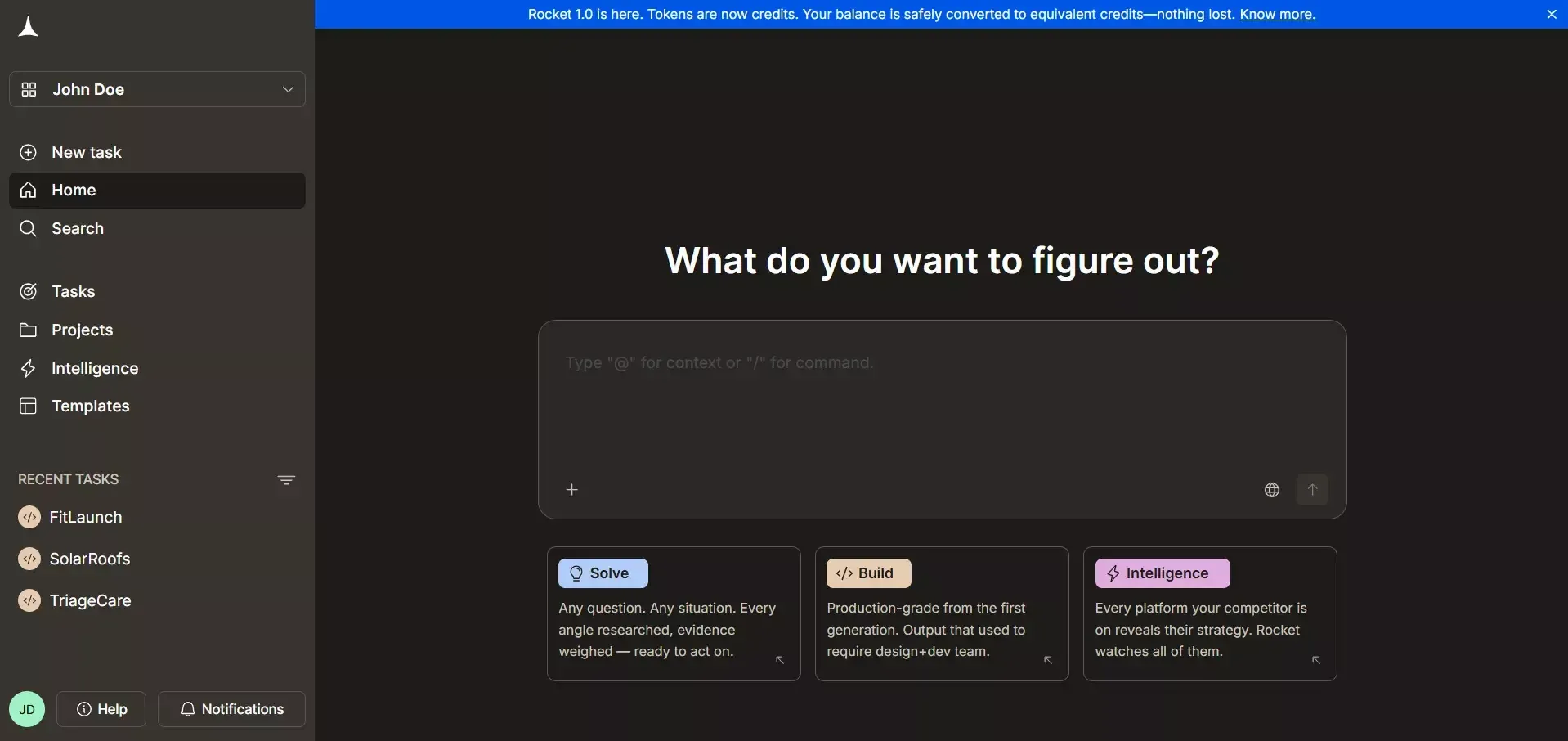
Rocket is the most complete Tempo Labs alternative for teams that need to go from idea to deployed product without switching tools. Where Tempo stops at the component layer, Rocket covers the entire development arc through three documented pillars: Solve for research, Build for app generation, and Intelligence for competitor monitoring.
What it does:
Rocket's Solve pillar turns complex business questions into structured, evidence-backed reports covering market analysis, competitive teardowns, PRDs, and pricing strategy, all before a single line of code is written. That research context carries automatically into every Build task in the same project.
The Build pillar generates production-ready Next.js web apps and Flutter mobile apps from a plain-English description, including database schemas, authentication flows, and API routes.
The Intelligence pillar monitors competitors continuously across nine signal types, including product changes, pricing shifts, hiring velocity, and GTM moves, and delivers automated daily briefs so you can react without manual research.
Strengths:
-
Only platform combining research, building, and competitor monitoring in one workspace
-
26+ built-in connectors (Stripe, Supabase, HubSpot, Airtable, Twilio, SendGrid, and more) authenticate once and flow into every build
-
Staging URL deployment with custom domain and automatic HTTPS; domain purchase available inside the editor
-
Full version history with diff comparison, milestone labelling, and one-click rollback from chat
-
WCAG 2.1 AA accessibility compliance, Core Web Vitals performance grading, and built-in SEO tooling as defaults
-
iOS and Android apps built with Flutter, submitted directly to the App Store and Google Play
-
Shared credit balance covers Solve, Build, and Intelligence with no separate billing per pillar
-
Unused credits roll over month-to-month on paid plans
Weaknesses:
-
The free plan is limited to 20 one-time credits, enough to test but not to ship a full product
-
Intelligence and Solve are only available on the $50/mo Rocket plan and above
-
Not an IDE, so developers who want to work directly in a code editor will prefer Cursor or Windsurf
Ideal for: Product teams, founders, and non-technical builders who want to validate, build, and monitor from one platform without stitching together separate tools.
vs. Tempo Labs: Tempo generates React components and requires external hosting, backend services, and deployment pipelines. Rocket generates complete Next.js and Flutter applications with Supabase backends, deploys to a staging URL, and includes research and competitor tracking that Tempo does not offer at any tier.
2. Bolt.new - Best for Developers Who Want Code Control
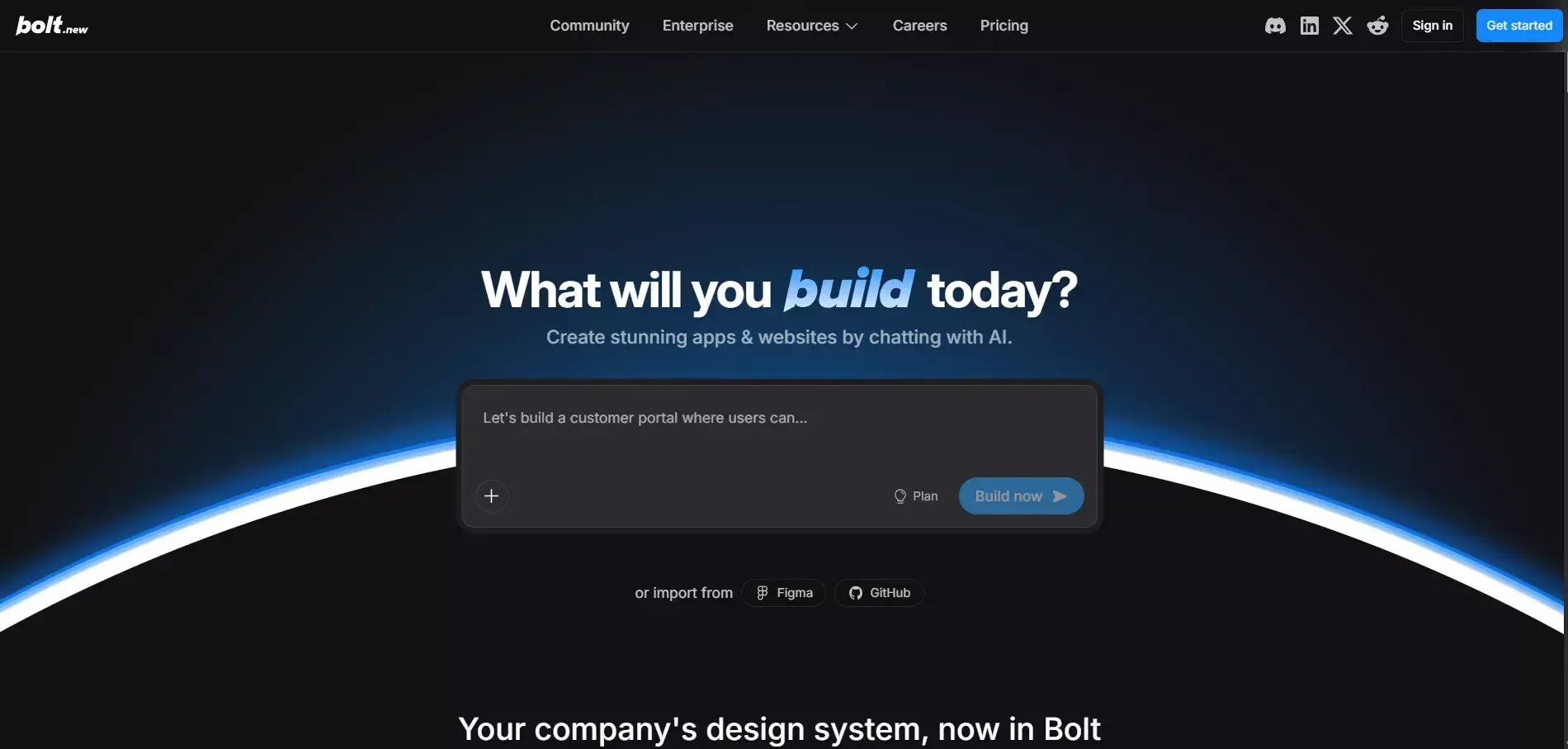
Bolt.new is an AI-powered full-stack development environment built by StackBlitz that runs entirely in the browser. It targets developers who want AI assistance without giving up direct access to their codebase. Unlike Tempo Labs, which abstracts the code layer behind a design interface, Bolt.new puts the code front and centre.
What it does:
Bolt.new generates full-stack web applications from a natural-language prompt and immediately surfaces the complete source code in an in-browser IDE. Developers can read, edit, and extend every file the AI produces. The platform supports multiple frameworks, including React, Vue, Svelte, and Astro, and connects to Netlify for one-click deployment. It integrates with Supabase for backend needs and supports npm packages, giving experienced developers a familiar environment with AI acceleration layered on top.
Strengths:
-
Full source code visibility and editability from the first generation
-
Multi-framework support (React, Vue, Svelte, Astro, Remix), which is broader than Tempo's React-only output
-
In-browser IDE means no local setup required
-
Netlify deployment with one click
-
Strong community and template library
-
Handles moderately complex full-stack apps, including auth and database connections
Weaknesses:
-
No mobile app generation, web only
-
No built-in market research or competitor monitoring
-
Context window limitations cause quality degradation on large, complex projects
-
Requires developer familiarity to get the most out of code editing
-
No staging/production environment separation; deploys go directly to Netlify
Ideal for: Developers and technical founders who want AI-accelerated coding with full code ownership and multi-framework flexibility.
vs. Tempo Labs: Bolt.new goes significantly further than Tempo by generating complete full-stack apps with backend logic, not just UI components. It also supports more frameworks and includes deployment. The trade-off is that it requires more technical comfort than Tempo's design-first interface.
3. Lovable - Best for Non-Technical Founders Building Web MVPs
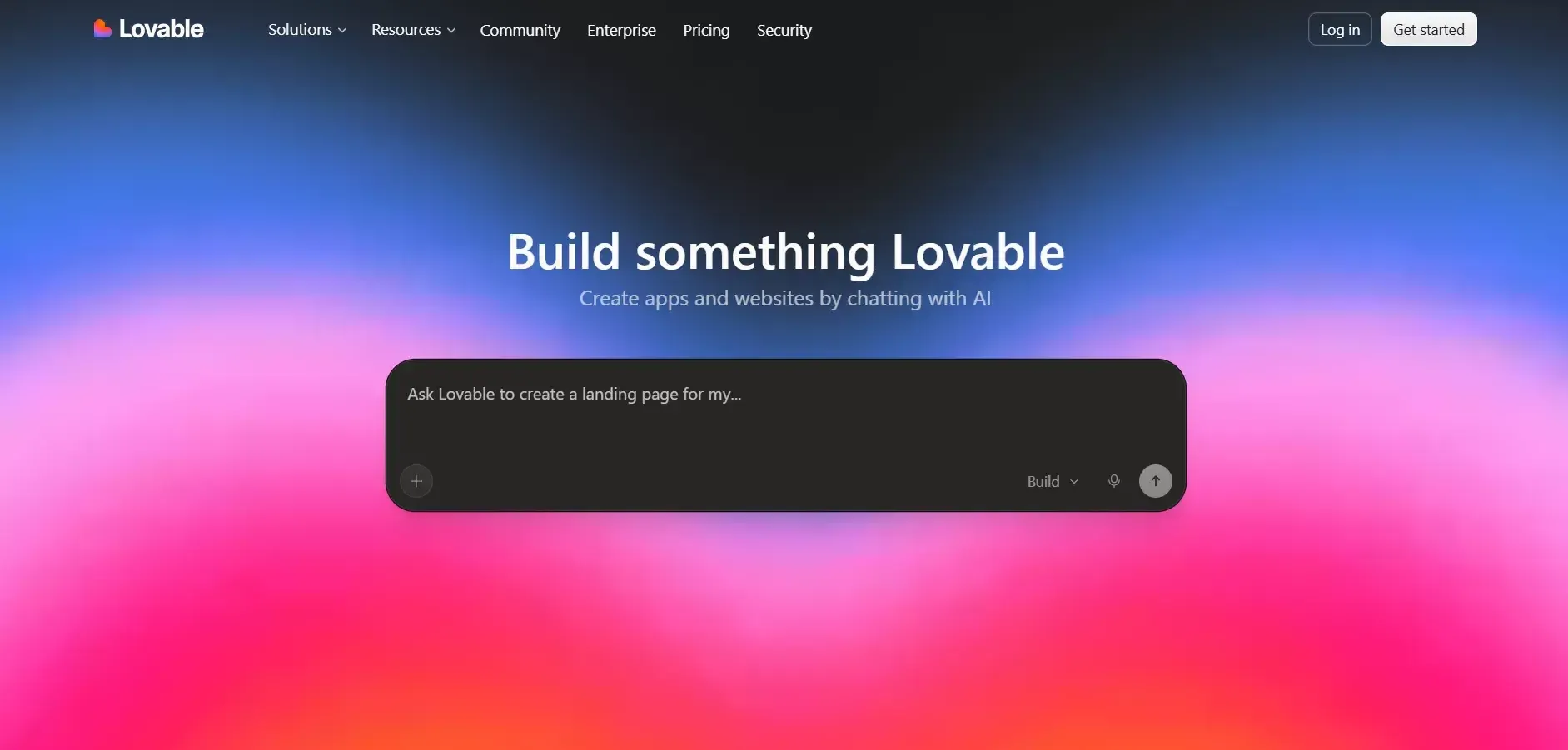
Lovable (formerly GPT Engineer) is purpose-built for non-technical founders who need to ship a working web product quickly without writing code. It has the most polished onboarding experience of any tool in this list and consistently produces clean, deployable React applications from conversational prompts.
What it does:
Lovable generates React web applications backed by Supabase for database and authentication. Users describe what they want in plain English, and Lovable produces a working app with a live preview. The platform includes built-in deployment, a visual editor for post-generation tweaks, and GitHub export for developers who want to take the code further. It also supports Stripe integration for payment flows, making it viable for simple SaaS MVPs.
Strengths:
-
Lowest barrier to entry of any full-stack AI builder, with no technical knowledge required
-
Clean, production-quality React output with Supabase backend
-
Built-in deployment with a shareable URL from the first generation
-
Visual editor for non-code adjustments after generation
-
GitHub export preserves code ownership
-
Strong for landing pages, sign-up flows, and simple SaaS dashboards
-
Active community with a large library of shared prompts and templates
Weaknesses:
-
Web only, with no mobile app generation
-
Limited to React and Supabase, with no framework flexibility
-
Struggles with complex multi-role applications and intricate data relationships
-
No built-in research, market validation, or competitor monitoring
-
Context degrades on long iterative sessions, so it works best for focused, scoped builds
-
No IDE access, meaning developers cannot edit code directly inside the platform
Ideal for: Non-technical founders, marketers, and product managers who need a working web MVP quickly without developer involvement.
vs. Tempo Labs: Lovable covers far more of the stack than Tempo. It generates a complete app with backend, auth, and deployment rather than just UI components. Tempo has a stronger design-to-code workflow for existing React projects; Lovable is better when you are starting from scratch with no existing codebase.
4. Replit - Best for Enterprise Teams and Multi-Language Projects
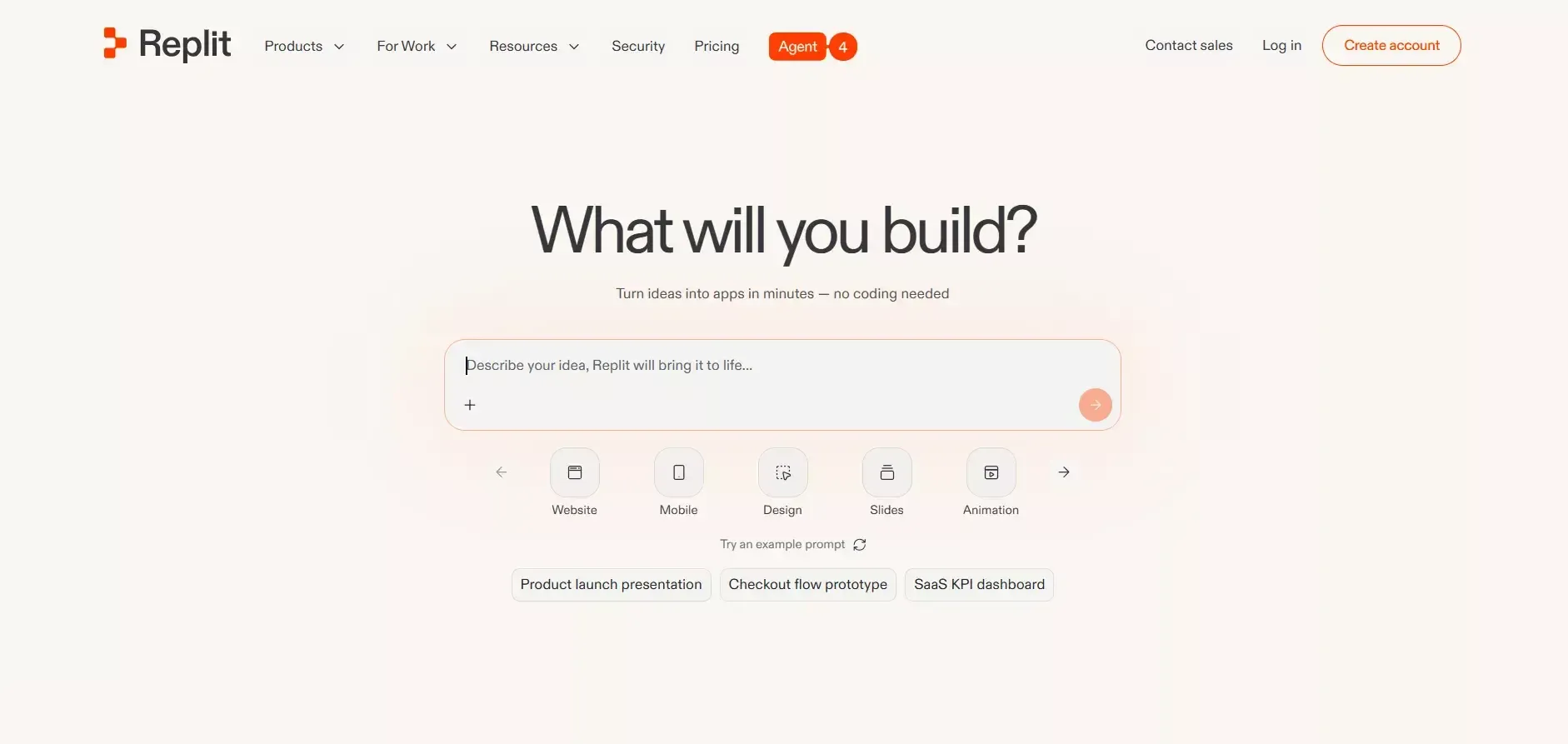
Replit is a cloud-based IDE and AI coding platform that has evolved from a learning tool into a serious option for enterprise teams building complex, multi-language applications. Its AI agent, Replit Agent, can scaffold entire projects from a description, while the IDE layer gives developers full control over every file.
What it does:
Replit Agent generates full-stack applications from natural language and runs them inside Replit's cloud environment. The platform supports over 50 programming languages, making it the most flexible option in this list for teams with specific language requirements. It includes native deployment, database support, secrets management, and team collaboration features. Replit's enterprise tier adds SSO, audit logs, and compliance controls that most other AI builders do not offer.
Strengths:
-
Broadest language support of any platform in this comparison, covering Python, Node.js, Go, Rust, Ruby, and 50+ more
-
Full IDE with file system access, terminal, and package management
-
Native deployment with always-on hosting
-
Strong team collaboration with multiplayer editing
-
Enterprise features including SSO, audit logs, compliance, and dedicated infrastructure
-
Replit Agent handles complex, multi-service architectures that simpler builders cannot
-
Large community with millions of public projects to learn from and remix
Weaknesses:
-
Steeper learning curve than no-code alternatives, as it is designed for developers rather than non-technical users
-
No dedicated mobile app generation; mobile requires manual Flutter or React Native setup
-
No built-in market research or competitor intelligence
-
AI agent quality is inconsistent on very large codebases
-
Free tier has compute limitations that make serious development difficult
Ideal for: Developer teams, engineering organisations, and enterprises that need multi-language flexibility, compliance controls, and a full IDE experience alongside AI generation.
vs. Tempo Labs: Replit is in a different category entirely. It is a full cloud IDE with AI capabilities, not a design-to-code tool. Teams that have outgrown Tempo's component-focused workflow and need a real development environment with AI acceleration will find Replit the most capable option for complex, multi-service projects.
5. v0 by Vercel - Best for UI Component Generation and Next.js Prototypes
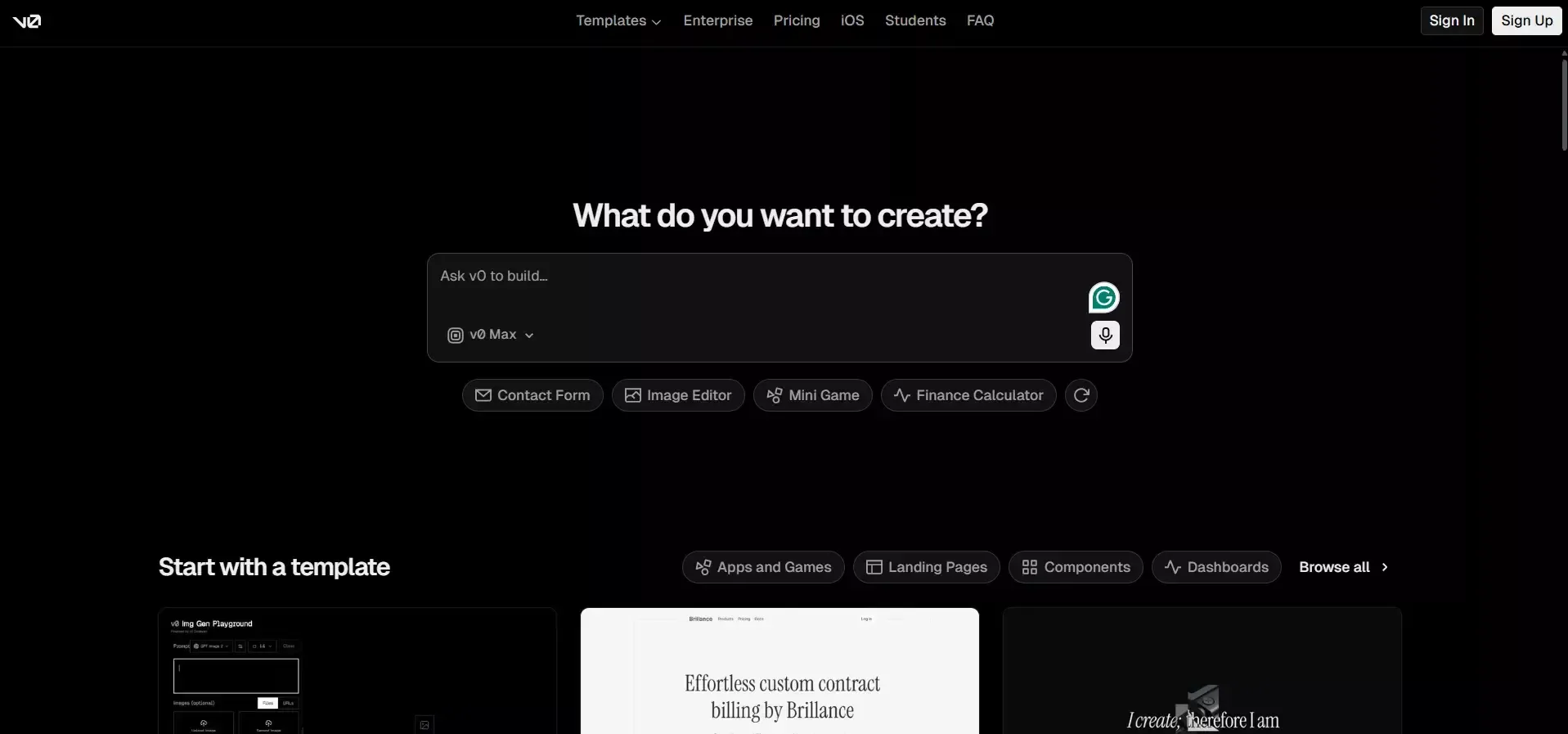
v0 is Vercel's AI-powered UI generation tool, purpose-built for generating React and Next.js components from text and image prompts. It is the closest direct competitor to Tempo Labs in terms of positioning, as both focus on frontend generation. However, v0 has a tighter integration with the Next.js and Vercel ecosystem.
What it does:
v0 generates React components and full Next.js page layouts from natural-language descriptions or uploaded screenshots. The output is production-quality Tailwind CSS and shadcn/ui components that developers can copy directly into their existing projects. v0 also supports full Next.js app generation for simple projects and deploys directly to Vercel with one click. It is primarily a frontend tool, so backend logic, database setup, and authentication require separate configuration.
Strengths:
-
Highest-quality React and Next.js component output of any tool in this list
-
Tight Vercel integration with one-click deployment to the world's largest Next.js hosting platform
-
Excellent for iterating on UI designs with image-to-code conversion
-
shadcn/ui and Tailwind CSS output is clean, maintainable, and widely used in production
-
The free tier is genuinely useful for component generation
-
Strong for teams already using the Vercel/Next.js stack
Weaknesses:
-
Primarily a frontend tool with no backend generation, no database setup, and no auth flows out of the box
-
No mobile app generation
-
No built-in deployment beyond Vercel; teams using other hosting providers need manual setup
-
No research, market validation, or competitor monitoring
-
Limited to the React/Next.js ecosystem with no framework flexibility
Ideal for: Frontend developers and design engineers who need high-quality React/Next.js components quickly and are already working within the Vercel ecosystem.
vs. Tempo Labs: v0 and Tempo Labs are the most similar tools in this comparison, as both focus on generating frontend components for React. v0 has better Next.js integration and Vercel deployment; Tempo has stronger Figma-to-code workflows. Neither covers the full stack, which is why teams building complete applications look elsewhere.
6. Cursor - Best for AI-Assisted IDE Coding Across Any Stack
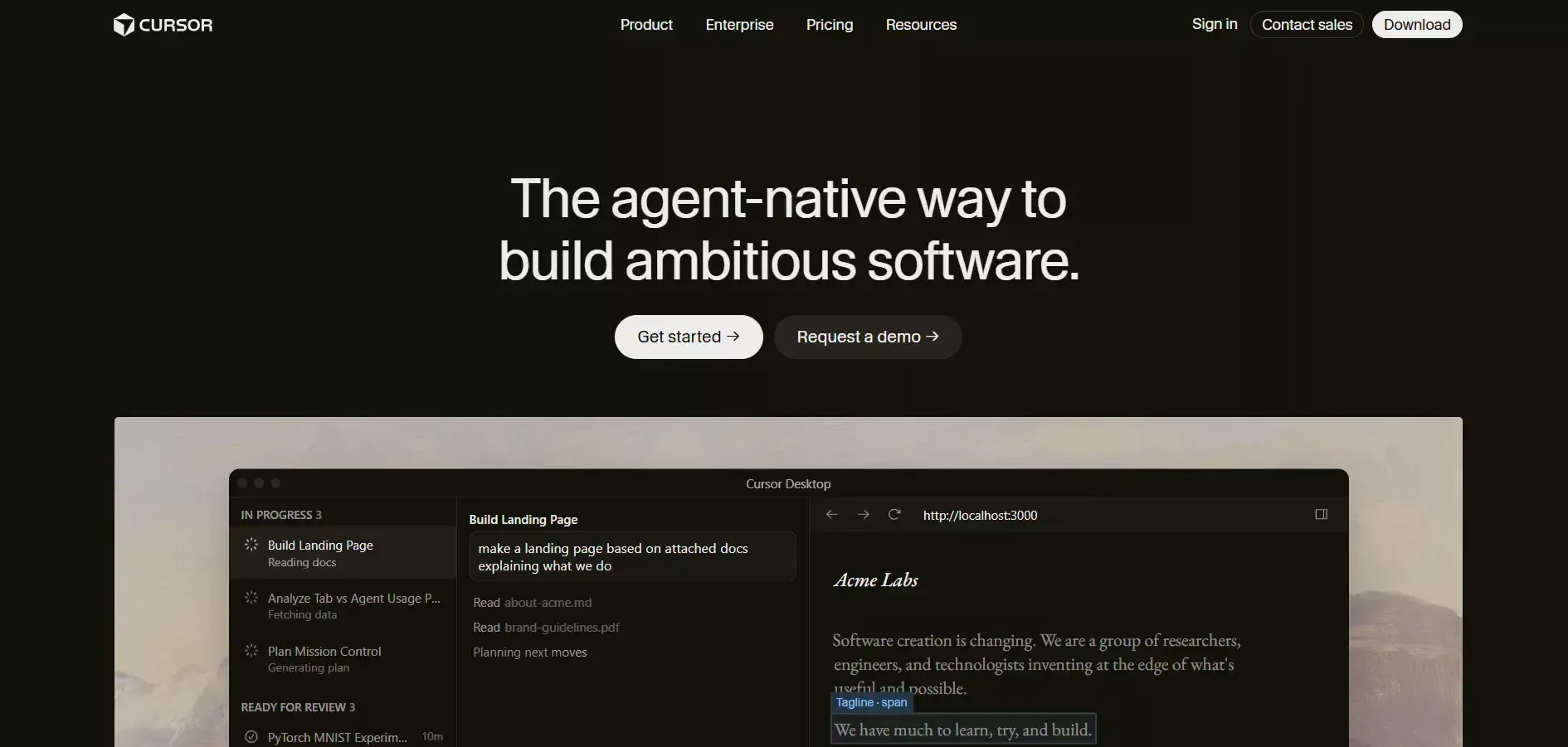
Cursor is an AI-first code editor built on VS Code that brings large language model capabilities directly into the development environment. It is not an app generator in the traditional sense and does not produce a complete app from a single prompt. Instead, it is the most powerful AI coding assistant for developers who want to stay in their existing workflow.
What it does:
Cursor integrates GPT-4, Claude, and other models directly into a VS Code fork, giving developers AI-powered autocomplete, multi-file editing, codebase-aware chat, and the ability to apply AI-suggested changes across an entire project. Developers describe what they want in plain English, and Cursor writes, refactors, or debugs the relevant code in context. It supports any language, any framework, and any project structure with no platform constraints.
Strengths:
-
Works with any language, framework, or project structure with no lock-in
-
Codebase-aware AI understands the full context of your project, not just the current file
-
Multi-file editing allows AI to make coordinated changes across an entire codebase
-
Familiar VS Code interface with zero learning curve for existing VS Code users
-
Strongest AI coding assistant for complex debugging and refactoring tasks
-
Supports local development, custom LLM configurations, and private codebases
-
Rated 8.5/10 in community developer testing, the highest of any tool in this comparison
Weaknesses:
-
Not a no-code or low-code tool, as it requires developer expertise to use effectively
-
No app generation from scratch, so you need to set up your own project structure
-
No built-in deployment, requiring a separate hosting configuration
-
No mobile app generation pipeline
-
No research, market validation, or competitor monitoring
Ideal for: Professional developers who want AI acceleration inside their existing coding workflow without switching to a new platform or giving up code control.
vs. Tempo Labs: Cursor and Tempo Labs serve fundamentally different users. Tempo targets designers and non-technical users who want to generate UI from designs. Cursor targets experienced developers who want AI assistance inside a professional IDE. Teams that have outgrown Tempo's design-first approach and want full code control with AI assistance will find Cursor the most capable option.
7. Base44 - Best for Zero-Setup Vibe Coding Without Configuration
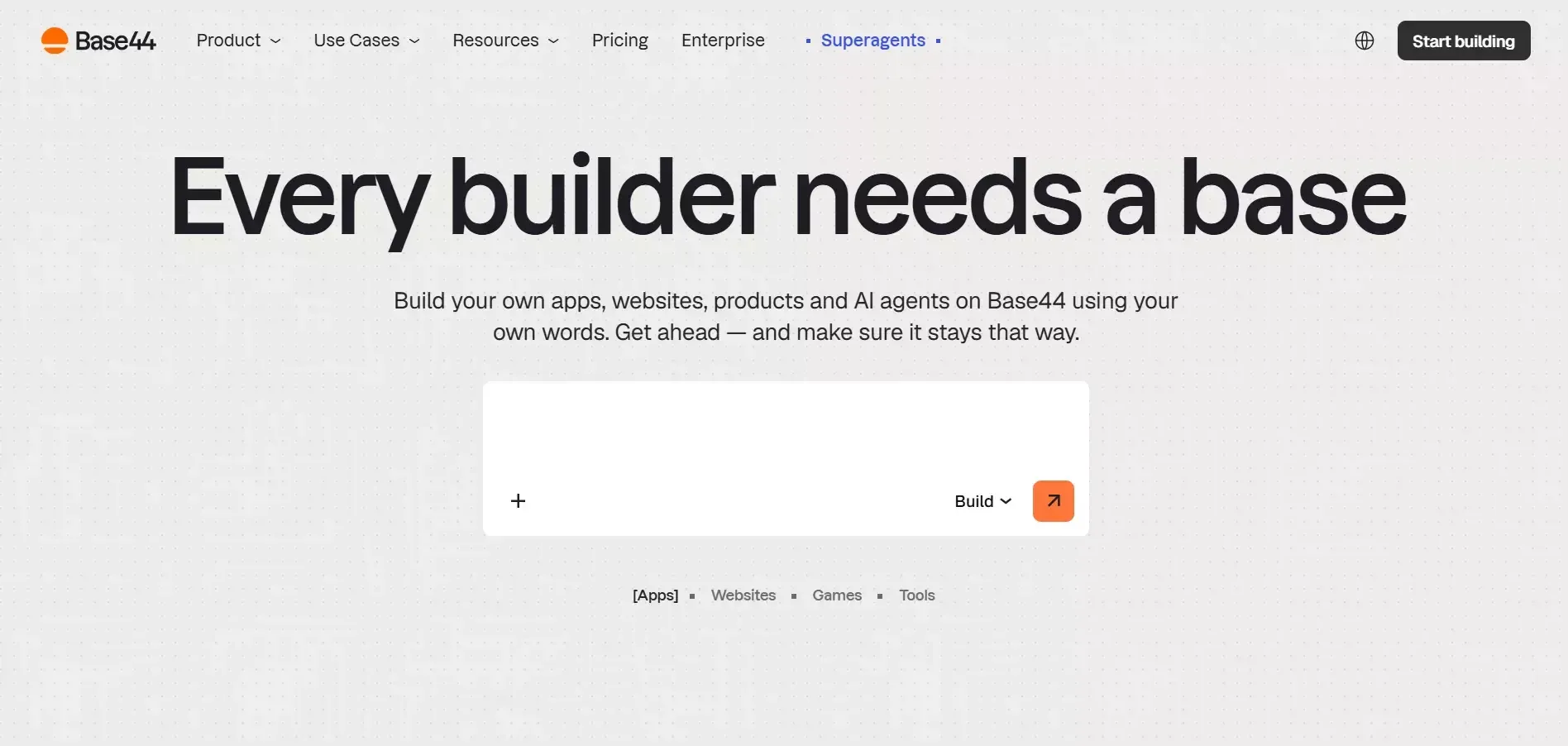
Base44 is a newer entrant in the AI app builder space that focuses on the fastest possible path from idea to working prototype. It targets users who want to skip all configuration, including Supabase setup, hosting decisions, and environment variables, and get a running app immediately.
What it does:
Base44 generates web applications from natural-language prompts with a fully managed backend included. The platform handles database, authentication, and hosting automatically without requiring the user to connect external services. Apps are generated, hosted, and shareable from a single interface. Base44 is optimised for internal tools, simple dashboards, and lightweight SaaS prototypes where speed of creation matters more than production-grade architecture.
Strengths:
-
Fastest time-to-prototype of any tool in this list, with no external service configuration required
-
Fully managed backend means no Supabase, Firebase, or database setup
-
Clean, simple interface accessible to non-technical users
-
Good for internal tools, admin dashboards, and simple data management apps
-
Built-in hosting with shareable URLs from the first generation
Weaknesses:
-
No mobile app generation, web only
-
Limited framework flexibility, as output is not easily portable to other stacks
-
Not suitable for production-grade applications with complex data relationships or high traffic
-
No code export or developer access to the underlying codebase
-
No built-in research, market validation, or competitor monitoring
-
Vendor lock-in is significant, as apps live entirely on Base44's infrastructure
Ideal for: Solo founders, operators, and non-technical users who need a working internal tool or simple dashboard as fast as possible without any infrastructure decisions.
vs. Tempo Labs: Base44 goes further than Tempo by including a managed backend and deployment, removing the need for external services entirely. Tempo has better design-to-code fidelity for React components; Base44 is faster for complete, self-contained internal tools where design quality is secondary to speed.
8. FlutterFlow - Best for Visual Mobile App Development
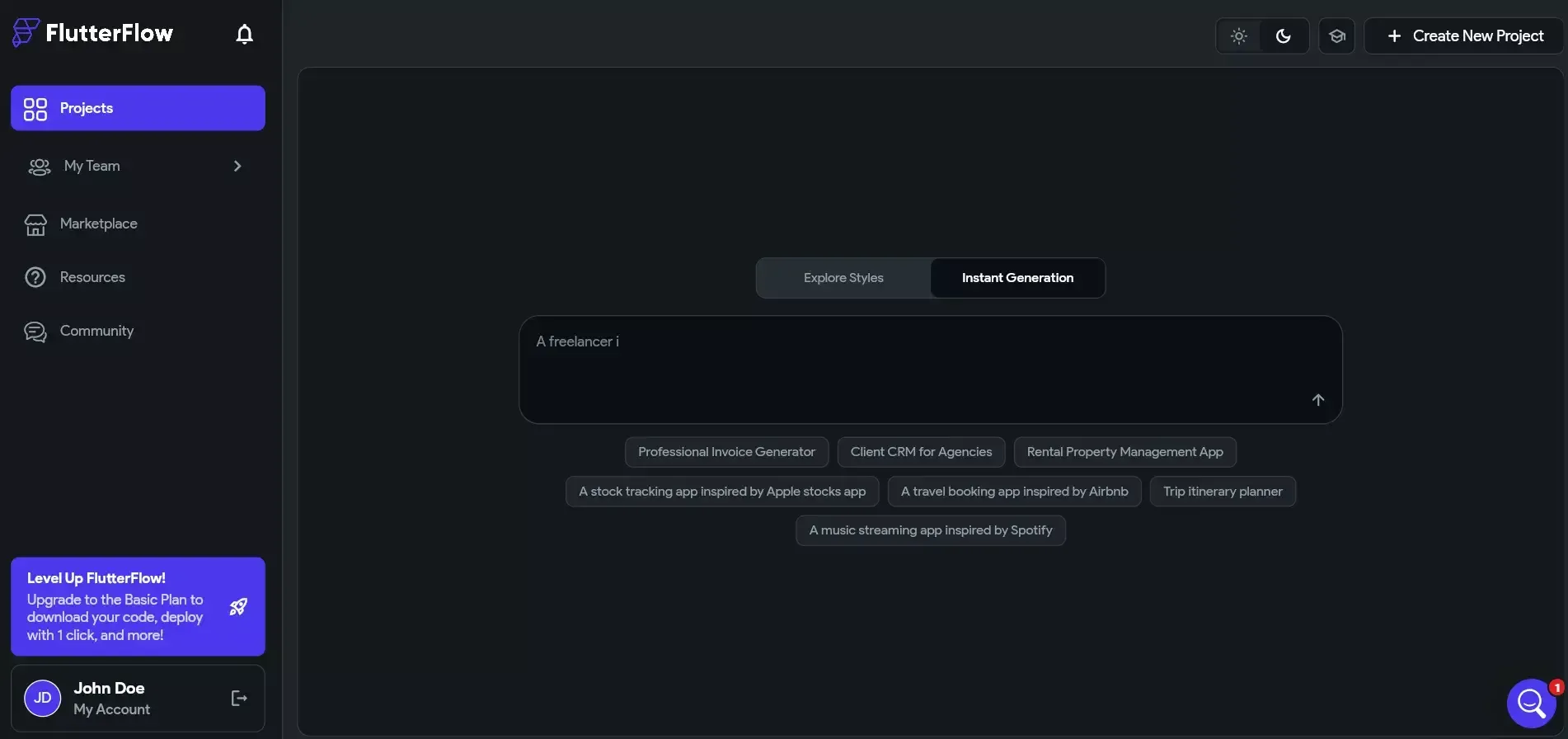
FlutterFlow is a visual development platform purpose-built for creating Flutter mobile applications. It is the most direct alternative to Rocket's mobile generation capability and the strongest dedicated mobile builder in this comparison for teams who prefer a visual, drag-and-drop approach over natural-language generation.
What it does:
FlutterFlow provides a visual canvas where users design mobile app screens by dragging and dropping components, then connect those screens to Firebase or Supabase for backend data. The platform generates production-ready Flutter code that can be exported, compiled, and submitted to the App Store and Google Play. It includes built-in authentication flows, database bindings, API integrations, and a growing library of pre-built widgets and templates.
Strengths:
-
Strongest dedicated mobile app builder in this comparison for visual, no-code development
-
Generates real Flutter code that can be exported and extended by developers
-
Supports both Firebase and Supabase backends
-
Built-in App Store and Google Play submission workflows
-
Large component library with pre-built widgets, animations, and layouts
-
Active community with thousands of shared templates
-
Good for complex mobile UI with custom navigation, animations, and gestures
Weaknesses:
-
Mobile only, with no web app generation beyond basic PWA output
-
The visual builder approach requires more manual screen-by-screen design than natural-language generation
-
No built-in research, market validation, or competitor monitoring
-
Firebase dependency can create vendor lock-in for teams not already in the Google ecosystem
-
Steeper learning curve than prompt-based builders for non-technical users
Ideal for: Mobile-first product teams, designers, and developers who want a visual approach to Flutter app development with real code export.
vs. Tempo Labs: FlutterFlow and Tempo Labs serve different platforms entirely. Tempo is web/React; FlutterFlow is mobile/Flutter. Teams that need native mobile apps and are evaluating Tempo as a starting point will find FlutterFlow the most capable visual alternative, though Rocket covers both mobile and web from a single workspace.
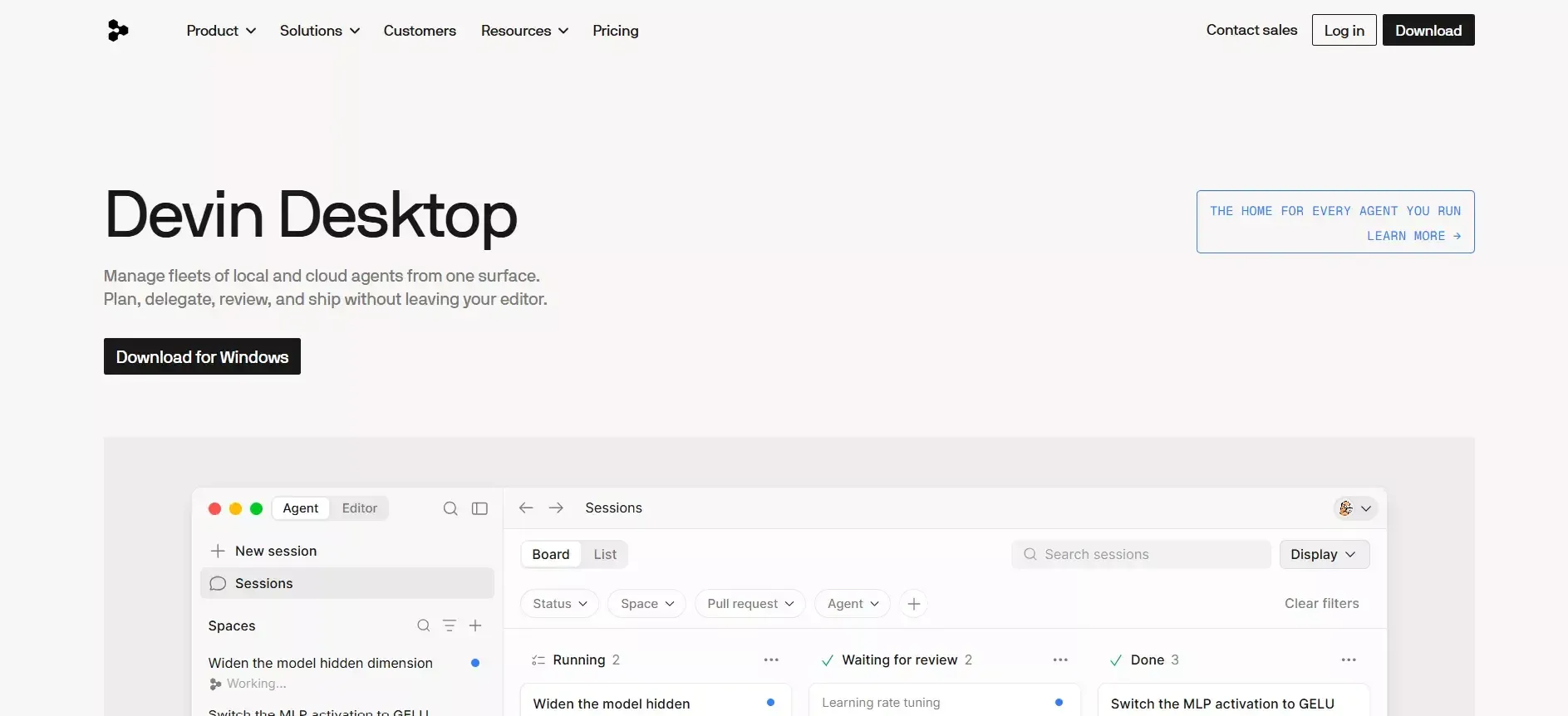
9. Windsurf now Devin Desktop- Best for AI-Assisted IDE Workflows at Lower Cost
Windsurf (by Codeium) is an AI-first code editor that competes directly with Cursor but positions itself as a more affordable alternative with a focus on agentic, multi-step coding flows. Like Cursor, it is built for developers who want AI assistance inside a familiar IDE environment rather than a prompt-to-app generator.
What it does:
Windsurf integrates Codeium's AI models into a VS Code-based editor with a feature called Cascade, an agentic coding assistant that can plan and execute multi-step coding tasks across an entire codebase. Cascade can read files, write code, run terminal commands, and iterate on its own output without requiring constant user input. Windsurf supports any language and framework and includes the same codebase-aware chat and autocomplete features as Cursor.
Strengths:
-
Lower price point than Cursor for comparable core functionality
-
Cascade agentic mode handles multi-step tasks with less manual intervention than standard AI autocomplete
-
Codebase-aware context understands the full project structure
-
Works with any language, framework, or project with no platform constraints
-
Familiar VS Code interface with zero learning curve for existing users
Weaknesses:
-
Not a no-code or low-code tool, as it requires developer expertise
-
No app generation from scratch, so project setup is manual
-
No built-in deployment pipeline
-
No mobile app generation
-
No research, market validation, or competitor monitoring
-
Smaller community and ecosystem than Cursor
-
Cascade agentic mode can produce inconsistent results on very large codebases
Ideal for: Professional developers who want AI-assisted coding at a lower price point than Cursor, particularly those who benefit from agentic multi-step task execution.
vs. Tempo Labs: Like Cursor, Windsurf serves a fundamentally different audience from Tempo Labs. Tempo is for designers generating UI; Windsurf is for developers writing and refactoring code with AI assistance. Teams that need full code control and are comfortable in an IDE environment will find Windsurf a cost-effective alternative to Cursor.
10. Same.dev - Best for Cloning and Rapid Iteration from Existing Sites
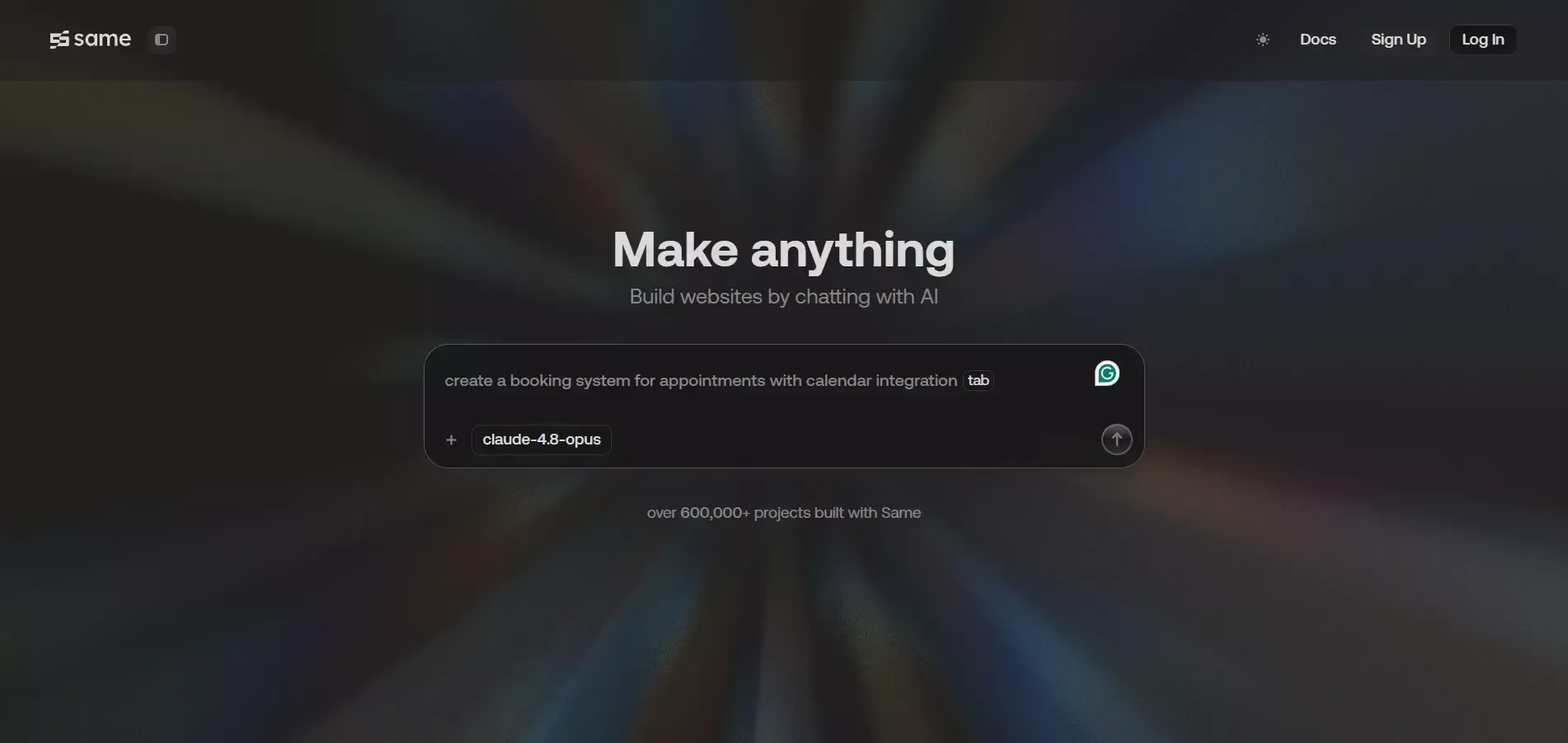
Same.dev is a specialised AI builder focused on a specific use case: cloning existing websites and rapidly iterating on them. It is the most narrowly scoped tool in this comparison but excels at its core function, which is taking a URL, reproducing the site's structure and design, and letting users modify it through natural-language prompts.
What it does:
Same.dev takes a URL as input, analyses the target website, and generates a working replica that users can then customise. It is built for teams that want to start from an existing design rather than a blank prompt, covering competitive teardowns, landing page iterations, design experiments, and rapid A/B variants. The platform includes built-in hosting and deployment for the generated sites.
Strengths:
-
Fastest way to clone and iterate on an existing website design
-
Good for competitive analysis workflows where you want to build on top of a competitor's UX
-
Built-in deployment with shareable URLs
-
Simple interface with minimal configuration required
-
Useful for landing page A/B testing and design iteration
Weaknesses:
-
Very limited backend capabilities, not suitable for data-driven applications
-
No mobile app generation
-
No built-in authentication, database, or complex API integrations
-
No research, market validation, or competitor monitoring
-
Narrow use case, not a general-purpose app builder
-
Output quality degrades significantly for complex, dynamic web applications
-
No code export or developer access to the underlying codebase
Ideal for: Marketers, growth teams, and designers who need to rapidly clone, iterate, and test website designs without developer involvement.
vs. Tempo Labs: Same.dev and Tempo Labs serve different workflows. Tempo is a design-to-code tool for building new React components from Figma designs. Same.dev is a clone-and-iterate tool for reproducing and modifying existing websites. Neither covers the full stack, but Same.dev's cloning capability is useful for competitive research workflows that Tempo does not support at all.
How All Alternatives Compare at a Glance
Rocket is the only platform in this comparison combining research, full-stack generation, and deployment in one workspace. Here is the full side-by-side summary.
| Platform | Best For | Backend | Mobile | Deploys | Research / Intel | Starting Price |
|---|---|---|---|---|---|---|
| Rocket | Full stack, research to deploy | Next.js + Supabase | Flutter (iOS + Android) | Staging URL + custom domain | Solve + Intelligence | Free (20 credits) |
| Bolt.new | Developers needing code control | Multi-framework | No | Netlify | No | $25/mo |
| Lovable | Non-tech founders, fast MVPs | React + Supabase | No | Built-in | No | $25/mo |
| Replit | Enterprise, multi-language | 50+ languages | Manual setup | Native | No | $20/mo |
| v0 (Vercel) | UI components, Next.js | Frontend only | No | Vercel | No | $30/mo |
| Cursor | AI-assisted IDE coding | Any stack | Via code | Manual | No | $20/mo |
| Base44 | Zero-setup internal tools | Managed built-in | No | Built-in | No | $25/mo |
| FlutterFlow | Visual mobile app dev | Firebase/Supabase | Flutter (iOS + Android) | App stores | No | $30/mo |
| Windsurf | AI IDE at lower cost | Any stack | Via code | Manual | No | $15/mo |
| Same.dev | Cloning + rapid iteration | Basic | No | Built-in | No | $10/mo |
Feature Depth Comparison
| Platform | Full Stack | Auth Built-in | DB Built-in | Code Export | Version History | Connectors |
|---|---|---|---|---|---|---|
| Rocket | Yes | Yes (Supabase) | Yes (Supabase) | Yes (GitHub Sync) | Yes + rollback | 26+ |
| Bolt.new | Yes | Via Supabase | Via Supabase | Yes (full code) | Limited | Via npm |
| Lovable | Partial | Yes (Supabase) | Yes (Supabase) | Yes (GitHub) | Limited | Stripe, basic |
| Replit | Yes | Manual setup | Manual setup | Yes (full code) | Git-based | Via packages |
| v0 (Vercel) | No (frontend) | No | No | Yes (copy/paste) | No | Vercel only |
| Cursor | Yes | Manual setup | Manual setup | Yes (full code) | Via Git | Any |
| Base44 | Partial | Yes (managed) | Yes (managed) | No | No | Limited |
| FlutterFlow | Mobile only | Yes (Firebase/Supabase) | Yes (Firebase/Supabase) | Yes (Flutter code) | Limited | Firebase, Supabase |
| Windsurf | Yes | Manual setup | Manual setup | Yes (full code) | Via Git | Any |
| Same.dev | No | No | No | No | No | None |
Pricing and Credit Model Comparison
| Platform | Free Tier | Entry Paid | Mid Tier | Top Tier | Usage Model |
|---|---|---|---|---|---|
| Rocket | 20 credits (one-time) | $25/mo, 100 credits | $50/mo, 250 credits | $250/mo, 1,500 credits | Shared credits: Solve + Build + Intelligence |
| Bolt.new | Limited | $25/mo | $50/mo | Custom | Token-based per generation |
| Lovable | Limited | $25/mo | $50/mo | Custom | Message-based |
| Replit | Compute-limited | $20/mo | $33/mo (Teams) | Enterprise | Compute-based |
| v0 (Vercel) | Generous | $30/mo | Custom | Custom | Message-based |
| Cursor | Limited | $20/mo | $40/mo (Business) | Enterprise | Per-request AI usage |
| Base44 | Limited | $25/mo | Custom | Custom | Per-generation |
| FlutterFlow | Limited | $30/mo | $70/mo | Custom | Per-project |
| Windsurf | Limited | $15/mo | $35/mo (Teams) | Enterprise | Per-request |
| Same.dev | Limited | $10/mo | Custom | Custom | Per-generation |
Which Platform Fits Your Team and Project?
Choosing the right Tempo Labs alternative depends on your project scope and technical comfort. Here is a decision framework that maps common scenarios to the best-fit platform.
-
You have a validated idea and want to ship fast. Rocket gives you the shortest path from description to live application, with built-in backend and deployment. Sign up and start building in one session.
-
You are a developer who wants full code control. Bolt.new or Cursor offers deep access to source files while still accelerating the coding process with AI in your IDE.
-
You need a quick MVP to test an idea. Lovable or Base44 gets you to a shareable prototype without touching code. Good for sign-up validation or investor demos.
-
You are building native mobile apps. Rocket (Flutter) or FlutterFlow handles cross-platform mobile development. Most other AI builders are web-only.
-
You are an enterprise team with complex workflows. Replit's multi-language IDE and agent-based approach handle projects that outgrow simpler prompt-to-app tools.
-
You need interview scheduling, CRM, or internal tools. Rocket generates complete internal applications with role-based access, data management, and third-party API connections.
-
You want the lowest-cost developer IDE tool. Windsurf gives comparable AI coding assistance to Cursor at a lower price point.
-
You need to clone and iterate on an existing site quickly. Same.dev is purpose-built for this workflow at the lowest price point in this list.
Tempo Labs remains a solid option if you primarily need React components designed quickly for a frontend project that already has backend infrastructure in place.
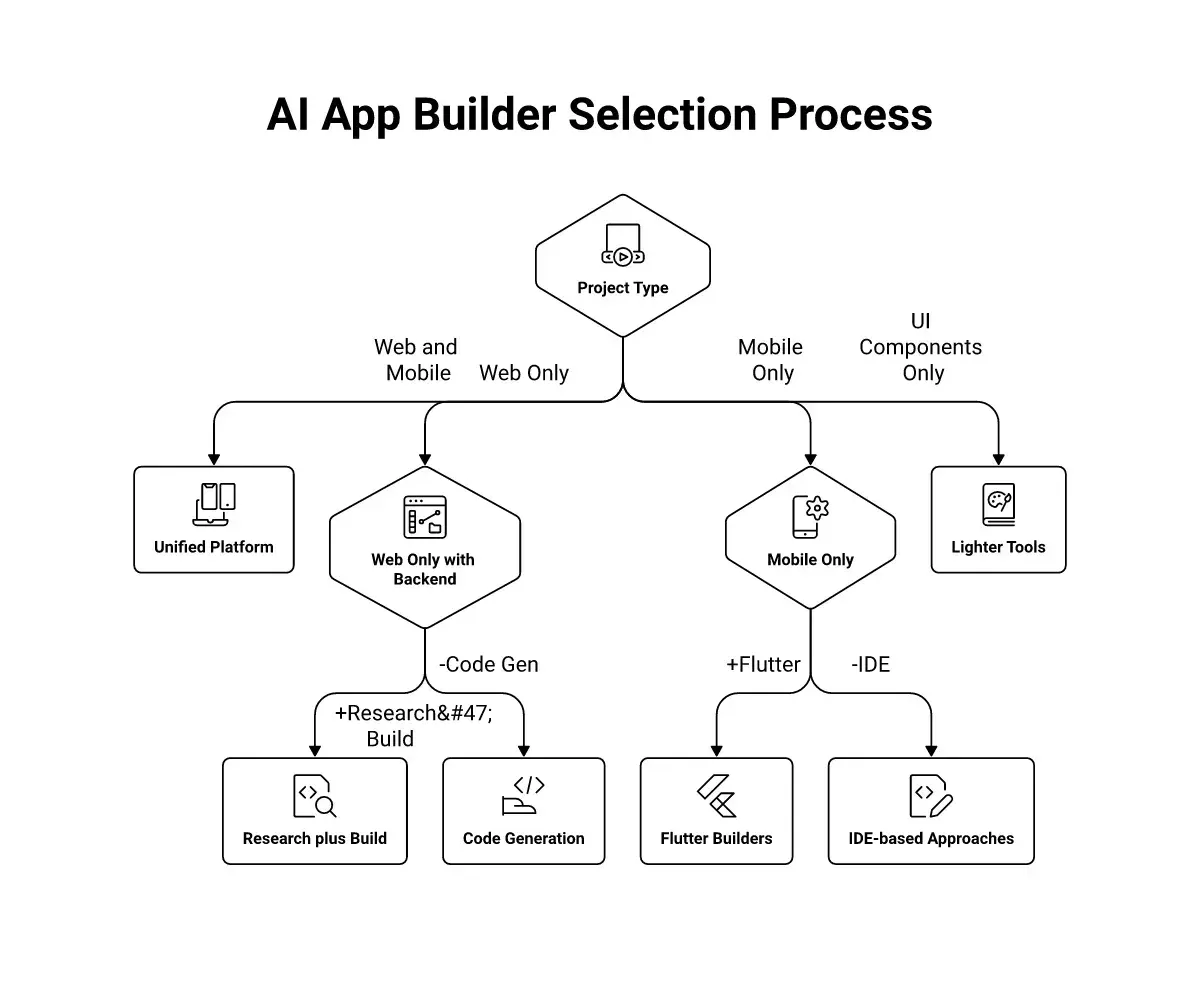
Decision flowchart for picking the right AI app building platform
Building an app with AI in minutes is now realistic for developers and non-developers alike. The real question is whether you want to manage infrastructure yourself or let the platform handle deploys and scaling while you focus on the product.
Your Next AI App Builder is One Decision Away
The AI app builder market moved past simple component generators. In 2026, the real differentiator is whether a platform handles the full journey from research and validation through production deployment or whether it drops you at the halfway mark.
If you have been piecing together separate tools for ideation, coding, and shipping, this is the year to consolidate. The best Tempo Labs alternatives now run the entire arc in one workspace, and the results show through faster launches and fewer abandoned projects.
When evaluating any full-stack AI builder, prioritise platforms that offer persistent project context, built-in authentication, real database generation, and one-click deployment. Those four capabilities separate tools that get you to production from tools that stop at a prototype.
Ready to ship your next app with an AI platform that thinks before it codes?
Sign up for Rocket and go from idea to deployed product in one session.
Last reviewed: July 2026. Pricing and feature details verified against official documentation. Rocket is the publisher of this comparison. See our methodology note in the FAQ section below.
Table of contents
- -Why Are Teams Switching Away from Tempo?
- -What Should You Look for in a Full-Stack AI Builder?
- -Detailed Comparison: Top Tempo Labs Alternatives
- -1\. Rocket - Best for Full Stack, Research to Deploy
- -2\. Bolt.new - Best for Developers Who Want Code Control
- -3\. Lovable - Best for Non-Technical Founders Building Web MVPs
- -4\. Replit - Best for Enterprise Teams and Multi-Language Projects
- -5\. v0 by Vercel - Best for UI Component Generation and Next.js Prototypes
- -6\. Cursor - Best for AI-Assisted IDE Coding Across Any Stack
- -7\. Base44 - Best for Zero-Setup Vibe Coding Without Configuration
- -8\. FlutterFlow - Best for Visual Mobile App Development
- -9\. Windsurf now Devin Desktop- Best for AI-Assisted IDE Workflows at Lower Cost
- -10\. Same.dev - Best for Cloning and Rapid Iteration from Existing Sites
- -How All Alternatives Compare at a Glance
- -Feature Depth Comparison
- -Pricing and Credit Model Comparison
- -Which Platform Fits Your Team and Project?
- -Your Next AI App Builder is One Decision Away